
Can I Run Vampire Survivors on My PC / Laptop?
A tiny survival roguelite where you outlast waves of monsters with auto-firing weapons. It runs on almost anything, and the challenge is your build, not your hardware.
Check if your PC can run Vampire Survivors
Pick your graphics card and processor to check.
The checker below uses a low, representative baseline instead of Steam's own tiers, since Vampire Survivors is far lighter than anything else in the benchmark database and almost any GPU or CPU clears it.
Can I run Vampire Survivors on my PC?
Use the checker above to find out in seconds. Pick your graphics card and processor and it compares them against Vampire Survivors's official requirements. As a quick guide, you need at least a DX11, DX12 capable graphics card, a x64 architecture with SSE2 instruction set support processor, and 1 GB RAM of RAM to play at 1080p.
Can I run Vampire Survivors on my laptop?
Yes, if your laptop has a dedicated graphics card around a DX11, DX12 capable or better and 1 GB RAM of RAM. Laptops with only integrated graphics usually fall short. Enter your laptop's GPU in the tool above to check. Keep in mind that the laptop version of a card runs a little slower than the desktop card of the same name, and heat can lower sustained frame rates.
Yes, almost certainly. Vampire Survivors runs on practically any PC or Mac built in the last decade, including machines with only integrated graphics. What actually trips people up is that frame rates can sag late in a long run, past the 15 to 20 minute mark, once the screen fills with hundreds of enemies, projectiles, and pickups. That slowdown comes from the CPU keeping up with all those objects. Your graphics card is rarely the problem.
The checker above compares your parts against a realistic baseline for this game. Below is the official minimum requirement, real numbers for common cards, and sections on why late-run performance dips, how to fix screen tearing, and which platforms (Mac, Linux, mobile, consoles) actually run it best.
Vampire Survivors system requirements
| Minimum | Recommended | |
|---|---|---|
| Processor (CPU) | x64 architecture with SSE2 instruction set support | |
| Graphics card (GPU) | DX11, DX12 capable | |
| Memory (RAM) | 1 GB RAM | |
| Operating system | Windows 10 64bit | Windows 10/11 64-bit |
| DirectX | 12 | 12 |
| Storage | 2500 MB available space |
Storage: About 2.5 GB free space for the base game. Even with every DLC pack installed it stays well under 10 GB, and a hard drive is fine. No SSD needed.
Vampire Survivors FPS by graphics card
| Graphics card | 1080p | 1440p | 4K | Notes |
|---|---|---|---|---|
| Intel UHD 630 (integrated) | ~60-100 early | , | , | Handles the whole game. Drops to roughly 20-30 late in a long run, the same object-count dip every card gets. |
| GTX 750 Ti | ~150+ early, ~30-40 late | , | , | Plenty of headroom. The late-run dip is CPU-driven, not this card running out of steam. |
| GTX 1050 Ti | ~200+ early, ~35-45 late | , | , | Comfortably ahead of what the game asks for. |
| GTX 1060 6GB | ~300+ early (often vsync-limited), ~40-50 late | , | , | Screen tearing is common if fps runs uncapped. Cap it in settings or your driver panel. |
| RTX 3060 | ~500+ early, ~45-55 late | , | , | Same story as everything above it: the GPU column stops mattering once the screen fills up. |
| RTX 4070 | ~600+ early, ~50-60 late | , | , | Even a strong card sees the same CPU-bound slowdown past the 15-20 minute mark. |
These numbers are rough and move around with your CPU, your weapon build, how many evolutions you have collected, and how far into a run you are. Early minutes are effectively unlimited fps on any of these cards. The late-run column matters far more than which GPU you have.
Can these graphics cards run Vampire Survivors?
| Graphics card | Verdict | Notes |
|---|---|---|
| GTX 1050 Ti | Runs well | Past the recommended tier. High settings at 1080p, 1440p on the table. |
| GTX 1650 | Runs well | Recommended tier or better. High 1080p, with room for 1440p. |
| RX 570 | Runs well | Past the recommended tier. High settings at 1080p, 1440p on the table. |
| RX 580 | Runs well | Past the recommended tier. High settings at 1080p, 1440p on the table. |
| GTX 1060 6GB | Runs well | Past the recommended tier. High settings at 1080p, 1440p on the table. |
| GTX 1650 Super | Runs well | Past the recommended tier. High settings at 1080p, 1440p on the table. |
| GTX 1660 | Runs well | Above recommended. 1080p high is easy, and 1440p works too. |
| GTX 1660 Super | Runs well | Recommended tier or better. High 1080p, with room for 1440p. |
| RTX 3050 | Runs well | Over the recommended bar. Smooth high 1080p, 1440p realistic. |
| GTX 1660 Ti | Runs well | Recommended tier or better. High 1080p, with room for 1440p. |
| RX 6600 | Runs well | Beats the recommended spec. Comfortable high 1080p, playable 1440p. |
| RTX 2060 | Runs well | Beats the recommended spec. Comfortable high 1080p, playable 1440p. |
| RTX 4050 | Runs well | Strong fit. High settings at 1080p, 1440p within reach. |
| Arc A750 | Runs well | Beats the recommended spec. Comfortable high 1080p, playable 1440p. |
| RTX 3060 | Runs well | Recommended tier or better. High 1080p, with room for 1440p. |
| RX 6600 XT | Runs well | Exceeds recommended. 1080p high is comfortable, 1440p fine. |
| RX 7600 | Runs well | Past the recommended tier. High settings at 1080p, 1440p on the table. |
| RX 6700 XT | Runs well | Over the recommended bar. Smooth high 1080p, 1440p realistic. |
| RTX 4060 | Runs well | Beats the recommended spec. Comfortable high 1080p, playable 1440p. |
| RTX 3060 Ti | Runs well | Recommended tier or better. High 1080p, with room for 1440p. |
| RTX 3070 | Runs well | Over the recommended bar. Smooth high 1080p, 1440p realistic. |
| RTX 4070 | Runs well | Above recommended. 1080p high is easy, and 1440p works too. |
Why your graphics card barely matters here
Vampire Survivors is one of the lightest games you will find a system requirements page for. Practically any card from the last ten to fifteen years handles it at full speed for most of a run, including integrated graphics like Intel's UHD 630. Steam only publishes a minimum requirement for it, no recommended tier. There simply is not a harder graphics setting worth building one around, because the game barely touches your GPU.
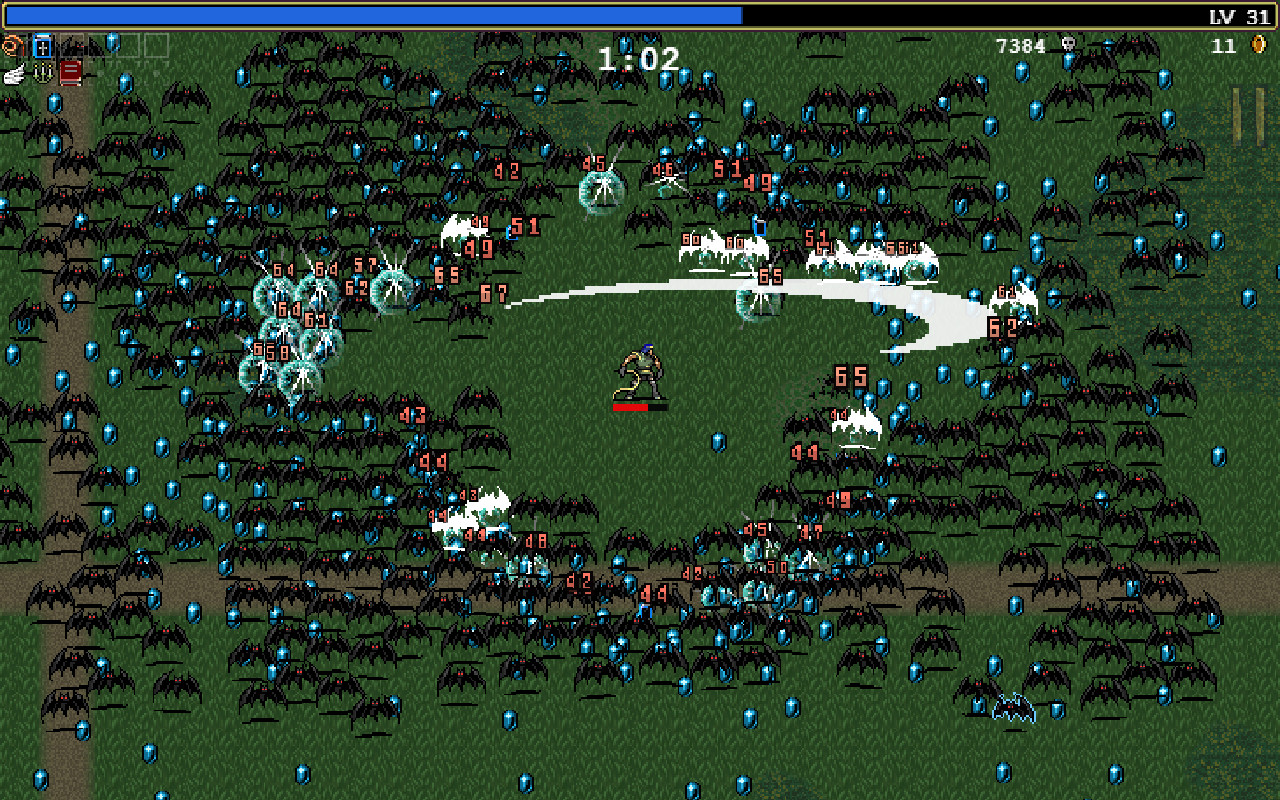
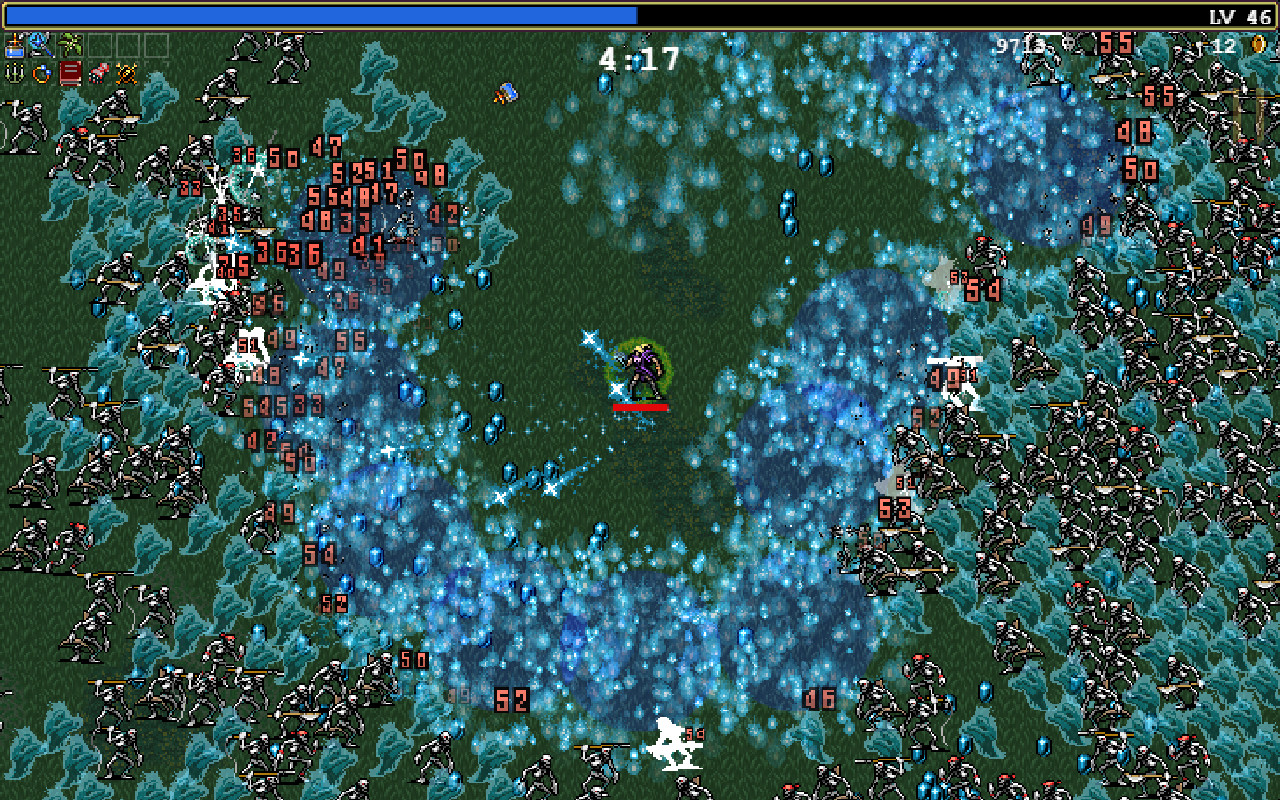
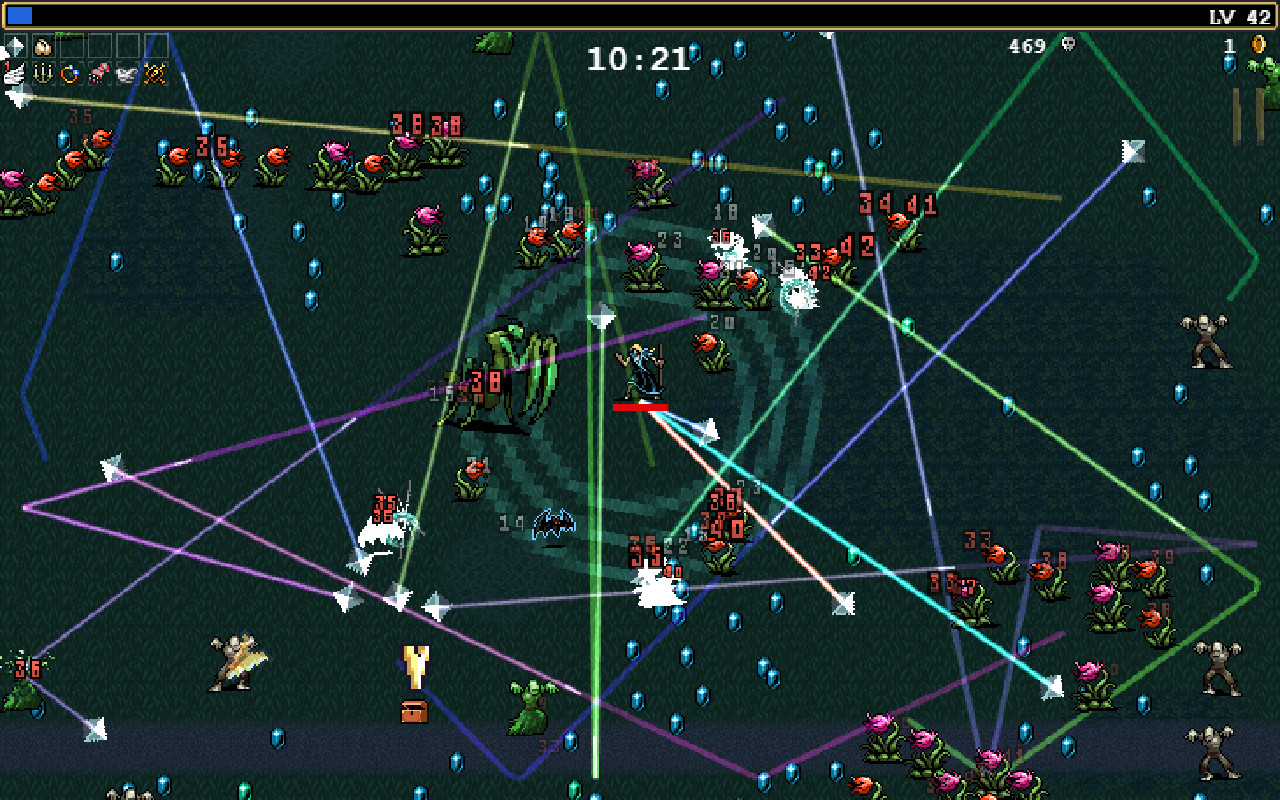
The real bottleneck shows up late in a long run, usually past the 15 to 20 minute mark, once hundreds of enemies, projectiles, and pickups are all moving on screen at once. Players on Steam's forums have reported frame rates dropping into the teens or single digits at that point, and it happens on strong PCs too, not just weak ones. That is the CPU struggling to update every object in the simulation each frame, a different problem entirely from a GPU running out of power.
Fixing stutter and the screen-tearing bug
A separate, commonly reported issue is bad screen tearing, caused by the game running at 500 fps or more on a fast monitor with vsync off. If you see tearing, cap the frame rate a couple of fps below your monitor's refresh rate in the in-game settings, or force vsync through your graphics driver's control panel instead of leaving it uncapped.
For the late-run slowdown, a few things genuinely help. Turn off Damage Numbers in the options menu, since rendering a number for every hit adds up fast once you are one-shotting dozens of enemies a second. Add the -allcores launch option in Steam's game properties so the engine uses more than one CPU thread. Disabling the Steam overlay frees up a little more CPU headroom too. None of this removes the dip entirely on a very long run, but it noticeably delays it.
PC, Mac, Linux, mobile, or console: what to expect on each
Unlike most games on this site, Vampire Survivors is actually cross-platform. It has a native macOS build for both Apple Silicon and Intel Macs, a native Linux build with no Proton workaround required, and free mobile versions on iOS and Android that are the same game with optional ads and an unlock purchase. It is also on Nintendo Switch, Xbox One and Series X/S (including Game Pass), and PlayStation 4 and 5.
Every one of those versions runs the full game smoothly, because there is not much for the hardware to push in the first place. The one thing that carries across all of them is the same late-run slowdown described above. It shows up on consoles exactly as it does on PC, because it comes from the simulation itself, not from any one platform's graphics power.
RAM, storage, and what counts as a low-end PC here
The official minimum of 1GB of RAM is startlingly low by 2026 standards, and it is accurate. In practice 2 to 4GB is comfortably enough, a fraction of what almost any PC sold in the last decade already has. Storage is around 2.5GB for the base game, growing modestly with DLC packs, and a mechanical hard drive works fine since there is no fast texture streaming to worry about.
If you are on genuinely old hardware, a 2013-era office laptop or a Chromebook with Android app support will get through most of a run without trouble. When a setup does struggle, the fix is almost never a better graphics card. It is a faster single-core CPU, since that is what the late-run object count actually leans on.
Can I run Vampire Survivors? Your questions answered
Steam lists a single minimum tier: 64-bit Windows 10, an x64 CPU with SSE2 support, a DX11 or DX12 capable GPU, 1GB of RAM, and 2.5GB of storage. No separate recommended tier is published.
Because there is not a meaningfully harder setting to build one around. The game does not have graphics presets that stress a GPU, so poncle only published the bare minimum a PC needs to launch it.
Yes, that is the accurate official minimum. In practice 2 to 4GB is a comfortable target, which almost any computer sold in the past ten years already has many times over.
About 2.5GB for the base game. With every DLC pack installed it is still well under 10GB, small enough that storage is never a real concern here.
No. There is no fast texture streaming or open-world loading to worry about, so a mechanical hard drive runs it exactly the same as an SSD.
The listed requirement is DirectX 12, though DX11-capable cards are also named as compatible. Any GPU from the last ten years supports one or the other without issue.
CPU-bound. Your graphics card is almost never the limiting factor. The frame rate dip people run into late in a session comes from the CPU updating hundreds of enemies, projectiles, and pickups every frame.
Once a run passes roughly 15 to 20 minutes, the screen fills with a huge number of moving objects, and the CPU has to simulate all of them each frame. Players have reported drops into the teens or lower at that point, even on strong PCs. It is an engine limitation, not a sign your PC is underpowered.
The game can run at 500 fps or higher with vsync off, which causes visible tearing on fast monitors. Cap the frame rate slightly below your refresh rate in the in-game settings, or turn on vsync through your graphics driver.
Both are Steam launch options players use to work around performance issues. -allcores forces the game to use more than one CPU thread, which helps with the late-run slowdown, and -gpulagfix has been reported to reduce stutter on some GPU and driver combinations. Add them under a game's Properties in Steam.
Yes, noticeably in long runs. Once you are hitting dozens of enemies a second, rendering a floating number for every single hit adds up. Turning it off in the options menu is one of the simplest fixes for late-game frame drops.
The PC version on Steam is a low-cost paid game, usually around $4.99. The mobile versions on iOS and Android are free to download, supported by optional ads and an unlock purchase.
Almost certainly not. If your PC can browse the web and play a YouTube video, it can run this game. The rare exception is very long runs on genuinely ancient hardware, where a faster CPU helps more than a better graphics card.
The RTX 3050 is a strong fit for Vampire Survivors. It lands at or above the recommended spec, so high 1080p is comfortable and 1440p works.
Comfortably, yes. The GTX 1650 clears Vampire Survivors's recommended bar, which puts high 1080p and 1440p both in reach. Runs the whole game with room to spare. The only slowdown you will see is the same CPU-driven dip everyone gets deep into a run.
Easily. With the GTX 1060 6GB you are past Vampire Survivors's recommended tier, which means high settings at 1080p and a genuine shot at 1440p. Well past 100 fps for most of a run, settling to roughly 40 to 50 fps once a run gets crowded, same as weaker and stronger cards.
You are well set. The RX 580 exceeds Vampire Survivors's recommended card, so 1080p high is easy and 1440p is realistic. Handles Vampire Survivors easily. Late-run frame drops here come from object count, not from this GPU running out of headroom.
Yes, comfortably. The RTX 4060 sits at or above Vampire Survivors's recommended card, so 1080p on high is smooth and 1440p is well within reach. Massive headroom. Any late-run dip you see is the engine catching up on object count, not this GPU.
For sure. The RTX 3060 outpaces Vampire Survivors's recommended card, leaving you high 1080p now and 1440p whenever you like. Frame rates well into the hundreds early on, dropping to around 45 to 55 fps in a chaotic late-run screen.
Yes. The RTX 2060 has headroom over Vampire Survivors's recommended card, so you can push 1080p high and move to 1440p when you want. No trouble at all. Late-run performance tracks your CPU and enemy count more than this card.
Easily. With the GTX 1660 you are past Vampire Survivors's recommended tier, which means high settings at 1080p and a genuine shot at 1440p. Overkill for this game. Cap the frame rate to your monitor's refresh rate to avoid tearing, since it will otherwise run far above it.
You are well set. The GTX 1660 Super exceeds Vampire Survivors's recommended card, so 1080p high is easy and 1440p is realistic.
The RX 6600 is a strong fit for Vampire Survivors. It lands at or above the recommended spec, so high 1080p is comfortable and 1440p works.
Yes, comfortably. The GTX 1660 Ti sits at or above Vampire Survivors's recommended card, so 1080p on high is smooth and 1440p is well within reach.
Yes, with room to spare. Vampire Survivors recommends less than the RTX 3060 Ti offers, so expect smooth 1080p high and a playable 1440p.
Yes, comfortably. The RTX 4050 sits at or above Vampire Survivors's recommended card, so 1080p on high is smooth and 1440p is well within reach.
Yes, comfortably. The GTX 1050 Ti sits at or above Vampire Survivors's recommended card, so 1080p on high is smooth and 1440p is well within reach. No trouble hitting high triple-digit fps until the screen fills up, then it settles in the mid-30s to 40s like most cards here.
Yes. On the RTX 4070, Vampire Survivors runs at high settings in 1080p and scales up to 1440p without much fuss. The card is never the limit here. Even at its best you will still see the same CPU-bound slowdown everyone gets past the 15 to 20 minute mark.
Yes. Unlike most games on this site, Vampire Survivors has a native macOS build for both Apple Silicon and Intel Macs, using Metal-capable graphics. Any MacBook Air or Pro from the M1 generation onward runs it at full speed.
Yes, easily. Chips like Intel's UHD 630 or Iris Xe, and AMD's Vega or Radeon 780M integrated graphics, all handle this game without issue. It is one of the few titles where integrated graphics is genuinely not a limitation.
If your Chromebook supports Android apps through the Google Play Store, yes, since Vampire Survivors has a free native Android version. A Chromebook without Play Store support would need cloud streaming instead, though that is rarely necessary given how light the game is.
Yes, all three run it well, and it is Steam Deck Verified. It plays comfortably on a medium preset with a 40fps frame cap, which also helps battery life on a handheld. The late-run slowdown that affects every platform still applies.
Yes, on essentially any dedicated GPU. Nothing in this game's visuals meaningfully taxes a card at higher resolutions, so 4K is not a hurdle the way it is in most games covered on this site.
Yes, without any real consideration needed. Resolution has almost no effect on performance here compared with the late-run object-count slowdown, which happens regardless of what resolution you are running.
Practically any PC hits 60 fps and well beyond for most of a run. The catch is holding 60 fps once a run gets crowded past the 15 to 20 minute mark, which depends more on your CPU's single-core speed than your GPU.
Not in the way most games do. There is no tiered graphics preset system, just resolution, fullscreen mode, a frame rate cap, and a Damage Numbers toggle. There is nothing to turn up that meaningfully changes how it looks or runs.
Yes, by a wide margin. The official minimum is 1GB, and 2 to 4GB is a realistic comfortable target. 8, 16, or 32GB all run it identically since the game simply does not use much memory.
Not really. Even a 2GB card like the GTX 750 Ti has more graphics memory than this game will ever ask for. VRAM is a non-issue here, unlike most games on this site.
Yes. Any i3 or Ryzen 3 from the last several generations runs the game smoothly for most of a session. Because the game is CPU-bound late in a run, a faster single-core CPU is the one upgrade that actually helps if you notice slowdown.
If it will not launch at all, check that you are on 64-bit Windows and your GPU driver is current, since those cover the actual minimum requirement. If it runs but stutters, that is almost always the late-run object-count dip or the uncapped-framerate screen tearing described above, not a hardware shortfall.
Yes, it has an official native Linux build, so you do not need Proton or a compatibility layer to play it.
Yes, and also on the older Xbox One. It is included with Xbox Game Pass, and it runs the full game smoothly on all of them, since it is light enough that console hardware is not a limiting factor.
Yes, it launched on both PlayStation 4 and PlayStation 5 in August 2024, well after the original PC and Xbox release. Both versions run the full game smoothly.
Yes, it has been on Switch since August 2023 and plays well there, though the same late-run object-count slowdown seen on every other platform still applies in a long session.
Yes, it runs through Switch 2's backward compatibility with the original Switch version, and generally holds up a little better there thanks to the stronger hardware.
Yes, this is about as forgiving as low-end PC gaming gets. Anything that meets the 1GB RAM, DX11-capable minimum runs it, including office laptops and machines with only integrated graphics.
Yes, and it is free on both platforms, supported by optional ads and an unlock purchase. It is the same core game as the PC version, tuned for touch controls.
You generally do not need to. Because the game already runs on almost any device, including phones, cloud streaming is not necessary the way it is for demanding games. It is not a commonly listed GeForce Now title for that reason.
It has local co-op for up to four players on the same PC, added in the 1.6 update, plus Steam's Remote Play Together, which lets you invite friends into a session online even if they do not own the game. There is no true online crossplay between PC, console, and mobile.
No. It is fully playable offline once installed. You only need a connection to download updates, DLC, or to use Steam Remote Play Together.
Yes, it is available through Xbox Game Pass on Xbox consoles.