
Can I Run Total War WARHAMMER III on My PC / Laptop?
Creative Assembly's grand-strategy battler across the Warhammer fantasy world. Battles lean on the GPU, the campaign map leans on the CPU, and Immortal Empires taxes both.
Check if your PC can run Total War WARHAMMER III
Pick your graphics card and processor to check.
Can I run Total War WARHAMMER III on my PC?
Use the checker above to find out in seconds. Pick your graphics card and processor and it compares them against Total War WARHAMMER III's official requirements. As a quick guide, you need at least a Nvidia GTX 900 / AMD RX 400 series | Intel Iris Xe Graphics graphics card, a Intel i3 / Ryzen 3 series processor, and 6 GB RAM of RAM to play at 1080p.
Can I run Total War WARHAMMER III on my laptop?
Yes, if your laptop has a dedicated graphics card around a Nvidia GTX 900 / AMD RX 400 series | Intel Iris Xe Graphics or better and 6 GB RAM of RAM. Laptops with only integrated graphics usually fall short. Enter your laptop's GPU in the tool above to check. Keep in mind that the laptop version of a card runs a little slower than the desktop card of the same name, and heat can lower sustained frame rates.
Total War: WARHAMMER III will run on almost any PC built in the last eight years, but running it and running it well at Ultra settings in the huge Immortal Empires campaign are two very different things. The official minimum is an Intel i3 or Ryzen 3 with a GTX 900 series card and 6GB of RAM, and that gets you small battles at low settings and not much more. The thing most players miss is that this game splits its demands: big real-time battles lean hard on your graphics card, while the campaign map, especially the sprawling Immortal Empires mode with dozens of AI factions, leans on your CPU and RAM instead.
The checker above compares your exact parts against both the minimum and recommended tiers. Below that you'll find real frame-rate numbers from actual battle testing, extra spec tiers for Ultra and for large Immortal Empires campaigns, and a full rundown of what to turn down first if it's stuttering, along with how it runs on Mac, Linux, and Steam Deck.
Total War WARHAMMER III system requirements
| Minimum | Recommended | |
|---|---|---|
| Processor (CPU) | Intel i3 / Ryzen 3 series | Intel i5 / Ryzen 5 series |
| Graphics card (GPU) | Nvidia GTX 900 / AMD RX 400 series | Intel Iris Xe Graphics | Nvidia GeForce GTX 1660 Ti / AMD RX 5600-XT / Intel Arc A750 |
| Memory (RAM) | 6 GB RAM | 8 GB RAM |
| Operating system | Windows 10 64-bit | Windows 10 64-bit |
| DirectX | Version 11 | Version 11 |
| Storage | 120 GB available space | 120 GB available space |
Storage: 120 GB. An SSD is strongly recommended, and the number climbs fast if you also own WARHAMMER I and II, since Immortal Empires pulls in content from both.
Full performance tiers
| Tier | Target | CPU | GPU | RAM |
|---|---|---|---|---|
| Minimum | 1080p Low, small battles only | Intel i3 / Ryzen 3 series | Nvidia GTX 900 / AMD RX 400 series | Intel Iris Xe Graphics | 6 GB RAM |
| Recommended | 1080p Medium-High, most battles smooth | Intel i5 / Ryzen 5 series | Nvidia GeForce GTX 1660 Ti / AMD RX 5600-XT / Intel Arc A750 | 8 GB RAM |
| Ultra 1080p, locked 60 fps | 1080p Ultra, steady 60 fps in most battles | Intel i5-11400 / Ryzen 5 5600 or better | RTX 3060 Ti / RX 6700 XT or better | 16 GB RAM |
| Immortal Empires, late-game | Reasonable turn times with 20-plus AI factions on the map | Fast single-thread CPU: Intel i5-12400 / Ryzen 5 7600 or better | Any recommended-tier card or better | 16 to 32 GB RAM |
Total War WARHAMMER III FPS by graphics card
| Graphics card | 1080p | 1440p | 4K | Notes |
|---|---|---|---|---|
| GTX 1060 6GB | ~35 (Medium) | , | , | Ultra 1080p isn't realistic on this card. Medium keeps most battles playable. |
| GTX 1650 | ~35 (Medium) | , | , | Similar story to the 1060. Fine at Medium, chokes on Ultra with big unit counts. |
| RX 580 8GB | ~35-40 (Medium) | , | , | An official minimum-tier card. Drop shadows and unit detail first. |
| RTX 2060 | ~50 (Ultra) | , | , | Close to 60 in most battles, dips in the largest ones. |
| RTX 3060 | ~52 (Ultra) | ~40 (Ultra) | , | A little short of a locked 60 at Ultra 1080p. |
| RTX 3060 Ti | ~60 (Ultra) | ~48 (Ultra) | , | The first card independent testing found holding a steady 60 at Ultra 1080p. |
| RTX 4060 | ~60 (Ultra) | ~48 (Ultra) | , | Trades blows with the RTX 3060 Ti at 1080p Ultra. |
| RTX 4090 | ~140+ (Ultra) | ~110 (Ultra) | ~70 (Ultra) | Nothing hits a locked 60 at 4K Ultra in the biggest battles, even this card. |
These are approximate figures from real battle benchmark testing at 1080p, using large-scale battles with Ultra or Medium presets as noted. Your own numbers will move with unit count, particle effects, and whether you're fighting a battle or sitting on the Immortal Empires campaign map, where CPU speed and RAM matter more than the graphics card.
Can these graphics cards run Total War WARHAMMER III?
| Graphics card | Verdict | Notes |
|---|---|---|
| GTX 1050 Ti | Playable | Meets minimum. Low to medium at 1080p, tune for a steady rate. |
| GTX 1650 | Playable | Passes minimum. Aim low to medium 1080p, upscaling helps. |
| RX 570 | Playable | Clears the minimum. 1080p low to medium, better with upscaling. |
| RX 580 | Playable | Minimum covered. 1080p low to medium is the target. |
| GTX 1060 6GB | Playable | Runnable at minimum. Low to medium 1080p, ease settings back. |
| GTX 1650 Super | Playable | Minimum covered. 1080p low to medium is the target. |
| GTX 1660 | Playable | At the minimum bar. 1080p low to medium, drop a setting if needed. |
| GTX 1660 Super | Playable | Minimum covered. 1080p low to medium is the target. |
| RTX 3050 | Playable | At the minimum bar. 1080p low to medium, drop a setting if needed. |
| GTX 1660 Ti | Runs well | At or above the recommended card. Smooth 1080p high, 1440p realistic. |
| RX 6600 | Runs well | Strong fit. High settings at 1080p, 1440p within reach. |
| RTX 2060 | Runs well | Recommended tier or better. High 1080p, with room for 1440p. |
| RTX 4050 | Runs well | Over the recommended bar. Smooth high 1080p, 1440p realistic. |
| Arc A750 | Runs well | Above recommended. 1080p high is easy, and 1440p works too. |
| RTX 3060 | Runs well | Beats the recommended spec. Comfortable high 1080p, playable 1440p. |
| RX 6600 XT | Runs well | Beats the recommended spec. Comfortable high 1080p, playable 1440p. |
| RX 7600 | Runs well | At or above the recommended card. Smooth 1080p high, 1440p realistic. |
| RX 6700 XT | Runs well | Strong fit. High settings at 1080p, 1440p within reach. |
| RTX 4060 | Runs well | Strong fit. High settings at 1080p, 1440p within reach. |
| RTX 3060 Ti | Runs well | Past the recommended tier. High settings at 1080p, 1440p on the table. |
| RTX 3070 | Runs well | Beats the recommended spec. Comfortable high 1080p, playable 1440p. |
| RTX 4070 | Runs well | Over the recommended bar. Smooth high 1080p, 1440p realistic. |

It's really two games in one, and they stress different parts
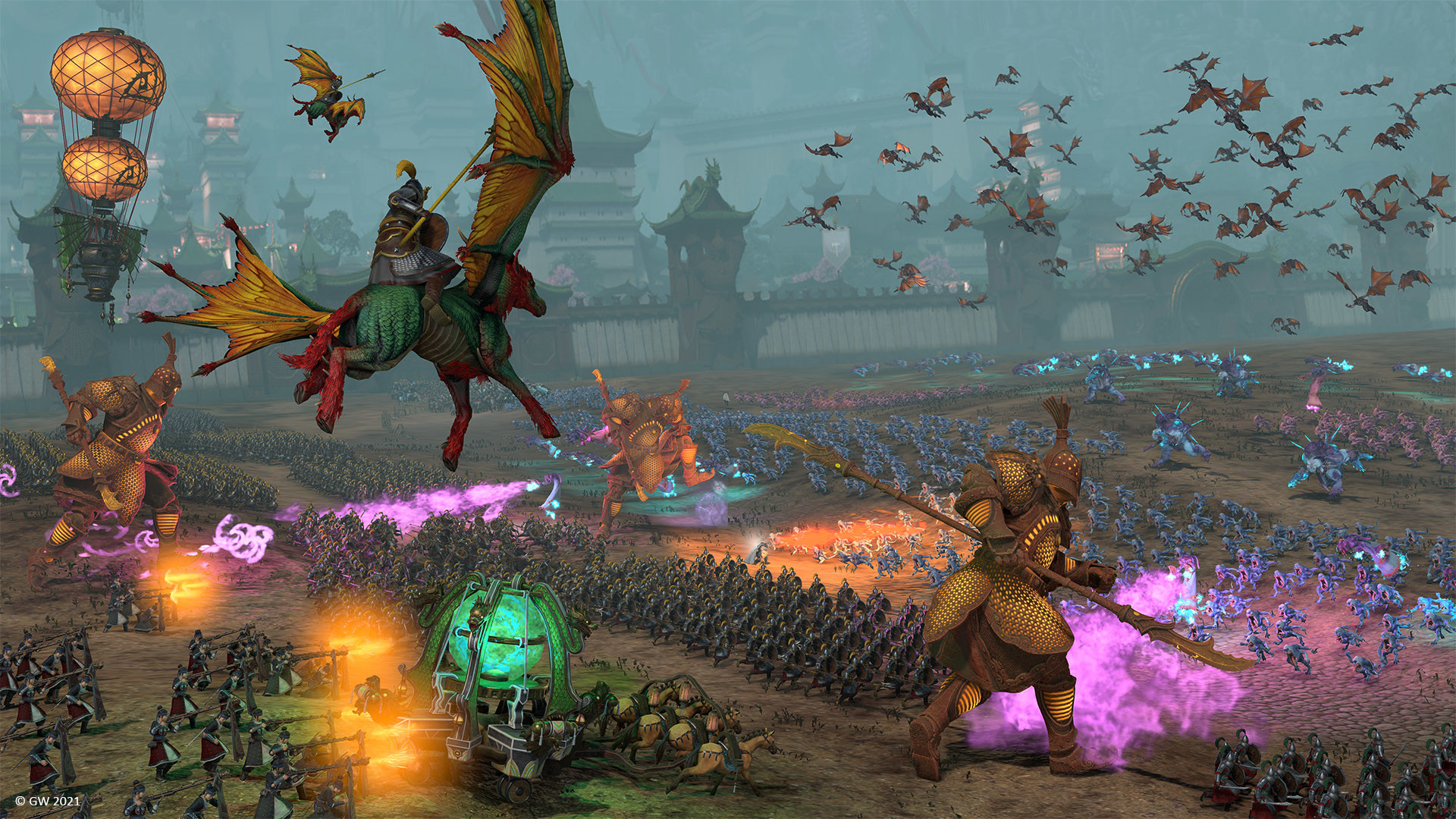
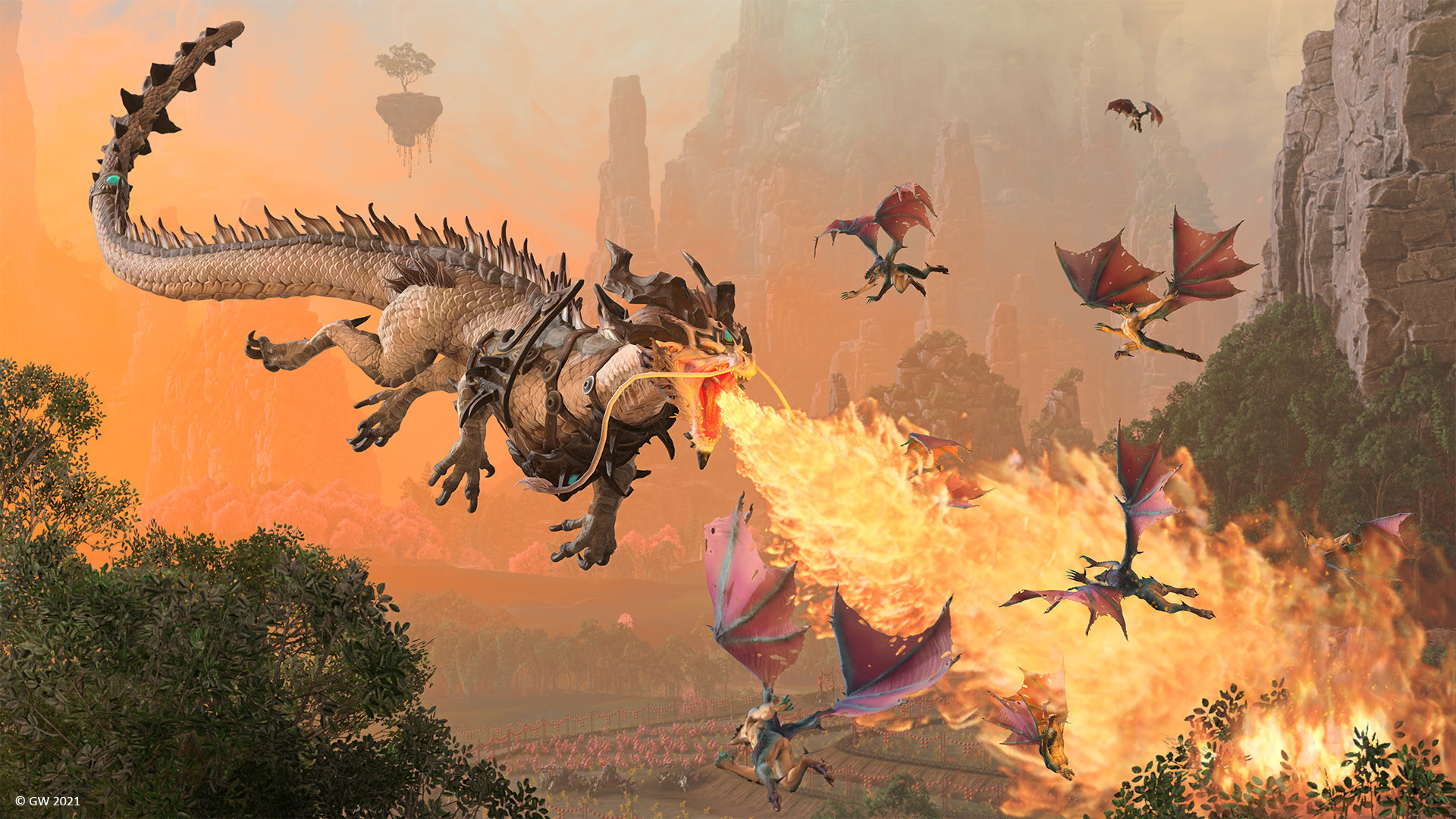
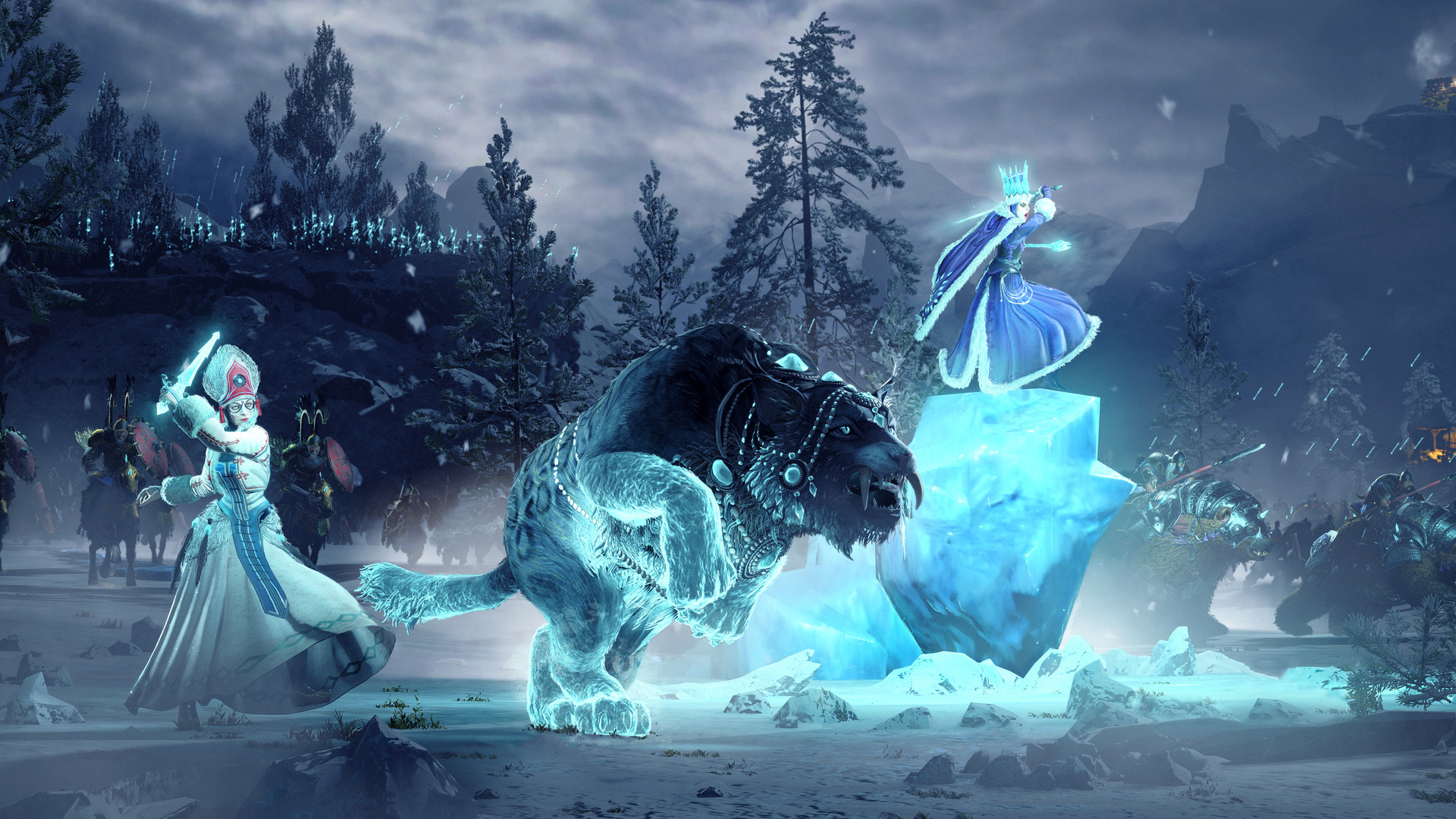
Total War: WARHAMMER III ships with two separate built-in benchmarks for a reason. The Battle benchmark throws thousands of units, lighting, and particle effects at your graphics card, so battle frame rate scales mostly with GPU power. The Campaign benchmark instead measures how fast the world map and AI turns process, and that workload leans on CPU speed and RAM rather than the card. If your battles run smooth but your campaign turns crawl, or the other way around, that split is why.
This matters most in Immortal Empires, the huge combined campaign map that can run 20 or more AI-controlled factions at once. Every end-of-turn AI decision, diplomacy check, and unit movement gets processed on the CPU, so turn times in the late game come down almost entirely to single-thread CPU speed and how much RAM the game has to work with, not your GPU. A strong graphics card will not fix a five-minute end turn; a faster CPU and more RAM will.
Getting a steady 60 fps on Ultra, and what to lower first
Testing across more than two dozen graphics cards found the RTX 3060 Ti and RX 6700 XT class to be roughly the first tier that holds a locked 60 fps at 1080p Ultra in real battles. Below that, you're either dropping the preset or living with dips into the 40s and 50s during the largest engagements. Dropping from Ultra to High recovers around 20 to 30 percent, and Medium is roughly twice as fast as Ultra, so it's a real lever if your card is under that RTX 3060 Ti bar.
If you need to claw back frame rate, shadows are the single most expensive setting on the CPU side, followed by lighting and tree detail; unit size and unit detail are the biggest GPU costs in big battles. There's also no DLSS, FSR2, or frame generation here: the game runs on DirectX 11 and its own engine, so the only built-in upscaler is a basic resolution-scale slider that behaves like an early FSR 1.0, not the sharper modern versions other games use. There's also no hard-coded fps cap; the game runs uncapped once VSync is off, though on some AMD setups the campaign map ignores an external frame limiter and needs Radeon Chill or a tool like RivaTuner instead.
RAM, storage, and the Immortal Empires factor
The official recommended spec still lists 8GB of RAM, but that number is from 2022 and undersells what the current Immortal Empires campaign actually uses. Players running a full late-game campaign with many factions loaded regularly see usage climb past 16GB, and going from 16GB to 32GB mainly shows up as faster loading and shorter turn waits rather than higher battle fps. If you're building around this game specifically, 16GB is the realistic floor and 32GB removes the last of the stutter on the biggest maps.
Storage sits at 120GB for the base install, and an SSD is worth prioritizing over extra CPU cores if you have to choose, since Immortal Empires streams a lot of data mid-turn and load times on a mechanical hard drive get rough. If you also own the standalone WARHAMMER I and II games, note that Immortal Empires pulls their factions and content into the combined campaign, so your effective install footprint across all three can run past 300GB.
Mac, Linux, and Steam Deck: what's actually supported
This one has real native ports, which is unusual for a game this demanding. Feral Interactive built a genuine Apple Silicon version: you need an M1 chip or newer, macOS 12.0.1 or later, 8GB of RAM, and about 125GB of storage. There is no Intel Mac version at all, so an older Intel-based MacBook can't run it locally regardless of specs. Feral also ships a native Linux build using Vulkan, with its own separate minimum (GTX 970 or RX 470) and recommended (GTX 1070 or RX 5700 XT, 8GB VRAM) specs that don't match the Windows Steam page.
Steam Deck is a different story: Valve rates it Unsupported, not Verified or Playable, because the game struggles on the stock configuration and can crash if you don't switch it to the Steam Linux Runtime compatibility layer. With that switch made and settings dropped to low-medium, players get roughly 35 fps in battles and the mid-20s on the campaign map, which is playable but far from smooth. There's no Xbox, PlayStation, or Switch release of any kind; this is a PC-only game distributed on Steam and Epic Games Store.
Can I run Total War WARHAMMER III? Your questions answered
Almost certainly yes at low settings. The official minimum is an Intel i3 or Ryzen 3, a GTX 900 or RX 400 series card (or Intel Iris Xe integrated graphics), and 6GB of RAM. Use the checker above to see whether you clear the minimum or the recommended tier, since the gap between them is fairly large in this game.
It's the official recommended figure and it's enough for the base campaign and most battles. It's not enough to keep the big Immortal Empires campaign comfortable in the late game, where usage regularly climbs past 16GB. If you're buying RAM specifically for this game, get 16GB.
It's not a hard requirement, but it should be. Immortal Empires streams campaign data mid-turn, and on a mechanical hard drive that shows up as stutter and long load screens that an SSD mostly removes.
120GB for the base game. If you also own WARHAMMER I and/or II, the combined Immortal Empires campaign draws on their content too, so your real footprint across all three installed games can go well past 300GB.
No. The game runs uncapped once VSync is turned off in the video settings and, on Nvidia, in the control panel too. There's no in-game frame limiter, so if you want one you need to set it externally, and on some AMD setups the campaign map ignores a plain frame cap and needs Radeon Chill or RivaTuner instead.
Big battles are GPU-bound, and shadows, lighting, and unit detail are the most expensive settings. Drop shadows first, then unit size, before touching anything else. If you're on a card below the RTX 3060 Ti class, dropping the whole preset from Ultra to High or Medium recovers a large chunk of frame rate in one move.
End-of-turn processing for every AI faction runs on your CPU, not your GPU, and Immortal Empires can have 20 or more factions active at once. A faster single-thread CPU and more RAM shrink turn times; a better graphics card does nothing for this specifically.
DirectX 11. The game has never moved to DX12, which is also why it has no DLSS or FSR2 support, just a basic built-in resolution scaler.
No, single-player campaigns and battles play fine offline once the game is installed and activated through Steam or Epic. You only need a connection for multiplayer, the Steam Workshop, and any updates.
Both, but for different parts of the game. Battles are mostly GPU-bound; the campaign map, especially in Immortal Empires, is mostly CPU and RAM-bound. That's why the game includes two separate benchmarks, one for each.
The Battle benchmark runs a large-scale fight and stresses your graphics card. The Campaign benchmark runs turn processing on the world map and stresses your CPU and RAM instead. Run both if you want an accurate picture of your PC, since one alone won't tell you the whole story.
You need roughly an RTX 3060 Ti, RX 6700 XT, or better to hold a steady 60 fps at 1080p Ultra in real battles. Anything weaker either dips below 60 in big fights or needs to drop a settings tier.
It depends what's bothering you. If battles are choppy, the graphics card is the bottleneck. If campaign turns crawl or the map itself feels sluggish, it's the CPU and RAM, and a new GPU won't fix that.
You can play it. The RTX 3050 is at Total War WARHAMMER III's minimum, so keep to 1080p low to medium and lower a setting if it stutters. Roughly 40 to 45 fps at 1080p High; drop to Medium for the largest battles.
The GTX 1650 gets you in. It meets Total War WARHAMMER III's minimum, so low to medium at 1080p works, and turning a couple of things down keeps it steady. Roughly 35 fps at 1080p Medium, similar to the GTX 1060 6GB.
Yes, on modest settings. The GTX 1060 6GB meets what Total War WARHAMMER III needs at minimum, so 1080p low to medium is the sweet spot. About 35 fps at 1080p Medium; Ultra isn't realistic on this card.
Playable, yes. The RX 580 passes Total War WARHAMMER III's minimum bar, so aim for low to medium at 1080p and drop settings if the frame rate dips. Around 35 to 40 fps at 1080p Medium.
Plenty of power here. The RTX 4060 is above Total War WARHAMMER III's recommended tier, so high 1080p is smooth and 1440p is a fair target. Around 60 fps at 1080p Ultra and about 48 at 1440p Ultra.
Easily. With the RTX 3060 you are past Total War WARHAMMER III's recommended tier, which means high settings at 1080p and a genuine shot at 1440p. Around 52 fps at 1080p Ultra and about 40 at 1440p Ultra.
Yes, comfortably. The RTX 2060 sits at or above Total War WARHAMMER III's recommended card, so 1080p on high is smooth and 1440p is well within reach. About 50 fps at 1080p Ultra, close to a steady 60 in most battles.
The GTX 1660 gets you in. It meets Total War WARHAMMER III's minimum, so low to medium at 1080p works, and turning a couple of things down keeps it steady.
Yes, on modest settings. The GTX 1660 Super meets what Total War WARHAMMER III needs at minimum, so 1080p low to medium is the sweet spot. Around 45 fps at 1080p High; comfortable below Ultra.
For sure. The RX 6600 outpaces Total War WARHAMMER III's recommended card, leaving you high 1080p now and 1440p whenever you like. Around 48 to 52 fps at 1080p Ultra, just under the RTX 3060 Ti class.
Easily. With the GTX 1660 Ti you are past Total War WARHAMMER III's recommended tier, which means high settings at 1080p and a genuine shot at 1440p.
Yes, comfortably. The RTX 3060 Ti sits at or above Total War WARHAMMER III's recommended card, so 1080p on high is smooth and 1440p is well within reach. About 60 fps at 1080p Ultra, the tier where a locked 60 becomes realistic.
Yes, comfortably. The RTX 4050 sits at or above Total War WARHAMMER III's recommended card, so 1080p on high is smooth and 1440p is well within reach.
You can play it. The GTX 1050 Ti is at Total War WARHAMMER III's minimum, so keep to 1080p low to medium and lower a setting if it stutters.
Plenty of power here. The RTX 4070 is above Total War WARHAMMER III's recommended tier, so high 1080p is smooth and 1440p is a fair target. About 85 fps at 1080p Ultra, 65 at 1440p, and around 40 at 4K Ultra.
Yes, natively. Feral Interactive built a real Apple Silicon port that needs an M1 chip or newer, macOS 12.0.1 or later, 8GB of RAM, and about 125GB of storage. Intel-based Macs are not supported at all, no matter the specs.
Yes, there's a native Feral Interactive port built on Vulkan, with its own minimum (GTX 970 or RX 470) and recommended (GTX 1070 or RX 5700 XT with 8GB VRAM) requirements that are higher than the Windows Steam page.
Only Intel Iris Xe, which is the officially listed minimum GPU. Older or weaker integrated graphics, including basic Intel UHD chips, fall short and will struggle even at the lowest settings.
Not locally. A Chromebook's graphics hardware is well below what the game needs, so cloud streaming through a service like GeForce Now is the realistic option.
Yes, it's supported on GeForce Now, which is the easiest way to play it on a Chromebook, an older laptop, or a Mac that doesn't meet the native Apple Silicon requirement.
It runs, but Valve rates it Unsupported rather than Verified or Playable. You need to switch it to the Steam Linux Runtime compatibility layer or it can crash trying to load a campaign. With that done and settings on low-medium, expect around 35 fps in battles and the mid-20s on the campaign map.
It's not officially verified on these either, but both have a stronger APU than the Steam Deck and should land a bit ahead of the Deck's numbers with the same low-medium settings, roughly 40 to 45 fps in battles.
You'll want something in the RTX 3080, RTX 3090, or RX 6900 XT class, and even those don't hold a locked 60 fps at 4K Ultra in the largest battles. 4K is realistic if you're fine with the high 40s to low 50s or you drop a settings tier.
An RX 6800 XT class card is roughly where a locked 60 fps at 1440p Ultra becomes realistic. Cards around the RTX 3060 Ti to RTX 4070 range land in the 40s to 60s depending on battle size.
For most of the game, yes, at 1080p and even 1440p on High to Ultra. The largest Immortal Empires battles with huge unit counts and high shadow detail can push past 6GB at 1440p or 4K, so it's more of a limiter at higher resolutions than at 1080p.
Yes, at Low to Medium settings with the official minimum specs: an i3 or Ryzen 3, a GTX 900 or RX 400 series card, and 6GB of RAM. Expect small-to-medium battles to be playable and the largest Immortal Empires fights to need lowered unit counts.
No. There is no Xbox version of this game; it's a PC-only release on Steam and Epic Games Store.
No. Creative Assembly has never released a PlayStation version of Total War: WARHAMMER III.
No, and it's unlikely to arrive given the hardware gap. The Switch's chip is far below even the official minimum spec for this game.
Yes, it meets the official minimum and handles small to medium battles and the early campaign fine. Where it struggles is late-game Immortal Empires turn times with many factions active, since that workload leans heavily on single-thread CPU speed.
The most common fixes are updating your graphics driver, verifying the game files through Steam, and disabling overlays like Discord or GPU software while it loads. On AMD hardware, older Vulkan or DirectX drivers are a frequent cause of crashes specifically when loading into Immortal Empires.
No, it has neither DLSS nor a real FSR2/3 implementation. The built-in resolution scale option is closer to an early FSR 1.0 style upscaler, since the game runs on DirectX 11 and was never rebuilt for the newer upscaling tech.
No, it's a separate purchase. If you own the earlier two games as well, the free Immortal Empires update lets their factions and content combine into one giant campaign map, but WARHAMMER III on its own does not include them.
This is usually the AI turn processing taking a long time in a large Immortal Empires campaign, not a true freeze. Give it a minute on slower CPUs before assuming it's crashed, and if it truly hangs, check for outdated saves, corrupted mods, or a driver update, since all three are common causes.
No. It runs offline for single-player campaigns and battles once installed and activated through Steam or Epic. Some players see a brief connection check on launch, but that's account verification, not a constant online requirement.
If your card is strong but the game still feels sluggish, look at the campaign map and turn times rather than battle frame rate. That side of the game is CPU and RAM bound, so a fast GPU alone won't remove the lag.