
Can I Run Total War THREE KINGDOMS on My PC / Laptop?
A turn-based Three Kingdoms grand strategy game where your processor and RAM decide turn speed and battle smoothness more than your graphics card does.
Check if your PC can run Total War THREE KINGDOMS
Pick your graphics card and processor to check.
Can I run Total War THREE KINGDOMS on my PC?
Use the checker above to find out in seconds. Pick your graphics card and processor and it compares them against Total War THREE KINGDOMS's official requirements. As a quick guide, you need at least a GTX 650 Ti 1GB|HD 7850 1GB|Intel UHD Graphics 620 graphics card, a Intel Core 2 Duo 3.00Ghz processor, and 4 GB RAM of RAM to play at 1080p.
Can I run Total War THREE KINGDOMS on my laptop?
Yes, if your laptop has a dedicated graphics card around a GTX 650 Ti 1GB|HD 7850 1GB|Intel UHD Graphics 620 or better and 4 GB RAM of RAM. Laptops with only integrated graphics usually fall short. Enter your laptop's GPU in the tool above to check. Keep in mind that the laptop version of a card runs a little slower than the desktop card of the same name, and heat can lower sustained frame rates.
Total War: THREE KINGDOMS will run on almost anything built in the last decade. Its minimum tier even lists Intel UHD 620 integrated graphics as an option. The part people get wrong is assuming a stronger graphics card fixes every performance problem. In this game the processor and RAM decide how fast your turns end and how smooth a huge battle plays, and a fast GPU cannot cover for a weak CPU there.
Drop your exact parts into the checker above for the verdict against both official tiers. Further down: the fuller spec ladder, real frame rates across a range of cards, why this game leans on CPU cores more than most strategy titles, and the native Mac and Linux story plus its Steam Deck rating.
Total War THREE KINGDOMS system requirements
| Minimum | Recommended | |
|---|---|---|
| Processor (CPU) | Intel Core 2 Duo 3.00Ghz | Intel i5-6600 | Ryzen 5 2600X |
| Graphics card (GPU) | GTX 650 Ti 1GB|HD 7850 1GB|Intel UHD Graphics 620 | GTX 970 | R9 Fury X 4GB VRAM |
| Memory (RAM) | 4 GB RAM | 8 GB RAM |
| Operating system | Windows 10 64-bit | Windows 10 64 Bit |
| DirectX | Version 11 | Version 11 |
| Storage | 60 GB available space | 60 GB available space |
Storage: 60 GB. An SSD isn't required, but it shortens load times between the campaign map and a battle.
Full performance tiers
| Tier | Target | CPU | GPU | RAM |
|---|---|---|---|---|
| Minimum | 1080p Low, 30 fps | Core 2 Duo 3.00GHz | GTX 650 Ti 1GB / HD 7850 1GB / UHD 620 | 4 GB |
| Recommended | 1080p High, 60 fps | i5-6600 / Ryzen 5 2600X | GTX 970 / R9 Fury X | 8 GB |
| 1440p Ultra | 1440p Ultra, 50-60 fps | i5-9600K / Ryzen 5 3600 | RTX 3060 Ti / RX 6700 XT | 16 GB |
| 4K Ultra | 4K Ultra, ~30 fps | i7-10700K / Ryzen 7 5800X | RTX 3080 / RX 6800 XT | 16 GB |
Total War THREE KINGDOMS FPS by graphics card
| Graphics card | 1080p | 1440p | 4K | Notes |
|---|---|---|---|---|
| GTX 1060 6GB | ~45 (High) | , | , | Around 35 at Ultra. Big battles and turn changes lean on your CPU as much as this card. |
| RX 580 8GB | ~48 (High) | , | , | A shade ahead of the GTX 1060 in most scenes. |
| RTX 2060 | ~75 (Ultra) | ~52 | , | Clears Ultra at 1080p without dropping out of the 60s in most fights. |
| RTX 3060 | ~88 (Ultra) | ~62 | , | A comfortable 1080p Ultra card, and 1440p stays playable on High. |
| RTX 3060 Ti | ~105 (Ultra) | ~78 | , | Enough headroom for 1440p Ultra in most fights. |
| RTX 4070 | ~145 (Ultra) | ~105 | ~55 | 4K Ultra is playable, though the largest legion battles still dip. |
| RTX 4090 | ~210 (Ultra) | ~185 | ~115 | Past this point your CPU sets the ceiling, not the card. |
These are approximate, pulled from published benchmarks and averaged across battle and campaign scenes. Your own numbers will move with battle size, faction, and driver version. The game ships with a built-in benchmark under the graphics options, and running it on your own PC is the most accurate test you'll get.
Can these graphics cards run Total War THREE KINGDOMS?
| Graphics card | Verdict | Notes |
|---|---|---|
| GTX 1050 Ti | Playable | Minimum covered. 1080p low to medium is the target. |
| GTX 1650 | Playable | Minimum covered. 1080p low to medium is the target. |
| RX 570 | Playable | Passes minimum. Aim low to medium 1080p, upscaling helps. |
| RX 580 | Runs well | Strong fit. High settings at 1080p, 1440p within reach. |
| GTX 1060 6GB | Runs well | At or above the recommended card. Smooth 1080p high, 1440p realistic. |
| GTX 1650 Super | Runs well | Over the recommended bar. Smooth high 1080p, 1440p realistic. |
| GTX 1660 | Runs well | Strong fit. High settings at 1080p, 1440p within reach. |
| GTX 1660 Super | Runs well | Recommended tier or better. High 1080p, with room for 1440p. |
| RTX 3050 | Runs well | Beats the recommended spec. Comfortable high 1080p, playable 1440p. |
| GTX 1660 Ti | Runs well | Exceeds recommended. 1080p high is comfortable, 1440p fine. |
| RX 6600 | Runs well | At or above the recommended card. Smooth 1080p high, 1440p realistic. |
| RTX 2060 | Runs well | Past the recommended tier. High settings at 1080p, 1440p on the table. |
| RTX 4050 | Runs well | Above recommended. 1080p high is easy, and 1440p works too. |
| Arc A750 | Runs well | Over the recommended bar. Smooth high 1080p, 1440p realistic. |
| RTX 3060 | Runs well | Over the recommended bar. Smooth high 1080p, 1440p realistic. |
| RX 6600 XT | Runs well | At or above the recommended card. Smooth 1080p high, 1440p realistic. |
| RX 7600 | Runs well | Exceeds recommended. 1080p high is comfortable, 1440p fine. |
| RX 6700 XT | Runs well | Recommended tier or better. High 1080p, with room for 1440p. |
| RTX 4060 | Runs well | Recommended tier or better. High 1080p, with room for 1440p. |
| RTX 3060 Ti | Runs well | Over the recommended bar. Smooth high 1080p, 1440p realistic. |
| RTX 3070 | Runs well | Recommended tier or better. High 1080p, with room for 1440p. |
| RTX 4070 | Runs well | Over the recommended bar. Smooth high 1080p, 1440p realistic. |
What actually decides your frame rate
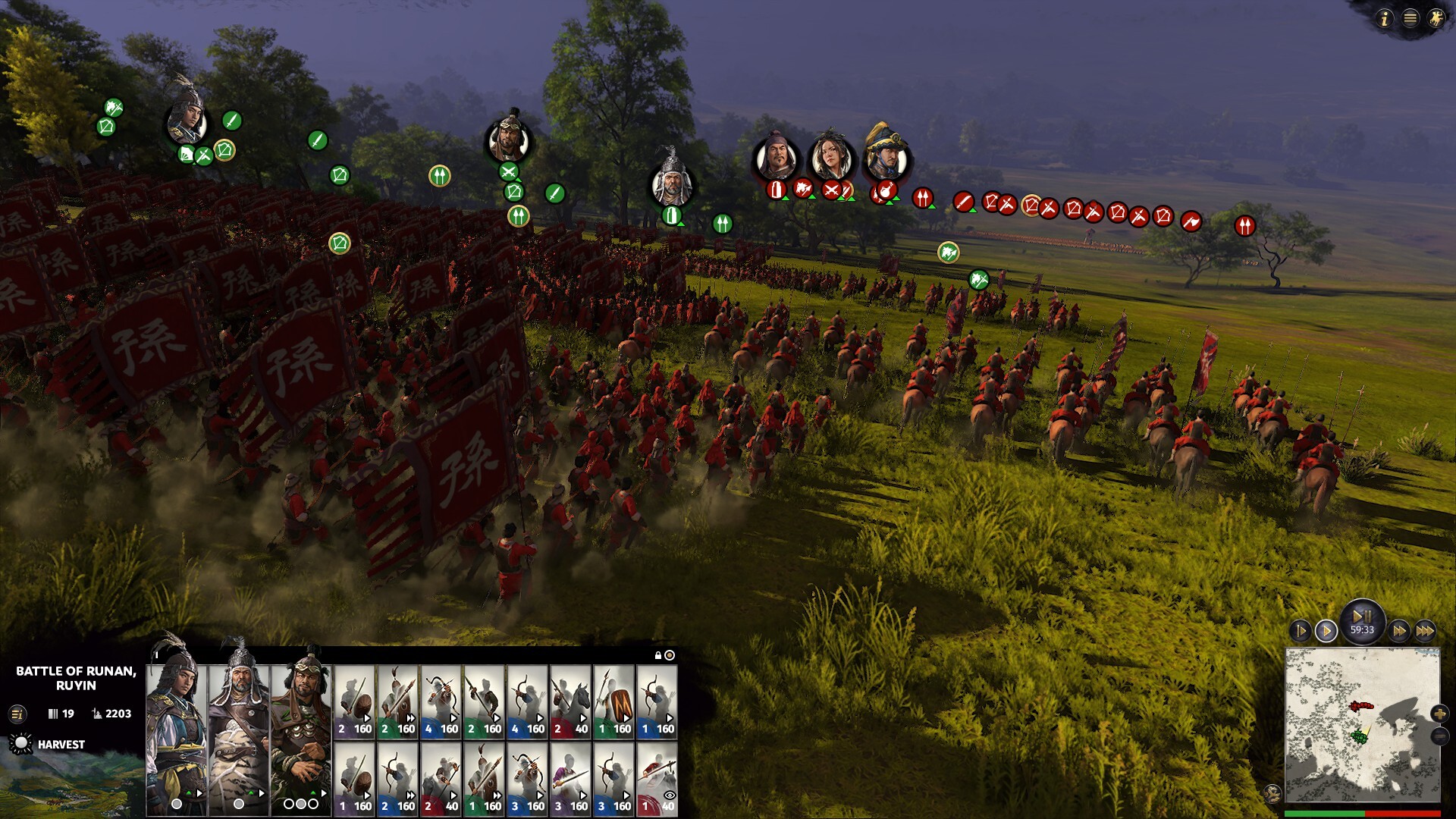
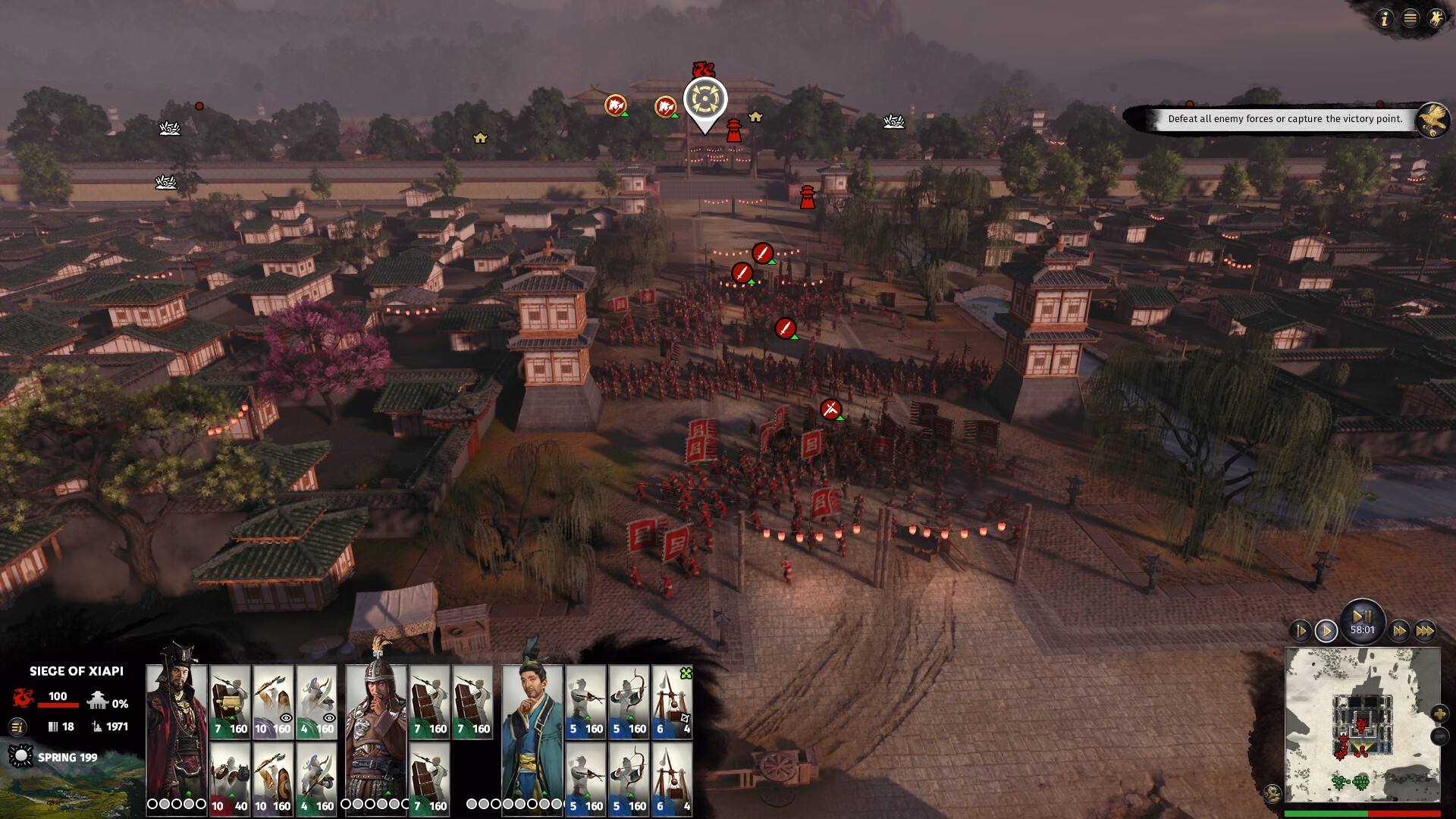
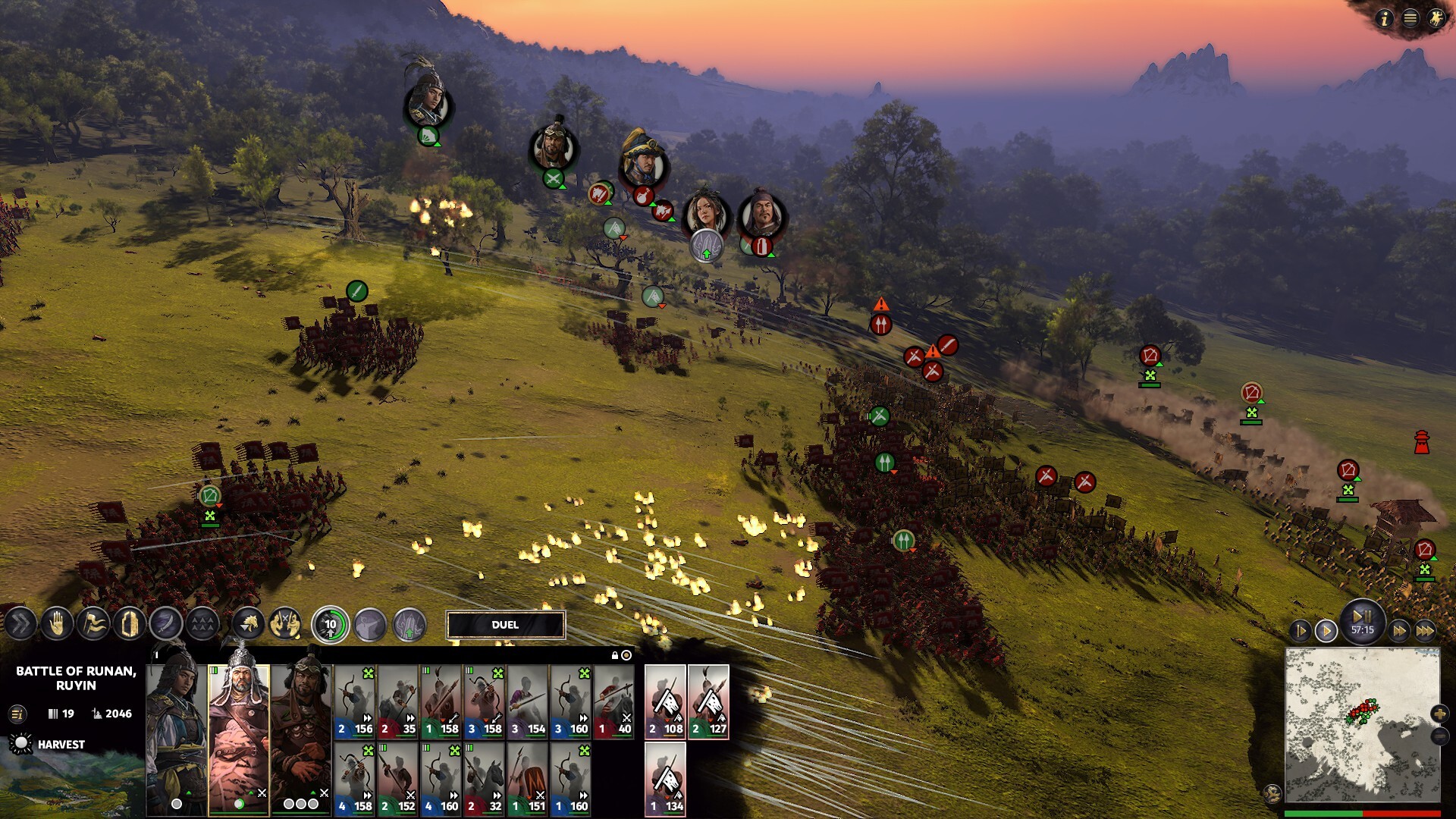
Total War: THREE KINGDOMS is unusual among big-budget games because the processor matters more than the graphics card for how it actually feels to play. The engine spreads battle and campaign calculations across roughly six CPU threads, and it hits a single-thread ceiling well before most modern graphics cards run out of headroom. A GTX 1060 paired with a fast six-core CPU will often feel smoother in a packed battle than the same GPU paired with an old dual-core chip, even with identical graphics settings.
The clearest sign of this shows up between turns. When the AI works out its moves for the new turn, frame rate can dip into the teens on a weak or dual-core processor, no matter which graphics card you have. If you notice hitching right as you click End Turn rather than during actual gameplay, that's the CPU chewing through AI logic, not a graphics problem.
The game includes two built-in benchmarks under the graphics options, one for a large battle and one that pans across the campaign map. Running both on your own PC is the best way to know where you stand, since they use the same engine load you'll actually see in play.
Why the official GPU list looks mismatched
The recommended tier pairs a GTX 970, a card from 2014, with an R9 Fury X, a much stronger card built for 4K a year later. That isn't a typo. Creative Assembly listed both because the game was never especially GPU-hungry even at launch, so a wide range of cards clear the recommended bar for 1080p High.
Graphics memory backs this up. The minimum GPU option needs just 1GB of VRAM, and the recommended pair needs 4GB, low numbers by current standards. If you're choosing between a card with more VRAM and one with a faster core for this specific game, take the faster core. VRAM is not where you'll run into trouble here.
Getting a weak PC to run it smoothly
If you're near the minimum spec, drop unit detail and shadow quality first. Those two sliders control how many soldiers render in full detail during a battle, and they cost more frame rate than texture quality or ambient occlusion in most scenes.
There is no hard frame rate cap on gameplay. A 60fps limit only applies to the front-end menus. Once you're in a battle or on the campaign map, turning V-Sync off lets a strong card run well past 100fps at lower settings. If your fps still feels capped in the field, check that V-Sync is off in the graphics menu rather than hunting for a config file.
For crashes rather than slowdowns, verify your game files through Steam first, since a corrupted install is the most common cause. After that, update your graphics driver and disable any mods, since a mod built for an older patch is a frequent culprit after a game update.
Native on Mac and Linux, but no console version
Unlike most games on this site, THREE KINGDOMS has a genuinely native Mac build, ported by Feral Interactive rather than run through emulation. The Mac App Store version runs natively on Apple Silicon (M1 and newer) from release, while the Steam version on Mac runs through Rosetta 2 translation instead. There's also a native Linux port from the same studio, so this is one of the few games in the series playable outside Windows without a workaround.
There's no PlayStation, Xbox, or Nintendo Switch release at all, so the console questions here have a short answer. On Steam Deck it carries a Playable rating on ProtonDB rather than Verified, and it's had a rocky history with Proton updates breaking then fixing compatibility, so check current reports before relying on it for a trip.
Can I run Total War THREE KINGDOMS? Your questions answered
Yes, 8GB is the official recommended figure and it covers campaigns and battles without issue. The 4GB minimum gets tight with background apps open, so 8GB is really the practical floor.
It won't raise your frame rate much, since the game itself is happy with 8GB, but 16GB gives you headroom for mods and background apps, and it avoids the odd stutter that shows up when Windows starts paging to disk.
No, it isn't required. An SSD shortens the load between the campaign map and a battle, but it doesn't change your battle frame rate or turn processing speed, both of which come down to the CPU.
60GB of free space, the same figure for both the minimum and recommended tiers.
That's the AI calculating every faction's moves for the new turn, a CPU task that has nothing to do with your graphics card. It's normal, and it gets worse the more factions remain alive and the weaker your processor is.
Rarely. The recommended tier asks for only 4GB of graphics memory, low by current standards, so almost any card from the last several years clears it. Your CPU and core count matter far more here.
Only the front-end menus are locked to 60fps. Gameplay itself is uncapped as long as V-Sync is off, and a strong card can push well past 100fps at lower settings.
It will start and run, but expect the steepest frame drops during AI turns and big battles, since those chips have fewer cores than the six threads the game likes to use. A Core i5 or Ryzen 5 class chip is a bigger upgrade here than a GPU swap would be.
A corrupted install is the most common cause, so verify your game files through Steam first. From there, update your graphics driver, and if you're running mods, turn them off, since mods built for an older patch commonly break after an update.
No. It runs on DirectX 11, and there's no DirectX 12 mode.
The minimum tier gets you a playable 1080p Low experience with slower turns and choppier battles. Recommended targets 1080p High at a steadier frame rate, mainly by adding CPU cores rather than a much stronger GPU.
Run the game's built-in Battle Benchmark under the graphics options. It loads a large fight and reports your average, minimum, and maximum frame rate, a closer test than any spec sheet.
No. It released in 2019 before ray tracing was common in strategy games, and there's no ray-traced lighting mode.
No. Turn processing is handled by your CPU, not your GPU. A faster processor speeds up turns; a graphics card swap won't.
By most accounts, yes, especially compared to some later Total War entries. It scales down to genuinely old hardware, and the two built-in benchmarks make it easy to see exactly where your PC lands before you buy.
Yes, comfortably. That's close to the recommended-tier CPU class, and it clears the turn-processing and big-battle load without the drops you'd see on an older dual-core or budget quad-core chip.
Yes. The RTX 3050 has headroom over Total War THREE KINGDOMS's recommended card, so you can push 1080p high and move to 1440p when you want. Roughly 55 fps at 1080p High. Enough for a steady campaign, though the largest battles dip during turn changes on a weaker CPU.
Yes, on modest settings. The GTX 1650 meets what Total War THREE KINGDOMS needs at minimum, so 1080p low to medium is the sweet spot. Around 35 fps at 1080p Medium. It clears the recommended tier but sits well below the GTX 970 on the official list.
For sure. The GTX 1060 6GB outpaces Total War THREE KINGDOMS's recommended card, leaving you high 1080p now and 1440p whenever you like. Around 45 fps at 1080p High, closer to 35 at Ultra. Big battles and turn changes lean on your CPU as much as this card.
No trouble at all. The RX 580 meets or beats what Total War THREE KINGDOMS recommends, so 1080p high runs well and 1440p is realistic. About 48 fps at 1080p High, a touch ahead of the GTX 1060 in most scenes.
The RTX 4060 is a strong fit for Total War THREE KINGDOMS. It lands at or above the recommended spec, so high 1080p is comfortable and 1440p works. Similar to the RTX 3060 Ti here, around 100 fps at 1080p Ultra and the mid-70s at 1440p.
Plenty of power here. The RTX 3060 is above Total War THREE KINGDOMS's recommended tier, so high 1080p is smooth and 1440p is a fair target. About 88 fps at 1080p Ultra and around 62 at 1440p High.
Yes, comfortably. The RTX 2060 sits at or above Total War THREE KINGDOMS's recommended card, so 1080p on high is smooth and 1440p is well within reach. Around 75 fps at 1080p Ultra and about 52 at 1440p.
For sure. The GTX 1660 outpaces Total War THREE KINGDOMS's recommended card, leaving you high 1080p now and 1440p whenever you like. About 65 fps at 1080p Ultra, a comfortable jump over the GTX 1060.
Plenty of power here. The GTX 1660 Super is above Total War THREE KINGDOMS's recommended tier, so high 1080p is smooth and 1440p is a fair target.
Yes. The RX 6600 has headroom over Total War THREE KINGDOMS's recommended card, so you can push 1080p high and move to 1440p when you want.
Yes. On the GTX 1660 Ti, Total War THREE KINGDOMS runs at high settings in 1080p and scales up to 1440p without much fuss.
For sure. The RTX 3060 Ti outpaces Total War THREE KINGDOMS's recommended card, leaving you high 1080p now and 1440p whenever you like. Roughly 105 fps at 1080p Ultra, with 1440p Ultra holding in the high 70s.
Plenty of power here. The RTX 4050 is above Total War THREE KINGDOMS's recommended tier, so high 1080p is smooth and 1440p is a fair target.
It clears the bar. The GTX 1050 Ti matches Total War THREE KINGDOMS's minimum, so 1080p on low to medium is realistic once you tune a few settings.
Yes, with room to spare. Total War THREE KINGDOMS recommends less than the RTX 4070 offers, so expect smooth 1080p high and a playable 1440p. About 145 fps at 1080p Ultra, 105 at 1440p, and around 55 at 4K Ultra.
Yes, through the native Mac version from Feral Interactive. Buy it on the Mac App Store and it runs natively on Apple Silicon from release. The Steam version on Mac works too, but runs through Rosetta 2 translation rather than natively, so the App Store copy is the smoother option on M-series chips.
Yes, at minimum settings. Intel UHD 620 is one of the three official minimum GPU options, so newer integrated chips like Iris Xe handle 1080p Low without much trouble. Older integrated graphics below UHD 620 will struggle.
No local path exists, but GeForce Now supports the game, so streaming it through that cloud service is the way to play on a Chromebook.
Yes, all three can run it, though the Steam Deck carries a Playable rating on ProtonDB rather than Verified. It's had a rockier Proton history than most Total War games, with an update briefly breaking it before a fix landed, so check recent compatibility reports before a trip.
Yes. It's available on GeForce Now, so you can stream it to a weak laptop or a Chromebook as long as you own it on Steam.
Yes, with a card around an RTX 3080 or RX 6800 XT for a steady 4K Ultra experience. The largest legion battles will still dip below 60fps on most hardware at native 4K.
An RTX 3060 or better holds a comfortable frame rate at 1440p on High settings. Push to 1440p Ultra and you'll want closer to an RTX 3060 Ti or RX 6700 XT.
An RTX 2060 or similar clears 60fps at 1080p Ultra in most scenes, though turn-change dips depend on your CPU more than your card. Pair it with a Core i5 or Ryzen 5 class processor for a consistent 60fps.
At 1080p, yes, with something around an RTX 2060 or better. At 1440p Ultra you want an RTX 3060 Ti class card, and 4K Ultra realistically needs an RTX 3080 or stronger.
No. There's no Xbox release of this game. It's available only on PC, Mac, and Linux.
No. Total War: THREE KINGDOMS was never released on PlayStation. It's a PC, Mac, and Linux title only.
No, there's no Switch version. This page covers the PC version, which also runs natively on Mac and Linux.
Yes, within limits. At the true minimum of an Intel UHD 620 or GTX 650 Ti, a Core 2 Duo, and 4GB of RAM you'll get 1080p Low with slow turns and choppy battles. A cheap modern quad-core CPU and 8GB of RAM improve the experience more than a graphics card upgrade would.
Yes, natively, through a separate Feral Interactive port rather than Proton translation on the Windows version. It's one of the few Total War games with an official Linux build.
No more than the campaign or a single-player battle. Multiplayer battles use the same engine and settings, so if the built-in Battle Benchmark runs well for you, multiplayer will too.
Only for multiplayer and for downloading the roughly 60GB install. The campaign and single-player battles run entirely offline once installed.
Check that your graphics driver is current and that your GPU meets at least the Intel UHD 620 / GTX 650 Ti minimum. If it worked before and stopped, verify your game files through Steam and disable any mods, since both are common causes of a launch failure after an update.