
Can I Run Terraria on My PC / Laptop?
A 2D sandbox survival game so light it runs on almost any PC, including most laptops with only integrated graphics.
Check if your PC can run Terraria
Pick your graphics card and processor to check.
Can I run Terraria on my PC?
Use the checker above to find out in seconds. Pick your graphics card and processor and it compares them against Terraria's official requirements. As a quick guide, you need at least a 128 MB video memory, Shader Model 2.0+ graphics card, a 2.0 GHz processor, and 2.5 GB of RAM to play at 1080p.
Can I run Terraria on my laptop?
Yes, if your laptop has a dedicated graphics card around a 128 MB video memory, Shader Model 2.0+ or better and 2.5 GB of RAM. Laptops with only integrated graphics usually fall short. Enter your laptop's GPU in the tool above to check. Keep in mind that the laptop version of a card runs a little slower than the desktop card of the same name, and heat can lower sustained frame rates.
Short answer: yes, almost certainly. Terraria's official specs ask for a 2.0 GHz processor, 2.5GB of RAM, and a graphics card with 128MB of video memory, numbers so low that a budget laptop from a decade ago clears them without trying. The thing people actually get tripped up on is not whether it runs, but why it feels locked at a flat 60 fps no matter how strong their GPU is.
That 60fps ceiling comes from a setting in the engine, not a hardware wall, and the checker above will confirm your parts clear the bar in seconds. From there: the real spec tiers, sample frame rates from weak to strong cards, and sections on the fps cap, what actually causes lag in busy worlds, and how it holds up on old or integrated hardware.
Terraria system requirements
| Minimum | Recommended | |
|---|---|---|
| Processor (CPU) | 2.0 GHz | Dual core 3.0 GHz |
| Graphics card (GPU) | 128 MB video memory, Shader Model 2.0+ | 256 MB video memory, Shader Model 2.0+ |
| Memory (RAM) | 2.5 GB | 4 GB |
| Operating system | Windows XP, Vista, 7, 8/8.1, 10 | Windows 7, 8/8.1, 10 |
| DirectX | 9.0c | 9.0c |
| Storage | 200 MB | 200 MB |
Storage: About 200 MB, though the unpacked files run closer to 1.5 GB. Any drive works, an SSD adds nothing here.
Full performance tiers
| Tier | Target | CPU | GPU | RAM |
|---|---|---|---|---|
| Minimum | 1080p, locked 60 fps | 2.0 GHz single core | 128 MB VRAM, Shader Model 2.0+ | 2.5 GB |
| Recommended | 1080p, locked 60 fps | Dual core 3.0 GHz | 256 MB VRAM, Shader Model 2.0+ | 4 GB |
| Comfortable on modern hardware | 1080p/1440p, steady 60 fps with headroom for big bases and events | Core i3-8100 or Ryzen 3 2200G or better | Any card from the last decade, even integrated | 8 GB |
Terraria FPS by graphics card
| Graphics card | 1080p | 1440p | 4K | Notes |
|---|---|---|---|---|
| Intel UHD 620 (integrated laptop) | ~60 | , | , | Locked at the engine's 60 fps cap. Only dips in packed multiplayer bases or big events. |
| GT 1030 | ~60 | , | , | No difference from stronger cards here. Terraria is not GPU-bound. |
| GTX 750 Ti | ~60 | , | , | The official recommended-tier card equivalent. Rock solid at 60 with room to spare. |
| GTX 1650 | ~60 | , | , | A modern budget card gains nothing over the GTX 750 Ti in vanilla Terraria. |
| RX 570 | ~60 | , | , | Still capped at 60. VRAM and shader model have never been the limiter for this game. |
| RTX 3060 | ~60 | , | , | Locked the same as every card above it. With the FPS Unlocked mod, well over 200 fps. |
| RTX 4070 | ~60 | , | , | Same story. The FPS Unlocked mod is the only way to see this card's real ceiling. |
Terraria's engine renders at a fixed 60 fps by default (its FrameSkip vsync setting), so every card on this list lands at the same number. The actual variable is your CPU during packed multiplayer bases or events like the Old One's Army and the Solar Eclipse, where fps can dip regardless of GPU strength. Uncapping fps needs a mod, since there is no in-game slider for it.
Can these graphics cards run Terraria?
| Graphics card | Verdict | Notes |
|---|---|---|
| GTX 1050 Ti | Runs well | Recommended tier or better. High 1080p, with room for 1440p. |
| GTX 1650 | Runs well | Beats the recommended spec. Comfortable high 1080p, playable 1440p. |
| RX 570 | Runs well | Exceeds recommended. 1080p high is comfortable, 1440p fine. |
| RX 580 | Runs well | Strong fit. High settings at 1080p, 1440p within reach. |
| GTX 1060 6GB | Runs well | Strong fit. High settings at 1080p, 1440p within reach. |
| GTX 1650 Super | Runs well | At or above the recommended card. Smooth 1080p high, 1440p realistic. |
| GTX 1660 | Runs well | Beats the recommended spec. Comfortable high 1080p, playable 1440p. |
| GTX 1660 Super | Runs well | Above recommended. 1080p high is easy, and 1440p works too. |
| RTX 3050 | Runs well | Over the recommended bar. Smooth high 1080p, 1440p realistic. |
| GTX 1660 Ti | Runs well | Above recommended. 1080p high is easy, and 1440p works too. |
| RX 6600 | Runs well | Over the recommended bar. Smooth high 1080p, 1440p realistic. |
| RTX 2060 | Runs well | Strong fit. High settings at 1080p, 1440p within reach. |
| RTX 4050 | Runs well | Over the recommended bar. Smooth high 1080p, 1440p realistic. |
| Arc A750 | Runs well | Exceeds recommended. 1080p high is comfortable, 1440p fine. |
| RTX 3060 | Runs well | Strong fit. High settings at 1080p, 1440p within reach. |
| RX 6600 XT | Runs well | Recommended tier or better. High 1080p, with room for 1440p. |
| RX 7600 | Runs well | At or above the recommended card. Smooth 1080p high, 1440p realistic. |
| RX 6700 XT | Runs well | Recommended tier or better. High 1080p, with room for 1440p. |
| RTX 4060 | Runs well | At or above the recommended card. Smooth 1080p high, 1440p realistic. |
| RTX 3060 Ti | Runs well | Recommended tier or better. High 1080p, with room for 1440p. |
| RTX 3070 | Runs well | Beats the recommended spec. Comfortable high 1080p, playable 1440p. |
| RTX 4070 | Runs well | Past the recommended tier. High settings at 1080p, 1440p on the table. |
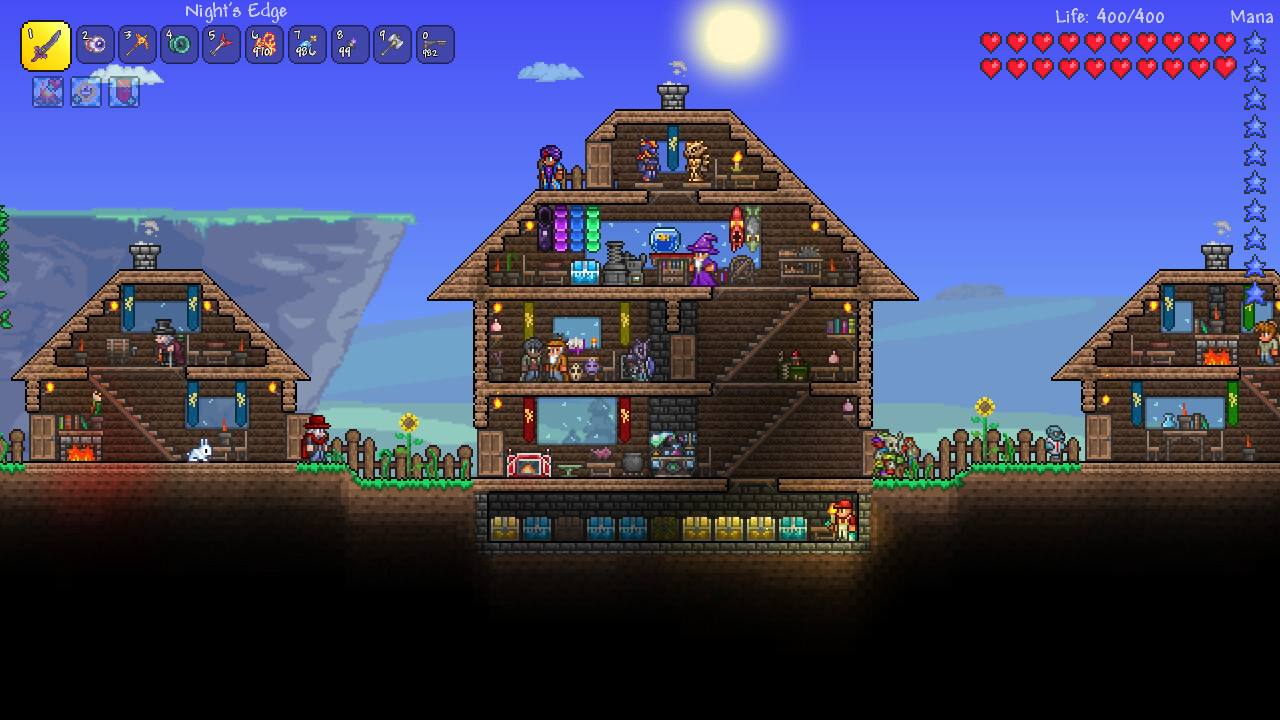
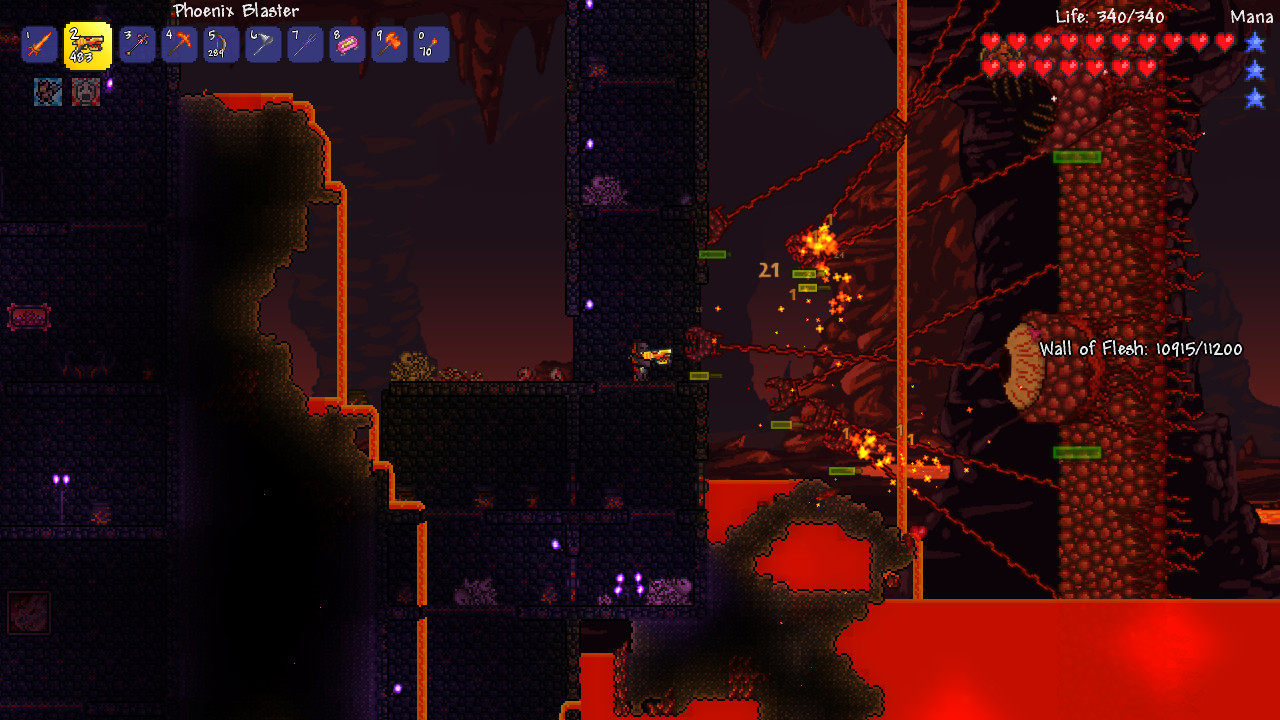
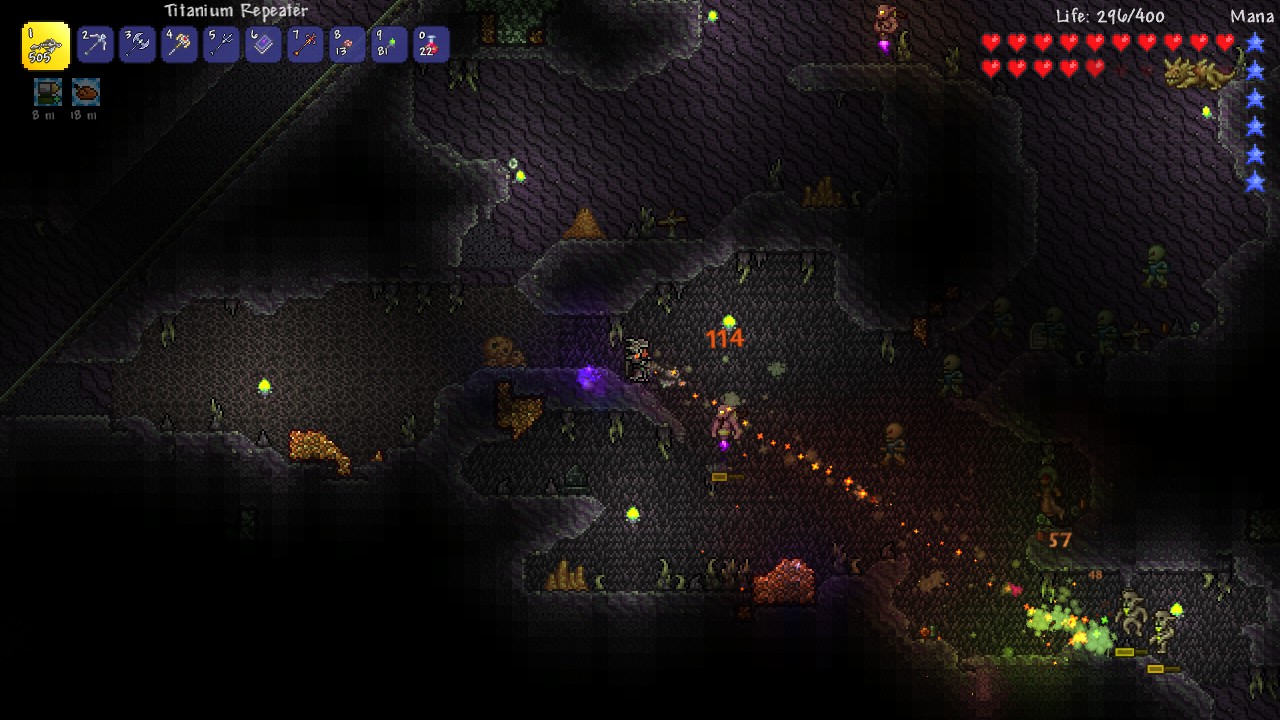
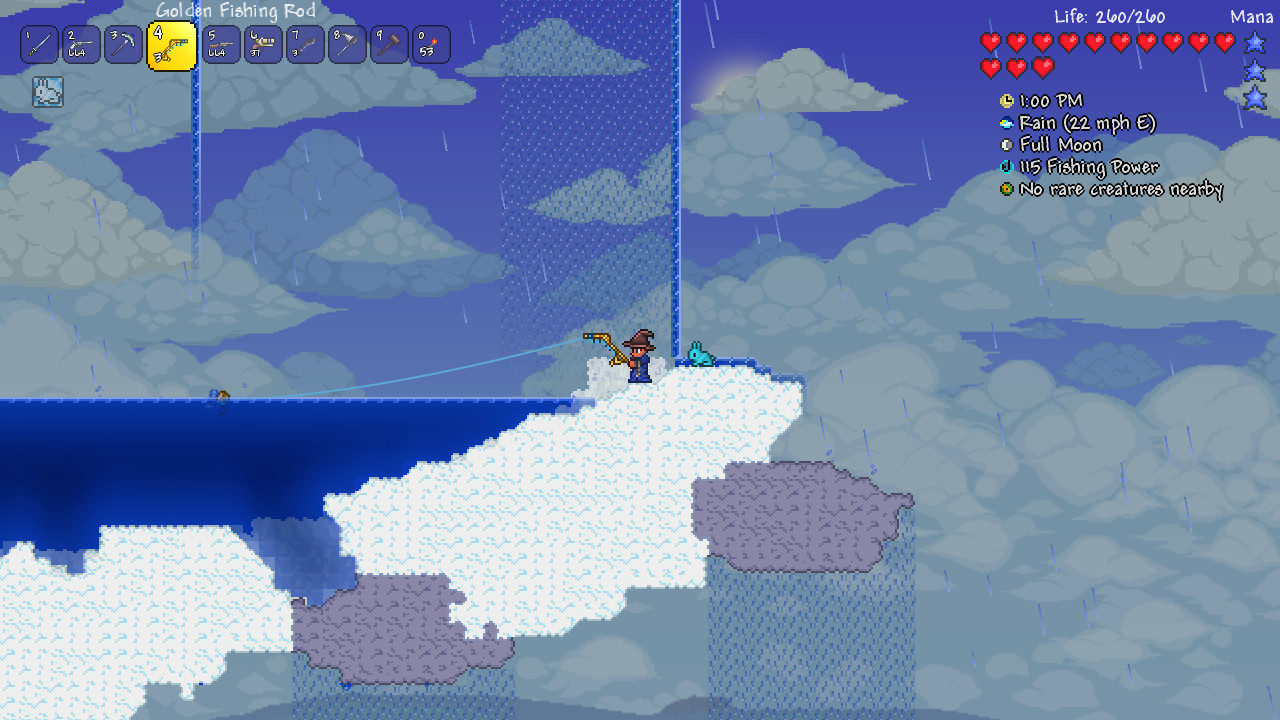
The one thing that decides your experience: the 60 fps cap, not your GPU
Terraria does not have an fps slider in its settings menu. The engine ships with a setting called FrameSkip that locks rendering to a smooth 60 fps by default, and that cap applies whether you are running an old laptop or an RTX 4090. This is why searches for 'how to increase Terraria fps' outnumber searches for specific graphics cards. Your hardware almost never decides whether the game runs; it decides whether you can push past the built-in ceiling.
You can uncap it two ways. Editing the config.json file in your Terraria save folder and setting FrameSkip to false removes frame skipping, though vanilla still targets 60. The more reliable route is the FPS Unlocked mod on Nexus, which decouples rendering from the game's fixed 60hz logic tick and lets your monitor's real refresh rate show through. Note that some enemy spawn timing and weapon swing speed were originally tied to the frame rate on older versions, so a very old, unpatched copy can behave oddly if you force it above 60. Current versions on Steam do not have this issue.
What actually causes lag in a game this light
When Terraria does chug, it is almost always the CPU, not the GPU, and almost always tied to how much is happening on screen at once. Large worlds with dozens of active NPCs, liquid physics, and dynamic lighting bog down the single thread the game leans on hardest. Big multiplayer bases with many players and townsfolk in one screen, and events like a Solar Eclipse, a Blood Moon, or the Old One's Army, are the classic triggers, since they spawn enemies faster than almost anything else in the game.
The fastest fix that costs nothing is the lighting mode. Retro and Trippy lighting are noticeably lighter to compute than Color or White, so switching to Retro in Settings > Lighting during a heavy event recovers frames instantly. After that, closing background overlays, turning off frame skip conflicts with capture software, and keeping world size to Small or Medium if you are on genuinely old hardware all help. None of this requires a better graphics card.
Running it on old, integrated, or handheld hardware
Because the official minimum only asks for 128MB of video memory and Shader Model 2.0, essentially every integrated chip made in the last fifteen years clears it, including Intel UHD 620/630, Iris Xe, and AMD's Vega and Radeon 780M integrated graphics in modern laptops. A 2.5GB RAM minimum is also trivially low; 4GB is fine and 8GB removes any question of it. The one thing worth checking on genuinely old machines is DirectX 9.0c support, which every Windows PC from the last two decades has.
On handhelds, Terraria is Steam Deck Verified and controls fully with the built-in gamepad layout, no manual setup needed, and it holds a locked 60 fps the entire time since the hardware is well above what the game asks for. A ROG Ally or Legion Go runs it the same way. The only devices where Terraria genuinely does not run natively are Chromebooks (cloud streaming only) and, as of now, there is no way to run the full desktop version without Windows, macOS, or Linux, or one of the separate mobile and console ports.
Can I run Terraria? Your questions answered
Yes, by default. The engine's FrameSkip setting locks the game to a smooth 60 fps regardless of how powerful your hardware is, and there is no in-game slider to change it. This is why a decade-old GPU and a brand new one show the same frame rate in vanilla Terraria.
Edit config.json in your save folder and set FrameSkip to false, though vanilla still targets 60 with this alone. For a real uncap past 60, install the FPS Unlocked mod, which separates rendering from the game's fixed logic tick so your monitor's actual refresh rate shows through.
Your GPU is almost never the problem here. Look instead at a large world with heavy NPC and liquid activity, a packed multiplayer base, or an event like a Solar Eclipse or the Old One's Army spawning enemies fast. Switching to Retro lighting in the settings menu is the quickest fix, since Color and White lighting cost noticeably more to render.
Yes, comfortably. The official recommended tier only asks for 4GB, and the minimum is 2.5GB. 8GB gives you headroom if you run mods or keep a browser open alongside it, but it is not required for vanilla play.
No. The install is about 200MB, so load times are near instant even on a mechanical hard drive. An SSD makes essentially no difference here.
About 200MB for the install, with the unpacked game files running closer to 1.5GB. It is one of the smallest games on Steam by storage footprint.
No. Terraria only requires DirectX 9.0c, which every Windows PC made in the last two decades supports. You do not need a DirectX 12 capable card.
Yes, on the same hardware that runs vanilla Terraria, though heavier content mods like Calamity add more enemies, projectiles, and effects on screen, which leans harder on your CPU during boss fights. A CPU from the last several years and 8GB of RAM keeps large modpacks smooth.
A vanilla dedicated server runs comfortably on 1 to 2GB of RAM and barely any CPU, since it is not rendering graphics. Modded servers running tModLoader or Calamity want more, typically 2 to 4GB of RAM, since mods add extra simulation work even without a display attached.
More players, townsfolk NPCs, and active liquids in one area all add CPU work, since Terraria simulates the whole visible screen rather than offloading it to the GPU. A packed hardmode base with dozens of NPCs is one of the few situations where even strong hardware can dip below 60.
Yes, noticeably. Retro and Trippy lighting are simpler and render faster than Color or White. Switching to Retro during a heavy event or in a big base is a free way to recover frames without touching your graphics settings.
Windows 7, 8, 8.1, and 10 are all officially supported, and Windows XP and Vista are listed on the minimum tier too, though Steam itself dropped support for anything below Windows 10 starting in 2024. If your OS can still run Steam, Terraria's own requirements will not be the problem.
CPU-bound. Frame rate almost never depends on your graphics card once you clear the very low minimum. What actually slows the game down is world size, NPC count, liquid simulation, and event activity, all of which run on the CPU.
That is more than enough. The RTX 3050 clears Terraria's recommended requirement, so aim for high at 1080p or step up to 1440p.
Yes, comfortably. The GTX 1650 sits at or above Terraria's recommended card, so 1080p on high is smooth and 1440p is well within reach. Locked at 60 fps like every card above the minimum. No visible gain over a GTX 750 Ti here.
Plenty of power here. The GTX 1060 6GB is above Terraria's recommended tier, so high 1080p is smooth and 1440p is a fair target. A steady, locked 60 fps with no strain at all.
No trouble at all. The RX 580 meets or beats what Terraria recommends, so 1080p high runs well and 1440p is realistic. Locked at 60 fps, the same as every card that meets the minimum.
That is more than enough. The RTX 4060 clears Terraria's recommended requirement, so aim for high at 1080p or step up to 1440p. Same 60 fps cap as weaker cards. This game will never use this card's full power without a mod.
Yes, with room to spare. Terraria recommends less than the RTX 3060 offers, so expect smooth 1080p high and a playable 1440p. Locked at 60 fps in vanilla. Only the FPS Unlocked mod reveals this card's real ceiling.
Plenty of power here. The RTX 2060 is above Terraria's recommended tier, so high 1080p is smooth and 1440p is a fair target. Locked at 60 fps. Consider it only relevant if you also game on something more demanding.
No trouble at all. The GTX 1660 meets or beats what Terraria recommends, so 1080p high runs well and 1440p is realistic. A comfortable, locked 60 fps with plenty of headroom for big bases and events.
Yes. The GTX 1660 Super has headroom over Terraria's recommended card, so you can push 1080p high and move to 1440p when you want.
For sure. The RX 6600 outpaces Terraria's recommended card, leaving you high 1080p now and 1440p whenever you like. Locked at 60 fps, identical to far weaker cards. Terraria simply does not need this much GPU.
Yes, comfortably. The GTX 1660 Ti sits at or above Terraria's recommended card, so 1080p on high is smooth and 1440p is well within reach.
Yes, comfortably. The RTX 3060 Ti sits at or above Terraria's recommended card, so 1080p on high is smooth and 1440p is well within reach.
No trouble at all. The RTX 4050 meets or beats what Terraria recommends, so 1080p high runs well and 1440p is realistic.
You are well set. The GTX 1050 Ti exceeds Terraria's recommended card, so 1080p high is easy and 1440p is realistic.
Plenty of power here. The RTX 4070 is above Terraria's recommended tier, so high 1080p is smooth and 1440p is a fair target.
Terraria breaks from the pattern on this site: it ships a genuine native macOS build on Steam, running smoothly on any Apple Silicon MacBook down to the base M1 Air. Recent versions don't even lean on Rosetta for the old Intel build.
Yes, easily. Intel UHD 620/630, Iris Xe, and AMD's integrated Vega or Radeon 780M graphics all clear Terraria's minimum with room to spare and hold a locked 60 fps. This is one of the rare games where integrated graphics is never the bottleneck.
Chrome OS can't run the Steam version directly, so cloud streaming through something like GeForce Now is the practical route, unless your Chromebook supports Android apps, in which case the separate mobile version is an option too.
Yes, and well. Terraria is Steam Deck Verified with full controller support built in, no manual configuration needed, and it holds a locked 60 fps the entire time since the hardware is far above what the game asks for. A ROG Ally or Legion Go runs it the same way.
Yes. There is a native SteamOS and Linux build listed separately on the Steam store page, with its own minimum requirements that are just as light as the Windows version.
Almost certainly. The official minimum, a 2.0 GHz processor, 2.5GB of RAM, and 128MB of video memory, is low enough that most laptops built in the last fifteen years clear it without adjusting a single setting.
Yes, a vanilla dedicated server runs fine on a Raspberry Pi 4 or newer with a handful of players, since server mode skips all graphics rendering. A heavily modded server with tModLoader is more demanding and better suited to a proper PC or a paid game host.
Yes, trivially, since it is a 2D game with tiny GPU demands. Any monitor resolution works fine on essentially any graphics card, and there is no performance cost to going higher than 1080p.
Not out of the box. Vanilla Terraria is locked to 60 fps by its FrameSkip setting. To see 120 or 144 fps on a high refresh monitor you need the FPS Unlocked mod, which removes that cap.
For vanilla play, yes, since the official recommended tier only asks for 4GB. 8GB is comfortable if you run mods or multitask, and 16GB is more headroom than this game will use even with a heavy modpack running.
It is below the official 2.5GB minimum, so it is not guaranteed, but many players do get it running on 2GB with nothing else open. Expect occasional stutter in large worlds, and treat 4GB as the real safe floor.
Not the Steam PC version directly. There is a separate Terraria: Mobile app for iOS and Android built on different code, with its own lighter requirements and its own release schedule for updates.
Yes. Terraria has a dedicated Xbox version, including Xbox Series X and S and the older Xbox One, all running smoothly given how light the game is. This page focuses on the PC version.
Yes to both. PS4 runs its own native version, and PS5 plays that same build through backward compatibility without a hitch. This page is about the PC version specifically.
Yes. Terraria has a native Switch release, including handheld mode, and it runs at a stable frame rate since the game asks so little of the hardware. This page focuses on the PC version.
Terraria is not commonly listed on GeForce Now's supported title list, and given how easily it runs on native hardware, cloud streaming is rarely necessary. It is a fallback for a Chromebook or a PC well below the minimum, not a typical way to play it.
No. Terraria requires a 64-bit version of Windows, so a 32-bit operating system will not run it, regardless of how capable the rest of your hardware is.
Yes, without issue. Windows 11 fully supports Terraria, and its official requirements were written for much older versions of Windows, so a current install has nothing to worry about.