
Can I Run Tekken 8 on My PC / Laptop?
Bandai Namco's Unreal Engine 5 fighting game, and the most graphically demanding mainline Tekken by a wide margin.
Check if your PC can run Tekken 8
Pick your graphics card and processor to check.
Can I run Tekken 8 on my PC?
Use the checker above to find out in seconds. Pick your graphics card and processor and it compares them against Tekken 8's official requirements. As a quick guide, you need at least a Nvidia GeForce GTX 1050Ti/AMD Radeon R9 380X graphics card, a Intel Core i5-6600K/AMD Ryzen 5 1600 processor, and 8 GB RAM of RAM to play at 1080p.
Can I run Tekken 8 on my laptop?
Yes, if your laptop has a dedicated graphics card around a Nvidia GeForce GTX 1050Ti/AMD Radeon R9 380X or better and 8 GB RAM of RAM. Laptops with only integrated graphics usually fall short. Enter your laptop's GPU in the tool above to check. Keep in mind that the laptop version of a card runs a little slower than the desktop card of the same name, and heat can lower sustained frame rates.
The short answer is yes for most PCs built in the last five or six years, but Tekken 8 asks for more than any earlier game in the series because it runs on Unreal Engine 5. The mistake people make is assuming a fighting game is light on hardware. The official recommended card is an RTX 2070, a real step up from what Tekken 7 needed, and shader compilation plus VRAM matter here more than they do in most fighters.
Drop your CPU and GPU into the checker above to see exactly where you land against the requirements below. Further down you'll find the shader stutter that can show up on first launch, why no GPU can brute force past the 60 fps gameplay lock, and which settings actually cost you frames.
Tekken 8 system requirements
| Minimum | Recommended | |
|---|---|---|
| Processor (CPU) | Intel Core i5-6600K/AMD Ryzen 5 1600 | Intel Core i7-7700K/AMD Ryzen 5 2600 |
| Graphics card (GPU) | Nvidia GeForce GTX 1050Ti/AMD Radeon R9 380X | Nvidia GeForce RTX 2070/AMD Radeon RX 5700 XT |
| Memory (RAM) | 8 GB RAM | 16 GB RAM |
| Operating system | Windows 10 64-Bit | Windows 10 64-Bit |
| DirectX | Version 12 | Version 12 |
| Storage | 100 GB available space | 100 GB available space |
Storage: 100 GB. An SSD is not officially required but it shortens load times and avoids the rare stage-loading hitch on a mechanical drive.
Full performance tiers
| Tier | Target | CPU | GPU | RAM |
|---|---|---|---|---|
| Minimum | 1080p, Low settings, 30 fps | Intel Core i5-6600K/AMD Ryzen 5 1600 | Nvidia GeForce GTX 1050Ti/AMD Radeon R9 380X | 8 GB RAM |
| Recommended | 1080p, High settings, 60 fps | Intel Core i7-7700K/AMD Ryzen 5 2600 | Nvidia GeForce RTX 2070/AMD Radeon RX 5700 XT | 16 GB RAM |
| 1440p, steady 60 | 1440p, High to Ultra, 60 fps | Ryzen 5 3600 / Core i5-10600K or better | RTX 3060 or RX 6600 or better | 16 GB RAM |
| 4K, native | 4K, Ultra, 60 fps without upscaling | Ryzen 7 5800X / Core i7-11700K or better | RTX 4070 or better | 16 GB RAM |
Tekken 8 FPS by graphics card
| Graphics card | 1080p | 1440p | 4K | Notes |
|---|---|---|---|---|
| GTX 1050 Ti | ~30 | , | , | The minimum-spec card. Low settings only, and it barely holds a steady frame rate in busy stages. |
| GTX 1060 6GB | ~50 | , | , | Needs Low settings and FSR turned on to get close to a steady 60. |
| GTX 1650 | ~60 | , | , | Holds the game's 60 fps cap on Low to Medium settings. |
| RTX 3060 | ~120 | ~95 | , | Clears the 60 fps gameplay cap comfortably even at 1440p; the extra frames only show up outside a match. |
| RTX 4060 | ~144 | ~110 | , | Same story: capped at 60 in matches, but menus and practice mode use the headroom. |
| RTX 4070 | ~144 | ~144 | ~75 | Handles native 4K Ultra near 60 fps, and DLSS pushes it well past that. |
| RTX 4090 | , | , | ~120 | Far more than this game needs. Native 4K Ultra stays well above 60 fps. |
These numbers are approximate averages gathered from community benchmarks rather than a lab test, and they shift with your CPU, drivers, and the exact stage. Match gameplay itself is capped at 60 fps no matter how much headroom your GPU has; the higher numbers above only show up in menus, replays, practice mode, or with an unofficial frame-cap removal tool.
Can these graphics cards run Tekken 8?
| Graphics card | Verdict | Notes |
|---|---|---|
| GTX 1050 Ti | Playable | Meets minimum. Low to medium at 1080p, tune for a steady rate. |
| GTX 1650 | Playable | Just clears it. 1080p low to medium, smoother after tuning. |
| RX 570 | Playable | Runnable at minimum. Low to medium 1080p, ease settings back. |
| RX 580 | Playable | Just clears it. 1080p low to medium, smoother after tuning. |
| GTX 1060 6GB | Playable | Meets the bar. Low to medium settings at 1080p. |
| GTX 1650 Super | Playable | Meets minimum. Low to medium at 1080p, tune for a steady rate. |
| GTX 1660 | Playable | Meets the bar. Low to medium settings at 1080p. |
| GTX 1660 Super | Playable | Meets the bar. Low to medium settings at 1080p. |
| RTX 3050 | Playable | Meets the bar. Low to medium settings at 1080p. |
| GTX 1660 Ti | Playable | Meets minimum. Low to medium at 1080p, tune for a steady rate. |
| RX 6600 | Playable | Runnable at minimum. Low to medium 1080p, ease settings back. |
| RTX 2060 | Playable | At the minimum bar. 1080p low to medium, drop a setting if needed. |
| RTX 4050 | Playable | Clears the minimum. 1080p low to medium, better with upscaling. |
| Arc A750 | Playable | Clears the minimum. 1080p low to medium, better with upscaling. |
| RTX 3060 | Playable | Runnable at minimum. Low to medium 1080p, ease settings back. |
| RX 6600 XT | Runs well | Over the recommended bar. Smooth high 1080p, 1440p realistic. |
| RX 7600 | Runs well | Above recommended. 1080p high is easy, and 1440p works too. |
| RX 6700 XT | Runs well | Beats the recommended spec. Comfortable high 1080p, playable 1440p. |
| RTX 4060 | Runs well | Beats the recommended spec. Comfortable high 1080p, playable 1440p. |
| RTX 3060 Ti | Runs well | At or above the recommended card. Smooth 1080p high, 1440p realistic. |
| RTX 3070 | Runs well | Exceeds recommended. 1080p high is comfortable, 1440p fine. |
| RTX 4070 | Runs well | At or above the recommended card. Smooth 1080p high, 1440p realistic. |
Why a fighting game asks for a GPU like this
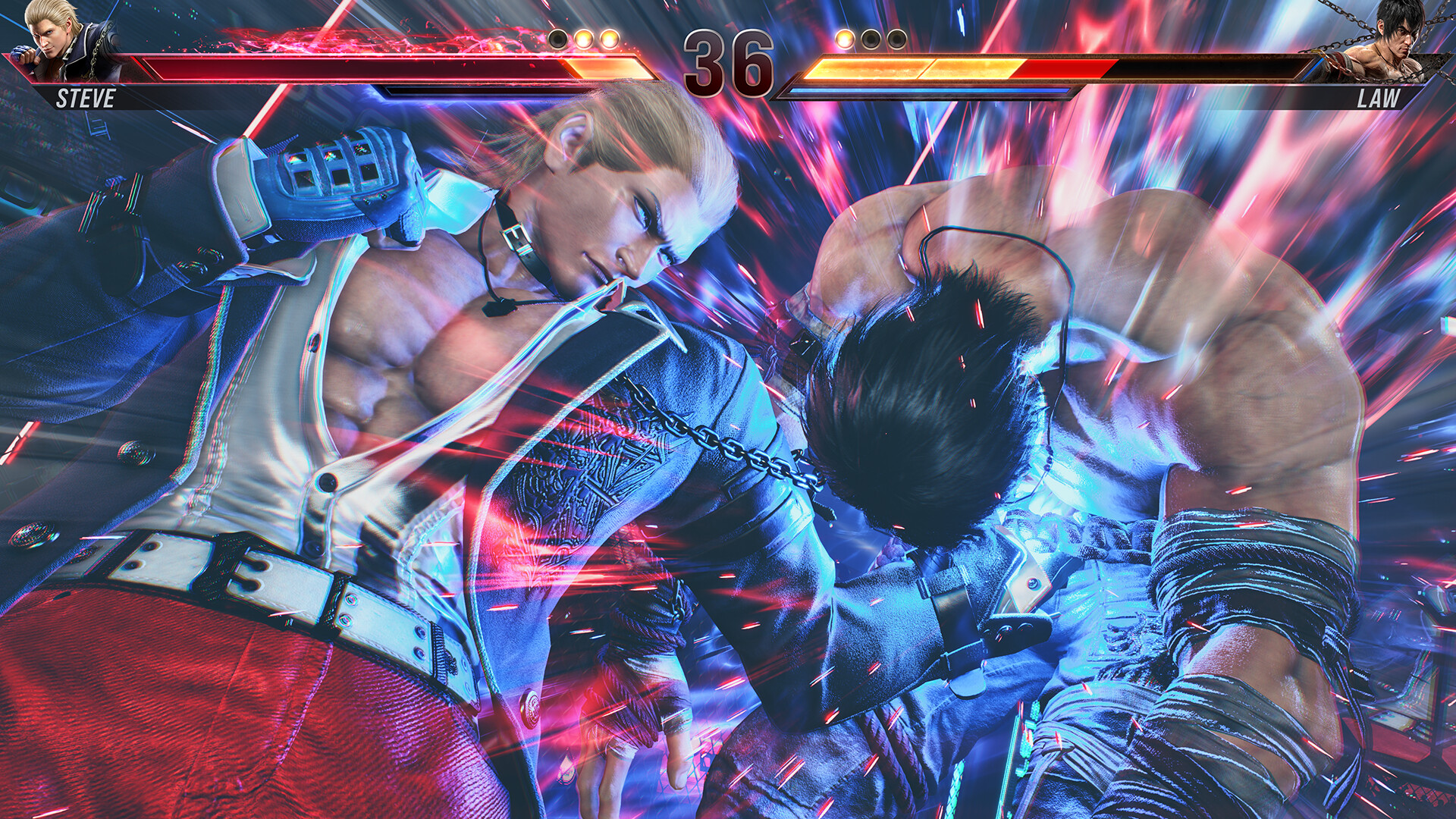
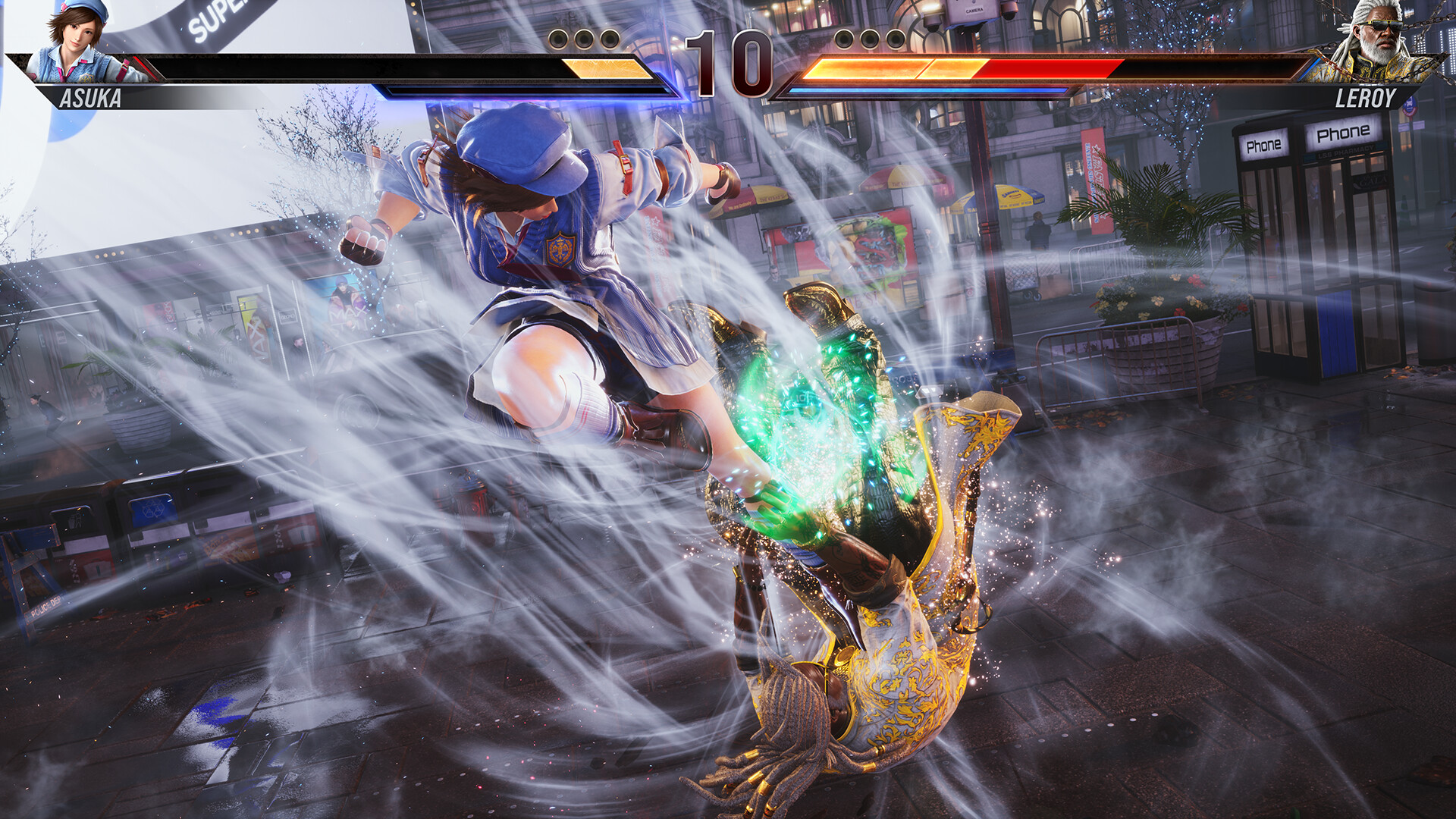
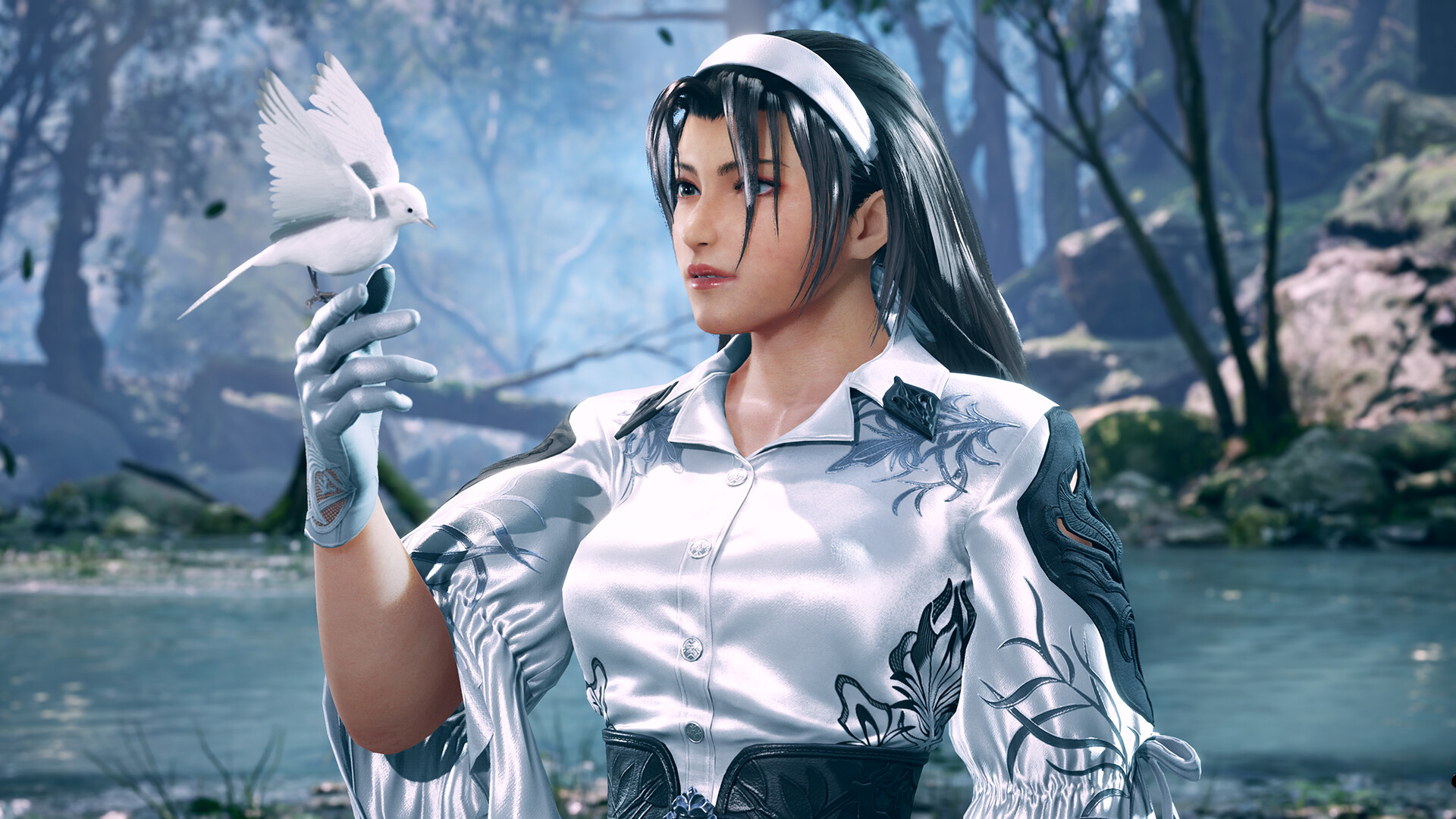
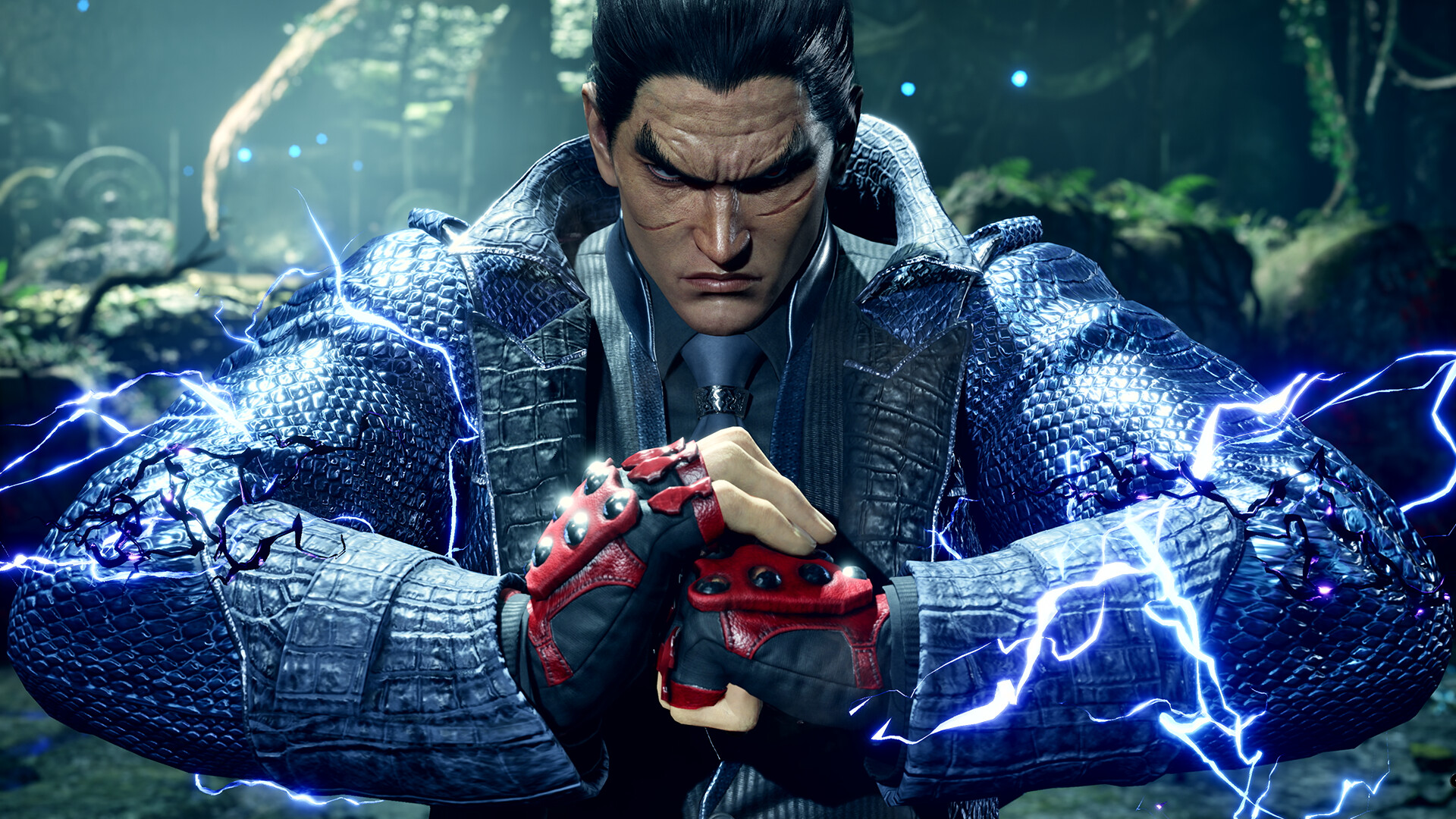
Tekken 8 runs on Unreal Engine 5, the same engine family behind far heavier open-world games, and that shows in the numbers. The official recommended card is an RTX 2070, a jump from what Tekken 7 needed at release, even though the actual gameplay is still two characters on a flat stage. The extra cost goes into character models, cloth and hair simulation, and stage geometry that UE5 renders in full detail even when the camera barely moves.
The minimum bar, a GTX 1050 Ti or R9 380X, is still modest by 2026 standards. A game built around fixed camera angles and a small play area scales down more gracefully than an open world does, so clearing minimum gets you a real 30 fps on Low, not a slideshow.
The shader stutter at launch, and why it is mostly gone now
At launch in January 2024, Tekken 8 compiled a lot of its shaders on the fly, so the first few minutes of a session, and especially the first match after a driver update, could hitch badly. Bandai Namco patched this so most shader compilation now happens in the background right after you start the game, before you ever reach a match, rather than mid-fight.
If you still see a stutter the first time you launch, sit at the main menu for a minute or two before jumping into a match. Task Manager will show CPU usage sitting high while shaders compile; once it settles down, the game runs cleanly for the rest of the session. Keeping your GPU driver current helps too, and on Nvidia cards, raising the shader cache size in Nvidia Control Panel reduces recompiling after driver updates.
The 60 fps gameplay lock, and what your GPU headroom actually buys you
Tekken 8 locks match gameplay to 60 fps on every platform, PC included, with no in-game setting to raise it. This is deliberate. Fighting games depend on every player seeing frames at the same rate so inputs and hit timing line up, so Bandai Namco fixed the rate rather than let a faster monitor give PC players an edge.
A strong GPU still matters, though. It buys you a frame rate that never dips below 60 even in the busiest stages with particle effects and a crowd in the background, and that is the part that actually changes how the game feels. Menus, replay theater, and practice mode are not always held to the same cap, and a third-party tool called TekkenOverlay can unlock the display frame rate beyond 60 without touching hit detection or netcode, since those run on a separate tick rate from rendering. It is unofficial and not something Bandai Namco supports or is required to enjoy the game.
VRAM, storage, and the settings that actually move the needle
Tekken 8 does not have a ray tracing mode, so you will not find that toggle in the settings, and VRAM demands are modest for a 2026 release. 6GB is enough at 1080p on most settings, and 8GB covers 1440p and Ultra comfortably. There is no VRAM cliff here the way there is in some open-world UE5 games.
Storage is a flat 100GB with no separate SSD requirement listed, though an SSD still shortens load times and avoids the occasional stage-loading hitch on a mechanical drive. If you are chasing frames on a mid-range card, lower shadows and post-processing first, specifically motion blur and depth of field, which cost more than they add in a game you are watching closely. DLSS, FSR, and XeSS are all supported and worth turning on above 1080p, since a fighting game's fixed camera hides upscaling artifacts better than a first-person game does.
Can I run Tekken 8? Your questions answered
Minimum is an Intel Core i5-6600K or AMD Ryzen 5 1600 processor, an Nvidia GTX 1050 Ti or AMD Radeon R9 380X graphics card, and 8GB of RAM, targeting 1080p on Low settings at around 30 fps.
Recommended is an Intel Core i7-7700K or AMD Ryzen 5 2600 processor, an Nvidia RTX 2070 or AMD Radeon RX 5700 XT graphics card, and 16GB of RAM, aimed at 1080p on High settings at a steady 60 fps.
Tekken 8 is the first mainline Tekken built on Unreal Engine 5, which is a much heavier engine than the one Tekken 7 used. The jump shows up mostly in character detail, cloth and hair physics, and stage geometry rather than in the gameplay itself.
Tekken 8 needs 100GB of free space. Bandai Namco does not list an SSD as required, but installing on one still cuts load times and avoids the rare stage-loading stutter you can get on a spinning hard drive.
8GB clears the minimum and the game will run on it. Bandai Namco lists 16GB as recommended though, and that extra room matters if you're also running Discord, a browser, or a stream capture while you play.
6GB is enough for 1080p on most settings, and 8GB has plenty of room for 1440p and Ultra. Tekken 8 does not have the aggressive VRAM demands some other Unreal Engine 5 games do, so 4GB cards are the ones that actually struggle.
That is shader compilation, which the game mostly handles in the background before you reach a match now that Bandai Namco patched the worst of the launch-day stutter. Let the game sit at the main menu for a minute after launching, especially right after a GPU driver update, and it should smooth out.
Match gameplay is locked to 60fps on every platform, including PC, with no official setting to raise it, since fighting games need everyone on the same frame rate for fair input timing. Menus and practice mode run more freely, and a mod called TekkenOverlay lets you view extra frames on top, though it changes nothing about how hits register.
Yes, with an RTX 4070 or similar you can hold close to 60fps natively at 4K Ultra, and anything from an RTX 4080 up clears it with room to spare. DLSS or FSR make 4K comfortable on cards a tier or two below that.
High to Ultra settings at 1440p with a steady 60fps is realistic once you're at RTX 3060 or RX 6600 class hardware, which is where most players upgrading past 1080p should be aiming.
An RTX 3060 or better handles Ultra at 1080p without trouble. For Ultra at 1440p or 4K you want an RTX 4070 or stronger to stay at 60fps without leaning on upscaling.
Yes, Tekken 8 supports DLSS 2 on Nvidia cards and FSR on any GPU, plus XeSS on Intel Arc cards. They matter most at 1440p and 4K, where the frame rate gain is larger than at 1080p.
No. Tekken 8 does not include a ray tracing mode, so there is nothing to enable in the graphics settings and no extra performance cost to plan around there.
A modern quad-core i3 or Ryzen 3 (10th generation Intel or Ryzen 3000 series and newer) is generally fine, since Tekken 8 is more GPU-bound than CPU-bound outside of the shader compilation phase at launch. An older dual-core i3 will struggle.
Yes, at the lower end. With the RTX 3050 you clear Tekken 8's minimum, so 1080p low to medium is the target and easing back a setting helps. About 60 to 80 fps at 1080p on Medium to High, enough to hold the cap comfortably.
Yes, though keep expectations modest. The GTX 1650 clears Tekken 8's minimum, so plan on 1080p at low to medium and trim a setting or two for a steady frame rate. About 60 fps at 1080p on Low to Medium, enough to hold the game's frame cap consistently.
It will run. The GTX 1060 6GB meets Tekken 8's minimum, which means 1080p on low to medium and a smoother result once you lower a couple of options. Around 45 to 55 fps at 1080p Low with FSR turned on. It struggles to lock a steady 60.
It will run. The RX 580 meets Tekken 8's minimum, which means 1080p on low to medium and a smoother result once you lower a couple of options. Similar to a GTX 1060, roughly 45 to 55 fps at 1080p Low. Turn FSR on for a steadier frame rate.
Yes, with room to spare. Tekken 8 recommends less than the RTX 4060 offers, so expect smooth 1080p high and a playable 1440p. Around 120 to 144 fps at 1080p and roughly 100 fps at 1440p.
Runnable. The RTX 3060 covers Tekken 8's minimum, meaning 1080p low to medium and a smoother feel after a small settings drop. Around 100 to 120 fps at 1080p and roughly 90 to 100 at 1440p, both well past the 60fps gameplay cap.
It will run. The RTX 2060 meets Tekken 8's minimum, which means 1080p on low to medium and a smoother result once you lower a couple of options. Sits well above 60 fps at 1080p on High, with headroom to spare.
Yes, on modest settings. The GTX 1660 meets what Tekken 8 needs at minimum, so 1080p low to medium is the sweet spot.
Good enough to play. The GTX 1660 Super sits at Tekken 8's minimum, so expect 1080p low to medium and a bit of tuning for smoothness. Comfortably holds 60 fps at 1080p on Medium to High settings.
It clears the bar. The RX 6600 matches Tekken 8's minimum, so 1080p on low to medium is realistic once you tune a few settings. Similar to an RTX 3060, comfortably over 100 fps at 1080p.
The GTX 1660 Ti gets you in. It meets Tekken 8's minimum, so low to medium at 1080p works, and turning a couple of things down keeps it steady.
Comfortably, yes. The RTX 3060 Ti clears Tekken 8's recommended bar, which puts high 1080p and 1440p both in reach.
You can play it. The RTX 4050 is at Tekken 8's minimum, so keep to 1080p low to medium and lower a setting if it stutters.
Yes, on modest settings. The GTX 1050 Ti meets what Tekken 8 needs at minimum, so 1080p low to medium is the sweet spot. Right at the minimum spec. Expect roughly 30 fps on Low settings, which barely holds up in busy stages.
Easily. With the RTX 4070 you are past Tekken 8's recommended tier, which means high settings at 1080p and a genuine shot at 1440p. Well over 100 fps at 1080p and 1440p, and close to 60 fps at native 4K Ultra.
Bandai Namco never built a Mac version of this game, so an M-series MacBook can't run it on its own. You're left with a cloud gaming service streaming the PC build, or a Windows install through Boot Camp alternatives on Intel Macs, since M-series chips can't run Windows natively at all.
Not well. Tekken 8's minimum spec assumes a dedicated GPU, and integrated graphics like Intel Iris Xe or AMD's Radeon 780M sit below that bar. You can sometimes get a playable frame rate at 720p on the lowest settings, but expect regular dips below the 60fps you need for a fighting game to feel right.
Chromebooks don't have the graphics hardware for a local install, so cloud streaming is the only way in. Find a service that supports Tekken 8, keep your connection stable, and that's the whole recipe.
Yes. Valve has not given Tekken 8 an official Steam Deck rating yet, but in practice it plays like a solidly Playable title once you turn Proton Hotfix compatibility on and adjust settings, holding roughly 50 to 60fps. ROG Ally and Legion Go, with more powerful APUs, handle it more comfortably at native settings.
Tekken 8 is not currently on GeForce Now, but it is available through other cloud gaming services such as Boosteroid and Shadow, either by streaming a copy you own or renting a full cloud PC.
No native Linux build exists, but Proton carries it well on Steam Deck and other Linux setups. Players generally report solid compatibility once you switch on Proton Experimental or the Proton Hotfix.
Yes, Tekken 8 released on PS5 alongside the PC version and runs natively at 60fps.
Yes, Tekken 8 is on both Xbox Series X and Series S, though Series S runs at a lower resolution to hold the same 60fps target as the other platforms.
No. Tekken 8 skipped the last console generation entirely, so there is no PS4 or Xbox One version, and there never has been one; it launched only on PC, PS5, and Xbox Series X/S.
Not on the original Switch, whose hardware is well below what the Unreal Engine 5 build needs. Switch 2 is a different story: the original 1994 Tekken arcade game arrived on Switch 2 through Arcade Archives in mid-2026, but that is not Tekken 8. Bandai Namco has said a Switch 2 port of Tekken 8 interests them but is not confirmed, so treat it as unreleased for now.
Yes, Tekken 8 supports full crossplay between PC, PS5, and Xbox Series X/S, so your platform does not limit who you can play against.
PS5 and Xbox Series X both target a locked 60fps, matching the PC gameplay cap. Xbox Series S also holds 60fps but at a reduced resolution to get there.
There is no official option, since Bandai Namco caps match gameplay at 60fps for fair play across platforms. A third-party tool called TekkenOverlay can raise the displayed frame rate without changing hit detection or netcode, but it is unofficial and not something the developer supports.
Yes, at a basic level. A PC around the minimum spec (a GTX 1050 Ti or R9 380X, an i5-6600K or Ryzen 5 1600, 8GB RAM) will run Tekken 8 on Low settings around 30fps, which is playable but well short of the smooth 60fps the game is designed for.
An outdated GPU driver is the first thing to check, followed by a corrupted Steam install or missing Visual C++ redistributables. Update your driver, verify the game's files through Steam, and reinstall the redistributables if it's still refusing to launch.
This is almost always a network issue rather than a hardware one: a strict NAT type, a router blocking the ports the game uses, or a server hiccup on Bandai Namco's end during peak hours or right after a patch. Setting your NAT type to Open or Moderate in your router settings and restarting the game usually clears it up; if servers are down for everyone, no local fix will help.