
Can I Run Subnautica on My PC / Laptop?
An open-world underwater survival game that runs on almost any PC. The real question is how fast your drive can stream its world, not how strong your graphics card is.
Check if your PC can run Subnautica
Pick your graphics card and processor to check.
Can I run Subnautica on my PC?
Use the checker above to find out in seconds. Pick your graphics card and processor and it compares them against Subnautica's official requirements. As a quick guide, you need at least a Intel HD 4600 or equivalent - This includes most GPUs scoring greater than 950 points in the 3DMark Fire Strike benchmark graphics card, a Intel Haswell 2 cores / 4 threads @ 2.5Ghz or equivalent processor, and 4 GB RAM of RAM to play at 1080p.
Can I run Subnautica on my laptop?
Yes, if your laptop has a dedicated graphics card around a Intel HD 4600 or equivalent - This includes most GPUs scoring greater than 950 points in the 3DMark Fire Strike benchmark or better and 4 GB RAM of RAM. Laptops with only integrated graphics usually fall short. Enter your laptop's GPU in the tool above to check. Keep in mind that the laptop version of a card runs a little slower than the desktop card of the same name, and heat can lower sustained frame rates.
Subnautica is one of the easiest big games on this site to run. The official minimum only asks for an Intel HD 4600 (integrated graphics), a dual-core Haswell CPU, and 4GB of RAM, so almost any PC or laptop built in the last decade clears it without a dedicated graphics card. The part people get wrong is assuming a stronger GPU fixes the stutter they hit while exploring deep biomes. For this particular game, that stutter is usually your hard drive struggling to stream the open ocean world fast enough, not your graphics card falling behind.
Below, you'll find the full requirement tiers next to the checker, plus a breakdown of why storage speed beats GPU horsepower for this game, the real story behind the old 32-bit crash reports, and a few settings worth touching if you're on weaker hardware. Enter your CPU and GPU into the tool above for a straight yes-or-no read on your own PC.
Subnautica system requirements
| Minimum | Recommended | |
|---|---|---|
| Processor (CPU) | Intel Haswell 2 cores / 4 threads @ 2.5Ghz or equivalent | Intel Haswell 4 cores / 4 threads @ 3.2Ghz or equivalent |
| Graphics card (GPU) | Intel HD 4600 or equivalent - This includes most GPUs scoring greater than 950 points in the 3DMark Fire Strike benchmark | Nvidia GTX 550 Ti or equivalent, 2GB VRAM |
| Memory (RAM) | 4 GB RAM | 8 GB RAM |
| Operating system | Windows 10 64-bit | Windows 10/11 64-bit |
| DirectX | Version 11 | Version 11 |
| Storage | 20 GB available space | 20 GB available space |
Storage: 20 GB. An SSD isn't officially required, but it's the single biggest performance upgrade you can make for this specific game.
Subnautica FPS by graphics card
| Graphics card | 1080p | 1440p | 4K | Notes |
|---|---|---|---|---|
| GTX 750 Ti | ~30-40 | , | , | Close to the official minimum tier. Low to medium settings. |
| GTX 1050 Ti | ~50-60 | , | , | Comfortable on high settings at this resolution. |
| GTX 1060 6GB | ~80-90 | , | , | Well past the recommended tier, high settings. |
| GTX 1660 Super | ~100+ | ~75 | , | High settings at both resolutions with headroom to spare. |
| RTX 3060 | ~120+ | ~90 | ~50-55 | GPU is rarely the limiter here; drive speed matters more. |
| RTX 4060 | ~140+ | ~100 | ~65 | Frame rate is capped more by the engine and your CPU than the card. |
| RTX 4070 | ~150+ | ~130 | ~85 | At this point you are almost entirely CPU and streaming bound, not GPU bound. |
Numbers are approximate averages at high settings and vary by scene, base size, driver version, and whether you're on an SSD or HDD. Subnautica has no built-in benchmark, so these come from community testing rather than official figures.
Can these graphics cards run Subnautica?
| Graphics card | Verdict | Notes |
|---|---|---|
| GTX 1050 Ti | Runs well | Recommended tier or better. High 1080p, with room for 1440p. |
| GTX 1650 | Runs well | Exceeds recommended. 1080p high is comfortable, 1440p fine. |
| RX 570 | Runs well | Beats the recommended spec. Comfortable high 1080p, playable 1440p. |
| RX 580 | Runs well | Exceeds recommended. 1080p high is comfortable, 1440p fine. |
| GTX 1060 6GB | Runs well | Recommended tier or better. High 1080p, with room for 1440p. |
| GTX 1650 Super | Runs well | Past the recommended tier. High settings at 1080p, 1440p on the table. |
| GTX 1660 | Runs well | Past the recommended tier. High settings at 1080p, 1440p on the table. |
| GTX 1660 Super | Runs well | Past the recommended tier. High settings at 1080p, 1440p on the table. |
| RTX 3050 | Runs well | Beats the recommended spec. Comfortable high 1080p, playable 1440p. |
| GTX 1660 Ti | Runs well | Past the recommended tier. High settings at 1080p, 1440p on the table. |
| RX 6600 | Runs well | At or above the recommended card. Smooth 1080p high, 1440p realistic. |
| RTX 2060 | Runs well | Past the recommended tier. High settings at 1080p, 1440p on the table. |
| RTX 4050 | Runs well | Over the recommended bar. Smooth high 1080p, 1440p realistic. |
| Arc A750 | Runs well | Beats the recommended spec. Comfortable high 1080p, playable 1440p. |
| RTX 3060 | Runs well | Recommended tier or better. High 1080p, with room for 1440p. |
| RX 6600 XT | Runs well | Strong fit. High settings at 1080p, 1440p within reach. |
| RX 7600 | Runs well | Over the recommended bar. Smooth high 1080p, 1440p realistic. |
| RX 6700 XT | Runs well | Over the recommended bar. Smooth high 1080p, 1440p realistic. |
| RTX 4060 | Runs well | Exceeds recommended. 1080p high is comfortable, 1440p fine. |
| RTX 3060 Ti | Runs well | Past the recommended tier. High settings at 1080p, 1440p on the table. |
| RTX 3070 | Runs well | Over the recommended bar. Smooth high 1080p, 1440p realistic. |
| RTX 4070 | Runs well | Beats the recommended spec. Comfortable high 1080p, playable 1440p. |
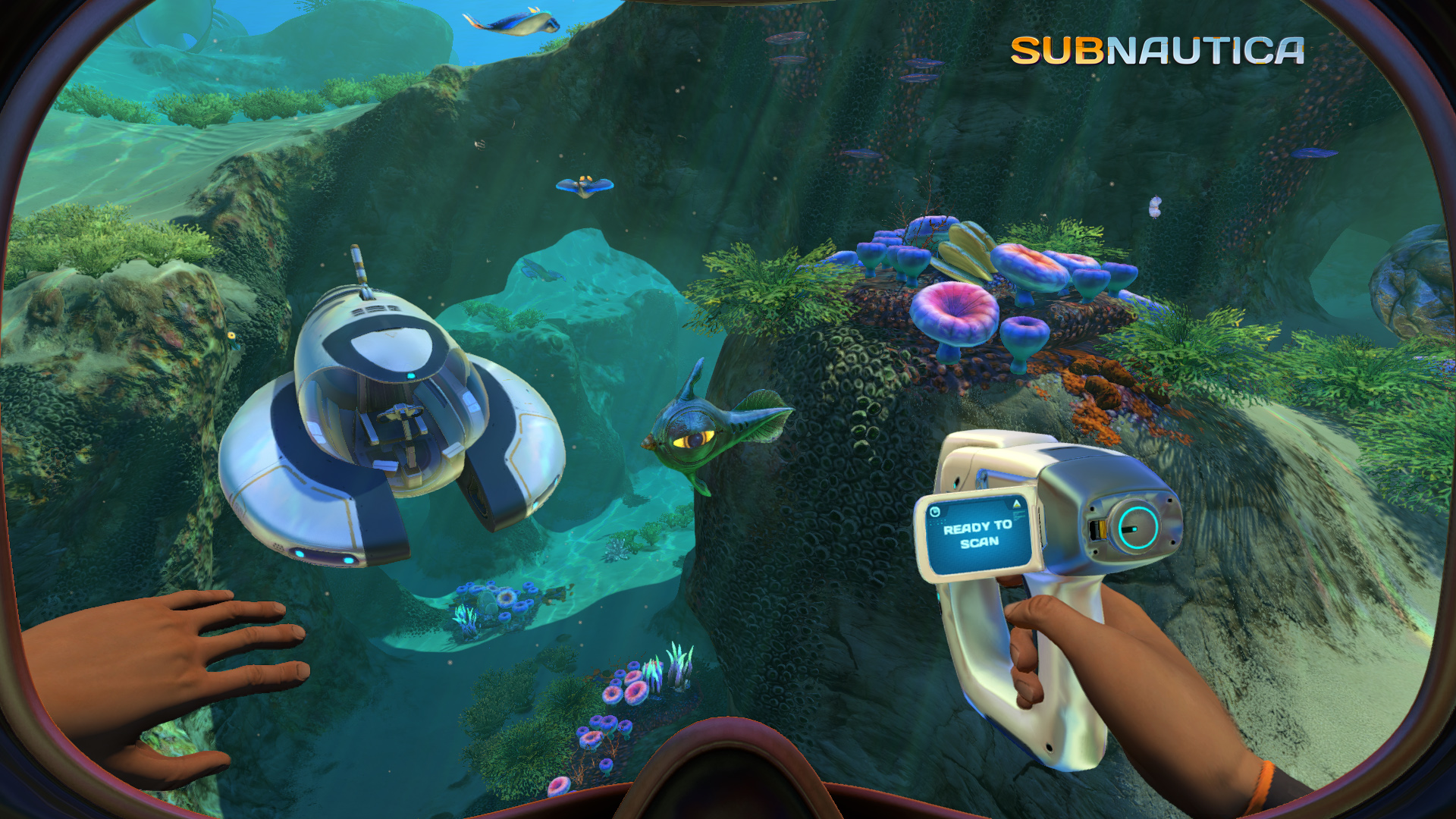
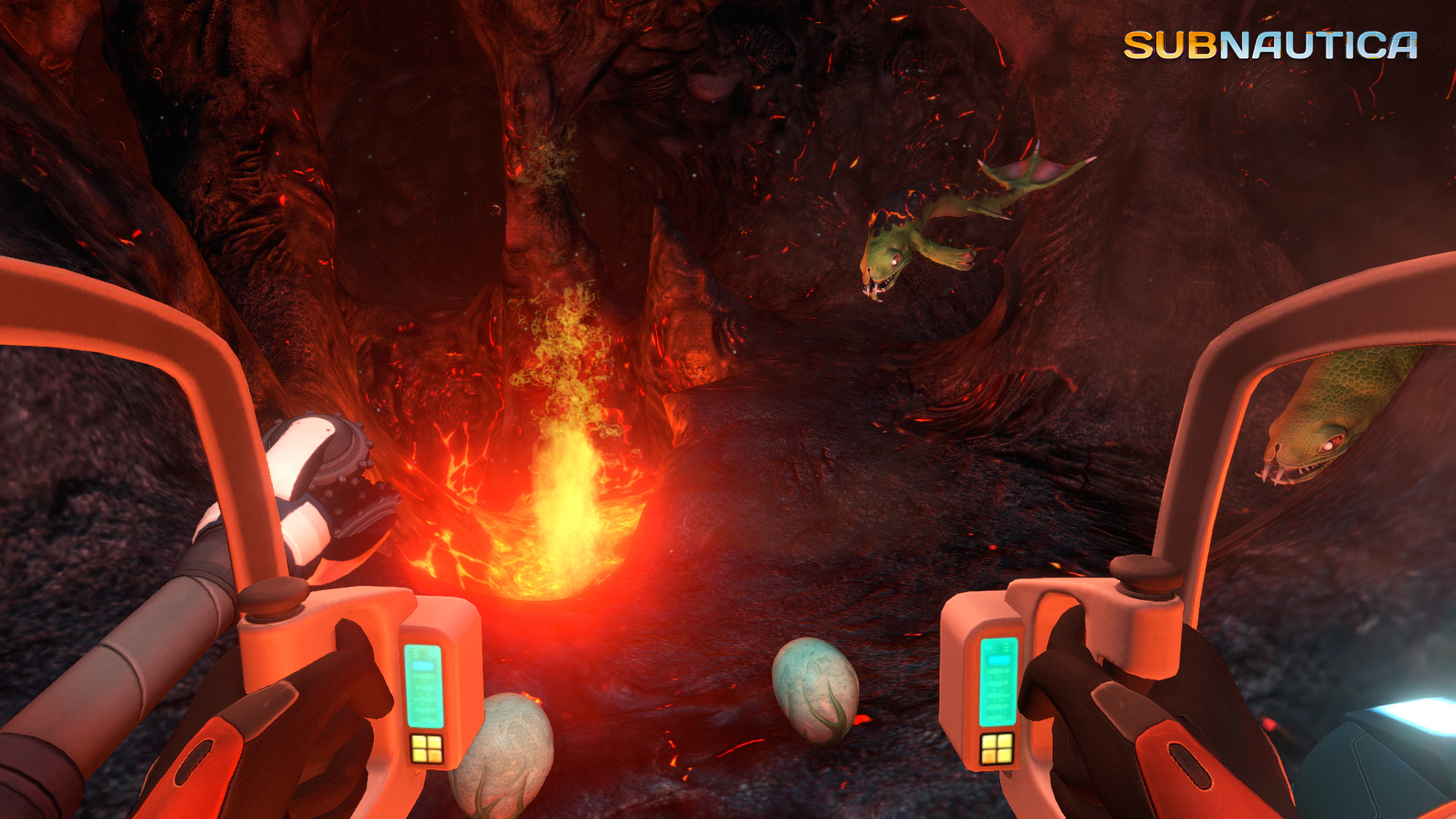
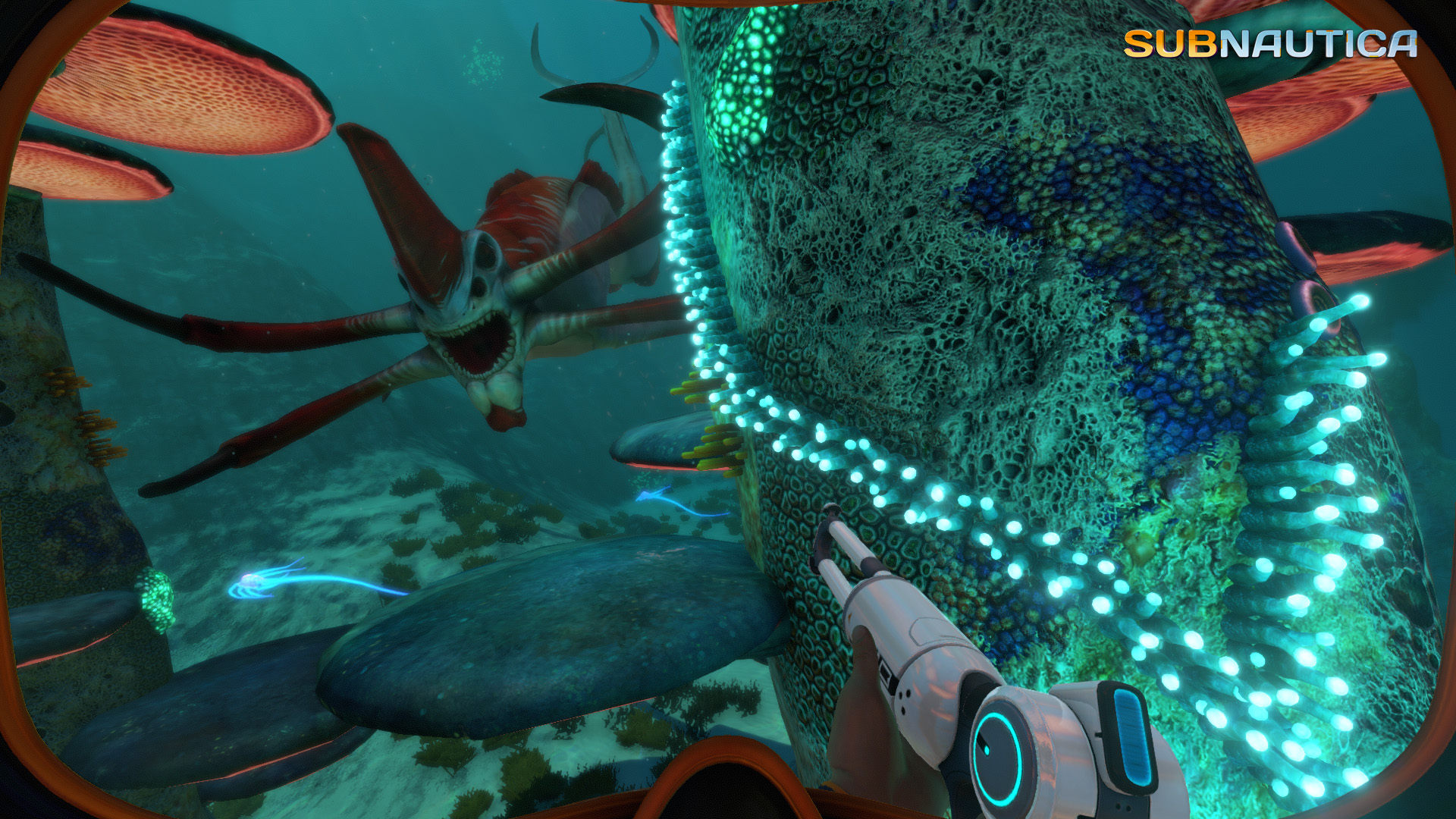

Will Subnautica run on your PC, and how well
Yes, in almost every case. The official minimum is an Intel HD 4600 integrated chip, a two-core Haswell CPU, and 4GB of RAM, which is a bar most laptops from the last ten years clear without a dedicated graphics card. At the recommended tier, a GTX 550 Ti equivalent with 8GB of RAM, you're looking at 1080p on high settings running comfortably above 60fps on hardware that's now well below mid-range.
On a modern PC, the GPU is rarely what holds you back. A GTX 1060 or similar already clears 60fps at high settings with room to spare, and RTX 30-series and 40-series cards run into a ceiling set by the game engine and your storage speed long before they run out of graphics horsepower. If your frame rate feels low despite a decent card, look at your drive and your CPU before you blame the GPU.
The real bottleneck: your drive, not your graphics card
Subnautica's Unity engine continuously streams the ocean world, biome data, and wildlife from your storage as you swim, dive, and build. On a hard drive, that shows up as terrain and creatures popping in late. It also shows up as hitching when you enter a new biome or a large cave system like the Lost River, or a brief freeze right after a fast load or a big base finishes rendering.
Moving the install to an SSD, even a basic SATA one, clears most of this. It matters more than swapping to a faster graphics card, because the stutter isn't a rendering problem, it's a data problem. If you're stuck on an HDD, keep the drive defragmented, avoid running other disk-heavy programs while you play, and expect the worst pop-in in the deepest, most detailed areas of the map.
The old crash reports, and what's actually still true
For years after launch, Subnautica shipped as a 32-bit executable, which capped how much memory the game itself could address to around 4GB no matter how much RAM your PC had. Long sessions with a sprawling base or a lot of blueprints scanned could hit that ceiling and crash. Unknown Worlds moved the game to a 64-bit build years ago, which removed that hard limit for anyone on a current install, so this is mostly history at this point, not a live risk.
Some players still report memory creep on very long, uninterrupted sessions, usually after hours of heavy base building without a save or restart. If you notice things slowing down the longer you play, saving and relaunching clears it. It's a minor quirk of a long-lived engine, not a sign your PC is falling short of the requirements.
Getting smooth performance on weaker hardware
Because GPU headroom is rarely the issue, the settings worth touching on integrated graphics or an older card are reflection quality and shadow quality, both of which cost more than they add to the look of the underwater world. Dropping the render resolution slightly and turning off motion blur helps too, though the gain there is smaller.
This is one of the rarer cases on this site where the official minimum genuinely runs the game, so turning settings down usually solves whatever performance gap remains. The one thing no graphics setting fixes is streaming stutter caused by a slow drive. If you've already lowered everything and still get hitching when you dive or explore, the fix is an SSD, not a lower resolution.
Can I run Subnautica? Your questions answered
Short of a genuinely ancient machine, yes. Subnautica sits near the bottom of the demand scale for a big Steam release: the official minimum is just integrated graphics, a two-core CPU, and 4GB of RAM. Run your exact parts through the checker above if you want a definite answer, but this isn't a title that calls for an upgrade.
4GB is the official minimum and 8GB is recommended. On a modern PC, 8 to 16GB is comfortable, especially once you've built a large base or scanned a lot of the map, since Windows and background apps eat into that 4GB minimum fast.
Not much. The recommended tier only asks for 2GB of graphics memory, and the game isn't texture-heavy by modern standards. Even at 1440p or 4K, 4 to 6GB of VRAM is plenty.
It's not an official requirement, but it makes the biggest practical difference of anything you can do for this game. The world streams from disk as you explore, and an SSD removes most of the pop-in and hitching that a hard drive causes.
About 20GB for the base game. Save files are small. Subnautica: Below Zero is a separate purchase with its own install size on top of that.
No. It runs on DirectX 11, and there's no DirectX 12 requirement or option.
Nine times out of ten it's your hard drive falling behind the world streaming, worse in dense biomes and big caves. Stale graphics drivers and too many background overlays make it worse, and a sprawling base with heavy physics adds its own load on top. Swap to an SSD and most of it disappears; updated drivers and fewer overlays clean up what's left.
Subnautica isn't a GPU-heavy game, so past a certain point your card simply isn't the limiting factor anymore. The engine's own overhead, your CPU, and how fast your drive can stream data set the real ceiling. There's no artificial software fps cap, but V-Sync will cap you to your monitor's refresh rate if it's turned on.
The game doesn't have a built-in fps counter. Turn on Steam's overlay counter (Settings, In-Game, In-Game FPS Counter) or use a GPU overlay like MSI Afterburner or your graphics driver's built-in one.
Yes. The PC version officially supports Oculus Rift and HTC Vive, and the PS4 version supports PSVR. Because the game is light on hardware demands, most PCs that meet the recommended spec handle VR without trouble, though a steady frame rate matters more in VR than flat-screen play.
There's no official multiplayer, and you can play entirely offline once the game is installed, aside from the occasional Steam login check. A free community mod called Nitrox adds unofficial co-op, but it requires both players to be online and running matching mod versions.
Yes, historically. The game shipped as a 32-bit executable for years, which capped its addressable memory around 4GB and could crash on long sessions with big bases. That was fixed with a move to a 64-bit build a while back. Occasional memory creep on very long uninterrupted sessions is still reported by some players; saving and restarting clears it.
Probably not. Even older integrated graphics clears the minimum requirement. If you're chasing smoother performance specifically for this game, an SSD is the upgrade that actually matters, not a new graphics card.
No, they're three different things. This page covers the original 2018 Subnautica. Below Zero is a separate standalone follow-up released in 2021 on the same engine with similar requirements. Subnautica 2 is a new sequel that hasn't launched yet, and its system requirements aren't published.
There are community mods and tweaks that trim visual effects for a bit more headroom, but most players don't need one since the base requirements are already low. If you do mod the game, keep in mind mods can affect stability more than the mod's performance claims suggest.
Check the basics first: a 64-bit version of Windows 10 or newer, a GPU that meets the Intel HD 4600 minimum, and current graphics drivers. A game that won't launch at all is usually a corrupted install rather than a hardware shortfall. Try verifying the game's files through Steam, which is Library, right-click Subnautica, Properties, Local Files, Verify Integrity of Game Files.
Yes. 8GB matches the recommended spec and runs the game well. The bigger smoothness factor is installing on an SSD rather than an HDD, which cuts the terrain pop-in far more than extra RAM would.
That is more than enough. The RTX 3050 clears Subnautica's recommended requirement, so aim for high at 1080p or step up to 1440p.
For sure. The GTX 1650 outpaces Subnautica's recommended card, leaving you high 1080p now and 1440p whenever you like. About 65 to 75 fps at 1080p on high settings.
Easily. With the GTX 1060 6GB you are past Subnautica's recommended tier, which means high settings at 1080p and a genuine shot at 1440p. Roughly 80 to 90 fps at 1080p on high settings, well past the recommended tier.
For sure. The RX 580 outpaces Subnautica's recommended card, leaving you high 1080p now and 1440p whenever you like. Around 75 to 85 fps at 1080p on high settings.
Yes, with room to spare. Subnautica recommends less than the RTX 4060 offers, so expect smooth 1080p high and a playable 1440p. 140 or more fps at 1080p, around 100 at 1440p, and roughly 65 at 4K.
Yes, with room to spare. Subnautica recommends less than the RTX 3060 offers, so expect smooth 1080p high and a playable 1440p. 120 or more fps at 1080p, around 90 at 1440p, and roughly 50 to 55 at 4K.
That is more than enough. The RTX 2060 clears Subnautica's recommended requirement, so aim for high at 1080p or step up to 1440p. 110 or more fps at 1080p, and roughly 85 fps at 1440p.
Plenty of power here. The GTX 1660 is above Subnautica's recommended tier, so high 1080p is smooth and 1440p is a fair target.
You are well set. The GTX 1660 Super exceeds Subnautica's recommended card, so 1080p high is easy and 1440p is realistic. 100 or more fps at 1080p high, and around 75 fps at 1440p.
That is more than enough. The RX 6600 clears Subnautica's recommended requirement, so aim for high at 1080p or step up to 1440p.
Easily. With the GTX 1660 Ti you are past Subnautica's recommended tier, which means high settings at 1080p and a genuine shot at 1440p.
Yes. On the RTX 3060 Ti, Subnautica runs at high settings in 1080p and scales up to 1440p without much fuss.
For sure. The RTX 4050 outpaces Subnautica's recommended card, leaving you high 1080p now and 1440p whenever you like.
The GTX 1050 Ti is a strong fit for Subnautica. It lands at or above the recommended spec, so high 1080p is comfortable and 1440p works. Roughly 50 to 60 fps at 1080p on high settings.
You are well set. The RTX 4070 exceeds Subnautica's recommended card, so 1080p high is easy and 1440p is realistic. Well over 150 fps at 1080p, where you start running into the game's own engine and streaming limits rather than the GPU.
Yes. Subnautica has a native macOS build, and on Apple Silicon it runs through Rosetta 2 translation since there's no native Apple Silicon version yet. Because the requirements are so low, even a base M1 MacBook Air handles it well at 1080p.
Yes. The official minimum is Intel HD 4600 integrated graphics, so newer integrated chips like Intel Iris Xe, AMD Radeon 780M or 760M, and Vega 8 all run it comfortably at 1080p on medium to high settings, typically well above 60fps. Even older integrated chips around the Intel UHD 620 level manage medium settings.
Not natively for most Chromebooks. Your best option is cloud streaming through GeForce Now if your Chromebook supports it. A small number of higher-end Chromebooks that can run Linux natively with a capable enough chip might manage it locally, but that's the exception.
Yes, and it runs well. The Steam Deck is Valve Verified and holds around 40fps at native resolution using roughly 8 watts, which is efficient for a handheld. The ROG Ally and Legion Go have stronger APUs and comfortably match or beat that with similar battery headroom.
The default Deck-verified profile already works well. For the best battery life, use the Deck's built-in frame rate limiter to cap it at 30fps, keep the render resolution near native, and turn off motion blur. Doing this typically stretches a charge to around 6 to 7 hours given how light the game is on the hardware.
Yes. An RTX 3060 or RTX 4060-class card handles 4K at roughly 50 to 65fps, since there's no ray tracing to worry about and the game isn't especially GPU-heavy even at higher resolutions.
Yes, easily. Even a GTX 1660-class card holds well above 60fps at 1440p on high settings, since Subnautica is an older, lightweight title by current standards.
Anything at or above the recommended tier, roughly a GTX 550 Ti equivalent, hits 60fps at 1080p on high settings. Modern integrated graphics like Intel Iris Xe or Radeon 780M usually get there too.
Yes. The game's highest in-game preset is easily handled by a GTX 1060-class card and up at both 1080p and 1440p. The real bottleneck at that point is your drive speed and CPU, not the GPU.
Yes, at the official minimum of integrated graphics, a two-core CPU, and 4GB of RAM, you can play at 1080p low around 30fps. Just know that on a hard drive, low-end hardware makes the streaming stutter more noticeable, so an SSD helps here more than usual.
Yes. A modern i3 or Ryzen 3 clears both the minimum and recommended CPU tiers with room to spare, since the official minimum is only a two-core Haswell-era chip from 2013.
Yes, on all of them. It's native on Xbox One, and Xbox Series X and S got a proper next-gen patch in 2021 that improved resolution and frame rate over the Xbox One version.
Yes to both. It's native on PS4, and PS5 received a 2021 next-gen update with better resolution and performance. It isn't a locked 120fps mode, so expect performance closer to 30 to 60fps depending on the area.
Yes to both, with a real gap between them. The native Switch version runs at a scaled-down resolution around 30fps with occasional loading stutter. Switch 2 runs noticeably better on the same game thanks to the stronger hardware, typically in the 45 to 60fps range.
Yes. There's a native Linux and SteamOS build, and it performs comparably to the Windows version given how light the requirements are. The Steam Deck's Verified rating is a good sign of how well it runs on Linux-based systems generally.
Yes, through GeForce Now if you already own the game on Steam. It's a good fit for cloud streaming since the game is lightweight, though most PCs won't actually need cloud streaming to run it locally.
No. There's no official Subnautica release for phones or tablets. It's available on PC, PlayStation, Xbox, Nintendo Switch, and through cloud streaming, but not as a native mobile app.