
Can I Run Splitgate on My PC / Laptop?
1047 Games' free-to-play portal shooter, built from the ground up to run on almost anything so nobody gets left out of a competitive match.
Check if your PC can run Splitgate
Pick your graphics card and processor to check.
Splitgate's own spec sheet only lists a bare minimum (a GTX 660, any dual core CPU, 6 GB of RAM) and never published a recommended tier, so the checker above tests against a more useful modern bar instead. Clear it and Splitgate will run at strong, competitive frame rates without a second thought.
Can I run Splitgate on my PC?
Use the checker above to find out in seconds. Pick your graphics card and processor and it compares them against Splitgate's official requirements. As a quick guide, you need at least a NVIDIA GeForce GTX 660 1GB graphics card, a Any dual core CPU processor, and 6 GB RAM of RAM to play at 1080p.
Can I run Splitgate on my laptop?
Yes, if your laptop has a dedicated graphics card around a NVIDIA GeForce GTX 660 1GB or better and 6 GB RAM of RAM. Laptops with only integrated graphics usually fall short. Enter your laptop's GPU in the tool above to check. Keep in mind that the laptop version of a card runs a little slower than the desktop card of the same name, and heat can lower sustained frame rates.
Yes, almost certainly. Splitgate's official minimum is a GeForce GTX 660 with 1GB of video memory, any dual core CPU, and 6 GB of RAM, which was already a low bar back in 2019 and is a trivial one now. 1047 Games never bothered publishing a recommended tier because the game barely needs one. The one thing people get wrong here is assuming Splitgate is dead. Dedicated servers closed in August 2025, but the game moved to peer to peer hosting and it's still free and still online. It's also a completely different game from the newer Splitgate 2.
Match your own PC against a realistic modern bar using the checker above. From there, this page walks through spec tiers, real frame rate expectations across a range of cards, why hardware is rarely the bottleneck here, what actually changed with the servers, and how the game holds up on Linux, Steam Deck, and every console it ships on.
Splitgate system requirements
| Minimum | Recommended | |
|---|---|---|
| Processor (CPU) | Any dual core CPU | |
| Graphics card (GPU) | NVIDIA GeForce GTX 660 1GB | |
| Memory (RAM) | 6 GB RAM | |
| Operating system | Windows 10 64-bit | Windows 10/11 64-bit |
| DirectX | Version 11 | 11 |
| Storage | 15 GB available space |
Storage: 15 GB. No SSD is required, though one will shorten load times between matches.
Full performance tiers
| Tier | Target | CPU | GPU | RAM |
|---|---|---|---|---|
| Minimum (official) | 1080p Low, 30-60 fps | Any dual core CPU | GTX 660 1GB | 6 GB |
| Recommended (community estimate) | 1080p High, 60+ fps | Core i5-6600K or similar quad core | GTX 1060 6GB or similar | 12 GB |
| High refresh / competitive | 1080p or 1440p, 144+ fps | Any modern quad core, Ryzen 5 or Core i5 class | GTX 1650 or better | 16 GB |
Splitgate FPS by graphics card
| Graphics card | 1080p | 1440p | 4K | Notes |
|---|---|---|---|---|
| Intel UHD 620/630 (integrated) | ~45-60 | , | , | Low settings. This is close to what a lot of competitive players choose deliberately, since the low graphics load frees up frame rate for target tracking. |
| GTX 660 1GB | ~60-80 | , | , | The official minimum card holds a steady 60 at Low to Medium without much trouble. |
| GTX 1060 6GB | ~140-170 | , | , | The unofficial recommended tier. Comfortable triple digits at High settings. |
| RX 580 | ~130-160 | , | , | Sits in the same range as the 1060 for this game. |
| RTX 3060 | ~220+ | ~160+ | , | Well past what most 1080p monitors can even display. |
| RTX 4060 | ~280+ | ~200+ | ~120+ | 4K stops being a challenge at this point. Your monitor's refresh rate is now the real ceiling. |
| RTX 4070 | , | , | ~160+ | Far more power than Splitgate will ever ask for at any resolution. |
These numbers are approximate and pulled from community benchmark reports rather than a major outlet review, since a free-to-play game this light rarely gets dedicated GPU testing. Your actual results depend on your CPU, background software, and driver version.
Can these graphics cards run Splitgate?
| Graphics card | Verdict | Notes |
|---|---|---|
| GTX 1050 Ti | Playable | At the minimum bar. 1080p low to medium, drop a setting if needed. |
| GTX 1650 | Playable | At the minimum bar. 1080p low to medium, drop a setting if needed. |
| RX 570 | Playable | Meets the bar. Low to medium settings at 1080p. |
| RX 580 | Playable | Just clears it. 1080p low to medium, smoother after tuning. |
| GTX 1060 6GB | Runs well | Past the recommended tier. High settings at 1080p, 1440p on the table. |
| GTX 1650 Super | Runs well | Above recommended. 1080p high is easy, and 1440p works too. |
| GTX 1660 | Runs well | Over the recommended bar. Smooth high 1080p, 1440p realistic. |
| GTX 1660 Super | Runs well | At or above the recommended card. Smooth 1080p high, 1440p realistic. |
| RTX 3050 | Runs well | Beats the recommended spec. Comfortable high 1080p, playable 1440p. |
| GTX 1660 Ti | Runs well | Recommended tier or better. High 1080p, with room for 1440p. |
| RX 6600 | Runs well | Past the recommended tier. High settings at 1080p, 1440p on the table. |
| RTX 2060 | Runs well | Over the recommended bar. Smooth high 1080p, 1440p realistic. |
| RTX 4050 | Runs well | At or above the recommended card. Smooth 1080p high, 1440p realistic. |
| Arc A750 | Runs well | Beats the recommended spec. Comfortable high 1080p, playable 1440p. |
| RTX 3060 | Runs well | Strong fit. High settings at 1080p, 1440p within reach. |
| RX 6600 XT | Runs well | At or above the recommended card. Smooth 1080p high, 1440p realistic. |
| RX 7600 | Runs well | Strong fit. High settings at 1080p, 1440p within reach. |
| RX 6700 XT | Runs well | Above recommended. 1080p high is easy, and 1440p works too. |
| RTX 4060 | Runs well | At or above the recommended card. Smooth 1080p high, 1440p realistic. |
| RTX 3060 Ti | Runs well | Over the recommended bar. Smooth high 1080p, 1440p realistic. |
| RTX 3070 | Runs well | Past the recommended tier. High settings at 1080p, 1440p on the table. |
| RTX 4070 | Runs well | At or above the recommended card. Smooth 1080p high, 1440p realistic. |
One of the lightest shooters you'll find a requirements page for
Splitgate's official minimum spec is a GeForce GTX 660 with 1GB of VRAM, any dual core CPU, and 6 GB of RAM. That was a modest ask when the game launched in 2019, and it's a non-issue on almost any PC built since. 1047 Games never published a recommended tier at all, likely because a free-to-play competitive shooter wants as many people in as possible, not a smaller pool of players who happen to own a strong graphics card. The community consensus for a smooth, high-framerate experience lands closer to a GTX 1060 or RX 580, an i5-6600K class CPU, and 12 GB of RAM, and that's the bar the checker above actually tests against.
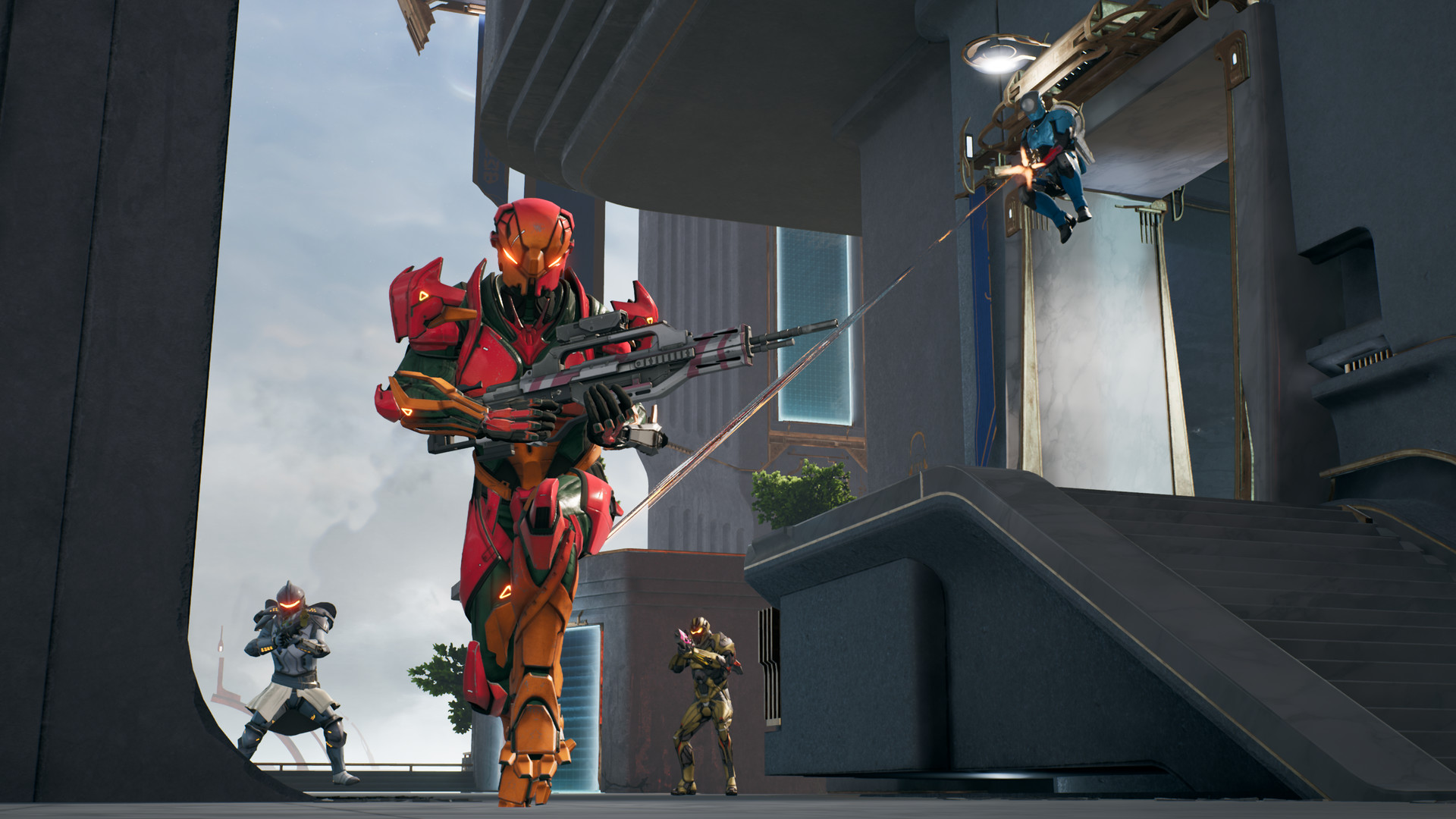
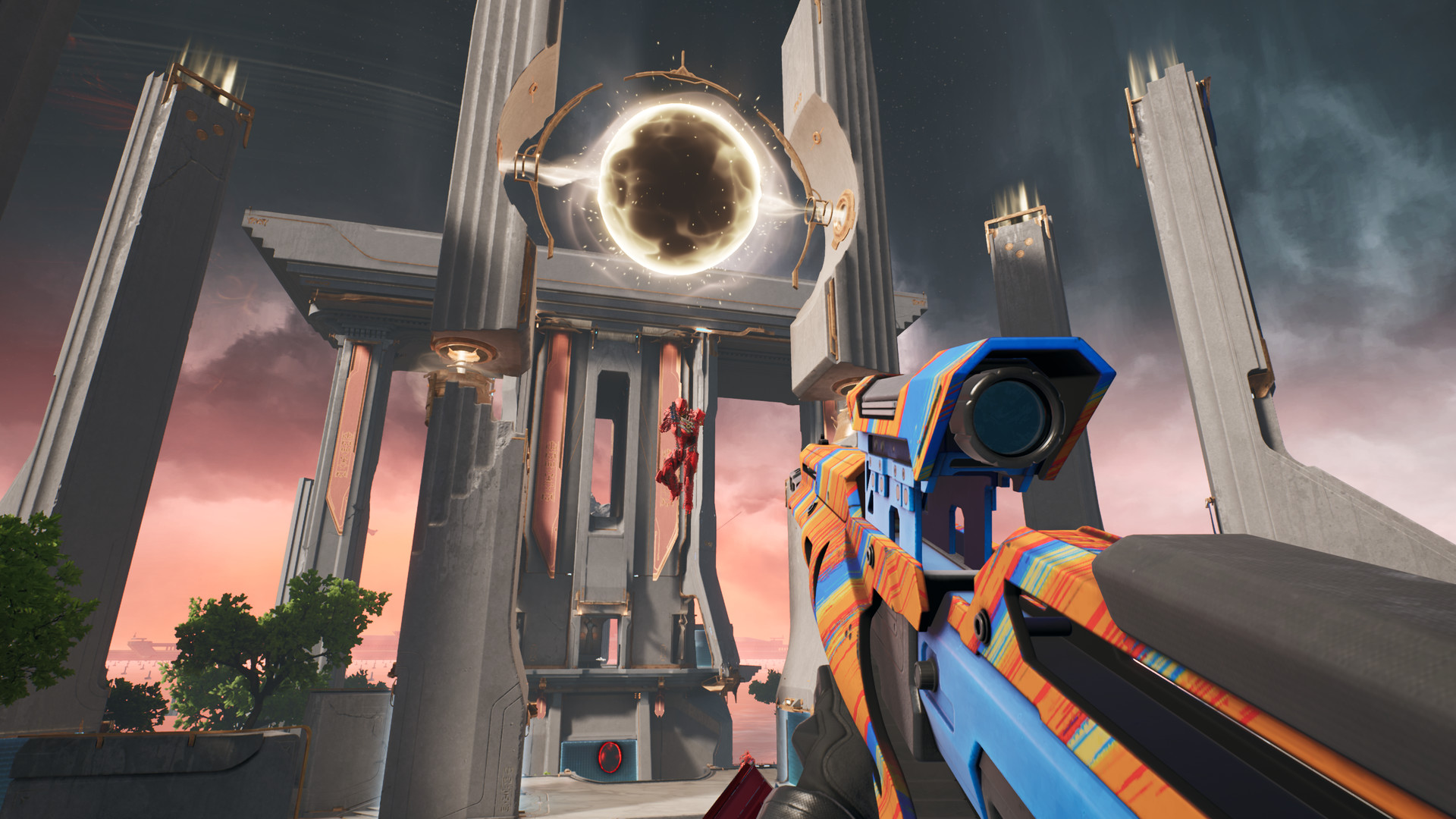
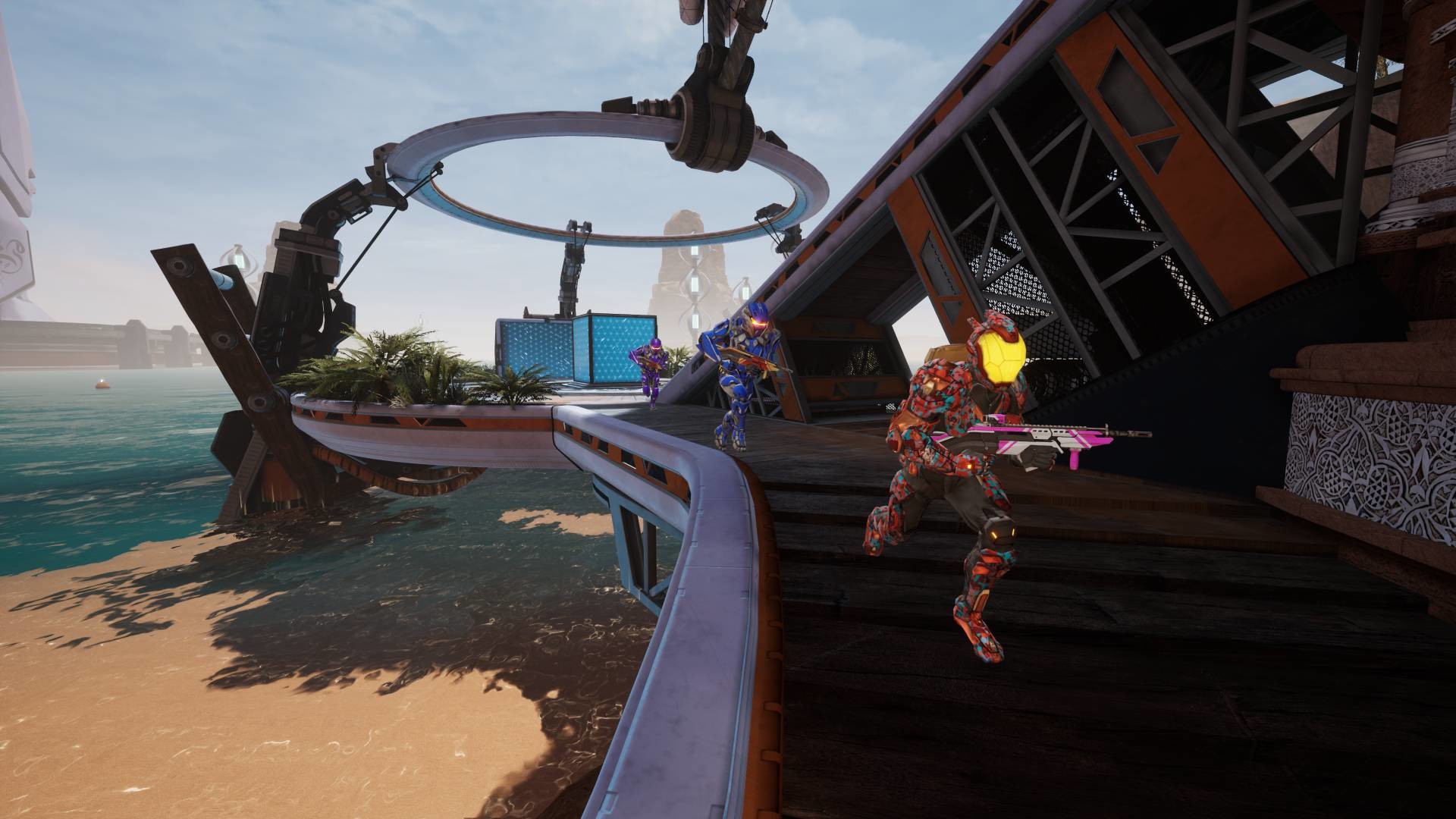
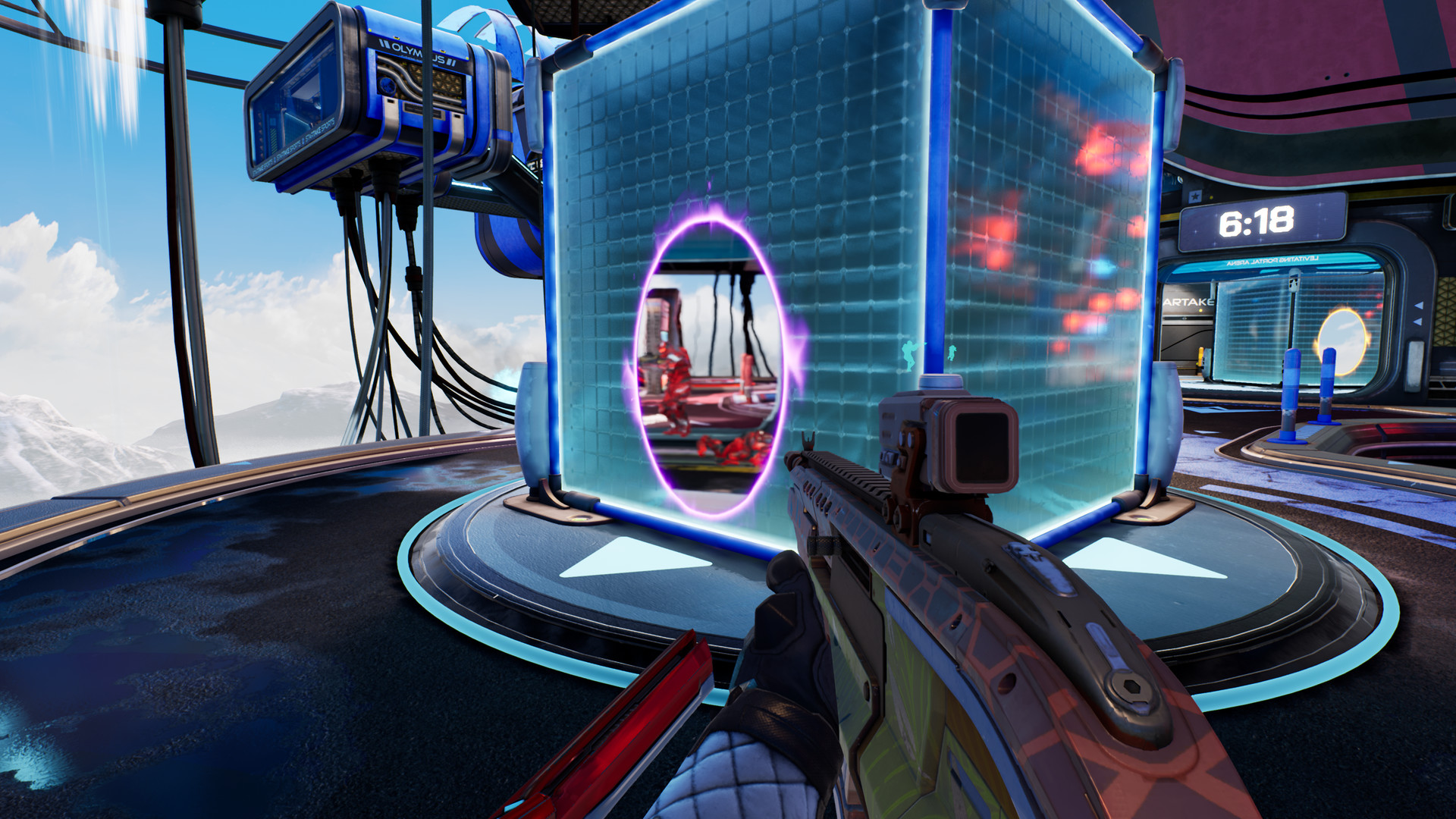
The reason it runs this easily comes down to the art direction. Splitgate uses stylized, low-poly arenas built for fast reads and clean sightlines rather than realistic lighting or dense geometry. Competitive shooters generally trade visual fidelity for frame rate on purpose, since a stable 144fps helps more in a gunfight than a shadow map does. If your PC struggles with Splitgate, the graphics card is rarely the actual cause.
What actually limits your frame rate here
Once you clear roughly a GTX 1060 or RX 580, the GPU mostly stops being the limiting factor. From there your monitor's refresh rate becomes the real ceiling, whether that's 60, 144, or 240Hz. The CPU can matter more than people expect in busy 12-player matches, since simulating multiple live portals at once leans on processing power more than it leans on pixel shading. A weak dual core CPU paired with a strong graphics card is one of the few ways to end up disappointed here.
If you do see stutter, look first at background software, an outdated GPU driver, or a laptop throttling under sustained load. Those three cover most reported cases. As of the server change described below, connection quality to whichever player is hosting the match can also cause hitching that has nothing to do with your own hardware.
What changed in 2025 wasn't the requirements, it was the servers
1047 Games shut down Splitgate's dedicated servers in August 2025 after community pushback tied to the broader Stop Killing Games movement. Rather than taking the game fully offline, the studio switched online multiplayer to peer to peer hosting, similar to how games like Bloodborne or GTA Online handle it. One player in each match acts as the host instead of a dedicated server doing the job. The game is still free, still fully playable, and 1047 Games released previously unreleased content and made all cosmetics free as a parting gesture.
This explains why so many people search whether Splitgate is dead or still online: the answer is that it's alive, just running differently than it used to. It's also worth being clear about something else people mix up. Splitgate 2 is a separate, newer game built on Unreal Engine 5 with its own, considerably heavier requirements and its own rocky 2025-2026 relaunch history. This page is about the original Splitgate, sometimes called Splitgate: Arena Reloaded in its final content update, not the sequel.
Platform coverage: native on Linux, absent on Mac and Switch
Splitgate ships an actual native Linux and SteamOS build, which is unusual for a competitive shooter and means it runs on Steam Deck without going through Proton's translation layer. It also plays on PS4, PS5, Xbox One, and Xbox Series X/S, all free to play and all crossplay enabled with PC. There's no macOS build and no Nintendo Switch version, and neither looks likely to change for a game this far past its original launch.
For anyone chasing the last bit of frame rate on lower-end hardware, turning off motion blur and depth of field helps more than dropping shadow quality does, since those two effects cost more than they add in a fast-paced arena shooter and they blur the exact motion you're trying to track.
Can I run Splitgate? Your questions answered
A GeForce GTX 660 with 1GB of VRAM, any dual core CPU, 6 GB of RAM, DirectX 11, and 15 GB of free storage make up the official floor. 1047 Games has never published a separate recommended tier on top of it.
It is. Splitgate has stayed free on Steam, Xbox, and PlayStation since launch, and that hasn't changed even after the dedicated server shutdown covered below.
This page covers the original 2019 free portal shooter, built on Unreal Engine 4 and light enough for almost any PC. Splitgate 2 is a separate 2025 sequel running on Unreal Engine 5, with noticeably steeper requirements and its own bumpy relaunch history. Treat them as two different games with two different hardware needs.
They are, just structured differently than before. 1047 Games retired dedicated servers in August 2025 in favor of peer to peer hosting, where one player in each match acts as host. The game remains free and fully playable; this was a network change, not a hardware one, so nothing about your PC's requirements shifted.
6 GB satisfies the official minimum and gets the job done, though 12 GB buys noticeably more comfort for background apps, browser tabs, and Windows itself without dipping into swap. 16 GB is generous, and this game specifically won't reward you for going beyond that.
You don't. Unlike a lot of larger open-world games, Splitgate has no SSD requirement. A hard drive is perfectly fine; an SSD's only real benefit is shorter load times between matches.
15 GB of free space covers it, a small footprint compared to most modern multiplayer shooters.
Barely any. The official minimum card carries just 1GB, and even integrated graphics sharing 2 to 4 GB of memory handle the game's textures without issue. VRAM simply isn't a constraint here the way it is in bigger-budget releases.
Yes, and it takes little effort. An RTX 3060 class card already holds well over 100fps at 4K, and anything from an RTX 4060 up clears 120fps at that resolution with room to spare.
Without much trouble, once you're past roughly a GTX 1060 or RX 580. Beyond that point, your monitor's refresh rate becomes the actual limit rather than the graphics card.
No hard cap exists in the engine. Uncapped and high refresh frame rates are fully supported, which matters given how many competitive players chase 144Hz or 240Hz monitors.
Yes, and it's a light lift. A GTX 1060 or RX 580 class card handles the top settings at 1080p with frame rate to spare, and plenty of competitive players actually dial some effects like motion blur back regardless of how strong their card is.
For most players the CPU carries more relative weight than usual, since this game is light on the GPU side, particularly in full 12-player matches with several live portals rendering at once. A weak dual core CPU is the more likely bottleneck here, not a modest graphics card.
An outdated GPU driver, background software chewing through CPU cycles, or a laptop throttling under sustained load account for most cases. Start with a driver update, close overlays and recording software you don't need, and scan Task Manager for anything unexpected running mid-match. Since the 2025 server change, hitching can also come from a weak connection on whichever player is currently hosting, something no amount of local hardware fixes.
It can. A modern i3 or Ryzen 3 handles Splitgate fine at 1080p. Older dual-core-only i3 chips from before roughly 2017 are more likely to bottleneck busy matches than the graphics card ever would.
Far from it, one of the easier ones around. Its stylized, low-poly look and competitive-first design trade visual fidelity for frame rate on purpose, which is exactly why it runs well on hardware that struggles with realistic shooters like Call of Duty or Battlefield.
On paper, yes, since Splitgate's own minimum spec lists 64-bit Windows 7, 8.1, or 10. In practice almost nobody still runs it there, and Steam itself dropped support for anything older than Windows 10 at the start of 2024, making Windows 10 or 11 the realistic requirement today.
Standard broadband is plenty, since this isn't a bandwidth-heavy game. With matches now running on peer to peer hosting rather than dedicated servers, your ping to whoever is hosting matters more than raw download speed.
Plenty of power here. The RTX 3050 is above Splitgate's recommended tier, so high 1080p is smooth and 1440p is a fair target. Around 100-130 fps at 1080p on High settings.
Runnable. The GTX 1650 covers Splitgate's minimum, meaning 1080p low to medium and a smoother feel after a small settings drop. Around 100-120 fps at 1080p on High settings, plenty for a 144Hz monitor.
That is more than enough. The GTX 1060 6GB clears Splitgate's recommended requirement, so aim for high at 1080p or step up to 1440p. Expect roughly 140-170 fps at 1080p on High settings.
Good enough to play. The RX 580 sits at Splitgate's minimum, so expect 1080p low to medium and a bit of tuning for smoothness. Similar territory to the GTX 1060, around 130-160 fps at 1080p.
Plenty of power here. The RTX 4060 is above Splitgate's recommended tier, so high 1080p is smooth and 1440p is a fair target. Around 280+ fps at 1080p, 200+ at 1440p, and 120+ at 4K.
Yes. The RTX 3060 has headroom over Splitgate's recommended card, so you can push 1080p high and move to 1440p when you want. Around 220+ fps at 1080p and 160+ at 1440p.
Easily. With the RTX 2060 you are past Splitgate's recommended tier, which means high settings at 1080p and a genuine shot at 1440p. Comfortably over 180 fps at 1080p, with plenty of headroom for 1440p.
Yes. On the GTX 1660, Splitgate runs at high settings in 1080p and scales up to 1440p without much fuss. Around 150+ fps at 1080p, similar to the 1060 6GB tier.
For sure. The GTX 1660 Super outpaces Splitgate's recommended card, leaving you high 1080p now and 1440p whenever you like. Around 150-180 fps at 1080p.
That is more than enough. The RX 6600 clears Splitgate's recommended requirement, so aim for high at 1080p or step up to 1440p. Around 200+ fps at 1080p, well into high-refresh territory.
You are well set. The GTX 1660 Ti exceeds Splitgate's recommended card, so 1080p high is easy and 1440p is realistic. Around 160-190 fps at 1080p.
No trouble at all. The RTX 3060 Ti meets or beats what Splitgate recommends, so 1080p high runs well and 1440p is realistic. Well past 200 fps at 1080p; monitor refresh rate becomes the real ceiling.
Yes, comfortably. The RTX 4050 sits at or above Splitgate's recommended card, so 1080p on high is smooth and 1440p is well within reach. Around 110-140 fps at 1080p, more than enough for a 144Hz laptop panel.
Fine for a lighter setup. The GTX 1050 Ti clears Splitgate's minimum, so target 1080p low to medium and adjust down for a steady rate. Around 70-90 fps at 1080p on Medium to High.
The RTX 4070 is a strong fit for Splitgate. It lands at or above the recommended spec, so high 1080p is comfortable and 1440p works. More than enough for 4K at a smooth 160+ fps.
No macOS build exists, on Apple Silicon or otherwise, which rules out running it directly on a MacBook. Cloud streaming through something like GeForce Now, or running Windows via virtualization software like Parallels, are the two workarounds, though the latter adds overhead and isn't officially supported by 1047 Games.
Comfortably. Recent Intel Iris Xe and AMD's integrated Radeon chips handle Splitgate at 1080p Low to Medium with a smooth frame rate. Older Intel UHD 620/630 graphics still manage it, just closer to 45-60fps than triple digits.
Not directly, since ChromeOS isn't a platform Splitgate supports. Cloud streaming through something like GeForce Now is the path in, assuming the Chromebook can run a compatible browser or app for that service.
Yes, and Steam Deck in particular handles it better than most games in this class, since Splitgate ships an actual native Linux and SteamOS build instead of leaning on Proton's Windows translation layer. A stable 60fps at native resolution is the norm with room to spare. ROG Ally and Legion Go, both running Windows, manage it just as easily thanks to their stronger hardware.
Yes. What most people would call a low-end PC today, a GTX 660 with any dual core CPU, is literally the official minimum, and Splitgate still runs on it. This is one of the more forgiving games on this site for older or budget hardware.
It is. PC, PS4, PS5, Xbox One, and Xbox Series X/S all share crossplay, so picking one platform never cuts you off from friends on another.
It does not, on any platform it ships on. Splitgate is online multiplayer only despite the name, which actually refers to the portal mechanic rather than any screen-splitting feature.
It does, one of the few competitive shooters with a genuine native Linux and SteamOS build rather than a Proton workaround. That's also the reason it runs so cleanly on Steam Deck.
All of them, yes. Splitgate stays free to play across every current and previous-generation PlayStation and Xbox console it launched on, with crossplay active between them and PC.
No. It has never released on Nintendo Switch, and nothing suggests that's changing for a game this far past its original launch.
It's not a confirmed title on GeForce Now's library at this point. Anyone needing cloud gaming because local hardware can't run it should check the current catalog directly, since a game this light rarely stays a priority for streaming services when most PCs can already run it natively.
That reputation tracks player population and hype cycles more than actual server status. A huge 2021 spike cooled off the way most free-to-play shooters eventually do, and then dedicated servers went away in August 2025. It's still free, still online through peer to peer hosting, and still finding matches, just with a smaller crowd than at its peak.
Nothing 1047 Games has said points that way. The August 2025 server shutdown moved the game to peer to peer hosting rather than pulling it offline, and it remains free to download and play.