
Can I Run Skyrim Special Edition on My PC / Laptop?
The 2016 remaster of Skyrim on a newer engine build. It runs on almost anything, and by design it caps out at 60 fps.
Check if your PC can run Skyrim Special Edition
Pick your graphics card and processor to check.
Can I run Skyrim Special Edition on my PC?
Use the checker above to find out in seconds. Pick your graphics card and processor and it compares them against Skyrim Special Edition's official requirements. As a quick guide, you need at least a NVIDIA GTX 470 1GB /AMD HD 7870 2GB graphics card, a Intel i5-750/AMD Phenom II X4-945 processor, and 8 GB RAM of RAM to play at 1080p.
Can I run Skyrim Special Edition on my laptop?
Yes, if your laptop has a dedicated graphics card around a NVIDIA GTX 470 1GB /AMD HD 7870 2GB or better and 8 GB RAM of RAM. Laptops with only integrated graphics usually fall short. Enter your laptop's GPU in the tool above to check. Keep in mind that the laptop version of a card runs a little slower than the desktop card of the same name, and heat can lower sustained frame rates.
Short answer: almost any PC from the last decade can run Skyrim Special Edition. The official minimum, a GTX 470 or HD 7870 with an i5-750, is ancient hardware, and even a budget laptop clears it. What trips people up is not power, it is the frame rate. Skyrim's Havok physics engine ties in-game time to your frame rate, so the game deliberately caps at 60 fps, and forcing it higher with an unlocked frame rate mod makes loose objects fly across rooms and can break a handful of quests.
Use the checker above to compare your exact parts against Skyrim's requirements. Below you will find extra spec tiers, real frame rate numbers, and full sections on the 60 fps cap, how Special Edition compares to Anniversary Edition, and what modding actually costs you in VRAM and frame rate once you go past the vanilla game.
Skyrim Special Edition system requirements
| Minimum | Recommended | |
|---|---|---|
| Processor (CPU) | Intel i5-750/AMD Phenom II X4-945 | Intel i5-2400/AMD FX-8320 |
| Graphics card (GPU) | NVIDIA GTX 470 1GB /AMD HD 7870 2GB | NVIDIA GTX 780 3GB /AMD R9 290 4GB |
| Memory (RAM) | 8 GB RAM | 8 GB RAM |
| Operating system | Windows 10 64-bit | Windows 10/11 64-bit |
| DirectX | 11 | 11 |
| Storage | 12 GB available space | 12 GB available space |
Storage: 12 GB. An SSD is not required, since the base game is old and light, but it helps once you add a big mod list.
Full performance tiers
| Tier | Target | CPU | GPU | RAM |
|---|---|---|---|---|
| Minimum | 1080p, low settings | Intel i5-750/AMD Phenom II X4-945 | NVIDIA GTX 470 1GB /AMD HD 7870 2GB | 8 GB RAM |
| Recommended | 1080p, ultra settings, 60 fps (capped) | Intel i5-2400/AMD FX-8320 | NVIDIA GTX 780 3GB /AMD R9 290 4GB | 8 GB RAM |
| 4K, vanilla | 4K, ultra settings, 60 fps (capped) | Intel i5-8400/AMD Ryzen 5 2600 | NVIDIA RTX 2060/AMD RX 5700 | 16 GB RAM |
| Heavily modded (ENB + 4K textures, community estimate) | 1440p, 45-60 fps | Intel i5-11400/AMD Ryzen 5 5600 | NVIDIA RTX 3060 12GB/AMD RX 6600 | 16 GB RAM |
Skyrim Special Edition FPS by graphics card
| Graphics card | 1080p | 1440p | 4K | Notes |
|---|---|---|---|---|
| GTX 1050 Ti | ~60 (capped) | , | , | Vanilla Skyrim hits the 60 fps cap here on high to ultra. Add a heavy ENB and it drops into the 30s to 40s. |
| GTX 1060 6GB | ~60 (capped) | ~60 (capped) | , | Comfortable at ultra, 1080p and 1440p. A demanding ENB preset with 4K textures pulls this to roughly 45-55. |
| GTX 1660 Super | ~60 (capped) | ~60 (capped) | ~55-60 | One of the best value cards for this game. Native 4K vanilla stays close to the cap. |
| RTX 3060 | ~60 (capped) | ~60 (capped) | ~60 (capped) | 12GB of VRAM means big texture mod lists barely register. ENB-heavy runs at 1440p land around 50-60. |
| RTX 4060 | ~60 (capped) | ~60 (capped) | ~60 (capped) | Vanilla or lightly modded, this card never has to work. 8GB of VRAM is the ceiling on the heaviest 4K texture packs. |
| RX 6600 | ~60 (capped) | ~60 (capped) | , | Matches Nvidia equivalents on the vanilla game. ENB plus texture mods at 1440p runs roughly 45-55. |
| RTX 4070 | ~60 (capped) | ~60 (capped) | ~60 (capped) | Overkill for the base game. This is the card that keeps a heavy ENB and 4K texture overhaul at native 4K near 60. |
These are vanilla, unmodded numbers, and the game's hard 60 fps cap means almost any GPU from the last ten years hits it at 1080p and 1440p without trying. The real variable is mods. A strong ENB preset plus 4K texture replacers can pull even a mid-range card into the 40s and 50s, especially at 4K. Numbers are approximate and shift with your exact mod list, weather, and area.
Can these graphics cards run Skyrim Special Edition?
| Graphics card | Verdict | Notes |
|---|---|---|
| GTX 1050 Ti | Playable | Just clears it. 1080p low to medium, smoother after tuning. |
| GTX 1650 | Playable | Meets minimum. Low to medium at 1080p, tune for a steady rate. |
| RX 570 | Playable | Meets minimum. Low to medium at 1080p, tune for a steady rate. |
| RX 580 | Runs well | Beats the recommended spec. Comfortable high 1080p, playable 1440p. |
| GTX 1060 6GB | Runs well | At or above the recommended card. Smooth 1080p high, 1440p realistic. |
| GTX 1650 Super | Runs well | Strong fit. High settings at 1080p, 1440p within reach. |
| GTX 1660 | Runs well | Above recommended. 1080p high is easy, and 1440p works too. |
| GTX 1660 Super | Runs well | Recommended tier or better. High 1080p, with room for 1440p. |
| RTX 3050 | Runs well | Above recommended. 1080p high is easy, and 1440p works too. |
| GTX 1660 Ti | Runs well | Recommended tier or better. High 1080p, with room for 1440p. |
| RX 6600 | Runs well | Beats the recommended spec. Comfortable high 1080p, playable 1440p. |
| RTX 2060 | Runs well | Strong fit. High settings at 1080p, 1440p within reach. |
| RTX 4050 | Runs well | Past the recommended tier. High settings at 1080p, 1440p on the table. |
| Arc A750 | Runs well | Exceeds recommended. 1080p high is comfortable, 1440p fine. |
| RTX 3060 | Runs well | Exceeds recommended. 1080p high is comfortable, 1440p fine. |
| RX 6600 XT | Runs well | Exceeds recommended. 1080p high is comfortable, 1440p fine. |
| RX 7600 | Runs well | Past the recommended tier. High settings at 1080p, 1440p on the table. |
| RX 6700 XT | Runs well | At or above the recommended card. Smooth 1080p high, 1440p realistic. |
| RTX 4060 | Runs well | Past the recommended tier. High settings at 1080p, 1440p on the table. |
| RTX 3060 Ti | Runs well | Over the recommended bar. Smooth high 1080p, 1440p realistic. |
| RTX 3070 | Runs well | Strong fit. High settings at 1080p, 1440p within reach. |
| RTX 4070 | Runs well | At or above the recommended card. Smooth 1080p high, 1440p realistic. |
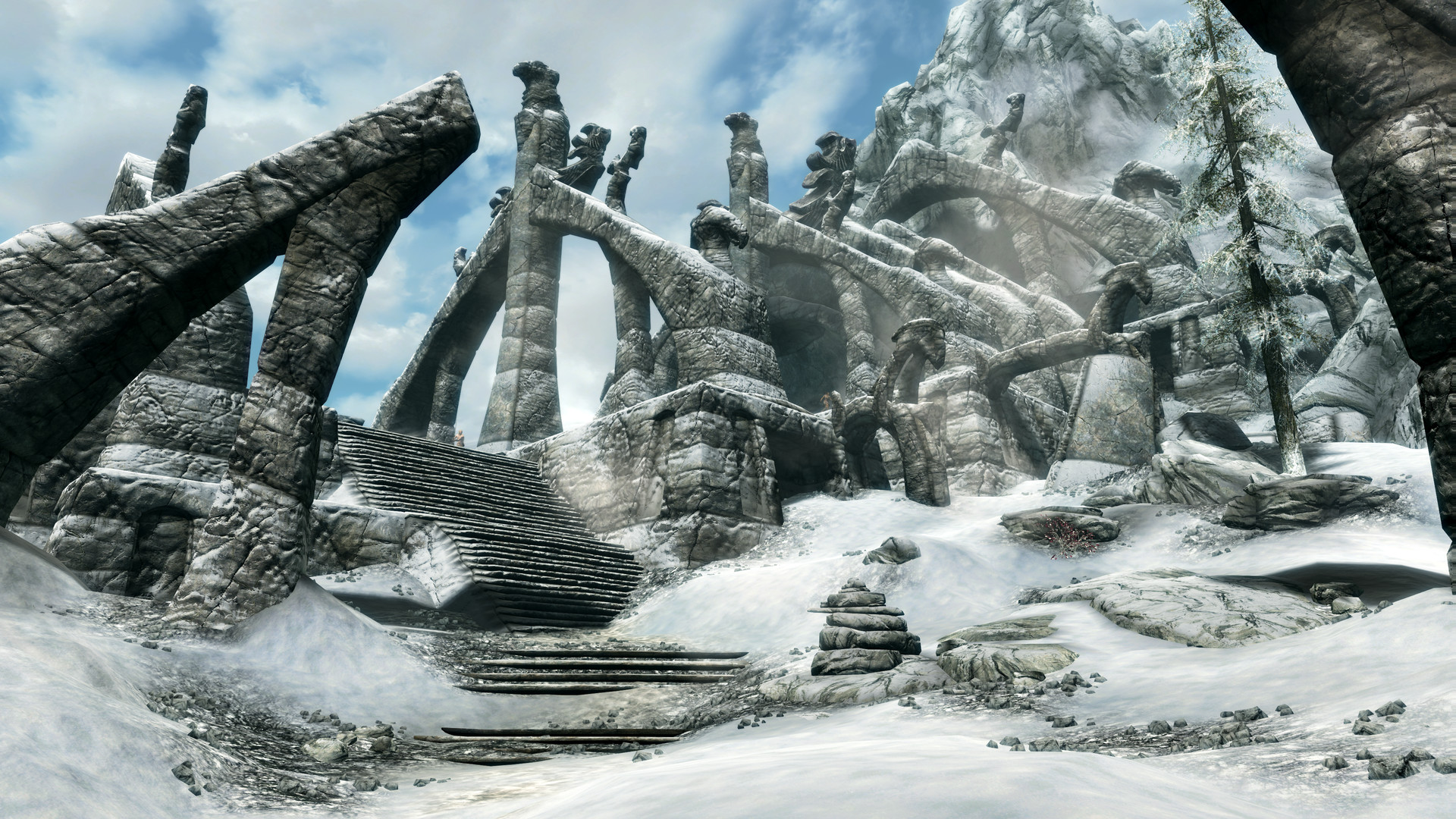
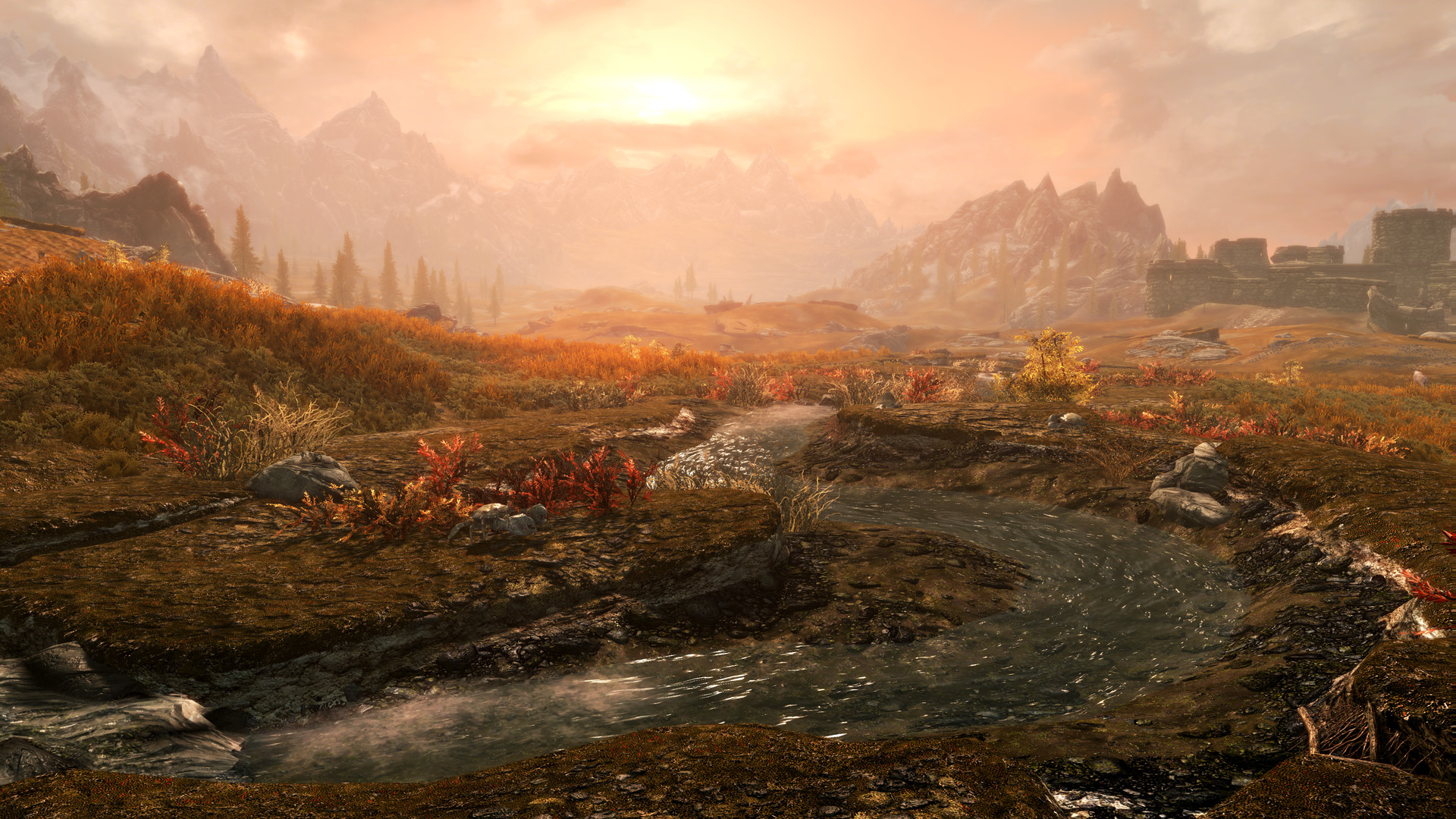
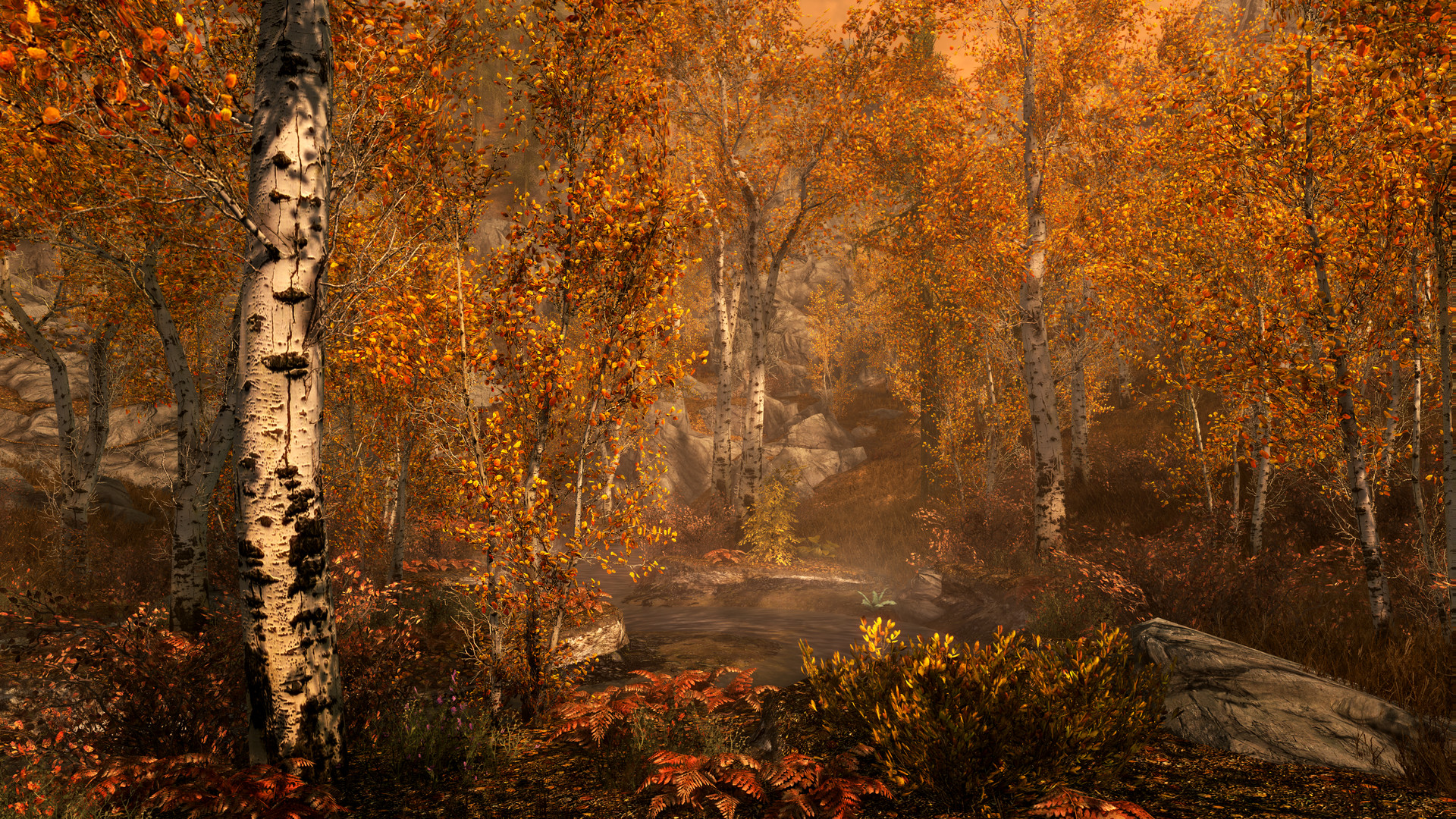
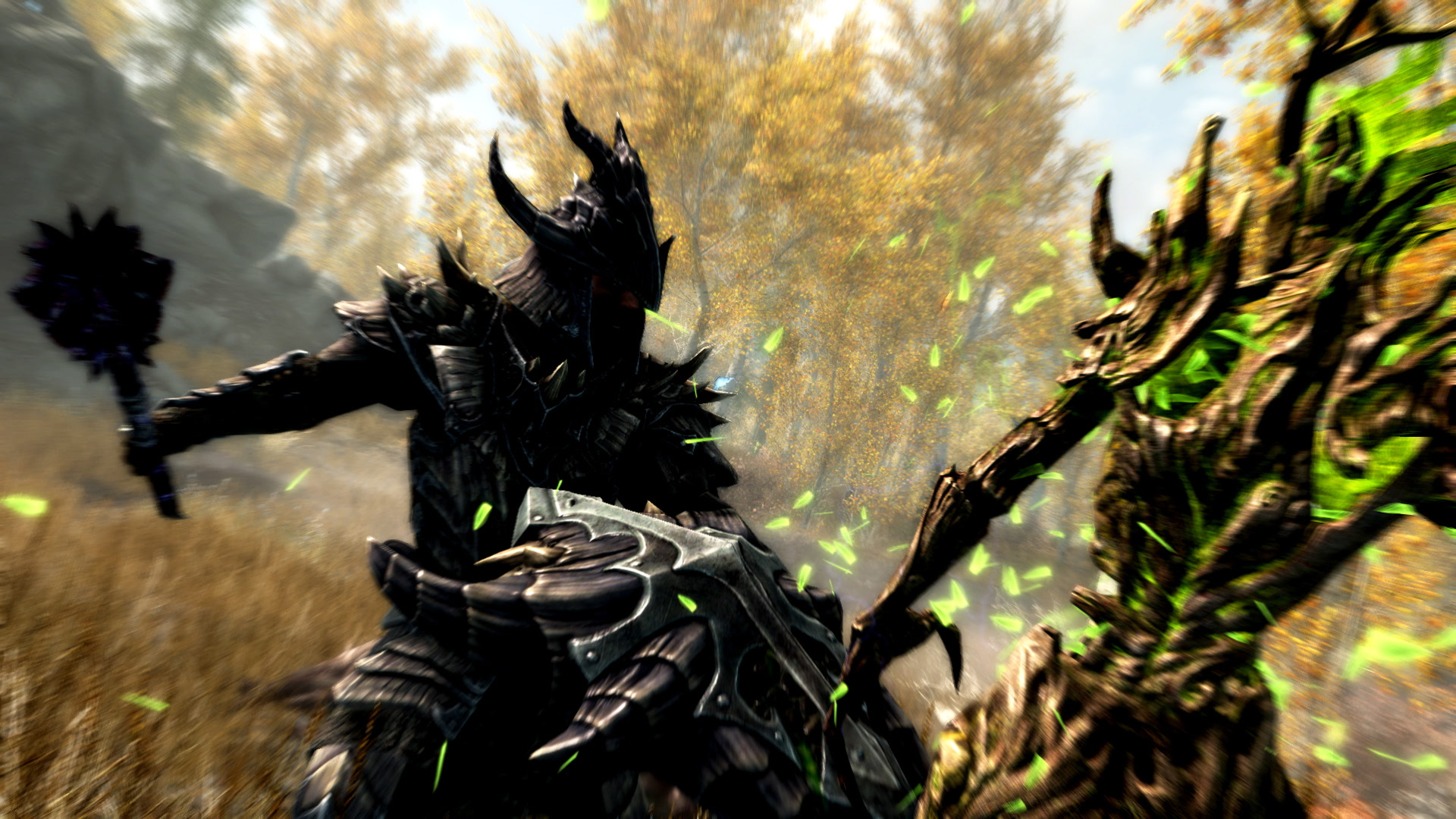
The 60 fps cap, and why unlocking it breaks things
Skyrim runs on the Creation Engine, which grew out of Gamebryo and still uses Havok for physics. Havok in this build ties in-game time to your frame rate instead of running on its own clock, a design choice from the original 2011 game that Special Edition kept. At 60 fps the math works the way the developers tested it. Push the frame rate to 100 or 144 with an unlocked cap, and the physics engine starts running the world nearly twice as fast as it should.
The visible result is loose items launching across a room the moment you enter a new cell, ragdolls flailing, and in rare cases fast-moving debris that can actually kill you. You can raise the cap safely with a mod like SSE Display Tweaks, or by hand-editing SkyrimPrefs.ini to add a [HAVOK] section with an fMaxTime value matched to your monitor's refresh rate, then setting bLockFramerate to false. Even with that fix, four specific vanilla quests still misbehave above 60 fps, so it is worth dropping back to the stock cap for those and re-enabling your uncapped setup afterward.
Special Edition vs Anniversary Edition
Special Edition is the base remaster: the original game plus the Dawnguard, Hearthfire, and Dragonborn expansions, running on the 64-bit engine with better lighting and volumetric god rays than the 2011 original. Anniversary Edition is Special Edition plus 74 bundled Creation Club add-ons, things like new quests, armor sets, player homes, and mechanics such as fishing, worth another 10 to 15 hours. It runs on the exact same engine, so there is no graphics or performance difference between the two, only content. New buyers pay about $10 more for Anniversary Edition, and existing Special Edition owners can upgrade for around $19.99.
The one thing to check before you buy is mod compatibility. Anniversary Edition ships on a newer 1.6.x game executable, and at launch that broke a wide range of script-heavy mods that depended on SKSE64 being built against the older 1.5.97 executable. Most major mods and SKSE64 itself have since been updated to support the newer build, but if you are chasing an older or abandoned mod, confirm it lists 1.6.x support first, since some only ever worked on the pre-Anniversary version.
Modding without wrecking your frame rate
Because the vanilla game is capped at 60 fps and barely taxes a modern GPU, the thing that actually limits a modded Skyrim install is VRAM, not raw power. Replacing roughly half your textures with 4K versions can use around 6GB of graphics memory at 1440p, and a full 4K texture overhaul with 80 percent of assets replaced can peak closer to 10 to 12GB. Treat 8GB of VRAM as the floor for a heavy texture mod list, and 12GB as comfortable headroom. Tools like Cathedral Assets Optimizer can batch-resize an existing mod list down to a VRAM budget without editing each mod by hand.
ENB and ReShade presets are the other big cost, and they hit the GPU rather than VRAM. A strong ENB preset can roughly halve your frame rate outdoors, where lighting and weather effects are heaviest. At 1080p a modern mid-range card holds 60 fps with ENB running. At native 4K, community benchmarks show even older high-end cards like a GTX 1080 Ti dropping to around 40 fps outdoors with a heavy preset on. If your monitor is 1080p, swapping 4K texture packs for their 2K versions cuts VRAM use by more than half with almost no visible difference, and it is usually the fastest fix for stutter on an 8GB card.
Can I run Skyrim Special Edition? Your questions answered
The minimum is an Intel i5-750 or AMD Phenom II X4-945 processor, a GTX 470 1GB or HD 7870 2GB graphics card, and 8GB of RAM. It is genuinely old hardware at this point, so most current machines beat it comfortably.
For a smooth experience Skyrim Special Edition recommends an i5-2400 or FX-8320 processor, a GTX 780 3GB or R9 290 4GB graphics card, and 8GB of RAM. That gets you 1080p ultra settings at the game's 60 fps cap.
Yes, by design. The Havok physics engine ties game time to frame rate, so Bethesda caps the game at 60 fps to keep physics stable. You can unlock it with a mod like SSE Display Tweaks, but a few specific quests still glitch above 60 fps even with the fix applied.
Because Havok physics in this build runs on the same clock as your frame rate rather than its own independent timer. At double the intended frame rate, physics calculations run at roughly double speed too, so loose objects fly, ragdolls flail, and fast-moving debris can occasionally kill you when you enter a new area.
They perform identically since they share the same engine. Anniversary Edition adds 74 Creation Club items, roughly 10 to 15 extra hours of content, for about $10 more new or a $19.99 upgrade if you already own Special Edition. Buy Special Edition only if a specific mod you want has never been updated for the newer 1.6.x executable.
Not anymore, for most mods. At launch its newer 1.6.x executable broke anything relying on SKSE64, but SKSE64 and the vast majority of major mods have since been updated for it. Check an individual mod's page for 1.6.x support before installing if it looks old or abandoned.
12GB for the base install. A modded setup with high-resolution texture packs and voiced quest mods can grow well past that, sometimes into the tens of gigabytes, so budget extra space if you plan to mod heavily.
8GB covers the vanilla game, but a serious mod list benefits from 16GB, and script-heavy overhauls plus high-resolution textures can push memory use higher still. 16GB is the safe target for most modded installs.
No. It runs on DirectX 11, which every graphics card released in the last twelve years or so supports.
No. It runs on the Creation Engine from 2011, which never received an official ray tracing implementation. Lighting improvements come from mods and ENB presets instead.
No. The official specs are over a decade old and the game caps at 60 fps regardless of how strong your hardware is, so a mid-range or even budget PC handles it fine. The only scenario that demands a stronger PC is a heavily modded install with ENB and 4K textures.
There is no fixed mod count that matters. VRAM usage and script load do. A texture-heavy list with hundreds of low-impact mods can run fine on 12GB of VRAM, while a handful of poorly optimized script-heavy mods or a demanding ENB preset can tank frame rate on their own. Watch VRAM usage and add mods gradually rather than counting them.
Yes for the vanilla game, which is the official minimum. Once you add a meaningful mod list, especially anything with scripts or voiced dialogue, 16GB is the more realistic target.
Check your mod list before your hardware. Vanilla Skyrim runs well on almost anything, so poor performance usually traces back to a heavy ENB preset, an oversized 4K texture pack, or a script-heavy mod rather than weak hardware. If you are still struggling on stock settings, more VRAM helps more than a faster CPU.
Yes, the upgrade runs about $19.99 for existing Special Edition owners, versus roughly $10 more than Special Edition for someone buying Anniversary Edition fresh.
Not natively. The base game does not need upscaling since it is not GPU-bound at the 60 fps cap. Community mods like the Skyrim Upscaler add DLSS, FSR, or XeSS support, which is mainly useful for clawing back frame rate on a heavy ENB or 4K texture setup rather than for the vanilla game.
Yes. Special Edition comes with Dawnguard, Hearthfire, and Dragonborn built in, so there is nothing extra to buy for the original three add-ons. Anniversary Edition includes those plus 74 additional Creation Club items on top.
Barely, and not comfortably. The official minimum is 8GB, so 4GB sits below spec. The base game may launch and run at reduced settings, but expect stutter during autosaves, city entry, and busy interior areas, and any mod list at all will push you into swapping to disk. Treat 8GB as the real floor.
For the vanilla game, yes, completely. 8GB already covers it and 16GB handles a serious mod list. 32GB only starts to matter with an extreme modded build, hundreds of script-heavy mods plus tools like Mod Organizer 2 running alongside the game, where the extra headroom avoids background swapping rather than improving frame rate.
Yes. The official minimum lists Windows 10 64-bit and the recommended spec already includes Windows 11 64-bit, so Bethesda supports both. Some very old mods built around Windows 7-era tools can need compatibility mode, but the base game itself runs natively on Windows 11 without issues.
No. SKSE, the Skyrim Script Extender, is a free community tool you install separately, not something Bethesda ships with the game. It patches in extra scripting functions that a large share of popular mods depend on, so most serious modders install it early, but the base game runs fine without it if you are staying vanilla.
Yes, using the same spec sheet as Special Edition. Anniversary Edition runs on the identical Creation Engine build with only the added Creation Club content on top, so if your PC clears Special Edition's minimum or recommended requirements in the checker above, it clears Anniversary Edition too. There is no separate, heavier requirement tier for the extra content.
Yes, on modern hardware. Special Edition moved to a 64-bit engine, so it can use more than the 3.1GB of RAM the original 32-bit release was capped at, which cuts crashes on long sessions dramatically. It also added volumetric lighting and screen space reflections the 2011 version never had, at a similar performance cost on anything built in the last several years.
No trouble at all. The RTX 3050 meets or beats what Skyrim Special Edition recommends, so 1080p high runs well and 1440p is realistic.
Playable, yes. The GTX 1650 passes Skyrim Special Edition's minimum bar, so aim for low to medium at 1080p and drop settings if the frame rate dips. Reaches the 60 fps cap at 1080p high vanilla. Modding with a strong ENB and 4K textures brings it down to roughly the 40s.
Yes, comfortably. The GTX 1060 6GB sits at or above Skyrim Special Edition's recommended card, so 1080p on high is smooth and 1440p is well within reach. Comfortable at the 60 fps cap on ultra at 1080p and 1440p. A demanding ENB with 4K textures pulls this to about 45-55.
Yes. The RX 580 has headroom over Skyrim Special Edition's recommended card, so you can push 1080p high and move to 1440p when you want. Matches the GTX 1060 on the vanilla game, holding the 60 fps cap at 1080p and 1440p ultra.
You are well set. The RTX 4060 exceeds Skyrim Special Edition's recommended card, so 1080p high is easy and 1440p is realistic. Never has to work hard here. 8GB of VRAM is the practical ceiling once you combine ENB with a full 4K texture overhaul.
The RTX 3060 is a strong fit for Skyrim Special Edition. It lands at or above the recommended spec, so high 1080p is comfortable and 1440p works. Its 12GB of VRAM makes big texture mod lists a non-issue. ENB-heavy runs at 1440p land around 50-60.
Easily. With the RTX 2060 you are past Skyrim Special Edition's recommended tier, which means high settings at 1080p and a genuine shot at 1440p. Sits comfortably at the 60 fps cap through 4K vanilla, and handles a moderate ENB preset at 1440p without dropping much below it.
The GTX 1660 is a strong fit for Skyrim Special Edition. It lands at or above the recommended spec, so high 1080p is comfortable and 1440p works.
Yes. The GTX 1660 Super has headroom over Skyrim Special Edition's recommended card, so you can push 1080p high and move to 1440p when you want. Holds the 60 fps cap at 1080p and 1440p, and stays close to it at native 4K vanilla.
The RX 6600 is a strong fit for Skyrim Special Edition. It lands at or above the recommended spec, so high 1080p is comfortable and 1440p works. Matches Nvidia equivalents on the vanilla game, capped at 60 through 1440p. Modded 1440p with ENB runs roughly 45-55.
No trouble at all. The GTX 1660 Ti meets or beats what Skyrim Special Edition recommends, so 1080p high runs well and 1440p is realistic.
For sure. The RTX 3060 Ti outpaces Skyrim Special Edition's recommended card, leaving you high 1080p now and 1440p whenever you like. Holds the 60 fps cap through 4K vanilla and handles a heavy ENB preset at 1440p with room to spare.
No trouble at all. The RTX 4050 meets or beats what Skyrim Special Edition recommends, so 1080p high runs well and 1440p is realistic.
Fine for a lighter setup. The GTX 1050 Ti clears Skyrim Special Edition's minimum, so target 1080p low to medium and adjust down for a steady rate. Hits the 60 fps cap at 1080p high to ultra in the vanilla game. A heavy ENB preset with 4K textures drops this into the 30s to 40s.
Plenty of power here. The RTX 4070 is above Skyrim Special Edition's recommended tier, so high 1080p is smooth and 1440p is a fair target. Overkill for the base game. This is the card that keeps a heavy ENB plus 4K texture overhaul near 60 fps at native 4K.
Bethesda never shipped a native Mac build of Skyrim Special Edition, so a MacBook can't run it unassisted. On a Mac, you're choosing between GeForce Now cloud streaming and an unofficial Windows layer like CrossOver, the latter with no guarantee of working smoothly.
Yes, unlike most modern games. Because the engine is over a decade old and caps at 60 fps, a reasonably recent integrated chip like Intel Iris Xe or an AMD Ryzen APU can manage 1080p on medium to high settings. Older or weaker integrated graphics will need lower settings, especially with a big mod list.
Not natively. A Chromebook can only play it through cloud streaming such as GeForce Now, which runs the game on remote hardware and streams the video to you.
Yes, and it runs very well. Skyrim Special Edition carries a Verified rating on Steam Deck and holds a steady 60 fps at its default settings, since the game is so light for modern handheld hardware. The ROG Ally and Legion Go handle it just as easily.
Yes, easily in the vanilla game. An RTX 2060 or RX 5700 class card holds the 60 fps cap at native 4K ultra. The card you actually need scales up once you add a heavy ENB preset and 4K texture mods, where an RTX 4070 class card is a safer target.
Yes, almost any card from the last several years hits the 60 fps cap at 1440p ultra in the vanilla game. Heavy modding with ENB and 4K textures challenges 1440p performance far more than the resolution itself does.
Almost anything. The game caps at 60 fps by default and even a GTX 1050 Ti or RX 580 class card holds that cap at 1080p ultra vanilla. Where you need real horsepower is a heavily modded setup with ENB and 4K textures, especially at 1440p or 4K.
Yes, ultra settings are within reach of the official recommended spec, a GTX 780 or R9 290, at 1080p. Ultra at 1440p or 4K wants a modern mid-range card, and a heavy mod list raises that bar further.
Yes, comfortably. 8GB covers the vanilla game and 16GB is the safe target for a serious mod list, including script-heavy overhauls and high-resolution textures.
An SSD is not required. The engine is light enough that a hard drive handles load times fine for the base game. An SSD still shortens load screens and helps with stutter on a heavily modded install with large texture files.
Yes for the vanilla game, which barely uses VRAM even on 4GB cards. It becomes the real limiter once you mod, though: a heavy 4K texture overhaul can use 10 to 12GB, so treat 8GB as the floor for serious texture mod lists.
Yes to both. The PS4 version targets 30 fps, and the PS5 version through backward compatibility runs smoother with faster load times. This page focuses on the PC version, which is the only one that supports mods from Nexus Mods rather than the more limited Creation Club selection.
Yes, through cloud streaming on GeForce Now, which runs the game on Nvidia's servers, including up to 4K at high frame rates for Ultimate members. It is also included with PC Game Pass, which GeForce Now can stream directly.
On the vanilla game this is rare, since requirements are so low, so check for out-of-date graphics drivers first. On a modded install, stutter almost always traces back to VRAM overflow from oversized texture packs, a heavy ENB preset, or a script-heavy mod rather than raw hardware weakness.
Yes, through Proton on Steam, and it runs close to native. Skyrim Special Edition uses DirectX 11, which Proton's DXVK layer translates to Vulkan, and the game has no anti-cheat or launcher quirks that typically cause Proton problems. This is also exactly how Steam Deck runs it under the hood.
Not natively. There is no Android build of Skyrim Special Edition. Your only real option is cloud streaming through the GeForce Now Android app, which runs the game on remote hardware and sends video to your phone or tablet over your connection.
Yes, it runs on Xbox Series X and S with improved load times and frame rate over the older Xbox One version, which also got a release. This page focuses on the PC version, the only one with full Nexus Mods support.
Yes, comfortably. At the official minimum of a GTX 470 or HD 7870, an i5-750, and 8GB of RAM you can still play at 1080p on lower settings, and most low-end PCs built in the last several years clear the recommended spec entirely and hit the 60 fps cap.
Yes. Skyrim is not a CPU-demanding game by modern standards, so an i3 or Ryzen 3 handles the vanilla game at 60 fps without trouble. A script-heavy mod list is the one thing that can make a budget CPU the bottleneck instead of the GPU.
Yes. The original Switch runs it at a fairly steady 720p and 30 fps, docked or handheld. A separate Switch 2 edition released later adds a performance mode that trades some visual quality for up to 60 fps, alongside a fidelity mode that stays locked at 30 fps.
To a limited degree. Xbox and PlayStation versions support Bethesda's Creation Club and a curated selection of console-compatible mods, but nothing close to the full Nexus Mods library, external tools like SKSE, or texture packs above the platform's file size caps. Full modding, including ENB presets and 4K textures, is PC-only.
Yes, it has been part of PC Game Pass, and GeForce Now can stream it directly through that subscription if you would rather not install it locally.
That badge has been inconsistent and does not reflect how the game actually plays. In practice Skyrim Special Edition runs great on Steam Deck at a steady 60 fps, and it has picked up official Valve testing and Deck-specific support in past updates. If you see an unsupported label, check Steam's current compatibility page for the game rather than assuming it will not work, since it does.
Older Intel HD Graphics chips, the kind built into 6th to 8th generation Intel CPUs, sit below the official minimum and struggle even at 1080p low settings, often landing in the 20s to low 30s fps. Newer Intel HD Graphics 620 or 630 on more recent chips fare a little better at low settings but still fall short of a smooth, stable 60.
Yes, comfortably. Intel Iris Xe, the integrated graphics in 11th generation and newer Intel laptop chips, handles Skyrim Special Edition at 1080p medium to high settings and holds close to the 60 fps cap in most areas, since the game is light enough that a modern integrated chip is no longer a serious limitation.
Yes. AMD's Vega 8 integrated graphics, found in Ryzen 4000 and 5000 series APUs, runs Skyrim Special Edition at 1080p medium to high settings and generally holds close to 60 fps in the vanilla game, dropping a bit in demanding outdoor areas or with a heavier mod list.
Yes, easily. Radeon 780M, the integrated graphics in AMD's Ryzen 7040 and 8040 series laptop chips, is strong enough to hold the 60 fps cap at 1080p high to ultra settings in vanilla Skyrim, with enough headroom for a moderate mod list without dropping much below that.