
Can I Run Sekiro on My PC / Laptop?
A stealth-action game from FromSoftware built around parrying and posture. It runs comfortably on older, modest hardware but locks output at 60 fps.
Check if your PC can run Sekiro
Pick your graphics card and processor to check.
Can I run Sekiro on my PC?
Use the checker above to find out in seconds. Pick your graphics card and processor and it compares them against Sekiro's official requirements. As a quick guide, you need at least a NVIDIA GeForce GTX 760 | AMD Radeon HD 7950 graphics card, a Intel Core i3-2100 | AMD FX-6300 processor, and 4 GB RAM of RAM to play at 1080p.
Can I run Sekiro on my laptop?
Yes, if your laptop has a dedicated graphics card around a NVIDIA GeForce GTX 760 | AMD Radeon HD 7950 or better and 4 GB RAM of RAM. Laptops with only integrated graphics usually fall short. Enter your laptop's GPU in the tool above to check. Keep in mind that the laptop version of a card runs a little slower than the desktop card of the same name, and heat can lower sustained frame rates.
The short answer: almost any PC from the last eight or nine years can run Sekiro. The official recommended card is a GTX 970, which tells you how light this game actually is next to most 2019 releases. The part people get wrong is expecting more than 60 frames per second. Sekiro locks its frame rate at 60 by default, with vsync forced on, so a fast graphics card buys you very little unless you install a community mod to remove the cap.
Plug your own CPU and GPU into the checker above to see exactly where they land against those requirements. What follows covers the official spec tiers, real frame rate numbers for common cards, why a fresh install stutters at first, and what that 60 fps ceiling actually means for the hardware you buy.
Sekiro system requirements
| Minimum | Recommended | |
|---|---|---|
| Processor (CPU) | Intel Core i3-2100 | AMD FX-6300 | Intel Core i5-2500K | AMD Ryzen 5 1400 |
| Graphics card (GPU) | NVIDIA GeForce GTX 760 | AMD Radeon HD 7950 | NVIDIA GeForce GTX 970 | AMD Radeon RX 570 |
| Memory (RAM) | 4 GB RAM | 8 GB RAM |
| Operating system | Windows 10 64-bit | Windows 10/11 64-bit |
| DirectX | Version 11 | Version 11 |
| Storage | 25 GB available space | 25 GB available space |
Storage: 25 GB. There is no official SSD requirement, but an SSD cuts load screens and helps the shader cache build up faster on the first few hours.
Full performance tiers
| Tier | Target | CPU | GPU | RAM |
|---|---|---|---|---|
| Minimum | 1080p, low settings, 30+ fps | Intel Core i3-2100 | AMD FX-6300 | NVIDIA GeForce GTX 760 | AMD Radeon HD 7950 | 4 GB |
| Recommended | 1080p, high settings, 60 fps (the cap) | Intel Core i5-2500K | AMD Ryzen 5 1400 | NVIDIA GeForce GTX 970 | AMD Radeon RX 570 | 8 GB |
| 4K, 60 fps (unofficial, from benchmarks) | 2160p, ultra settings, holding the 60 fps cap | Intel Core i5-11400 | AMD Ryzen 5 5600 | NVIDIA GeForce RTX 3060 | AMD Radeon RX 6600 XT | 16 GB |
Sekiro FPS by graphics card
| Graphics card | 1080p | 1440p | 4K | Notes |
|---|---|---|---|---|
| GTX 1650 | ~50-58 (High) | , | , | A budget card, but the engine is light enough that it still gets close to the cap at High settings. |
| RX 580 8GB | ~55-60 | , | , | The official recommended AMD card. Sits close to the cap at High, with occasional dips in busy courtyards. |
| GTX 1060 6GB | ~58-60 (High/Ultra) | , | , | Comfortably holds close to 60 at 1080p. This is a common baseline for the game. |
| RTX 2060 | ~60 (capped) | ~60 (capped) | , | Pegged to the cap at both resolutions on Ultra settings. Room to spare. |
| RTX 3060 | ~60 (capped) | ~60 (capped) | ~45-50 | Only native 4K Ultra pulls it below the 60 fps cap. |
| RTX 4060 | ~60 (capped) | ~60 (capped) | ~55-60 | Comes close to holding the full 60 fps cap even at native 4K Ultra. |
| RTX 4090 | ~60 (capped, 200+ with the fps unlock mod) | ~60 (capped) | ~60 (capped, well over 100 uncapped) | Total overkill for the capped game. Only worth it if you plan to remove the cap with a mod. |
Numbers are approximate averages at High to Ultra settings and shift with your CPU, drivers, and the exact area of the game. Sekiro locks its output at 60 fps by default, so any card from around a GTX 1060 upward will simply sit at that ceiling at 1080p and 1440p. The uncapped figures noted above come from community testing with the frame rate limiter removed through a mod.
Can these graphics cards run Sekiro?
| Graphics card | Verdict | Notes |
|---|---|---|
| GTX 1050 Ti | Playable | Clears the minimum. 1080p low to medium, better with upscaling. |
| GTX 1650 | Playable | Minimum covered. 1080p low to medium is the target. |
| RX 570 | Playable | Meets the bar. Low to medium settings at 1080p. |
| RX 580 | Runs well | At or above the recommended card. Smooth 1080p high, 1440p realistic. |
| GTX 1060 6GB | Runs well | Over the recommended bar. Smooth high 1080p, 1440p realistic. |
| GTX 1650 Super | Runs well | Recommended tier or better. High 1080p, with room for 1440p. |
| GTX 1660 | Runs well | At or above the recommended card. Smooth 1080p high, 1440p realistic. |
| GTX 1660 Super | Runs well | Over the recommended bar. Smooth high 1080p, 1440p realistic. |
| RTX 3050 | Runs well | Beats the recommended spec. Comfortable high 1080p, playable 1440p. |
| GTX 1660 Ti | Runs well | Past the recommended tier. High settings at 1080p, 1440p on the table. |
| RX 6600 | Runs well | Above recommended. 1080p high is easy, and 1440p works too. |
| RTX 2060 | Runs well | Recommended tier or better. High 1080p, with room for 1440p. |
| RTX 4050 | Runs well | At or above the recommended card. Smooth 1080p high, 1440p realistic. |
| Arc A750 | Runs well | Past the recommended tier. High settings at 1080p, 1440p on the table. |
| RTX 3060 | Runs well | Strong fit. High settings at 1080p, 1440p within reach. |
| RX 6600 XT | Runs well | Exceeds recommended. 1080p high is comfortable, 1440p fine. |
| RX 7600 | Runs well | Past the recommended tier. High settings at 1080p, 1440p on the table. |
| RX 6700 XT | Runs well | Above recommended. 1080p high is easy, and 1440p works too. |
| RTX 4060 | Runs well | Over the recommended bar. Smooth high 1080p, 1440p realistic. |
| RTX 3060 Ti | Runs well | Exceeds recommended. 1080p high is comfortable, 1440p fine. |
| RTX 3070 | Runs well | Over the recommended bar. Smooth high 1080p, 1440p realistic. |
| RTX 4070 | Runs well | Above recommended. 1080p high is easy, and 1440p works too. |
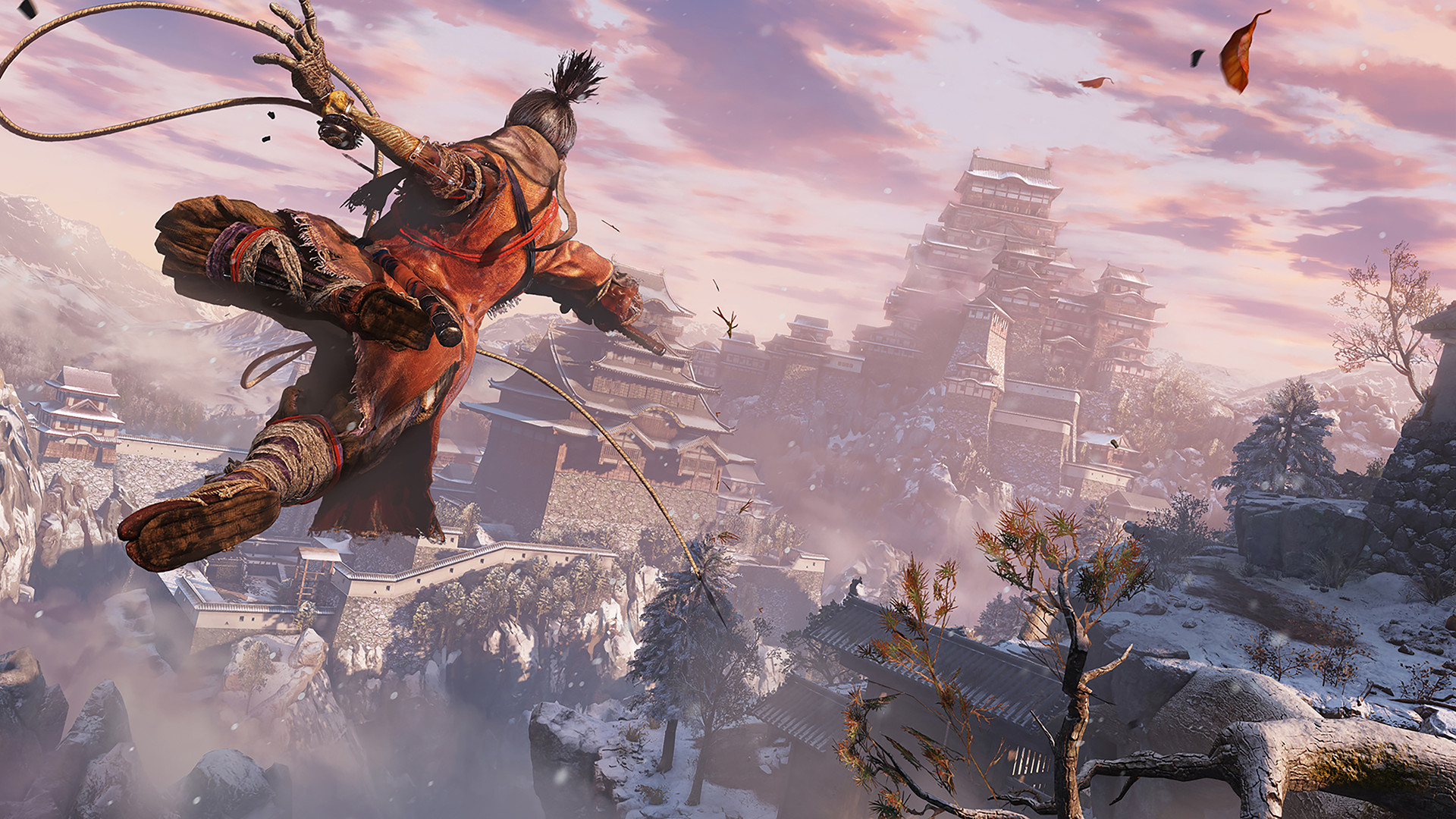
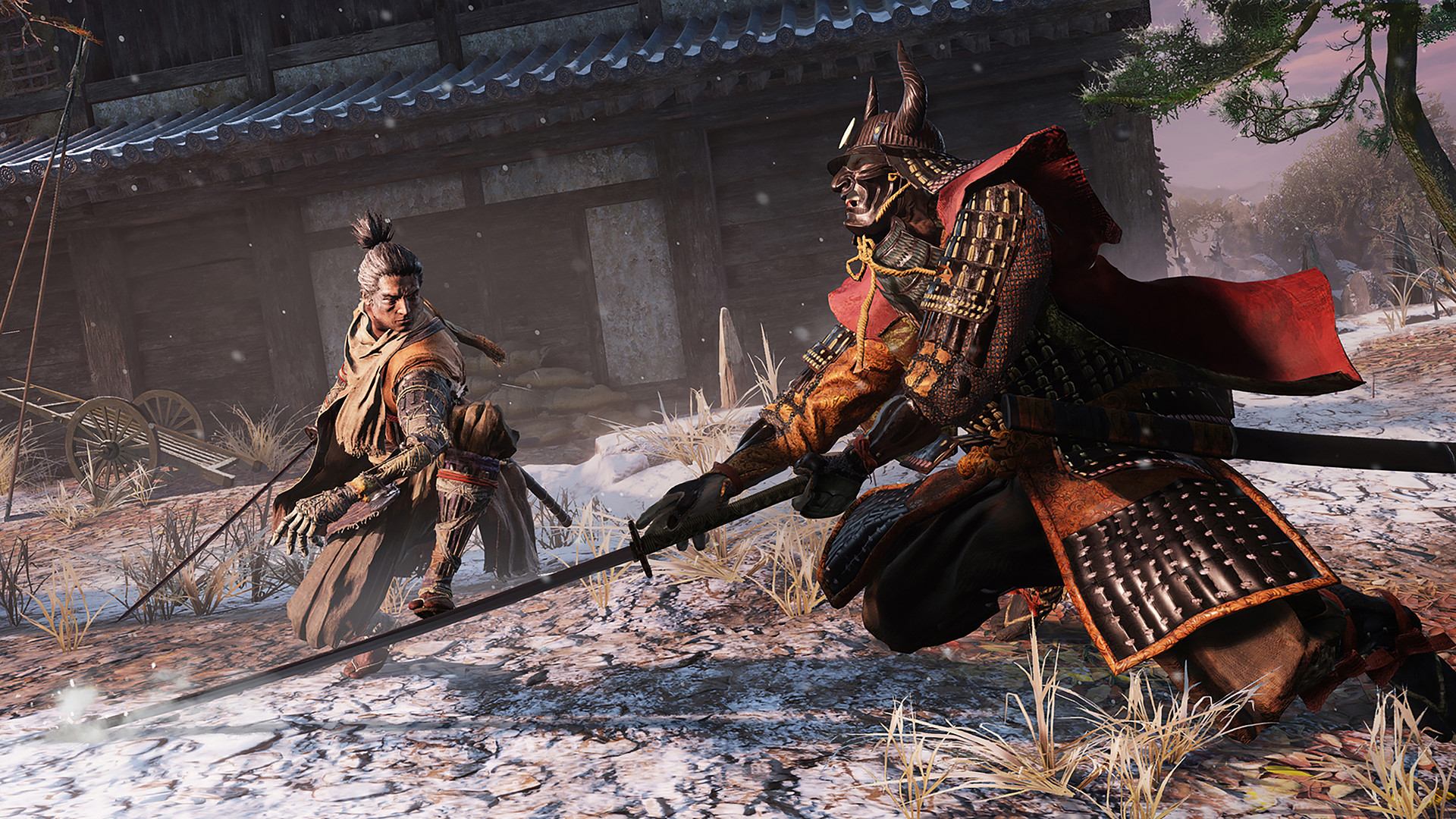
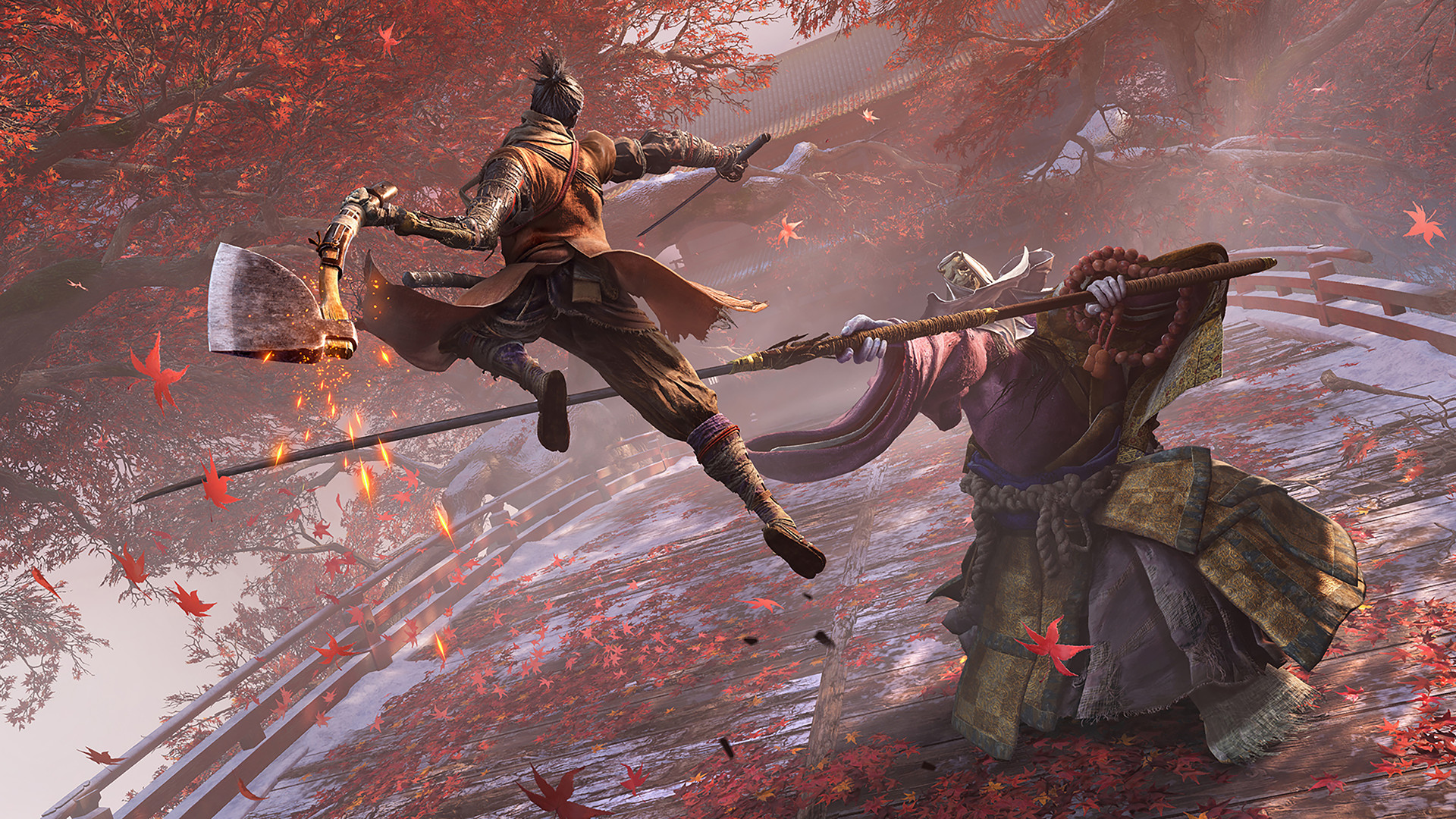
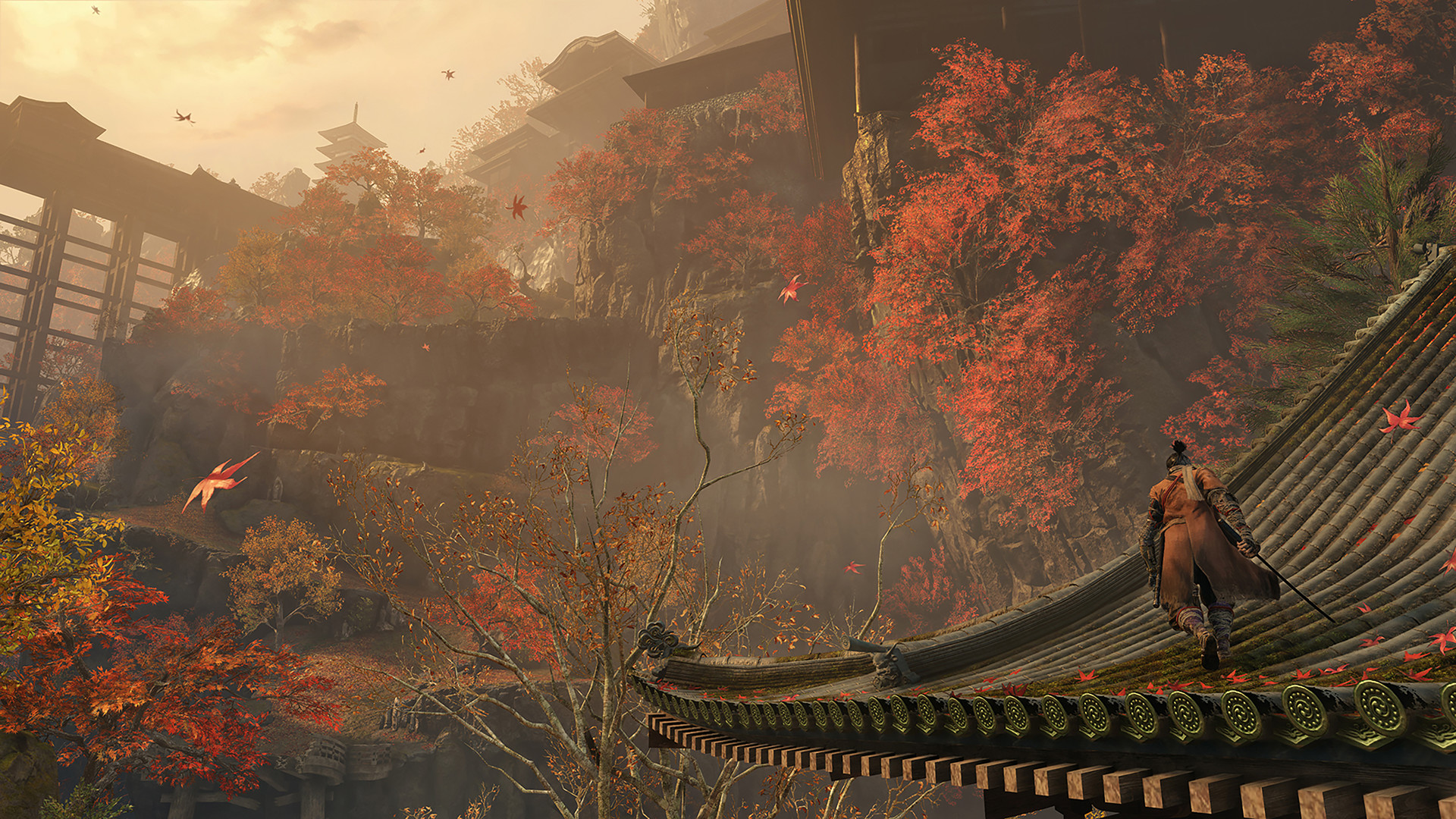
The 60 fps cap decides more than your graphics card does
Sekiro ships with a hard 60 fps cap and forced vsync. There is no in-game slider for a higher limit, and even on a 144Hz or 240Hz monitor the game locks itself to 60Hz in fullscreen. This is different from most modern FromSoftware releases, and it means the honest answer to "will a better GPU help" is usually no. Once a card is strong enough to hold 60 fps at your chosen resolution, spending more money on hardware buys you nothing extra inside the base game.
A community tool, most commonly known as SekiroFpsUnlockAndMore, patches the running game in memory (it does not touch game files) to remove the cap, add ultrawide support, and adjust field of view. It works on every version of the game and does not change the underlying combat timing, so it is considered safe by most of the community. The catch is that it sometimes needs to be paired with a separate refresh rate fix after a game or driver update, and a handful of players report animation or audio glitches at very high, unlocked frame rates. If your target is simply a locked 60, you can ignore all of this and just play the game as it ships.
Why a five-year-old midrange card is still plenty
Sekiro runs on an updated version of the Dark Souls 3 engine, not a new-generation renderer, and it shows. The official recommended card is a GTX 970, first sold in 2014, and the game only takes up about 25GB. Compare that to most current open-world releases and you can see why a GTX 1060 or an RX 580, both well over half a decade old at this point, still get close to the frame rate cap at 1080p High settings.
The tradeoff for that light footprint is a rough first hour. Sekiro compiles its shaders while you play rather than ahead of time, which is standard for this DirectX 12 title but causes stutter the first time you enter a new area, and again after any GPU driver update resets the local shader cache. Play through the opening section once and most of that smooths out, since the compiled shaders get cached to disk. If stutter returns after a driver update, clearing old shader cache files and letting the game rebuild them usually fixes it within a level or two.
Console frame rates changed after launch
On base PS4 and Xbox One, Sekiro renders at 1080p and targets 30 fps, with PS4 Pro and Xbox One X boosting resolution rather than frame rate. That stayed true for years. When PS5 and Xbox Series X added backward compatibility boosts, both consoles started running the same PS4/Xbox One build at roughly 1800p and a locked 60 fps, without a dedicated next-gen patch. Xbox Series S runs the boosted mode at a lower 900p while keeping the same 60 fps target.
So a player asking whether Sekiro is 30 or 60 fps on console needs to know which hardware they own. Original PS4 and Xbox One consoles remain capped near 30. PS5, Xbox Series X, and Xbox Series S all get the smoother 60 fps experience through backward compatibility alone.
Can I run Sekiro? Your questions answered
The official minimum is an Intel Core i3-2100 or AMD FX-6300 processor, a GTX 760 or Radeon HD 7950 graphics card, and 4GB of RAM, running Windows 10 64-bit with DirectX 11.
Recommended is a Core i5-2500K or Ryzen 5 1400 processor, a GTX 970 or Radeon RX 570 graphics card, and 8GB of RAM. That combination should hold the game's 60 fps cap at 1080p on high settings.
FromSoftware built Sekiro on an updated Dark Souls 3 engine that ties some game logic to a fixed 60 fps update rate and enforces vsync. Later FromSoftware games loosened this, but Sekiro shipped locked, and there has never been an official patch to raise it.
Yes, using a community tool such as SekiroFpsUnlockAndMore, which patches the running game in memory without editing any files. It is widely used and considered safe, though it can need a companion refresh rate fix after updates, and a small number of players report visual glitches at very high unlocked frame rates.
Sekiro runs on DirectX 12 only. There is no DirectX 11 fallback, so your graphics card and drivers need DirectX 12 support, which almost everything from the last decade has.
8GB covers it. That's the official recommended figure and it's plenty for smooth play on its own. Bump to 16GB if you keep a browser or Discord open alongside the game, though that extra RAM won't change how Sekiro itself performs.
No, it is not an official requirement and the game runs fine from a hard drive. An SSD does shorten load screens and helps the shader cache build up during your first playthrough with less stutter.
The current install size is about 25GB. The smaller 13GB figure some players quote is left over from the game's original 2019 launch build, before several years of patches added file size. Budget for the current 25GB.
Shader compilation is the main suspect. Sekiro builds its graphics shaders the first time it needs them instead of ahead of time, so a new area or a fresh GPU driver both trigger stutter until the cache finishes rebuilding. A smaller number of players also see stutter tied to CPUs with more than eight threads, where disabling hyperthreading or SMT is a known fix.
GPU-bound is the honest answer, and its CPU appetite is modest even judged against 2019 standards. The recommended i5-2500K is a four-core, four-thread chip from 2011, so virtually any CPU sold since then has room to spare.
No. The Game of the Year edition adds cosmetic and audio extras, not a technical overhaul, so the minimum and recommended specs are unchanged from the original 2019 release.
Usually not. Because of the 60 fps cap, once your hardware clears the recommended tier you have already reached the ceiling the base game allows. The only reason to upgrade further is to comfortably run the community frame rate unlock mod above 60.
No, it is one of the lighter big-budget releases of its generation. The recommended card is a 2014-era GTX 970, the install is about 25GB, and most of the performance conversation around Sekiro is about the fps cap, not raw horsepower.
No. Sekiro predates widespread ray tracing and upscaling support in games, and it has never received an update adding DLSS, FSR, or ray-traced lighting. None of it is needed anyway, since the game runs comfortably on older hardware.
For this game alone, yes. Sekiro is content with 8GB and doesn't ask for more, so the extra 24GB in a 32GB kit mostly sits idle unless you're running demanding software, streaming tools, or a pile of browser tabs at the same time.
Yes, it runs fine on Windows 11 despite the official requirement listing Windows 10. There are no known Windows 11 specific issues beyond the general shader stutter the game has on any version of Windows.
No. On Windows, Sekiro only offers DirectX 12, with no Vulkan option in the settings menu. On Linux and Steam Deck, Proton translates that DirectX 12 code to Vulkan behind the scenes, but that happens automatically and is not something a Windows player ever chooses.
No native Linux build exists, though the game plays well anyway through Proton, the Windows compatibility layer built into Steam. That's the same translation layer behind its Steam Deck Verified rating, so a desktop Linux install with a recent Proton version should perform about the same.
It's the bare official minimum, so the game will start and run, but 4GB barely leaves anything left over for Windows and whatever else is open. Aim for the recommended 8GB instead if you want to alt-tab or run Discord without stutter creeping in.
For sure. The RTX 3050 outpaces Sekiro's recommended card, leaving you high 1080p now and 1440p whenever you like. Reaches the 60 fps cap at 1080p on High to Ultra settings without much trouble.
The GTX 1650 gets you in. It meets Sekiro's minimum, so low to medium at 1080p works, and turning a couple of things down keeps it steady. Gets close to the 60 fps cap at 1080p High, roughly 50 to 58 fps depending on the area.
Yes, with room to spare. Sekiro recommends less than the GTX 1060 6GB offers, so expect smooth 1080p high and a playable 1440p. Comfortably holds close to 60 fps at 1080p on High to Ultra settings, which is right at the game's cap.
Yes, with room to spare. Sekiro recommends less than the RX 580 offers, so expect smooth 1080p high and a playable 1440p. Around 55 to 60 fps at 1080p High, with occasional dips into the low 50s in busier areas.
Yes, comfortably. The RTX 4060 sits at or above Sekiro's recommended card, so 1080p on high is smooth and 1440p is well within reach. Sits at the 60 fps cap at both 1080p and 1440p, and comes close to holding it at native 4K Ultra too.
Plenty of power here. The RTX 3060 is above Sekiro's recommended tier, so high 1080p is smooth and 1440p is a fair target. Holds the 60 fps cap at 1080p and 1440p, and manages roughly 45 to 50 fps at native 4K Ultra.
Comfortably, yes. The RTX 2060 clears Sekiro's recommended bar, which puts high 1080p and 1440p both in reach. Sits at the 60 fps cap for both 1080p and 1440p on Ultra settings, with headroom to spare.
No trouble at all. The GTX 1660 meets or beats what Sekiro recommends, so 1080p high runs well and 1440p is realistic. Reaches the 60 fps cap at 1080p on High settings with room left over.
Yes, with room to spare. Sekiro recommends less than the GTX 1660 Super offers, so expect smooth 1080p high and a playable 1440p.
The RX 6600 is a strong fit for Sekiro. It lands at or above the recommended spec, so high 1080p is comfortable and 1440p works. Holds a steady 60 fps at 1080p and 1440p on Ultra settings.
You are well set. The GTX 1660 Ti exceeds Sekiro's recommended card, so 1080p high is easy and 1440p is realistic.
Yes. On the RTX 3060 Ti, Sekiro runs at high settings in 1080p and scales up to 1440p without much fuss.
Plenty of power here. The RTX 4050 is above Sekiro's recommended tier, so high 1080p is smooth and 1440p is a fair target.
It clears the bar. The GTX 1050 Ti matches Sekiro's minimum, so 1080p on low to medium is realistic once you tune a few settings.
That is more than enough. The RTX 4070 clears Sekiro's recommended requirement, so aim for high at 1080p or step up to 1440p.
FromSoftware never built a Mac version, which rules out every MacBook, M-series chips included, running Sekiro directly. Cloud streaming through GeForce Now is your safest bet, or you can try an unofficial Windows layer like CrossOver, though that's not guaranteed to play nicely with anti-cheat or the game's shader system.
A recent integrated chip, Intel Iris Xe or one of AMD's Ryzen APU graphics options, usually handles Sekiro at 1080p on low settings, since the game is light compared to most current releases. Go back further than roughly 2018, though, and older integrated graphics tend to fall short of the minimum GTX 760 class card.
A Chromebook can't run Sekiro on its own hardware. Cloud streaming through a service like GeForce Now is the workaround, since it renders the game remotely and just sends the video to your screen.
It runs well, no caveats. Sekiro carries Valve's Steam Deck Verified rating and holds close to 60 fps on High settings while drawing around 8 to 10 watts. ROG Ally and Legion Go, both stronger than the Deck, handle it with just as much ease.
Yes. Because the game caps out at 60 fps, a card as modest as an RTX 2060 holds that cap at 1440p, and something in the RTX 3060 to RTX 4060 range gets you close to a locked 60 at native 4K Ultra too.
Roughly a GTX 1060 6GB or RX 580 at 1080p gets you close to the cap, and an RTX 2060 or better holds it solidly. Since 60 is also the maximum the game allows by default, there is no benefit to overshooting that tier unless you plan to unlock the frame rate.
Yes, an RTX 2060 class card or better holds the 60 fps cap at 1080p Ultra with room to spare, and even a GTX 1060 gets close on High to Ultra. The game's ultra preset is not especially demanding by modern standards.
4GB is enough at 1080p on High to Ultra settings without major issues, since the game's textures are not especially heavy. 6GB and 8GB cards have plenty of headroom, including at 1440p and 4K.
Both run it. Base PS4 renders at 1080p targeting 30 fps, while PS5 pushes the same build through backward compatibility to roughly 1800p at a locked 60 fps, with no separate next-gen patch needed.
Yes, at the minimum tier. The official minimum cards, a GTX 760 or Radeon HD 7950, carry 2GB to 3GB of VRAM and are rated for 1080p on low settings. 2GB holds up at low to medium settings, but 4GB or more gives you room for high and ultra textures.
Not reliably. Intel HD Graphics, the older integrated chips found in pre-2017 laptops and desktops, sits well below the GTX 760 class minimum. Expect very low frame rates at a reduced resolution, if the game runs at a playable pace at all.
Barely, and only on the lowest settings. Intel UHD Graphics, built into most 8th to 10th generation Intel CPUs, still sits below the minimum GPU tier, so expect choppy frame rates around 720p on the lowest preset rather than a comfortable 1080p run.
At low settings, yes. Iris Xe shows up in 11th and 12th generation Intel laptop chips and holds roughly 30 to 40 fps at 1080p on low, which is enough to get through the game even though it never reaches the 60 fps cap.
Yes, at reduced settings. Vega 8, the integrated graphics in older Ryzen APUs like the 3200G or 4600G, lands around the same tier as Intel's Iris Xe and can manage roughly 30 fps at 1080p on low, or a steadier frame rate at 900p.
Yes, comfortably. The Radeon 780M, found in newer Ryzen 7040 and 8040 laptop and handheld chips, is a big step up from older integrated graphics and can hold close to 45 to 60 fps at 1080p on medium to high settings, similar to what a Steam Deck delivers.
Yes. Both run the original Xbox One build through backward compatibility, boosted to roughly 60 fps. Series X renders at close to 1800p and Series S at around 900p, with Series S keeping the same 60 fps target at the lower resolution.
No. Sekiro has never released on Switch, either as a native port or a cloud version, and there is no announced plan for one. It is available on PC, PS4, PS5 (via backward compatibility), Xbox One, and Xbox Series X/S.
Yes, and this is a genuinely easy one. The minimum spec, a GTX 760 and an i3-2100, is over a decade old at this point, so a modern low-end PC usually lands closer to the recommended tier than to the bare minimum.
Yes. The minimum spec calls for an i3-2100, and the recommended spec only asks for an i5-2500K, both older four-core chips. A current i3 or Ryzen 3 comfortably clears either bar.
Yes, Sekiro is playable through GeForce Now, which streams the game from remote hardware. This is the main way to play it on devices that cannot run it natively, such as a Mac or Chromebook.
An outdated GPU driver tops the list of suspects, followed by a corrupted local file from a bad update, or Windows Defender and other antivirus software blocking the executable outright. Verifying files through Steam and updating your graphics driver clears up most launch failures on its own.
Both boosted resolution rather than frame rate on the original hardware generation. PS4 Pro and Xbox One X render Sekiro at a higher resolution than the base consoles while staying near the same 30 fps target, before the later PS5 and Series X backward compatibility boost raised the cap to 60.
Yes, easily. The GTX 1070 sits well above Sekiro's recommended GTX 970, so it holds the 60 fps cap at 1080p and 1440p without trouble and gets close to it at native 4K on high settings.
Yes. The GTX 1080 is stronger again than the 1070 and sits at the 60 fps cap across 1080p, 1440p, and native 4K on high to ultra settings.
Yes, with plenty of room to spare. It clears Sekiro's recommended tier by a wide margin, holding the 60 fps cap at 1080p and 1440p and getting close to it at native 4K Ultra.
Yes, without difficulty. The RTX 3070 holds the 60 fps cap at 1080p, 1440p, and native 4K Ultra, since the game asks for far less than this card can deliver.
Yes. The RTX 3080 holds the 60 fps cap at every resolution Sekiro supports on ultra settings, so it only gets interesting once you install the community frame rate unlock mod and push well past 60.
Yes, natively it holds the 60 fps cap at every resolution. With the community frame rate mod removed, testers have measured around 122 fps at 1080p Ultra and 64 fps at native 4K Ultra.
Yes. It sits well above what Sekiro needs and holds the 60 fps cap everywhere, with plenty of headroom left if you remove the cap through the mod.
Yes, though it is overkill for a game capped at 60 fps. Uncapped through the community frame rate mod, community testing shows it rendering well past 200 fps at 1080p.
Yes. It performs close to an RTX 3070, so it holds the 60 fps cap at 1080p, 1440p, and native 4K Ultra without a problem.
Yes. Roughly matching an RTX 4060, it holds the 60 fps cap at 1080p and 1440p and gets close to it at native 4K on ultra settings.
Yes, though Intel's Arc cards can be less consistent than Nvidia or AMD on older DirectX 12 titles. Expect it to hold the 60 fps cap at 1080p and mostly at 1440p, with the occasional frame time hitch tied to Arc's driver overhead on an engine this old.
Yes, easily. A current generation card like this is far beyond anything a 2019 game capped at 60 fps needs, so it holds that ceiling everywhere and mainly matters if you plan to uncap the frame rate with the community mod.