
Can I Run Resident Evil 4 on My PC / Laptop?
Capcom's ground-up remake of the 2005 survival horror classic, built in the RE Engine. One of the more forgiving big releases of 2023, once you set the texture slider correctly.
Check if your PC can run Resident Evil 4
Pick your graphics card and processor to check.
Can I run Resident Evil 4 on my PC?
Use the checker above to find out in seconds. Pick your graphics card and processor and it compares them against Resident Evil 4's official requirements. As a quick guide, you need at least a AMD Radeon RX 560 with 4GB VRAM / NVIDIA GeForce GTX 1050 Ti with 4GB VRAM graphics card, a AMD Ryzen 3 1200 / Intel Core i5-7500 processor, and 8 GB RAM of RAM to play at 1080p.
Can I run Resident Evil 4 on my laptop?
Yes, if your laptop has a dedicated graphics card around a AMD Radeon RX 560 with 4GB VRAM / NVIDIA GeForce GTX 1050 Ti with 4GB VRAM or better and 8 GB RAM of RAM. Laptops with only integrated graphics usually fall short. Enter your laptop's GPU in the tool above to check. Keep in mind that the laptop version of a card runs a little slower than the desktop card of the same name, and heat can lower sustained frame rates.
Short answer: most PCs from the last several years can run Resident Evil 4. The official minimum is an old-ish AMD Radeon RX 560 or NVIDIA GTX 1050 Ti with 8GB of RAM, and it targets 1080p at 45 fps even there. What trips people up isn't the GPU tier. It's a single setting called Texture Quality, which lets you dial video memory use from 1GB up to 8GB. Pick a number higher than your card's actual VRAM and you get stutter, texture pop-in, or a crash, no matter how strong the rest of your rig is.
Compare your own CPU and GPU against the requirements with the checker above. Further down: the official minimum, recommended, and ray tracing tiers, real frame rates across a spread of cards, and a walk-through of the texture slider, ray tracing, and what to adjust first if things run rough.
Resident Evil 4 system requirements
| Minimum | Recommended | |
|---|---|---|
| Processor (CPU) | AMD Ryzen 3 1200 / Intel Core i5-7500 | AMD Ryzen 5 3600 / Intel Core i7 8700 |
| Graphics card (GPU) | AMD Radeon RX 560 with 4GB VRAM / NVIDIA GeForce GTX 1050 Ti with 4GB VRAM | AMD Radeon RX 5700 / NVIDIA GeForce GTX 1070 |
| Memory (RAM) | 8 GB RAM | 16 GB RAM |
| Operating system | Windows 10 (64 bit) | Windows 10 (64 bit)/Windows 11 (64 bit) |
| DirectX | Version 12 | Version 12 |
| Storage | 60 GB | 60 GB |
Storage: About 60 GB, growing to near 70 GB after updates. An SSD is not required, but it helps texture streaming keep up.
Full performance tiers
| Tier | Target | CPU | GPU | RAM |
|---|---|---|---|---|
| Minimum | 1080p Low, 45 fps | Ryzen 3 1200 / Core i5-7500 | RX 560 4GB / GTX 1050 Ti 4GB | 8 GB |
| Recommended | 1080p High, 60 fps | Ryzen 5 3600 / Core i7-8700 | RX 5700 / GTX 1070 | 16 GB |
| Ray tracing | 1080p High with RT, 60 fps | Ryzen 5 3600 / Core i7-8700 | RX 6700 XT / RTX 2070 | 16 GB |
Resident Evil 4 FPS by graphics card
| Graphics card | 1080p | 1440p | 4K | Notes |
|---|---|---|---|---|
| GTX 1050 Ti | ~35 | , | , | Roughly matches Capcom's own minimum-spec target on Low. |
| GTX 1060 6GB | ~45-50 (Medium) | , | , | A steady 60 on High is out of reach. Drop to Medium and keep textures at the 1 or 2GB preset. |
| RX 580 8GB | ~45-55 (Medium) | , | , | Sits close to the GTX 1060 despite the extra VRAM headroom. |
| RTX 2060 | ~65 (High) | , | , | Clears the ray tracing GPU floor, though turning RT on still costs several frames. |
| RTX 3060 | ~71 (High) | ~52 | , | Independently benchmarked. Comfortable at 1080p, playable at 1440p on High. |
| RX 6700 XT | ~85 | ~63 | , | The official ray tracing card. Handles RT at 1080p without dropping far below 60. |
| RTX 4060 | ~83 | ~64 | , | Independently benchmarked. A comfortable 1080p/1440p card even with settings maxed. |
| RTX 4090 | , | , | ~100-110 | Native 4K, every setting maxed including ray tracing. No upscaling needed. |
Numbers are approximate averages at or near max settings unless noted, and shift with the exact village, castle, or island section, your driver version, and your texture memory setting.
Can these graphics cards run Resident Evil 4?
| Graphics card | Verdict | Notes |
|---|---|---|
| GTX 1050 Ti | Playable | Runnable at minimum. Low to medium 1080p, ease settings back. |
| GTX 1650 | Playable | Meets the bar. Low to medium settings at 1080p. |
| RX 570 | Playable | Minimum covered. 1080p low to medium is the target. |
| RX 580 | Playable | Clears the minimum. 1080p low to medium, better with upscaling. |
| GTX 1060 6GB | Playable | Minimum covered. 1080p low to medium is the target. |
| GTX 1650 Super | Playable | Meets minimum. Low to medium at 1080p, tune for a steady rate. |
| GTX 1660 | Playable | Clears the minimum. 1080p low to medium, better with upscaling. |
| GTX 1660 Super | Playable | Runnable at minimum. Low to medium 1080p, ease settings back. |
| RTX 3050 | Playable | Minimum covered. 1080p low to medium is the target. |
| GTX 1660 Ti | Playable | Meets the bar. Low to medium settings at 1080p. |
| RX 6600 | Runs well | Beats the recommended spec. Comfortable high 1080p, playable 1440p. |
| RTX 2060 | Runs well | Strong fit. High settings at 1080p, 1440p within reach. |
| RTX 4050 | Runs well | Exceeds recommended. 1080p high is comfortable, 1440p fine. |
| Arc A750 | Runs well | Over the recommended bar. Smooth high 1080p, 1440p realistic. |
| RTX 3060 | Runs well | Strong fit. High settings at 1080p, 1440p within reach. |
| RX 6600 XT | Runs well | Above recommended. 1080p high is easy, and 1440p works too. |
| RX 7600 | Runs well | Over the recommended bar. Smooth high 1080p, 1440p realistic. |
| RX 6700 XT | Runs well | Past the recommended tier. High settings at 1080p, 1440p on the table. |
| RTX 4060 | Runs well | Past the recommended tier. High settings at 1080p, 1440p on the table. |
| RTX 3060 Ti | Runs well | Past the recommended tier. High settings at 1080p, 1440p on the table. |
| RTX 3070 | Runs well | At or above the recommended card. Smooth 1080p high, 1440p realistic. |
| RTX 4070 | Runs well | At or above the recommended card. Smooth 1080p high, 1440p realistic. |
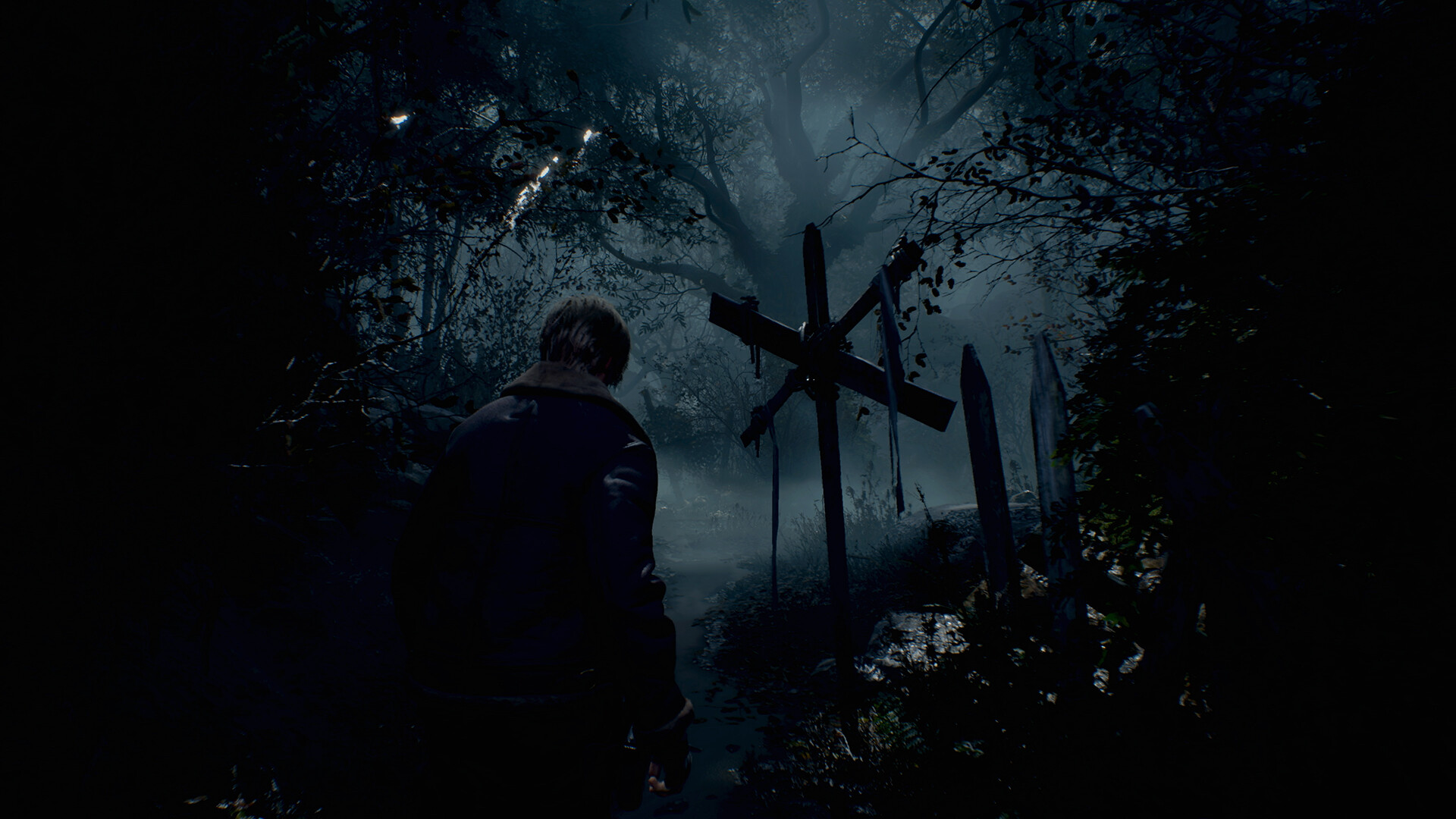
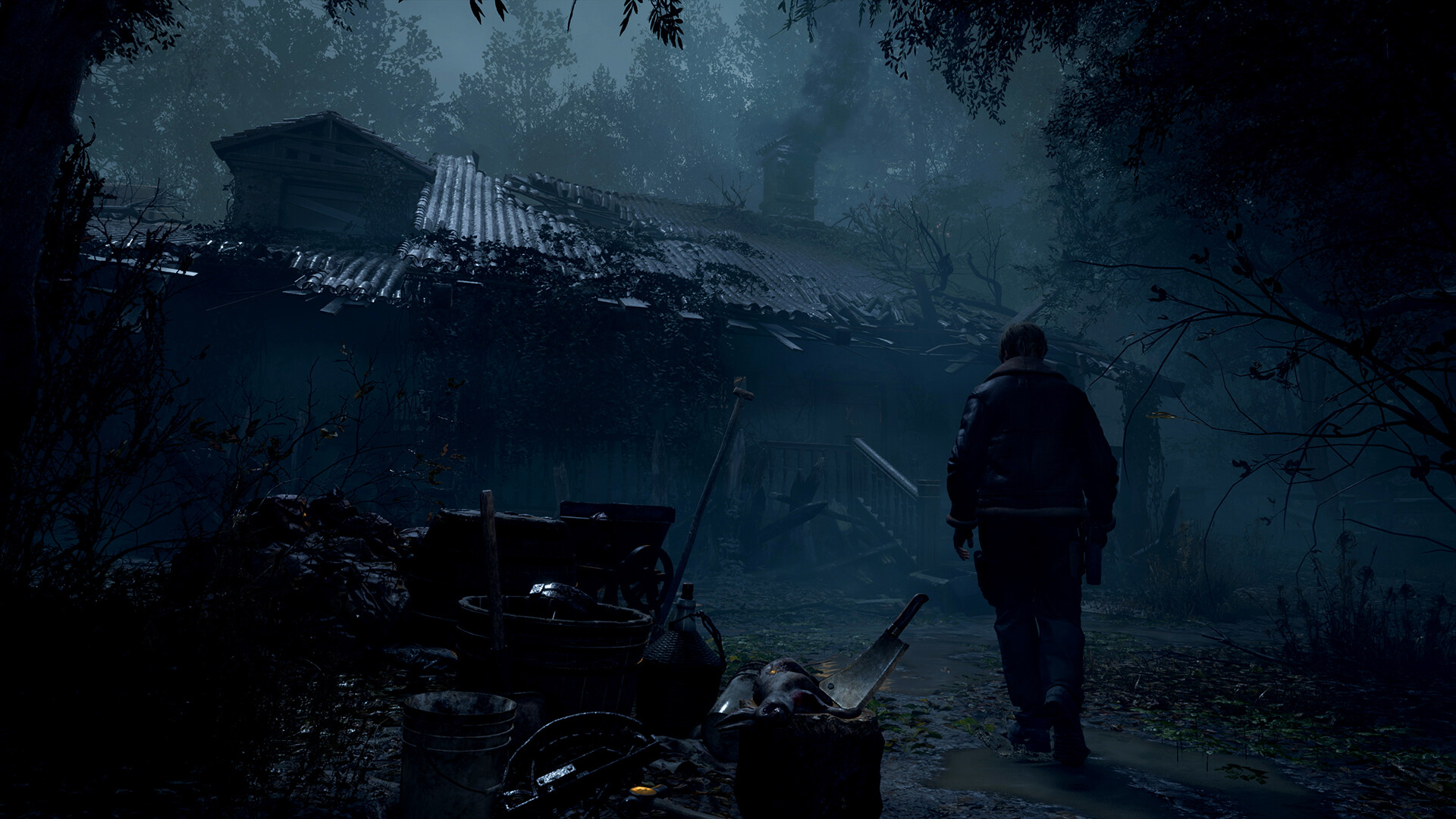

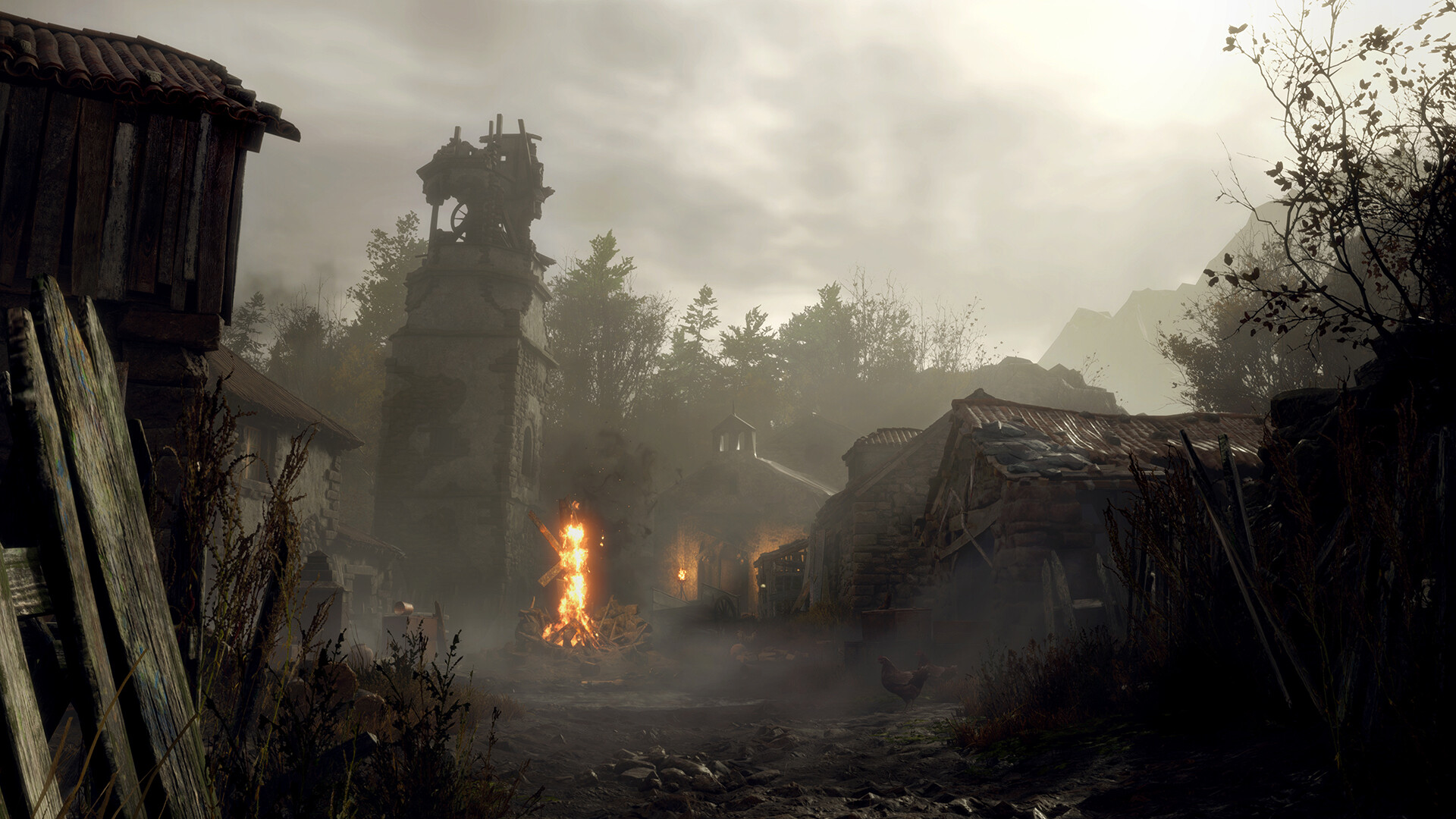
Which Resident Evil 4 this page is about
This page covers the 2023 remake, the one built in Capcom's RE Engine and sold on Steam as appid 2050650. The original 2005 Resident Evil 4 is a different, much older game that runs on almost any PC from the last fifteen years and isn't sold on Steam in its original form. If a search brought you here looking for the 2005 version's requirements, this isn't it. Everything below, the specs, the frame rates, the FAQ, is about the remake.
The remake reuses the RE Engine that ran Resident Evil 2, 3, and Village, and it inherits that engine's reputation for running well across a wide range of hardware. It isn't a demanding game by 2023 standards. The one setting worth understanding before you touch anything else is Texture Quality.
The texture slider matters more than your GPU tier
Instead of the usual Low/Medium/High/Ultra texture presets, Resident Evil 4 gives you a Texture Quality option that lets you allocate a specific amount of video memory to textures, shown as a bar in the graphics menu: roughly 1GB, 4GB, 6GB, or 8GB. The higher the number, the sharper the textures and the less pop-in you'll see as new areas load in.
The catch is that this number has to fit inside your card's actual VRAM alongside everything else the game needs to run. Set it above what your card can spare and you'll see stutter, textures that never sharpen up, or in the worst case a crash. Cards with 8GB of VRAM generally need to keep the slider around the 1GB to 4GB mark if you also want max settings and ray tracing on; cards with 12GB or more can push it higher without much worry. If your card has 4GB or 6GB, treat the 1GB preset as your baseline and only raise it if you have frames to spare.
This is the single biggest reason two people with similar-sounding GPUs report wildly different experiences with this game. It's rarely the GPU itself and almost always this slider set too high for the card's memory.
Ray tracing costs less than the requirement suggests
Capcom lists an RTX 2070 or RX 6700 XT as the card you need for ray tracing, and that's a real floor. Cards below it can't enable RT at all in the options menu. Once you clear that floor, though, the actual frame rate hit from turning RT on is smaller than in most games with the feature. On an RTX 4090 at native 4K, enabling ray tracing costs under ten percent of the frame rate in benchmark testing, which tells you the implementation is fairly light.
That's good news if you own an RTX 2070-class card or better and want the reflections and lighting RT adds around the village and castle. If your card falls below that line, ray tracing simply isn't an option here, and there's no meaningful visual loss from leaving it off. Spend your settings budget on the texture slider instead.
Getting a smooth frame rate on a modest PC
Resident Evil 4 shipped with AMD's FSR 2 built in but no official DLSS, so NVIDIA owners don't get first-party upscaling out of the box. A well-known community patch through REFramework adds DLSS, DLAA, and Intel's XeSS if you want them; FSR needs to be switched off first if you install it. On any card, turning FSR to Quality or Balanced is usually the fastest single fix for a game that feels sluggish.
After that, the settings worth touching in order are: bring Texture Quality down to match your VRAM as covered above, drop Shadow Quality one notch (it has a real cost for a small visual difference), and turn off Motion Blur and Depth of Field, which cost nothing to disable and change how the game feels to some players anyway. There's no mandatory online connection and no fps cap baked into the PC version, so once your settings match your hardware, you should get a stable frame rate that scales with your monitor's refresh rate.
Can I run Resident Evil 4? Your questions answered
An RX 560 4GB or GTX 1050 Ti 4GB, a Ryzen 3 1200 or Core i5-7500, and 8GB of RAM, targeting 1080p Low at 45 fps. That's Capcom's own stated target for the minimum tier, not just a bare pass.
An RX 5700 or GTX 1070, a Ryzen 5 3600 or Core i7-8700, and 16GB of RAM, for 1080p High at 60 fps.
The 2023 remake, built in the RE Engine and sold on Steam. The original 2005 game is a separate, far lighter title that runs on essentially any modern PC and isn't the game these specs describe.
8GB is the official minimum and it does work, but Capcom's own recommended target is 16GB, and that's the more comfortable pick if you keep anything else running in the background.
16GB sits at the recommended mark. 16GB is the official recommended amount and covers every settings tier including ray tracing. The game doesn't ask for more than that.
No, it isn't a requirement, but an SSD noticeably shortens load times and helps textures stream in cleanly as you move between areas, which matters if you're running the higher Texture Quality presets.
About 60GB at launch, and closer to 70GB once you account for patches. Leave a bit of headroom beyond the listed number.
Yes. You need at least an RTX 2070 or RX 6700 XT to turn it on, paired with the recommended CPU and 16GB of RAM. Below that GPU tier, ray tracing is grayed out in the options menu.
Not officially. It ships with AMD FSR 2 built in. A widely used community patch through REFramework adds DLSS, DLAA, and XeSS for players who want them, though it's unofficial and needs FSR switched off to work.
It sets how much video memory, roughly 1GB, 4GB, 6GB, or 8GB, gets dedicated to texture detail, shown as a bar in the graphics menu. Higher settings look sharper and show less pop-in, but only if your card actually has that much VRAM free. Pushing it too high for your card causes stutter or a crash, so match the slider to your card's real memory rather than always maxing it.
Yes, a DirectX 12 capable graphics card is required. There's no DirectX 11 fallback.
It's on the easier side for a 2023 release. The RE Engine has a track record of running well across old and new hardware, and this game follows that pattern. Most reported problems trace back to the Texture Quality slider being set higher than a card's VRAM, not to the game itself being poorly built.
Good enough to play. The RTX 3050 sits at Resident Evil 4's minimum, so expect 1080p low to medium and a bit of tuning for smoothness. Around 50 to 60 fps at 1080p Medium to High.
Yes. Resident Evil 4 runs on the GTX 1650 at 1080p low to medium; shave a setting or two and the frame rate settles. Roughly 45 to 55 fps at 1080p Low to Medium, a step up from the official minimum card.
Good enough to play. The GTX 1060 6GB sits at Resident Evil 4's minimum, so expect 1080p low to medium and a bit of tuning for smoothness. Around 45 to 50 fps at 1080p Medium. High settings won't hold a steady 60.
Yes, on modest settings. The RX 580 meets what Resident Evil 4 needs at minimum, so 1080p low to medium is the sweet spot. Around 45 to 55 fps at 1080p Medium, similar territory to the GTX 1060 6GB despite the extra VRAM.
You are well set. The RTX 4060 exceeds Resident Evil 4's recommended card, so 1080p high is easy and 1440p is realistic. About 83 fps at 1080p High and 64 fps at 1440p in independent testing.
Yes, with room to spare. Resident Evil 4 recommends less than the RTX 3060 offers, so expect smooth 1080p high and a playable 1440p. About 71 fps at 1080p High and 52 fps at 1440p High in independent testing.
Comfortably, yes. The RTX 2060 clears Resident Evil 4's recommended bar, which puts high 1080p and 1440p both in reach. Roughly 65 fps at 1080p High. Clears the ray tracing GPU floor, though RT still costs frames.
Yes. Resident Evil 4 runs on the GTX 1660 at 1080p low to medium; shave a setting or two and the frame rate settles. About 55 to 65 fps at 1080p High, close to the official recommended-tier target.
Yes, on modest settings. The GTX 1660 Super meets what Resident Evil 4 needs at minimum, so 1080p low to medium is the sweet spot. About 55 to 65 fps at 1080p High, similar to the standard GTX 1660.
Yes, with room to spare. Resident Evil 4 recommends less than the RX 6600 offers, so expect smooth 1080p high and a playable 1440p. About 65 to 75 fps at 1080p High, comfortable even with ray tracing on at that resolution.
Yes, though keep expectations modest. The GTX 1660 Ti clears Resident Evil 4's minimum, so plan on 1080p at low to medium and trim a setting or two for a steady frame rate.
No trouble at all. The RTX 3060 Ti meets or beats what Resident Evil 4 recommends, so 1080p high runs well and 1440p is realistic. Around 80 to 85 fps at 1080p High and roughly 60 to 65 fps at 1440p, with headroom for ray tracing at 1080p.
Yes, comfortably. The RTX 4050 sits at or above Resident Evil 4's recommended card, so 1080p on high is smooth and 1440p is well within reach. Around 50 to 60 fps at 1080p Medium to High on a laptop, in the same range as a desktop RTX 3050.
The GTX 1050 Ti gets you in. It meets Resident Evil 4's minimum, so low to medium at 1080p works, and turning a couple of things down keeps it steady. About 35 fps at 1080p Low, close to Capcom's own minimum-spec target of 45.
No trouble at all. The RTX 4070 meets or beats what Resident Evil 4 recommends, so 1080p high runs well and 1440p is realistic.
Yes, unlike most big PC releases, Resident Evil 4 has a genuine native Apple Silicon version sold through the App Store rather than Steam, built to run on M1 and later chips. Performance scales with the chip: an M1 or M2 MacBook Air handles it at reduced settings, while an M3 or M4 Pro or Max runs closer to what a mid-range gaming PC manages. It's a separate purchase from the Steam version and doesn't carry your Steam save.
Older integrated graphics fall below the GTX 1050 Ti minimum and won't run it acceptably. Newer integrated chips like Intel's Iris Xe or AMD's Radeon 780M can manage 1080p on Low settings with the texture slider kept modest, though don't expect a steady 60 fps.
Cloud streaming is the only route in, GeForce Now being the obvious pick, since Chromebooks don't have the local hardware this game needs and instead just display the video stream.
Yes, all three handle it. On Steam Deck, Low settings with FSR 2 on Quality gets you a steady 30 to 40 fps, and the OLED model with an upscaler on Performance and ray tracing off climbs into the mid-40s. The ROG Ally and Legion Go, being a step more powerful, run a bit higher at similar settings.
Yes. An RTX 4070 class card handles 4K with FSR upscaling, and an RTX 4090 pushes past 100 fps at native 4K with everything maxed, ray tracing included, no upscaling required.
An RTX 3060 or RX 6700 XT class card holds a comfortable 1440p High, with the RX 6700 XT giving enough headroom to add ray tracing at that resolution too.
The official recommended tier, an RX 5700 or GTX 1070 with a Ryzen 5 3600 or Core i7-8700, hits 60 fps at 1080p High. That matches Capcom's own stated target for that tier.
The main setting that scales beyond High is the Texture Quality slider going up to 8GB, which needs a card with matching VRAM headroom, generally 12GB or more if you also want ray tracing on. An RTX 3070 or better covers most people's idea of maxed out at 1080p to 1440p.
Yes to both. PS4 owners get a free upgrade to the PS5 version, which adds ray tracing options and higher frame rate modes, plus PS VR2 support. This page focuses on the PC version.
Yes, and cloud streaming is how. Platforms such as GeForce Now render the game remotely and pipe the video to whatever device you're holding, which means the hardware in your hands barely factors in beyond decoding smooth playback.
Yes for High settings at 1080p or 1440p, as long as you keep the Texture Quality slider around 1 to 4GB rather than pushing it to the 8GB preset. Combining max textures with ray tracing on an 8GB card is where you'll start seeing stutter.
For 1080p at Medium to High, yes, with the texture slider kept around the 1 to 2GB preset. Ray tracing isn't available below an RTX 2070 or RX 6700 XT anyway, so a 6GB card wouldn't be using it.
It's the official minimum amount of graphics memory, paired with the RX 560 or GTX 1050 Ti. It works at 1080p Low with the texture slider left at its lowest preset, but there's no room to push textures higher without stutter.
Nine times out of ten it's the Texture Quality slider set above what your card's VRAM can hold, which shows up as stutter, textures that never sharpen, or an outright crash. Beyond that, check for a graphics card below the RX 560 or GTX 1050 Ti, less than 8GB of system RAM, or a stale graphics driver. Lowering the texture slider is the first thing to try before touching anything else.
Capcom never built a Linux version, but Proton runs it well, and ProtonDB users point to GE-Proton builds with RE-specific fixes as the smoothest path to a clean first launch. Steam Deck holds a steady 30-40fps at Low with FSR 2 Quality, and a desktop Linux rig with comparable or better GPU power should match or beat that. Check ProtonDB for the current recommended build before installing.
Yes, it's available on both, but not on the older Xbox One. If you're on Xbox One and can't find it, that's why. This page covers the PC version.
Within reason, yes. At the minimum of an RX 560 or GTX 1050 Ti, a Ryzen 3 1200, and 8GB of RAM, you can expect 1080p Low around 45 fps, matching Capcom's own target for that tier. Keep the Texture Quality slider at its lowest preset on hardware this modest.
A Ryzen 3 1200 is the official minimum CPU, so similarly modest chips including a mid-range i3 can run it, paired with a graphics card at or above the minimum tier. This game leans more on GPU and VRAM than raw CPU power.
There's no version for the original Switch. Leaks and reports through 2026 point to a Switch 2 version of the remake arriving at some point, alongside the Resident Evil 2 and 3 remakes, but Capcom has not made it official yet.