
Can I Run Ready or Not on My PC / Laptop?
A tactical SWAT shooter from VOID Interactive that runs well on modest hardware once you pick the right rendering mode and texture setting.
Check if your PC can run Ready or Not
Pick your graphics card and processor to check.
Can I run Ready or Not on my PC?
Use the checker above to find out in seconds. Pick your graphics card and processor and it compares them against Ready or Not's official requirements. As a quick guide, you need at least a NVIDIA GeForce GTX 960 2GB / AMD Radeon R7 370 2GB graphics card, a Intel Core i5-4430 / AMD FX-6300 processor, and 8 GB RAM of RAM to play at 1080p.
Can I run Ready or Not on my laptop?
Yes, if your laptop has a dedicated graphics card around a NVIDIA GeForce GTX 960 2GB / AMD Radeon R7 370 2GB or better and 8 GB RAM of RAM. Laptops with only integrated graphics usually fall short. Enter your laptop's GPU in the tool above to check. Keep in mind that the laptop version of a card runs a little slower than the desktop card of the same name, and heat can lower sustained frame rates.
Ready or Not runs on more hardware than a game this detailed usually does. If you have at least a GTX 1060 6GB or an RX 580 with 8GB of RAM, you already clear the recommended bar, and the frame rate holds up well because the engine is genuinely well optimized. The thing people get wrong is settings, not hardware: leaving Textures on Epic with less than 8GB of VRAM is what causes most of the stutter reports, not a weak graphics card.
Drop your CPU and GPU into the checker above for a direct read against Ready or Not's requirements. Below that, you will find the full spec tiers, real frame rates across a wide range of cards, the actual causes of the game's stutter and how to stop it, and straight answers on laptops, consoles, Steam Deck, and everything else people tend to ask about.
Ready or Not system requirements
| Minimum | Recommended | |
|---|---|---|
| Processor (CPU) | Intel Core i5-4430 / AMD FX-6300 | AMD Ryzen 5-1600 / Intel Core i5-7600K |
| Graphics card (GPU) | NVIDIA GeForce GTX 960 2GB / AMD Radeon R7 370 2GB | Nvidia GTX 1060 6GB or better |
| Memory (RAM) | 8 GB RAM | 8 GB RAM |
| Operating system | Windows 10, Windows 11 | 64-bit Windows 10, 64-bit Windows 11 |
| DirectX | Version 11 | Version 11 |
| Storage | 60 GB available space | 60 GB available space |
Storage: 60 GB. No SSD is officially required, but one helps with load times and with the texture streaming that causes stutter on Epic settings.
Full performance tiers
| Tier | Target | CPU | GPU | RAM |
|---|---|---|---|---|
| Minimum | 1080p Low, 30 fps | Intel Core i5-4430 / AMD FX-6300 | GTX 960 2GB / R7 370 2GB | 8 GB |
| Recommended | 1080p High, 60 fps | AMD Ryzen 5 1600 / Intel Core i5-7600K | GTX 1060 6GB or better | 8 GB (16 GB is the more comfortable real-world number) |
| 1440p Comfortable | 1440p High to Epic, 60+ fps | Ryzen 5 5600 / Intel Core i5-11400 | RTX 3060 Ti / RX 6700 XT | 16 GB |
| 4K | 4K High, 60 fps | Ryzen 7 5700X / Intel Core i5-12600K | RTX 4070 or better | 16 GB |
Ready or Not FPS by graphics card
| Graphics card | 1080p | 1440p | 4K | Notes |
|---|---|---|---|---|
| GTX 1050 Ti 4GB | ~55-65 | , | , | Near the floor of what runs comfortably. Drop Textures to Medium so the 4GB buffer does not choke. |
| GTX 1650 4GB | ~75-85 | , | , | Handles 1080p Medium to High. Still worth staying off Epic textures with only 4GB. |
| GTX 1060 6GB | ~80-90 | , | , | The official recommended card, and it clears High settings at 1080p with room to spare. |
| RTX 3060 12GB | ~115-125 | , | , | 12GB of VRAM means Epic textures stop being a problem, even at 1440p. |
| RTX 4060 8GB | ~135-145 | ~95-105 | , | A clean 1440p High card. DLSS pushes it well past 100 fps if you want more. |
| RTX 4070 12GB | ~170-180 | ~125-135 | ~75-85 | Comfortable 4K High with headroom, thanks to the bigger VRAM pool. |
| RTX 4090 24GB | ~225-240 | ~165-180 | ~110-120 | Well beyond what the game needs. Your CPU or your monitor's refresh rate becomes the limit, not this card. |
These numbers come from GPU-focused benchmarks paired with a fast processor, so treat them as close to each card's ceiling. A busier raid, a weaker CPU, Epic textures on a card under 8GB of VRAM, or the shader-compile stutter on a map's first load will all pull real numbers lower.
Can these graphics cards run Ready or Not?
| Graphics card | Verdict | Notes |
|---|---|---|
| GTX 1050 Ti | Below minimum | Under the requirement. Lowest settings, low frame rate. |
| GTX 1650 | Playable | Meets minimum. Low to medium at 1080p, tune for a steady rate. |
| RX 570 | Playable | Runnable at minimum. Low to medium 1080p, ease settings back. |
| RX 580 | Playable | Meets the bar. Low to medium settings at 1080p. |
| GTX 1060 6GB | Runs well | Over the recommended bar. Smooth high 1080p, 1440p realistic. |
| GTX 1650 Super | Runs well | Recommended tier or better. High 1080p, with room for 1440p. |
| GTX 1660 | Runs well | Above recommended. 1080p high is easy, and 1440p works too. |
| GTX 1660 Super | Runs well | Recommended tier or better. High 1080p, with room for 1440p. |
| RTX 3050 | Runs well | Exceeds recommended. 1080p high is comfortable, 1440p fine. |
| GTX 1660 Ti | Runs well | Past the recommended tier. High settings at 1080p, 1440p on the table. |
| RX 6600 | Runs well | At or above the recommended card. Smooth 1080p high, 1440p realistic. |
| RTX 2060 | Runs well | Strong fit. High settings at 1080p, 1440p within reach. |
| RTX 4050 | Runs well | Exceeds recommended. 1080p high is comfortable, 1440p fine. |
| Arc A750 | Runs well | Recommended tier or better. High 1080p, with room for 1440p. |
| RTX 3060 | Runs well | Beats the recommended spec. Comfortable high 1080p, playable 1440p. |
| RX 6600 XT | Runs well | Past the recommended tier. High settings at 1080p, 1440p on the table. |
| RX 7600 | Runs well | Recommended tier or better. High 1080p, with room for 1440p. |
| RX 6700 XT | Runs well | At or above the recommended card. Smooth 1080p high, 1440p realistic. |
| RTX 4060 | Runs well | Over the recommended bar. Smooth high 1080p, 1440p realistic. |
| RTX 3060 Ti | Runs well | Beats the recommended spec. Comfortable high 1080p, playable 1440p. |
| RTX 3070 | Runs well | Beats the recommended spec. Comfortable high 1080p, playable 1440p. |
| RTX 4070 | Runs well | Above recommended. 1080p high is easy, and 1440p works too. |

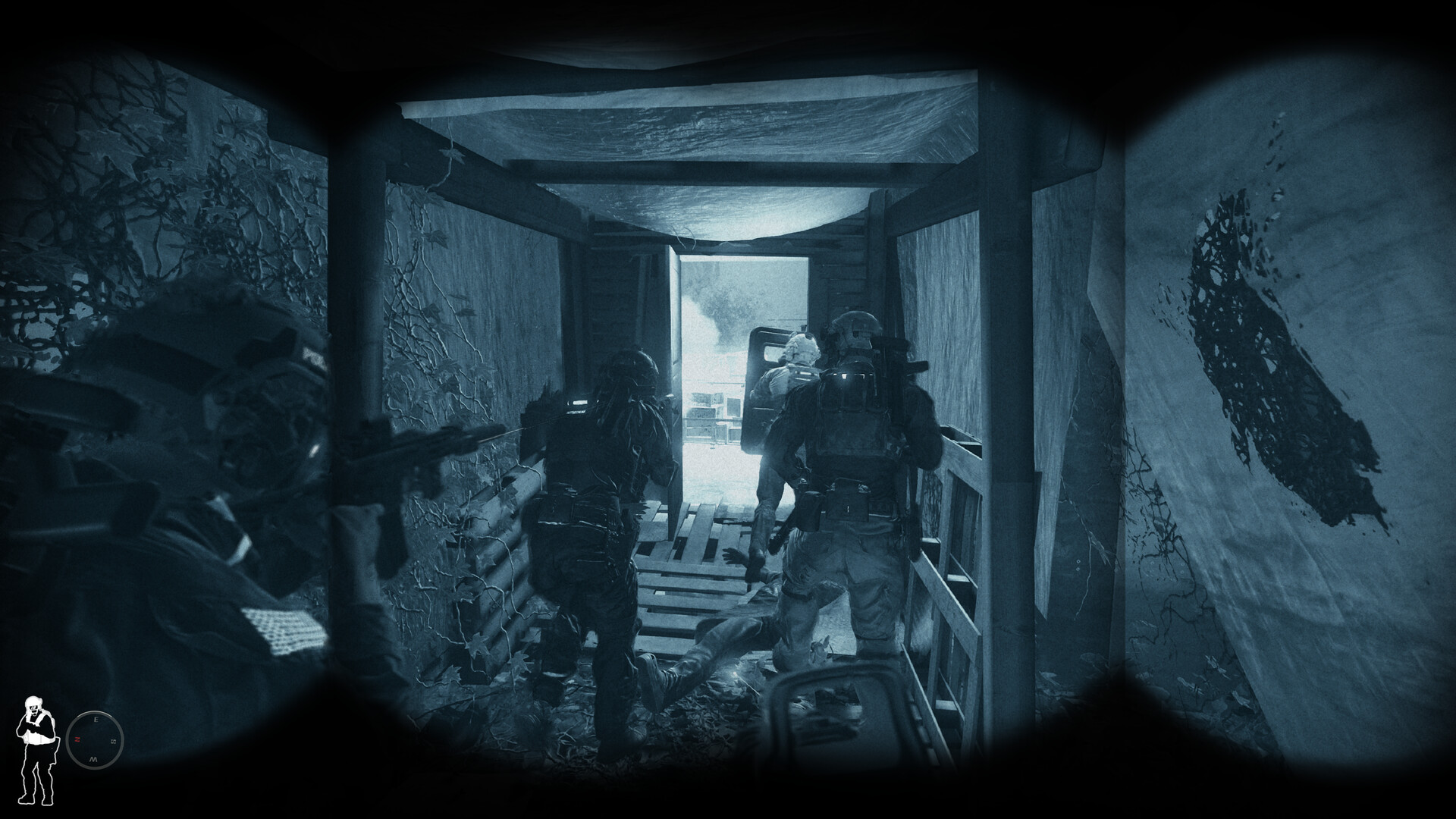
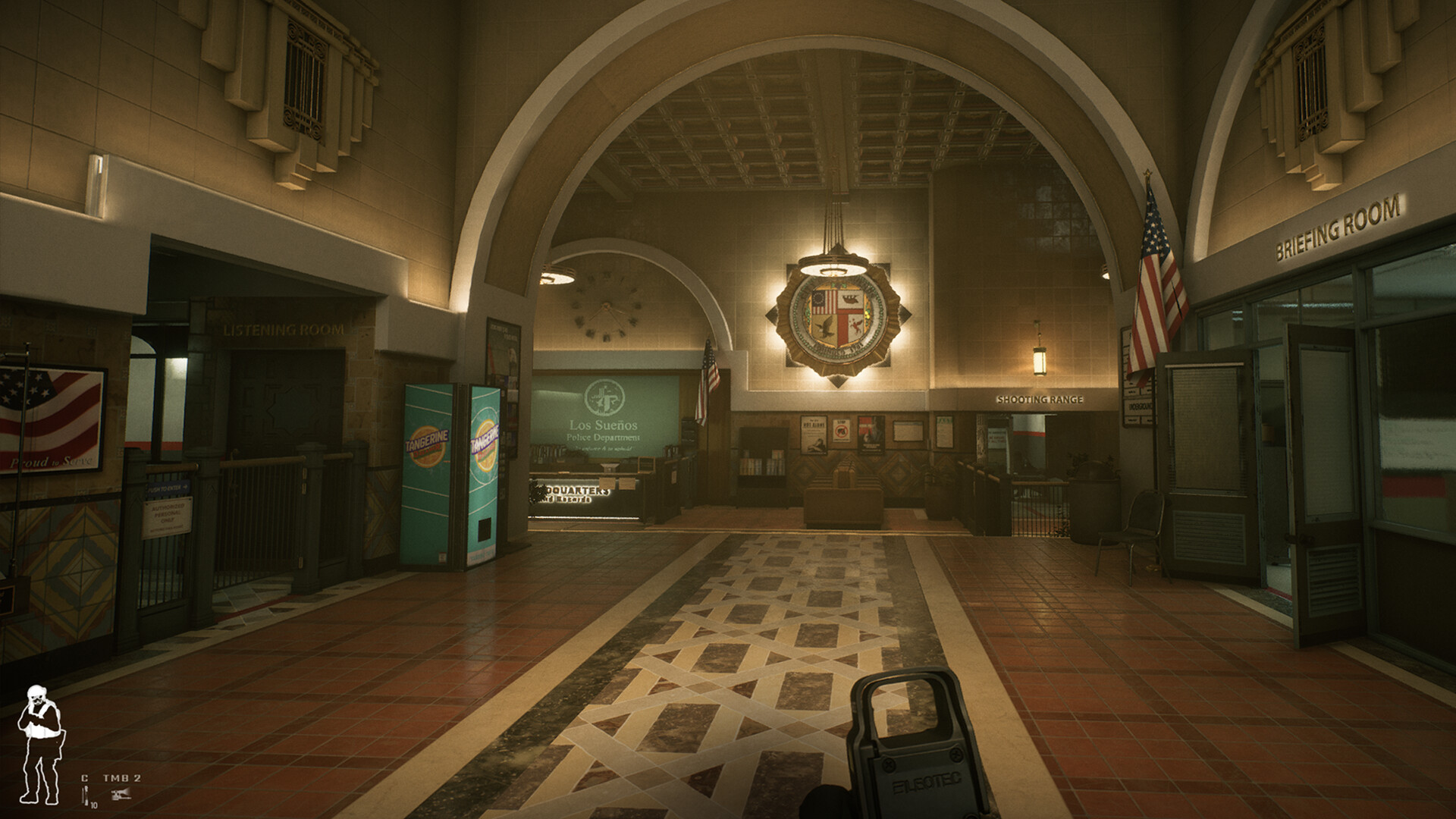

What actually decides your frame rate
Ready or Not is unusually well optimized for how detailed its levels are, and it scales cleanly from a GTX 1060 all the way up to the newest cards. Two settings decide whether that scaling holds up for you: which rendering mode you use, and how much VRAM headroom you leave yourself.
The game ships with a choice between DX11 and DX12, changeable in the video settings menu or with a -DX12 or -DX11 Steam launch option. DX11 is the safer, more compatible default, but it does not use modern hardware efficiently and tends to leave frame rate on the table on newer GPUs. DX12 pulls noticeably more performance out of the same card, which is why it is worth trying on any system built in the last five or six years, but it compiles shaders the first time you load a given map, which shows up as a short stutter that clears up once that map has been played once.
The second variable is VRAM. The Texture setting has an Epic option that is heavier than most tactical shooters need, and on a card with 6GB or less it starts evicting textures mid-mission, which reads as stutter rather than a smooth drop in quality. Staying on High textures instead of Epic is the single biggest fix for reported stutter on 4GB and 6GB cards.
Will your PC run it, and how well
If your card sits at or above the official minimum, a GTX 960 2GB or RX 370 2GB, you will get into a match, but 1080p Low around 30 fps is a rough floor and not where most people want to play. A GTX 1050 Ti or GTX 1650 gets you into the 55 to 85 fps range on Low to Medium, which is where the game starts feeling smooth.
The official recommended card, a GTX 1060 6GB, clears 1080p High comfortably, and this is genuinely the level where Ready or Not feels the way it is meant to. Step up to an RTX 3060 or RX 6600 class card and 1440p High opens up. For 4K you want an RTX 4070 or RX 7800 XT class card or better, mainly because the resolution jump amplifies the VRAM cost of Epic textures rather than because the shading load itself is unusually heavy.
Why it stutters, and what to turn down first
Most stutter reports on Ready or Not trace back to one of three causes, and they have different fixes. The first is shader compilation on DX12, which hits hardest the first time you load a specific map and fades after that, since the compiled shaders get cached. If it bothers you, switching to DX11 removes it entirely at the cost of some raw frame rate.
The second is VRAM starvation from Epic textures on a 4GB or 6GB card, which you fix by dropping Textures to High. The third is the older, low-utilization behavior of DX11 itself on newer GPUs, which DX12 largely solves. If you are still stuttering after trying both rendering modes and a lower texture setting, check that Anti-Aliasing is set to TSR or FXAA rather than the heavier TAA option, cap your frame rate a little below your monitor's refresh rate to reduce GPU thermal load, and close Discord overlays and browser tabs if you are on 8GB of system RAM.
RAM, storage, and the co-op catch
VOID Interactive lists 8GB of RAM for both minimum and recommended, and the game itself is fine with that. In practice, 16GB is the more comfortable real number once you add Discord, a browser, and Windows background processes into the mix, especially if you are hosting a co-op lobby, which carries a bit more simulation load than joining one.
The install is 60GB. An SSD is not a listed requirement, but it noticeably shortens map load times and reduces the odds of texture pop-in contributing to that VRAM stutter, since data streams in faster. Ready or Not launched on PS5 and Xbox Series X and S in July 2025 with cross-play against PC, so a co-op squad can now mix platforms without anyone needing a matching setup.
Can I run Ready or Not? Your questions answered
A GTX 960 2GB or Radeon R7 370 2GB graphics card, an Intel Core i5-4430 or AMD FX-6300 processor, and 8GB of RAM, running Windows 10 or 11 with DirectX 11. That gets you 1080p on Low settings around 30 fps.
A GTX 1060 6GB or better, a Ryzen 5 1600 or Intel Core i5-7600K, and 8GB of RAM. This is the level where the game runs High settings at 1080p comfortably, above the official minimum of 30 fps.
It technically is, since 8GB is both the minimum and the officially recommended amount. In practice 16GB is the more comfortable number, since Windows, Discord, and a browser tab easily eat into 8GB and can cause loading hitches or occasional stutter during a busy raid, especially if you are hosting a co-op session.
Yes, and it is the amount that actually removes RAM as a variable. You will not notice a difference over 8GB from the game itself, but you will notice fewer background stutters with everything else you normally run alongside it.
60GB of free space. That figure has grown a bit with post-launch updates and will likely keep creeping up, so leave some extra room.
It is not an official requirement, but yes in practice. An SSD cuts load times noticeably and reduces the chance of texture pop-in feeding into the VRAM stutter some players see on Epic settings. On a mechanical hard drive, expect longer loads and a slightly higher chance of streaming hitches.
DX12 shader compilation is the first suspect. It hits hardest the first time you load a specific map and fades once that map is cached. Epic textures overflowing a 4GB or 6GB card's VRAM is the second, fixed by dropping to High. The third is DX11 itself not using newer hardware efficiently, which switching to DX12 usually solves. Work through those three before you decide your PC is too weak for the game.
On a GPU from the last five or six years, DX12 generally gives a real frame rate gain over DX11, at the cost of a short shader-compile stutter the first time you load each map. On older hardware or if you want the most consistent frame times with no compile stutter at all, DX11 is the safer pick. Both are available from the video settings menu or as a -DX12 / -DX11 Steam launch option.
Mostly GPU-bound. It is a single-player and co-op game capped at a small squad size, not a large multiplayer shooter tracking dozens of players, so the graphics card and your settings do most of the work in deciding your frame rate rather than the processor.
A recent i3 or Ryzen 3, something from the last few generations, is enough since the game leans on the GPU more than the CPU. An older quad-core from the FX or first-generation Ryzen era near the official minimum will work but is closer to the floor, especially in AI-heavy rooms.
6GB is fine at 1080p on High settings. For Epic textures, or for 1440p and up, 8GB or more avoids the streaming stutter that shows up when the card runs out of room and has to evict and reload textures mid-mission.
Update your GPU driver first, since that fixes most launch failures. After that, verify the game files through Steam, make sure Windows and DirectX are current, and try switching the DX11/DX12 launch option, since a driver that handles one poorly can sometimes crash on startup with the other.
Single-player missions can be played offline. Co-op requires an internet connection to host or join a lobby, and since the PS5 and Xbox Series X and S release in 2025, that connection also carries cross-play matches between PC and consoles.
For sure. The RTX 3050 outpaces Ready or Not's recommended card, leaving you high 1080p now and 1440p whenever you like. Around 95-105 fps at 1080p High.
Yes, at the lower end. With the GTX 1650 you clear Ready or Not's minimum, so 1080p low to medium is the target and easing back a setting helps. About 75-85 fps at 1080p Medium to High.
Plenty of power here. The GTX 1060 6GB is above Ready or Not's recommended tier, so high 1080p is smooth and 1440p is a fair target. Around 80-90 fps at 1080p High, comfortably above the recommended spec.
Good enough to play. The RX 580 sits at Ready or Not's minimum, so expect 1080p low to medium and a bit of tuning for smoothness. Similar to a GTX 1650, roughly 70-80 fps at 1080p High.
That is more than enough. The RTX 4060 clears Ready or Not's recommended requirement, so aim for high at 1080p or step up to 1440p. About 135-145 fps at 1080p High, a clean choice for 1440p.
You are well set. The RTX 3060 exceeds Ready or Not's recommended card, so 1080p high is easy and 1440p is realistic. About 115-125 fps at 1080p High, and its 12GB handles Epic textures without stutter.
Yes, with room to spare. Ready or Not recommends less than the RTX 2060 offers, so expect smooth 1080p high and a playable 1440p. About 115-125 fps at 1080p High, though its 6GB gets tight on Epic textures.
Comfortably, yes. The GTX 1660 clears Ready or Not's recommended bar, which puts high 1080p and 1440p both in reach. About 100-110 fps at 1080p High.
Yes. The GTX 1660 Super has headroom over Ready or Not's recommended card, so you can push 1080p high and move to 1440p when you want. Around 105-115 fps at 1080p High.
Yes, comfortably. The RX 6600 sits at or above Ready or Not's recommended card, so 1080p on high is smooth and 1440p is well within reach. About 120-130 fps at 1080p High.
The GTX 1660 Ti is a strong fit for Ready or Not. It lands at or above the recommended spec, so high 1080p is comfortable and 1440p works. About 110-120 fps at 1080p High.
Plenty of power here. The RTX 3060 Ti is above Ready or Not's recommended tier, so high 1080p is smooth and 1440p is a fair target. Around 140-150 fps at 1080p High and close to 100 fps at 1440p.
Yes, with room to spare. Ready or Not recommends less than the RTX 4050 offers, so expect smooth 1080p high and a playable 1440p. This mobile chip runs closer to a desktop RTX 3050, expect roughly 90-100 fps at 1080p High.
Realistically, no. The GTX 1050 Ti is beneath Ready or Not's minimum, which means very low settings and a rough frame rate at best. Around 55-65 fps at 1080p Low. It clears the bar but drop Textures to Medium for a steadier result.
The RTX 4070 is a strong fit for Ready or Not. It lands at or above the recommended spec, so high 1080p is comfortable and 1440p works. Around 170-180 fps at 1080p and 120-130 at 1440p, with 4K High well within reach.
An M-series MacBook has no native way to run Ready or Not, since there is no Mac version. Cloud streaming through something like GeForce Now works, and so does Windows on Arm with a translation layer, but neither replaces an actual Windows PC, and both add setup hassle plus a bit of input lag.
Not comfortably. Recent higher-end integrated chips, like Intel Iris Xe or AMD's Radeon 780M, can limp through Low settings at 1080p in the 20s and 30s, but older or weaker integrated graphics fall short of the minimum entirely. A cheap dedicated card like a GTX 1650 is a far better experience.
No, not locally. A Chromebook lacks the hardware and, in most cases, the operating system compatibility. Cloud streaming through GeForce Now is the only realistic way to play Ready or Not on one.
Steam Deck is rated Playable, and a Ready or Not update specifically improved handheld support with better default settings and controller layouts. Expect 1080p output scaled down internally, with lowered settings needed for a stable frame rate. ROG Ally and Legion Go have more raw power than Steam Deck and handle it more comfortably at similar or slightly higher settings.
Yes, GeForce Now runs Ready or Not, and it is the easiest route to the full experience if you are on a Mac, a Chromebook, or a low-end PC and do not want to buy new hardware.
VOID Interactive has not shipped a native Linux build, but Proton on Steam Deck and other Linux systems runs it well. Community reports lean positive here, and DX12 through Proton comes close to native Windows performance on recent hardware.
Yes. Ready or Not launched on PS5 in July 2025 with cross-play support against PC and Xbox Series X and S players.
Yes, alongside the PS5 release in July 2025. Both are current-generation consoles only.
No. Only PS5 and Xbox Series X and S got a console release. The last-generation consoles were skipped, most likely because the engine's texture and lighting work would not scale down cleanly to their older hardware.
No, and there are no announced plans for one. The current Switch hardware is well below what the game needs, and Switch 2 has not received an announced port either.
Yes, with an RTX 4070, RX 7800 XT, or stronger card for a steady 4K High experience. Weaker cards can technically render at 4K but will fall well short of 60 fps.
An RTX 3060 Ti or RX 6700 XT class card gets you a comfortable 1440p at High settings. An RTX 3060 or RX 6600 can manage 1440p too, closer to Medium and High settings rather than maxed out.
A GTX 1060 6GB or RX 580 clears 60 fps at 1080p on High settings, which is the recommended tier. For 60 fps at 1440p, aim for an RTX 3060 Ti or RX 6700 XT. For 60 fps at 4K, an RTX 4070 or better.
Yes, but only comfortably on cards with 8GB of VRAM or more, since Epic textures are the setting most likely to cause stutter on smaller VRAM pools. An RTX 3060 or better handles full Epic settings at 1080p without much trouble.
It can, at the official minimum: a GTX 960 2GB or R7 370 2GB with an i5-4430 or FX-6300 gets you into a match at 1080p Low around 30 fps. It is playable but not smooth, and a budget upgrade like a GTX 1650 makes a noticeable difference.
Yes, since the PS5 and Xbox Series X and S launch in July 2025, PC, PlayStation, and Xbox players can play co-op together.
PS5 offers a performance mode aimed at higher frame rates alongside a resolution-focused mode, but VOID Interactive has not published a guaranteed locked 120 fps figure, and real output depends on the scene. Console players who want the highest, steadiest frame rate should use the performance mode.
Yes, comfortably above the recommended spec. Expect roughly 100-110 fps at 1080p on High settings, similar to a GTX 1660 Ti.
Yes, well above recommended. It holds around 125-135 fps at 1080p High without issue.
Yes, easily. Expect about 150-160 fps at 1080p High and roughly 110 fps at 1440p.
Yes, this is far more card than the game needs. It holds around 170-180 fps at 1080p and clears 1440p Ultra with room to spare.
Yes. It runs High settings at 1080p around 150-160 fps and handles 1440p well.
Yes, this is more GPU than the game requires. Expect roughly 190-200 fps at 1080p and well over 100 fps even at 4K.
Yes, and it is total overkill. You will hit your CPU or your monitor's refresh rate limit before this card runs short of headroom, typically well over 220 fps at 1080p.
Yes, well above recommended. It holds around 145-155 fps at 1080p High and past 100 fps at 1440p.
Yes, on a current Intel driver it runs Ready or Not fine, averaging around 145-155 fps at 1080p High. Older Arc drivers had rougher DX11 performance in this game, so keep the driver updated.
Reports of lag and crashes picked up right after the July 2025 console launch, which is typical for a new console port finding its footing. A day-one or day-two patch, keeping the console's own system software updated, and reinstalling the game if crashes persist usually clear it up. If it is still happening well after launch, it is worth checking VOID Interactive's patch notes for a known issue matching your symptom before assuming it is your hardware.
No. Mod support on PS5 and Xbox Series X and S is not part of the console release, the same limitation most PC games with mod support run into on consoles. Mods remain a PC-only feature through Steam.