
Can I Run Middle-earth: Shadow of Mordor on My PC / Laptop?
Monolith's 2014 open-world action game built around the Nemesis system, light enough to run on almost any PC from the last decade.
Check if your PC can run Middle-earth: Shadow of Mordor
Pick your graphics card and processor to check.
Can I run Middle-earth: Shadow of Mordor on my PC?
Use the checker above to find out in seconds. Pick your graphics card and processor and it compares them against Middle-earth: Shadow of Mordor's official requirements. As a quick guide, you need at least a NVIDIA GeForce GTX 460 | AMD Radeon HD 5850 graphics card, a Intel Core i5-750, 2.67 GHz | AMD Phenom II X4 965, 3.4 GHz processor, and 3 GB RAM of RAM to play at 1080p.
Can I run Middle-earth: Shadow of Mordor on my laptop?
Yes, if your laptop has a dedicated graphics card around a NVIDIA GeForce GTX 460 | AMD Radeon HD 5850 or better and 3 GB RAM of RAM. Laptops with only integrated graphics usually fall short. Enter your laptop's GPU in the tool above to check. Keep in mind that the laptop version of a card runs a little slower than the desktop card of the same name, and heat can lower sustained frame rates.
The honest answer for most PCs and laptops is yes, easily. Shadow of Mordor's official minimum is a GTX 460 or Radeon HD 5850 and a Core i5-750, which was already a modest bar back in 2014 and is trivial for almost anything built since. What actually trips people up isn't the base game, it's the free Ultra HD Texture Pack add-on, which officially wants 6 GB of VRAM and will hold your textures at a lower quality on cards with less than that.
Run your own CPU and GPU through the checker above against the official numbers. The sections below cover what really decides your experience here: the texture pack's VRAM appetite, the game's built-in 100fps cap and why unlocking it can break a mission, and the platform and online questions people actually search for, from Steam Deck settings to whether the servers still work.
Middle-earth: Shadow of Mordor system requirements
| Minimum | Recommended | |
|---|---|---|
| Processor (CPU) | Intel Core i5-750, 2.67 GHz | AMD Phenom II X4 965, 3.4 GHz | Intel Core i7-3770, 3.4 GHz | AMD FX-8350, 4.0 GHz |
| Graphics card (GPU) | NVIDIA GeForce GTX 460 | AMD Radeon HD 5850 | NVIDIA GeForce GTX 660 | AMD Radeon HD 7950 |
| Memory (RAM) | 3 GB RAM | 8 GB RAM |
| Operating system | Windows 10 64-bit | Windows 10/11 64-bit |
| DirectX | Version 11 | Version 11 |
| Storage | 44 GB available space | 57 GB available space |
Storage: 44 GB available space. The base install is smaller than that; the extra headroom covers the optional Ultra HD Texture Pack and patch space.
Full performance tiers
| Tier | Target | CPU | GPU | RAM |
|---|---|---|---|---|
| Minimum | 1080p, low settings | Intel Core i5-750, 2.67 GHz | AMD Phenom II X4 965, 3.4 GHz | NVIDIA GeForce GTX 460 | AMD Radeon HD 5850 | 3 GB RAM |
| Recommended | 1080p, high settings | Intel Core i7-3770, 3.4 GHz | AMD FX-8350, 4.0 GHz | NVIDIA GeForce GTX 660 | AMD Radeon HD 7950 | 8 GB RAM |
| Ultra HD Texture Pack (optional) | 1080p or higher, ultra textures | Same as recommended | Any card with 6 GB VRAM or more | 8 GB RAM |
Middle-earth: Shadow of Mordor FPS by graphics card
| Graphics card | 1080p | 1440p | 4K | Notes |
|---|---|---|---|---|
| GTX 750 Ti | ~45-55 | , | , | Below the official minimum on paper but playable. Sits under the game's 100fps cap on high settings and dips in busy fights with a lot of orcs on screen. |
| GTX 1050 Ti | ~65-80 | , | , | A comfortable step above the official recommended card. Holds high settings at 1080p well below where the 100fps cap would matter. |
| GTX 1060 6GB | ~100 (capped) | ~85-95 | , | Hits the game's built-in 100fps limiter at 1080p ultra. The full 6 GB of VRAM here is exactly what the Ultra HD Texture Pack asks for. |
| RTX 2060 | ~100 (capped) | ~100 (capped) | ~65-75 | Ultra settings at 1440p barely register as work for a 2014 engine. 4K with the texture pack installed is where it finally has to earn its keep. |
| RTX 3060 | ~100 (capped) | ~100 (capped) | ~90-100 | 12 GB of VRAM on the desktop card swallows the Ultra HD Texture Pack at any resolution without a second thought. |
| RX 6600 | ~100 (capped) | ~100 (capped) | ~75-85 | More than enough for 1440p ultra. 4K ultra with the texture pack is the only setting combination that pushes it. |
| RTX 4060 | ~100 (capped) | ~100 (capped) | ~100 (capped) | Runs into the 100fps cap at every resolution up to 4K with the Ultra HD Texture Pack on. The cap, not the card, is the limit. |
| RTX 4090 | ~100 (capped) | ~100 (capped) | ~100 (capped) | Complete overkill. The only way to see this card's real ceiling is to remove the default frame rate limiter. |
These are reasoned estimates based on the game's light 2014-era engine, its known GPU and CPU scaling, and its own default 100fps limiter. Actual numbers vary by driver, scene, and whether the Ultra HD Texture Pack is installed. Treat them as a guide, not a guarantee.
Can these graphics cards run Middle-earth: Shadow of Mordor?
| Graphics card | Verdict | Notes |
|---|---|---|
| GTX 1050 Ti | Runs well | Exceeds recommended. 1080p high is comfortable, 1440p fine. |
| GTX 1650 | Runs well | Recommended tier or better. High 1080p, with room for 1440p. |
| RX 570 | Runs well | Strong fit. High settings at 1080p, 1440p within reach. |
| RX 580 | Runs well | Recommended tier or better. High 1080p, with room for 1440p. |
| GTX 1060 6GB | Runs well | Beats the recommended spec. Comfortable high 1080p, playable 1440p. |
| GTX 1650 Super | Runs well | Recommended tier or better. High 1080p, with room for 1440p. |
| GTX 1660 | Runs well | Strong fit. High settings at 1080p, 1440p within reach. |
| GTX 1660 Super | Runs well | Past the recommended tier. High settings at 1080p, 1440p on the table. |
| RTX 3050 | Runs well | Over the recommended bar. Smooth high 1080p, 1440p realistic. |
| GTX 1660 Ti | Runs well | Strong fit. High settings at 1080p, 1440p within reach. |
| RX 6600 | Runs well | At or above the recommended card. Smooth 1080p high, 1440p realistic. |
| RTX 2060 | Runs well | Exceeds recommended. 1080p high is comfortable, 1440p fine. |
| RTX 4050 | Runs well | Strong fit. High settings at 1080p, 1440p within reach. |
| Arc A750 | Runs well | Recommended tier or better. High 1080p, with room for 1440p. |
| RTX 3060 | Runs well | Recommended tier or better. High 1080p, with room for 1440p. |
| RX 6600 XT | Runs well | Above recommended. 1080p high is easy, and 1440p works too. |
| RX 7600 | Runs well | Over the recommended bar. Smooth high 1080p, 1440p realistic. |
| RX 6700 XT | Runs well | Over the recommended bar. Smooth high 1080p, 1440p realistic. |
| RTX 4060 | Runs well | Over the recommended bar. Smooth high 1080p, 1440p realistic. |
| RTX 3060 Ti | Runs well | Above recommended. 1080p high is easy, and 1440p works too. |
| RTX 3070 | Runs well | Exceeds recommended. 1080p high is comfortable, 1440p fine. |
| RTX 4070 | Runs well | Above recommended. 1080p high is easy, and 1440p works too. |
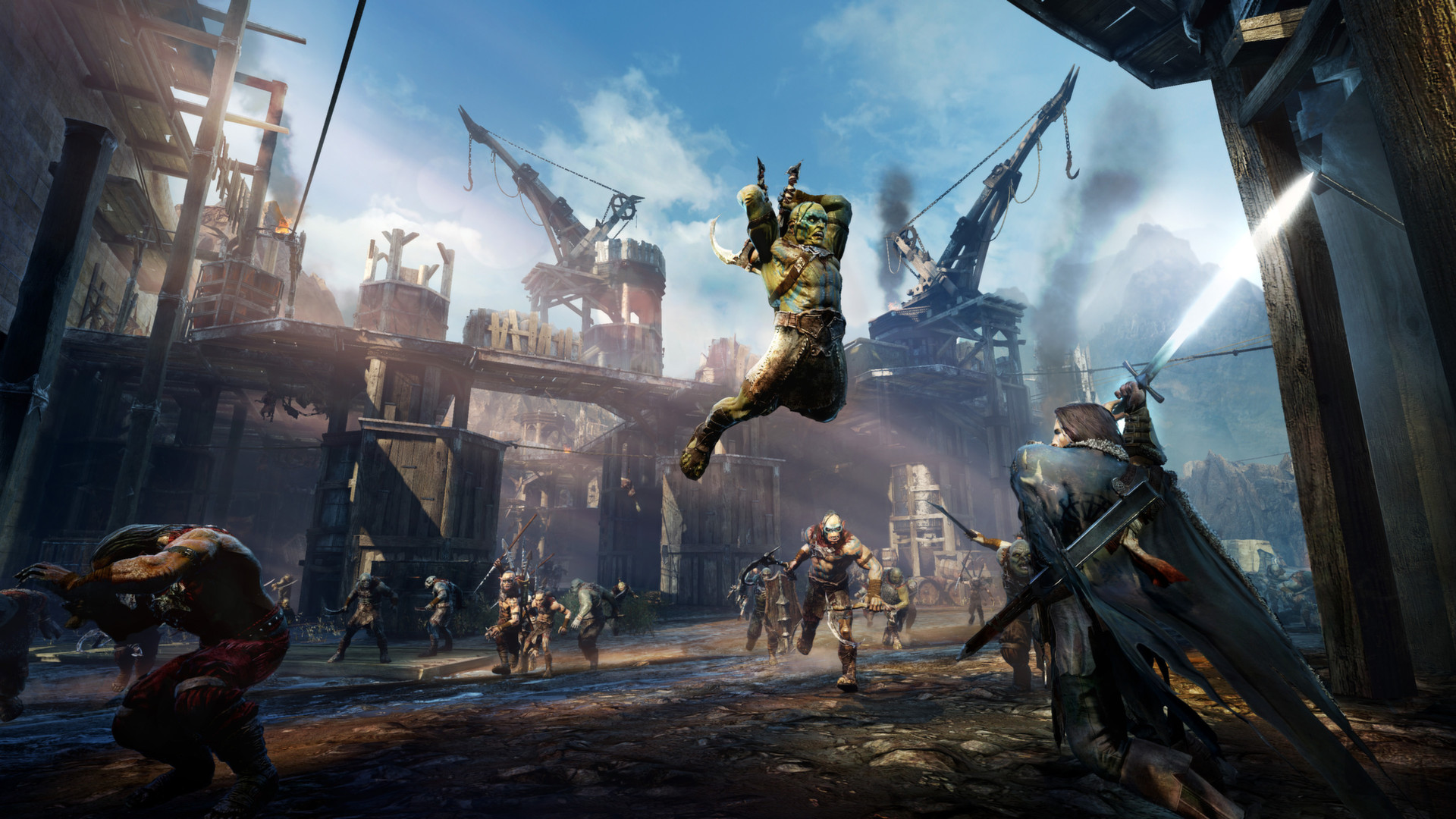
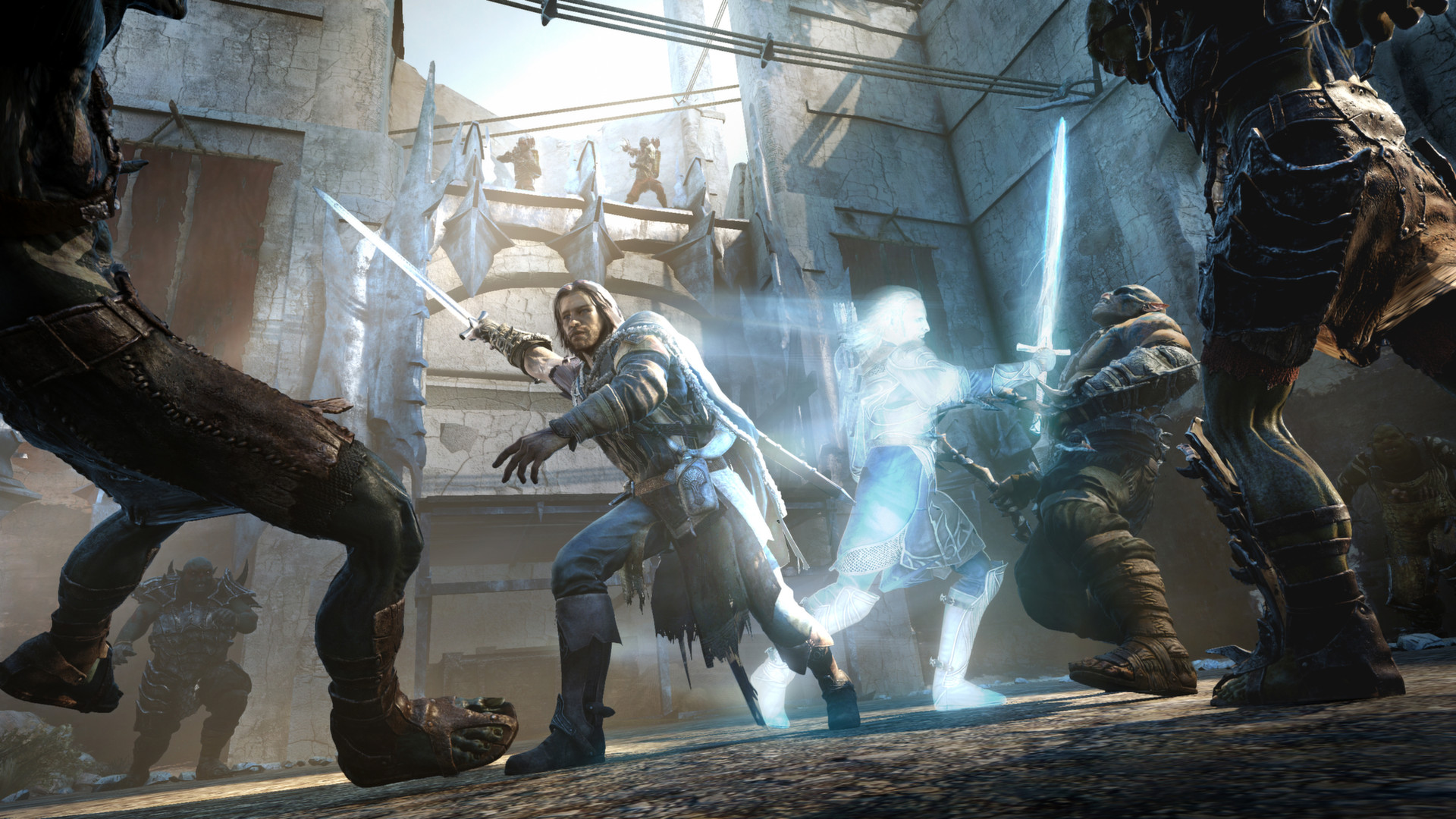
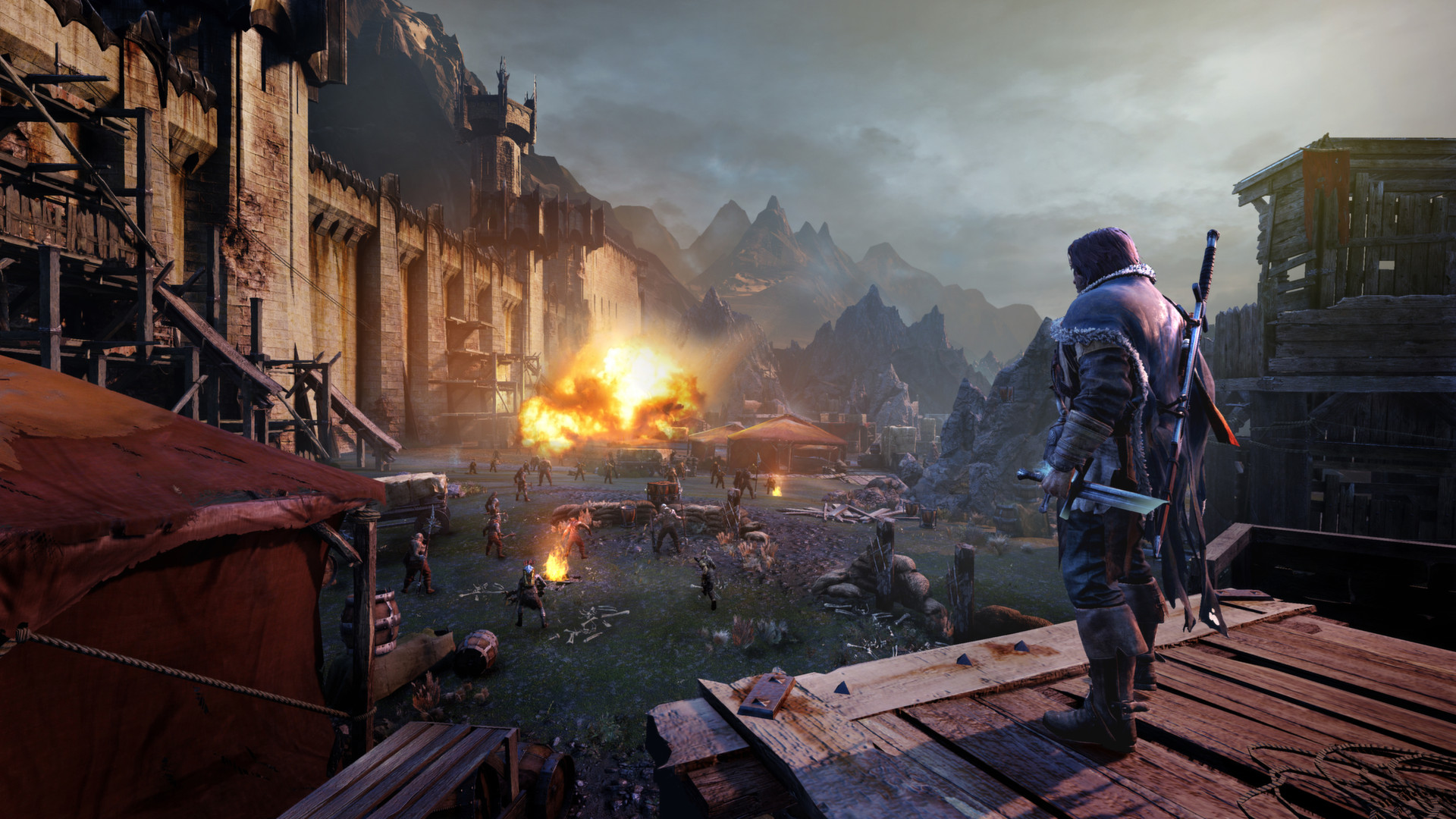

Will Shadow of Mordor run on your PC or laptop?
For nearly everyone reading this, yes. The official minimum, a GTX 460 or Radeon HD 5850 with a Core i5-750 and 3 GB of RAM, was a low bar even in 2014, and any graphics card released in the last several years clears it without effort. This is a well-optimized open-world game from a studio that had one console generation and one PC port to worry about, not the sprawling settings menu of a modern engine.
The one place the base spec sheet doesn't tell the whole story is VRAM. Meeting the minimum or recommended card gets you a smooth game at low or high settings, but if you also want the free Ultra HD Texture Pack, that add-on has its own separate ask: 6 GB of VRAM or more. Skip the texture pack and a 2-4 GB card is fine. Install it on a 2-4 GB card and the game quietly falls back to lower-resolution textures in places, rather than crashing.
The Ultra HD Texture Pack is the real VRAM test
Shadow of Mordor shipped with a free, optional download called the Ultra HD Texture Pack, a roughly 3.7 GB add-on that replaces in-game textures with higher-resolution versions. Warner Bros. and Monolith recommended at least 6 GB of VRAM to run it properly, well above what the base game needs, and that single number is why this game still generates VRAM questions a decade later.
In practice the difference is smaller than the requirement suggests. Comparisons from outlets like PC Gamer and TweakTown at the time found the Ultra HD textures barely changed the picture next to the standard High setting, since most of the extra detail shows up on distant terrain and background objects you rarely stop to examine. If your card has 4 GB of VRAM or less, the sensible move is to skip the texture pack entirely rather than chase a visual upgrade you're unlikely to notice mid-fight.
At 1080p, 4 GB is generally enough even with the pack installed, since VRAM pressure mostly shows up once you push to 4K with ultra textures at the same time. At that combination, cards with less than 6-8 GB can show texture pop-in or a brief stutter as assets stream in.
The 100fps cap, and why unlocking it can break a mission
Out of the box, Shadow of Mordor limits itself to 100 frames per second regardless of how strong your GPU is. For almost every card released since around 2016, that cap is what stops your frame rate from climbing higher, not your hardware. If your monitor refreshes above 100 Hz, that's the setting worth knowing about before you go looking for a bottleneck that isn't there.
Players have found the cap in the game's render.cfg file and removed it, and it does work, but it comes with a real catch. With the limiter off, one mission in particular, Big Game, has a known bug that can stop you from progressing, tied to how the game handles physics and animation timing above its intended frame rate. The safe approach is to leave the cap in place for that mission specifically, or to keep a saved copy of render.cfg you can swap back in if you run into it.
None of this affects whether the game runs well. It only affects the number you see in an overlay. At 1080p or 1440p on a mid-range card from the last several years, you'll spend most of your playtime sitting at the cap anyway.
Storage, online features, and what still works
The Steam listing asks for 44 GB minimum and 57 GB for the recommended configuration, most of that going toward the game's texture and audio assets rather than anything install-time specific. An SSD isn't required, but it shortens the loading screens between the open-world regions, which is where you'll notice a mechanical hard drive the most.
Shadow of Mordor is fully playable offline and always has been for the story campaign; there's no always-online requirement to progress through the game. What did require a connection was the Nemesis Forge (which let you carry captains into Shadow of War) and the Vendetta missions, both tied to WB's online services. Those servers were shut down at the end of 2020, and a final patch made sure any online-linked achievements still unlock normally. The single-player game, including the Nemesis system's core mechanics, is untouched by that shutdown.
Can I run Middle-earth: Shadow of Mordor? Your questions answered
The official minimum is a Core i5-750 or AMD Phenom II X4 965 processor, a GeForce GTX 460 or Radeon HD 5850 graphics card, and 3 GB of RAM, running DirectX 11. That's enough for 1080p on low settings.
For a smoother experience at 1080p on high settings, the recommended spec is a Core i7-3770 or AMD FX-8350, a GeForce GTX 660 or Radeon HD 7950, and 8 GB of RAM.
The official minimum is 3 GB and the recommended figure is 8 GB. In practice, run 8 GB or more if you're on a modern operating system, since Windows itself and background apps eat into that 3 GB minimum quickly, leaving little for the game.
Steam lists 44 GB for the minimum configuration and 57 GB for the recommended one. The extra space in the recommended figure is mostly headroom for the optional Ultra HD Texture Pack and any patches, not a bigger base install.
A hard drive works fine; there's no SSD requirement listed by the developer. An SSD isn't necessary for smooth gameplay in this game, but it does noticeably cut the loading time when you fast travel or move between the open-world regions.
DirectX 11, for both the minimum and recommended configurations. Any GPU released in roughly the last twelve years supports it, so this is never the limiting factor for anyone checking whether they can run the game.
It leans GPU and VRAM, not CPU. The Nemesis system's orc AI runs fine on modest processors, and the open world doesn't tax cores the way a modern engine does. Your graphics card, and specifically whether it has enough VRAM for the Ultra HD Texture Pack, is what actually decides how the game looks and feels.
The base game is comfortable on 2 GB of VRAM. The optional Ultra HD Texture Pack is the exception: Warner Bros. recommends 6 GB or more for that specific add-on. Skip the texture pack on cards with less VRAM and you won't notice any downside in normal play.
No. It was always a single-player game, but it briefly had two online-connected features, the Nemesis Forge and Vendetta missions, which let your captured orcs interact with Shadow of War and your friends' games. WB shut those servers down at the end of 2020. The core single-player campaign was never affected and still works exactly as before.
Yes. Outside of the Steam login itself, the campaign has no always-online requirement and never needed a persistent connection to play through the story.
The Game of the Year Edition bundles the base game with all of its story DLC, including the Bright Lord and Lord of the Hunt expansions. The PC system requirements are the same either way; the GOTY edition just has a larger download and install size because of the extra content.
No, these are two different games. Shadow of Mordor came out in 2014 and is the lighter of the two by a wide margin. Shadow of War followed in 2017 with a heavier engine and noticeably higher requirements. This page covers Shadow of Mordor specifically; don't use its requirements as a stand-in for Shadow of War.
As far as running it goes, yes, it's about as low-risk a purchase as a system requirement checker sees. Since it runs comfortably on hardware far below current mid-range, the only real question left is whether you enjoy the Nemesis system's orc rivalries and combat, not whether your PC can handle it.
The listed minimum is Windows 10 64-bit, and the recommended configuration lists both Windows 10 and 11 64-bit. In practice it runs fine on either, since it predates both operating systems and has no OS-specific features that would favor one over the other.
No trouble at all. The RTX 3050 meets or beats what Middle-earth: Shadow of Mordor recommends, so 1080p high runs well and 1440p is realistic. Sits at the game's 100fps cap for 1080p and 1440p ultra, with enough VRAM on the 8 GB variant to run the Ultra HD Texture Pack without dropping texture quality.
The GTX 1650 is a strong fit for Middle-earth: Shadow of Mordor. It lands at or above the recommended spec, so high 1080p is comfortable and 1440p works. Sits right around the game's built-in 100fps cap at 1080p high to ultra, so the card, not the setting, stops being the limit.
Yes, comfortably. The GTX 1060 6GB sits at or above Middle-earth: Shadow of Mordor's recommended card, so 1080p on high is smooth and 1440p is well within reach. Hits the 100fps cap at 1080p ultra and holds roughly 85 to 95 fps at 1440p. Its 6 GB of VRAM is exactly what the Ultra HD Texture Pack asks for.
Plenty of power here. The RX 580 is above Middle-earth: Shadow of Mordor's recommended tier, so high 1080p is smooth and 1440p is a fair target. Hits the 100fps cap at 1080p ultra with room to spare, and handles 1440p high comfortably as well.
Plenty of power here. The RTX 4060 is above Middle-earth: Shadow of Mordor's recommended tier, so high 1080p is smooth and 1440p is a fair target. Sits at the 100fps cap at every resolution up to 4K with the Ultra HD Texture Pack enabled. This card is well past what the game needs.
For sure. The RTX 3060 outpaces Middle-earth: Shadow of Mordor's recommended card, leaving you high 1080p now and 1440p whenever you like. Hits the cap at 1080p and 1440p ultra, and its 12 GB of VRAM on the desktop card handles 4K with the Ultra HD Texture Pack without any texture quality compromise.
Yes. The RTX 2060 has headroom over Middle-earth: Shadow of Mordor's recommended card, so you can push 1080p high and move to 1440p when you want. Capped at 100 fps through 1440p ultra, and lands around 65 to 75 fps at 4K once the Ultra HD Texture Pack is in the mix.
Plenty of power here. The GTX 1660 is above Middle-earth: Shadow of Mordor's recommended tier, so high 1080p is smooth and 1440p is a fair target. Comfortably capped at 100 fps through 1080p and 1440p ultra, with the Ultra HD Texture Pack posing no real issue at either resolution.
No trouble at all. The GTX 1660 Super meets or beats what Middle-earth: Shadow of Mordor recommends, so 1080p high runs well and 1440p is realistic.
That is more than enough. The RX 6600 clears Middle-earth: Shadow of Mordor's recommended requirement, so aim for high at 1080p or step up to 1440p. Comfortably hits the cap at 1080p and 1440p ultra, and manages roughly 75 to 85 fps at 4K ultra.
Yes. On the GTX 1660 Ti, Middle-earth: Shadow of Mordor runs at high settings in 1080p and scales up to 1440p without much fuss.
Yes. The RTX 3060 Ti has headroom over Middle-earth: Shadow of Mordor's recommended card, so you can push 1080p high and move to 1440p when you want.
Yes, comfortably. The RTX 4050 sits at or above Middle-earth: Shadow of Mordor's recommended card, so 1080p on high is smooth and 1440p is well within reach.
You are well set. The GTX 1050 Ti exceeds Middle-earth: Shadow of Mordor's recommended card, so 1080p high is easy and 1440p is realistic. Around 65 to 80 fps at 1080p high, well clear of the game's 100fps cap and comfortably above the official recommended card.
Yes. The RTX 4070 has headroom over Middle-earth: Shadow of Mordor's recommended card, so you can push 1080p high and move to 1440p when you want.
Monolith never made a Mac build, so an M-series MacBook has nothing native to run here. A cloud streaming service that carries your library, or Windows through virtualization software, are the practical routes if you're on a Mac.
Older integrated chips, like Intel's UHD 620 or 630 found in many budget and business laptops, sit close to the minimum GTX 460 and will manage low settings at 1080p with some stuttering in busy scenes. Newer integrated GPUs such as Intel's Iris Xe, AMD's Radeon 780M or 760M, or Vega 8 clear that bar comfortably and can hold medium to high settings at 1080p, since this is a light engine by current standards.
Chromebook hardware wasn't built to execute a Windows PC game like this one directly. A cloud gaming service is your workaround, since the actual rendering happens on a remote server rather than the Chromebook itself.
Yes. The game carries a Steam Deck Verified rating and runs smoothly with the default or lightly tuned settings, typically landing in the 40 to 60 fps range at the Deck's native resolution before you cap it for battery life. ROG Ally and Legion Go have more graphics power than the Deck, so they run it at least as well, generally with higher settings or a steadier frame rate at the same power draw.
Yes. The game is light on the CPU, so a budget quad-core like an i3 or Ryzen 3 from the last several years is plenty. Your graphics card, not the processor, is what will end up limiting your settings on a genuinely low-end machine.
It isn't on GeForce NOW. You can still stream it through bring-your-own-game services like Boosteroid, or through a general-purpose cloud PC provider, both of which require you to already own the game on Steam.
Leave the Ultra HD Texture Pack uninstalled, since the Deck's 16 GB of shared memory is better spent elsewhere and the visual gain is minor. Set graphics to High, cap the frame rate at 40 with the Deck's own limiter rather than chasing the game's default 100fps cap, and enable half-rate shading if your build supports it. That combination holds a steady frame rate without draining the battery quickly.
Expect somewhere around 2 to 3 hours on the LCD Deck at the settings above, closer to 3 to 4 on the OLED model, which is more efficient at the same settings. Capping the frame rate to 30 or 40 instead of letting it run higher is the single biggest thing you can do to stretch that further.
Both, yes. The PS4 release is the original, and PS5 plays that same build through Sony's backward compatibility, adding a dynamic 4K resolution option alongside the original 1080p performance mode. Every PlayStation version stays locked around 30 fps though; there's no 60fps patch anywhere in the lineup.
It runs on all three, in a sense: Xbox One got the original release, and Series X/S play that same version through Microsoft's backward compatibility program. Shadow of Mordor never received the FPS Boost treatment, so performance matches what it did on the original Xbox One hardware rather than gaining an unlocked frame rate.
It is. The game released on Xbox 360 and Xbox One at launch, and it still plays on Xbox Series X/S through backward compatibility. The confusion usually comes from mixing it up with Shadow of War, which had its own separate platform and online service history.
No. It never released for Switch and there's no indication that's changing. PC, PlayStation, and Xbox are the only platforms.
Yes. Feral Interactive published a native Linux port, separate from Proton, though it initially supported Nvidia drivers only before AMD and Intel support followed. It still requires Steam DRM to run.
Yes on PC, at whatever resolution your monitor and graphics card support, and the Ultra HD Texture Pack is worth pairing with 4K if your card has the VRAM for it. On PS5, 4K is available as a dynamic resolution option in the resolution mode, at the cost of staying at 30 fps rather than 60.
On PC, yes, well past 60; the game defaults to a 100fps cap that most modern hardware reaches easily, and that cap can be removed with a config file edit if you want more (with the caveat covered above about a mission bug). On console, all versions including PS5 and Xbox Series X/S stay locked around 30 fps, since neither platform has patched in a 60fps mode.
No. Unlike some contemporaries, it doesn't include an in-game benchmark mode for testing your hardware. The checker above and the fps table on this page are the closest substitute.
No. It uses standard Steam DRM rather than Denuvo, which is one reason it has aged well technically and rarely runs into the performance overhead some Denuvo-protected games are criticized for.
Almost certainly not. If this is the only game motivating an upgrade, save the money; the requirements are low enough that most PCs from the last decade already clear them. Only the Ultra HD Texture Pack's 6 GB VRAM figure is worth checking against your card before you install it.
Yes, without any extra setup. The game shipped with full gamepad support back in 2014, so the default Steam Input mapping on any of these handhelds matches the intended controls and there's nothing to configure beyond your usual stick sensitivity preferences.