
Can I Run Marvel's Spider-Man Remastered on My PC / Laptop?
A well-optimized Nixxes port of the 2018 PS4 game, where ray-traced reflections lean on your CPU almost as much as your GPU.
Check if your PC can run Marvel's Spider-Man Remastered
Pick your graphics card and processor to check.
Can I run Marvel's Spider-Man Remastered on my PC?
Use the checker above to find out in seconds. Pick your graphics card and processor and it compares them against Marvel's Spider-Man Remastered's official requirements. As a quick guide, you need at least a NVIDIA GTX 950 or AMD Radeon RX 470 graphics card, a Intel Core i3-4160, 3.6 GHz or AMD equivalent processor, and 8 GB RAM of RAM to play at 1080p.
Can I run Marvel's Spider-Man Remastered on my laptop?
Yes, if your laptop has a dedicated graphics card around a NVIDIA GTX 950 or AMD Radeon RX 470 or better and 8 GB RAM of RAM. Laptops with only integrated graphics usually fall short. Enter your laptop's GPU in the tool above to check. Keep in mind that the laptop version of a card runs a little slower than the desktop card of the same name, and heat can lower sustained frame rates.
Getting Marvel's Spider-Man Remastered running is rarely the hard part: the official minimum is a GTX 950 or RX 470 with an old Core i3, and recommended only asks for a GTX 1060 6GB or RX 580 with 16GB of RAM, a modest bar by 2026 standards. Where people go wrong is assuming ray tracing is purely a GPU cost here. The reflections in this game lean on your CPU too, especially while you're swinging fast through Manhattan, so a weak processor can drag you down even paired with a strong graphics card.
Compare your own hardware to the official numbers with the checker above. Further down, the sections explain why ray tracing costs more than you'd expect from a game this age, where the real stutter comes from, and how DLSS, FSR, and XeSS stack up against each other on this particular port.
Marvel's Spider-Man Remastered system requirements
| Minimum | Recommended | |
|---|---|---|
| Processor (CPU) | Intel Core i3-4160, 3.6 GHz or AMD equivalent | Intel Core i5-4670, 3.4 Ghz or AMD Ryzen5 1600, 3.2 Ghz |
| Graphics card (GPU) | NVIDIA GTX 950 or AMD Radeon RX 470 | NVIDIA GTX 1060 6GB or AMD Radeon RX 580 8GB |
| Memory (RAM) | 8 GB RAM | 16 GB RAM |
| Operating system | Windows 10 64-bit | Windows 10 64-bit |
| DirectX | Version 12 | Version 12 |
| Storage | 75 GB available space | 75 GB available space |
Storage: 75 GB. An SSD is recommended, mainly to cut load times and keep the city streaming in smoothly while you swing fast.
Full performance tiers
| Tier | Target | CPU | GPU | RAM |
|---|---|---|---|---|
| Minimum | 1080p, low settings, 30 fps | Core i3-4160 or AMD equivalent | GTX 950 / RX 470 | 8 GB |
| Recommended | 1080p, high settings, 60 fps | Core i5-4670 or Ryzen 5 1600 | GTX 1060 6GB / RX 580 8GB | 16 GB |
| Ray Tracing (Amazing) | 1440p, high settings with ray tracing, 60 fps | Core i5-11600K or Ryzen 7 3700X | RTX 3070 / RX 6800 XT | 16 GB |
Marvel's Spider-Man Remastered FPS by graphics card
| Graphics card | 1080p | 1440p | 4K | Notes |
|---|---|---|---|---|
| GTX 1060 6GB | ~45-55 | , | , | Medium settings, ray tracing off. This is the official recommended card and it holds a steady 1080p. |
| RX 580 | ~60 | , | , | High settings, no ray tracing. Comparable to the GTX 1060 in this game. |
| GTX 1660 | ~80 | , | , | Ultra settings, ray tracing off. Plenty of headroom for a locked 60. |
| RTX 2060 | ~85-90 | , | , | Ultra settings without ray tracing. Turn ray tracing on with DLSS Quality and it stays close to 60. |
| RTX 3060 | ~67 | ~53 | ~25 | Ultra settings, no ray tracing. Ray tracing plus DLSS Quality keeps 1080p near 60. |
| RX 6600 | ~90-95 | , | , | Ultra settings, ray tracing off. Roughly matches an RTX 2060 here. |
| RTX 3060 Ti | ~90 | ~70 | , | Ultra settings without ray tracing. Comfortable 1440p on its own. |
| RTX 4060 | ~84 | ~58 | ~29 | Ultra settings. DLSS Frame Generation pushes both resolutions well past this baseline. |
| RTX 4070 | ~135 | ~107 | ~57 | Ultra settings. This is the card that runs ray tracing at 1440p without leaning on upscaling. |
These numbers come from a mix of outlets and personal benchmarks using different CPUs, driver versions, and patches, so treat them as a rough guide rather than an exact match for your rig. Manhattan's frame rate also swings by district: rooftops and open streets run faster than crowded areas like Times Square. Numbers assume ray tracing off unless noted.
Can these graphics cards run Marvel's Spider-Man Remastered?
| Graphics card | Verdict | Notes |
|---|---|---|
| GTX 1050 Ti | Playable | Minimum covered. 1080p low to medium is the target. |
| GTX 1650 | Playable | Meets minimum. Low to medium at 1080p, tune for a steady rate. |
| RX 570 | Playable | Meets minimum. Low to medium at 1080p, tune for a steady rate. |
| RX 580 | Playable | Runnable at minimum. Low to medium 1080p, ease settings back. |
| GTX 1060 6GB | Runs well | At or above the recommended card. Smooth 1080p high, 1440p realistic. |
| GTX 1650 Super | Runs well | Exceeds recommended. 1080p high is comfortable, 1440p fine. |
| GTX 1660 | Runs well | Beats the recommended spec. Comfortable high 1080p, playable 1440p. |
| GTX 1660 Super | Runs well | Over the recommended bar. Smooth high 1080p, 1440p realistic. |
| RTX 3050 | Runs well | Above recommended. 1080p high is easy, and 1440p works too. |
| GTX 1660 Ti | Runs well | Over the recommended bar. Smooth high 1080p, 1440p realistic. |
| RX 6600 | Runs well | Beats the recommended spec. Comfortable high 1080p, playable 1440p. |
| RTX 2060 | Runs well | Exceeds recommended. 1080p high is comfortable, 1440p fine. |
| RTX 4050 | Runs well | Recommended tier or better. High 1080p, with room for 1440p. |
| Arc A750 | Runs well | Past the recommended tier. High settings at 1080p, 1440p on the table. |
| RTX 3060 | Runs well | At or above the recommended card. Smooth 1080p high, 1440p realistic. |
| RX 6600 XT | Runs well | At or above the recommended card. Smooth 1080p high, 1440p realistic. |
| RX 7600 | Runs well | Past the recommended tier. High settings at 1080p, 1440p on the table. |
| RX 6700 XT | Runs well | Past the recommended tier. High settings at 1080p, 1440p on the table. |
| RTX 4060 | Runs well | Recommended tier or better. High 1080p, with room for 1440p. |
| RTX 3060 Ti | Runs well | Past the recommended tier. High settings at 1080p, 1440p on the table. |
| RTX 3070 | Runs well | Exceeds recommended. 1080p high is comfortable, 1440p fine. |
| RTX 4070 | Runs well | Exceeds recommended. 1080p high is comfortable, 1440p fine. |
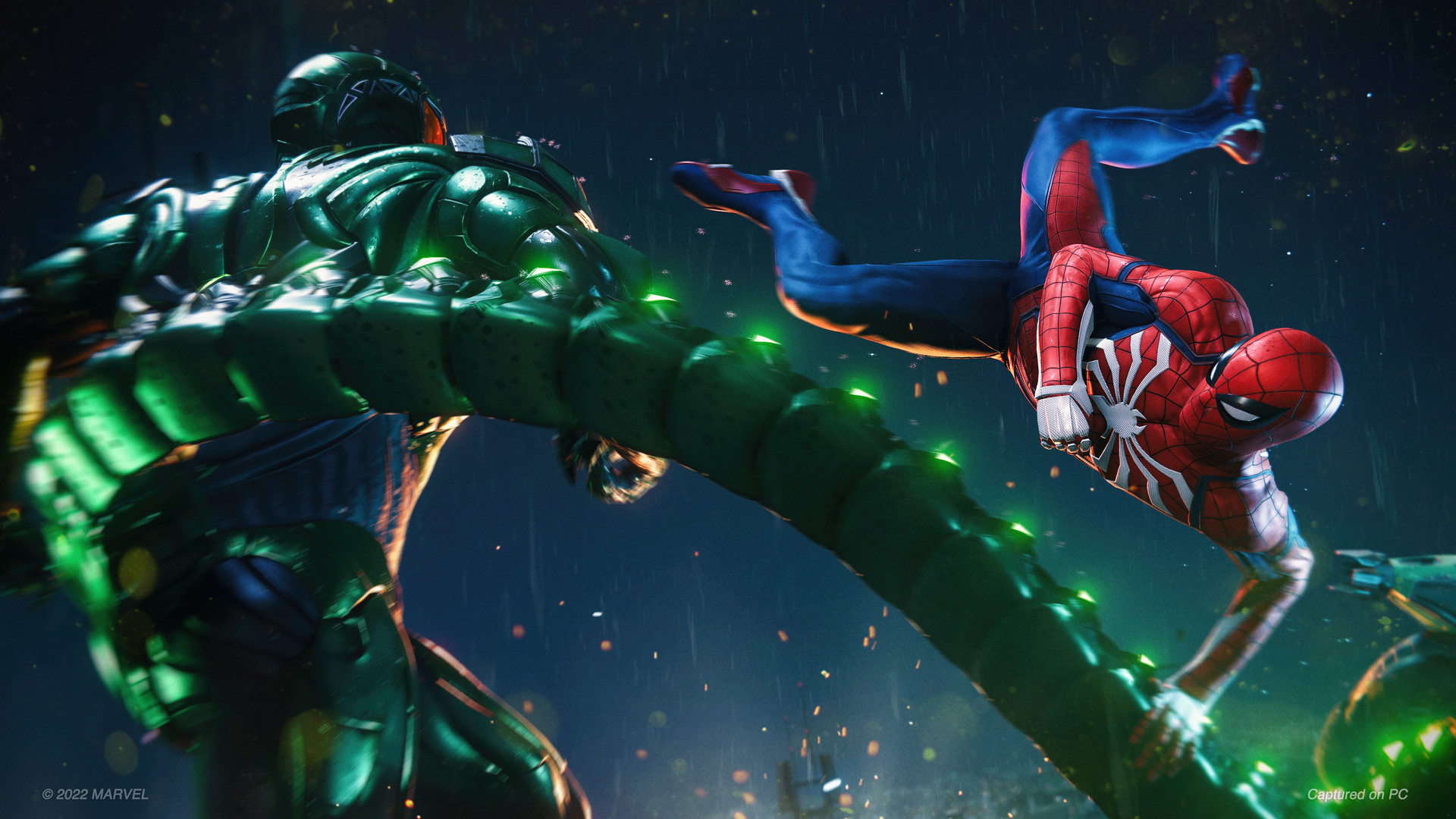
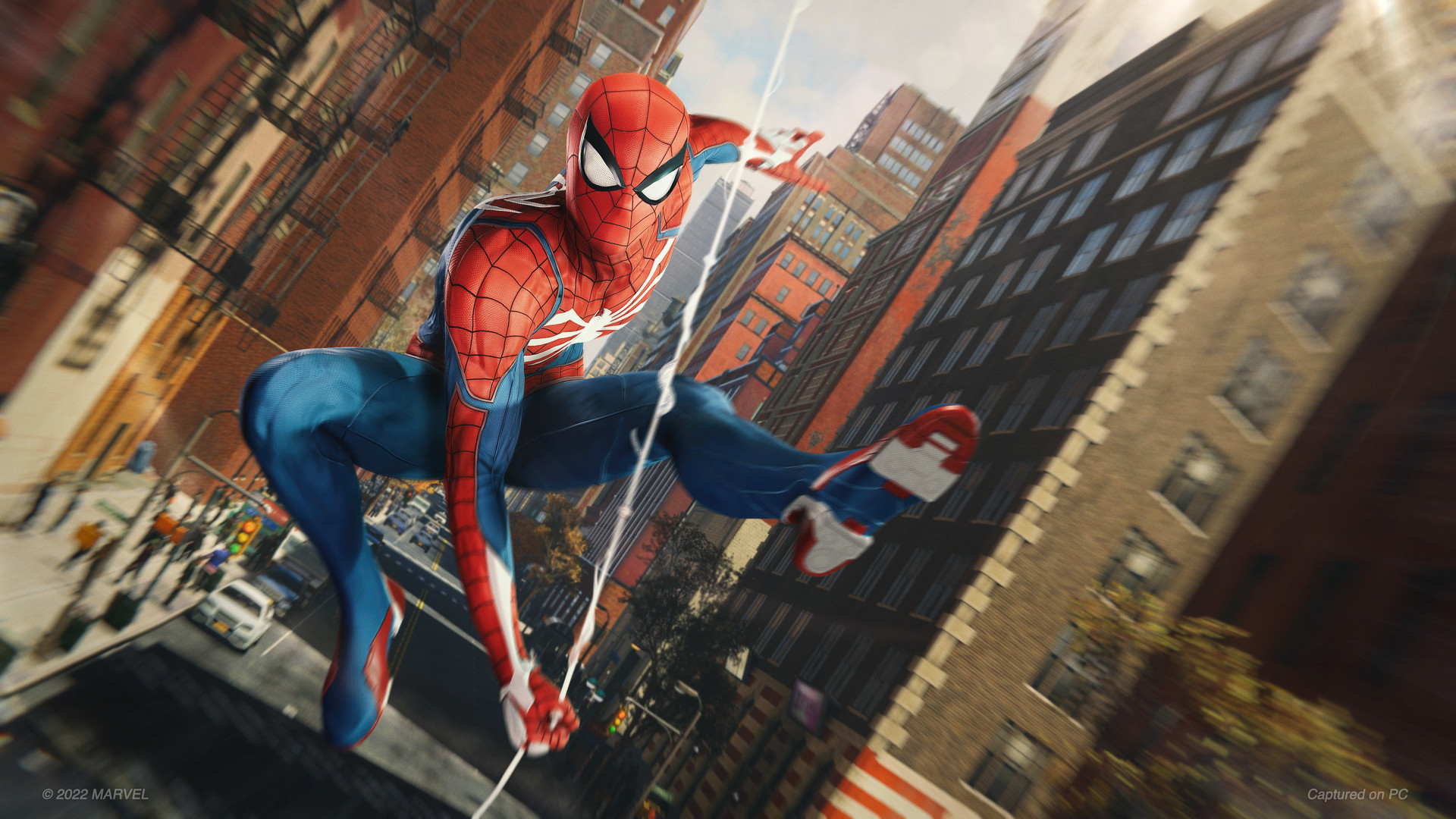
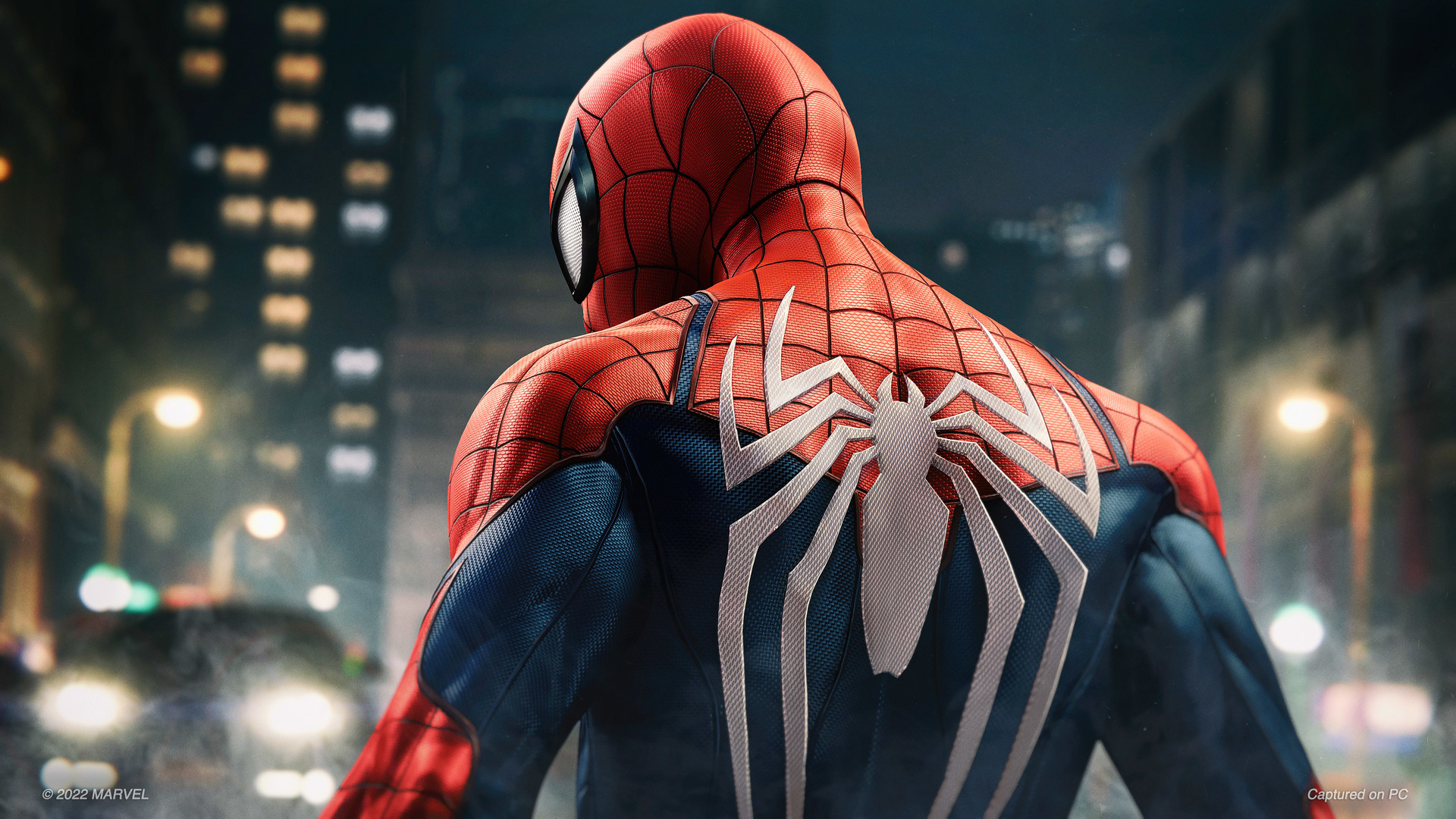
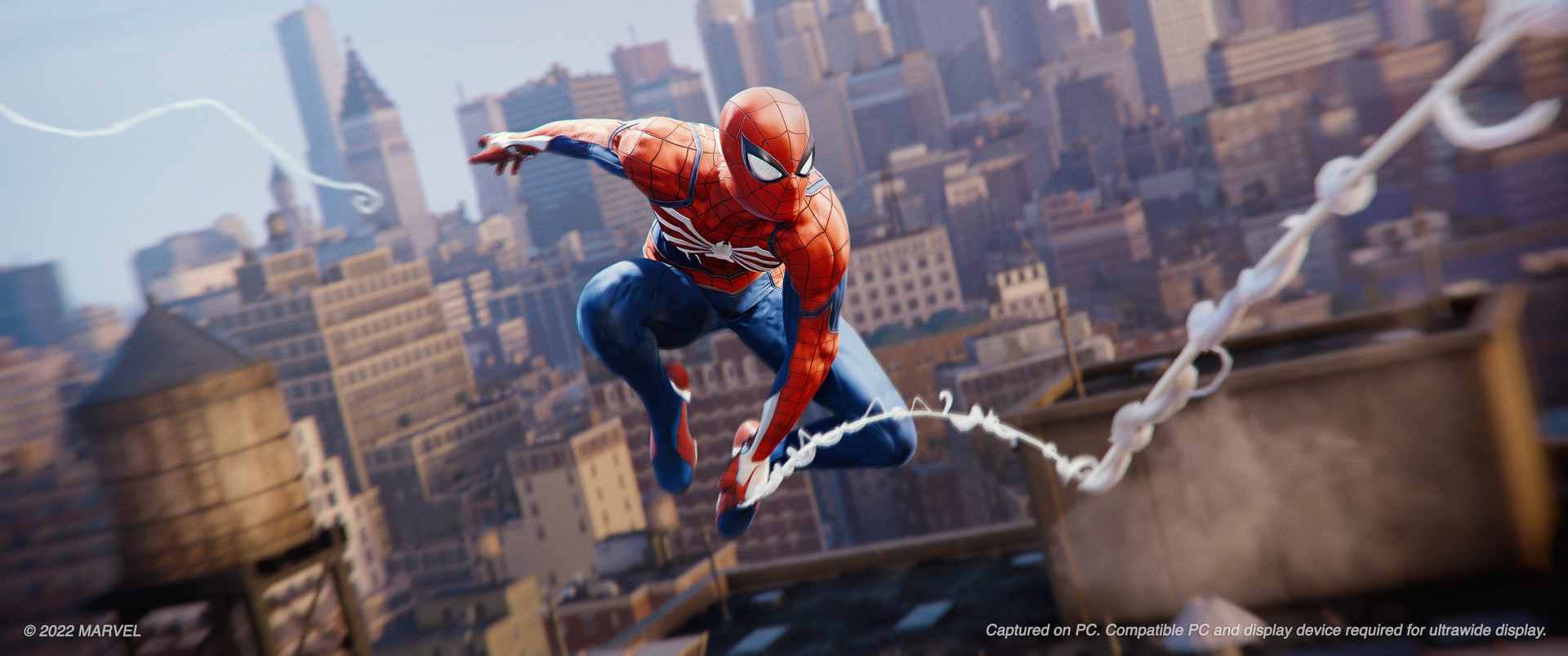
Ray tracing costs your CPU, not just your GPU
Most games treat ray tracing as a graphics card tax. Spider-Man Remastered is different. Its ray-traced reflections run partly on CPU threads, and the game is constantly recalculating what those puddles, windows, and glass towers should reflect as you swing at speed through the city. On a weaker or older CPU, turning ray tracing on can tank your frame rate even if your graphics card barely breaks a sweat. Early testers with a Ryzen 5 5600G saw noticeably worse results than testers on an i9-12900K using the identical graphics card, purely from the CPU difference.
If you enable ray tracing and performance drops more than you expected, check your CPU usage before blaming your GPU. A six-core CPU from the last five years is a reasonable floor for ray tracing at 1080p; for 1440p ray tracing, Nixxes points to something closer to a Core i5-11600K or Ryzen 7 3700X paired with an RTX 3070 or RX 6800 XT.
Where the stutter actually comes from
Early in the PC release, some players hit stutter after playing for a while, traced back to contention between ray tracing job threads competing for the same CPU resources. Nixxes patched this, and later patches also cleaned up flicker in ray-traced reflections when DLSS or DLAA is running and fixed corruption at low internal render resolutions. If your game still stutters, update to the latest patch first; a surprising amount of the original launch complaints were fixed within a few months.
The other common cause is memory pressure rather than a bug. The game can use up to around 13GB of system RAM during heavy scenes, and if you are short on RAM, Windows starts paging to disk, which shows up as stutter and long load times, not a hard crash. 16GB is the practical floor if you want to avoid this, and closing background browser tabs or streaming software frees up real headroom on an 8GB or 16GB system.
DLSS, DLAA, FSR, and XeSS: which one to use
The PC version launched with NVIDIA DLSS and DLAA plus AMD FSR 2.0, and a later patch added FSR 2.1 and Intel XeSS. DLAA is worth knowing about separately from DLSS: it does not boost your frame rate, it uses the same AI upscaling tech at native resolution purely to sharpen image quality, so it is a good pick if you already have frames to spare and just want a cleaner picture.
For actual performance gains, DLSS Quality on an RTX card is the strongest option in this game, FSR 2.1 is the reasonable pick on AMD or Intel hardware, and XeSS trails both in image quality based on side-by-side comparisons, though it is still better than running with no upscaling at all on a weaker GPU. If you own an RTX 40-series card, DLSS Frame Generation is one of the larger single-setting fps gains available in this game, especially at 1440p and 4K.
Settings that actually move the needle
Ray tracing reflections are the single biggest performance cost in the settings menu, easily worth 20 to 30 percent of your frame rate depending on your CPU and GPU. Shadow resolution and level-of-detail (how far away objects render at full detail) are the next biggest costs, and both can be dropped a notch or two with little visible difference while swinging through the city at speed, since you rarely have time to study distant geometry.
If you are on a mid-range GPU trying to hit a steady 60 without ray tracing, start with Very High or High as your base preset, keep motion blur and depth of field off if they bother you (they cost nothing either way but are a matter of taste), and add DLSS or FSR Quality before you start cutting texture quality, since textures are cheap for most 6GB and up cards and hurt the least to leave maxed.
Can I run Marvel's Spider-Man Remastered? Your questions answered
The official minimum is a Core i3-4160 or AMD equivalent CPU, a GTX 950 or RX 470 graphics card, 8GB of RAM, and DirectX 12. That gets you 1080p on low settings around 30fps, not a locked 60.
Recommended is a Core i5-4670 or Ryzen 5 1600 CPU, a GTX 1060 6GB or RX 580 8GB graphics card, and 16GB of RAM. That is enough for 1080p high settings at 60fps without ray tracing.
No, and this is a common mix-up. Spider-Man Remastered is a rebuilt version of the original 2018 PlayStation 4 game. Spider-Man 2 is the separate 2023 sequel with both Peter Parker and Miles Morales playable, and it is a different Steam listing with its own requirements. This page covers Remastered only.
No. Marvel's Spider-Man: Miles Morales is a separate standalone game and a separate purchase on Steam, even though it shares the same city and engine. Remastered is Peter Parker's story only, with the City That Never Sleeps DLC bundled in.
It can climb to around 13GB of system RAM during busy scenes, which is why 16GB is the practical minimum rather than a nice-to-have. On 8GB you can technically launch the game, but expect stutter and longer load times as Windows pages memory to disk.
It is not a hard requirement, the game will install and run from a hard drive, but an SSD noticeably cuts load times and helps the open world stream in without pop-in while you swing at full speed. If you have both drive types free, install this one on the SSD.
DirectX 12 only. There is no DirectX 11 fallback, so your graphics card and drivers need to support DX12, which almost anything from the last decade does.
Check your patch version first, then your system RAM (tight enough and Windows starts paging to disk), then whether ray tracing has pushed your CPU past what it can handle. Update the game and your GPU drivers first, since Nixxes patched a ray-tracing thread contention bug and several other stutter issues after launch. If the problem sticks around, turn ray tracing off and watch whether the stutter clears; that alone tells you whether you're looking at a CPU issue or a memory one.
Visually yes, the reflections in glass towers and wet streets are one of the better ray tracing implementations from this era. Performance-wise it costs more than most games because it leans on your CPU as well as your GPU, so it is only worth it if you have both a strong graphics card and a reasonably modern six-core-or-better processor.
Yes, the PC port supports ultrawide and even triple-monitor setups natively, one of the features Nixxes specifically built in for the PC release.
Yes. The game has full keyboard and mouse support as well as controller support, and if you use a PlayStation DualSense controller it supports the adaptive triggers and haptic feedback, the same features the PS5 version uses.
Probably not on its own. The recommended spec (GTX 1060 6GB, 16GB RAM) is met by a large share of PCs already, and it runs well below that too, just with lower settings. If you are already planning an upgrade for other games, prioritize CPU cores over pure GPU power if ray tracing matters to you here.
The gap is smaller than the names suggest. Ultra pushes shadow resolution, level of detail, and reflection quality up incrementally for a real but modest fps cost. Ray tracing has a far bigger impact on performance than the difference between Very High and Ultra, so if you need frames back, touch ray tracing before you touch the general quality preset.
With ray tracing off, it leans on the GPU like most games. Turn ray tracing on and the CPU load jumps too, since part of the reflection work runs there. That is the one setting in this game where an older CPU can hold you back even with a strong graphics card.
Yes, the PC version supports HDR output for monitors and TVs that handle it. It is a display setting separate from the in-game graphics presets, so check your Windows HDR setting as well as the game's own options if colors look washed out.
Yes, it runs fine on Windows 11 as well as Windows 10. The listed minimum OS is Windows 10, but there are no known Windows 11 compatibility problems.
You are well set. The RTX 3050 exceeds Marvel's Spider-Man Remastered's recommended card, so 1080p high is easy and 1440p is realistic.
Good enough to play. The GTX 1650 sits at Marvel's Spider-Man Remastered's minimum, so expect 1080p low to medium and a bit of tuning for smoothness.
Easily. With the GTX 1060 6GB you are past Marvel's Spider-Man Remastered's recommended tier, which means high settings at 1080p and a genuine shot at 1440p. Roughly 45 to 55 fps at 1080p medium, the same tier as the official recommended spec, without ray tracing.
Playable, yes. The RX 580 passes Marvel's Spider-Man Remastered's minimum bar, so aim for low to medium at 1080p and drop settings if the frame rate dips. Close to 60 fps at 1080p high settings without ray tracing.
Yes. The RTX 4060 has headroom over Marvel's Spider-Man Remastered's recommended card, so you can push 1080p high and move to 1440p when you want. About 84 fps at 1080p ultra and 58 at 1440p, with DLSS Frame Generation adding a lot more on top.
Yes. On the RTX 3060, Marvel's Spider-Man Remastered runs at high settings in 1080p and scales up to 1440p without much fuss. About 67 fps at 1080p ultra, 53 at 1440p, and around 25 at 4K, all without ray tracing.
Comfortably, yes. The RTX 2060 clears Marvel's Spider-Man Remastered's recommended bar, which puts high 1080p and 1440p both in reach. Around 85 to 90 fps at 1080p ultra, and still comfortable with ray tracing on plus DLSS Quality.
Plenty of power here. The GTX 1660 is above Marvel's Spider-Man Remastered's recommended tier, so high 1080p is smooth and 1440p is a fair target. Around 80 fps at 1080p ultra with ray tracing off.
Yes, with room to spare. Marvel's Spider-Man Remastered recommends less than the GTX 1660 Super offers, so expect smooth 1080p high and a playable 1440p.
Easily. With the RX 6600 you are past Marvel's Spider-Man Remastered's recommended tier, which means high settings at 1080p and a genuine shot at 1440p. Close to 90 to 95 fps at 1080p ultra without ray tracing, similar to an RTX 2060 in this game.
You are well set. The GTX 1660 Ti exceeds Marvel's Spider-Man Remastered's recommended card, so 1080p high is easy and 1440p is realistic.
Yes, with room to spare. Marvel's Spider-Man Remastered recommends less than the RTX 3060 Ti offers, so expect smooth 1080p high and a playable 1440p. About 90 fps at 1080p ultra and 70 at 1440p, both without ray tracing.
Yes, comfortably. The RTX 4050 sits at or above Marvel's Spider-Man Remastered's recommended card, so 1080p on high is smooth and 1440p is well within reach.
Yes, at the lower end. With the GTX 1050 Ti you clear Marvel's Spider-Man Remastered's minimum, so 1080p low to medium is the target and easing back a setting helps.
Plenty of power here. The RTX 4070 is above Marvel's Spider-Man Remastered's recommended tier, so high 1080p is smooth and 1440p is a fair target. About 135 fps at 1080p ultra, 107 at 1440p, and 57 at 4K, enough headroom to run ray tracing at 1440p comfortably.
Insomniac and Nixxes never released this Steam version for Mac, so a MacBook won't run it locally no matter the chip. Cloud streaming or a Windows setup through Boot Camp or a virtual machine are your workarounds, and neither one carries official developer support.
Integrated graphics fall short here. Even the official minimum, a GTX 950 or RX 470, is more than any current integrated chip delivers, so a dedicated graphics card is not optional for this one.
ChromeOS isn't Windows and a Chromebook doesn't carry the hardware for this one, so local play is off the table. Cloud streaming through something like GeForce Now is the path in, assuming your particular Chromebook and connection can handle it.
GeForce Now carries this game, which opens it up to weaker hardware, a Mac, or a Chromebook through cloud streaming, provided your internet connection holds steady.
This is one of the better-optimized big titles on handheld hardware. It carries Steam Deck Verified status, defaulting to medium settings with FSR upscaling and a dynamic resolution aimed at 30fps on the LCD Deck, and the OLED model plus other current handhelds can push past that with some manual tuning.
No, it has never released on Xbox. It launched on PS4 and PS5, then came to PC and to Mac through Apple's own Mac-native port on Apple Silicon, separate from the Steam PC version this page covers.
Yes, it originally released for both consoles, with the PS5 version adding ray tracing and a performance mode. This page is focused on the PC version and its own requirements.
No, there is no Switch version and none has been announced. The Switch's hardware would struggle with an open-world game built around ray tracing and dense city geometry like this one.
The official minimum is a Core i3-4160 or AMD equivalent, and recommended is a Core i5-4670 or Ryzen 5 1600. Those are old chips by 2026 standards and most modern CPUs clear them easily, but if you plan to use ray tracing, aim higher: a six-core CPU from the last five years avoids the CPU-bound stutter that ray tracing can cause here.
No, none of those chips clear the official minimum of a GTX 950 or RX 470. Intel Iris Xe and UHD Graphics, plus AMD's Vega 8 and Radeon 780M found in recent laptop chips, are built for battery life and everyday tasks, not an open-world game with ray tracing. You need a dedicated graphics card, even an older budget one, to launch this comfortably.
At the true minimum of a GTX 950 or RX 470 with 8GB RAM, you can play at 1080p low around 30fps, playable but not smooth. Ray tracing should stay off entirely on hardware this old, and 16GB of RAM will help more than any single graphics setting if you can add it.
For the base game without ray tracing, yes, an i3-4160 class chip meets the official minimum and a Ryzen 3 clears it comfortably. Once you turn ray tracing on, a budget quad-core CPU is the more likely bottleneck than your graphics card, so keep expectations modest with ray tracing enabled on that tier of processor.
Yes, with the right card. An RTX 4070 or similar tier gets you around 57fps at native 4K ultra without ray tracing, and pairing a strong card with DLSS Quality or Frame Generation pushes well past that if you also want ray tracing at 4K.
Yes, comfortably on a mid-range card. An RTX 3060 Ti or better holds around 70fps at 1440p ultra without ray tracing, and Nixxes' own guidance points to an RTX 3070 or RX 6800 XT paired with a six-core CPU for 1440p with ray tracing at 60fps.
Yes, this is one of the friendlier big-budget PC ports for hitting 60. A GTX 1660 or RTX 2060-class card handles 1080p ultra at 60fps or better without ray tracing, and there is no built-in frame rate cap stopping you from going higher on stronger hardware.
A GTX 1660 or RX 6600-class card comfortably clears 1080p ultra without ray tracing. Ultra with ray tracing on needs meaningfully more, roughly an RTX 3060 Ti or better paired with a solid CPU to stay near 60fps.
16GB is the real answer. The game can use up to around 13GB during heavy scenes, so 8GB leaves almost no headroom for anything else running on your PC and risks disk paging, which shows up as stutter.
Not as much as some newer open-world games. A 6GB card like the GTX 1060 handles 1080p fine without ray tracing. Ray tracing and higher resolutions push VRAM use up, so an 8GB card is a safer floor if you want ray tracing on at 1080p or plan to go to 1440p.
Check that your GPU driver is current, that DirectX 12 is supported (it is required, there is no DX11 mode), and that you meet at least the minimum spec. Corrupted game files after an update are also a common cause; verifying the game's files through Steam fixes a lot of launch issues on its own.
For this game specifically, no. Usage tops out around 13GB even in the heaviest scenes, so a 16GB kit already has room to spare. Where 32GB actually pays off is streaming, dozens of browser tabs, or heavy multitasking running alongside the game, not anything the game itself is asking for.
It is below the official minimum, which calls for the equivalent of a GTX 950. A 4GB card from a similar era can sometimes limp through at 1080p low with settings turned down, but expect to fall short of a stable 30fps in busier parts of the city.
It runs well through Proton on a Linux desktop, tracking closely with how it performs on Steam Deck. Insomniac and Nixxes don't officially support Linux, but community reports plus Valve's own Deck rating both point to solid compatibility.
It sits at the tight end of workable. A 6GB card like the GTX 1060 can run ray tracing at 1080p with settings turned down and DLSS or FSR helping out, but ray-traced reflections push VRAM use up fast, especially at higher resolutions or with textures maxed. An 8GB card gives you more room and is the safer target if ray tracing matters to you.
Pick based on your hardware and your goal. DLSS Quality is the strongest option for real fps gains on an RTX card. FSR 2.1 is the right call on AMD or Intel graphics, or on an older Nvidia card without DLSS support. XeSS runs on anything but trails both in image quality in side-by-side comparisons. DLAA does not add fps at all, since it uses the same upscaling tech at native resolution just to sharpen the picture, so it is only worth turning on when you already have frames to spare.
Yes, in Performance mode on a 120Hz display, with a resolution and ray tracing trade-off compared to the standard modes. That is a PS5-specific feature. The PC version's frame rate depends entirely on your own hardware and has no built-in cap.
Turn ray tracing off first, since it is the single biggest cost in the settings menu. After that, drop shadow resolution and level of detail a notch; both save real frames with little visible difference while you are swinging through the city at speed. Turning on DLSS or FSR Quality mode is usually a better trade than lowering texture quality, since most 6GB-and-up cards handle textures fine and the fps saved there is not worth the visual loss.