
Can I Run Lethal Company on My PC / Laptop?
A four-player co-op horror game built on deliberately crude, PS1-style visuals, which is why it barely touches your graphics card.
Check if your PC can run Lethal Company
Pick your graphics card and processor to check.
Can I run Lethal Company on my PC?
Use the checker above to find out in seconds. Pick your graphics card and processor and it compares them against Lethal Company's official requirements. As a quick guide, you need at least a NVIDIA GForce GTX 1050 graphics card, a Intel Core i5-7400 CPU @ 3.00GHz ; Shader Model 5 processor, and of RAM to play at 1080p.
Can I run Lethal Company on my laptop?
Yes, if your laptop has a dedicated graphics card around a NVIDIA GForce GTX 1050 or better and of RAM. Laptops with only integrated graphics usually fall short. Enter your laptop's GPU in the tool above to check. Keep in mind that the laptop version of a card runs a little slower than the desktop card of the same name, and heat can lower sustained frame rates.
Yes, almost certainly. Lethal Company's official minimum lists a GTX 1050 and a Core i5-7400, but that number oversells what the game actually needs. It uses low-poly, PS1-inspired art on purpose, so the graphics card is rarely what limits you. Plenty of laptops running only integrated graphics get through a full run without trouble. What trips people up more often is background software eating RAM, a laptop defaulting to its weaker integrated chip instead of the dedicated one, or the shader stutter that shows up in your first match or two after a fresh install.
Below you'll find an FPS table across weak to strong cards, the actual cause of the stutter and slowdown people report, and straight answers for Mac, Linux, Steam Deck, consoles, and cloud play. Test your own CPU and GPU against Lethal Company's real thresholds using the checker above.
Lethal Company system requirements
| Minimum | Recommended | |
|---|---|---|
| Processor (CPU) | Intel Core i5-7400 CPU @ 3.00GHz ; Shader Model 5 | |
| Graphics card (GPU) | NVIDIA GForce GTX 1050 | |
| Memory (RAM) | ||
| Operating system | Windows 10 | Windows 10/11 64-bit |
| DirectX | Version 11 | 12 |
| Storage | 4 GB available space |
Storage: About 1 to 2 GB once installed, though Steam lists 4 GB of free space to leave headroom for updates. A regular hard drive is fine here; nothing about this game needs SSD read speeds.
Lethal Company FPS by graphics card
| Graphics card | 1080p | 1440p | 4K | Notes |
|---|---|---|---|---|
| Intel UHD 620 (integrated) | ~40 | , | , | Older laptop integrated graphics. Fine solo, can dip a bit with four players and flashlights on. |
| GTX 1050 | ~75 | , | , | The official minimum card. Comfortably above the fps this game actually needs. |
| GTX 1650 | ~95 | , | , | Common budget laptop and desktop card. No compromises needed. |
| GTX 1060 6GB | ~110 | , | , | Old but plenty for this game. |
| RTX 3060 | ~150 | ~120 | , | GPU is barely working here; your CPU sets the ceiling more than the card does. |
| RTX 4060 | ~200 | ~160 | , | Well past what this game can use. Frame rate is capped mostly by CPU and the moon you're on. |
| RTX 4090 | ~260 | , | , | Massive overkill. You will hit a CPU-bound ceiling long before this card breaks a sweat. |
These numbers are approximate community and benchmark figures, not lab-tested averages. They shift with your CPU, the number of players in your lobby, mods, and how many items and enemies are loaded on the current moon.
Can these graphics cards run Lethal Company?
| Graphics card | Verdict | Notes |
|---|---|---|
| GTX 1050 Ti | Playable | Meets the bar. Low to medium settings at 1080p. |
| GTX 1650 | Playable | Clears the minimum. 1080p low to medium, better with upscaling. |
| RX 570 | Playable | Runnable at minimum. Low to medium 1080p, ease settings back. |
| RX 580 | Playable | Clears the minimum. 1080p low to medium, better with upscaling. |
| GTX 1060 6GB | Playable | Minimum covered. 1080p low to medium is the target. |
| GTX 1650 Super | Playable | Meets minimum. Low to medium at 1080p, tune for a steady rate. |
| GTX 1660 | Runs well | Beats the recommended spec. Comfortable high 1080p, playable 1440p. |
| GTX 1660 Super | Runs well | Over the recommended bar. Smooth high 1080p, 1440p realistic. |
| RTX 3050 | Runs well | Exceeds recommended. 1080p high is comfortable, 1440p fine. |
| GTX 1660 Ti | Runs well | Exceeds recommended. 1080p high is comfortable, 1440p fine. |
| RX 6600 | Runs well | Over the recommended bar. Smooth high 1080p, 1440p realistic. |
| RTX 2060 | Runs well | Recommended tier or better. High 1080p, with room for 1440p. |
| RTX 4050 | Runs well | Strong fit. High settings at 1080p, 1440p within reach. |
| Arc A750 | Runs well | Above recommended. 1080p high is easy, and 1440p works too. |
| RTX 3060 | Runs well | Beats the recommended spec. Comfortable high 1080p, playable 1440p. |
| RX 6600 XT | Runs well | Recommended tier or better. High 1080p, with room for 1440p. |
| RX 7600 | Runs well | Recommended tier or better. High 1080p, with room for 1440p. |
| RX 6700 XT | Runs well | Recommended tier or better. High 1080p, with room for 1440p. |
| RTX 4060 | Runs well | Beats the recommended spec. Comfortable high 1080p, playable 1440p. |
| RTX 3060 Ti | Runs well | Past the recommended tier. High settings at 1080p, 1440p on the table. |
| RTX 3070 | Runs well | At or above the recommended card. Smooth 1080p high, 1440p realistic. |
| RTX 4070 | Runs well | Past the recommended tier. High settings at 1080p, 1440p on the table. |
Why the listed minimum overstates what you need
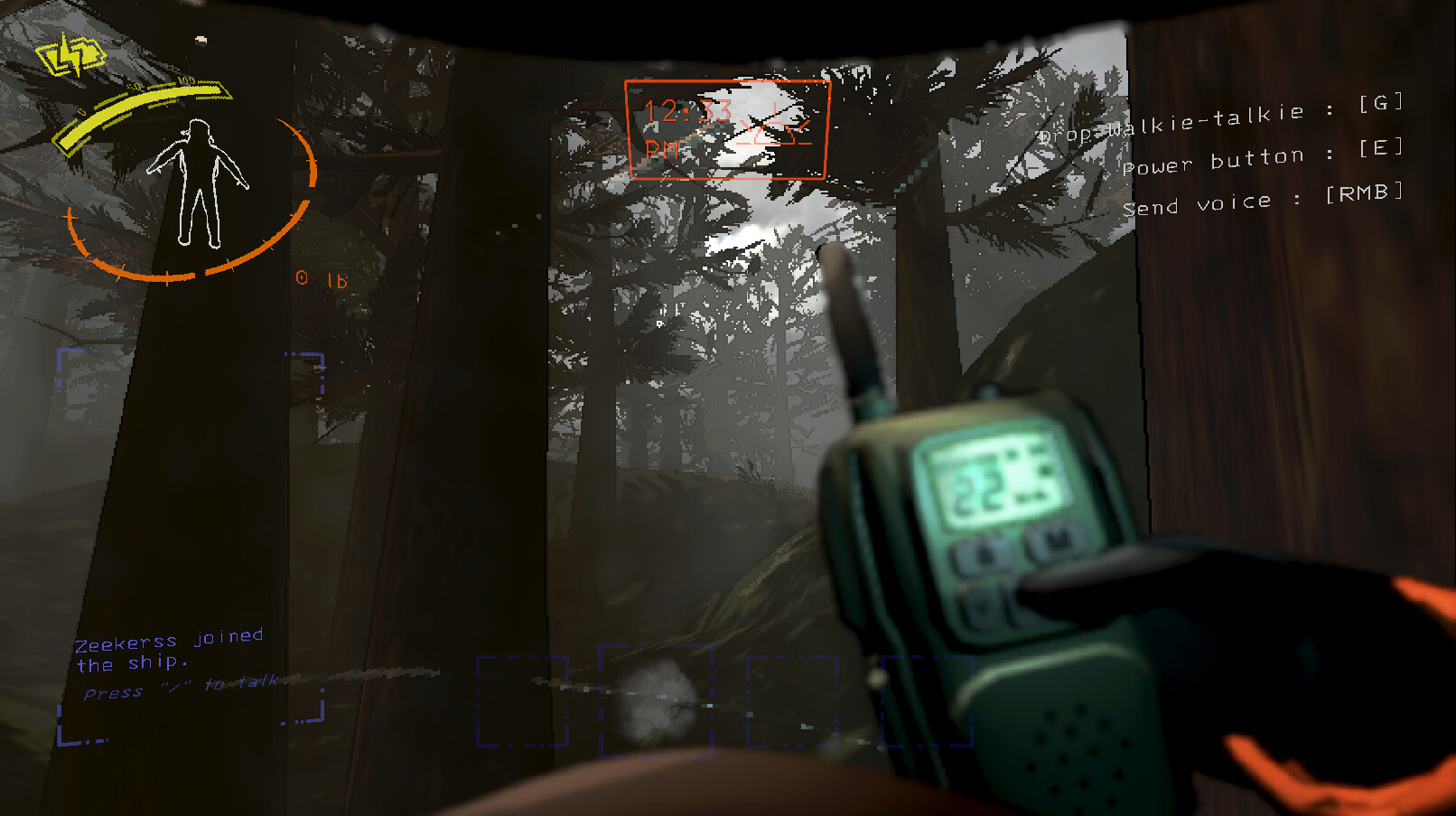
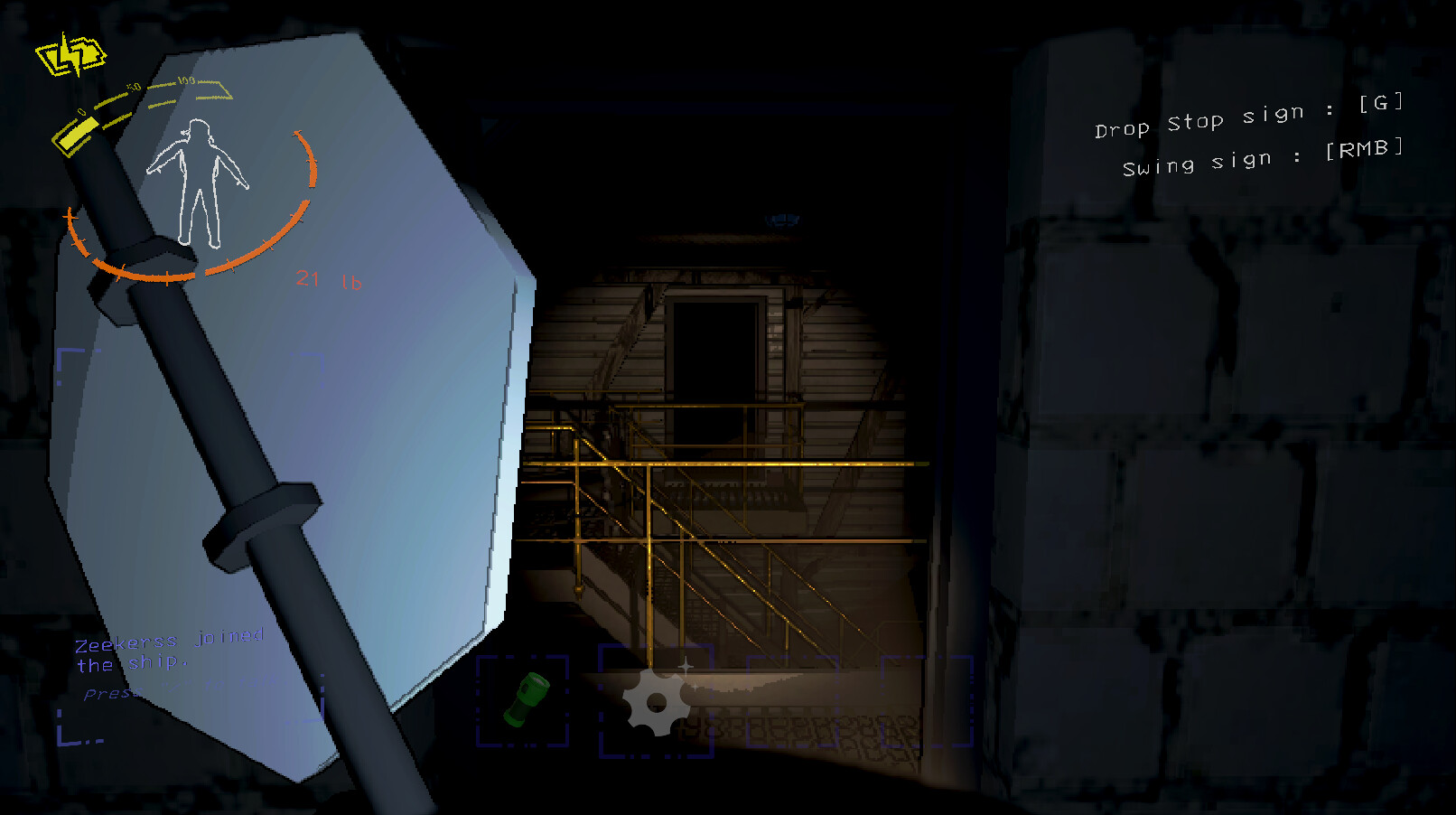
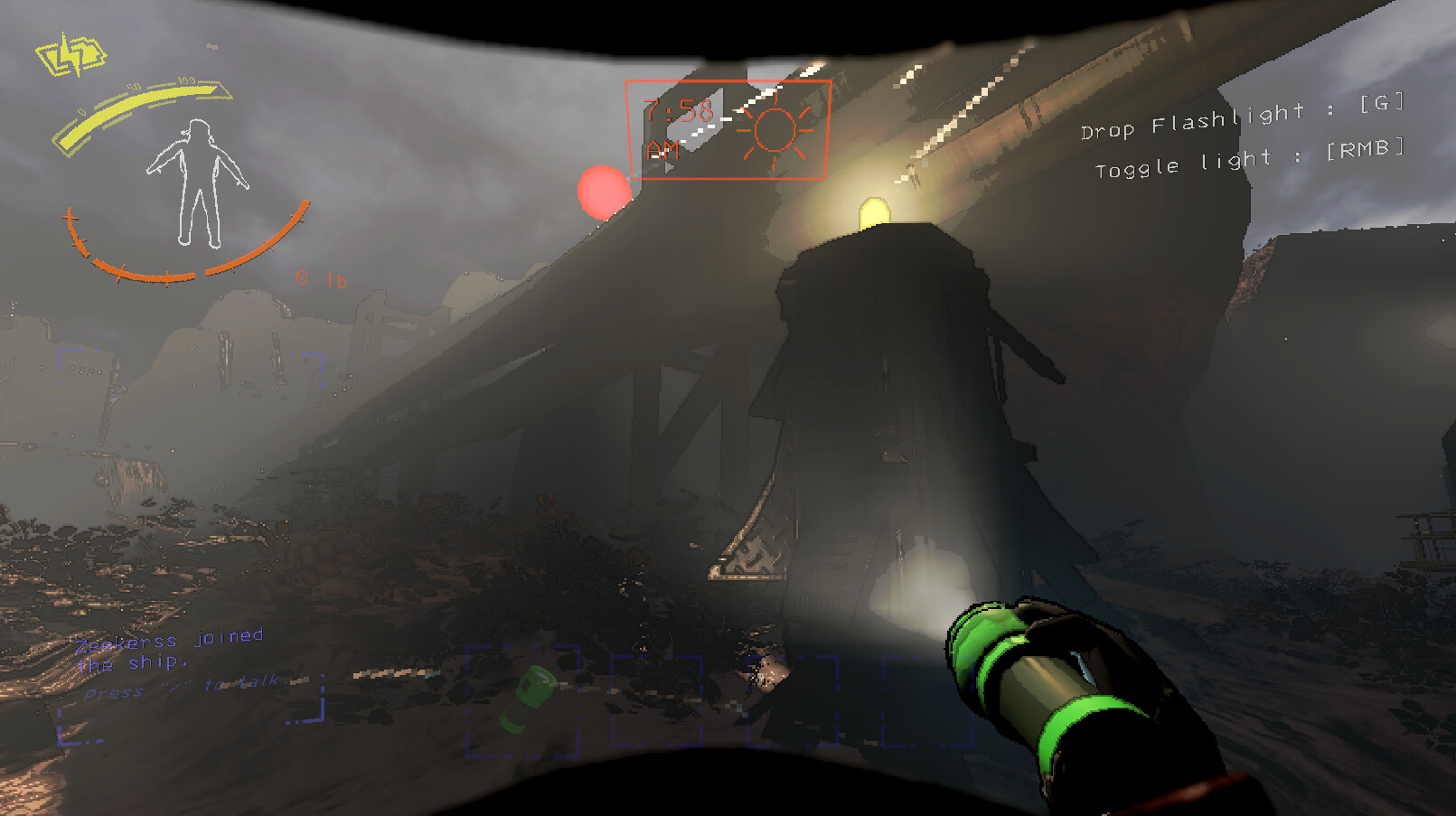
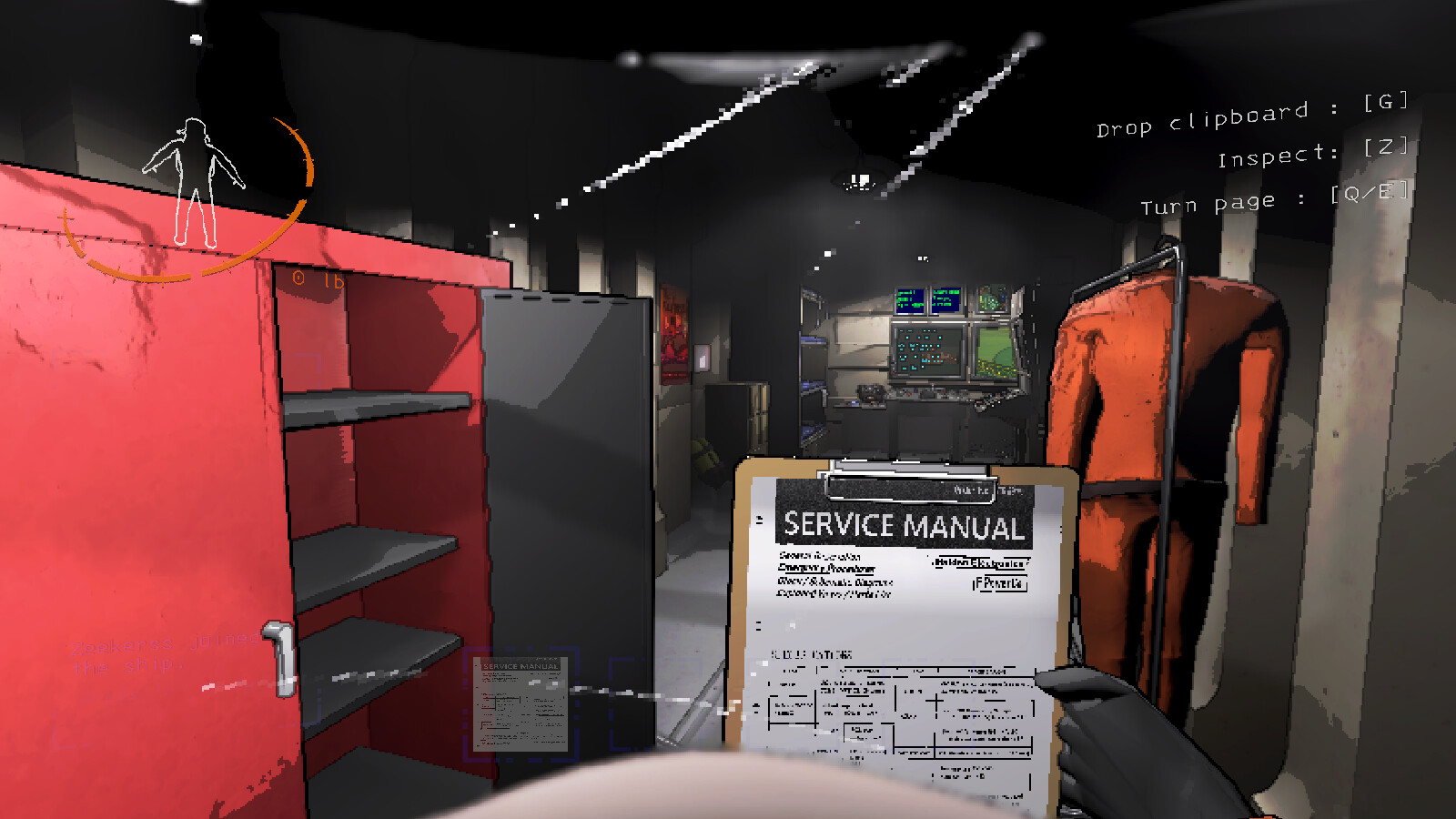
Lethal Company's Steam page asks for a GTX 1050 and a Core i5-7400, which sounds ordinary until you actually look at the game. It renders in a deliberately low-fidelity, PS1-style art style with flat lighting and simple models, and the engine (Unity) isn't pushing much geometry or texture detail at any point. In practice the graphics card almost never becomes the bottleneck. Many players report solid frame rates on cards well below the listed minimum, and on plenty of thin-and-light laptops running nothing but integrated graphics.
The listed spec is there because Zeekerss, the solo developer, hasn't spent much time tuning an official recommended tier, not because the game secretly needs that much power. If your PC struggles here, the graphics card is usually not why.
What actually slows Lethal Company down
The first match or two after installing or updating the game can chug while Unity compiles shaders in the background. That usually clears up by your third run, so don't judge performance off the opening match. Laptops are a separate headache: a machine with both an integrated chip and a dedicated GPU will sometimes launch the game on the weaker integrated one by default, tanking performance while the real card sits idle. Then there's mods. Lethal Company has a huge modding scene built around Thunderstore and tools like r2modman, and a heavy modlist, especially one adding extra moons, monsters, or scrap, adds real CPU and memory overhead the base game never had to account for.
None of these are graphics card problems, which is why simply upgrading a GPU rarely fixes a Lethal Company slowdown the way it would in a heavier game.
Fixing stutter and low fps
Start by updating your graphics driver and verifying the game files through Steam, since a corrupted file is a common and easy-to-miss cause of odd freezing. On a laptop, open your GPU control panel (Nvidia or AMD) and force Lethal Company to run on the dedicated card rather than letting Windows pick automatically. Turn off V-Sync in the game's settings if you're seeing input lag or frame pacing issues, and give it a couple of matches to let shader compilation finish before judging performance. If you run mods, trim the list back to what you actually use; a bloated modpack is one of the more common causes of the 'random fps freeze' people report on Steam and Reddit.
Closing Discord overlays, browsers, and other background software also helps more than it would in most games, simply because Lethal Company's own footprint is so small that background processes make up a larger share of your available resources.
Playing with friends matters more than your hardware
Lethal Company is built around online co-op for up to four players, connected through Steam. Since almost any PC clears the performance bar, your experience is shaped far more by lobby stability, the host's upload speed, and Steam's own connection handling than by frame rate. There's no offline or split-screen mode; every run needs an internet connection and a Steam session, even if you're playing solo.
The game has no ray tracing and only a handful of graphics options (resolution, a couple of quality presets, V-Sync), so there's no ultra or 4K tier worth chasing the way there is in bigger releases. If your PC clears the minimum, cranking settings further won't change much because there isn't much to crank.
Can I run Lethal Company? Your questions answered
Yes. Steam doesn't list a firm RAM figure, but 8GB is plenty for the base game with room for Discord, a browser, and other background apps. Heavy modlists are the main reason to consider 16GB.
No. The game is roughly 1 to 2 GB installed and has no large open-world streaming to speak of, so a mechanical hard drive loads it just fine. An SSD only helps a little with load times between moons.
About 1 to 2 GB, though Steam reserves 4 GB of space to leave room for updates. It's one of the smallest downloads of any game people search 'can I run' for.
No. Its deliberately low-fidelity art style keeps GPU demand very low. A card as old as a GTX 1050, or even many integrated chips, is enough to run it smoothly.
DirectX 11 as the listed minimum, with DirectX 12 support on Windows 10/11. Either is fine; you don't need to change anything manually.
Yes. It's built around online co-op lobbies through Steam, so you need an active internet connection and a signed-in Steam account even when playing by yourself.
They can. The modding scene built around Thunderstore and r2modman is huge, and a large modlist, especially one adding extra content, adds real CPU and RAM overhead the base game doesn't carry. If your framerate drops after modding, trimming the list is usually the fix.
No hard cap by default. Frame rate is uncapped unless you enable V-Sync, so strong hardware can push well past 100 fps. It's a personal preference whether to cap it yourself for consistency.
Three usual suspects: shader compilation during your first couple of matches, a heavy or outdated modlist, or background software like browsers, Discord overlays, and recording tools eating resources a game this light was never built to compete with. It's also worth ruling out corrupted files with Steam's verify tool.
No. There's no ray tracing and only a small settings menu (resolution, a couple of quality presets, V-Sync). There's no ultra or high-end tier to chase because the game doesn't offer one.
Probably not your GPU. Check for background apps, update drivers, verify game files, and cut down your modlist first. A graphics card upgrade rarely fixes Lethal Company slowdown since the card is almost never the actual bottleneck.
You are well set. The RTX 3050 exceeds Lethal Company's recommended card, so 1080p high is easy and 1440p is realistic. Roughly 120 to 140 fps at 1080p. The GPU is not working hard here.
Playable, yes. The GTX 1650 passes Lethal Company's minimum bar, so aim for low to medium at 1080p and drop settings if the frame rate dips. Around 90 to 100 fps at 1080p with no need to lower settings.
It clears the bar. The GTX 1060 6GB matches Lethal Company's minimum, so 1080p on low to medium is realistic once you tune a few settings. About 110 fps at 1080p. Old but more than sufficient for this game.
It will run. The RX 580 meets Lethal Company's minimum, which means 1080p on low to medium and a smoother result once you lower a couple of options.
The RTX 4060 is a strong fit for Lethal Company. It lands at or above the recommended spec, so high 1080p is comfortable and 1440p works. Roughly 200 fps at 1080p and 160 at 1440p, well beyond what the game can meaningfully use.
You are well set. The RTX 3060 exceeds Lethal Company's recommended card, so 1080p high is easy and 1440p is realistic. Around 150 fps at 1080p and about 120 at 1440p. Your CPU sets the ceiling more than the card does.
Plenty of power here. The RTX 2060 is above Lethal Company's recommended tier, so high 1080p is smooth and 1440p is a fair target. About 140 fps at 1080p and comfortably smooth at 1440p too.
Easily. With the GTX 1660 you are past Lethal Company's recommended tier, which means high settings at 1080p and a genuine shot at 1440p. Around 130 fps at 1080p, well past the recommended tier.
The GTX 1660 Super is a strong fit for Lethal Company. It lands at or above the recommended spec, so high 1080p is comfortable and 1440p works.
Yes. The RX 6600 has headroom over Lethal Company's recommended card, so you can push 1080p high and move to 1440p when you want.
That is more than enough. The GTX 1660 Ti clears Lethal Company's recommended requirement, so aim for high at 1080p or step up to 1440p.
That is more than enough. The RTX 3060 Ti clears Lethal Company's recommended requirement, so aim for high at 1080p or step up to 1440p.
The RTX 4050 is a strong fit for Lethal Company. It lands at or above the recommended spec, so high 1080p is comfortable and 1440p works.
Yes. Lethal Company runs on the GTX 1050 Ti at 1080p low to medium; shave a setting or two and the frame rate settles. Expect roughly 80 to 90 fps at 1080p, comfortably above what this game needs.
The RTX 4070 is a strong fit for Lethal Company. It lands at or above the recommended spec, so high 1080p is comfortable and 1440p works.
Zeekerss hasn't put out a macOS build, so Apple Silicon owners need a Windows layer such as CrossOver or Parallels Desktop, both of which handle it well given how undemanding the game is. Cloud streaming is an alternative if you'd rather skip virtualization.
Cloud streaming is your route in, since Chromebooks can't run Steam's Windows builds directly. One wrinkle: Lethal Company isn't currently on GeForce Now, so you'd need a bring-your-own-game cloud PC service instead.
No native build exists for Linux, though Proton runs it about as well as Windows does, reflected in its Platinum rating on ProtonDB. Given how modest the game's actual requirements are, Linux users rarely run into trouble here.
Yes, all three handle it comfortably given how light the game is. Valve rates Lethal Company 'Playable' rather than fully 'Verified' on Steam Deck, mainly because a few menus need the on-screen keyboard and some prompts still show mouse and keyboard icons instead of controller ones. Performance itself isn't the issue.
It isn't officially listed on GeForce Now as of now. Third-party bring-your-own-game cloud services can still stream it, though given how little hardware the game actually needs, most players won't need to bother with cloud gaming at all.
Yes, this is one of the more forgiving games you'll find a 'can I run it' page for. A machine from around 2016 or 2017 with a GTX 1050-class card and a Core i5 handles it without trouble, and even weaker setups often manage it too.
Yes, a modern i3 or Ryzen 3 is plenty. This game is not CPU-heavy by the standards of most co-op or survival titles; it only becomes a limiter if you're running a large modlist alongside an older, weaker chip.
No. Lethal Company is PC only through Steam, with no Xbox release. The developer has acknowledged console requests but hasn't announced a port.
No. There's no PlayStation version, and none has been officially announced. PC via Steam remains the only way to play.
No. It's not available on Switch or Switch 2, and given how much the game leans on online co-op and mods, a Switch release would need meaningful rework even if one were planned.
Yes, generally. Iris Xe sits well above the GPU demands of this game's simple visuals, so it handles Lethal Company at 1080p on low to medium settings without much trouble, especially paired with a reasonably modern CPU.
It isn't officially supported. Steam lists Windows 10 as the minimum OS, with Windows 10/11 64-bit recommended, so Windows 7 isn't a configuration the developer tests or guarantees.
In most cases, yes. Because the game's art style keeps GPU demand so low, many integrated graphics chips from the last several years run it acceptably at 1080p, which is unusual for a game with a GTX 1050 listed as its official minimum.
Yes, easily. Since the visuals are intentionally simple, a card as modest as a GTX 1660 or RX 570 can push 4K at a smooth frame rate, and anything from an RTX 3060 up has plenty of headroom to spare.
Yes, without needing much. A GTX 1650 or GTX 1060 6GB already clears 1440p comfortably, and there's no meaningful jump in requirements between 1080p and 1440p here.
Yes, on almost any setup that clears the minimum. Since there's no default fps cap, most dedicated GPUs and even many integrated chips settle well above 60 fps once the initial shader compile finishes.
There isn't really an ultra preset to speak of. The settings menu only offers resolution, a couple of quality options, and V-Sync, so once your PC clears the minimum you're already seeing close to the best the game visually offers.
Yes. The low-poly art style keeps texture and asset sizes small, so 4GB of VRAM is enough even at 1080p and 1440p. VRAM is not a limiting factor in this game.
Very little. Most cards with 4GB or more never come close to running out, and 6 to 8GB, which is standard on almost any card from the last several generations, is more than comfortable.
For the base game, somewhat. 8GB covers it with room for background apps, and 16GB mainly helps if you're running a large modlist or keeping Discord, a browser, and recording software open at the same time.
Start with Steam's 'verify integrity of game files' option, since a missing or corrupted file is a frequent cause. After that, update your graphics driver, confirm you're on Windows 10 or 11, and check that antivirus or overlay software (Discord, GeForce Experience) isn't blocking the executable.
Steam is the only storefront it's sold on for PC, and there's no console version, so a Steam account and client are required no matter how you plan to play.
There's no official figure, but as a small indie co-op title it doesn't need much bandwidth, a basic broadband connection is enough for a smooth four-player lobby. Connection quality (ping and stability) tends to matter more than raw speed, and the host's connection affects everyone in the lobby.