
Can I Run Hades on My PC / Laptop?
Supergiant's roguelike dungeon crawler through the Underworld, and one of the least demanding games you'll find a requirements page for.
Check if your PC can run Hades
Pick your graphics card and processor to check.
Hades is extremely light; this checks a realistic low-end bar.
Can I run Hades on my PC?
Use the checker above to find out in seconds. Pick your graphics card and processor and it compares them against Hades's official requirements. As a quick guide, you need at least a 1GB VRAM / DirectX 10+ support graphics card, a Dual Core 2.4 GHz processor, and 4 GB RAM of RAM to play at 1080p.
Can I run Hades on my laptop?
Yes, if your laptop has a dedicated graphics card around a 1GB VRAM / DirectX 10+ support or better and 4 GB RAM of RAM. Laptops with only integrated graphics usually fall short. Enter your laptop's GPU in the tool above to check. Keep in mind that the laptop version of a card runs a little slower than the desktop card of the same name, and heat can lower sustained frame rates.
Hades runs on a dual-core CPU from around 2011, 4GB of RAM, and a graphics card with just 1GB of video memory, and it still holds a smooth 60fps on hardware that struggles with almost everything else covered on this site. So the honest answer to whether your PC can run it is almost certainly yes. One note before you dig in: this page covers the original 2020 Hades, not Hades II, which is a separate, newer game with steeper requirements of its own.
Supergiant's official numbers are in the checker above, so drop your own PC in there and see how it compares. Past that you'll find the real spec tiers, frame rate expectations across a range of graphics cards, the story behind the game's 60fps cap, and how it holds up on Mac, Steam Deck, and every console it ships on.
Hades system requirements
| Minimum | Recommended | |
|---|---|---|
| Processor (CPU) | Dual Core 2.4 GHz | Quad Core 3.0 GHz+ |
| Graphics card (GPU) | 1GB VRAM / DirectX 10+ support | 2GB VRAM / DirectX 10+ support |
| Memory (RAM) | 4 GB RAM | 8 GB RAM |
| Operating system | Windows 10 64-bit | Windows 10/11 64-bit |
| DirectX | 11 | 11 |
| Storage | 15 GB available space | 20 GB available space |
Storage: 15 GB minimum, 20 GB recommended. No SSD requirement either way.
Full performance tiers
| Tier | Target | CPU | GPU | RAM |
|---|---|---|---|---|
| Minimum | 720p Low, 30+ fps | Dual Core 2.4 GHz | 1GB VRAM / DirectX 10+ support | 4 GB |
| Recommended | 1080p, locked 60 fps | Quad Core 3.0 GHz+ | 2GB VRAM / DirectX 10+ support, roughly GTX 950 or RX 460 class | 8 GB |
| High refresh | 1440p/4K, 100+ fps uncapped | Any quad-core from the last 6-7 years | GTX 1650 or better | 8 GB |
Hades FPS by graphics card
| Graphics card | 1080p | 1440p | 4K | Notes |
|---|---|---|---|---|
| Intel UHD 630 / Iris Xe (integrated) | ~40-60 | , | , | Playable on Low to Medium. Older Intel HD 4000/5000-class chips sit closer to 30 and can dip in busy rooms. |
| GTX 1050 Ti | ~60 (capped) | , | , | Comfortably holds the game's default 60fps cap with room to spare. |
| GTX 1060 6GB | ~90-120 (uncapped) | , | , | The GPU stops being the limiting factor here. Raise the fps ceiling through your GPU driver if you want more than 60. |
| RX 570 | ~90-110 (uncapped) | , | , | Similar story to the 1060: nothing in this game asks that much of it. |
| RTX 3060 | ~150+ | ~120+ | , | Well past 60 at both resolutions. Your monitor's refresh rate becomes the real ceiling. |
| RTX 4060 | ~200+ | , | ~100+ | 4K is easy for this card. Past roughly 200fps a few players report minor animation timing quirks tied to the engine's fixed step, not the card. |
| RTX 4070 | , | , | ~150-200+ | This card has far more power than Hades will ever ask for, at any resolution. |
These numbers are approximate. Outlets rarely publish full GPU benchmark charts for a game this easy to run, so the ranges above are drawn from community reports and Steam Deck power-draw data. Your actual numbers depend on your CPU, background software, and whether you've capped the frame rate.
Can these graphics cards run Hades?
| Graphics card | Verdict | Notes |
|---|---|---|
| GTX 1050 Ti | Runs well | Over the recommended bar. Smooth high 1080p, 1440p realistic. |
| GTX 1650 | Runs well | Beats the recommended spec. Comfortable high 1080p, playable 1440p. |
| RX 570 | Runs well | Recommended tier or better. High 1080p, with room for 1440p. |
| RX 580 | Runs well | Above recommended. 1080p high is easy, and 1440p works too. |
| GTX 1060 6GB | Runs well | At or above the recommended card. Smooth 1080p high, 1440p realistic. |
| GTX 1650 Super | Runs well | Over the recommended bar. Smooth high 1080p, 1440p realistic. |
| GTX 1660 | Runs well | Past the recommended tier. High settings at 1080p, 1440p on the table. |
| GTX 1660 Super | Runs well | Beats the recommended spec. Comfortable high 1080p, playable 1440p. |
| RTX 3050 | Runs well | At or above the recommended card. Smooth 1080p high, 1440p realistic. |
| GTX 1660 Ti | Runs well | Past the recommended tier. High settings at 1080p, 1440p on the table. |
| RX 6600 | Runs well | Exceeds recommended. 1080p high is comfortable, 1440p fine. |
| RTX 2060 | Runs well | Above recommended. 1080p high is easy, and 1440p works too. |
| RTX 4050 | Runs well | Past the recommended tier. High settings at 1080p, 1440p on the table. |
| Arc A750 | Runs well | Beats the recommended spec. Comfortable high 1080p, playable 1440p. |
| RTX 3060 | Runs well | Beats the recommended spec. Comfortable high 1080p, playable 1440p. |
| RX 6600 XT | Runs well | Over the recommended bar. Smooth high 1080p, 1440p realistic. |
| RX 7600 | Runs well | Over the recommended bar. Smooth high 1080p, 1440p realistic. |
| RX 6700 XT | Runs well | Past the recommended tier. High settings at 1080p, 1440p on the table. |
| RTX 4060 | Runs well | At or above the recommended card. Smooth 1080p high, 1440p realistic. |
| RTX 3060 Ti | Runs well | Above recommended. 1080p high is easy, and 1440p works too. |
| RTX 3070 | Runs well | Over the recommended bar. Smooth high 1080p, 1440p realistic. |
| RTX 4070 | Runs well | Above recommended. 1080p high is easy, and 1440p works too. |

Why hardware is almost never the problem
Hades asks for a dual-core 2.4GHz CPU, 4GB of RAM, and a graphics card with 1GB of video memory at minimum. That's roughly a machine from 2011, and it still gets a playable 720p experience out of it. The recommended spec only bumps that up to a quad-core CPU and a 2GB card, something in the GTX 950 or RX 460 range, to lock in 1080p at 60fps.
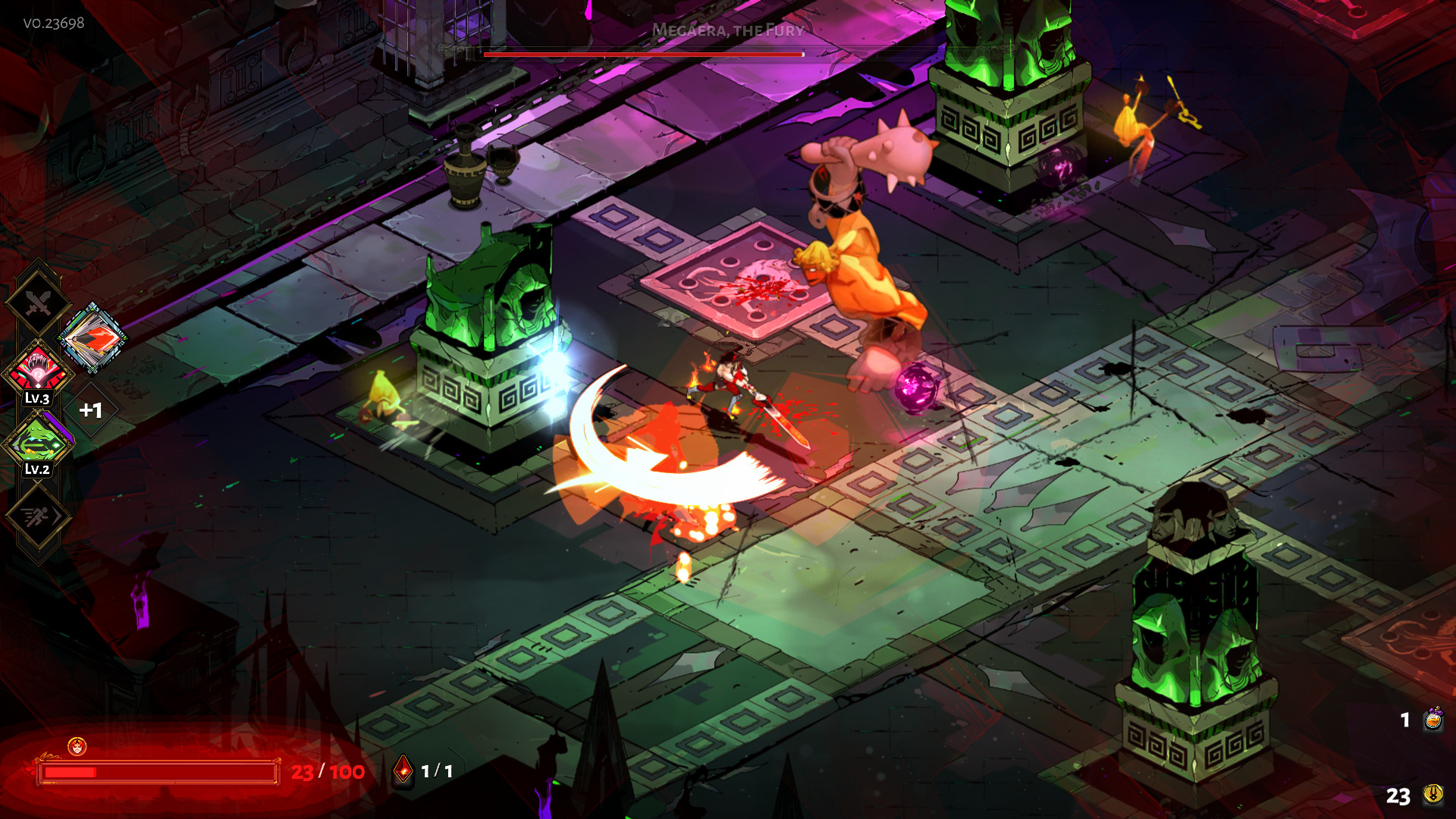
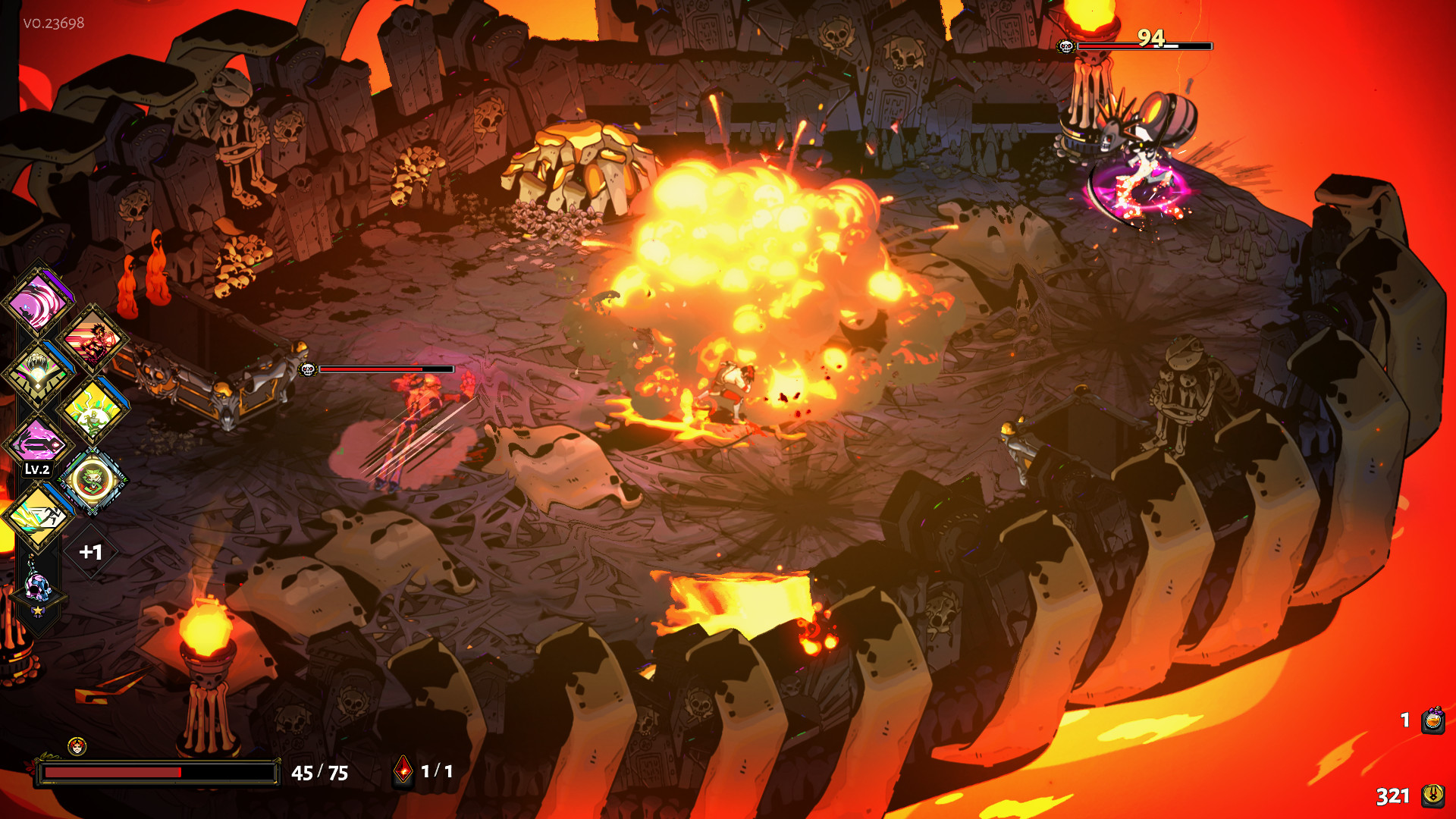
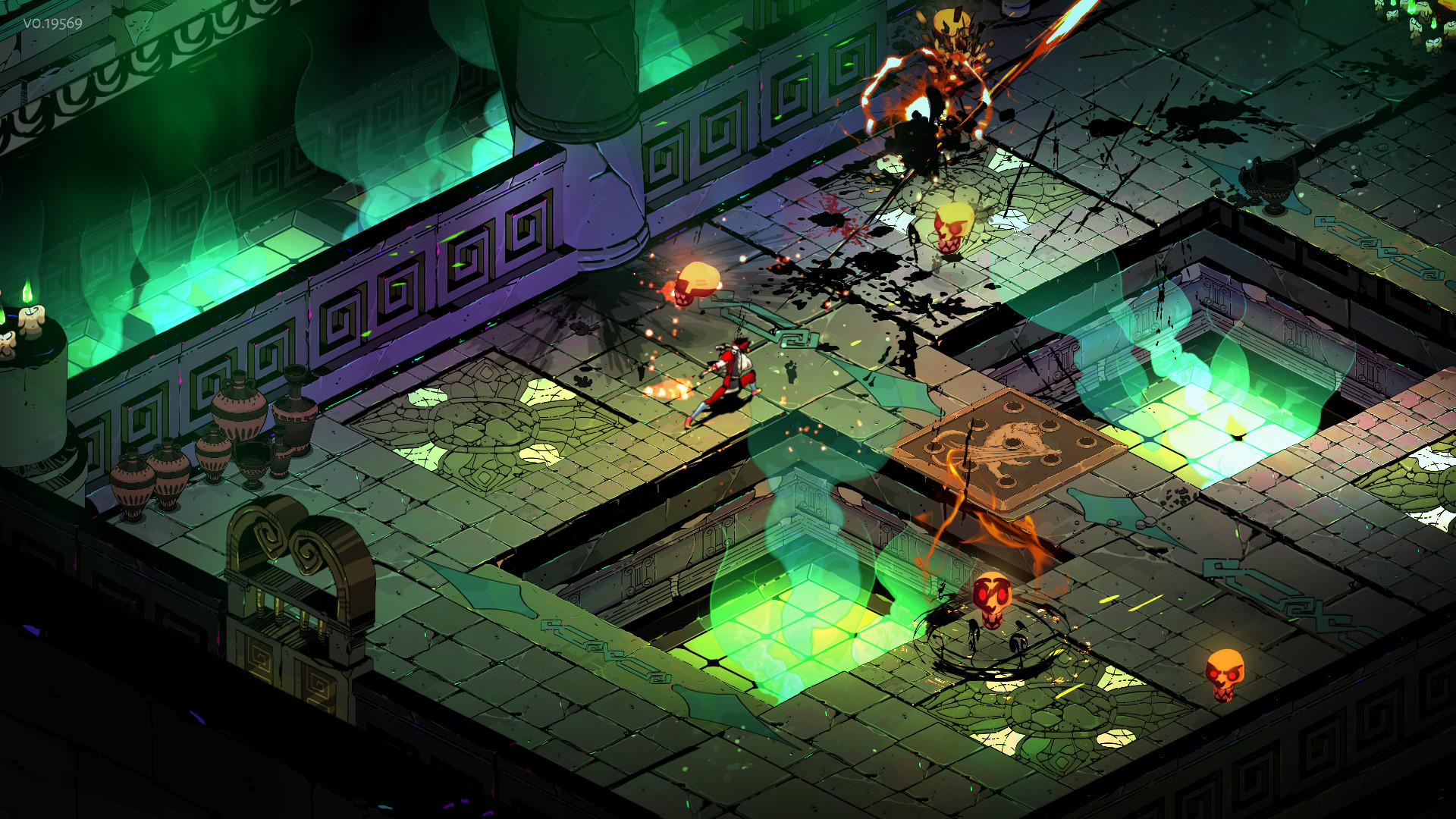
The reason comes down to the art style. Hades is a fixed-camera, isometric game with hand-painted 2D backgrounds and modest 3D character models. It never has to render the sprawling open worlds or dense particle effects that push modern GPUs to their knees. If your PC struggles here, the problem is almost always something else: background software, an outdated driver, or a laptop throttling under load, not the graphics card itself.
The 60fps cap, and why uncapping it isn't as simple as flipping a switch
Hades ships with its frame rate effectively tied to 60fps when VSync is on, no matter your resolution. Turn VSync off and the game will run far past that, sometimes into the hundreds of frames per second, because the built-in limiter is minimal to begin with.
The catch is that some of the game's animations and internal logic were built around a fixed 60fps step. There's an unofficial fix for players who want more: the launch option /NoFixedStep=true decouples game logic from frame rate, but Supergiant doesn't officially support it for everyone, and a handful of players report minor timing oddities at very high frame rates. If you just want a stable, smooth 60, leave the settings alone. If you have a high refresh monitor and want more, cap your frame rate through your GPU driver, Nvidia Control Panel or AMD's equivalent, rather than leaving it fully uncapped.
It runs everywhere, and that matters more than usual here
Hades has a native macOS version built on Apple's Metal API, with an official minimum going back to a modest Intel HD 5000 chip, so most Macs from the last decade handle it without Boot Camp or a Windows layer. On Steam Deck it's Verified, boots to a locked 60fps, and sips power: roughly 8 to 12 watts, which works out to about 5 to 6 hours of battery doing the thing the Deck is usually worst at, sustained combat.
On PS5 and Xbox Series X|S it runs at native 4K and 60fps, while PS4 and Xbox One target 1080p at 60. The Nintendo Switch version drops to 720p to keep frame rates smooth, since that's the weakest hardware Hades ships on, but it stays close to 60 most of the time. And a quick flag since the names overlap: Hades II launched in 2025 on a newer engine with noticeably higher official specs, so don't mix its numbers up with this page. Everything here is about the original 2020 Hades.
Can I run Hades? Your questions answered
Yes, and it's more than enough. The official recommended spec only asks for 8GB, and the minimum spec runs on just 4GB. You won't gain anything by going to 16GB or 32GB for this particular game.
15GB at minimum, 20GB recommended. Neither an SSD nor a specific drive type is required. The game loads fast even off a mechanical hard drive because rooms are generated and streamed in small chunks rather than one huge open world.
No. Storage speed barely matters for a game this size and this lightly built. An HDD works fine; an SSD just shaves a little off the load screens between rooms.
Neither, really. The recommended spec's quad-core CPU and 2GB graphics card are both well below what a modern PC has, so on anything built in the last six or seven years you'll be capped by the game's own frame limiter long before either component runs out of headroom.
VSync is on by default and effectively caps the game at 60fps regardless of resolution. Turn VSync off in the settings if you want more, or use the launch option /NoFixedStep=true to decouple the frame rate from the game's internal 60fps logic step, though that option isn't officially supported for everyone.
It handles wider aspect ratios reasonably well since the camera is fixed and isometric, though some UI elements were designed around 16:9 and can look stretched or off-center on very wide setups. There's no dedicated ultrawide toggle; it just uses whatever resolution your desktop is set to.
No. Hades does not support HDR on PC. The hand-painted art style was built for standard dynamic range, and Supergiant hasn't added an HDR mode.
Hades II is a separate game released in 2025 on a newer engine, and its official specs ask for more RAM, a stronger recommended GPU, and more storage than the original. This page only covers the original 2020 Hades; check Hades II's own listing if that's the one you're after.
No. Hades is fully playable offline. An internet connection is only needed for the initial download, Steam achievement syncing, and cloud saves if you use them.
Yes, in most cases. The official minimum spec targets roughly that era of hardware: a dual-core CPU around 2.4GHz and a 1GB graphics card. You'll be at 720p on Low settings, but it should hold a playable frame rate.
Yes, full controller support is built in, including Xbox, PlayStation, and Steam Input-compatible pads. This is a setup question rather than a hardware one; it works the same regardless of your CPU or GPU.
No. Hades only requires DirectX 10, which is part of why it runs on such old, low-power hardware. You don't need a DirectX 12 capable card to play it.
For sure. The RTX 3050 outpaces Hades's recommended card, leaving you high 1080p now and 1440p whenever you like. Comfortably over 100fps at 1080p, with the GPU never close to being the limit.
Easily. With the GTX 1650 you are past Hades's recommended tier, which means high settings at 1080p and a genuine shot at 1440p. Comfortably over 60fps at 1080p; raise the cap through your GPU driver if you want more.
You are well set. The GTX 1060 6GB exceeds Hades's recommended card, so 1080p high is easy and 1440p is realistic. Around 90 to 120fps at 1080p uncapped, though the default 60fps cap holds it back if VSync stays on.
Comfortably, yes. The RX 580 clears Hades's recommended bar, which puts high 1080p and 1440p both in reach.
Easily. With the RTX 4060 you are past Hades's recommended tier, which means high settings at 1080p and a genuine shot at 1440p. Past 200fps at 1080p and a comfortable 100fps or more at 4K.
The RTX 3060 is a strong fit for Hades. It lands at or above the recommended spec, so high 1080p is comfortable and 1440p works. Around 150fps or more at 1080p and past 120 at 1440p.
Easily. With the RTX 2060 you are past Hades's recommended tier, which means high settings at 1080p and a genuine shot at 1440p.
Plenty of power here. The GTX 1660 is above Hades's recommended tier, so high 1080p is smooth and 1440p is a fair target.
Yes, comfortably. The GTX 1660 Super sits at or above Hades's recommended card, so 1080p on high is smooth and 1440p is well within reach.
That is more than enough. The RX 6600 clears Hades's recommended requirement, so aim for high at 1080p or step up to 1440p. Well past 100fps at both 1080p and 1440p.
The GTX 1660 Ti is a strong fit for Hades. It lands at or above the recommended spec, so high 1080p is comfortable and 1440p works.
Yes. On the RTX 3060 Ti, Hades runs at high settings in 1080p and scales up to 1440p without much fuss.
Plenty of power here. The RTX 4050 is above Hades's recommended tier, so high 1080p is smooth and 1440p is a fair target.
Comfortably, yes. The GTX 1050 Ti clears Hades's recommended bar, which puts high 1080p and 1440p both in reach. Holds the default 60fps cap at 1080p without any trouble.
Easily. With the RTX 4070 you are past Hades's recommended tier, which means high settings at 1080p and a genuine shot at 1440p. 4K well past 100fps, with room to spare.
Hades ships a native Apple Silicon build through Metal, and even the lightest MacBook Air handles it at a smooth 60fps without breaking a sweat. The official Mac minimum is a decade-old Intel HD 5000 chip, so any Apple Silicon Mac clears that bar without even trying.
Yes, in most cases. Intel UHD 620 or newer, AMD Vega-based APU graphics, and Apple Silicon's integrated GPU all run Hades at 1080p Low to Medium without much trouble. Older Intel HD graphics from before around 2015 will be closer to the minimum experience: 720p, lower settings, and occasional dips.
Chromebooks don't run native Windows or Mac games, so cloud streaming is your route in. GeForce Now or a similar service handles it fine, and Hades' light data footprint means it streams cleanly even over a modest connection.
Yes. 'Low-end' by today's standards, meaning a budget CPU and a card like a GTX 1050 or GT 1030, is well above what Hades actually needs. You'll get a locked 60fps at 1080p without pushing the hardware.
Yes, comfortably. Hades is light on both the CPU and GPU side, so a current-generation i3 or Ryzen 3 has far more headroom than this game will ever use.
Officially, anything with 1GB of video memory and DirectX 10 support, which describes cards going back to around 2010 to 2011. A GT 730 or HD 7750, for example, clears the bar.
Yes, on both. Hades launched on PS4 and got a free PS5 upgrade that runs at native 4K and 60fps. The PS4 version targets 1080p at 60fps.
Yes. It's on Xbox Game Pass as well as purchasable, and the Series X/S version matches the PS5 upgrade at 4K and 60fps, while Xbox One runs at 1080p60.
Yes, and it was actually a launch platform for the game alongside PC. The Switch version runs at 720p to keep the frame rate smooth, since it's the weakest hardware Hades ships on, but it holds up close to 60fps most of the time.
Very comfortably. Hades carries Steam Deck Verified status and holds a locked 60fps out of the box while drawing only around 8 to 12 watts, good for roughly 5 to 6 hours of battery. Both the ROG Ally and Legion Go outmuscle the Deck, so they run it just as well or better.
Hades is on GeForce Now, a reasonable fallback if your own hardware genuinely can't manage it. Given how light this game is, though, that scenario is unlikely for anyone running a PC built in the last fifteen years.
Supergiant hasn't shipped a native Linux build, but Hades runs close to flawlessly through Proton on both Steam Deck and Linux desktops, which is a big part of why it earned Steam Deck Verified status. ProtonDB's community reports back that up.
Almost any dedicated GPU from the last several years. Since the console versions already run native 4K at 60fps on hardware roughly comparable to a mid-range PC card, something like a GTX 1650 or better does the same job on PC.
Very little. The official recommended spec, a quad-core CPU and a 2GB graphics card around GTX 950 or RX 460 level, holds 60fps at 1080p without difficulty. That's the game's default target and the easiest frame rate on this list to hit.
Hades doesn't have a deep, AAA-style settings menu with an 'Ultra' preset. Its graphics options are limited to resolution, fullscreen mode, and a handful of toggles, another sign of how light the game is. Anything meeting the recommended spec looks and runs as good as the game gets.
Since the hardware bar is so low, stutter or crashes on a modern PC are almost always a software problem: an outdated GPU driver, background overlays like Discord or GeForce Experience, antivirus scanning the game folder, or a corrupted install. Verify the game files through Steam, update your graphics driver, and close overlay software before assuming your hardware is the issue.