
Can I Run Gray Zone Warfare on My PC / Laptop?
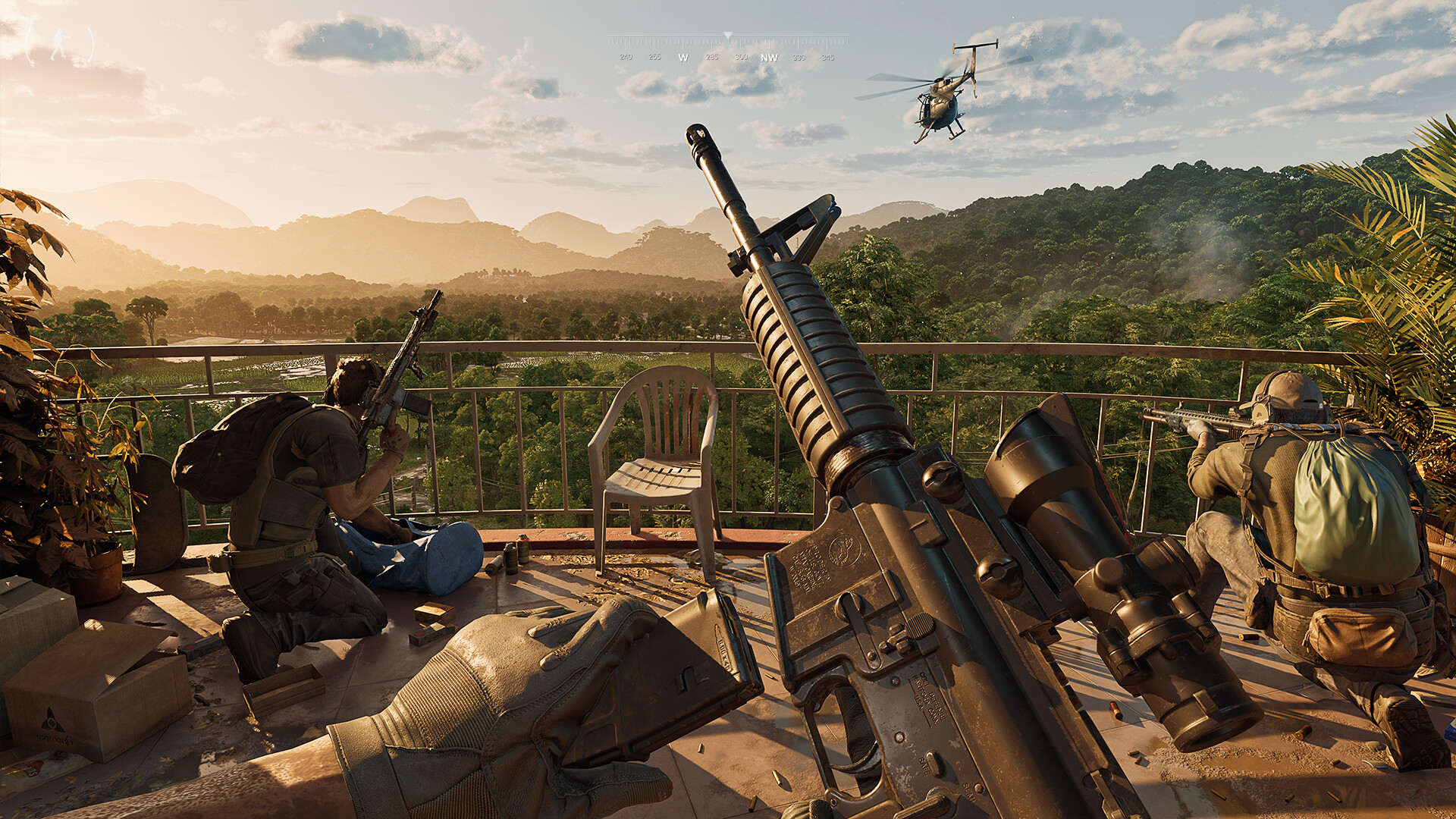
An early-access, open-world military extraction shooter built in Unreal Engine 5. It is one of the more demanding shooters on the market, and it leans hard on both VRAM and system RAM.
Check if your PC can run Gray Zone Warfare
Pick your graphics card and processor to check.
Can I run Gray Zone Warfare on my PC?
Use the checker above to find out in seconds. Pick your graphics card and processor and it compares them against Gray Zone Warfare's official requirements. As a quick guide, you need at least a NVIDIA® GeForce® GTX 1080 8GB / 2060 SUPER 8GB / RTX 3060 8GB / RTX 4060 8GB / AMD Radeon™ RX 5700 8GB / RX 6600 8GB / Intel® Arc™ A770 8GB graphics card, a Intel® Core™ i5-8600 / AMD Ryzen™ 5 2600 (AVX2 support required) processor, and 16 GB RAM of RAM to play at 1080p.
Can I run Gray Zone Warfare on my laptop?
Yes, if your laptop has a dedicated graphics card around a NVIDIA® GeForce® GTX 1080 8GB / 2060 SUPER 8GB / RTX 3060 8GB / RTX 4060 8GB / AMD Radeon™ RX 5700 8GB / RX 6600 8GB / Intel® Arc™ A770 8GB or better and 16 GB RAM of RAM. Laptops with only integrated graphics usually fall short. Enter your laptop's GPU in the tool above to check. Keep in mind that the laptop version of a card runs a little slower than the desktop card of the same name, and heat can lower sustained frame rates.
The short answer: Gray Zone Warfare needs a genuinely modern PC. The official minimum already asks for an 8GB graphics card in the GTX 1080 / RTX 2060 SUPER / RTX 3060 / RTX 4060 class, which is unusually high for a minimum tier, and 16GB of system RAM. Most people search this page because a card that runs plenty of other shooters comfortably still struggles here.
This is a VRAM-hungry, CPU-heavy Unreal Engine 5 game spread across one huge open map, and it is still in early access, so optimization keeps shifting. Run your parts through the checker above to see where you land, then check the sections below for the VRAM breakdown, the stutter fixes, and why some low-end cards on the auto-generated list fall short here even when they handle other games fine.
Gray Zone Warfare system requirements
| Minimum | Recommended | |
|---|---|---|
| Processor (CPU) | Intel® Core™ i5-8600 / AMD Ryzen™ 5 2600 (AVX2 support required) | Intel® Core™ i7-9700K / AMD Ryzen™ 5 3600X |
| Graphics card (GPU) | NVIDIA® GeForce® GTX 1080 8GB / 2060 SUPER 8GB / RTX 3060 8GB / RTX 4060 8GB / AMD Radeon™ RX 5700 8GB / RX 6600 8GB / Intel® Arc™ A770 8GB | NVIDIA® GeForce® RTX 2080 Ti 11GB / RTX 3080 10GB / RTX 4070 12GB / RTX 5070 12GB / AMD Radeon™ RX 6800 XT 16GB / RX 7800 XT 16GB |
| Memory (RAM) | 16 GB RAM | 32 GB RAM |
| Operating system | Windows® 10 64 Bit (latest update) | Windows® 10 64 Bit (latest update) / Windows® 11 64 Bit (latest update) |
| DirectX | Version 12 | Version 12 |
| Storage | 40 GB available space | 40 GB available space |
Storage: 40 GB available space. An SSD is effectively required, since texture streaming between zones is heavy and a hard drive makes the stutter much worse.
Full performance tiers
| Tier | Target | CPU | GPU | RAM |
|---|---|---|---|---|
| Minimum | 1080p, low settings | Intel® Core™ i5-8600 / AMD Ryzen™ 5 2600 (AVX2 support required) | NVIDIA® GeForce® GTX 1080 8GB / 2060 SUPER 8GB / RTX 3060 8GB / RTX 4060 8GB / AMD Radeon™ RX 5700 8GB / RX 6600 8GB / Intel® Arc™ A770 8GB | 16 GB RAM |
| Recommended | 1080p, high settings | Intel® Core™ i7-9700K / AMD Ryzen™ 5 3600X | NVIDIA® GeForce® RTX 2080 Ti 11GB / RTX 3080 10GB / RTX 4070 12GB / RTX 5070 12GB / AMD Radeon™ RX 6800 XT 16GB / RX 7800 XT 16GB | 32 GB RAM |
| Smooth 1440p / high refresh | 1440p, high settings, 60+ fps | Ryzen 7 5700X / Core i7-12700 class or better | RTX 4070 Ti / RTX 4080 or better, 12GB+ VRAM, with DLSS or FSR Quality on | 32 GB |
| 4K | 4K, high to ultra settings | Ryzen 7 7800X3D / Core i7-13700K class or better | RTX 4090 class, with DLSS or FSR Quality and Frame Generation on | 32 GB |
Gray Zone Warfare FPS by graphics card
| Graphics card | 1080p | 1440p | 4K | Notes |
|---|---|---|---|---|
| GTX 1660 Super | ~35-40 (Low) | , | , | Below the official minimum. Playable with FSR on and everything else turned down, and paired with a weak CPU it drops lower. |
| RTX 3060 | ~50-60 (Medium, DLSS/FSR on) | , | , | One of the official minimum-tier cards. Native at high settings sags closer to 40. Upscaling is doing real work here. |
| RX 6600 | ~45-55 (Medium, FSR on) | , | , | The AMD side of the official minimum. Similar range to the RTX 3060, and its 8GB of VRAM is the ceiling. |
| RTX 4060 Ti 16GB | ~34 (Ultra, native) | ~28 (Ultra, native) | ~18 (Ultra, native) | The extra VRAM over the 8GB card helps it avoid stutter, but native Ultra is still heavy. DLSS Quality lifts 1080p back into the 55-60 range. |
| RX 6700 XT | ~65-70 (High, FSR on) | , | , | 12GB of VRAM is a real advantage in this game, and it holds up better than some pricier 8GB cards. |
| RTX 4070 | ~90+ (High, DLSS on) | ~120 (Epic, DLSS Quality + Frame Gen) | , | The official recommended-tier card. Comfortable at 1440p once DLSS and Frame Generation are both on. |
| RTX 4090 | , | very high | ~110-150 (Ultra, DLSS Quality + Frame Gen) | Without Frame Generation, native 4K Ultra drops well below that. This is still an early-access game, so even top-end cards are not immune to stutter. |
These are rough, community-reported numbers from an early-access game that gets patched often, so treat every figure here as approximate and expect it to shift with your CPU, your exact settings, your drivers, and which zone you're in. Dense loot areas and combat with several other players cost noticeably more frames than an empty stretch of jungle.
Can these graphics cards run Gray Zone Warfare?
| Graphics card | Verdict | Notes |
|---|---|---|
| GTX 1050 Ti | Below minimum | Does not meet minimum. Rough performance is likely. |
| GTX 1650 | Below minimum | Does not meet minimum. Rough performance is likely. |
| RX 570 | Below minimum | Short of minimum. Low settings, a choppy frame rate. |
| RX 580 | Below minimum | Below the minimum card. Very low settings, if it runs. |
| GTX 1060 6GB | Below minimum | Below the minimum card. Very low settings, if it runs. |
| GTX 1650 Super | Below minimum | Does not meet minimum. Rough performance is likely. |
| GTX 1660 | Below minimum | Under the requirement. Lowest settings, low frame rate. |
| GTX 1660 Super | Below minimum | Below the minimum card. Very low settings, if it runs. |
| RTX 3050 | Below minimum | Below the minimum. Very low settings, low frame rates. |
| GTX 1660 Ti | Below minimum | Below the minimum. Very low settings, low frame rates. |
| RX 6600 | Below minimum | Under minimum. Expect the lowest settings and weak fps. |
| RTX 2060 | Below minimum | Below spec. Low settings and low fps at best. |
| RTX 4050 | Below minimum | Under the requirement. Lowest settings, low frame rate. |
| Arc A750 | Below minimum | Under minimum. Expect the lowest settings and weak fps. |
| RTX 3060 | Below minimum | Beneath the bar. Very low settings, and it may not run. |
| RX 6600 XT | Playable | At the minimum bar. 1080p low to medium, drop a setting if needed. |
| RX 7600 | Playable | Meets the bar. Low to medium settings at 1080p. |
| RX 6700 XT | Playable | Passes minimum. Aim low to medium 1080p, upscaling helps. |
| RTX 4060 | Playable | Clears the minimum. 1080p low to medium, better with upscaling. |
| RTX 3060 Ti | Playable | Clears the minimum. 1080p low to medium, better with upscaling. |
| RTX 3070 | Playable | Runnable at minimum. Low to medium 1080p, ease settings back. |
| RTX 4070 | Runs well | Past the recommended tier. High settings at 1080p, 1440p on the table. |
Why the minimum bar is already this high
Most games list a minimum card from several generations back. Gray Zone Warfare's official minimum is an 8GB card in the GTX 1080 / RTX 2060 SUPER / RTX 3060 / RTX 4060 class, which is closer to what other games call a recommended card. That is the real answer to "will this run on my PC": if your card is older or has less than 8GB of VRAM, you are already below where the developers expect you to be, and you should treat the checker above and the fps table here as more honest than the official number.
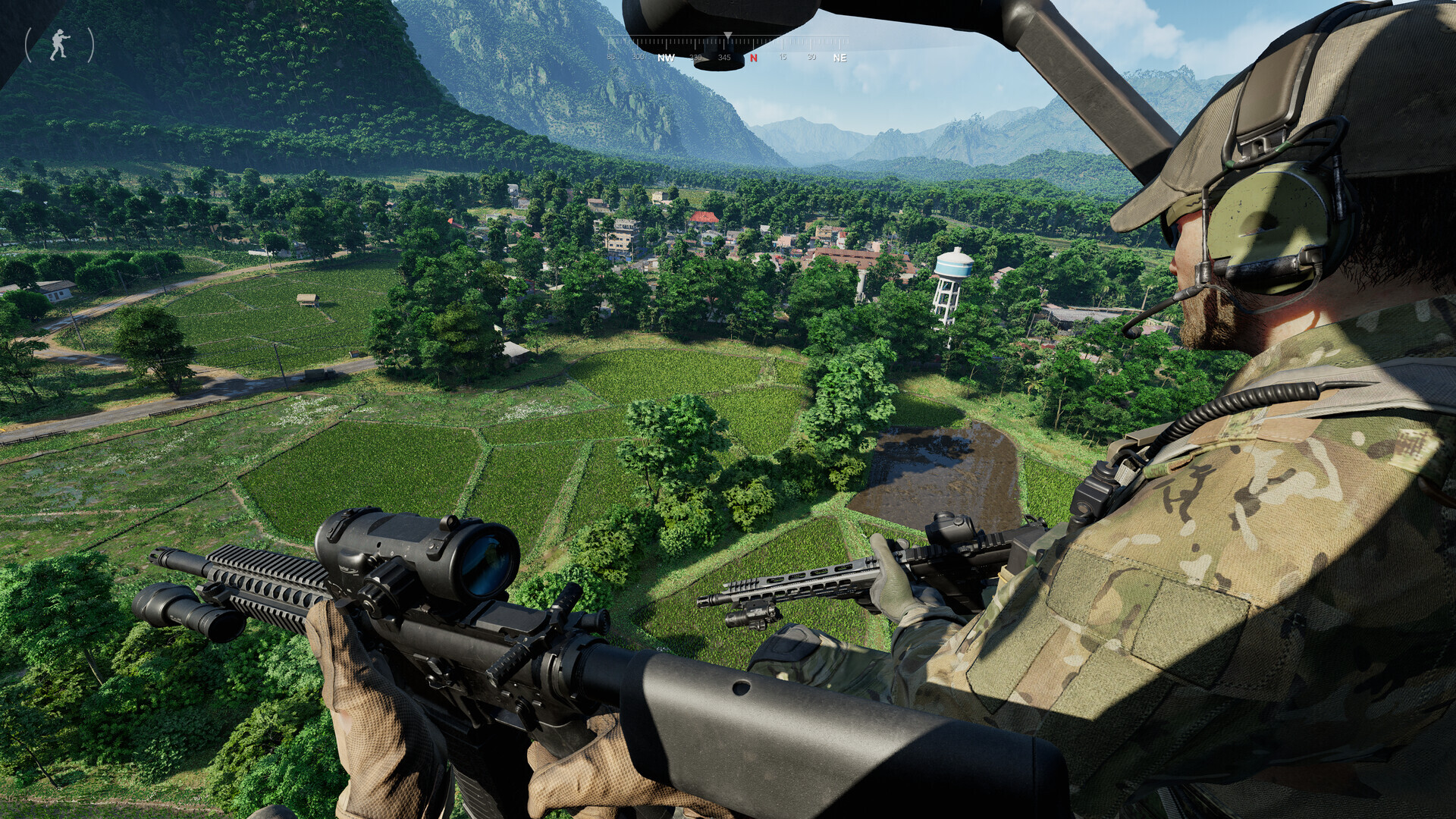
The reason is the map. Gray Zone Warfare runs on a single, large, continuously loaded open world in Unreal Engine 5, streaming vegetation, buildings, and enemy AI across a big draw distance the whole time you play. That constant streaming load is what pushes both the GPU and CPU requirements up, and it is also why performance is uneven between a quiet corner of the map and a firefight in a town.
VRAM and RAM are the real bottleneck, not raw GPU speed
This is the signature problem with Gray Zone Warfare: it is hungrier for memory than it is for shader horsepower. Players report the game using around 7 to 8GB of VRAM just standing still on low settings, and 8GB cards can hit their ceiling and crash with an out-of-memory error during a busy fight. If you own an 8GB card, that is not a hypothetical, it happens.
System RAM works the same way. The official recommended spec asks for 32GB, not 16GB, and that is not padding: 16GB or less is a common cause of stutter and crashes reported by players who otherwise meet every other requirement. If you are building or upgrading a PC specifically for this game, put your money into VRAM and RAM capacity before you chase a faster GPU core.
Fixing stutter and getting more frames
Turn on upscaling first. DLSS on RTX cards or FSR on anything else is the single biggest and cheapest frame boost available, and several players report FSR looking and performing better than native rendering even on Nvidia hardware, which is unusual. Quality mode is the right starting point at 1080p; Performance mode gets blurry fast at that resolution.
After upscaling, the settings worth turning down first are foliage density, view distance, and volumetric fog. Together they can reclaim 30 to 40 percent of your frame time in dense, jungle-heavy parts of the map without changing much of what the game looks like up close. You will also see a short stutter the first time you load into a new area or fire a new weapon, which is shader compilation settling in; it eases off after a few minutes and gets worse again after every patch until the shader cache rebuilds.
Install the game on an SSD. A hard drive makes the between-zone texture streaming noticeably worse, on top of everything else on this list.
Platforms: PC only for now, and Steam Deck does not really work
Gray Zone Warfare is PC-only today. MADFINGER Games has confirmed PS5 and Xbox Series X/S versions are planned, but only alongside the eventual 1.0 release, which does not have a date yet and is not expected soon. There is no Nintendo Switch version and none has been announced.
Steam Deck is a special case worth calling out because performance is not the main problem. The game runs through Proton on Steam Deck or any Linux PC, but its anti-cheat has not been enabled for Proton, so you can get as far as creating a character before getting kicked with a cheating-detected error. Valve lists it as Unsupported. A Windows handheld like a ROG Ally or Legion Go does not have this problem since it runs the real Windows build, but you are still fighting the same VRAM and RAM demands in a smaller, more power-limited body, so expect low settings and upscaling even there.
Can I run Gray Zone Warfare? Your questions answered
The official minimum is an Intel Core i5-8600 or AMD Ryzen 5 2600 with AVX2 support, an 8GB graphics card such as a GTX 1080, RTX 2060 SUPER, RTX 3060, RTX 4060, RX 5700, RX 6600, or Arc A770, and 16GB of RAM. That is unusually demanding for a minimum tier, so treat it as a real floor rather than a suggestion.
For a smoother experience the developers recommend an i7-9700K or Ryzen 5 3600X, a high-end card such as an RTX 2080 Ti, RTX 3080, RTX 4070, RTX 5070, RX 6800 XT or RX 7800 XT, and 32GB of RAM. The jump from minimum to recommended is bigger than in most games.
It runs on one large, continuously streamed open map in Unreal Engine 5, loading terrain, buildings, and AI the whole time you play rather than in separate levels. That constant streaming, plus the game still being in early access, is why even the minimum tier asks for an 8GB modern graphics card.
It is the official floor, and it is tight. Players on 8GB cards report the game sitting around 7 to 8GB used even on low settings while standing still, and it can spike to a crash during a fight. A 10 to 12GB card gives you real breathing room and noticeably fewer VRAM-related stutters.
32GB is the recommended spec, not 16GB, and there's a reason for that gap. Players stuck at 16GB report more frequent stutter and crashes than those running 32GB, even with every other component sitting comfortably above the recommended bar. If you're buying hardware specifically for this game, RAM capacity is where the money should go first.
About 40GB. Install it on an SSD if you can, since storage speed affects the streaming stutter more than it does in most games.
Yes, both are supported, along with Frame Generation on RTX 40-series cards. Upscaling is the single biggest free performance gain in this game, and several players report FSR looking and running better than native rendering even on Nvidia hardware.
Two separate causes get blamed as one. Shader compilation stutter shows up the first time you load a new area or use a new weapon and settles down after a few minutes. Texture and terrain streaming stutter happens as you move around the map, and it is worse on a hard drive, on 8GB cards, and with foliage and view distance turned up.
Likely, since the game is still in active early access and MADFINGER Games patches performance regularly. Treat the current requirements and the fps numbers here as a snapshot rather than a fixed target, and expect optimization to keep shifting.
An i5-8600 or Ryzen 5 2600 at minimum, and importantly your CPU must support the AVX2 instruction set. That rules out some older budget chips even if their clock speed and core count otherwise look fine on paper, so check AVX2 support specifically if you are on an older CPU.
Yes, DirectX 12 is required, matching most other Unreal Engine 5 games released in the last few years.
Only some of them, and it depends on AVX2 support rather than the model number alone. Cheaper i3 and Ryzen 3 chips are usually below the i5-8600 / Ryzen 5 2600 minimum in core count and single-thread speed, and a good number of older budget chips lack AVX2 entirely, which stops the game from launching regardless of everything else in your PC.
Both, which is part of why it is demanding. The GPU carries the graphics load and VRAM pressure, while the CPU handles the constant world streaming and AI, plus more players and loot nearby in a session. Dropping graphics settings mostly helps the GPU side; a stronger CPU and more RAM help the streaming and multiplayer side.
Not a good match. Gray Zone Warfare asks for more than the RTX 3050 provides, so you would be stuck on very low settings and choppy frame rates. Below the official minimum. Around 30-35 fps at 1080p Low with DLSS on; its 8GB VRAM version avoids some stutter but the core is still weak for this game.
Underpowered here. The GTX 1650 sits below Gray Zone Warfare's minimum, so expect the lowest settings and a frame rate to match. Below the official minimum. Around 20-25 fps at 1080p Low with FSR on, limited by its 4GB of VRAM.
Below spec. The GTX 1060 6GB does not clear Gray Zone Warfare's minimum, so plan for low settings, low fps, or a game that will not boot. Below the official minimum. Roughly 25-30 fps at 1080p Low, and 6GB of VRAM is under the game's 8GB floor.
Expect problems. The RX 580 lands below Gray Zone Warfare's minimum card, so low settings and low frame rates are the ceiling, assuming it runs. Below the official minimum. Around 25-30 fps at 1080p Low with FSR on, better on the 8GB version.
It will run. The RTX 4060 meets Gray Zone Warfare's minimum, which means 1080p on low to medium and a smoother result once you lower a couple of options. One of the official minimum-tier cards. Around 45-55 fps at 1080p Medium with DLSS on; its 8GB of VRAM is the limiting factor at higher settings.
Expect problems. The RTX 3060 lands below Gray Zone Warfare's minimum card, so low settings and low frame rates are the ceiling, assuming it runs. One of the official minimum-tier cards. Around 50-60 fps at 1080p Medium with DLSS or FSR on; native High settings sags closer to 40.
Not really. The RTX 2060 falls under Gray Zone Warfare's minimum card, so you are looking at very low settings and low frame rates, if it starts at all. Below the official minimum, since the game specifically calls for an RTX 2060 SUPER. Expect around 35-40 fps at 1080p Low to Medium.
That card falls short. The GTX 1660 is under Gray Zone Warfare's minimum, which leaves you very low settings and a shaky frame rate. Below the official minimum. Around 30 fps at 1080p Low, with occasional VRAM-related hitching.
Below spec. The GTX 1660 Super does not clear Gray Zone Warfare's minimum, so plan for low settings, low fps, or a game that will not boot. Below the official minimum. Community reports put it around 35-40 fps at 1080p Low.
Underpowered here. The RX 6600 sits below Gray Zone Warfare's minimum, so expect the lowest settings and a frame rate to match. One of the official minimum-tier cards. Around 45-55 fps at 1080p Medium with FSR on.
Not recommended. Running Gray Zone Warfare on the GTX 1660 Ti means very low settings and low frame rates, and it may refuse to launch. Below the official minimum. Roughly 35 fps at 1080p Low.
You can play it. The RTX 3060 Ti is at Gray Zone Warfare's minimum, so keep to 1080p low to medium and lower a setting if it stutters. Above the official minimum, below recommended. Around 60 fps at 1080p High with DLSS on.
Not really. The RTX 4050 falls under Gray Zone Warfare's minimum card, so you are looking at very low settings and low frame rates, if it starts at all. Below the official minimum, which is built around the desktop RTX 4060. Expect around 30-35 fps at 1080p Low with DLSS on.
Not really. The GTX 1050 Ti falls under Gray Zone Warfare's minimum card, so you are looking at very low settings and low frame rates, if it starts at all. Below the official minimum. Expect roughly 15-20 fps at 1080p Low, and its 4GB of VRAM will hold textures back hard.
For sure. The RTX 4070 outpaces Gray Zone Warfare's recommended card, leaving you high 1080p now and 1440p whenever you like. The official recommended-tier card. Around 90+ fps at 1080p High with DLSS on, and roughly 120 fps at 1440p Epic with DLSS Quality and Frame Generation both on.
No native build here, on any MacBook or any M-series chip. GeForce Now streaming is the only way to play Gray Zone Warfare on a Mac right now.
No. Integrated graphics, including Intel Iris Xe and AMD's Radeon 780M or 760M found in recent laptops, fall well short of the official 8GB dedicated-GPU minimum. You need a dedicated graphics card.
A Chromebook has no way to run Gray Zone Warfare locally. GeForce Now is the workaround: it renders the game on remote hardware and streams the result to whatever device you're on, Chromebook included.
Not in practice, and it is a bigger problem than performance. Valve lists it as Unsupported. The game launches through Proton, but its anti-cheat has not been enabled for Linux or Proton, so you get kicked from multiplayer servers with a cheating-detected error even after creating a character.
The anti-cheat wall that blocks Steam Deck doesn't apply here, since ROG Ally and Legion Go both run actual Windows rather than Proton. The catch is hardware, not software: you're still asking a small, power-limited GPU to clear an 8GB VRAM minimum, so plan on low settings and upscaling turned on, with frame rates well behind what a minimum-tier desktop card delivers.
Yes, it is available through GeForce Now as a bring-your-own-game title, meaning you link your existing purchase and stream it, including directly in a browser.
You need something in the RTX 4090 class with DLSS Quality and Frame Generation on for a smooth 4K experience. Native 4K without upscaling is heavy even on the strongest current cards.
An RTX 4070 or better handles 1440p well, especially with DLSS Quality and Frame Generation on. Weaker cards can run 1440p at lower settings, but VRAM becomes the limiter before raw speed does.
Realistically an RTX 4070 or RX 6800 XT class card with upscaling on for a steady 60 fps at 1080p to 1440p. Minimum-tier cards like the RTX 3060 or RX 6600 can hit 60 in quiet moments but drop during fights.
You can, but it costs a lot. Even an RTX 4060 Ti drops to around 34 fps at native 1080p Ultra. Ultra is realistically an RTX 4070-class-and-up setting once you add upscaling, or an RTX 4090 for native performance.
32GB is the honest target if you can afford it. The official minimum sits at 16GB, but the recommended spec jumps straight to 32GB for a reason players confirm in practice, since stutter and crashes show up more at 16GB even on rigs where the GPU and CPU already clear the recommended bar.
Storage speed matters more here than the spec sheet admits. Zone-to-zone texture streaming runs noticeably smoother off an SSD, and a hard drive piles extra stutter on top of everything else this game already demands from your hardware.
6GB falls under the stated minimum and will show its limits fast. Even the 8GB floor is snug, since players report usage sitting around 7 to 8GB on low settings just standing still, with out-of-memory crashes turning up during firefights. Aim for 10GB or more if you want real breathing room instead of running right at the edge.
Start with the graphics card: anything below the 8GB minimum will cause problems on its own. After that, check for RAM under 16GB, an out-of-date graphics driver, and a hard-drive install, any of which can trigger crashes or a refusal to launch. Because this is still early access, a pending patch is also worth ruling out, since stability shifts often between updates.
No, not reliably. Gray Zone Warfare has no native Linux build, and Valve lists it as Unsupported on Steam Deck: the game itself launches fine through Proton, but its anti-cheat has not been enabled for Linux, so you get flagged and kicked from multiplayer servers even after creating a character. Until the developers add Linux support on the anti-cheat side, a Linux distro or SteamOS device hits the same wall. Offline testing may load, but online play is effectively blocked.
It is planned, but not yet available. MADFINGER Games has confirmed Xbox Series X/S and PS5 versions alongside the game's eventual 1.0 release, which does not have a date yet. Right now Gray Zone Warfare is PC only.
A PS5 version is planned for the 1.0 release, with no date confirmed yet. There is no PS4 version planned. The game is PC only today.
Not comfortably. The official minimum is already an 8GB modern graphics card and 16GB of RAM, which is a high bar for a minimum tier. Below that, expect low frame rates, VRAM-related stutter, and possibly crashes rather than a smooth if unimpressive experience.
No, and none has been announced. The game is PC only right now, with PS5 and Xbox Series X/S planned for the eventual 1.0 release.
Yes, this is a live online shooter through and through: every match runs on servers with other real players, and there's no offline single-player fallback. A shaky connection will hurt your session just as much as weak hardware will.