
Can I Run God of War Ragnarok on My PC / Laptop?
Kratos and Atreus close out the Norse saga. A well-built Sony port whose one real weak spot is how much video memory it wants once you push texture quality up.
Check if your PC can run God of War Ragnarok
Pick your graphics card and processor to check.
Can I run God of War Ragnarok on my PC?
Use the checker above to find out in seconds. Pick your graphics card and processor and it compares them against God of War Ragnarok's official requirements. As a quick guide, you need at least a NVIDIA GTX 1060 (6GB) or AMD RX 5500 XT (8GB) or Intel Arc A750 graphics card, a Intel i5-4670k or AMD Ryzen 3 1200 processor, and 8 GB RAM of RAM to play at 1080p.
Can I run God of War Ragnarok on my laptop?
Yes, if your laptop has a dedicated graphics card around a NVIDIA GTX 1060 (6GB) or AMD RX 5500 XT (8GB) or Intel Arc A750 or better and 8 GB RAM of RAM. Laptops with only integrated graphics usually fall short. Enter your laptop's GPU in the tool above to check. Keep in mind that the laptop version of a card runs a little slower than the desktop card of the same name, and heat can lower sustained frame rates.
Yes, most PCs from the last five or six years can run God of War Ragnarok, and you do not need a monster GPU to do it. Sony's own minimum spec is a GTX 1060 6GB, a card that is now roughly a decade old in design. The thing people get wrong is assuming this game behaves like a typical big-budget port that is CPU-hungry or ray-traced. It is neither. It has no ray tracing at all, and it barely touches the CPU. What actually catches people out is video memory: this game will happily eat 12 to 18GB of VRAM on higher settings, and an 8GB card that looked fine on paper can start stuttering hard once that ceiling gets hit.
The sections below dig into the VRAM story in detail, real frame rates across a spread of cards from a GTX 1060 up to an RTX 4070, what upscaling and frame generation actually buy you, and the shader compile screen that reappears every time you launch. Compare your own CPU and GPU against the official tiers using the checker above.
God of War Ragnarok system requirements
| Minimum | Recommended | |
|---|---|---|
| Processor (CPU) | Intel i5-4670k or AMD Ryzen 3 1200 | Intel i5-8600 or AMD Ryzen 5 3600 |
| Graphics card (GPU) | NVIDIA GTX 1060 (6GB) or AMD RX 5500 XT (8GB) or Intel Arc A750 | NVIDIA RTX 2060 Super or AMD RX 5700 or Intel Arc A770 |
| Memory (RAM) | 8 GB RAM | 16 GB RAM |
| Operating system | Windows 10 20H1 | Windows 10 20H1 |
| DirectX | Version 12 | Version 12 |
| Storage | 190 GB available space | 190 GB available space |
Storage: 190 GB. An SSD is recommended to keep shader loading and streaming stutter down.
Full performance tiers
| Tier | Target | CPU | GPU | RAM |
|---|---|---|---|---|
| Minimum | 1080p Low, 30 fps average | i5-4670K / Ryzen 3 1200 | GTX 1060 6GB / RX 5500 XT 8GB / Arc A750 | 8 GB |
| Recommended | 1080p Medium, 60 fps average | i5-8600 / Ryzen 5 3600 | RTX 2060 Super / RX 5700 / Arc A770 | 16 GB |
| High (1440p) | 1440p High, 60 fps average | i7-7700K / Ryzen 7 2700X | RTX 3070 / RX 6800 | 16 GB |
| Performance (4K) | 4K High, 60 fps average | i7-7700K / Ryzen 7 2700X | RTX 3080 Ti / RX 6900 XT | 16 GB |
| Ultra (4K) | 4K Ultra, 60 fps average | i5-11600K / Ryzen 7 3700X | RTX 4070 Ti / RX 7900 XT | 16 GB |
God of War Ragnarok FPS by graphics card
| Graphics card | 1080p | 1440p | 4K | Notes |
|---|---|---|---|---|
| GTX 1060 6GB | ~30 | , | , | Low settings, close to Sony's own minimum target. The 3GB version of this card is not really usable here. |
| GTX 1650 | ~35 | , | , | Low settings only. Its 4GB of VRAM runs out before the GPU core does. |
| RTX 2060 | ~55-60 | , | , | Medium to High settings. Push to Ultra and VRAM pressure drags this down a lot. |
| RX 6600 | ~61 | , | , | High settings. Ultra settings bring it closer to the high 40s. |
| RTX 3060 | ~85-90 | ~55-60 | , | The 12GB buffer keeps textures maxed without the stutter an 8GB card can hit. |
| RTX 3060 Ti | ~95 | ~63-84 | , | 63 fps at 1440p with FSR balanced, up near 84 with DLSS Quality turned on. |
| RTX 4060 | ~145-150 | ~90 | , | Ultra preset, native resolution, no upscaling. 8GB is enough up to 1440p, just not at 4K Ultra. |
| RTX 4070 | ~230-240 | ~140 | ~70-80 | Ultra preset. Stays comfortably above 60 fps even at native 4K. |
These numbers come from a mix of outlet benchmarks and community tests, and they move around with scene, driver version, and whatever patch is current. Sony's own official targets are native resolution with no upscaling at all, so switching on DLSS, FSR, or XeSS pushes every one of these cards noticeably higher.
Can these graphics cards run God of War Ragnarok?
| Graphics card | Verdict | Notes |
|---|---|---|
| GTX 1050 Ti | Below minimum | Below spec. Low settings and low fps at best. |
| GTX 1650 | Below minimum | Below spec. Low settings and low fps at best. |
| RX 570 | Below minimum | Does not meet minimum. Rough performance is likely. |
| RX 580 | Below minimum | Under the requirement. Lowest settings, low frame rate. |
| GTX 1060 6GB | Playable | Meets minimum. Low to medium at 1080p, tune for a steady rate. |
| GTX 1650 Super | Playable | Just clears it. 1080p low to medium, smoother after tuning. |
| GTX 1660 | Playable | Minimum covered. 1080p low to medium is the target. |
| GTX 1660 Super | Playable | Meets minimum. Low to medium at 1080p, tune for a steady rate. |
| RTX 3050 | Playable | Just clears it. 1080p low to medium, smoother after tuning. |
| GTX 1660 Ti | Playable | Meets the bar. Low to medium settings at 1080p. |
| RX 6600 | Playable | Meets minimum. Low to medium at 1080p, tune for a steady rate. |
| RTX 2060 | Runs well | Above recommended. 1080p high is easy, and 1440p works too. |
| RTX 4050 | Runs well | At or above the recommended card. Smooth 1080p high, 1440p realistic. |
| Arc A750 | Runs well | Exceeds recommended. 1080p high is comfortable, 1440p fine. |
| RTX 3060 | Runs well | Exceeds recommended. 1080p high is comfortable, 1440p fine. |
| RX 6600 XT | Runs well | Over the recommended bar. Smooth high 1080p, 1440p realistic. |
| RX 7600 | Runs well | Exceeds recommended. 1080p high is comfortable, 1440p fine. |
| RX 6700 XT | Runs well | At or above the recommended card. Smooth 1080p high, 1440p realistic. |
| RTX 4060 | Runs well | Exceeds recommended. 1080p high is comfortable, 1440p fine. |
| RTX 3060 Ti | Runs well | At or above the recommended card. Smooth 1080p high, 1440p realistic. |
| RTX 3070 | Runs well | Recommended tier or better. High 1080p, with room for 1440p. |
| RTX 4070 | Runs well | Above recommended. 1080p high is easy, and 1440p works too. |
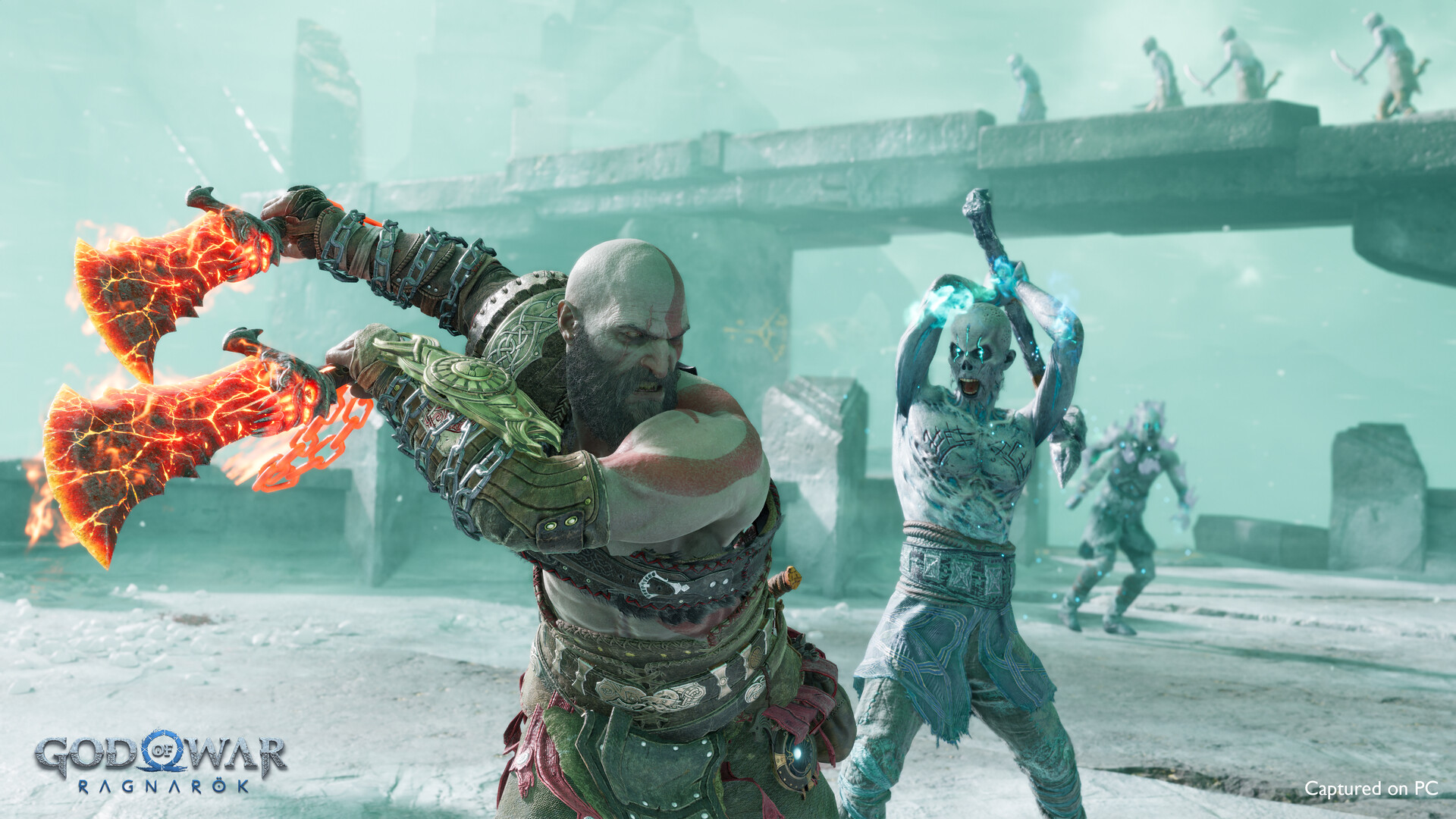
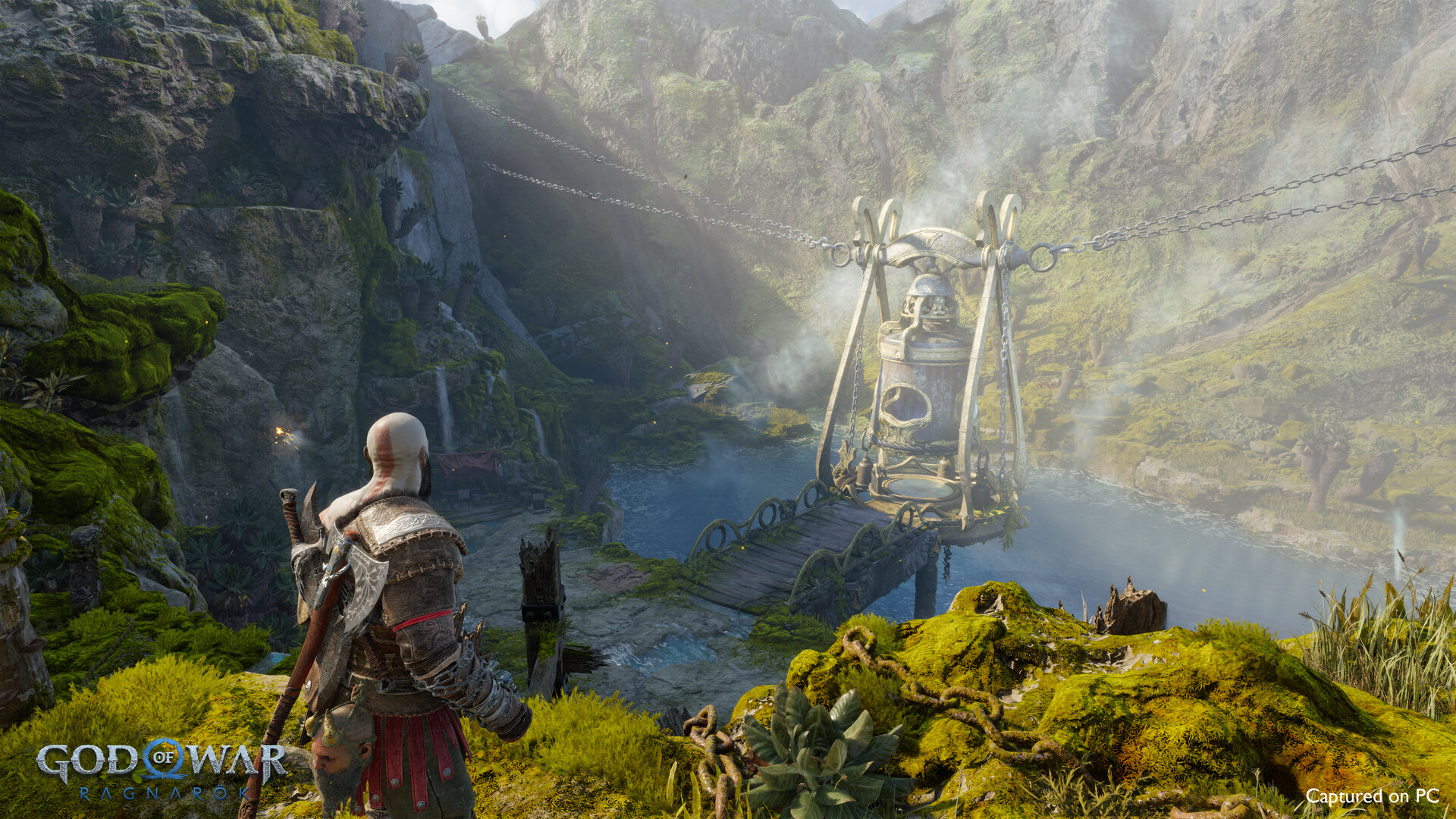
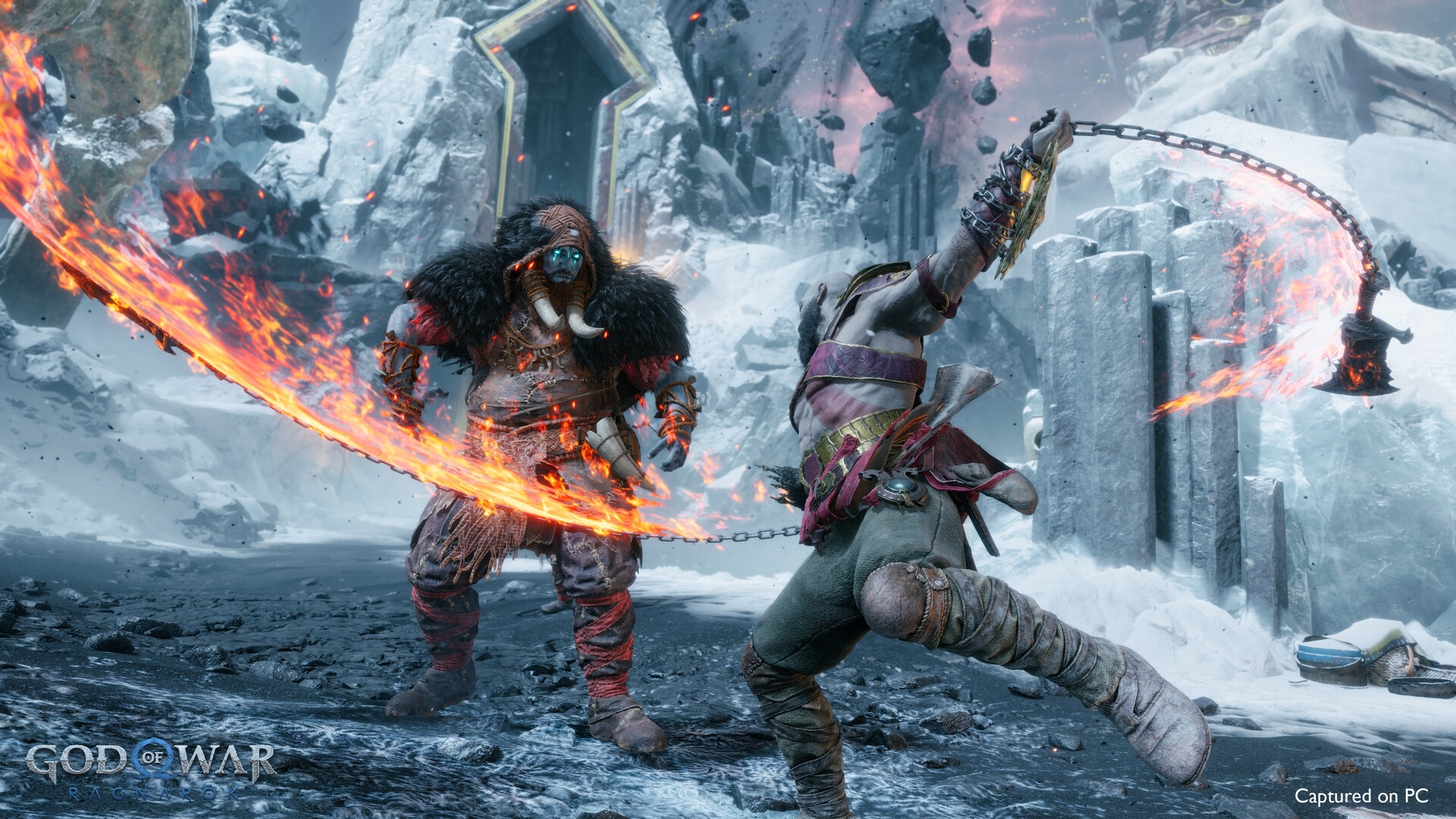
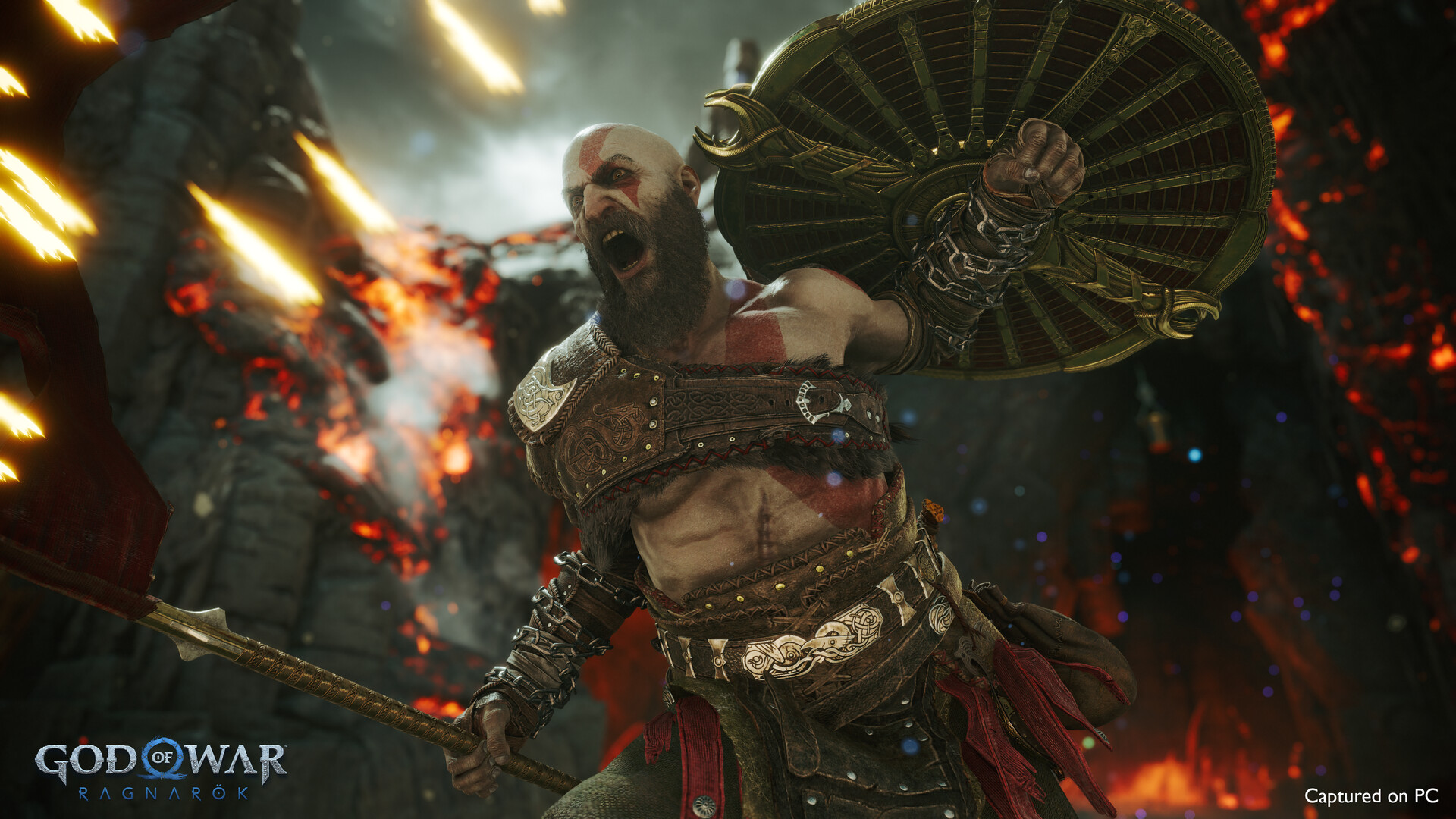
VRAM decides your experience here, not raw GPU power
The single biggest thing to understand about God of War Ragnarok on PC is that it is hungry for video memory in a way its GPU horsepower requirement does not suggest. Players have measured it pulling 11GB of VRAM shortly after loading a save, then climbing past 18GB during heavier boss encounters with textures and shadow quality turned up. That is a large number for a game whose official minimum card only carries 6GB.
An 8GB card, which covers most of the RTX 3060 Ti, RTX 4060, and RTX 3070 crowd, is fine through most of the game at 1080p or 1440p. The trouble shows up once you add ray-traced style shadow settings, high tessellation, or push resolution and texture quality together: once VRAM usage crosses the card's limit, the game does not gracefully drop quality, it stutters hard, sometimes to the point of feeling like a slideshow for a second or two. On some patches, walking back through an area you already loaded can also trigger a fresh stutter, because the newer VRAM manager flushes assets it no longer thinks it needs and has to reload them.
If you are on 8GB or less and seeing this, the fix order is: drop Texture Quality one notch before anything else, then Shadow Quality and Tessellation, both of which are disproportionately expensive for VRAM relative to how much they change the picture. Cards with 4 or 6GB should stay on Low across the board and expect some rough patches in busy areas regardless.
No ray tracing, but DLSS 3, FSR 3.1, and XeSS 2 with frame generation
Unusually for a big 2024 PC port, God of War Ragnarok skips ray tracing entirely. There are no RT reflections or RT shadows to toggle on, which is part of why even modest GPUs post such high frame rates at native resolution. What it does have is a full set of upscalers: Nvidia DLSS 3.7, AMD FSR 3.1, and Intel XeSS 2.1, each with its own frame generation.
At launch, DLSS frame generation specifically did not work correctly and effectively did nothing when enabled. A later update fixed it, so if you own an RTX 40-series card and benchmarked the game near launch and came away unimpressed with the frame gen numbers, it is worth trying again. One quirk that is genuinely useful: FSR 3.1 frame generation can be layered on top of DLSS upscaling, so Nvidia owners are not locked into Nvidia's own frame gen if they get better results pairing FSR's generation with DLSS's image quality.
Every fps figure in the table above is native resolution with no upscaling, matching how Sony lists its own official tiers. Turning on DLSS or FSR Quality mode adds a real, noticeable jump on top of those numbers, and frame generation on a compatible card can roughly double the displayed number again, though input latency does not improve at the same rate, so it is best used when you are already close to 60 fps rather than trying to drag a struggling 30 fps up to 60.
Shader compiling on every launch
You will see a shader compilation screen each time you start God of War Ragnarok, not just the first time. On most modern hardware it runs 15 to 30 seconds, though slower drives and older CPUs can stretch that out. Skipping past it or alt-tabbing during the process is where most of the stutter reports during actual gameplay come from, since shaders that were not finished compiling get built on the fly instead, right as you need them.
Let the compile screen finish before you jump into a fight or a busy area. If you are on an Nvidia or AMD card and have room on your drive, raising the shader cache size in your GPU driver settings has helped some players reduce how often the game has to recompile after a driver or game update. An SSD install also meaningfully shortens both the compile step and the streaming stutter you would otherwise get exploring the Nine Realms.
The CPU barely matters until you are already running fast
This is a GPU-bound game at almost every resolution and setting combination. The official minimum CPU, an Intel i5-4670K, first shipped in 2013, and the recommended tier only asks for a six-core Ryzen 5 3600 or i5-8600, both mid-range chips from several years ago. If your CPU meets the recommended bar, it is not going to be the thing holding you back at 1080p or 1440p.
Where the CPU starts to show up is at the very high frame rates a strong GPU can produce at 1080p, well above 150 fps, where even a good six-core chip can start to cap how much higher the number goes. That only matters if you are chasing very high refresh rates on a fast monitor. For a normal 60 or 100 fps target, almost any CPU from the last six or seven years paired with a suitable GPU will get you there without the CPU being the limiting factor.
Can I run God of War Ragnarok? Your questions answered
A GTX 1060 6GB, RX 5500 XT 8GB, or Arc A750 graphics card, an i5-4670K or Ryzen 3 1200 processor, and 8GB of RAM, targeting 1080p at low settings around 30 fps.
An RTX 2060 Super, RX 5700, or Arc A770 graphics card, an i5-8600 or Ryzen 5 3600 processor, and 16GB of RAM, targeting 1080p at medium settings around 60 fps.
It leans heavily on the GPU. The game is close to GPU-bound at every resolution, and a modest six-core CPU from the recommended tier is enough to stay out of the way, even paired with a much stronger graphics card.
Plan for at least 6GB, and more if you want higher texture and shadow settings. Recorded usage has climbed past 18GB in demanding scenes on higher settings. 8GB is workable through most of the game at 1080p and 1440p, but it is the setting you will need to back off first if you see stuttering.
8GB gets you past Sony's minimum requirement, but it isn't the number worth building a system around. 16GB is the realistic target, since staying at 8GB tends to bring loading hitches and background stutter, more so with a browser or Discord running at the same time.
16GB matches what Sony lists across every tier above minimum, and the game is genuinely built around that number. Going up to 32GB hasn't shown any measurable frame rate gain in testing.
It is not a hard requirement, but it is close to one in practice. The 190GB install runs on a hard drive, but shader compile times and streaming stutter both get noticeably worse. An SSD is worth prioritizing over a faster GPU if you are choosing between the two.
190GB free. That is the full install size Sony lists, and it has not shrunk with patches, so budget for it before you start the download.
No. Unlike most big 2024 PC ports, it ships with no ray traced reflections or shadows at all. That is part of why the frame rates in the table above look high relative to the GPU requirements.
Yes, all three, each with frame generation: Nvidia DLSS 3.7, AMD FSR 3.1, and Intel XeSS 2.1. DLSS frame generation was broken at launch and did essentially nothing, but a later patch fixed it.
It rebuilds part of its shader cache on most launches, not just the first one, typically taking 15 to 30 seconds. Let it finish before jumping into gameplay, since skipping it pushes that compile work into the middle of a fight instead, which is where most launch-related stutter comes from.
DirectX 12, on Windows 10 64-bit or newer.
For the most part, yes. Reviewers generally rated the port well, and it runs on hardware far below what its visuals would suggest. The rough edges are the VRAM behavior on 8GB cards and the recompiling shader cache, both fixable with a settings tweak rather than a fundamental problem.
No. The PC version and the PS4 or PS5 versions do not share saves, friends lists, or multiplayer, and there is no cross-progression between them, since this is a single-player game with separate platform accounts.
Almost certainly, especially on an older install. Both Nvidia and AMD released game-ready drivers around launch, and updating fixes a good chunk of the stutter and crash reports people post, particularly anything related to frame generation or the shader compile step.
No, not reliably. The official minimum is 8GB, and 4GB falls short of that. Even if the game launches, expect frequent stutter, long load times, and possible crashes as it fights for memory with Windows itself.
No. The game requires DirectX 12 specifically and has no DirectX 11 fallback, so a GPU or driver that only supports DX11 will not be able to launch it at all.
Good enough to play. The RTX 3050 sits at God of War Ragnarok's minimum, so expect 1080p low to medium and a bit of tuning for smoothness. Around 40-45 fps at 1080p Medium. Its 8GB of VRAM helps more than its raw core count.
Realistically, no. The GTX 1650 is beneath God of War Ragnarok's minimum, which means very low settings and a rough frame rate at best. Around 35 fps at 1080p Low. Its 4GB of VRAM is the limiting factor more than the GPU core itself.
You can play it. The GTX 1060 6GB is at God of War Ragnarok's minimum, so keep to 1080p low to medium and lower a setting if it stutters. Expect around 30 fps at 1080p on Low settings, matching Sony's own minimum target.
Not a good match. God of War Ragnarok asks for more than the RX 580 provides, so you would be stuck on very low settings and choppy frame rates. Roughly 35-40 fps at 1080p Low to Medium. The 8GB version has more headroom on textures than the 4GB card.
Plenty of power here. The RTX 4060 is above God of War Ragnarok's recommended tier, so high 1080p is smooth and 1440p is a fair target. About 145-150 fps at 1080p on the Ultra preset at native resolution, and around 90 fps at 1440p. 8GB is enough through 1440p, just not for 4K Ultra.
No trouble at all. The RTX 3060 meets or beats what God of War Ragnarok recommends, so 1080p high runs well and 1440p is realistic. Around 85-90 fps at 1080p and 55-60 fps at 1440p. The 12GB of VRAM keeps textures maxed without the stutter an 8GB card can hit.
Yes. On the RTX 2060, God of War Ragnarok runs at high settings in 1080p and scales up to 1440p without much fuss. Around 55-60 fps at 1080p Medium to High. Ultra settings pull this down noticeably due to VRAM pressure on the 6GB buffer.
It will run. The GTX 1660 meets God of War Ragnarok's minimum, which means 1080p on low to medium and a smoother result once you lower a couple of options. Around 45-50 fps at 1080p Medium settings.
Fine for a lighter setup. The GTX 1660 Super clears God of War Ragnarok's minimum, so target 1080p low to medium and adjust down for a steady rate. Around 50 fps at 1080p Medium, a step up from the plain GTX 1660.
The RX 6600 gets you in. It meets God of War Ragnarok's minimum, so low to medium at 1080p works, and turning a couple of things down keeps it steady. About 61 fps at 1080p High, dropping to around 47 fps if you push to Ultra.
Yes, at the lower end. With the GTX 1660 Ti you clear God of War Ragnarok's minimum, so 1080p low to medium is the target and easing back a setting helps. Similar to the RTX 2060, roughly 50-55 fps at 1080p Medium.
You are well set. The RTX 3060 Ti exceeds God of War Ragnarok's recommended card, so 1080p high is easy and 1440p is realistic. Roughly 95 fps at 1080p. At 1440p it runs about 63 fps with FSR balanced upscaling, or up to 84 fps with DLSS Quality.
Easily. With the RTX 4050 you are past God of War Ragnarok's recommended tier, which means high settings at 1080p and a genuine shot at 1440p.
This one struggles. The GTX 1050 Ti sits below what God of War Ragnarok needs, so expect low settings, low fps, and possibly some launch trouble.
Comfortably, yes. The RTX 4070 clears God of War Ragnarok's recommended bar, which puts high 1080p and 1440p both in reach. Around 230-240 fps at 1080p Ultra, roughly 140 fps at 1440p, and 70-80 fps at native 4K.
No Mac build exists for God of War Ragnarok, and Apple Silicon isn't supported through any sanctioned route either. That leaves cloud streaming via something like GeForce Now, or running Windows on the Mac through virtualization or a Boot Camp-style setup, both outside what the developer actually supports.
Only the newest, most powerful integrated chips have a shot, and even then only at low settings with upscaling. Most integrated graphics, including Intel's Iris Xe and older AMD Vega-based chips, sit well below the GTX 1060 6GB minimum and will not run the game at a playable frame rate. The one exception is a newer high-power APU like AMD's Radeon 780M, found in handhelds such as the ROG Ally and Legion Go, which can manage a playable experience with FSR upscaling on low settings, similar to Steam Deck's Verified performance.
Cloud streaming is the only path here. Chromebook hardware isn't built for a game this graphically heavy, but a service like GeForce Now can stream it to one if your account and internet connection support it.
Yes, but you need real hardware for it at native resolution. Sony's own 4K High tier calls for an RTX 3080 Ti or RX 6900 XT, and the 4K Ultra tier wants an RTX 4070 Ti or RX 7900 XT. Anything below that should lean on DLSS or FSR upscaling to hit 4K at a playable frame rate.
Yes, an RTX 3070 or RX 6800 is Sony's own listed target for 1440p High at 60 fps, though weaker cards like the RTX 3060 or RTX 4060 also handle 1440p fine at medium to high settings, especially with upscaling turned on.
At 1080p, an RTX 2060 Super, RX 5700, or Arc A770 gets you there on medium settings, which is Sony's own recommended tier. For 1440p at 60 fps you want an RTX 3070 or RX 6800, and for 4K at 60 fps you are looking at an RTX 3080 Ti or RX 6900 XT.
Sony's own Ultra tier for 4K at 60 fps calls for an RTX 4070 Ti or RX 7900 XT. At 1080p or 1440p, considerably weaker cards can hold Ultra settings fine, since the resolution matters more than the preset name for how demanding it feels.
Only at low settings and with modest expectations. A 4GB card like the GTX 1650 or GTX 1050 Ti can complete the game at 1080p Low, but you will be turning texture and shadow quality all the way down and still see occasional stutter in denser areas.
Yes, this is close to the practical floor. A 6GB card like the GTX 1060 or RTX 2060 handles 1080p on low to medium settings reasonably well. Push much past that and VRAM becomes the thing that stutters, not the GPU core running out of steam.
Yes, and 8GB is enough for most of the game at 1080p and 1440p on high settings. Where it gets tight is pushing texture quality and shadow settings up together at 1440p, or trying 4K, where recorded VRAM usage has climbed past 12GB and into the high teens in heavier scenes. If you own an 8GB card like an RTX 3060 Ti or RTX 4060 and see sudden stutter, dropping texture quality one notch is the first fix to try.
Yes, more so than most games released around the same time. The official minimum is a GTX 1060 6GB, a card from 2016, and the CPU floor is even older. A genuinely low-end PC built in the last several years will clear the minimum bar, even if it needs to stay on low settings.
A modern i3 or Ryzen 3 can, since this game barely stresses the CPU. Sony's official minimum CPU is an i5-4670K or Ryzen 3 1200, both older and weaker than most current budget chips, so a recent i3 or Ryzen 3 clears that with room to spare.
Three things usually explain it: GPU drivers that need updating, an 8GB or smaller card hitting its VRAM ceiling because settings are pushed too high, or the shader compile step getting cut short at launch. Update your driver first, back off texture and shadow quality if you're bumping against your VRAM limit, and always let that compile screen finish rather than tabbing out early.
No. Even the lowest official minimum card carries 6GB, and 2GB is not enough to hold this game's textures at any setting. You would see constant stuttering and likely crashes rather than a playable experience.
Sony skipped a native Linux build, but the Steam Deck Verified rating tells you most of what you need to know: it runs well through Proton, leaning on FSR upscaling to get there. Deck-class hardware lands around 40 to 45 fps in community testing, so a proper desktop Linux rig with a stronger GPU should clear that comfortably. Check its current ProtonDB entry before installing for driver notes specific to your distro.
Yes, it originally released on both consoles in November 2022, nearly two years before the PC port. PS5 offers a Favor Performance mode and a Favor Resolution mode with ray tracing. The PC version does not carry those modes over, since the PC build has no ray tracing at all.
No. It is a Sony first-party game and has never released on any Xbox platform. PC is the only place to play it outside of PlayStation.
No, and it is very unlikely to appear there given how far below Switch hardware even the game's minimum PC requirements sit.
Yes. The game carries a Steam Deck Verified rating, and community testing generally lands around 40 to 45 fps in most areas using FSR upscaling at balanced or performance settings, dropping into the 30s in crowded scenes. Handhelds using similar AMD APUs, like the ROG Ally or Legion Go, perform comparably or a little better thanks to higher power limits.
Yes, the game is supported on GeForce Now, which is the practical way to play it on a Mac, Chromebook, or any machine that does not meet the hardware requirements, as long as you have a stable connection.
It asks more of your hardware across the board. The 2018 game's minimum GPU was a GTX 960, while Ragnarok steps that up to a GTX 1060 6GB, and the recommended CPU and RAM targets both moved up a tier as well. The VRAM appetite in particular is much higher in Ragnarok.
Not for the game on its own. 16GB is what every tier above minimum actually calls for, and testing has not shown a frame rate benefit from more. 32GB only helps if you are also running heavy background software or planning to keep the machine for other demanding tasks.
Yes, without issue. Sony lists Windows 10 as the baseline, but the game runs the same on Windows 11.
No, not anymore. At launch in September 2024 it did force a PlayStation Network account link, which caused a lot of pushback for a single-player game. Sony dropped that requirement starting in early 2025. Linking an account is now optional and just adds some bonus armor and trophies.
Yes, it supports ultrawide and super ultrawide aspect ratios natively, along with multi-monitor setups, which is not something every big PC port bothers with.
The 190GB comes from uncompressed audio in many languages, very high resolution textures built for both 1080p and 4K, and the usual overhead of a game that also has to run on PS4 hardware alongside modern PCs. It has not gotten any smaller through patches, so make sure you actually have the space free before the download starts, not just before the install.
Beyond the general stutter and VRAM causes, a specific launch error some players hit is a missing PlayStation PC SDK Runtime, which shows up as the game refusing to start even after verifying files in Steam. Running the install_pspc_sdk_runtime file as administrator from the game's install folder fixes it. Outside of that, check that Windows is updated to at least version 2004, run the game as administrator once, and make sure your antivirus is not quarantining the executable.
It sits close to the minimum bar. This is a laptop-only chip, weaker than a desktop GTX 1650, so expect low settings at 1080p and frame rates in the 25 to 35 fps range without upscaling. Turning on DLSS or FSR helps meaningfully, since the RTX 2050 is VRAM-limited at only 4GB just like the GTX 1650 is.
It depends on which mode you pick, since there is no single fixed number. Favor Performance targets 60 fps at a dynamic resolution between 1440p and 4K, and a High Frame Rate variant of that mode aims for up to 120 fps at 1440p on a TV with HDMI 2.1 and a 120Hz input, though in practice it usually lands closer to 80 to 90 fps during heavy combat rather than a locked 120. Favor Quality runs near native 4K and caps at 30 fps, with a Favor Quality High Frame Rate option splitting the difference around 40 fps.
On a base PS4, yes, it holds a fairly steady 30 fps at 1080p. PS4 Pro adds a Favor Performance mode aimed at 60 fps, but it typically runs closer to 50 fps with dips into the 40s, so many players find the Favor Quality 30 fps mode the steadier option on that console.
No, not at a playable frame rate. Intel Iris Xe integrated graphics sit well below the GTX 1060 6GB minimum, and you would be looking at single-digit to low-teens fps even on the lowest settings, which is not usable.
It can, though not comfortably. The Radeon 780M found in newer handhelds like the ROG Ally and Legion Go is close to the AMD chip inside Steam Deck, and this game carries a Steam Deck Verified rating running around 40 fps with FSR upscaling on low settings. A 780M device should land in a similar range, playable but far from smooth on Ultra.
Not really. Vega 8, the older integrated graphics found in Ryzen 4000 and 5000 series laptop chips, is well below even Steam Deck's iGPU in raw power, let alone the GTX 1060 6GB minimum. Expect low frame rates in the teens at best even on the lowest settings.
Not natively on Windows. It is built for DirectX 12 only. On Steam Deck and other Linux setups, Proton translates that DirectX 12 code through Vulkan behind the scenes, which is how the game runs there despite never shipping a native Vulkan build.