
Can I Run God of War on My PC / Laptop?
Kratos and Atreus head into Norse mythology in Santa Monica Studio's 2018 game, ported to PC in 2022 as one of the cleanest console-to-PC jobs Sony has shipped.
Check if your PC can run God of War
Pick your graphics card and processor to check.
Can I run God of War on my PC?
Use the checker above to find out in seconds. Pick your graphics card and processor and it compares them against God of War's official requirements. As a quick guide, you need at least a NVIDIA GTX 960 (4 GB) or AMD R9 290X (4 GB) graphics card, a Intel i5-2500K (4 core 3.3 GHz) or AMD Ryzen 3 1200 (4 core 3.1 GHz) processor, and 8 GB RAM of RAM to play at 1080p.
Can I run God of War on my laptop?
Yes, if your laptop has a dedicated graphics card around a NVIDIA GTX 960 (4 GB) or AMD R9 290X (4 GB) or better and 8 GB RAM of RAM. Laptops with only integrated graphics usually fall short. Enter your laptop's GPU in the tool above to check. Keep in mind that the laptop version of a card runs a little slower than the desktop card of the same name, and heat can lower sustained frame rates.
This is the 2018 God of War, the Norse mythology game starring Kratos and Atreus, ported to PC on January 14, 2022. It is not the older PlayStation 2 era God of War, God of War II, or God of War III, none of which ever got a PC release, and it is not God of War Ragnarok, the sequel that arrived on PC later. If you need the minimum, you want an NVIDIA GTX 960 4GB or AMD R9 290X 4GB, an Intel i5-2500K or Ryzen 3 1200, and 8GB of RAM. Most PCs built in the last six or seven years clear that bar without much trouble.
Run your own graphics card and processor through the checker above to see exactly where you land against those numbers. What actually matters below is why this ranks among the best optimized PC ports of the last decade, and the one early hiccup you should know about before installing it.
God of War system requirements
| Minimum | Recommended | |
|---|---|---|
| Processor (CPU) | Intel i5-2500K (4 core 3.3 GHz) or AMD Ryzen 3 1200 (4 core 3.1 GHz) | Intel i5-6600K (4 core 3.5 GHz) or AMD Ryzen 5 2400G (4 core 3.6 GHz) |
| Graphics card (GPU) | NVIDIA GTX 960 (4 GB) or AMD R9 290X (4 GB) | NVIDIA GTX 1060 (6 GB) or AMD RX 570 (4 GB) |
| Memory (RAM) | 8 GB RAM | 8 GB RAM |
| Operating system | Windows 10 64-bit | Windows 10 64-bit |
| DirectX | Version 11 | Version 11 |
| Storage | 70 GB available space | 70 GB available space |
Storage: 70 GB. Steam does not require an SSD, but one will cut your load times noticeably.
Full performance tiers
| Tier | Target | CPU | GPU | RAM |
|---|---|---|---|---|
| Minimum | 1080p, low to medium settings, 30 fps | Intel i5-2500K (4 core 3.3 GHz) or AMD Ryzen 3 1200 (4 core 3.1 GHz) | NVIDIA GTX 960 (4 GB) or AMD R9 290X (4 GB) | 8 GB |
| Recommended | 1080p, high settings, 60 fps | Intel i5-6600K (4 core 3.5 GHz) or AMD Ryzen 5 2400G (4 core 3.6 GHz) | NVIDIA GTX 1060 (6 GB) or AMD RX 570 (4 GB) | 8 GB |
| 1440p, 60 fps | 1440p, high to ultra settings, 60 fps | Intel i7-9700K or AMD Ryzen 7 3700X class | NVIDIA RTX 3060 or AMD RX 6600 XT, helped by DLSS Quality | 16 GB |
| 4K, ultra (unofficial) | 4K, ultra settings, 60 fps | Intel i7-10700K or AMD Ryzen 7 5800X class | NVIDIA RTX 3080 or AMD RX 6800 XT, DLSS Quality recommended for steady 1% lows | 16 GB |
God of War FPS by graphics card
| Graphics card | 1080p | 1440p | 4K | Notes |
|---|---|---|---|---|
| GTX 1060 6GB | ~55-60 | , | , | Medium to high settings. Comfortably above the official recommended card. |
| GTX 1650 | ~55-60 | , | , | Medium settings. Its 4GB of memory is not a problem in this game. |
| RX 580 | ~55-60 | , | , | On the Original preset, which roughly matches console visuals. |
| RTX 3060 | ~85-90 | ~60 with DLSS Quality | , | High settings without much trouble. |
| RX 6600 | ~90 | , | , | High settings, no upscaling needed. |
| RTX 4060 | ~100+ | , | , | High to ultra settings with headroom to spare. |
| RTX 3070 | ~110+ | , | ~50-60 with DLSS Quality | Struggles at native 4K max settings but smooths out once DLSS is on. |
| RTX 3080 | , | steady 60 at ultra | ~55-60 native, steadier with DLSS Quality | The card where native 4K ultra starts to hold a real 60. |
| RTX 4090 | ~190-200 | , | well above 60, likely 100+ | Overkill for this game at any resolution up to 4K. |
These numbers come from outlet and community benchmarks run at various points since the January 2022 launch and will shift a little with drivers and patches. Treat them as a general guide, not a guarantee, since your exact fps depends on the scene, the settings mix, and your specific hardware.
Can these graphics cards run God of War?
| Graphics card | Verdict | Notes |
|---|---|---|
| GTX 1050 Ti | Below minimum | Short of minimum. Low settings, a choppy frame rate. |
| GTX 1650 | Playable | Runnable at minimum. Low to medium 1080p, ease settings back. |
| RX 570 | Playable | Just clears it. 1080p low to medium, smoother after tuning. |
| RX 580 | Playable | Meets minimum. Low to medium at 1080p, tune for a steady rate. |
| GTX 1060 6GB | Runs well | Past the recommended tier. High settings at 1080p, 1440p on the table. |
| GTX 1650 Super | Runs well | Exceeds recommended. 1080p high is comfortable, 1440p fine. |
| GTX 1660 | Runs well | Above recommended. 1080p high is easy, and 1440p works too. |
| GTX 1660 Super | Runs well | Strong fit. High settings at 1080p, 1440p within reach. |
| RTX 3050 | Runs well | Above recommended. 1080p high is easy, and 1440p works too. |
| GTX 1660 Ti | Runs well | Exceeds recommended. 1080p high is comfortable, 1440p fine. |
| RX 6600 | Runs well | Exceeds recommended. 1080p high is comfortable, 1440p fine. |
| RTX 2060 | Runs well | Above recommended. 1080p high is easy, and 1440p works too. |
| RTX 4050 | Runs well | Beats the recommended spec. Comfortable high 1080p, playable 1440p. |
| Arc A750 | Runs well | At or above the recommended card. Smooth 1080p high, 1440p realistic. |
| RTX 3060 | Runs well | At or above the recommended card. Smooth 1080p high, 1440p realistic. |
| RX 6600 XT | Runs well | Over the recommended bar. Smooth high 1080p, 1440p realistic. |
| RX 7600 | Runs well | At or above the recommended card. Smooth 1080p high, 1440p realistic. |
| RX 6700 XT | Runs well | Above recommended. 1080p high is easy, and 1440p works too. |
| RTX 4060 | Runs well | Exceeds recommended. 1080p high is comfortable, 1440p fine. |
| RTX 3060 Ti | Runs well | Recommended tier or better. High 1080p, with room for 1440p. |
| RTX 3070 | Runs well | At or above the recommended card. Smooth 1080p high, 1440p realistic. |
| RTX 4070 | Runs well | Strong fit. High settings at 1080p, 1440p within reach. |
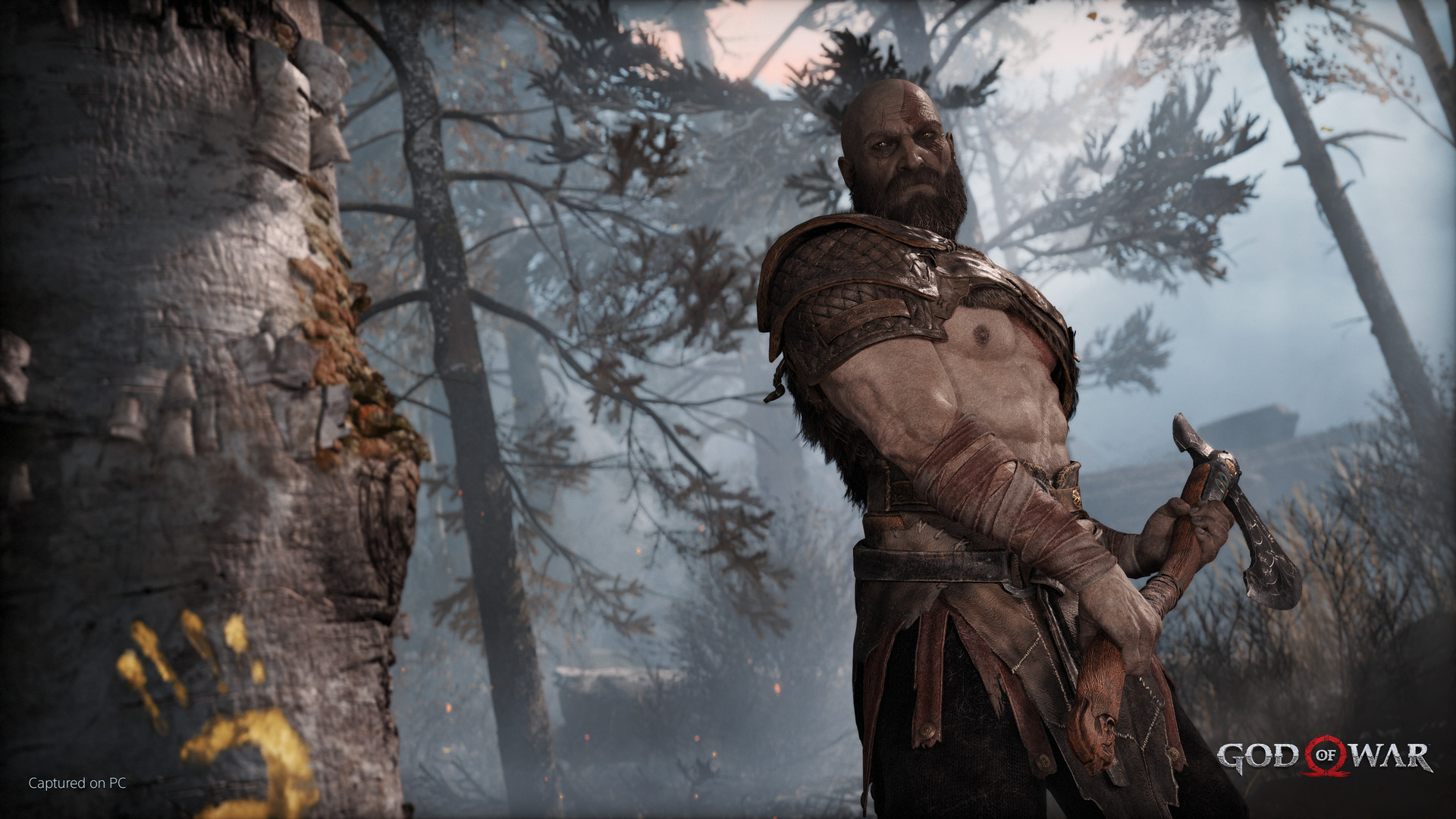

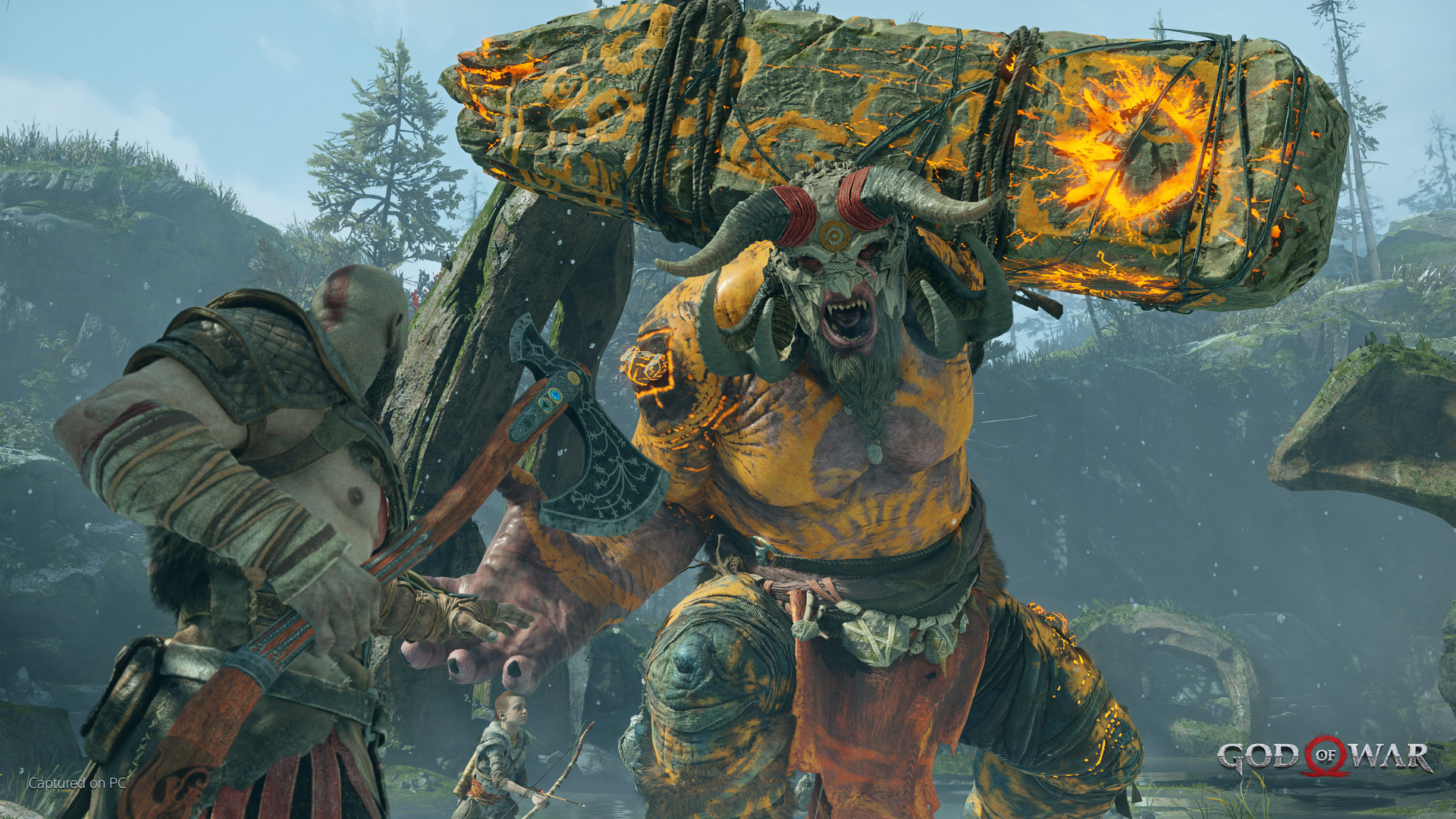
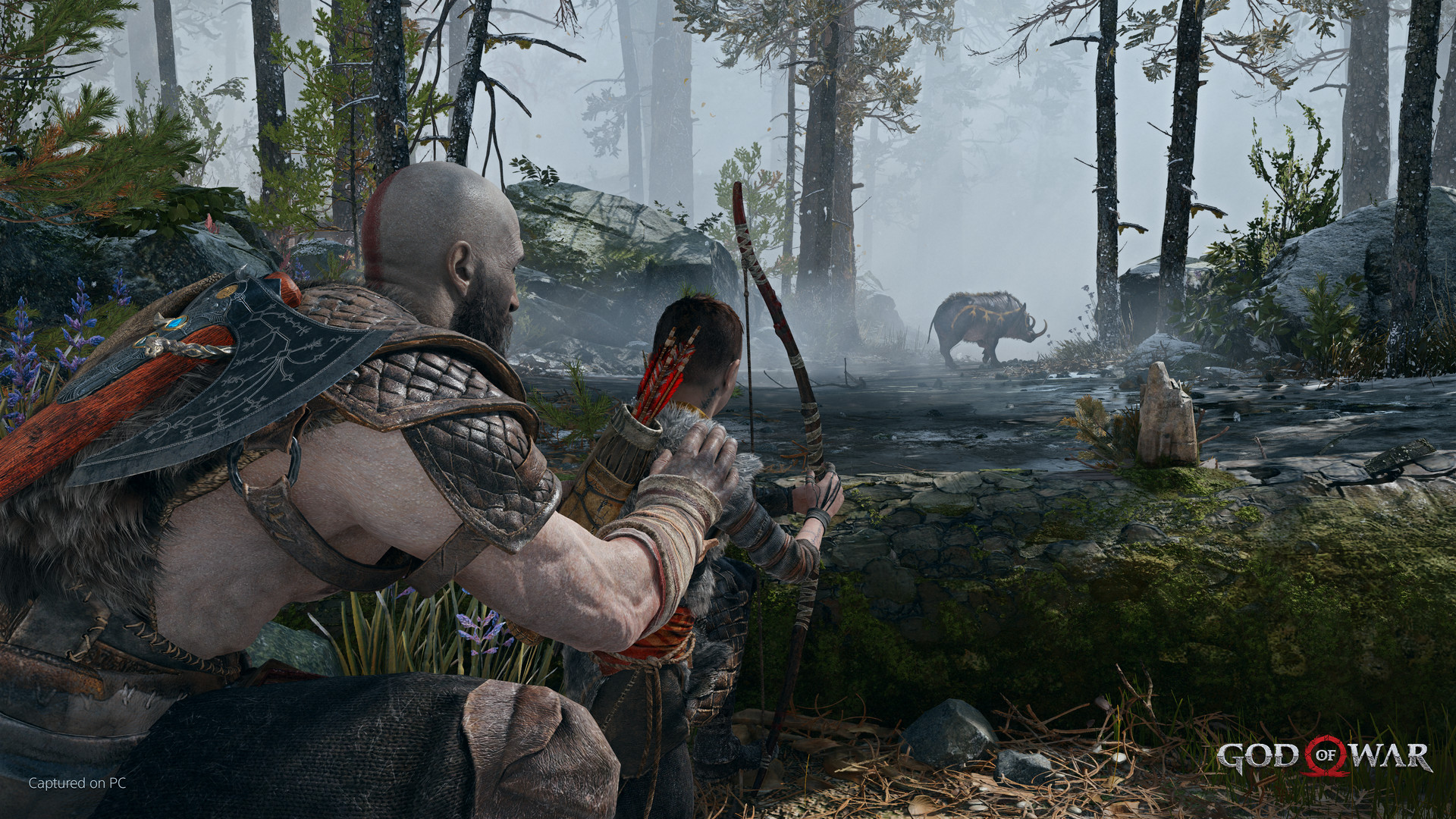
One of the better PC ports Sony has shipped
When this port launched in January 2022, Digital Foundry called it an excellent piece of work, and that assessment has held up. The game runs on DirectX 11 and skips the long shader compilation stutter that has become a running complaint about DirectX 12 and Unreal Engine 5 ports over the last few years. You install it, you launch it, and it plays smoothly from the first minute instead of hitching through every new area for the first hour.
It also shipped with proper PC features from day one: ultrawide and 16:10 monitor support, an uncapped frame rate, DLSS 2.0, NVIDIA Reflex, and a set of graphics options detailed enough to tune the game to almost any hardware. AMD FSR 2.0 was added in a later patch and Digital Foundry rated it as one of the better FSR 2.0 implementations around, reconstructing the image from a lower render resolution with less softness than you would expect.
The one blemish worth knowing about is a memory leak that showed up in the first days after launch, mostly reported by players on newer Intel CPUs, where long play sessions would eventually crash with an out of memory error. Sony Santa Monica and porting studio Jetpack Interactive fixed it with patch 1.0.3 about ten days after release, on January 24, 2022. If you are running the game today, you are running a build well past that fix.
Why this isn't the God of War you might be thinking of
Search around and you will find people asking whether God of War, God of War II, and God of War III, the original PlayStation 2 and PlayStation 3 trilogy, are on PC. They are not. Those three have never been ported to PC in any form, remastered or otherwise, and Sony has given no indication that will change. This page is about the 2018 God of War, the one where Kratos has settled in Midgard with his son Atreus and the story turns to Norse mythology.
It is also a different game from God of War Ragnarok, the 2018 game's direct sequel, which got its own separate PC release in 2024 with its own separate, higher set of requirements. If you already own the 2018 game on PC and are wondering about the sequel, that is a different Steam page with a different install.
Settings, VRAM, and where the CPU comes in
This game is not VRAM hungry by modern standards. A 4GB card handles it at 1080p without the stutter you would see in something like Hogwarts Legacy or The Last of Us Part I, mainly because there is no ray tracing to fight for that memory and the texture budget was built around a 2018 PlayStation 4. That is good news if you are running an older card that would otherwise struggle in newer releases.
The game leans on the GPU far more than the CPU. The official minimum CPU, an i5-2500K or Ryzen 3 1200, is old hardware by today's standards, and outlet testing generally shows the game GPU bound rather than CPU bound even on modest processors. If your frame rate is disappointing, look at your graphics settings and resolution scale before you blame your CPU.
For a weaker GPU, dropping from the Favor Quality end of the settings toward Favor Performance, or building a custom mix with shadows and volumetric fog turned down, buys back a meaningful amount of frame rate without hurting the look of the game much. DLSS Quality mode is close to free performance on RTX cards: BabelTechReviews found it added a large fps gain at 1440p and 4K with almost no visible loss in image quality.
Can I run God of War? Your questions answered
On a wide range of hardware, yes. Enter your graphics card and processor into the checker above and it will tell you exactly where you land. The floor here is a GTX 960 4GB or R9 290X 4GB, an i5-2500K or Ryzen 3 1200, and 8GB of RAM, numbers that count as low by 2026 standards.
No. Those three are the original PlayStation 2 and PlayStation 3 games and have never been released on PC. This page covers the 2018 God of War, the Norse mythology game with Kratos and Atreus, which got its PC port in January 2022.
No. Ragnarok is the direct sequel to the 2018 game and has its own separate PC release with its own higher requirements. If you are checking whether your PC can run Ragnarok, you want that game's page, not this one.
Yes, that is what Steam lists for both the minimum and recommended tiers. 16GB is more comfortable if you plan to have a browser and Discord open in the background, but the game itself does not push past 8GB.
70GB. That figure is the same for both the minimum and recommended install.
Generally, no, and that is one of the reasons the port was so well reviewed. It runs on DirectX 11 and does not have the extended shader compilation stutter that affects a lot of newer PC ports. The one real issue at launch was a memory leak that could crash the game after long sessions, fixed in patch 1.0.3 about ten days after release in January 2022. Anyone playing today is well past that.
Yes, DLSS 2.0 on RTX cards, plus NVIDIA Reflex for reduced input latency. DLSS Quality mode gives a solid fps boost with very little visible cost to image quality, which makes it worth turning on even if your card does not strictly need it.
Yes, FSR 2.0 was added in a post-launch patch and works on any graphics card, not just AMD's. It was well received, reconstructing the image from a lower render resolution with less blur than earlier FSR versions.
No. There is no ray tracing in this game, on PC or on PS5. Its visual budget was built around a 2018 game engine, so that is one less thing eating into your VRAM and frame rate.
Not much by today's standards. The official minimum is an i5-2500K or Ryzen 3 1200, both well over a decade old at this point, and the game generally leans on the GPU more than the CPU. A mid-range CPU from the last five or six years is not going to hold you back here.
GPU bound. Outlet testing consistently shows frame rate scaling with graphics card performance rather than processor speed, so if you want more fps, upgrading the GPU is where the money should go.
Plan for a 70GB download up front. The game has not seen major content patches since its early fixes in 2022, so ongoing updates stay small, and that first install is really the only big one you will deal with.
Probably not for this game specifically. Its requirements are modest enough that most PCs assembled in the past several years already clear the recommended tier. If your PC struggles here, it will struggle with almost everything newer, and that is the better reason to upgrade.
No, not by default. The PC version ships with an uncapped frame rate, and a strong card like an RTX 4090 can push it past 190 to 200 fps at 1080p. You can turn on vsync or set your own cap in the graphics menu if you want one, but nothing in the game itself limits how high it can go. This is different from the PlayStation versions, where the frame rate depends on which performance mode you pick on PS4 or PS5.
DirectX 11. Steam lists Version 11 for both the minimum and recommended tiers, and there is no DX12 or Vulkan option in the settings menu. That is actually part of why the port launched as clean as it did: DX11 handles shader compilation differently than DX12, so the game skips the long stutter that has become common in newer DX12 and Unreal Engine 5 ports.
Yes. The RTX 3050 has headroom over God of War's recommended card, so you can push 1080p high and move to 1440p when you want.
Playable, yes. The GTX 1650 passes God of War's minimum bar, so aim for low to medium at 1080p and drop settings if the frame rate dips. About 55 to 60 fps at 1080p medium. Its 4GB of memory is not a limiter in this game.
No trouble at all. The GTX 1060 6GB meets or beats what God of War recommends, so 1080p high runs well and 1440p is realistic. Around 55 to 60 fps at 1080p on medium to high settings.
It clears the bar. The RX 580 matches God of War's minimum, so 1080p on low to medium is realistic once you tune a few settings. Roughly 55 to 60 fps at 1080p on the Original preset, which approximates console visuals.
Comfortably, yes. The RTX 4060 clears God of War's recommended bar, which puts high 1080p and 1440p both in reach. 100 fps or more at 1080p high to ultra, with real headroom.
Yes, with room to spare. God of War recommends less than the RTX 3060 offers, so expect smooth 1080p high and a playable 1440p. About 85 to 90 fps at 1080p high, and around 60 fps at 1440p with DLSS Quality.
Comfortably, yes. The RTX 2060 clears God of War's recommended bar, which puts high 1080p and 1440p both in reach. Around 70 to 80 fps at 1080p high, and a comfortable 1440p with DLSS Quality on.
For sure. The GTX 1660 outpaces God of War's recommended card, leaving you high 1080p now and 1440p whenever you like. About 55 to 65 fps at 1080p medium to high settings.
Yes. The GTX 1660 Super has headroom over God of War's recommended card, so you can push 1080p high and move to 1440p when you want. Around 65 to 75 fps at 1080p high settings.
No trouble at all. The RX 6600 meets or beats what God of War recommends, so 1080p high runs well and 1440p is realistic. About 90 fps at 1080p on high settings without needing upscaling.
Plenty of power here. The GTX 1660 Ti is above God of War's recommended tier, so high 1080p is smooth and 1440p is a fair target.
For sure. The RTX 3060 Ti outpaces God of War's recommended card, leaving you high 1080p now and 1440p whenever you like.
That is more than enough. The RTX 4050 clears God of War's recommended requirement, so aim for high at 1080p or step up to 1440p.
Below spec. The GTX 1050 Ti does not clear God of War's minimum, so plan for low settings, low fps, or a game that will not boot.
Easily. With the RTX 4070 you are past God of War's recommended tier, which means high settings at 1080p and a genuine shot at 1440p. Well past 100 fps at 1080p and a strong, steady 1440p ultra experience.
God of War has never come to Mac, Apple Silicon or otherwise. A MacBook's realistic paths are cloud streaming through something like GeForce Now or Boosteroid, or getting Windows running on the Mac itself through a virtual machine or Boot Camp on Intel models. Neither is as easy as a direct install.
Not reliably. The official minimum is a GTX 960 4GB or R9 290X 4GB, both dedicated cards well above what most integrated graphics can deliver, so playing with no dedicated card at all means falling back on whatever integrated chip is built into your CPU. Older Intel HD or UHD graphics fall well short. Newer chips do better; see the Intel Iris Xe and Radeon 780M answers below for what is actually possible.
Chromebooks simply lack the graphics hardware to run this locally, so cloud streaming through GeForce Now or a comparable platform is your only route to playing it on one.
Yes, without much trouble. God of War is Steam Deck Verified, and reports on Linux through Proton put it at a Gold rating, meaning it runs well with only minor tweaks. On a Steam Deck expect 30 to 40 fps at its native resolution on a mix of medium and low settings, and the ROG Ally and Legion Go, with their stronger chips, can push higher or hold a steadier 40 to 45.
Yes, God of War is available on GeForce Now, which lets you play it on a MacBook, Chromebook, or older PC that could not run it locally, as long as you have a decent internet connection.
Yes, though native 4K on ultra settings with a steady 60 fps really wants something in the RTX 3080 or RX 6800 XT class. Turning on DLSS Quality mode brings that requirement down to roughly an RTX 3070, since the game renders at a lower internal resolution and upscales with very little visible quality loss.
Yes, and this is where the game holds up well for most mid-range setups. An RTX 3060 or RX 6600 XT class card holds a steady 60 fps at 1440p on high settings, especially with DLSS or FSR Quality mode turned on.
At 1080p, a GTX 1060 6GB or RX 580 already gets you close to 60. At 1440p you want something around an RTX 3060. At native 4K you are looking at an RTX 3080 or RX 6800 XT class card, or a step down from that if you turn on DLSS or FSR.
Yes. The game's ultra settings are not as punishing as many newer titles, since there is no ray tracing eating into the frame rate. An RTX 3060 or RX 6600 XT handles high to ultra settings at 1080p and 1440p without much strain, and only native 4K ultra pushes you toward the RTX 3080 tier.
It is well beyond what the game asks for. Steam lists 8GB for both the minimum and recommended tiers, so having 16GB installed just means Discord, a browser, or a stream capture running alongside it will not cost you anything.
2GB falls under the official minimum and is not supported. The GTX 960 4GB and R9 290X 4GB are the listed floor, so 4GB is the real starting point, and it works cleanly here since there is no ray tracing and the texture budget was built for a 2018 PlayStation 4. A 4GB card like the GTX 1650 runs 1080p medium without VRAM-related stutter, and 6GB comfortably covers 1080p high.
It is not required. Steam lists a plain 70GB of storage with no SSD requirement. It loads faster on one, particularly during the early chapters with heavier load screens, but a hard drive will not stop the game from running.
Yes, 21:9 ultrawide and 16:10 aspect ratios are supported out of the box, no mods or config file edits needed. It was one of the features reviewers pointed to at launch as proof the PC version got real attention instead of a quick console-to-PC conversion.
Barely, and not at a comfortable frame rate. Intel Iris Xe sits below the GTX 960 4GB minimum, so it is not officially supported. Realistically you are looking at 720p on low settings for somewhere around 20 to 25 fps, with dips in busier combat scenes. It will boot and run, but it is not a good way to play this game.
Depends which one. Vega 8, the integrated graphics in older Ryzen 3000 and 4000 series APUs, is in the same rough spot as Intel Iris Xe: below the GTX 960 minimum, playable at low settings and a reduced resolution but not smooth. Radeon 780M is a different story. It is the RDNA3-based chip in Ryzen 7040 and 8040 series laptops, closer to a GTX 1050 Ti in raw output, and can hold something close to 30 fps at 1080p on low to medium settings in a game this old and this well optimized.
There is no native Linux build, so Proton is doing the translation work here, and it does it well: ProtonDB gives it a Gold rating, meaning only minor tweaks stand between you and a good experience. Steam Deck Verified status backs that up too, with the game holding around 30 to 40 fps on Deck's own hardware, a decent proxy for desktop Linux performance. ProtonDB is worth checking for launch options or driver notes specific to your distro.
Yes, that is where it originally launched in 2018, with a free PS5 upgrade patch that adds a 60 fps performance mode and higher resolution options on top of the PS4 original. This page is about the January 2022 PC version, which is a separate purchase from the PlayStation versions and can push well past 60 fps on the right hardware.
No. God of War has never released on any Xbox console. It is a PlayStation exclusive on console and is otherwise only available on PC.
It skipped Switch entirely. Outside of cloud streaming, the PC release covered here and the original PlayStation versions are your only ways to play it.
Yes, with more room to spare than most current releases. At the official minimum, a GTX 960 4GB or R9 290X 4GB with an i5-2500K or Ryzen 3 1200 and 8GB of RAM, you can expect 1080p at low to medium settings around 30 fps. That is old hardware at this point, so most budget PCs built in the last several years will beat the minimum without trying.
Yes. The official minimum CPU is an i5-2500K or Ryzen 3 1200, and the game is GPU bound rather than CPU bound, so a modern i3 or Ryzen 3 is not going to be your bottleneck here. Your graphics card will hit its limit long before your CPU does.
First check that your GPU driver is current, since this game benefits from up to date drivers more than most. If it launches but stutters or crashes on long sessions, make sure you are on a build newer than patch 1.0.3 from January 2022, which fixed an early memory leak that could crash the game after extended play. If it will not launch at all, verify your files through Steam and confirm your card meets the GTX 960 4GB minimum, since anything below that is not officially supported.
Higher settings and an uncapped frame rate will push your GPU close to 100 percent by design, which is normal and not a sign of a problem. If your CPU usage looks unusually high while your GPU sits idle, that is a less common pattern for this game and is usually a background process, an overlay, or a driver issue rather than the game itself.
Yes. It holds up well visually years after release, the port itself is still one of the more stable and well-optimized ones on PC, and its hardware requirements are low enough that almost any gaming PC built in the last several years can run it comfortably.
Yes. RTX 2050, the laptop card, sits roughly in GTX 1650 mobile territory, comfortably above the GTX 960 4GB minimum and close to the RX 570 4GB recommended tier. Expect somewhere around 45 to 55 fps at 1080p on medium settings, which is a solid result for a laptop-class card in this game.