
Can I Run Farthest Frontier on My PC / Laptop?
A medieval city-builder survival game where your CPU decides how big your town can grow before it starts to choke, not your graphics card.
Check if your PC can run Farthest Frontier
Pick your graphics card and processor to check.
Can I run Farthest Frontier on my PC?
Use the checker above to find out in seconds. Pick your graphics card and processor and it compares them against Farthest Frontier's official requirements. As a quick guide, you need at least a NVIDIA GeForce GTX 780 | AMD R9 290, with 3 GB VRAM or better graphics card, a Processor: Intel Core i5 3470 @ 3.2 GHz | AMD FX 8120 @ 3.9 GHz processor, and 8 GB RAM of RAM to play at 1080p.
Can I run Farthest Frontier on my laptop?
Yes, if your laptop has a dedicated graphics card around a NVIDIA GeForce GTX 780 | AMD R9 290, with 3 GB VRAM or better or better and 8 GB RAM of RAM. Laptops with only integrated graphics usually fall short. Enter your laptop's GPU in the tool above to check. Keep in mind that the laptop version of a card runs a little slower than the desktop card of the same name, and heat can lower sustained frame rates.
Yes, most modern PCs can run Farthest Frontier. The official minimum is a GTX 780 or R9 290 with an Intel i5-3470 or AMD FX 8120, and the recommended tier only asks for a GTX 980 or RX 590 with a Core i5-7600 or Ryzen 5 2600. The thing people get wrong is assuming a better graphics card will keep the game smooth as their town grows. It will not. Farthest Frontier simulates every villager, farm, and delivery route in real time, so once your population climbs past roughly 1,000 to 1,500, your CPU becomes the limiter no matter how strong your GPU is.
Further down you'll find the official specs, real player reports on how frame rate holds up as a colony grows, a look at a known memory leak and slow load times on big saves, and answers to the platform and settings questions people ask most. Compare your own CPU, GPU, and RAM against all of it using the checker above.
Farthest Frontier system requirements
| Minimum | Recommended | |
|---|---|---|
| Processor (CPU) | Processor: Intel Core i5 3470 @ 3.2 GHz | AMD FX 8120 @ 3.9 GHz | Processor: Intel Core i5 7600 @ 3.5 GHz | AMD Ryzen 5 2600 @ 3.4 GHz |
| Graphics card (GPU) | NVIDIA GeForce GTX 780 | AMD R9 290, with 3 GB VRAM or better | NVIDIA GeForce GTX 980 | AMD RX 590, with 4GB VRAM or better |
| Memory (RAM) | 8 GB RAM | 16 GB RAM |
| Operating system | Windows 10 or later (64bit versions only) | Windows 10 or later (64bit versions only) |
| DirectX | Version 11 | Version 11 |
| Storage | 11 GB available space | 11 GB available space |
Storage: 11 GB free space. Not officially an SSD requirement, but the community treats one as close to essential once your save file gets large.
Farthest Frontier FPS by graphics card
| Graphics card | 1080p | 1440p | 4K | Notes |
|---|---|---|---|---|
| GTX 1060 6GB | ~60 (small-to-mid town) | , | , | A comfortable step above minimum. Slows down once population passes roughly 1,000 to 1,500, right where much stronger cards slow down too. |
| GTX 1650 | ~50-60 (small town) | , | , | Not one of the two official cards, but VRAM and shader power aren't the limiting factor in this game, so it holds up fine early. |
| RX 580 | ~55-60 (small town) | , | , | Comparable to the GTX 1060 here. GPU tier barely changes how big your town can grow before it chugs. |
| RTX 2060 | ~60 (small-to-mid town) | , | , | Clears the recommended tier with room to spare. Population is still what decides the late game here, not this card. |
| RTX 3060 | ~60 (small-to-mid town) | , | , | A commonly reported card in Steam's discussion threads. Users on this card still describe stutter once towns pass about 1,500 population. |
| RX 6600 | ~60 (small-to-mid town) | , | , | Sits well above what this game needs from a GPU. Population and CPU decide performance, not this card. |
| RTX 4060 | ~60 (mid-to-large town) | , | , | Comfortable through most of a playthrough. Choppy panning and delayed clicks still show up around 1,500 to 2,000 population. |
| RTX 4090 | ~60 (even at max zoom) | , | , | One tester paired an RTX 5080-class card with a Core Ultra 9 285K and still called an 1,800-population town rough going. Top-tier GPU does not fix the CPU and simulation bottleneck. |
These are steady-state numbers for early and mid-size towns, not late game. Farthest Frontier's graphics options don't shift frame rate much on their own, because the real ceiling is your CPU and how large your population has grown, not your graphics card. Figures come from Steam discussion reports and self-submitted benchmarks and will vary with town layout, game speed, and how many systems (trade routes, raids, weather) are active at once.
Can these graphics cards run Farthest Frontier?
| Graphics card | Verdict | Notes |
|---|---|---|
| GTX 1050 Ti | Below minimum | Does not meet minimum. Rough performance is likely. |
| GTX 1650 | Below minimum | Short of minimum. Low settings, a choppy frame rate. |
| RX 570 | Below minimum | Under the requirement. Lowest settings, low frame rate. |
| RX 580 | Playable | Clears the minimum. 1080p low to medium, better with upscaling. |
| GTX 1060 6GB | Playable | Just clears it. 1080p low to medium, smoother after tuning. |
| GTX 1650 Super | Playable | Minimum covered. 1080p low to medium is the target. |
| GTX 1660 | Runs well | Recommended tier or better. High 1080p, with room for 1440p. |
| GTX 1660 Super | Runs well | Recommended tier or better. High 1080p, with room for 1440p. |
| RTX 3050 | Runs well | Over the recommended bar. Smooth high 1080p, 1440p realistic. |
| GTX 1660 Ti | Runs well | Above recommended. 1080p high is easy, and 1440p works too. |
| RX 6600 | Runs well | Above recommended. 1080p high is easy, and 1440p works too. |
| RTX 2060 | Runs well | Over the recommended bar. Smooth high 1080p, 1440p realistic. |
| RTX 4050 | Runs well | Exceeds recommended. 1080p high is comfortable, 1440p fine. |
| Arc A750 | Runs well | Over the recommended bar. Smooth high 1080p, 1440p realistic. |
| RTX 3060 | Runs well | Past the recommended tier. High settings at 1080p, 1440p on the table. |
| RX 6600 XT | Runs well | Recommended tier or better. High 1080p, with room for 1440p. |
| RX 7600 | Runs well | Recommended tier or better. High 1080p, with room for 1440p. |
| RX 6700 XT | Runs well | Past the recommended tier. High settings at 1080p, 1440p on the table. |
| RTX 4060 | Runs well | Over the recommended bar. Smooth high 1080p, 1440p realistic. |
| RTX 3060 Ti | Runs well | At or above the recommended card. Smooth 1080p high, 1440p realistic. |
| RTX 3070 | Runs well | Past the recommended tier. High settings at 1080p, 1440p on the table. |
| RTX 4070 | Runs well | Recommended tier or better. High 1080p, with room for 1440p. |
Why your CPU decides this, not your graphics card
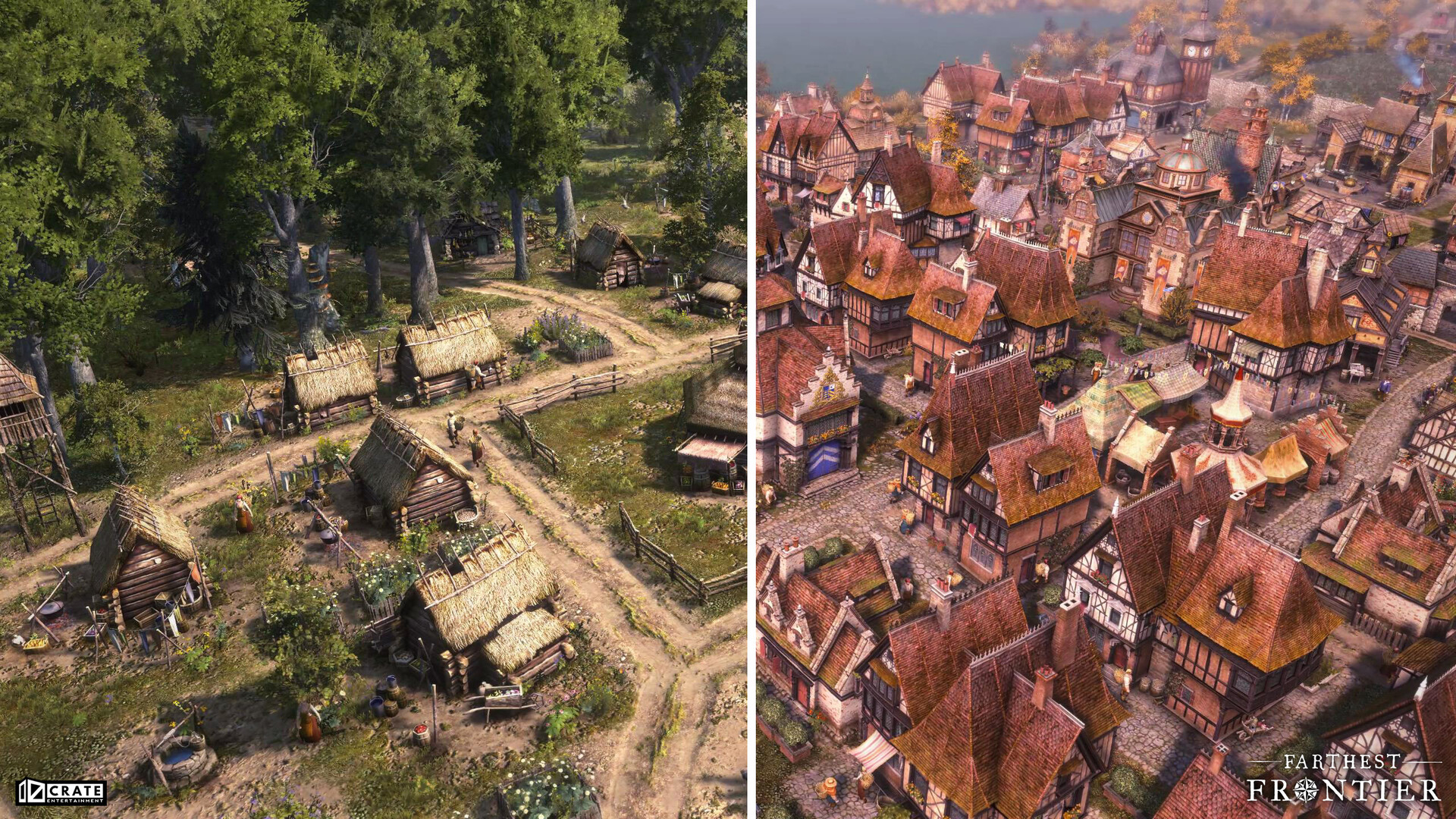
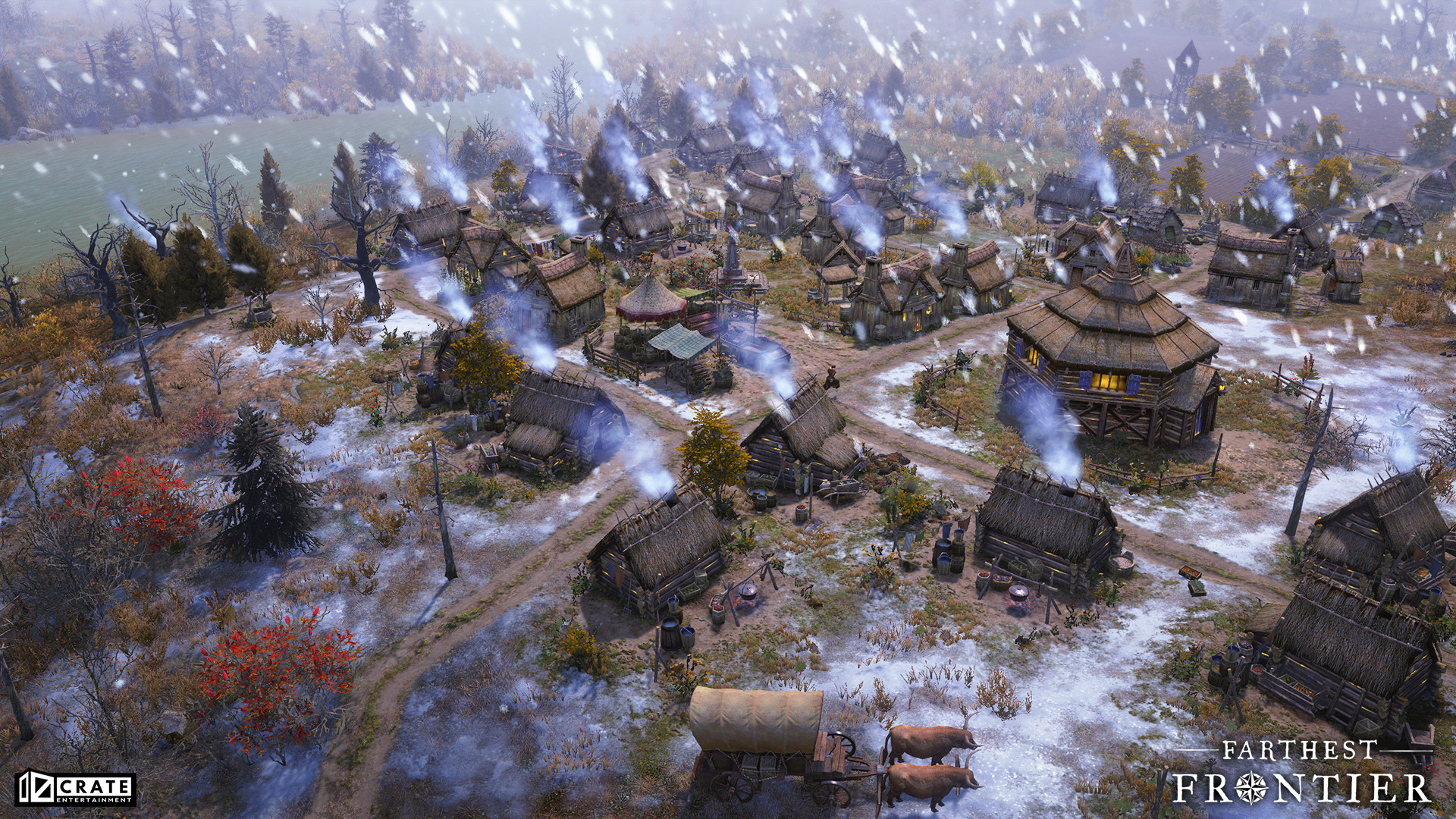
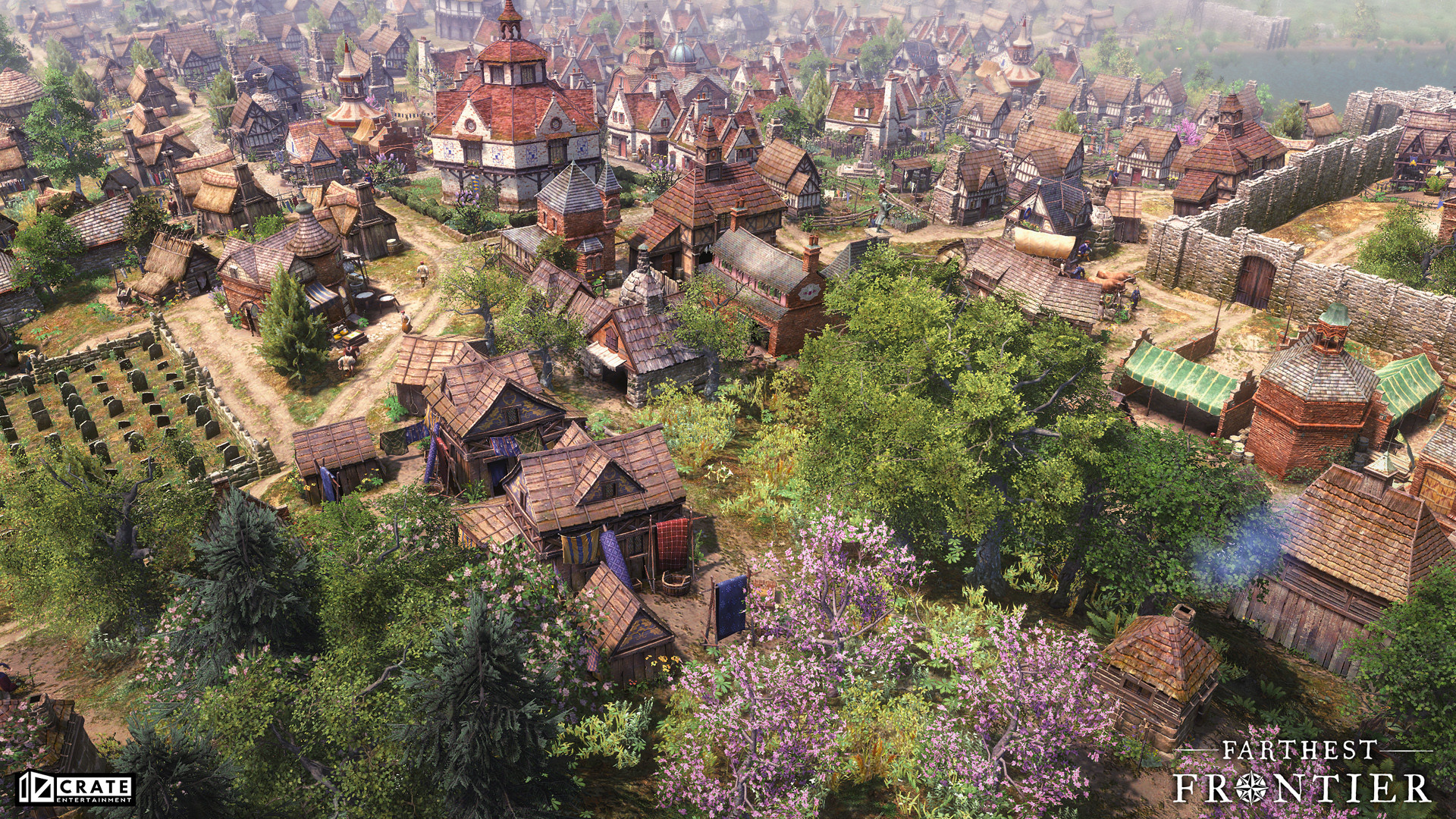
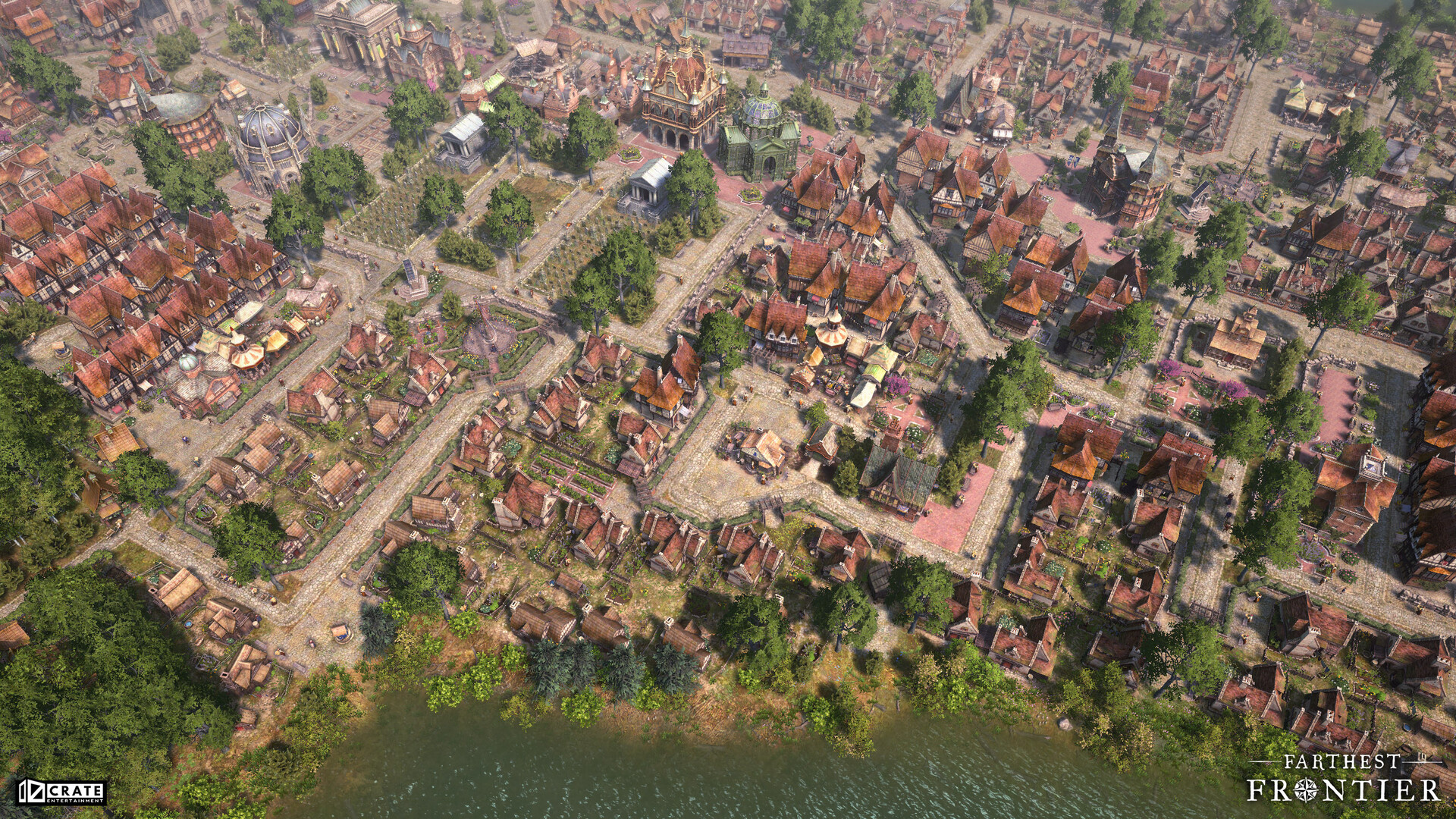
Farthest Frontier will run on modest hardware. The official minimum is a GTX 780 or R9 290 paired with a 2013-era Core i5, and most PCs built in the last several years clear that easily. The catch is that meeting the spec only tells you how the game runs early on, when your town is small. Steam's own store page says as much: it points to a strong CPU as the real requirement, because of how many systems the game keeps simulating at once and how much it renders on screen at any moment.
That shows up directly in player reports. A town under a few hundred people usually holds a steady 60 fps on almost any card from the last decade. Once population climbs past roughly 1,000 to 1,500, frame rate starts dropping regardless of GPU, and reports of choppy camera panning and delayed clicks are common by 1,800 to 2,000 population, even on high-end rigs. One player running a Core Ultra 9 285K with an RTX 5080-class card still described an 1,800-population town as rough going. A faster GPU buys you smoother visuals early. It does not buy you a bigger town before the slowdown hits.
A known memory leak and slower loads on big saves
Crate Entertainment's own bug forum has an open thread about a memory leak tied to Unity's job system, referenced in the game's logs as JobTempAlloc, where RAM use climbs the longer you play, sometimes past 8GB after a few hours in a large town. The community workaround is simple: save and restart the game every couple of hours during long sessions rather than leaving it running all day.
Load times follow the same pattern. Players start noticing slower loads around 900 population, and saves in the thousands can take well over a minute, with at least one report of a 22-minute load on a heavily built 1,750-population save after 150-plus hours of play. That is an extreme case, but it shows the trend. An SSD is not an official requirement, but the community treats it as close to one, since it meaningfully cuts load times on a game with no hard drive listed in its specs at all.
Getting more headroom out of a modest PC
Graphics settings will not fix the late-game slowdown, since it is a simulation problem, not a rendering one. What actually helps: keep your game speed at 1x or 2x rather than 3x once your town gets large, since a faster simulation clock means more calculations per real second. Trim redundant buildings and overlapping trade routes, since every active building and route adds to what the game tracks each tick.
Close background apps to free up CPU headroom, and on newer Intel chips with performance and efficiency cores, check that the game isn't being scheduled onto the slower efficiency cores. Steam's community forums note this can happen and adds extra stutter on top of the population slowdown. None of this raises your population ceiling dramatically, but it buys back real frames on the same hardware.
Can I run Farthest Frontier? Your questions answered
Because the game simulates every villager, farm, delivery route, and building in real time, and that workload grows with your population, not with time played. A town of a few hundred barely taxes a CPU. Past roughly 1,000 to 1,500 population, the simulation itself starts to lag, which shows up as choppy camera movement and delayed clicks even on strong PCs.
8GB clears the official minimum and holds up fine while your town stays small. As your colony grows and its save history piles up, extra RAM starts paying off in load times and stability, which is why 16GB, the recommended number, is the smarter target if you're planning something bigger.
16GB is the recommended figure and it handles a large town without complaint. No official tier asks for more than that, though a known memory leak can push usage upward over a long, uninterrupted session, so restarting now and then still matters regardless of how much memory you're carrying.
Not officially. Steam does not list one as required or recommended. In practice, the community treats an SSD as close to essential, because load times get noticeably worse on a hard drive once your town and save file grow large.
The current official figure on Steam is 11GB of free space for both the minimum and recommended tiers. That is small by modern standards, since this is a stylized city builder rather than a game built around huge texture packs.
Stutter almost always traces to your population outrunning your CPU. Actual freezes and crashes point more often to the documented memory leak building up over a long session, or to a big save simply taking a while to load, which can look like a freeze if you don't wait it out. Restarting periodically and watching your save size both help.
Yes, a known one. Crate Entertainment's own forums have a thread describing memory climbing over a play session, tied to Unity's job system in the game's logs. It gets worse the longer you play without restarting and the bigger your town gets. Saving and restarting every couple of hours during long sessions is the community's standard workaround.
Load times scale with your town's size and history. Players report loads getting noticeably slower once population passes around 900, and multi-thousand-population saves can take well over a minute. Installing on an SSD is the single biggest fix, since Steam's own specs don't call for one but the load-time difference is real.
No. Both the minimum and recommended specs list DirectX 11, and there is no DirectX 12 mode or requirement.
CPU-bound, and by a wide margin once your town grows. The graphics card handles rendering a fairly modest 3D scene, which almost any GPU from the last decade manages at 60 fps. The CPU handles the actual simulation of every villager and system, and that workload is what eventually slows the game down.
A modern quad-core i3 or Ryzen 3 can technically match the minimum spec, which is a 2013-era Core i5. It will handle a small town fine, but since this game's ceiling is set by CPU strength rather than just meeting a spec floor, you will hit the population-driven slowdown sooner than you would on a true i5 or Ryzen 5.
No. Player reports consistently show high-end GPUs bogging down at roughly the same population, around 1,500 to 2,000, as budget ones. The bottleneck is the CPU-driven simulation, so a GPU upgrade mainly buys smoother visuals, not a bigger town before things get choppy.
It should help more than a GPU upgrade would, since the slowdown is tied to simulation speed, but there's no official benchmark confirming exactly how much headroom a stronger CPU buys. Player reports vary quite a bit, with some strong CPUs still bogging down around 1,800 to 2,000 population, so treat a CPU upgrade as a partial fix rather than a guaranteed one.
Yes. The official requirement lists Windows 10 64-bit, and the game runs the same way on Windows 11, which is true of nearly every Windows 10 era game.
Some, but not entirely. The 1.0 release in October 2025 and its follow-up patches included specific optimizations, such as fixing a hitch when opening the crop field window and improving how the game handles building and villager widgets in large settlements. Those changes eased the late-game slowdown without eliminating it, since the underlying issue is how much the simulation has to track as your town grows.
Yes. On the RTX 3050, Farthest Frontier runs at high settings in 1080p and scales up to 1440p without much fuss. Handles the early and mid game at 60 fps without trouble. Its extra headroom over the minimum doesn't buy you a bigger town before things get choppy.
Not a good match. Farthest Frontier asks for more than the GTX 1650 provides, so you would be stuck on very low settings and choppy frame rates. Runs a small town at a steady 50 to 60 fps. It covers the spirit of the minimum tier even though it wasn't the card Steam listed, since VRAM and shader power aren't the bottleneck here.
The GTX 1060 6GB gets you in. It meets Farthest Frontier's minimum, so low to medium at 1080p works, and turning a couple of things down keeps it steady. A comfortable step above minimum. Around 60 fps in a small to mid-size town. The frame rate drop that shows up past roughly 1,000 to 1,500 population lands at that same point on much stronger cards too.
Fine for a lighter setup. The RX 580 clears Farthest Frontier's minimum, so target 1080p low to medium and adjust down for a steady rate. Similar to the GTX 1060 in this game. Around 55 to 60 fps early on, and the late-game slowdown arrives at roughly the same population regardless.
Yes, comfortably. The RTX 4060 sits at or above Farthest Frontier's recommended card, so 1080p on high is smooth and 1440p is well within reach. A solid 60 fps through most of a playthrough. Reports of choppy camera panning and delayed clicks still turn up around 1,500 to 2,000 population, no different from what far weaker cards run into.
Plenty of power here. The RTX 3060 is above Farthest Frontier's recommended tier, so high 1080p is smooth and 1440p is a fair target. One of the more commonly reported cards in Steam discussions. Steady 60 fps in small and mid-size towns, with other testers on this card describing the same stutter once population passes roughly 1,500.
For sure. The RTX 2060 outpaces Farthest Frontier's recommended card, leaving you high 1080p now and 1440p whenever you like. Comfortably clears the recommended tier. Steady 60 fps through the early and mid game, with reports of stutter once towns pass about 1,500 population, which is roughly where every other card runs into it too.
The GTX 1660 is a strong fit for Farthest Frontier. It lands at or above the recommended spec, so high 1080p is comfortable and 1440p works. A solid recommended-tier performer. 60 fps in a small to mid-size colony, with performance decided by CPU and population size rather than this card.
Yes, with room to spare. Farthest Frontier recommends less than the GTX 1660 Super offers, so expect smooth 1080p high and a playable 1440p. Performs almost identically to the GTX 1660 here, since Farthest Frontier isn't pushing card-specific features hard.
Yes. The RX 6600 has headroom over Farthest Frontier's recommended card, so you can push 1080p high and move to 1440p when you want. Handles the recommended tier easily at 60 fps. The card sits well above what this game asks of a GPU, so it isn't what limits a large town.
No trouble at all. The GTX 1660 Ti meets or beats what Farthest Frontier recommends, so 1080p high runs well and 1440p is realistic.
No trouble at all. The RTX 3060 Ti meets or beats what Farthest Frontier recommends, so 1080p high runs well and 1440p is realistic.
Yes. On the RTX 4050, Farthest Frontier runs at high settings in 1080p and scales up to 1440p without much fuss.
Below spec. The GTX 1050 Ti does not clear Farthest Frontier's minimum, so plan for low settings, low fps, or a game that will not boot. Below the official minimum GPU, but this game leans on CPU more than GPU. Expect roughly 30 to 40 fps in a small town, dropping fast once population climbs, no better or worse than a much stronger card would at that point.
Plenty of power here. The RTX 4070 is above Farthest Frontier's recommended tier, so high 1080p is smooth and 1440p is a fair target. More than enough GPU for this game. 60 fps throughout, with the population wall arriving at the same point it would on cheaper hardware.
Steam lists Farthest Frontier as Windows only, so a MacBook needs a compatibility layer like CrossOver or Parallels to run it at all, and results are inconsistent. Given how much this game leans on your CPU, a real Windows PC remains the safer bet.
Not officially. The minimum spec calls for a dedicated card with 3GB of VRAM, a GTX 780 or R9 290 class GPU, which sits well above what most integrated graphics chips offer. Since the game's real bottleneck is CPU, not GPU, a system running only integrated graphics is also usually paired with a weaker CPU, which compounds the problem.
Chromebooks don't run Windows software on their own, so Farthest Frontier won't launch locally. GeForce NOW and Boosteroid both offer it as a cloud title, streaming it from remote hardware to your Chromebook instead.
Reports say it works, though Valve hasn't published an official Verified or Playable badge for it that we could confirm. Players describe it running smoothly for the most part in small to mid-size towns, with one Proton user reporting around 40 fps with a few settings turned off. The game is CPU-bound, so expect the population slowdown to arrive sooner on a handheld than on a desktop, since the Deck, ROG Ally, and Legion Go all use lower-power mobile chips.
There's no official 4K or ultra tier for this game, so no specific card is recommended for it. In practice, any card that comfortably clears the recommended tier, an RTX 3060 or RX 6600 class GPU or better, handles 4K fine at 60 fps in a small to mid-size town, since the GPU load here is modest. Your town's population will decide performance long before your resolution does.
Same story as 4K: no official tier, but any recommended-tier GPU or better runs 1440p at a steady 60 fps in the early and mid game. The resolution you pick has far less effect on your frame rate here than your CPU and your population size will.
A CPU at or above the recommended Core i5-7600 or Ryzen 5 2600, paired with basically any GPU from the last several generations, holds 60 fps through the early and mid game. Keeping that 60 fps as your town grows past roughly 1,000 to 1,500 population is a separate, harder problem tied to CPU strength and how efficiently you've built your town.
Not an official ultra or max preset the way many AAA games do. Its graphics options are simpler: mostly resolution, shadow quality, view distance, and a handful of effects toggles. Turning everything up to maximum barely changes frame rate on a card at or above the recommended tier, since rendering isn't what strains this game.
Yes. The official minimum asks for 3GB of VRAM and the recommended tier asks for 4GB, both modest by current standards. This is not a VRAM-hungry game, and you won't see the texture stutter that heavier open-world titles cause on lower-VRAM cards.
A GTX 780 or R9 290, an old quad-core CPU, and 8GB of RAM, the official floor, runs a small town smoothly at 1080p low. What that spec doesn't warn you about is CPU strength becoming the limiter as your town grows, so don't count on a big colony staying smooth just because your GPU technically qualifies.
Check your CPU first: anything below the Core i5-3470 or FX 8120 class won't meet the minimum, and neither will less than 8GB of RAM or a stale graphics driver. If it does launch but runs badly, that's population outgrowing your CPU rather than a hardware fault, and there's no settings change that fully undoes it.
No native Linux version exists, though Proton users describe decent results, close to 40 fps in small and mid-size towns with a few settings trimmed, despite Valve never issuing an official Verified or Playable badge for it. The population-driven slowdown still applies no matter the platform, so CPU strength matters more here than which OS you're running.
No. Farthest Frontier has no console release, including no Xbox version, and no console release date has been announced. It is a PC-only game through Steam.
No. There is no PlayStation version of Farthest Frontier, and no announced plans for one. It remains a PC-exclusive release through Steam.
No. There is no Nintendo Switch version. This is a PC-only title, and its CPU-heavy simulation would be a tough fit for Switch hardware even if a port were made.
Both GeForce NOW and Boosteroid carry Farthest Frontier as a cloud title, so your own PC's specs stop mattering since the game is actually running on their hardware and getting sent to your screen. That sidesteps the whole requirements question entirely.
No. Farthest Frontier is not part of Xbox Game Pass. It is sold standalone on Steam.
There's no official cap, but player reports converge on a practical range. Frame rate usually stays smooth under a few hundred population, starts to show stutter somewhere between 1,000 and 1,500, and by 1,800 to 2,000 even strong PCs report choppy camera movement and delayed clicks. Extreme towns in the thousands have been described as effectively unplayable. Where exactly you land depends on your CPU and how efficiently your town is built.
It uses Unity's job system, which is built to spread simulation work across multiple threads, so more cores can help. That said, a community technical discussion on Steam notes the system doesn't scale cleanly without careful tuning, which lines up with reports of strong, high-core-count CPUs bogging down at roughly the same population as more modest ones. Single-thread and simulation-thread speed appear to matter as much as core count.
You can try it, since there's no native Mac build to fall back on. Results through CrossOver or Parallels vary by Mac hardware and aren't officially supported by Crate Entertainment, so expect some troubleshooting. Given how CPU-dependent this game is, running it through a translation layer adds overhead you don't want, so cloud streaming through GeForce NOW or Boosteroid is usually the more reliable option on a Mac.