
Can I Run Fallout 4 on My PC / Laptop?
A decade-old open-world RPG that most modern PCs handle easily, except in downtown Boston, where the engine's CPU limits take over no matter what graphics card you own.
Check if your PC can run Fallout 4
Pick your graphics card and processor to check.
Can I run Fallout 4 on my PC?
Use the checker above to find out in seconds. Pick your graphics card and processor and it compares them against Fallout 4's official requirements. As a quick guide, you need at least a NVIDIA GTX 550 Ti 2GB/AMD Radeon HD 7870 2GB or equivalent graphics card, a Intel Core i5-2300 2.8 GHz/AMD Phenom II X4 945 3.0 GHz or equivalent processor, and 8 GB RAM of RAM to play at 1080p.
Can I run Fallout 4 on my laptop?
Yes, if your laptop has a dedicated graphics card around a NVIDIA GTX 550 Ti 2GB/AMD Radeon HD 7870 2GB or equivalent or better and 8 GB RAM of RAM. Laptops with only integrated graphics usually fall short. Enter your laptop's GPU in the tool above to check. Keep in mind that the laptop version of a card runs a little slower than the desktop card of the same name, and heat can lower sustained frame rates.
Short answer: yes, almost certainly. Fallout 4 launched in 2015 and its official minimum sits below anything sold today, so nearly any PC built in the last several years clears it. The part people get wrong is assuming a stronger graphics card fixes everything. It does not. Walk into downtown Boston and frame rates drop hard on a GTX 1060 and an RTX 4090 alike, because that area leans on a single CPU core rather than your GPU.
Run your own parts through the checker above to see exactly where you land against the requirements. The official spec table, real-world frame rates by card, and full sections on the Boston slowdown, the physics quirk above 60 fps, the optional high-res texture pack, and what the 2024 next-gen update changed are all further below.
Fallout 4 system requirements
| Minimum | Recommended | |
|---|---|---|
| Processor (CPU) | Intel Core i5-2300 2.8 GHz/AMD Phenom II X4 945 3.0 GHz or equivalent | Intel Core i7 4790 3.6 GHz/AMD FX-9590 4.7 GHz or equivalent |
| Graphics card (GPU) | NVIDIA GTX 550 Ti 2GB/AMD Radeon HD 7870 2GB or equivalent | NVIDIA GTX 780 3GB/AMD Radeon R9 290X 4GB or equivalent |
| Memory (RAM) | 8 GB RAM | 8 GB RAM |
| Operating system | Windows 10 64-bit | Windows 10/11 64-bit |
| DirectX | 11 | 11 |
| Storage | 30 GB available space | 30 GB available space |
Storage: 30 GB for the base game. The free High Resolution Texture Pack adds another 58 GB if you install it. An SSD is not required but cuts load times noticeably.
Full performance tiers
| Tier | Target | CPU | GPU | RAM |
|---|---|---|---|---|
| Minimum | 1080p, low settings, 30 fps | Core i5-2300 / Phenom II X4 945 | GTX 550 Ti 2GB / Radeon HD 7870 2GB | 8 GB |
| Recommended | 1080p, high settings, 60 fps | Core i7-4790 / FX-9590 | GTX 780 3GB / Radeon R9 290X 4GB | 8 GB |
| High Resolution Texture Pack (official) | Optional 4K texture DLC, Bethesda's own listing | Core i7-5820K | GTX 1080 8GB | 8 GB |
Fallout 4 FPS by graphics card
| Graphics card | 1080p | 1440p | 4K | Notes |
|---|---|---|---|---|
| GTX 1060 6GB | ~90 | , | , | Smooth almost everywhere. Downtown Boston still drags this down into the 40s because that drop is CPU-driven, not GPU-driven. |
| RX 580 8GB | ~85 | , | , | Tracks closely with the GTX 1060. Same Boston wall applies regardless of card. |
| GTX 1650 | ~65 | , | , | Comfortable at high settings in the open world. Boston still bottlenecks the same way it does on faster cards. |
| RTX 2060 | ~110 | ~85 | , | Plenty of GPU headroom for this game. The CPU decides your frame rate in the city, not this card. |
| RTX 3060 | ~130 | ~100 | , | Well past the recommended tier. A strong pick if you also want to run mods. |
| RTX 4060 | ~140 | ~115 | , | A laptop RTX 4060 has been measured locked at 55 fps at both 1080p and 1440p on Ultra, likely a CPU or power limit on that chassis rather than the GPU. |
| RTX 4070 | ~165 | ~135 | ~90 | 4K is comfortable now on hardware that did not exist at launch. Boston is still the limiting factor, not resolution. |
| RTX 4090 | ~200+ (CPU-limited) | , | ~140 | At this tier your CPU decides the frame rate almost everywhere, and especially in Boston. |
These are approximate figures based on community and outlet testing, since Fallout 4 is old enough that few sites still run fresh GPU-by-GPU benchmarks on it. Actual numbers shift with your CPU, mods, the high-res texture pack, and whether you have removed the 60 fps cap. Treat downtown Boston as its own separate, much lower number on any card.
Can these graphics cards run Fallout 4?
| Graphics card | Verdict | Notes |
|---|---|---|
| GTX 1050 Ti | Playable | Just clears it. 1080p low to medium, smoother after tuning. |
| GTX 1650 | Playable | Passes minimum. Aim low to medium 1080p, upscaling helps. |
| RX 570 | Playable | Meets the bar. Low to medium settings at 1080p. |
| RX 580 | Runs well | At or above the recommended card. Smooth 1080p high, 1440p realistic. |
| GTX 1060 6GB | Runs well | At or above the recommended card. Smooth 1080p high, 1440p realistic. |
| GTX 1650 Super | Runs well | Past the recommended tier. High settings at 1080p, 1440p on the table. |
| GTX 1660 | Runs well | Past the recommended tier. High settings at 1080p, 1440p on the table. |
| GTX 1660 Super | Runs well | Strong fit. High settings at 1080p, 1440p within reach. |
| RTX 3050 | Runs well | Over the recommended bar. Smooth high 1080p, 1440p realistic. |
| GTX 1660 Ti | Runs well | At or above the recommended card. Smooth 1080p high, 1440p realistic. |
| RX 6600 | Runs well | Past the recommended tier. High settings at 1080p, 1440p on the table. |
| RTX 2060 | Runs well | Past the recommended tier. High settings at 1080p, 1440p on the table. |
| RTX 4050 | Runs well | Exceeds recommended. 1080p high is comfortable, 1440p fine. |
| Arc A750 | Runs well | Beats the recommended spec. Comfortable high 1080p, playable 1440p. |
| RTX 3060 | Runs well | Strong fit. High settings at 1080p, 1440p within reach. |
| RX 6600 XT | Runs well | Recommended tier or better. High 1080p, with room for 1440p. |
| RX 7600 | Runs well | Over the recommended bar. Smooth high 1080p, 1440p realistic. |
| RX 6700 XT | Runs well | Beats the recommended spec. Comfortable high 1080p, playable 1440p. |
| RTX 4060 | Runs well | Exceeds recommended. 1080p high is comfortable, 1440p fine. |
| RTX 3060 Ti | Runs well | Recommended tier or better. High 1080p, with room for 1440p. |
| RTX 3070 | Runs well | Recommended tier or better. High 1080p, with room for 1440p. |
| RTX 4070 | Runs well | At or above the recommended card. Smooth 1080p high, 1440p realistic. |
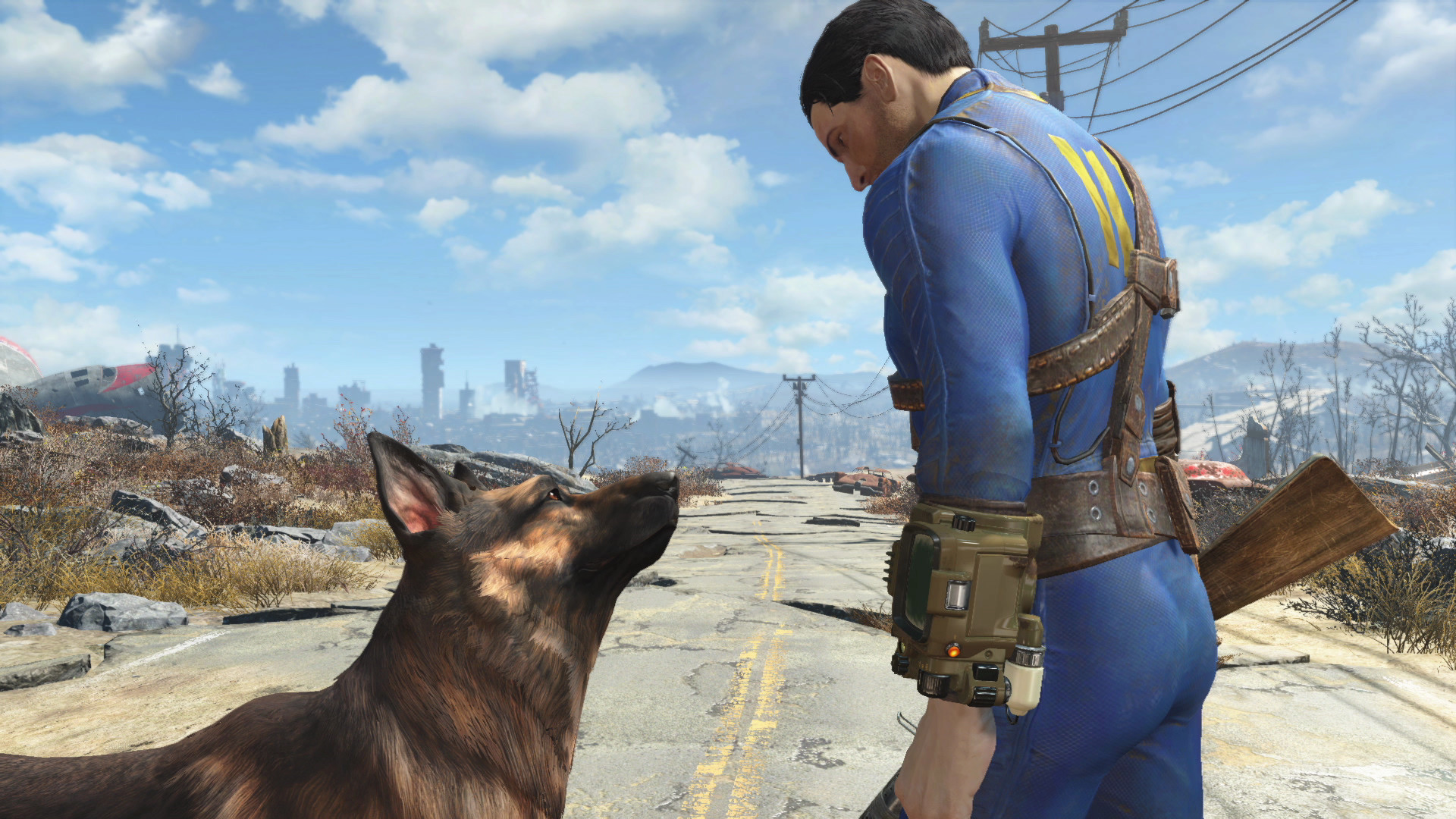
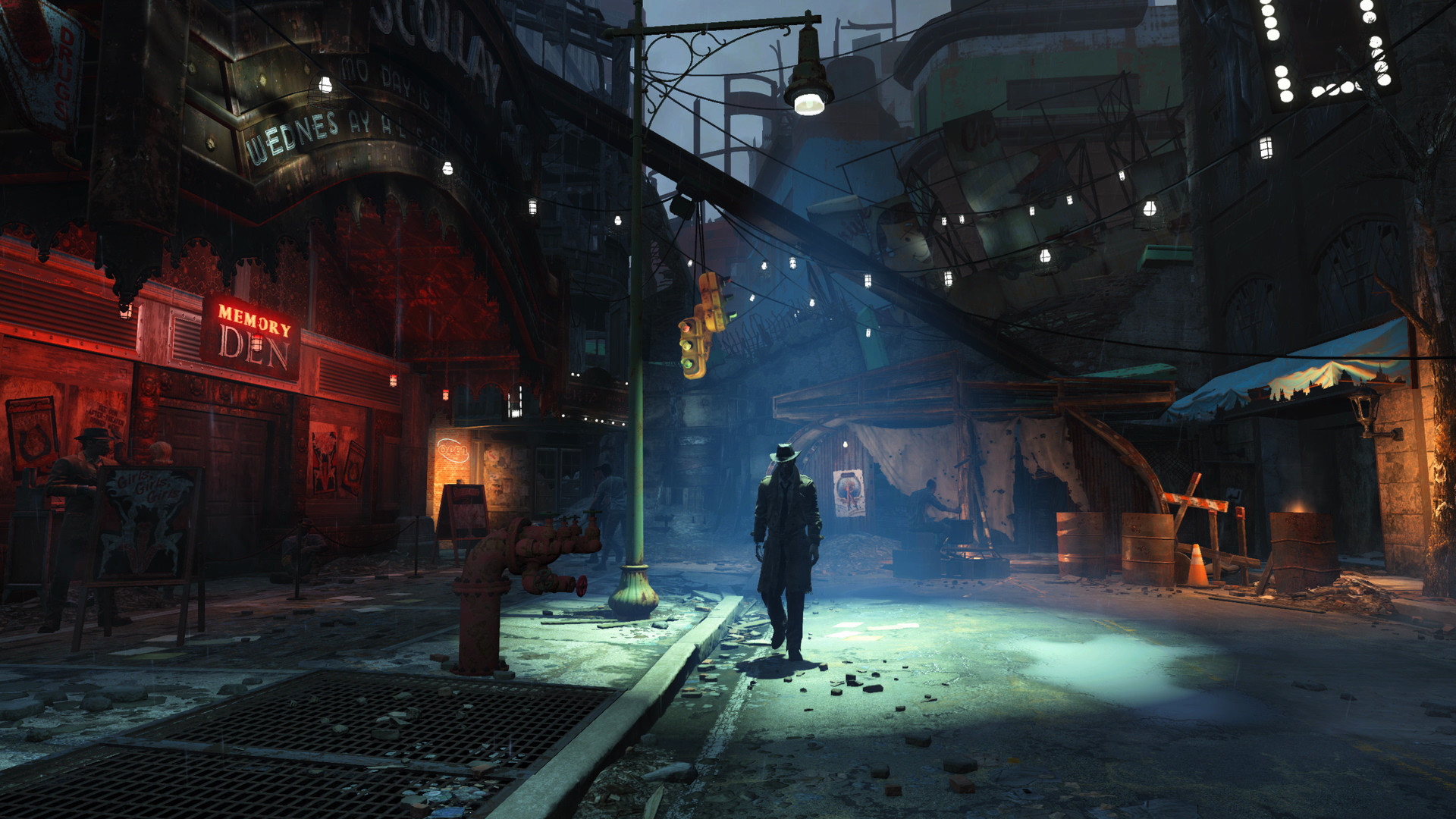

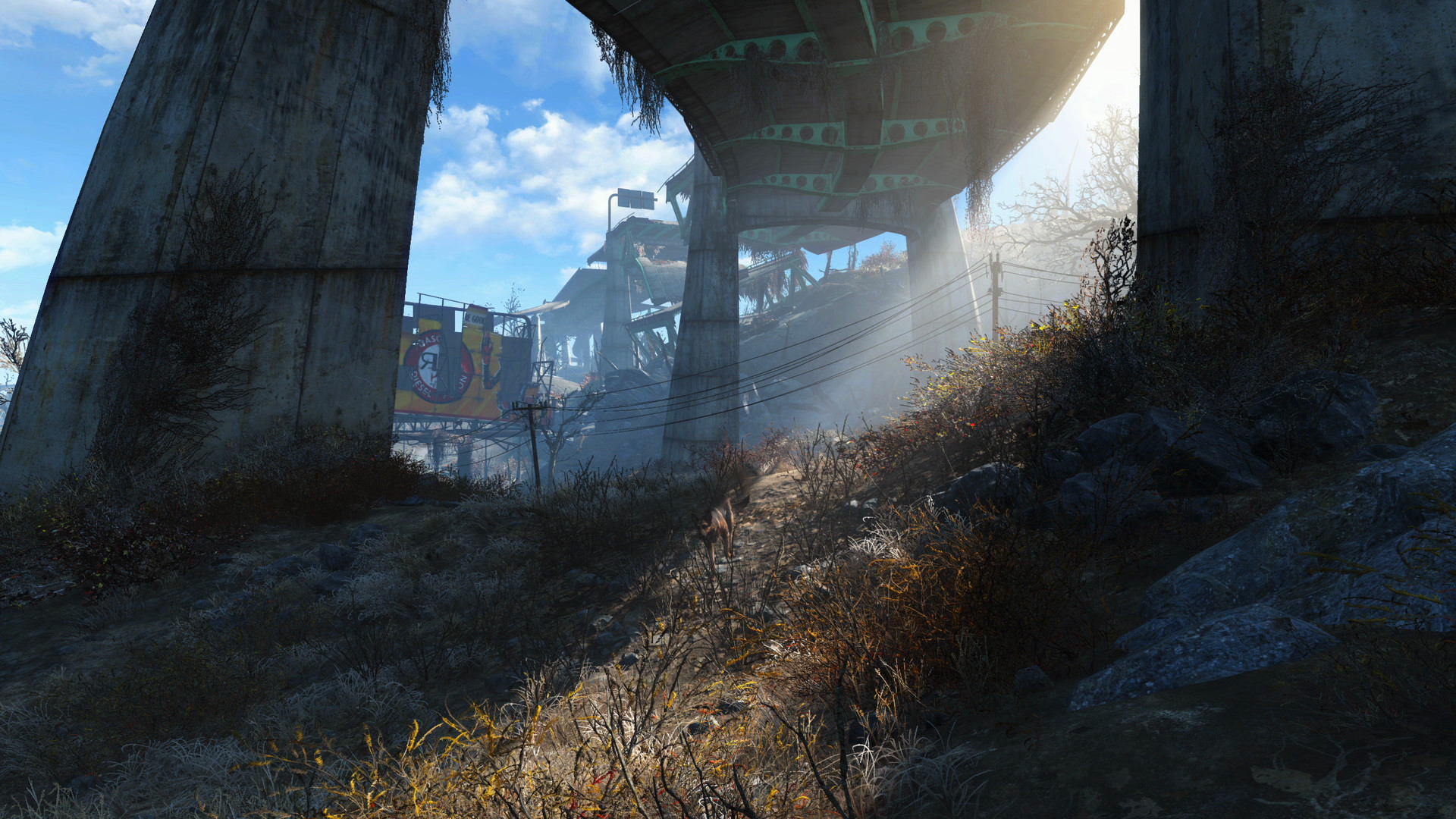
The downtown Boston bottleneck
This is the one thing that decides how Fallout 4 feels on your PC. Walk from the Commonwealth into downtown Boston and your frame rate can fall by half, even on hardware that runs everywhere else at well over 100 fps. Check your GPU usage while it happens and you will often see it sitting well under 50 percent while one CPU core is pinned near 100. That is the whole story: the area is CPU-bound, not GPU-bound.
Two things cause it. Boston has broken pre-combined mesh data, so instead of drawing whole city blocks as a handful of optimized chunks, the engine has to issue thousands of individual draw calls, and that work lands on a single thread. Shadows make it worse: pushing Shadow Distance above Medium multiplies the shadow-related draw calls in that same dense area and tanks the frame rate further.
There is no graphics card fix for this. A faster single-core CPU helps more than a better GPU. In the settings menu, dropping Shadow Distance to Medium recovers a real chunk of frame rate in the city. On the mod side, the community-made Boston FPS Fix rebuilds the broken mesh data and gets many players to a stable 60 in the same streets.
Why uncapping the frame rate breaks the game
Fallout 4 inherited a Creation Engine quirk from Skyrim: physics and game speed are tied to your frame rate, not run independently of it. Bethesda caps the game at 60 fps by default specifically to keep that math from going wrong. Push past it without changing anything else and small things start to misbehave: lockpicking gets twitchy, ragdolls fly around oddly, and dialogue can lose sync.
Push a lot further, and it stops being minor. Historically, once the frame rate climbed past roughly 114 fps, movement itself would speed up, terminal hacking would get you stuck, and weapons could disappear from your hands while still firing. If you want more than 60 fps and want the game to still behave, install the High FPS Physics Fix mod, which separates game speed from frame rate so higher refresh rates stop causing side effects.
The high-res texture pack and VRAM
Bethesda's free High Resolution Texture Pack has its own official requirements, and they read as absurd for what is essentially a texture swap: a Core i7-5820K, 8GB of RAM, and a GTX 1080 with 8GB of VRAM. The listing even referenced an AMD card that did not exist at the time, which became a running joke in the community rather than something anyone took at face value.
Real-world testing tells a different story. VRAM usage with the pack enabled typically lands in the 4 to 6GB range depending on resolution, well under what Bethesda listed. If you have a 6GB or 8GB card, install it without worry. On a 4GB card you can usually still run it at 1080p if you trim a few other settings like shadows, but expect some texture pop-in. It also adds 58GB on top of the base game's 30GB, so check your free space before downloading it.
The 2024 next-gen update and Steam Deck
In April 2024, Bethesda shipped a free next-gen update alongside the Fallout TV show. On PC it mainly added ultra-widescreen support, engine fixes, and quest updates. On PS5 and Xbox Series X/S it added a proper native version with two modes: Performance targets 60 fps at a dynamic 4K, and Quality runs 30 fps at native 4K Ultra (40 fps if your display supports 120Hz).
The same update brought official Steam Deck Verified status, running through Proton. The trade-off is that Bethesda stripped out the in-game launcher to get there, which also removed the menu where you used to change graphics settings on Deck. Most players leave the defaults alone and it runs fine, but if you want to hand-edit settings on Deck you will need to do it through the ini files rather than an in-game menu.
Can I run Fallout 4? Your questions answered
Yes for the vast majority of PCs. The open requirements are low by modern standards. The one place performance gets rough for everyone, regardless of PC strength, is downtown Boston, which is a CPU-bound area rather than a general hardware limit.
Not really, by current standards. It is an open-world RPG from 2015 that runs comfortably on modest hardware almost everywhere on the map. The exception is downtown Boston, where even strong PCs see a real frame rate drop because of how that area is built.
Mostly CPU-bound, especially in cities. Downtown Boston in particular pins a single CPU core while your graphics card sits well under full load. Elsewhere the game is not especially demanding on either component.
No, it runs well on almost any PC from the last decade. Some players find downtown Boston frustrating because of the CPU-driven fps drop there, and a small number report crashes tied to old drivers or mod conflicts, but the base game on a clean install is stable.
Yes. Both the minimum and recommended official specs list 8GB, and that still holds up for the base game. Add a heavy mod list and you will want more, but stock Fallout 4 does not push past 8GB.
It's optional, not required. An SSD does cut down the fairly frequent loading screens by a noticeable amount, so it's worth using if you have one, though a hard drive gets the job done too.
30GB for the base game. If you install the free High Resolution Texture Pack, add another 58GB, which puts a fully loaded install closer to 90GB before you count mods or expansions.
That area has broken pre-combined mesh data, so instead of drawing city blocks efficiently, the engine issues thousands of individual draw calls on a single CPU thread. Pushing Shadow Distance above Medium makes it worse. A faster single-core CPU, lower shadow settings, or the community Boston FPS Fix mod all help; a better GPU alone does not.
Only with a mod. The game ties physics and game speed to frame rate, so uncapping it stock causes lockpicking glitches, odd ragdolls, and above roughly 114 fps, things like speed-running movement and vanishing weapons. Install the High FPS Physics Fix mod to unlock higher frame rates without those side effects.
Fallout 4 runs on DirectX 11, and pretty much every card sold in the last ten-plus years supports that fine.
For most players with a 6GB or larger graphics card, yes, since it noticeably improves texture detail for free. On a 4GB card it still runs, though you may see some pop-in, and it does cost an extra 58GB of storage.
No. Bethesda's official listing calls for a Core i7-5820K and a GTX 1080, which is far more than the pack actually uses. Real-world testing shows VRAM usage around 4 to 6GB, so a mid-range card from the last several years handles it fine.
Mainly ultra-widescreen and multi-monitor support, engine and quest fixes, and official Steam Deck Verified status. The bigger changes, native PS5 and Xbox Series X/S versions with Performance and Quality modes, were console-side.
Not a top-end one, but single-core speed matters more than core count, especially in downtown Boston where the game leans on one thread. A mid-range modern CPU handles the rest of the game without trouble.
If your graphics card already clears the recommended tier, put your money into a faster CPU instead. This game's rough spots, particularly Boston, are CPU-bound, so a stronger GPU alone will not fix them.
No. It predates ray tracing support and Bethesda has not added it. Some fan-made ReShade or shader mods claim similar visual effects, but there is no official implementation.
Yes. The story expansions do not raise the official system requirements. They add more world to explore, which can add a small amount of extra loading and memory use, but nothing that pushes past the base game's specs.
Godrays, the volumetric light shafts that show through trees, windows, and fog, cost more frame rate than any other single slider in the menu, including shadow distance. Pushing Godrays to Ultra is the fastest way to tank your fps anywhere on the map, not just in Boston. Setting it to Low or Medium recovers a real chunk of performance with very little visible difference at normal viewing distance.
Most mods are light on your GPU since they are scripts, textures, or new assets rather than engine overhauls, but a long or conflicting load order causes stutter, save bloat, and crashes that have nothing to do with your hardware. F4SE, the Fallout 4 Script Extender, is required for many popular mods and has to match your game's exact version, so recheck compatibility after every Bethesda patch. Vortex and the community-favored Mod Organizer 2 both manage load order for you; neither changes your system requirements on its own.
Yes. The game predates Windows 11, but Bethesda's own recommended spec lists Windows 10/11 64-bit, and it performs the same on both. No compatibility mode or special settings are needed.
Bethesda skipped a native Linux build, but Fallout 4 runs well anyway through Steam Play's Proton layer, the same mechanism the Steam Deck relies on internally. Flip Proton on in Steam's settings on a Linux desktop and performance lands close to Windows, assuming your GPU drivers are in decent shape.
Fallout 4 VR is a separate paid title, not a VR toggle on the base game, and it asks for meaningfully more hardware than the flat-screen requirements covered on this page, historically a Core i7 class CPU and a GTX 1080 class card. Rendering the world twice for stereo VR is far heavier than a single 2D view. If you specifically want the VR version, budget for the requirements on its own Steam page rather than the ones here.
A locked 48 fps usually points to a vsync or frame-pacing conflict, either driver-level vsync fighting the game's own 60 fps cap, or a monitor running an odd refresh rate that the limiter divides awkwardly. Turning off vsync in your graphics driver control panel while leaving the in-game 60 fps cap alone, or setting your monitor to a clean 60Hz or 144Hz, clears it for most people.
Most launch failures trace back to outdated graphics drivers, a corrupted install, or a script extender or mod that broke after a Steam update. Verify the game's file integrity through Steam first, update your GPU driver, and if you use F4SE or other mods, disable them to check whether the game starts clean without them. Running Steam as administrator resolves it for some Windows setups too.
No. Fallout 4 only supports DirectX 11, and Bethesda never added a DirectX 12 path. On Steam Deck or Linux, Proton translates that DirectX 11 code to Vulkan behind the scenes, but that is a compatibility layer, not a native Vulkan renderer.
Comfortably, yes. The RTX 3050 clears Fallout 4's recommended bar, which puts high 1080p and 1440p both in reach. Around 70 to 80 fps at 1080p high, a solid step above the recommended tier.
Fine for a lighter setup. The GTX 1650 clears Fallout 4's minimum, so target 1080p low to medium and adjust down for a steady rate. Roughly 65 fps at 1080p high. Handles the open world fine; still hits the Boston wall like every other card.
For sure. The GTX 1060 6GB outpaces Fallout 4's recommended card, leaving you high 1080p now and 1440p whenever you like. Around 90 fps in the open world at high settings. Downtown Boston drops into the 40s regardless, since that is a CPU limit, not a GPU one.
Yes, with room to spare. Fallout 4 recommends less than the RX 580 offers, so expect smooth 1080p high and a playable 1440p. About 85 fps in the open world, tracking close to the GTX 1060. Same Boston slowdown applies.
That is more than enough. The RTX 4060 clears Fallout 4's recommended requirement, so aim for high at 1080p or step up to 1440p. Roughly 140 fps at 1080p uncapped. A laptop version of this card has been measured locked at 55 fps at both 1080p and 1440p Ultra.
Yes, comfortably. The RTX 3060 sits at or above Fallout 4's recommended card, so 1080p on high is smooth and 1440p is well within reach. About 130 fps at 1080p and 100 at 1440p, well past what the recommended spec asks for.
You are well set. The RTX 2060 exceeds Fallout 4's recommended card, so 1080p high is easy and 1440p is realistic. Around 110 fps at 1080p and 85 at 1440p. Plenty of GPU headroom for this game.
The GTX 1660 is a strong fit for Fallout 4. It lands at or above the recommended spec, so high 1080p is comfortable and 1440p works.
Plenty of power here. The GTX 1660 Super is above Fallout 4's recommended tier, so high 1080p is smooth and 1440p is a fair target.
Easily. With the RX 6600 you are past Fallout 4's recommended tier, which means high settings at 1080p and a genuine shot at 1440p. Similar territory to an RTX 2060, comfortably over 100 fps at 1080p in the open world with the same CPU-bound Boston exception.
You are well set. The GTX 1660 Ti exceeds Fallout 4's recommended card, so 1080p high is easy and 1440p is realistic.
Easily. With the RTX 3060 Ti you are past Fallout 4's recommended tier, which means high settings at 1080p and a genuine shot at 1440p.
The RTX 4050 is a strong fit for Fallout 4. It lands at or above the recommended spec, so high 1080p is comfortable and 1440p works.
Playable, yes. The GTX 1050 Ti passes Fallout 4's minimum bar, so aim for low to medium at 1080p and drop settings if the frame rate dips. About 45 to 55 fps at 1080p medium settings. Workable but you will want to trim a few settings for consistency.
Yes, with room to spare. Fallout 4 recommends less than the RTX 4070 offers, so expect smooth 1080p high and a playable 1440p. Around 165 fps at 1080p and a comfortable ~90 at 4K, hardware well beyond what this game was built around.
Bethesda never built a native Mac version of Fallout 4, so no MacBook, M-series Air or Pro included, runs it directly. GeForce Now cloud streaming is your reliable option on a Mac; an unofficial Windows compatibility layer exists too, but it's a coin flip whether it works well.
Often yes, at lower settings. Newer integrated graphics like Intel Iris Xe or AMD's Ryzen APUs can manage 1080p on low to medium settings at playable frame rates, since Fallout 4's official minimum GPU is well below current integrated chips. Older or budget integrated graphics will struggle more.
There's no local install path on a Chromebook. GeForce Now cloud streaming covers it instead, running the game on remote hardware and sending the video feed to your device.
Yes, and the Steam Deck is officially Verified since the 2024 next-gen update, running through Proton. The trade-off is that update removed the in-game launcher, which also took away the on-screen graphics settings menu, so most Deck players stick with the defaults, which run well. The ROG Ally and Legion Go both handle it comfortably too.
Yes, on a modern mid-range or better card such as an RTX 3060 or RX 6600. The game is not especially GPU-demanding, so most cards from the last several generations can push 4K at a solid frame rate outside of downtown Boston, where the CPU limit still applies regardless of resolution.
Yes, comfortably, on anything from an RTX 2060 upward. This game's resolution scaling is gentle compared to more modern titles.
In the open world, nearly any dedicated card from the last several years holds 60 fps without trouble. Downtown Boston is the exception: even strong hardware can dip below 60 there, because that area is limited by your CPU rather than your GPU.
Yes, on a GTX 780 class card or better, per the official recommended spec, and any card from the last five or six years clears that easily. Ultra settings do not change the Boston CPU bottleneck either way.
For the base game, yes. With the High Resolution Texture Pack installed, 4GB is workable at 1080p if you trim a couple of other settings, though real usage with the pack typically runs 4 to 6GB, so a 6GB card gives more headroom.
Not for the base game, which stays within the official 8GB spec. It becomes worth it once you run a large mod list, since mods and their associated data can push memory use well past what the vanilla game needs.
Yes to both. It originally launched on PS4 in 2015, and PS5 owners could already play that version through backward compatibility. The 2024 next-gen update added a proper native PS5 version with Performance and Quality display modes. This page focuses on the PC version.
Outdated graphics drivers, a mod that's gone stale or conflicts with another, Shadow Distance pushed above Medium in dense areas, or simply standing in downtown Boston, which is CPU-bound no matter your setup, account for most of it. Update your drivers, disable mods one at a time to find the culprit, and pull back shadow settings before you assume your hardware is the problem.
Yes, Fallout 4 is available on GeForce Now, which streams the game from remote hardware. It is a practical way to play on a Chromebook, an underpowered laptop, or a Mac without a native version.
Often yes at reduced settings, though results vary a lot by generation. Older Intel HD Graphics chips and early UHD Graphics can usually manage 1080p on low settings with fps in the 30s outside Boston, while the newer UHD 730/770 found in 12th and 13th gen chips handles it more comfortably. Boston still hits hard because that slowdown is CPU-bound, and integrated graphics share the same CPU as everything else.
Yes, comfortably. Iris Xe, found in 11th gen and newer Intel laptops, is a meaningful step up from older Intel integrated graphics and typically holds 1080p on medium settings in the 40 to 60 fps range outside of Boston, putting it roughly in line with an entry-level dedicated card.
Yes, both handle it well. Vega 8, found in Ryzen 4000 and 5000 series mobile APUs, manages roughly 45 to 60 fps at 1080p medium settings. Radeon 780M, in the newer Ryzen 7040 and 8040 laptop chips, is one of the strongest integrated GPUs available and comfortably runs 1080p high settings at 60 fps or more, rivaling a dedicated GTX 1650.
Not reliably. The official minimum and recommended specs both call for 8GB, and 4GB risks stutter, longer load times, and occasional crashes, especially in Boston or with any mods installed. It may launch and limp along at reduced settings, but 8GB is really the floor for a stable run.
Yes, for the base game at low to medium settings. 2GB is literally what the official minimum spec (GTX 550 Ti or Radeon HD 7870) asks for, so it clears the bar, just don't expect much headroom for the High Resolution Texture Pack or heavy mods on top of it.
Yes, and comfortably so. 6GB covers the base game at any settings plus the High Resolution Texture Pack, whose real-world usage typically lands in the 4 to 6GB range, well under Bethesda's official (and inflated) GTX 1080 listing for that pack.
Yes, with plenty to spare. 8GB is more than this game and its official texture pack ever ask for, even with a sizable mod list running alongside them, so a card in that range is not going to hit a VRAM wall on Fallout 4.
Yes. It runs on Xbox Series X and S with the same Performance and Quality modes added by the 2024 next-gen update, plus the original Xbox One version for older hardware. This page covers the PC version.
Yes, at the official minimum of a GTX 550 Ti class card, a Core i5-2300, and 8GB of RAM you can play at 1080p low settings. Because that bar is so old, most budget PCs sold today clear it without trouble, though downtown Boston will still be the roughest patch regardless of how low-end or high-end your PC is.
Not on the original Switch. Fallout 4: Anniversary Edition, which bundles the base game with all six DLC packs and the Creation Club content, launched on Switch 2 on February 24, 2026, with a physical release following on April 28. It is the first Fallout game to reach a Nintendo console. If you want to play on the go before that, a Steam Deck, ROG Ally, or Legion Go are your handheld options, or cloud streaming through GeForce Now.
In the open world, yes, at reasonable frame rates, since the official CPU bar is quite old. Downtown Boston is where a budget dual or quad-core CPU shows its limits the most, since that area depends heavily on single-core speed rather than the number of cores.
Not natively as a proper mode. On PS5, connecting to a 120Hz display unlocks a 40 fps option alongside the standard 30 and 60, but there is no true 120 fps mode there. On PC, the game itself caps at 60 fps by default, and going higher, up toward 120 or 144, needs the frame rate cap removed along with the High FPS Physics Fix mod to avoid the speed and physics bugs that come with an uncapped engine.
This happens when the frame rate climbs above the 60 fps the engine was tuned for, since Fallout 4 ties game speed to frame rate. If vsync is off or a frame cap got disabled, everything from your walk speed to NPC dialogue can run noticeably faster than normal. Re-enable a 60 fps cap in your settings or driver control panel, or install the High FPS Physics Fix mod if you want higher frame rates without the game speeding up.