
Can I Run Destiny 2 on My PC / Laptop?
Bungie's free-to-play looter shooter. An old but efficient engine that runs well on modest hardware, if you dodge its VRAM leak and huge download.
Check if your PC can run Destiny 2
Pick your graphics card and processor to check.
Can I run Destiny 2 on my PC?
Use the checker above to find out in seconds. Pick your graphics card and processor and it compares them against Destiny 2's official requirements. As a quick guide, you need at least a NVIDIA® GeForce® GTX 660 2GB or GTX 1050 2GB / AMD Radeon HD 7850 2GB graphics card, a Intel® Core™ i3 3250 3.5 GHz or Intel Pentium G4560 3.5 GHz / AMD FX-4350 4.2 GHz processor, and 6 GB RAM of RAM to play at 1080p.
Can I run Destiny 2 on my laptop?
Yes, if your laptop has a dedicated graphics card around a NVIDIA® GeForce® GTX 660 2GB or GTX 1050 2GB / AMD Radeon HD 7850 2GB or better and 6 GB RAM of RAM. Laptops with only integrated graphics usually fall short. Enter your laptop's GPU in the tool above to check. Keep in mind that the laptop version of a card runs a little slower than the desktop card of the same name, and heat can lower sustained frame rates.
Yes, almost certainly. Destiny 2's minimum bar is a GTX 660 or GTX 1050 2GB, which is over a decade old at the low end, and the recommended spec only asks for a GTX 970 or GTX 1060 6GB. Bungie's engine is old but well optimized, so most PCs built in the last eight years clear it without trouble. The part people get wrong is assuming a smooth benchmark run means a smooth three-hour raid: Destiny 2 has a known VRAM memory leak that creeps up the longer you play, and that is what actually causes the stutter people complain about, not raw GPU weakness.
Drop your exact CPU and GPU into the checker above to see how they stack up against Destiny 2's requirements. Real frame-rate numbers across common graphics cards, the actual fixes for the fps drops and stutter this game is known for, why the install balloons well past the listed 105 GB, and the one platform Bungie has locked out entirely are all covered further into the page.
Destiny 2 system requirements
| Minimum | Recommended | |
|---|---|---|
| Processor (CPU) | Intel® Core™ i3 3250 3.5 GHz or Intel Pentium G4560 3.5 GHz / AMD FX-4350 4.2 GHz | Processor Intel® Core™ i5 2400 3.4 GHz or i5 7400 3.5 GHz / AMD Ryzen R5 1600X 3.6 GHz |
| Graphics card (GPU) | NVIDIA® GeForce® GTX 660 2GB or GTX 1050 2GB / AMD Radeon HD 7850 2GB | NVIDIA® GeForce® GTX 970 4GB or GTX 1060 6GB / AMD R9 390 8GB Memory 8 GB RAM |
| Memory (RAM) | 6 GB RAM | 8 GB RAM |
| Operating system | Windows® 10 64-bit (latest Service Pack) | Windows® 10 64-bit (latest Service Pack) |
| DirectX | 11 | 11 |
| Storage | 105 GB available space | 105 GB available space |
Storage: 105 GB minimum listed on Steam. Expect the real footprint closer to 140 to 155 GB once every expansion is installed, and up to 300 GB free during a big content update while old and new files sit side by side.
Full performance tiers
| Tier | Target | CPU | GPU | RAM |
|---|---|---|---|---|
| Minimum | 1080p, low settings, 30 fps | Intel Core i3 3250 or Pentium G4560 / AMD FX-4350 | GTX 660 2GB or GTX 1050 2GB / Radeon HD 7850 2GB | 6 GB |
| Recommended | 1080p, high settings, 60 fps | Intel Core i5 2400 or i5 7400 / AMD Ryzen 5 1600X | GTX 970 4GB or GTX 1060 6GB / R9 390 8GB | 8 GB |
| High refresh (100+ fps) | 1080p, high settings, 100+ fps | 6-core modern CPU (Ryzen 5 5600, i5-12400 or better) | RTX 3060 or RX 6600 or better | 16 GB |
| 1440p / ultra | 1440p, max settings, 60+ fps | 8-core modern CPU (Ryzen 7 5700X, i7-12700 or better) | RTX 4060 Ti or RX 6700 XT or better | 16 GB |
Destiny 2 FPS by graphics card
| Graphics card | 1080p | 1440p | 4K | Notes |
|---|---|---|---|---|
| GTX 1050 Ti | ~70 | , | , | High settings, 1080p. Lows dip into the mid-50s during dense fights. |
| RX 580 | ~75 | , | , | Max settings, 1080p. Close to a GTX 1060 in most zones. |
| GTX 1060 6GB | ~90 | , | , | High settings, 1080p. The recommended-spec card and it stays well above 60. |
| RTX 2060 | ~115 | ~85 | , | Comfortable 1080p high refresh, solid 1440p high. |
| RTX 3060 | ~106 | ~79 | , | Ultra settings. Good for a 144Hz monitor at 1080p. |
| RTX 4060 | ~143 | ~106 | , | Ultra settings. Headroom for 1440p at high refresh. |
| RTX 3060 Ti | ~150 | ~115 | , | Ultra settings. CPU becomes the limiter before the GPU does here. |
| RTX 4070 | ~185 | ~145 | ~90 | Ultra settings. Bottlenecked by CPU in crowded social spaces long before the GPU is stressed. |
These numbers are approximate, gathered from third-party GPU benchmark sites and community testing, and will vary with your CPU, the zone you're in, and how many other players are on screen. Destiny 2 has no built-in benchmark tool, so treat these as a guide rather than a guarantee.
Can these graphics cards run Destiny 2?
| Graphics card | Verdict | Notes |
|---|---|---|
| GTX 1050 Ti | Playable | Runnable at minimum. Low to medium 1080p, ease settings back. |
| GTX 1650 | Playable | Meets the bar. Low to medium settings at 1080p. |
| RX 570 | Playable | At the minimum bar. 1080p low to medium, drop a setting if needed. |
| RX 580 | Runs well | Beats the recommended spec. Comfortable high 1080p, playable 1440p. |
| GTX 1060 6GB | Runs well | At or above the recommended card. Smooth 1080p high, 1440p realistic. |
| GTX 1650 Super | Runs well | Beats the recommended spec. Comfortable high 1080p, playable 1440p. |
| GTX 1660 | Runs well | At or above the recommended card. Smooth 1080p high, 1440p realistic. |
| GTX 1660 Super | Runs well | Beats the recommended spec. Comfortable high 1080p, playable 1440p. |
| RTX 3050 | Runs well | Beats the recommended spec. Comfortable high 1080p, playable 1440p. |
| GTX 1660 Ti | Runs well | Above recommended. 1080p high is easy, and 1440p works too. |
| RX 6600 | Runs well | Exceeds recommended. 1080p high is comfortable, 1440p fine. |
| RTX 2060 | Runs well | Over the recommended bar. Smooth high 1080p, 1440p realistic. |
| RTX 4050 | Runs well | Above recommended. 1080p high is easy, and 1440p works too. |
| Arc A750 | Runs well | Strong fit. High settings at 1080p, 1440p within reach. |
| RTX 3060 | Runs well | Strong fit. High settings at 1080p, 1440p within reach. |
| RX 6600 XT | Runs well | Beats the recommended spec. Comfortable high 1080p, playable 1440p. |
| RX 7600 | Runs well | Exceeds recommended. 1080p high is comfortable, 1440p fine. |
| RX 6700 XT | Runs well | Above recommended. 1080p high is easy, and 1440p works too. |
| RTX 4060 | Runs well | Above recommended. 1080p high is easy, and 1440p works too. |
| RTX 3060 Ti | Runs well | Beats the recommended spec. Comfortable high 1080p, playable 1440p. |
| RTX 3070 | Runs well | At or above the recommended card. Smooth 1080p high, 1440p realistic. |
| RTX 4070 | Runs well | Beats the recommended spec. Comfortable high 1080p, playable 1440p. |
An old engine that is efficient, not outdated
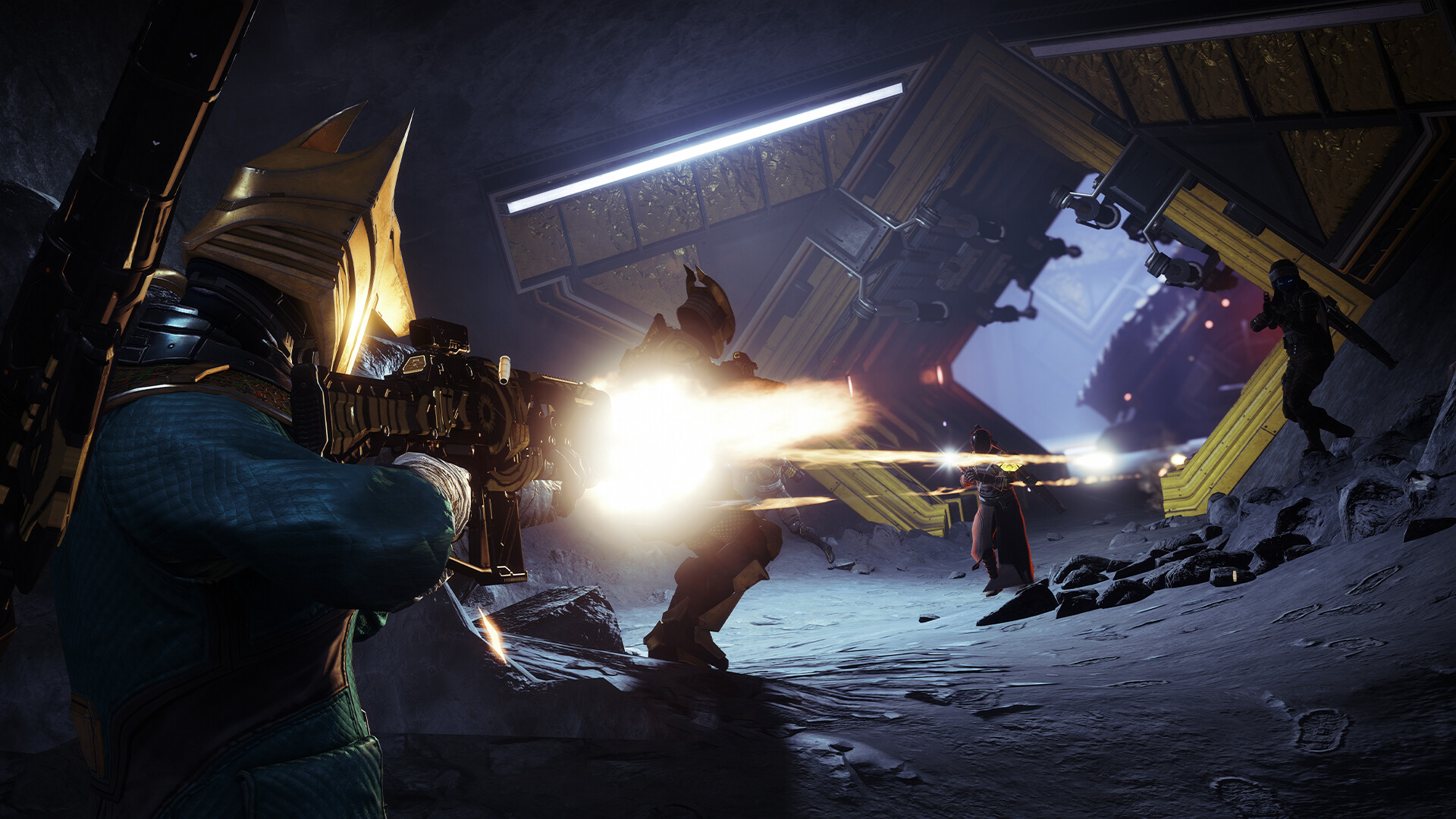
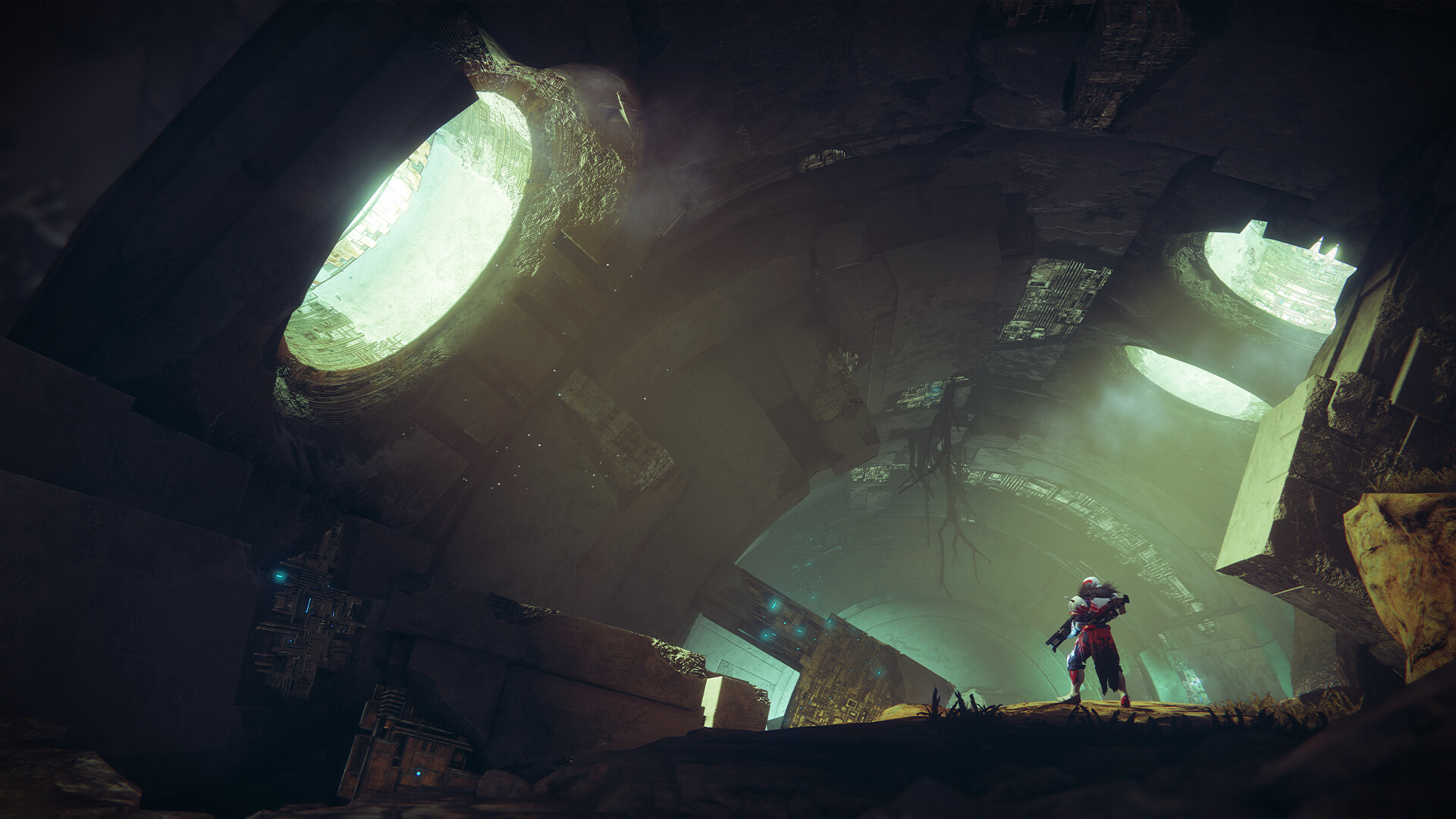
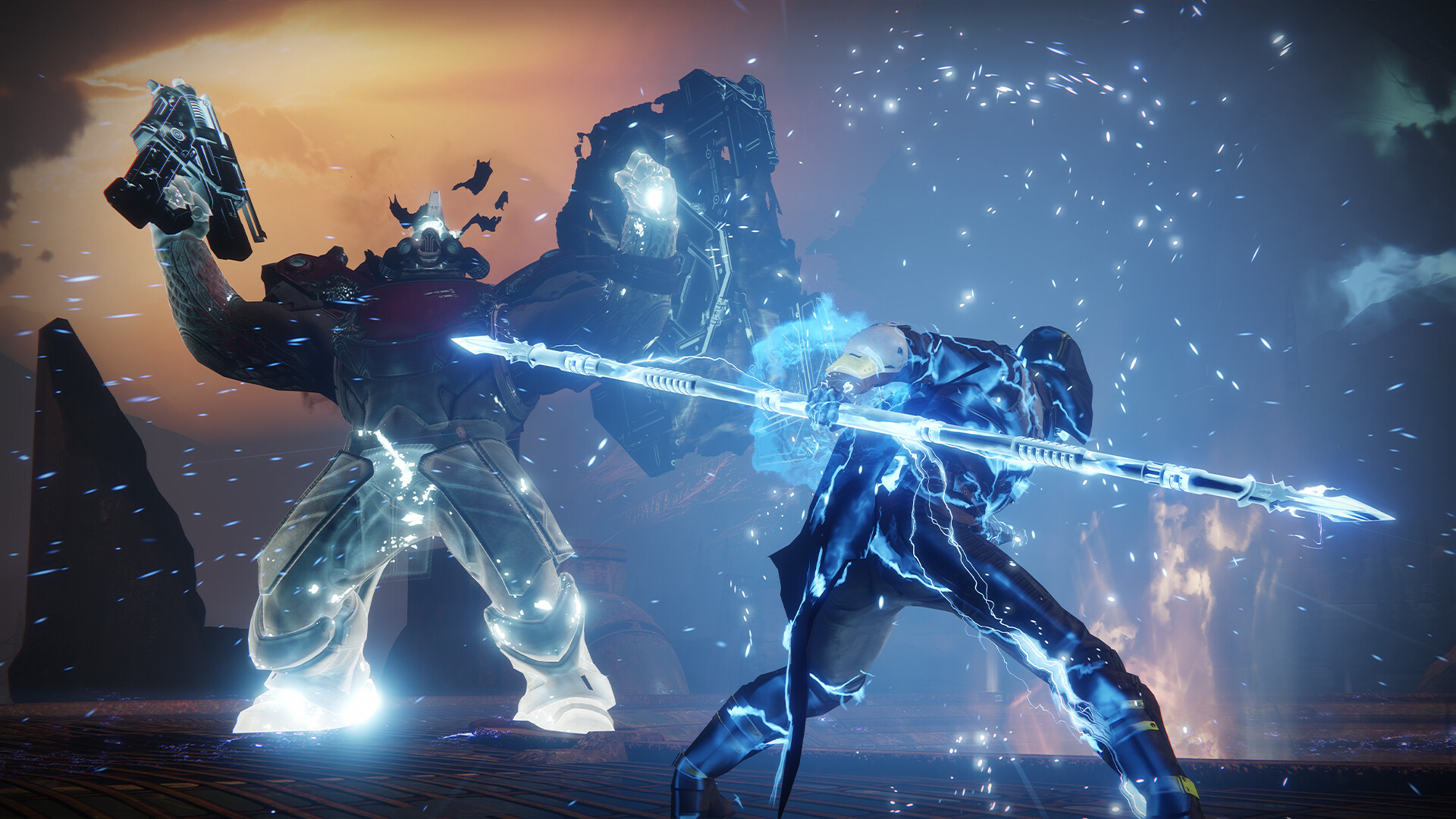
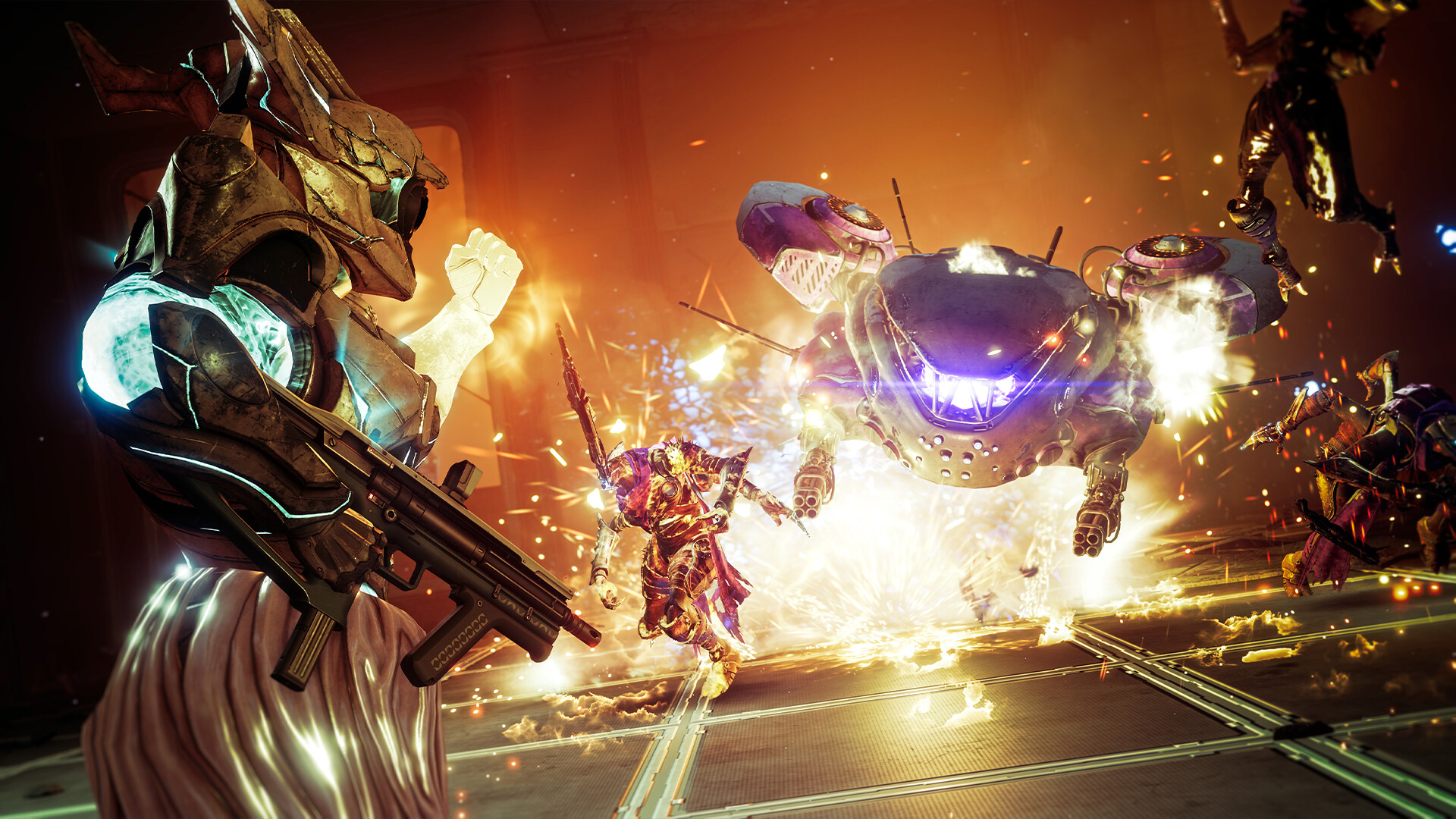
Destiny 2 runs on a heavily modified version of the engine Bungie built for the original Destiny back in 2013. That sounds like a red flag, but in practice it means the game was tuned for hardware that is now considered budget-tier, and it still looks solid while doing it. A GTX 1060 6GB, the official recommended card, comfortably holds well above 60 fps at 1080p high settings in most of the game's zones.
The tradeoff is that Destiny 2 has no DLSS, no FSR, and no ray tracing. Bungie has said outright it has no timeline for adding any of them, partly because the engine's anti-aliasing setup was never built with a temporal upscaler in mind. That means your frame rate is whatever your raw GPU and CPU can produce, with no upscaling crutch to lean on. It also means the game is unusually CPU-heavy for its age: dense social spaces like the Tower during an event, or add-heavy encounters in raids and Grandmaster Nightfalls, will bottleneck on CPU well before a modern GPU breaks a sweat. A 6-core CPU from the last five years keeps frame times steady even when a strong GPU is sitting idle waiting on it.
The VRAM leak behind most of the fps complaints
If you search why Destiny 2 stutters or why the fps tanks after an hour, you'll find a specific, well-documented cause: a memory leak that lets VRAM usage climb the longer a session runs, sometimes past 20 GB regardless of how much your card actually has. It is not your hardware failing you. Players on cards with 8 GB of VRAM or less see it soonest, and the fix that actually works is closing and relaunching the game every couple of hours during a long play session rather than chasing settings changes.
The second common cause is shader compilation stutter right after a big content update, when the game is rebuilding its shader cache in the background. That settles down within the first hour or two of play after a patch and is not something you can tune away. If you're on a card with 6 to 8 GB of VRAM, avoid maxing texture quality and depth of field at the same time. Average fps looks fine with both cranked, but that combination is the fastest route to the hitching everyone is describing when they say the game feels choppy.
Why the install looks so much bigger than 105 GB
Steam lists Destiny 2's requirement as 105 GB, and that number is honest for a fresh, fully patched install with nothing extra downloaded. In practice the game rarely sits that small. Every major expansion adds its own content packages, and Bungie doesn't always let you delete the older ones, so a fully current install with Edge of Fate and prior expansions typically lands closer to 140 to 155 GB.
During the download window for a big update, that number spikes further, sometimes close to 300 GB, because the old version and the new files exist on disk at the same time until the patch finishes and cleans up. That's just how Bungie's patcher works, and it catches new players off guard every season. An SSD isn't in the official requirements, but it matters more here than the spec sheet suggests: loading into a new area, especially fast travel during a raid or Trials, is noticeably faster off an SSD, and a mechanical hard drive will show longer stutters when the game streams in new textures.
Steam Deck and Linux: the one platform Bungie shut out
This is the fact most guides get wrong: Destiny 2 is not Steam Deck Playable or Verified. It's officially unsupported. Bungie added a kernel-level anti-cheat system in Season 22, back in August 2023, and that anti-cheat does not run on Linux or through Proton. Valve's own compatibility rating reflects that, and the game simply will not launch on SteamOS as it ships today, including on the Steam Deck OLED.
That's specific to SteamOS and Linux, not to handhelds in general. A ROG Ally or Legion Go running Windows plays Destiny 2 the same way any Windows laptop does, since the anti-cheat has no issue with Windows itself. If you're set on a Steam Deck, the only working option is installing Windows on it yourself, which is a real project and gives up SteamOS's battery tuning and quick-resume convenience in the process.
Can I run Destiny 2? Your questions answered
Minimum is a GTX 660 2GB or GTX 1050 2GB / Radeon HD 7850 2GB, an Intel Core i3 3250 or AMD FX-4350, and 6 GB of RAM, aimed at 1080p low settings. Recommended is a GTX 970 4GB or GTX 1060 6GB / R9 390 8GB, an Intel Core i5 2400 or Ryzen 5 1600X, and 8 GB of RAM, aimed at 1080p high settings and a stable 60 fps.
No. It's one of the more forgiving big online shooters on the market because Bungie's engine was built for older hardware and has been optimized for years since. Most of the difficulty people run into is the VRAM leak and shader stutter described above, not raw performance demands.
The base game and its core activities are free to play on Steam, Epic Games Store, and consoles. Paid expansions like The Final Shape and The Edge of Fate unlock additional content, but they don't change the system requirements, so a free account and a paid one need the same hardware.
Steam lists 105 GB as the requirement, but a current install with all expansions is usually closer to 140 to 155 GB. During a major update the free space Steam asks for can spike toward 300 GB, since the old and new versions briefly coexist on disk before the patcher cleans up.
It isn't in the official requirements, an HDD will technically run the game, but an SSD makes a real difference. Fast travel, entering a raid encounter, and loading into the Tower during a busy hour are all noticeably quicker off an SSD, and a hard drive is more likely to show a hitch when new textures stream in.
It matches the official recommended spec, so yes, 8 GB gets the base experience running fine. By 2026 standards though, 16 GB is the more comfortable target, mostly because Windows and background apps, Discord, a browser, an overlay, chew through that 8 GB more than they used to, and Destiny 2 happily uses whatever extra headroom you give it.
The most common cause is a well-documented VRAM memory leak: usage climbs the longer you play, sometimes past 20 GB, and eventually causes hitching regardless of how strong your card is. Closing and relaunching the game every couple of hours during a long session is the practical fix. The second cause is shader compilation stutter right after a big patch, which settles down after an hour or two of play and isn't something you can tune away.
Restart the game periodically during long sessions to clear the VRAM leak, avoid stacking max texture quality with depth of field on a card with 8 GB of VRAM or less, update your GPU driver after every major Destiny 2 patch, and cap your frame rate a few fps below your monitor's refresh rate to reduce frame-time spikes. If a stutter shows up right after an update, give it an hour of play before assuming something is wrong.
No. Destiny 2 runs on DirectX 11 only. That's part of why it's so forgiving on older hardware, but it also means there's no DX12 toggle to try if you're chasing extra performance.
No. Bungie has said it has no current plans to add any of them. The engine's anti-aliasing wasn't designed with a temporal upscaler in mind, which makes retrofitting DLSS or FSR more work than it sounds like. Every frame you get is native rendering, no upscaling involved.
Both, depending on where you are. In empty patrol zones a mid-range GPU is the limiter. In crowded spots like the Tower during an event, or add-heavy raid and Grandmaster Nightfall encounters, the CPU becomes the bottleneck first, even on a strong graphics card. A 6-core CPU from the last five years avoids most of this.
No. Both expansions shipped on the same minimum and recommended specs as the base game. They add to the install size, which is the real number that's grown, but they don't demand a stronger CPU or GPU than Destiny 2 has asked for since 2019.
Not a native one in the settings menu. You'll need an overlay to see live numbers, like the one built into GeForce Experience, AMD's Adrenalin software, MSI Afterburner, or Steam's own performance overlay if you're running the game through Steam.
An outdated GPU driver, a corrupted install left over from an interrupted update, or Windows Defender clashing with the kernel-level anti-cheat Bungie added back in 2023 are behind most launch failures. Start by updating your driver, then verify the game files through Steam or the Bungie launcher before you consider a full reinstall.
For the game itself, yes. Destiny 2 is comfortable on 16 GB, and its own footprint doesn't grow much past that. 32 GB helps more with everything else running alongside it, like Discord, a browser with a lot of tabs, or streaming software, than with Destiny 2's own demands.
No. There's no subscription model. The base game and a rotating set of core activities are free to play permanently, and expansions like The Edge of Fate are one-time purchases that unlock their content forever, not a recurring charge.
The RTX 3050 is a strong fit for Destiny 2. It lands at or above the recommended spec, so high 1080p is comfortable and 1440p works.
Yes, at the lower end. With the GTX 1650 you clear Destiny 2's minimum, so 1080p low to medium is the target and easing back a setting helps. Sits a little above the GTX 1050 Ti here, roughly 75 to 80 fps at 1080p high settings.
Plenty of power here. The GTX 1060 6GB is above Destiny 2's recommended tier, so high 1080p is smooth and 1440p is a fair target. About 90 fps at 1080p high settings, well clear of 60 in nearly every zone since this is the recommended-spec card.
The RX 580 is a strong fit for Destiny 2. It lands at or above the recommended spec, so high 1080p is comfortable and 1440p works. Around 75 fps at 1080p max settings, tracking close to a GTX 1060 6GB in most zones.
Yes, with room to spare. Destiny 2 recommends less than the RTX 4060 offers, so expect smooth 1080p high and a playable 1440p. About 143 fps at 1080p and 106 at 1440p on ultra settings.
No trouble at all. The RTX 3060 meets or beats what Destiny 2 recommends, so 1080p high runs well and 1440p is realistic. About 106 fps at 1080p and 79 at 1440p on ultra settings.
That is more than enough. The RTX 2060 clears Destiny 2's recommended requirement, so aim for high at 1080p or step up to 1440p. Around 115 fps at 1080p and 85 at 1440p on high settings.
Yes, comfortably. The GTX 1660 sits at or above Destiny 2's recommended card, so 1080p on high is smooth and 1440p is well within reach.
You are well set. The GTX 1660 Super exceeds Destiny 2's recommended card, so 1080p high is easy and 1440p is realistic.
For sure. The RX 6600 outpaces Destiny 2's recommended card, leaving you high 1080p now and 1440p whenever you like. Roughly 130 fps at 1080p ultra and around 95 at 1440p, comfortable for high-refresh 1080p play.
Easily. With the GTX 1660 Ti you are past Destiny 2's recommended tier, which means high settings at 1080p and a genuine shot at 1440p.
Easily. With the RTX 3060 Ti you are past Destiny 2's recommended tier, which means high settings at 1080p and a genuine shot at 1440p. Roughly 150 fps at 1080p and 115 at 1440p on ultra, with the CPU becoming the limiter before this card does.
The RTX 4050 is a strong fit for Destiny 2. It lands at or above the recommended spec, so high 1080p is comfortable and 1440p works.
Fine for a lighter setup. The GTX 1050 Ti clears Destiny 2's minimum, so target 1080p low to medium and adjust down for a steady rate. Expect around 70 fps at 1080p high settings, with lows dipping into the mid-50s during dense fights.
The RTX 4070 is a strong fit for Destiny 2. It lands at or above the recommended spec, so high 1080p is comfortable and 1440p works. Roughly 185 fps at 1080p, 145 at 1440p, and 90 at 4K on ultra, though crowded social spaces will bottleneck on CPU before this card runs out of headroom.
Not natively. Destiny 2 has no Mac client on Apple Silicon or Intel Macs. Your options are cloud streaming through a service like GeForce Now, or running Windows on the Mac through Boot Camp or a virtual machine, neither of which Bungie officially supports.
Technically, at the lowest settings and a low resolution, on a recent Intel or AMD integrated GPU like Iris Xe or Radeon 780M. It will look and feel like a minimum-spec experience: 720p or lower, low settings, and a frame rate that dips well below 60 in busy areas. A dedicated GPU, even a budget one, is a meaningfully better experience.
Only through cloud streaming, since Chromebooks don't run native Windows games. GeForce Now supports Destiny 2, so a Chromebook with a decent internet connection can stream it, but there's no local install option.
Yes, more comfortably than most modern releases. The official minimum, a GTX 660 or GTX 1050 2GB with 6 GB of RAM, is genuinely low by 2026 standards, and the game targets that spec at 1080p low settings rather than pretending it's a suggestion.
Yes for general play. Destiny 2 is officially listed as needing only a Core i3 3250 at minimum, and a modern i3 or Ryzen 3 clears that easily. Where an older or weaker CPU shows its limits is in CPU-bound moments like crowded social spaces or add-heavy raid encounters, where frame rate can dip even with a strong GPU attached.
Yes, with an RTX 4070 or better for a steady 60-plus fps on ultra settings, since there's no DLSS or FSR to lean on for extra headroom. A midrange card like an RTX 3060 can output 4K but will land closer to 40 to 45 fps.
An RTX 3060 or RX 6700 XT comfortably holds 70 to 80 fps at 1440p on high to ultra settings. Anything from an RTX 2060 up is playable at 1440p, just check the fps table above for where your specific card lands.
The official recommended spec, a GTX 970 or GTX 1060 6GB with an i5 2400 or Ryzen 5 1600X, holds 60 fps at 1080p high settings in most content. For a locked 60 during the busiest events and raid encounters, a GTX 1660 Super or better with a 6-core CPU is a safer target.
An RTX 3060 or RX 6600 handles 1080p ultra at well over 60 fps. Ultra at 1440p wants an RTX 4060 Ti or RX 6700 XT, and ultra at 4K is really an RTX 4070-and-up job given the lack of upscaling.
Not on a Steam Deck running SteamOS: Destiny 2 is officially unsupported there, not just unverified, because Bungie's kernel-level anti-cheat (added in Season 22, August 2023) doesn't work on Linux or through Proton, and the game refuses to launch. A ROG Ally or Legion Go running Windows plays it normally, the same as any Windows handheld or laptop, since the anti-cheat has no problem with Windows itself.
No, not currently. The kernel-level anti-cheat Bungie added in August 2023 blocks Linux entirely, including SteamOS and community builds like Bazzite. The only workaround is installing Windows instead of Linux on that hardware.
Yes. Destiny 2 is supported on GeForce Now, which is the practical way to play it on a Chromebook, an underpowered laptop, or a Mac without a native client. You'll need a fast, stable internet connection since it's an online shooter where input lag matters.
Yes, it's available on both, with cross-progression between them and with PC. PS5 runs it at a higher resolution and frame rate ceiling than PS4, and PS4 players who upgrade keep all their characters and progress.
Sony requires a PlayStation Plus subscription for online multiplayer on PS4 and PS5, and most of Destiny 2 is online multiplayer even in activities that feel single-player. Xbox has the same rule through Xbox Live Gold or Game Pass Ultimate. PC players don't need either since Steam and Epic don't charge for online play.
Yes, on both, and it's also playable on the original Xbox One through backward compatibility, with cross-progression across all of them.
Yes, on the PS5 and Xbox Series X, Destiny 2 offers a 120 fps performance mode on a compatible high-refresh display. The Xbox Series S targets 60 fps rather than 120, and PS4 and Xbox One are capped at 30 to 60 fps depending on the mode.
No. Destiny 2 has never released on Switch, and there's no announced version for it or the newer Switch hardware. Cloud streaming through GeForce Now is the closest thing to a Switch option, if the service adds Switch support in your region.
It meets the minimum requirement, since the official minimum GPUs (GTX 660 2GB, GTX 1050 2GB) actually have less than that, but expect low settings and a frame rate that dips below 60 in busy areas. Keep texture quality modest on 4 GB of VRAM to avoid the stutter that shows up when the game runs out of headroom.
Yes, for high settings at 1080p, which is what the recommended-spec GTX 1060 6GB was built around. It's also the point where the VRAM leak described above becomes noticeable in long sessions, so restarting the game periodically helps more on a 6 GB card than on a card with more headroom.
Yes, through Steam Remote Play or Xbox's own remote play from a Series X/S, both of which stream the game from hardware that's already running it. That's separate from a Steam Deck trying to run the game locally, which doesn't work due to the anti-cheat issue described above.