
Can I Run Dead Island 2 on My PC / Laptop?
An open-world zombie action RPG built around a gore system called FLESH. One of the better-optimized big releases of its year.
Check if your PC can run Dead Island 2
Pick your graphics card and processor to check.
Can I run Dead Island 2 on my PC?
Use the checker above to find out in seconds. Pick your graphics card and processor and it compares them against Dead Island 2's official requirements. As a quick guide, you need at least a Radeon R9 390X (8192 VRAM) / GeForce GTX 1060 (6144 VRAM) graphics card, a AMD FX-9590 / Intel Core i7-7700HQ processor, and 10 GB RAM of RAM to play at 1080p.
Can I run Dead Island 2 on my laptop?
Yes, if your laptop has a dedicated graphics card around a Radeon R9 390X (8192 VRAM) / GeForce GTX 1060 (6144 VRAM) or better and 10 GB RAM of RAM. Laptops with only integrated graphics usually fall short. Enter your laptop's GPU in the tool above to check. Keep in mind that the laptop version of a card runs a little slower than the desktop card of the same name, and heat can lower sustained frame rates.
Short answer: if your card is at least a GTX 1060 6GB or an R9 390X, you can run Dead Island 2, and you will probably run it well. This is a rare recent release that is genuinely well built for a wide range of PCs. Reviewers found it held 60 fps at 1080p Ultra on hardware that struggles with most current games, and Dambuster precompiled the shaders, so there is no first-launch stutter storm the way there is with a lot of Unreal Engine titles. The thing people assume wrong is that a big zombie open world needs a beefy rig. Here, the GPU is rarely what stops you.
Below are extra spec tiers for 1440p and 4K, real frame rates from a spread of cards weak to strong, and sections covering what actually decides performance in this game, which isn't raw GPU power, plus an FAQ covering Steam Deck, Mac, consoles, and specific graphics cards. Compare your exact CPU and GPU against the requirements using the checker above.
Dead Island 2 system requirements
| Minimum | Recommended | |
|---|---|---|
| Processor (CPU) | AMD FX-9590 / Intel Core i7-7700HQ | Ryzen 5 5600X / Intel Core i9-9900k |
| Graphics card (GPU) | Radeon R9 390X (8192 VRAM) / GeForce GTX 1060 (6144 VRAM) | Radeon RX 6800 XT (16384 VRAM) / GeForce RTX 2070 Super (8192 MB) |
| Memory (RAM) | 10 GB RAM | 10 GB RAM |
| Operating system | Windows 10 | Windows 10 |
| DirectX | Version 12 | Version 12 |
| Storage | 70 GB GB available space | 70 GB GB available space |
Storage: 70 GB. Not officially required to be an SSD, but load times and the open LA map stream noticeably better off one.
Full performance tiers
| Tier | Target | CPU | GPU | RAM |
|---|---|---|---|---|
| Minimum | 1080p, Low settings, 30 fps | FX-9590 / Core i7-7700HQ | R9 390X 8GB / GTX 1060 6GB | 10 GB |
| Recommended | 1080p, High settings, 60 fps | Ryzen 5 5600X / Core i9-9900K | RX 6800 XT 16GB / RTX 2070 Super 8GB | 10 GB |
| Ultra (unofficial, from benchmarks) | 1440p, Ultra settings, 60 fps | Ryzen 5 5600X / Core i9-9900K | RTX 3080 / RX 6900 XT | 16 GB |
| 4K (unofficial, from benchmarks) | 4K, Ultra settings, 60 fps | Ryzen 7 5800X / Core i9-9900K | RTX 4090 / RX 7900 XTX | 16 GB |
Dead Island 2 FPS by graphics card
| Graphics card | 1080p | 1440p | 4K | Notes |
|---|---|---|---|---|
| GTX 1060 6GB | ~30 | , | , | The official minimum card. Playable on lowered settings; turning on FSR 2 smooths out the frame pacing. |
| RX 580 8GB | ~40 (Ultra) | , | , | Older card, still comfortable at 1080p Ultra in outlet testing. |
| GTX 1650 | ~35-40 (Medium) | , | , | 4GB of VRAM gets tight on Ultra textures. Medium settings run steady. |
| RTX 2060 | ~70-80 (Ultra) | , | , | Well past the minimum and past most of the recommended tier already. |
| RTX 3060 | ~60 (Ultra) | ~45-50 | , | The card most reviewers point to as the sweet spot for this game. |
| RX 6600 | ~65-75 (Ultra) | , | , | Slightly ahead of the RTX 3060 here and often cheaper secondhand. |
| RTX 4060 | ~85-95 (Ultra) | ~60-65 | , | Desktop 4060 clears 1440p comfortably. The laptop 4060 sits closer to 45-50 fps. |
| RTX 4090 | very high, CPU-limited past this point | ~140+ | ~90-100 (Ultra) | One of only two cards outlets saw hold smooth 4K Ultra, the other being the RX 7900 XTX. |
Numbers are approximate averages pulled from outlet benchmarks and shift with your CPU, driver version, and which settings you drop. Dead Island 2 has no DLSS, so any upscaling gains here come only from FSR 2.
Can these graphics cards run Dead Island 2?
| Graphics card | Verdict | Notes |
|---|---|---|
| GTX 1050 Ti | Below minimum | Short of minimum. Low settings, a choppy frame rate. |
| GTX 1650 | Below minimum | Beneath the bar. Very low settings, and it may not run. |
| RX 570 | Below minimum | Below the minimum card. Very low settings, if it runs. |
| RX 580 | Below minimum | Under the requirement. Lowest settings, low frame rate. |
| GTX 1060 6GB | Playable | Minimum covered. 1080p low to medium is the target. |
| GTX 1650 Super | Playable | At the minimum bar. 1080p low to medium, drop a setting if needed. |
| GTX 1660 | Playable | Runnable at minimum. Low to medium 1080p, ease settings back. |
| GTX 1660 Super | Playable | Minimum covered. 1080p low to medium is the target. |
| RTX 3050 | Playable | Runnable at minimum. Low to medium 1080p, ease settings back. |
| GTX 1660 Ti | Playable | Meets minimum. Low to medium at 1080p, tune for a steady rate. |
| RX 6600 | Playable | Just clears it. 1080p low to medium, smoother after tuning. |
| RTX 2060 | Playable | Passes minimum. Aim low to medium 1080p, upscaling helps. |
| RTX 4050 | Playable | Clears the minimum. 1080p low to medium, better with upscaling. |
| Arc A750 | Playable | Passes minimum. Aim low to medium 1080p, upscaling helps. |
| RTX 3060 | Playable | Clears the minimum. 1080p low to medium, better with upscaling. |
| RX 6600 XT | Playable | Just clears it. 1080p low to medium, smoother after tuning. |
| RX 7600 | Playable | Meets minimum. Low to medium at 1080p, tune for a steady rate. |
| RX 6700 XT | Playable | Meets minimum. Low to medium at 1080p, tune for a steady rate. |
| RTX 4060 | Playable | At the minimum bar. 1080p low to medium, drop a setting if needed. |
| RTX 3060 Ti | Playable | Minimum covered. 1080p low to medium is the target. |
| RTX 3070 | Playable | Meets the bar. Low to medium settings at 1080p. |
| RTX 4070 | Runs well | At or above the recommended card. Smooth 1080p high, 1440p realistic. |
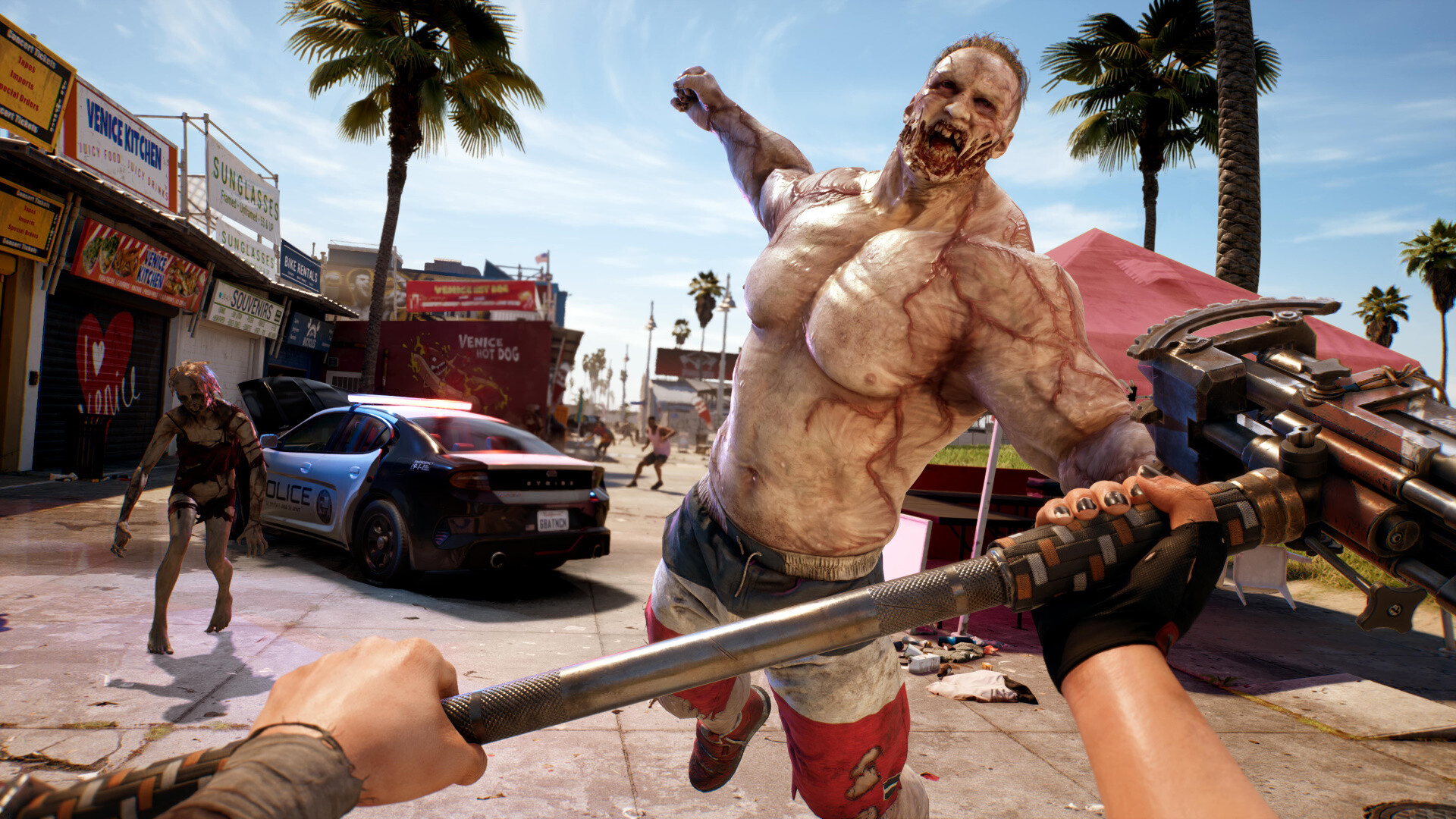
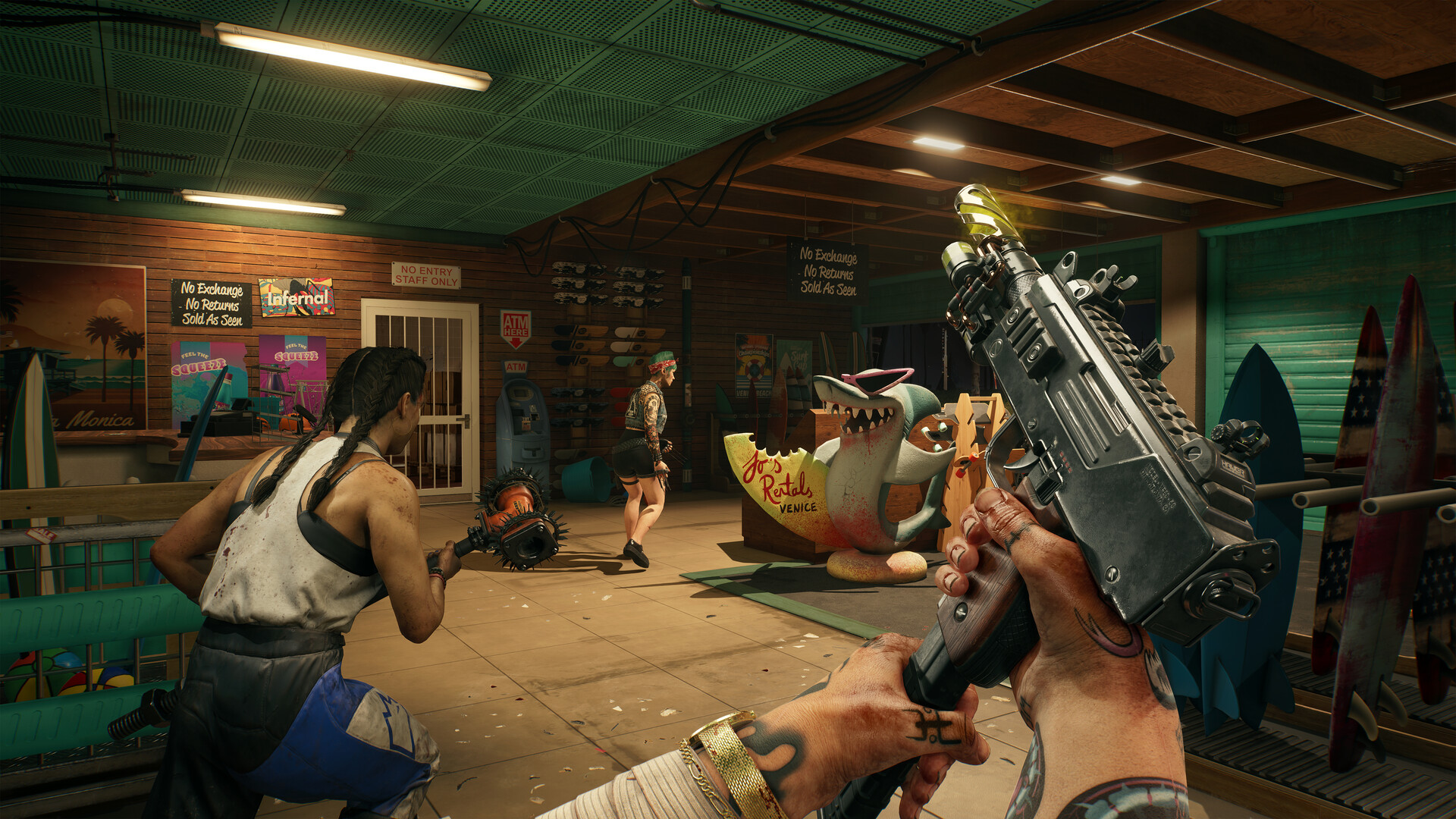
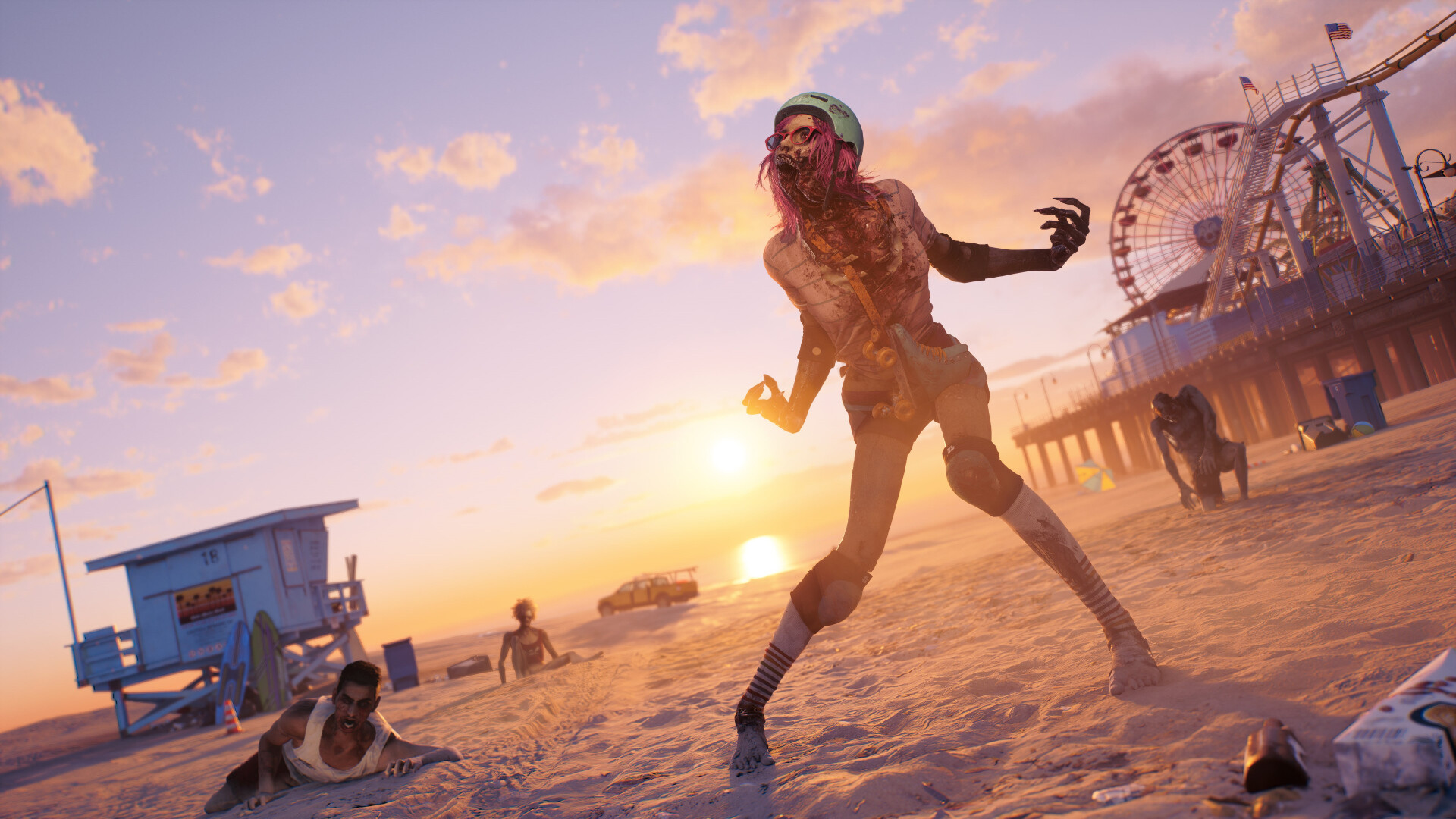
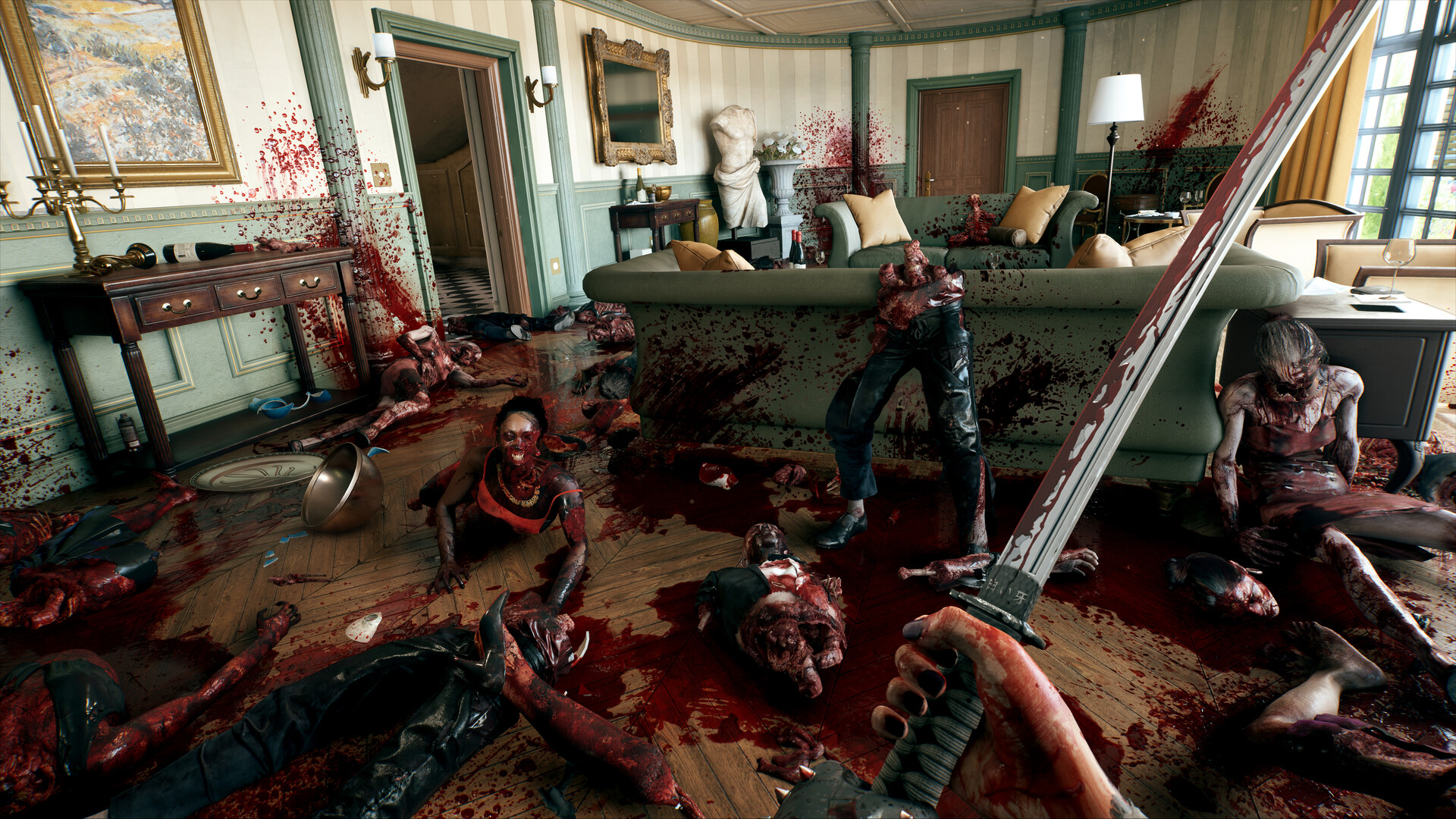
Why it runs well on modest hardware
This is the part that surprises people. Dead Island 2 was in development for years under different studios before Dambuster finished it, and one side effect is an engine that scales down cleanly instead of assuming everyone has a new GPU. It precompiles shaders at startup, so you get one longer load the first time rather than stutter spread across your first hour. Testing by DSOGaming found the game holds over 60 fps at 1080p Ultra even on a simulated dual-core CPU, and it scales across up to six CPU cores without needing more than that.
There is no ray tracing to turn on and no path tracing tax the way there is in a lot of 2023-and-later releases. That keeps the ceiling lower, which sounds like a downside until you realize it also means the floor is much higher. A GTX 1060 or an RX 580, cards that choke on modern open worlds, run this one at a real 30 to 40 fps without much fuss.
VRAM, RAM, and the settings worth touching
Steam lists the minimum GPU VRAM at 6GB (GTX 1060) or 8GB (R9 390X), and the recommended tier tops out around 8 to 16GB depending on which card you use. Because there is no ray tracing, an 8GB card is not a limiter here the way it is in VRAM-hungry games. If you are on a 4GB card like the GTX 1650, Texture Quality is the setting to drop first; everything else can usually stay one or two notches higher.
The official RAM requirement is oddly flat: Steam lists 10GB for both minimum and recommended, which is unusual and worth treating as a floor rather than a target. 16GB is the safer number if you plan to alt-tab, run Discord, or have a browser open, and it costs nothing since RAM is cheap. Storage is 70GB either way; a hard drive works, but the open LA setting streams in more smoothly off an SSD.
Stutter, fps caps, and known issues
Traversal stutter shows up occasionally when you sprint into a new area, and there is some object pop-in at a distance, but reviewers describe both as infrequent rather than constant, which puts this game well ahead of most open-world releases from the same era. There is no hard fps cap on PC; uncapped frame rates work fine, though very high numbers past 100+ fps depend more on your CPU than your GPU once you are on a strong card.
The upscaling situation is worth knowing before you go looking for a setting that is not there. Dambuster shipped AMD FSR 2 but never added NVIDIA DLSS or Intel XeSS, even on RTX and Arc cards. A fan-made mod can inject DLSS 3 on Steam, but that is unofficial and not something this page assumes you have installed. On Steam Deck, lock your frame rate at 40 rather than 50; testers found 50 introduces more dropped frames than it is worth, and combat with heavy gore effects can dip into the high 30s even at 40.
Can I run Dead Island 2? Your questions answered
An FX-9590 or Core i7-7700HQ processor, a Radeon R9 390X 8GB or GeForce GTX 1060 6GB graphics card, 10GB of RAM, and DirectX 12. That gets you 1080p on low settings around 30 fps.
A Ryzen 5 5600X or Core i9-9900K processor, a Radeon RX 6800 XT 16GB or GeForce RTX 2070 Super 8GB graphics card, and 10GB of RAM, for 1080p high settings around 60 fps.
Yes, more than most open-world games released around the same time. It precompiles shaders to avoid stutter, scales across up to six CPU cores, and benchmarks show it holding 60 fps at 1080p Ultra on cards several generations old, such as the RX 580. There is no ray tracing pulling the ceiling up and the floor down the way it does elsewhere.
Steam officially lists 10GB for both minimum and recommended, which is unusually low and identical across tiers. In practice, 16GB is the safer amount if you multitask while playing, though 10 to 12GB is enough for the game alone.
It is below the official 10GB minimum, so expect some strain, especially with anything else running in the background. 16GB is a better target and is inexpensive to add.
Not officially. A hard drive meets the listed requirements. An SSD does make the open Los Angeles setting stream in more smoothly and cuts load times noticeably, so it is worth it if you have one free.
70GB on PC. The PS5 version needs about 48GB and the Xbox version about 50GB, so the PC install is the largest of the three.
No. Dambuster shipped AMD FSR 2 only and never added NVIDIA DLSS or Intel XeSS, even for RTX and Arc card owners. A fan mod can inject DLSS 3, but it is unofficial.
Yes, AMD FSR 2 is built in and works on any modern GPU, not just AMD cards. It is the only upscaling option in the base game.
Occasional traversal stutter appears when you sprint into a freshly loaded area, and heavy gore effects during combat can cause brief dips. Both are described as infrequent rather than constant in reviewer testing. Installing on an SSD and keeping drivers current cuts down what stutter does happen.
No hard cap on PC. Frame rates run uncapped by default, though past roughly 100 fps your CPU, not your GPU, tends to set the limit.
Not for the single-player campaign, which is fully playable offline. Co-op is online only; there is no offline multiplayer mode.
DirectX 12. There is no DirectX 11 fallback, so your graphics card needs DX12 support, which almost every card from the last decade has.
Yes. 6GB is the official minimum, matching the GTX 1060, and since the game has no ray tracing mode, VRAM is not the bottleneck it can be in newer releases.
GPU-bound for most players. It scales cleanly across up to six CPU cores and rarely runs into a CPU ceiling below that. Only on very high-end GPUs pushing past 100+ fps does the CPU start to matter more.
It will run. The RTX 3050 meets Dead Island 2's minimum, which means 1080p on low to medium and a smoother result once you lower a couple of options.
Underpowered here. The GTX 1650 sits below Dead Island 2's minimum, so expect the lowest settings and a frame rate to match. Roughly 35 to 40 fps at 1080p Medium; drop Texture Quality first if you feel VRAM pressure.
It will run. The GTX 1060 6GB meets Dead Island 2's minimum, which means 1080p on low to medium and a smoother result once you lower a couple of options. The official minimum card, around 30 fps at 1080p. Turning on FSR 2 helps frame pacing more than raw fps.
Underpowered here. The RX 580 sits below Dead Island 2's minimum, so expect the lowest settings and a frame rate to match. About 40 fps at 1080p Ultra in outlet testing, holding up well for its age.
Yes, though keep expectations modest. The RTX 4060 clears Dead Island 2's minimum, so plan on 1080p at low to medium and trim a setting or two for a steady frame rate. Roughly 85 to 95 fps at 1080p Ultra on desktop, 60 to 65 at 1440p; the laptop 4060 runs closer to 45 to 50.
The RTX 3060 gets you in. It meets Dead Island 2's minimum, so low to medium at 1080p works, and turning a couple of things down keeps it steady. About 60 fps at 1080p Ultra and 45 to 50 at 1440p, the card most reviewers call the sweet spot.
It clears the bar. The RTX 2060 matches Dead Island 2's minimum, so 1080p on low to medium is realistic once you tune a few settings. Around 70 to 80 fps at 1080p Ultra, comfortably past the recommended tier.
It clears the bar. The GTX 1660 matches Dead Island 2's minimum, so 1080p on low to medium is realistic once you tune a few settings. Around 50 to 55 fps at 1080p on high settings, above the recommended tier for this game already.
It will run. The GTX 1660 Super meets Dead Island 2's minimum, which means 1080p on low to medium and a smoother result once you lower a couple of options.
The RX 6600 gets you in. It meets Dead Island 2's minimum, so low to medium at 1080p works, and turning a couple of things down keeps it steady. Around 65 to 75 fps at 1080p Ultra, slightly ahead of the RTX 3060 in this game.
Yes, at the lower end. With the GTX 1660 Ti you clear Dead Island 2's minimum, so 1080p low to medium is the target and easing back a setting helps.
Playable, yes. The RTX 3060 Ti passes Dead Island 2's minimum bar, so aim for low to medium at 1080p and drop settings if the frame rate dips. Comfortably north of 90 fps at 1080p Ultra and around 65 to 70 at 1440p.
Playable, yes. The RTX 4050 passes Dead Island 2's minimum bar, so aim for low to medium at 1080p and drop settings if the frame rate dips.
Not a good match. Dead Island 2 asks for more than the GTX 1050 Ti provides, so you would be stuck on very low settings and choppy frame rates.
The RTX 4070 is a strong fit for Dead Island 2. It lands at or above the recommended spec, so high 1080p is comfortable and 1440p works.
Dambuster never built a Mac version, so a MacBook, M-series chip or not, can't run Dead Island 2 locally. Cloud streaming through GeForce Now is the only way to play it on a Mac.
Older integrated chips fall short of the GTX 1060 minimum. A newer chip like Intel Iris Xe or AMD Radeon 780M can manage low settings at 1080p, but expect it to feel closer to 30 fps than 60.
Local installs are off the table since Chromebooks lack the hardware and there's no Chrome OS build. GeForce Now streaming, running the game elsewhere and sending you the video, is the route to take instead.
Yes, and this is one of the better-running games on a Steam Deck. It's rated Playable, not the higher Verified tier, mostly for minor UI quirks. Lock the frame rate at 40 rather than 50, set Texture Quality to Ultra with FSR 2 on Balanced and everything else low, and expect roughly 1.5 to 2 hours of battery life.
Yes, it's available on GeForce Now, which is also the only realistic way to play it on a Mac or Chromebook.
Yes, with a strong card. Benchmarks show only the RTX 4090 and RX 7900 XTX holding smooth 4K Ultra; anything below that will need lowered settings or FSR to stay comfortable at 4K.
An RTX 3060 or RX 6600 clears 1440p at medium to high settings around 45 to 50 fps, and an RTX 4060 or better holds 60 fps at high to Ultra.
An RTX 2060 or RX 580-class card and up holds 60 fps at 1080p Ultra without much trouble. This is a game where 60 fps is achievable on hardware that struggles to hit it elsewhere.
At 1080p, yes, on anything RTX 2060-class or better. For 1440p Ultra you want roughly an RTX 3080 or RX 6900 XT, and 4K Ultra realistically needs an RTX 4090 or RX 7900 XTX.
More than enough. The official requirement is only 10GB for both minimum and recommended, so 16GB gives you comfortable headroom for background apps.
Yes to both. The PS5 version runs the smoothest of the console builds, and the PS4 version, while scaled back, is playable. This page focuses on the PC version.
No native Linux build exists, yet it runs well through Proton, and its Playable rating on Steam Deck comes down to minor UI quirks rather than actual performance trouble. A 40 fps lock, Texture Quality on Ultra, and FSR 2 set to Balanced with everything else low is a solid starting point on modest Linux hardware, and anything closer to a mid-range desktop GPU should handle it comfortably. Confirm current status on ProtonDB for your specific distro.
Yes, on both, along with a scaled-back Xbox One version. This page covers the PC version and its requirements.
No. There is no Switch version of Dead Island 2. This page covers the PC version.
Better than most current games, yes. At the minimum of a GTX 1060 6GB, an FX-9590-class CPU and 10GB of RAM, you can expect roughly 30 fps at 1080p low, and FSR 2 helps smooth that out further.
It's below the officially listed CPUs, but the game scales down cleanly and testing has shown it holding 60 fps at 1080p Ultra even on a simulated dual-core chip, so a modern i3 or Ryzen 3 will likely be fine paired with a decent GPU.
Not fully. Steam and Epic Games Store players can play together on PC, and PS4 can play with PS5 while Xbox One can play with Xbox Series X/S, but there's no crossplay between PC, PlayStation, and Xbox as separate platform families.
Yes, at launch in April 2023 it was exclusive to Epic Games Store on PC alongside consoles. It came to Steam in April 2024, which is the version this page's Steam requirements reflect.
Yes, comfortably above minimum and close to recommended. Expect somewhere around 60 to 70 fps at 1080p Ultra.
Yes, at or above the recommended tier. Figure roughly 80 to 90 fps at 1080p Ultra, with 1440p high settings also very playable.
Yes, just under the RTX 2070 Super that Steam lists as recommended. Expect around 80 to 90 fps at 1080p Ultra and solid 1440p performance.
Yes, well above recommended. Expect over 100 fps at 1080p Ultra and a comfortable 60+ at 1440p.
Yes, easily. It's the card benchmarks point to for a steady 1440p Ultra 60 fps, with plenty of headroom left over.
Yes, comfortably above recommended thanks in part to its 12GB of VRAM. Expect around 100 fps at 1080p Ultra and roughly 75 at 1440p.
Yes, around the same range as an RTX 3060, roughly 55 to 65 fps at 1080p Ultra.
Yes, and it's overkill in the best way. It's one of only two cards benchmarks saw hold a smooth 4K Ultra, alongside the RX 7900 XTX, with very high frame rates at 1080p and 1440p limited more by your CPU than the card.
It falls below the official minimum, but people have gotten it running at 720p to 1080p on low settings with modest frame rates, roughly in the 20 to 30 fps range. Treat it as playable, not comfortable.
This handheld APU sits a bit above the Steam Deck's own graphics, so it should manage 1080p low to medium with FSR 2 on, somewhere around 45 to 55 fps depending on the specific device.