
Can I Run Control on My PC / Laptop?
Remedy's supernatural third-person shooter set in the Federal Bureau of Control. One of the first games built around ray tracing, so how it runs depends heavily on whether you turn that on.
Check if your PC can run Control
Pick your graphics card and processor to check.
Can I run Control on my PC?
Use the checker above to find out in seconds. Pick your graphics card and processor and it compares them against Control's official requirements. As a quick guide, you need at least a NVIDIA GeForce GTX 780 / AMD Radeon R9 280X graphics card, a Intel Core i5-4690 / AMD FX 4350 processor, and 8 GB RAM of RAM to play at 1080p.
Can I run Control on my laptop?
Yes, if your laptop has a dedicated graphics card around a NVIDIA GeForce GTX 780 / AMD Radeon R9 280X or better and 8 GB RAM of RAM. Laptops with only integrated graphics usually fall short. Enter your laptop's GPU in the tool above to check. Keep in mind that the laptop version of a card runs a little slower than the desktop card of the same name, and heat can lower sustained frame rates.
Short answer: yes, most PCs from the last several years can run Control at 1080p on low to medium settings, since the official minimum only asks for a GTX 780 or R9 280X. The part people get wrong is ray tracing. Control was one of the first big ray-traced showcases back in 2019, and its RT reflections and lighting are still demanding even on newer hardware. With ray tracing off, this is a comfortable game to run. With it on, you basically need DLSS or FSR turned on too, or the frame rate falls apart.
Run your CPU and GPU through the checker above for a straight comparison against Control's requirements. Below that you'll find the full official spec tiers including the separate ray tracing tier, real frame rates for common graphics cards with RT on and off, and a full breakdown of what actually decides how well this game runs on your setup.
Control system requirements
| Minimum | Recommended | |
|---|---|---|
| Processor (CPU) | Intel Core i5-4690 / AMD FX 4350 | Intel Core i5-7600K / AMD Ryzen 5 1600X |
| Graphics card (GPU) | NVIDIA GeForce GTX 780 / AMD Radeon R9 280X | NVIDIA GeForce GTX 1660/1060 / AMD Radeon RX 580 AMD | For Ray Tracing: GeForce RTX 2060 |
| Memory (RAM) | 8 GB RAM | 16 GB RAM |
| Operating system | Windows 10 64-bit | Windows 10, 64-bit |
| DirectX | Version 11 | Version 12 |
| Storage | 42 GB available space | 42 GB available space |
Storage: 42 GB available space. No SSD requirement is listed, but load times and texture streaming are noticeably rougher on a hard drive.
Full performance tiers
| Tier | Target | CPU | GPU | RAM |
|---|---|---|---|---|
| Minimum | 1080p, low settings, 30 fps | Intel Core i5-4690 / AMD FX 4350 | NVIDIA GeForce GTX 780 / AMD Radeon R9 280X | 8 GB RAM |
| Recommended | 1080p, high settings, 60 fps | Intel Core i5-7600K / AMD Ryzen 5 1600X | NVIDIA GeForce GTX 1660 / GTX 1060 / AMD Radeon RX 580 | 16 GB RAM |
| Ray tracing | 1080p, ray tracing on, DLSS recommended | Intel Core i5-8600K / AMD Ryzen 7 2700X | NVIDIA GeForce RTX 2060 or better | 16 GB RAM |
| 4K / high-end | 4K, ray tracing on, DLSS Quality | Intel Core i7-9700K or better | NVIDIA GeForce RTX 3080 or better | 16 GB RAM |
Control FPS by graphics card
| Graphics card | 1080p | 1440p | 4K | Notes |
|---|---|---|---|---|
| GTX 1060 6GB | ~50 | , | , | High settings, RT off. Averages in the low-to-mid 50s, drops to the 40s in busy fights. |
| RX 580 | ~55 | , | , | High settings, RT off. Similar to the GTX 1060, near 60 on average with dips below 40. |
| GTX 1660 Ti | ~65 | ~50 | , | RT off (no RT hardware). Comfortably over 60 at 1080p high, closer to 30 minimum at 1440p. |
| RTX 2060 | ~70 | , | , | That is RT off. With ray tracing and no DLSS it drops to the mid-20s; turn DLSS on and it climbs back to around 60-75. |
| RTX 3060 | ~80 | ~60 | , | With ray tracing and DLSS Quality on. RT off and it runs well above 90 at 1080p. |
| RTX 3080 | , | ~100+ | ~100 | Ray tracing on with DLSS. One of the cards this game was built to show off. |
| RTX 4090 | ~195 | ~157 | ~90 | Ray tracing maxed. Even here, 4K with everything on leans on DLSS to stay smooth. |
These numbers are approximate, pulled from published benchmarks and community testing, and will vary by scene, driver version, and exactly which settings and ray tracing options you enable.
Can these graphics cards run Control?
| Graphics card | Verdict | Notes |
|---|---|---|
| GTX 1050 Ti | Below minimum | Short of minimum. Low settings, a choppy frame rate. |
| GTX 1650 | Below minimum | Below the minimum. Very low settings, low frame rates. |
| RX 570 | Below minimum | Below the minimum. Very low settings, low frame rates. |
| RX 580 | Playable | Passes minimum. Aim low to medium 1080p, upscaling helps. |
| GTX 1060 6GB | Playable | Minimum covered. 1080p low to medium is the target. |
| GTX 1650 Super | Playable | Meets minimum. Low to medium at 1080p, tune for a steady rate. |
| GTX 1660 | Runs well | At or above the recommended card. Smooth 1080p high, 1440p realistic. |
| GTX 1660 Super | Runs well | Past the recommended tier. High settings at 1080p, 1440p on the table. |
| RTX 3050 | Runs well | Strong fit. High settings at 1080p, 1440p within reach. |
| GTX 1660 Ti | Runs well | Past the recommended tier. High settings at 1080p, 1440p on the table. |
| RX 6600 | Runs well | At or above the recommended card. Smooth 1080p high, 1440p realistic. |
| RTX 2060 | Runs well | Recommended tier or better. High 1080p, with room for 1440p. |
| RTX 4050 | Runs well | Exceeds recommended. 1080p high is comfortable, 1440p fine. |
| Arc A750 | Runs well | Strong fit. High settings at 1080p, 1440p within reach. |
| RTX 3060 | Runs well | Past the recommended tier. High settings at 1080p, 1440p on the table. |
| RX 6600 XT | Runs well | Above recommended. 1080p high is easy, and 1440p works too. |
| RX 7600 | Runs well | Over the recommended bar. Smooth high 1080p, 1440p realistic. |
| RX 6700 XT | Runs well | Recommended tier or better. High 1080p, with room for 1440p. |
| RTX 4060 | Runs well | Above recommended. 1080p high is easy, and 1440p works too. |
| RTX 3060 Ti | Runs well | At or above the recommended card. Smooth 1080p high, 1440p realistic. |
| RTX 3070 | Runs well | At or above the recommended card. Smooth 1080p high, 1440p realistic. |
| RTX 4070 | Runs well | Over the recommended bar. Smooth high 1080p, 1440p realistic. |
Ray tracing is the whole story here
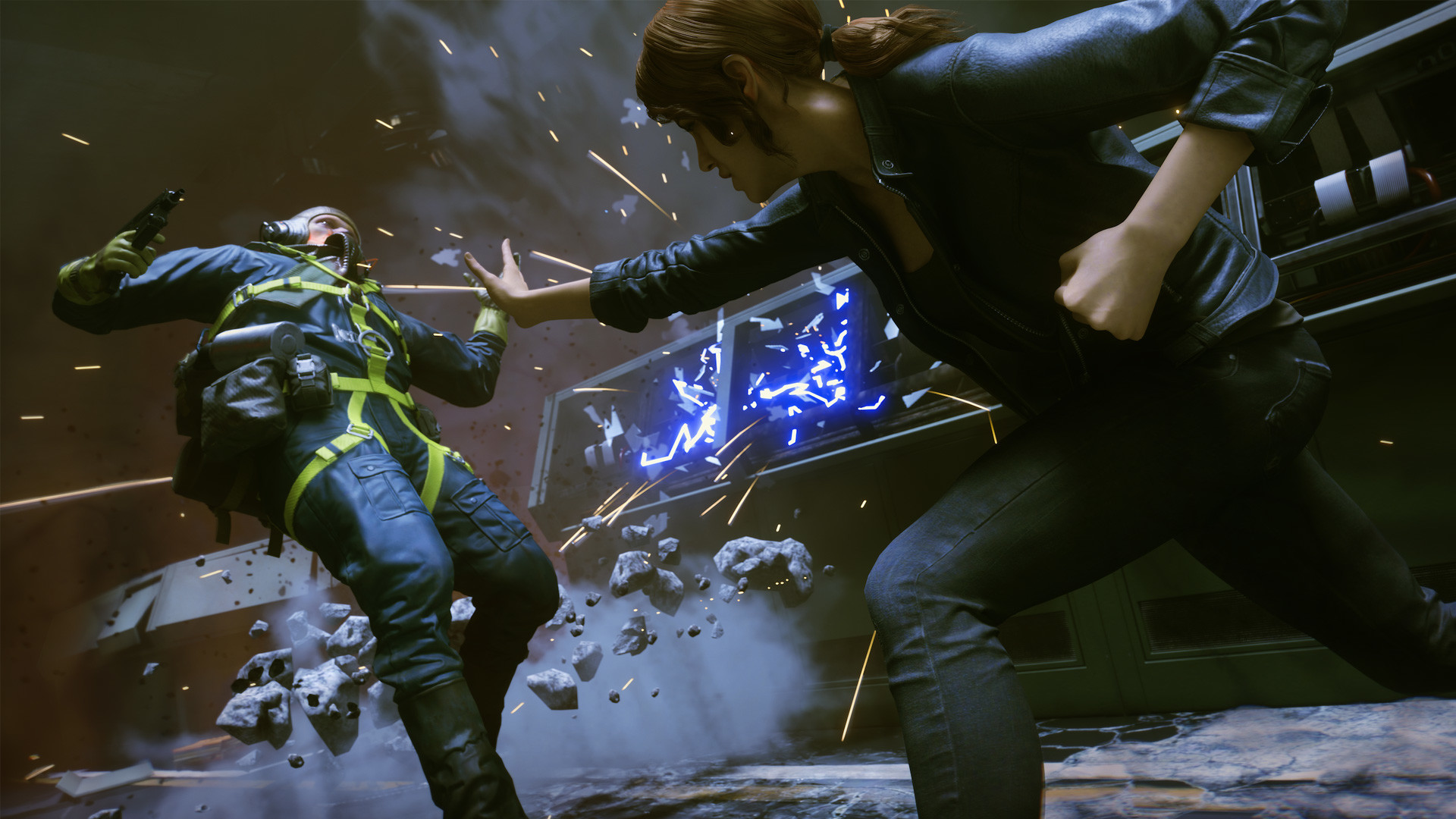
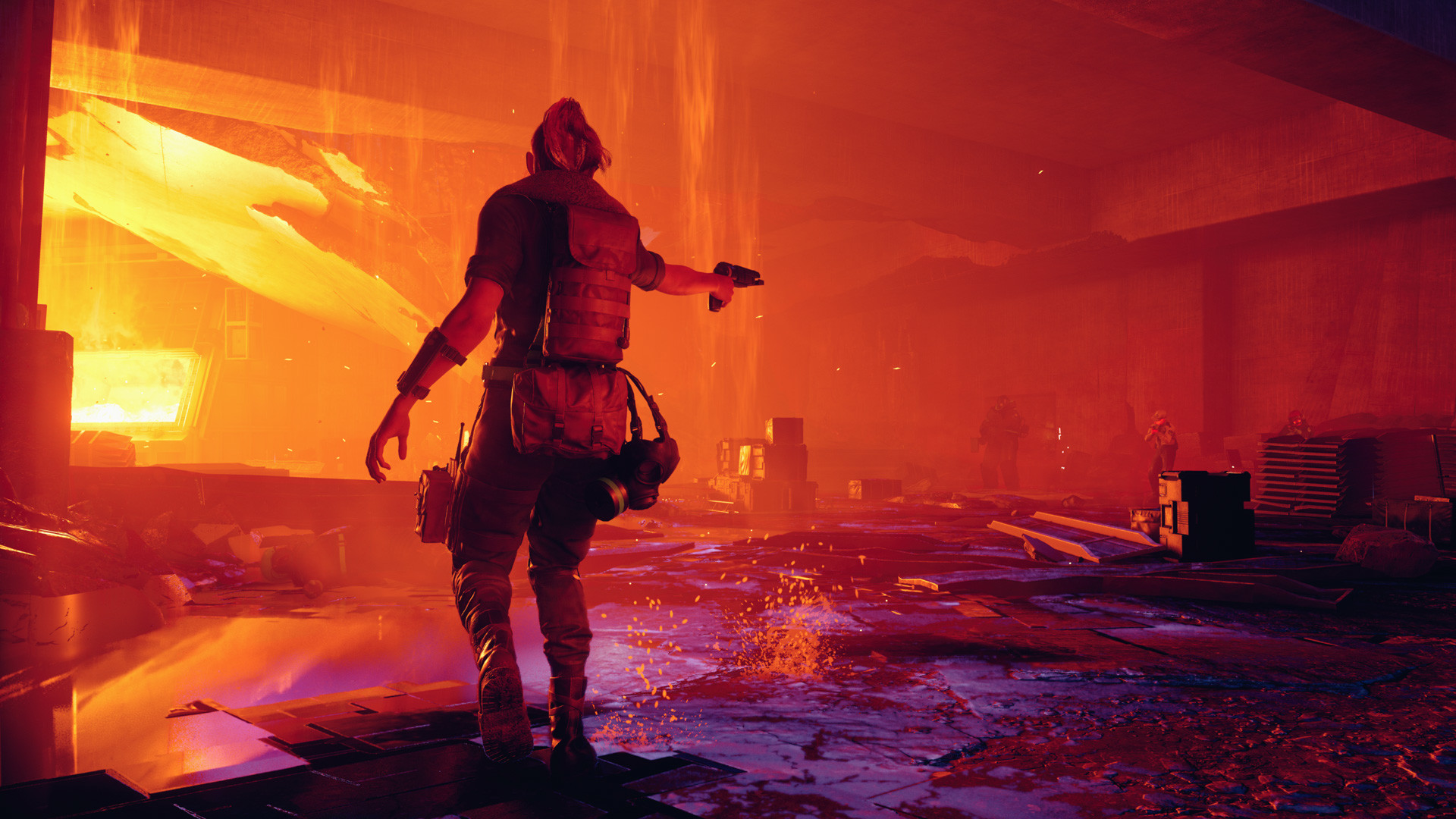
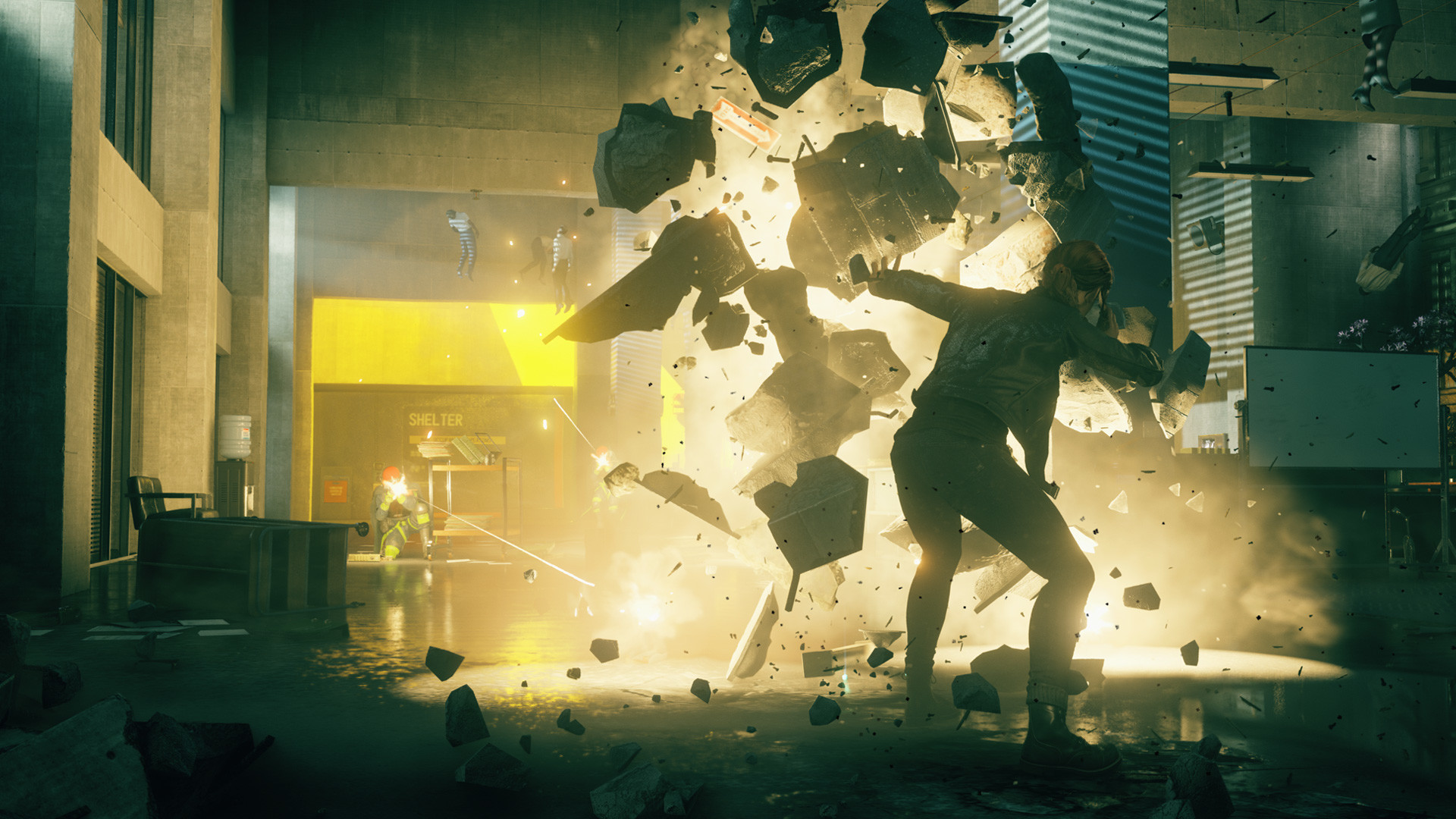
Control runs fine on modest hardware as long as ray tracing stays off. Turn it on and the picture changes completely, because Remedy built the Oldest House's reflective floors, glass, and lighting around it. Reflections bounce off water, marble, and shattered glass in real time, and that costs a lot more than the usual ray-traced shadow or two you see in other games.
The practical rule: if you have an RTX 2060 or better, or a Radeon RX 6600 or better, you can turn ray tracing on, but plan to pair it with DLSS or FSR. Without an upscaler, even an RTX 2060 falls to the mid-20s fps with ray tracing enabled at 1080p. With DLSS on, the same card climbs back to a smooth 60 to 75. Anything below an RTX 2060, including the GTX 1660 Ti despite being a capable rasterization card, has no ray tracing hardware at all and should leave RT off entirely.
If you are unsure whether it is worth it, the honest answer is: it looks fantastic, but the raster reflections Control uses when ray tracing is off are already some of the best in any 2019 game, since Remedy leaned hard on screen-space reflections as a fallback. You are not missing a broken game by skipping RT, just a showcase effect.
What actually eats your frame rate
Outside of ray tracing, three settings do most of the damage: volumetric lighting, reflections quality, and screen space reflections. Dropping volumetric lighting from high to medium recovers something like 15 to 20 percent of your frame rate on mid-range cards, since the Oldest House is full of dusty light shafts that are expensive to simulate. Global reflections and screen space reflections each cost a similar amount, and lowering both together is the single fastest way to get from choppy to smooth on a GTX 1060 or RX 580 class card.
Control is also a heavily GPU-bound game. Testing has shown very little difference between an i7-8700K and comparable AMD chips at the same settings, so an older but still capable CPU is not your bottleneck here. If you are stuck at low frame rates, the graphics card and its settings are almost always the reason, not the processor.
Texture quality is the other setting worth watching, since it is the one most tied to VRAM rather than raw GPU power. On cards with 4GB or less, drop texture quality one notch before anything else, since running out of VRAM causes stutter and texture pop-in that no amount of lowering other settings will fix.
Laptops, Steam Deck, and lower-end setups
On a gaming laptop, treat the desktop recommended specs as your real target rather than the minimum, since laptop GPUs run at lower clocks and thermal limits than their desktop namesakes. A laptop with an RTX 3060 or better handles 1080p high comfortably with ray tracing off, and can do RT with DLSS at reduced settings.
On Steam Deck, Control is Verified but needs manual tuning to feel good. Left on its defaults it hovers in the low-to-mid 30s with occasional dips into the high 20s. Capping the frame rate at 30, dropping the render resolution a notch, and turning on FSR gets a more consistent result than chasing the default preset. Integrated graphics on a laptop, an Intel Iris Xe chip or similar, will struggle to hit even 30 fps at low settings and are realistically below what this game needs for a playable experience.
If your PC or Mac cannot get there at all, cloud services like GeForce Now stream Control at much higher settings than local hardware would allow, and Nintendo Switch owners have official access to a free cloud-streamed version rather than a native port.
Can I run Control? Your questions answered
The minimum is an Intel Core i5-4690 or AMD FX 4350 processor, a GeForce GTX 780 or Radeon R9 280X graphics card, and 8 GB of RAM, targeting 1080p on low settings around 30 fps. Full details are in the table above.
Recommended is an i5-7600K or Ryzen 5 1600X, a GTX 1660/1060 or RX 580, and 16 GB of RAM, aimed at 1080p high settings around 60 fps with ray tracing off. For ray tracing specifically, Remedy's own guidance bumps that up to an RTX 2060 or better.
It clears the official floor, but 16 GB is where you actually want to be. Stick to 8 GB and you're more likely to hit stutter as the game streams in the Oldest House's geometry and effects, especially with ray tracing running.
It is. Sixteen gigabytes matches Remedy's own recommended spec and handles the game comfortably, ray tracing included, with room left for whatever else you're running in the background.
42 GB for the Ultimate Edition, which bundles the base game with the AWE and The Foundation expansions. There is no listed SSD requirement, but a hard drive will show longer load times and rougher texture streaming when you first enter a new area.
It is not required. The game installs and runs from a hard drive, but expect slower loads and occasional texture pop-in the first time you walk into a new section of the Oldest House. An SSD is worth it if you already have one free.
DirectX 11 covers the minimum tier. The recommended tier and ray tracing both need DirectX 12, since DirectX Raytracing is part of DX12.
No. The campaign is fully offline and single player. An internet connection is only needed to download the game, patches, and any Photo Mode or achievement sync through Steam.
Ray tracing running without an upscaler is the number one culprit, with texture quality set above what your VRAM can handle close behind. Switch ray tracing off first to test that theory, then knock texture quality down a notch if you're on 4 GB of VRAM or less. An outdated GPU driver is worth ruling out too, since Remedy pushed several performance patches after launch.
Control Ultimate Edition is the only version sold on Steam now and includes the base game plus both story expansions, The Foundation and AWE. There is no separate base-game listing to confuse it with; the system requirements above cover the Ultimate Edition as sold.
Yes, but only on RDNA 2 and newer cards with hardware ray tracing, meaning the RX 6000 series and later. Older AMD cards like the RX 580 or RX 5700 XT do not have ray tracing hardware and cannot enable RT regardless of driver version.
Yes. DLSS is available on RTX cards and is close to mandatory once you turn ray tracing on, since it recovers most of the frame rate that RT costs. FSR is also supported for AMD and older Nvidia cards that want the same boost without needing RTX hardware.
Only if you specifically want ray tracing at a good frame rate. For everything else, mid-range hardware from the last several years, even a GTX 1060 or RX 580, runs the game acceptably at 1080p with settings turned down where needed.
Yes, with room to spare. Control recommends less than the RTX 3050 offers, so expect smooth 1080p high and a playable 1440p.
Not really. The GTX 1650 falls under Control's minimum card, so you are looking at very low settings and low frame rates, if it starts at all.
The GTX 1060 6GB gets you in. It meets Control's minimum, so low to medium at 1080p works, and turning a couple of things down keeps it steady. Expect around 50 fps at 1080p high with ray tracing off, dropping into the 40s during heavier fights.
Runnable. The RX 580 covers Control's minimum, meaning 1080p low to medium and a smoother feel after a small settings drop. Similar to the GTX 1060: near 60 fps on average at 1080p high, with dips below 40 in demanding scenes. Ray tracing off.
Comfortably, yes. The RTX 4060 clears Control's recommended bar, which puts high 1080p and 1440p both in reach. Comparable to an RTX 3060 Ti here, handling 1080p ray tracing with DLSS Quality comfortably above 60 fps.
That is more than enough. The RTX 3060 clears Control's recommended requirement, so aim for high at 1080p or step up to 1440p. Around 80 fps at 1080p with ray tracing and DLSS Quality both on, and well above 90 with ray tracing off.
Yes. On the RTX 2060, Control runs at high settings in 1080p and scales up to 1440p without much fuss. Around 70 fps at 1080p high with ray tracing off. Turn ray tracing on without DLSS and it drops to the mid-20s; with DLSS it climbs back to roughly 60-75.
Plenty of power here. The GTX 1660 is above Control's recommended tier, so high 1080p is smooth and 1440p is a fair target. A little behind the Ti and Super variants, typically in the 45-55 fps range at 1080p high with ray tracing off.
For sure. The GTX 1660 Super outpaces Control's recommended card, leaving you high 1080p now and 1440p whenever you like. Performs close to the GTX 1660 Ti, comfortably over 50-60 fps at 1080p high with ray tracing off.
Yes. On the RX 6600, Control runs at high settings in 1080p and scales up to 1440p without much fuss. AMD's RDNA 2 ray tracing works here, though at a real fps cost similar to an RTX 2060 with RT on. Rasterized at 1080p high, expect somewhere around 70-80 fps.
Comfortably, yes. The GTX 1660 Ti clears Control's recommended bar, which puts high 1080p and 1440p both in reach. Comfortably clears 60 fps at 1080p high. No ray tracing hardware, so RT stays off regardless of settings.
You are well set. The RTX 3060 Ti exceeds Control's recommended card, so 1080p high is easy and 1440p is realistic. Similar tier to the RTX 2070 Super in this game, handling ray tracing with DLSS Quality well past 60 fps at 1080p.
You are well set. The RTX 4050 exceeds Control's recommended card, so 1080p high is easy and 1440p is realistic.
Expect problems. The GTX 1050 Ti lands below Control's minimum card, so low settings and low frame rates are the ceiling, assuming it runs.
Plenty of power here. The RTX 4070 is above Control's recommended tier, so high 1080p is smooth and 1440p is a fair target. Handles 1440p ray tracing with DLSS Quality well above 60 fps, and can push 4K with DLSS Balanced or Performance.
Remedy skipped macOS entirely for this one, Apple Silicon or Intel alike. Cloud streaming through GeForce Now is the cleanest workaround, and running Windows via Boot Camp or a virtual machine works too, though only on an Intel Mac since Apple Silicon can't run Windows natively.
Not comfortably. Integrated graphics like Intel Iris Xe or AMD Radeon 780M can technically launch the game, but expect low 20s fps even at low settings and 720p, well under what most players would call playable. This game genuinely needs a dedicated graphics card.
A Chromebook lacks the graphics hardware to run this locally, full stop. Cloud streaming is the way around it: GeForce Now or a similar service renders Control elsewhere and pushes the video to the Chromebook's browser.
Yes, on both, and it runs better than the original Xbox One release. On Series X you get a 60 fps performance mode or a 30 fps mode with ray tracing on; Series S targets 60 fps at a lower resolution and does not get the ray tracing mode.
Yes on both. PS5 offers the same choice as Series X, a 60 fps performance mode or a 30 fps ray tracing mode, both rendering at a dynamic resolution up to 4K output. PS4 runs the original last-gen version without ray tracing.
There is no native Switch cartridge or download. Control Ultimate Edition has a free Cloud Version on the Switch eShop instead, which streams the full PC version from remote servers rather than running on the console's own hardware.
Yes, all three handle it, though Control is one of the more demanding Deck-verified titles. Expect low-to-mid 30s fps on default settings with occasional dips, improving to a steadier 30-40 once you cap the frame rate, lower resolution scale, and turn on FSR. The ROG Ally and Legion Go, with slightly more powerful hardware, handle the same settings a bit more comfortably.
Yes. Control is supported on GeForce Now, which streams it at settings well beyond what most local PCs could manage, including ray tracing, without needing the hardware yourself.
Yes, with the right card. An RTX 3080 or better handles 4K with ray tracing and DLSS around 100 fps; without ray tracing, cards like the RTX 3070 or RX 6800 can also manage a steady 4K experience at high settings.
Comfortably, from around an RTX 3060 or RX 6700 XT upward with ray tracing off. Add ray tracing with DLSS Quality and you will still want something in the RTX 3070 class or better to stay smooth.
Without ray tracing, a GTX 1660 Ti or RX 590 class card clears 60 fps at 1080p high. With ray tracing on, you need at least an RTX 2060 paired with DLSS, since RT without an upscaler drops well below 60 even on that card.
Yes, from around an RTX 3060 or RX 6700 XT for 1080p ultra without ray tracing. Add ray tracing at ultra and you are looking at an RTX 3070 or better with DLSS Quality to stay near 60 fps.
Yes, 8 GB comfortably covers the game at 1080p and 1440p, including ray tracing and DLSS. Cards with 4 GB or less should drop texture quality a notch to avoid stutter.
6 GB gets you through 1080p high with ray tracing off without much trouble. 4 GB is tighter: drop texture quality one notch to avoid stutter and pop-in, especially with ray tracing on, since RT effects add to VRAM usage.
If your PC meets or beats the minimum spec, a GTX 780 or R9 280X class card with an i5-4690, you can play at low settings around 30 fps with ray tracing off. Anything weaker than that will struggle to stay playable.
Generally yes. Control is a GPU-bound game, so a modern i3 or Ryzen 3 paired with a mid-range graphics card will not meaningfully bottleneck you. Your frame rate is decided almost entirely by the GPU and whether ray tracing is on.
Check that your GPU driver is current, since Remedy shipped several performance and stability patches after launch that assume a recent driver. Also confirm you meet the minimum DirectX 11 requirement and have the full 42 GB free, since a failed or partial install is a common cause of crashes on launch.
No native Linux build exists, but the Steam Deck Verified badge tells you Proton handles it well, and that same Steam Play compatibility layer works on a Linux desktop too. It's a demanding Deck-verified title either way, so expect to cap the frame rate, drop resolution scale, and turn on FSR for a steady 30 to 40 fps, the same tuning Deck owners use. Ray tracing pushes requirements higher on any platform.
Yes, comfortably above the recommended tier for rasterized settings. Expect somewhere around 65-75 fps at 1080p high with ray tracing off, since it sits a notch above the GTX 1660 Ti in raw power.
Yes, well above recommended. It handles 1080p high at a steady 70-plus fps and can push 1440p high reasonably well, all with ray tracing off since it lacks RT hardware.
Yes, easily. It is one of the strongest non-RTX cards for this game, comfortable at 1440p high with ray tracing off, though it cannot use Control's ray tracing mode at all.
Yes. At recommended settings with ray tracing off it runs well past 60 fps at 1080p, and with ray tracing plus DLSS on it stays close to 60 fps as well, making it one of the more balanced ray tracing options from that generation.
Yes, without much strain. It handles 1440p high with ray tracing off well above 60 fps, and 1080p ray tracing with DLSS stays smooth into the 70s and 80s.
Yes. It sits just ahead of the standard RTX 3070, handling 1440p ray tracing with DLSS Quality comfortably above 60 fps.
Yes, and easily. With ray tracing and DLSS on, it manages around 100 fps at 4K, making it one of the cards this game's showcase mode was built around.
Yes, with headroom to spare. It handles 4K with ray tracing and DLSS well above 60 fps, close to the RTX 3080's numbers with a bit more consistency at the very top end.
Yes. It keeps 1440p smooth with ray tracing and DLSS Quality on, staying comfortably above 60 fps.
Yes, easily. It handles 1440p ray tracing with DLSS at a strong frame rate and can hold up reasonably well at 4K with DLSS Balanced.
Yes. It is a clear step above the base RTX 4070, comfortable at 1440p ray tracing with DLSS Quality and capable of a playable 4K with DLSS on.
Yes, with plenty of headroom. It handles native 4K with ray tracing on at a strong frame rate even before DLSS is factored in, and DLSS pushes it further.
Yes, similar to an RX 6600 XT. Expect solid 1080p high performance with ray tracing off, and RDNA 2 ray tracing support if you want to test RT with FSR on.
Yes. It sits close to an RX 6700 XT, handling 1440p high with ray tracing off comfortably and RT with FSR at 1080p reasonably well.
Yes, no trouble at all. It handles 1440p high with ray tracing off well above 60 fps and can manage 4K high without ray tracing at a playable frame rate.
Yes, easily. It is one of the stronger AMD options for this game, handling 1440p ray tracing with FSR well and holding up at 4K without ray tracing.
Yes. It performs in line with an RX 6800-class card here, comfortable at 1440p high with ray tracing off and capable of RT with FSR at 1080p.
Yes, comfortably. It handles 1440p high with ray tracing off well past 60 fps and can push into 4K territory at high settings.
Yes. On current-generation hardware this is an easy game for it, handling 1080p and 1440p ray tracing with DLSS well above 60 fps.
Yes, with plenty of room. It handles 1440p ray tracing with DLSS at a high frame rate and manages 4K with DLSS on comfortably.
Yes, easily. Native 4K with ray tracing on is well within reach, and DLSS pushes frame rates even higher for a high refresh rate monitor.
Yes, by a wide margin. This is a 2019 game on the newest flagship card, so expect very high frame rates at 4K with ray tracing maxed, effectively no bottleneck from the GPU.
Not well. Iris Xe can launch the game at low settings and a reduced resolution, but frame rates typically sit in the teens to low 20s, below what most people would call playable. Cloud streaming is the more realistic option on this hardware.
Marginally better than older integrated graphics, but still under strain. Expect somewhere in the 20s at low settings and 1080p, playable for some but not a smooth experience. Lowering resolution further or using FSR helps.