
Can I Run Content Warning on My PC / Laptop?
A small co-op horror comedy where up to four players film cryptid-style monsters underground and upload the footage. Built light enough to run on almost anything.
Check if your PC can run Content Warning
Pick your graphics card and processor to check.
Can I run Content Warning on my PC?
Use the checker above to find out in seconds. Pick your graphics card and processor and it compares them against Content Warning's official requirements. As a quick guide, you need at least a NVIDIA GeForce GTX 1050 ti or AMD R9 380 graphics card, a Intel Core i5 @ 2.5 GHz or equivalent processor, and 8 GB RAM of RAM to play at 1080p.
Can I run Content Warning on my laptop?
Yes, if your laptop has a dedicated graphics card around a NVIDIA GeForce GTX 1050 ti or AMD R9 380 or better and 8 GB RAM of RAM. Laptops with only integrated graphics usually fall short. Enter your laptop's GPU in the tool above to check. Keep in mind that the laptop version of a card runs a little slower than the desktop card of the same name, and heat can lower sustained frame rates.
Yes, almost certainly. Content Warning's minimum spec is a GTX 1050 Ti or R9 380, a Core i5 around 2.5 GHz, and 8 GB of RAM, which was modest even back in 2016. Landfall built this one small on purpose, and it shows: that entry-level card still holds a solid frame rate with four players in a lobby and every setting cranked up. The thing people get wrong is assuming a game with this big a following needs a gaming rig behind it. It doesn't. The real limits here are your internet connection and, if you're on Steam Deck, the controls, not raw hardware power.
Run your CPU, GPU, and RAM through the checker above for a direct read against Content Warning's minimum and recommended specs. Below that you'll find the full requirement tables, a frame rate table across a spread of graphics cards, and sections on what actually decides your experience, why the game stutters for some players, and the console release that landed in April 2026.
Content Warning system requirements
| Minimum | Recommended | |
|---|---|---|
| Processor (CPU) | Intel Core i5 @ 2.5 GHz or equivalent | Intel Core i5 @ 3.0 GHz or AMD Ryzen 5 or equivalent |
| Graphics card (GPU) | NVIDIA GeForce GTX 1050 ti or AMD R9 380 | NVIDIA GeForce GTX 1060 or AMD RX 470 or equivalent |
| Memory (RAM) | 8 GB RAM | 16 GB RAM |
| Operating system | Win 10 | Win 11 |
| DirectX | Version 11 | Version 12 |
| Storage | 4 GB available space | 6 GB available space |
Storage: 4 GB minimum, 6 GB recommended. It is a tiny install, so a hard drive or an SSD both work fine.
Content Warning FPS by graphics card
| Graphics card | 1080p | 1440p | 4K | Notes |
|---|---|---|---|---|
| GTX 1050 Ti | ~45-55 | , | , | Minimum-spec card. Holds above roughly 45 fps even at max settings with a full four-player lobby. |
| GTX 1060 6GB | ~75 | , | , | Recommended-spec card. Comfortable at 1080p High. |
| GTX 1650 | ~85 | , | , | 1080p High without any real strain. |
| RX 580 | ~100 | , | , | Well past what the game needs at 1080p High. |
| RTX 3060 | ~140 | ~105 | , | Plenty of headroom; emptier scenes can push past 180 fps uncapped. |
| RTX 4060 | ~170 | ~130 | ~70 | Handles 4K comfortably despite being sold as a 1080p/1440p card. |
| RTX 4070 | ~200 | ~180 | ~120 | The engine and network sync become the limiting factor here, not the GPU. |
These numbers are approximate. They come from a mix of community benchmarks and Landfall's own performance notes, and they will vary with scene, lobby size, and driver version.
Can these graphics cards run Content Warning?
| Graphics card | Verdict | Notes |
|---|---|---|
| GTX 1050 Ti | Playable | Clears the minimum. 1080p low to medium, better with upscaling. |
| GTX 1650 | Playable | Just clears it. 1080p low to medium, smoother after tuning. |
| RX 570 | Playable | Passes minimum. Aim low to medium 1080p, upscaling helps. |
| RX 580 | Playable | At the minimum bar. 1080p low to medium, drop a setting if needed. |
| GTX 1060 6GB | Runs well | Above recommended. 1080p high is easy, and 1440p works too. |
| GTX 1650 Super | Runs well | Strong fit. High settings at 1080p, 1440p within reach. |
| GTX 1660 | Runs well | Recommended tier or better. High 1080p, with room for 1440p. |
| GTX 1660 Super | Runs well | Strong fit. High settings at 1080p, 1440p within reach. |
| RTX 3050 | Runs well | Recommended tier or better. High 1080p, with room for 1440p. |
| GTX 1660 Ti | Runs well | Over the recommended bar. Smooth high 1080p, 1440p realistic. |
| RX 6600 | Runs well | Past the recommended tier. High settings at 1080p, 1440p on the table. |
| RTX 2060 | Runs well | Beats the recommended spec. Comfortable high 1080p, playable 1440p. |
| RTX 4050 | Runs well | At or above the recommended card. Smooth 1080p high, 1440p realistic. |
| Arc A750 | Runs well | Recommended tier or better. High 1080p, with room for 1440p. |
| RTX 3060 | Runs well | Beats the recommended spec. Comfortable high 1080p, playable 1440p. |
| RX 6600 XT | Runs well | Exceeds recommended. 1080p high is comfortable, 1440p fine. |
| RX 7600 | Runs well | Beats the recommended spec. Comfortable high 1080p, playable 1440p. |
| RX 6700 XT | Runs well | Strong fit. High settings at 1080p, 1440p within reach. |
| RTX 4060 | Runs well | Over the recommended bar. Smooth high 1080p, 1440p realistic. |
| RTX 3060 Ti | Runs well | Recommended tier or better. High 1080p, with room for 1440p. |
| RTX 3070 | Runs well | Past the recommended tier. High settings at 1080p, 1440p on the table. |
| RTX 4070 | Runs well | Past the recommended tier. High settings at 1080p, 1440p on the table. |
Why hardware almost never gets in the way
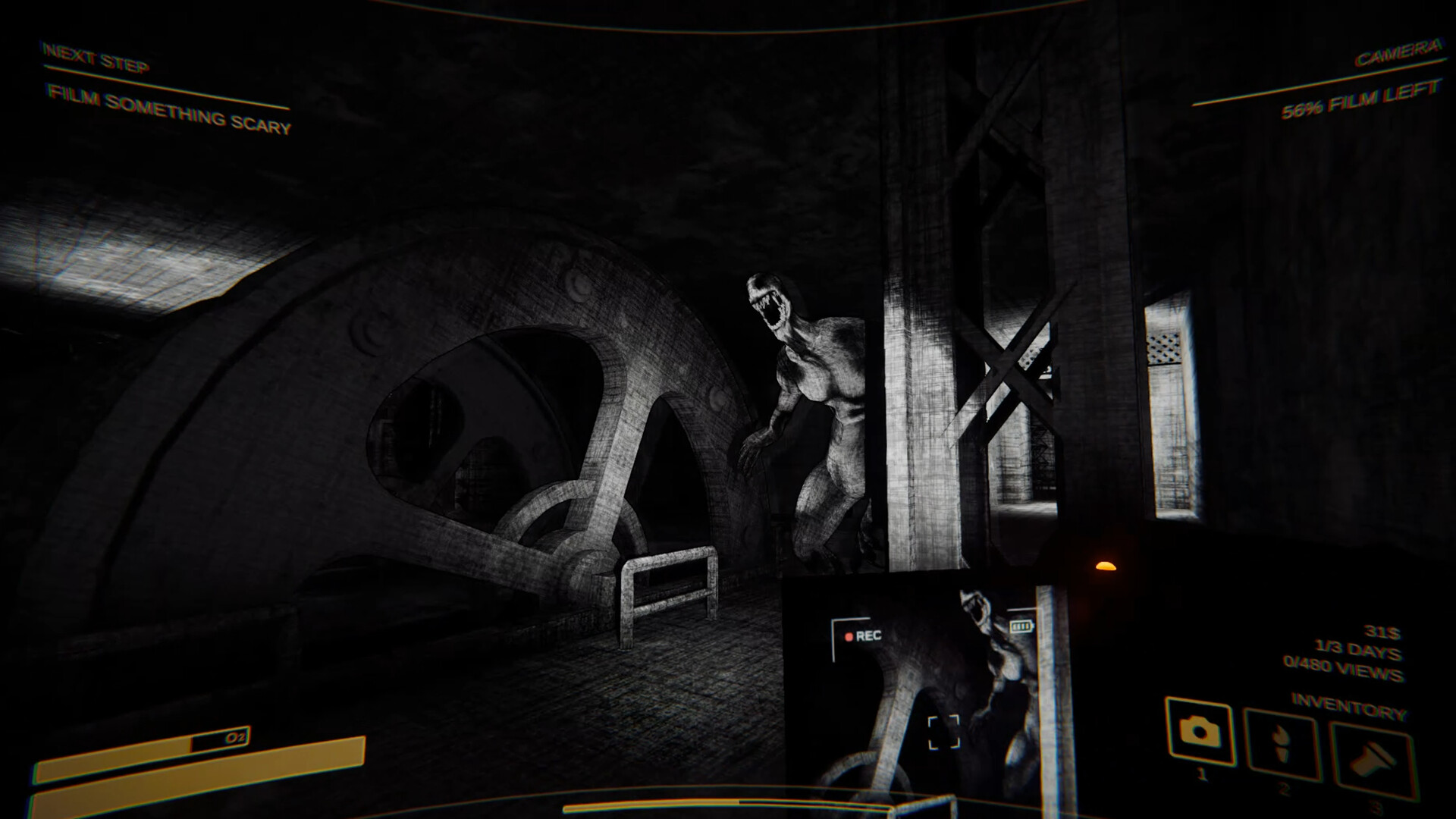
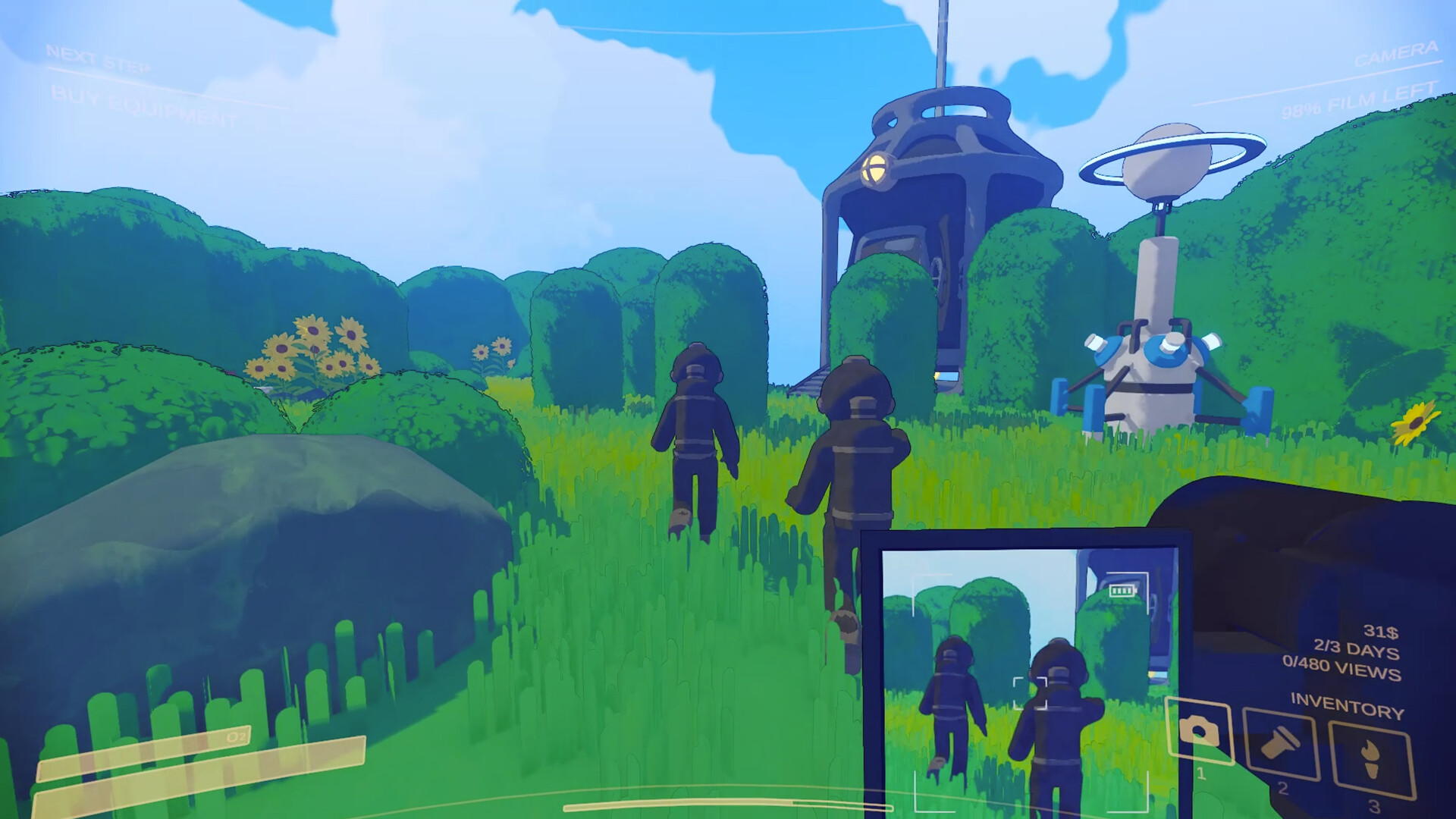
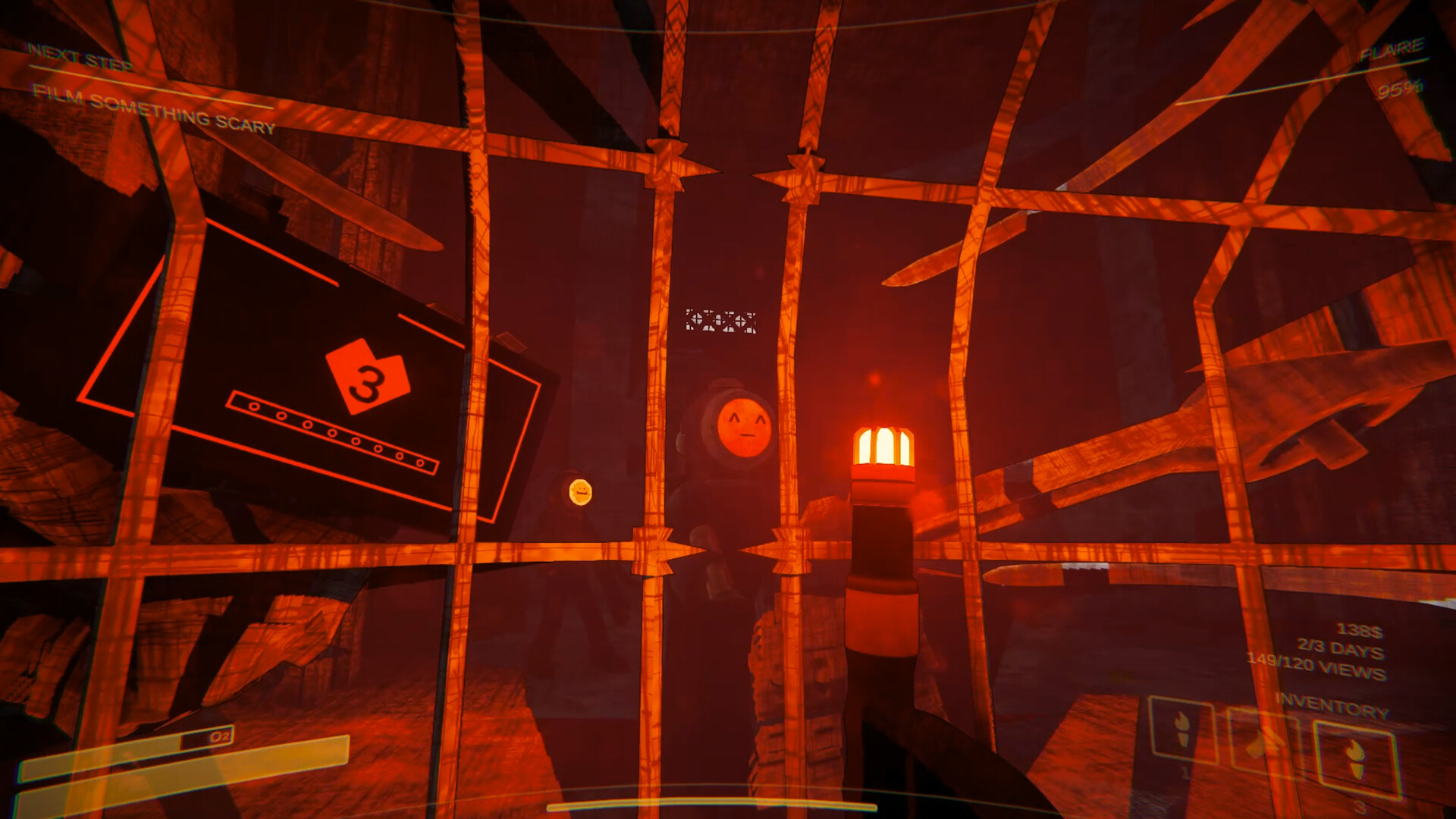
Content Warning is a small-scale, low-poly Unity game: four players, one shared map at a time, no ray tracing, no sprawling open world streaming assets in behind you. That is why the official minimum GPU is a GTX 1050 Ti, a card that shipped in 2016 and would get laughed out of most modern requirement lists. The number backs it up: with every setting pushed to max and a full four-player server running, that card's frame rate rarely dips under roughly 45.
Recommended spec is a GTX 1060 or RX 470 with 16 GB of RAM, and once you are on something in that range or better, frame rate stops being an interesting question. On a mid-range card like an RTX 3060 or RX 6600, the game routinely clears 100 or more fps at 1080p. What actually shapes the experience at that point is whether your friends' connections hold up, and whether the Old World's dark corridors decide to stutter on your particular machine, which is its own story below.
Why it stutters for some people, and what to turn off first
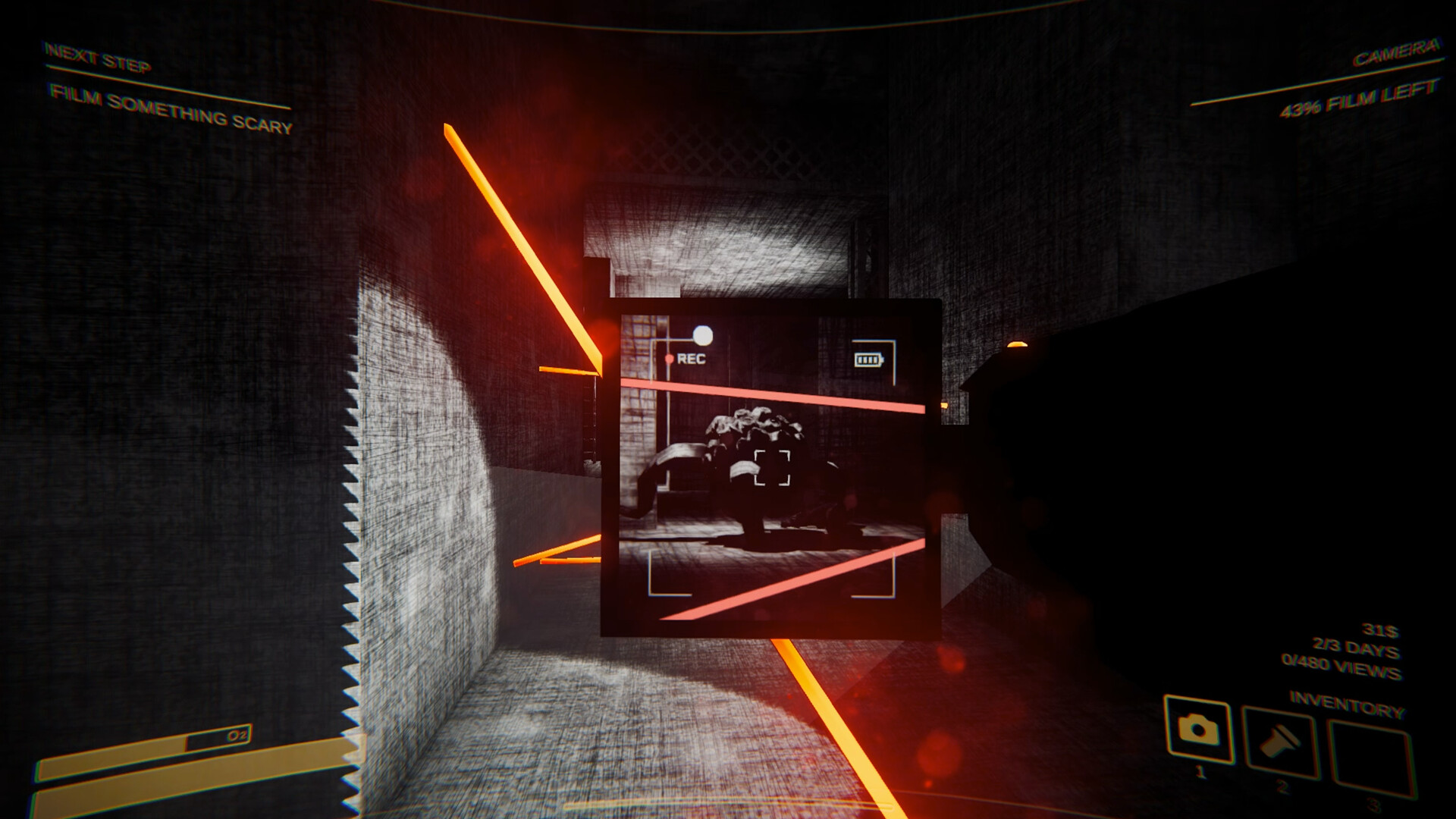
Most players get a steady frame rate outside of one specific spot: the dark, foggy corridors of the Old World, the underground levels you explore to film monsters. That is where dynamic lighting and a lot of active props and particles all interact at once, and it is usually the cause of a stutter, not the GPU simply running out of power.
Before spending money on new hardware, try the free fixes first. Turn off Ambient Occlusion and Chromatic Aberration in the graphics menu; both cost more performance than they add visually and are common stutter culprits in this game specifically. Turn on Hardware-accelerated GPU scheduling in Windows, and set the game to run in High Performance mode instead of Balanced. If crashes started suddenly rather than gradually, verify the integrity of game files through Steam first, since a corrupted file is a more common cause than people expect. And if you run mods that expand lobby size, Virality is the usual one, try removing them before you troubleshoot anything else. A bigger active lobby genuinely gives the engine more to track.
The real gotchas: always online, a tiny install, and Steam Deck controls
Content Warning has no offline mode, even when you are playing solo. You can start a run without inviting anyone (the game just warns you first that you are heading down alone), but you still need an internet connection the entire time, since matchmaking and even the SpöökTube upload sequence run through the game's servers. That trips up more players than a weak GPU ever does.
Storage is barely worth worrying about. The whole install is 4 to 6 GB, so drive speed and available space rarely matter here the way they do on games ten or twenty times the size. Steam Deck is the more interesting case. Performance-wise it is fine, most players see a steady 60 fps with the occasional dip into the 50s during busier scenes, but the interface was not built around a gamepad. Menu navigation leans on the right trackpad, and setting up voice chat with your crew takes a bit more effort than plugging in a headset the way you would on a console. It runs well. It is just not as comfortable to operate as it is to render.
The 2026 console release changed who can play, not how it runs
Content Warning launched PC-only on Steam in April 2024, went free for its first 24 hours, and sold over 2.2 million copies almost immediately. Two years later, on April 1, 2026, Landfall shipped it to PS5, Xbox Series X/S, Xbox One, Nintendo Switch, and Nintendo Switch 2 for $9.99, with full cross-play against the existing PC version. PS4 did not get a port.
None of that changes the PC requirements above. If you are weighing Steam against a console purchase, the PC version is still the one with the lowest barrier to entry: assuming your machine clears the modest specs on this page, you get more consistent frame rates and an easier voice chat setup than you would on Steam Deck or a base-model console. On Xbox specifically, online play requires an active Xbox Game Pass Essential, Premium, or Ultimate subscription even though the game itself is a separate purchase, not something included with Game Pass.
Can I run Content Warning? Your questions answered
No. It is one of the lighter co-op games on Steam. The visuals are stylized and low-poly rather than realistic, the maps are small and self-contained, and there is no ray tracing or heavy post-processing by default. Even the recommended spec, a GTX 1060 with 16 GB of RAM, is aimed at comfortable high settings rather than bare minimum playability.
8 GB is the official minimum and it is genuinely enough to play. 16 GB is recommended and helps mostly with background stability, since most co-op groups also have Discord, a browser, or recording software running at the same time.
No. Because the game is visually light, VRAM is rarely the bottleneck. Cards with just 4 GB, including the GTX 1050 Ti at minimum spec, handle it without running out of video memory. You would need a genuinely old or very budget card before VRAM became the limiting factor instead of raw GPU power.
Very little. Steam lists 4 GB for the minimum install and about 6 GB recommended. That is small enough that install size and drive speed barely factor into whether you can play it.
Not really. With an install this small, load times off a mechanical hard drive are already short, so an SSD is a nice-to-have rather than a requirement. Use one if you already have it; do not buy one just for this game.
DirectX 11 covers the minimum spec, and DirectX 12 is listed for the recommended setup. Most PCs built in the last several years already support both, so this rarely ends up being the thing standing between you and the game running.
Yes, and it is not particularly demanding to do. A mid-range card like an RTX 4060 or RX 6700 XT handles 4K at a comfortable frame rate, since the game is not pushing the geometry and lighting detail that make 4K expensive on bigger releases.
Easily, from around an RTX 3060 or RX 6600 upward. Even a GTX 1660-class card manages 1440p at high settings without much trouble, given how light the game is on the GPU.
Less than you would think. A GTX 1060 or RX 470, right at the official recommended spec, holds 60 fps and above at 1080p on high settings in normal play. Most cards released in the last six or seven years clear 60 fps here without dropping a single setting.
Yes, and you do not need a high-end card to do it. Testers on a minimum-spec GTX 1050 Ti report frame rates holding above roughly 45 fps even on maxed-out settings with a full four-player lobby. Anything from a GTX 1660 or RX 580 up runs max settings comfortably.
The dark, foggy corridors in the Old World levels are behind most reports of this, since dynamic lighting and a lot of active props all interact there at once. Turning off Ambient Occlusion and Chromatic Aberration in the settings menu clears it up for a lot of players, and enabling Hardware-accelerated GPU scheduling in Windows plus switching to High Performance mode helps further. Running mods that expand lobby size, Virality being the usual one, is worth ruling out too, since a bigger active lobby genuinely gives the engine more to track.
Start by verifying the integrity of game files through Steam, which replaces anything corrupted during download or an update and fixes a good share of launch and crash issues on its own. After that, update your graphics driver, and if crashes continue, try a clean reinstall. Hardware-accelerated GPU scheduling in Windows has also fixed intermittent crashes for some players when toggled on.
You can play solo. The game just warns you before letting you proceed without a team. You cannot, however, play offline. There is no offline mode, and the game needs an active internet connection at all times, even during a solo run, since matchmaking and the upload sequence are both server-based.
No hardware camera or mic is required to play. The in-game camera you use to film monsters is a tool inside the game itself, not a real webcam. A microphone only matters if you want to voice chat with friends, and that is entirely optional since Steam and Discord voice both work fine alongside it.
Yes, in most cases. Content Warning leans more GPU-bound than CPU-bound, so a recent i3 or Ryzen 3 paired with a graphics card that meets the minimum spec should be fine. Older dual-core i3 chips from before roughly 2017 are more likely to hold the game back, since networking and physics still need a couple of decent cores in a busy lobby.
Often, yes. Since the official minimum GPU is a GTX 1050 Ti, a 2016 card, and the CPU bar sits at a similar level, a PC built around 2015 or 2016 with a mid-range graphics card from that era has a real shot, probably on lower settings and closer to 30 to 45 fps rather than a locked 60.
Yes, this is one of the more low-end-friendly games on Steam right now. If your PC struggles with most modern releases, Content Warning is genuinely one of the more forgiving ones to try, provided you have a dedicated graphics card rather than relying purely on integrated graphics.
Neither, particularly. It leans a little GPU-side because of the lighting and particle effects in the Old World levels, but the engine overall is lightweight. Networking and physics use some CPU time, especially with a full four-player lobby, but you will not need a high core-count CPU the way you would for a simulation-heavy game.
You are well set. The RTX 3050 exceeds Content Warning's recommended card, so 1080p high is easy and 1440p is realistic.
The GTX 1650 gets you in. It meets Content Warning's minimum, so low to medium at 1080p works, and turning a couple of things down keeps it steady. Around 80 to 90 fps at 1080p High, no real strain.
For sure. The GTX 1060 6GB outpaces Content Warning's recommended card, leaving you high 1080p now and 1440p whenever you like. About 75 fps at 1080p High, right at the recommended-spec sweet spot.
You can play it. The RX 580 is at Content Warning's minimum, so keep to 1080p low to medium and lower a setting if it stutters. Around 100 fps at 1080p High, well past what the game needs.
Yes. On the RTX 4060, Content Warning runs at high settings in 1080p and scales up to 1440p without much fuss. Around 170 fps at 1080p, and a smooth 60-plus fps at 4K if you want it.
Yes. The RTX 3060 has headroom over Content Warning's recommended card, so you can push 1080p high and move to 1440p when you want. Around 140 fps at 1080p, with some emptier scenes pushing past 180 fps uncapped.
Comfortably, yes. The RTX 2060 clears Content Warning's recommended bar, which puts high 1080p and 1440p both in reach. Around 120 fps at 1080p High, comfortably above what the game asks for.
The GTX 1660 is a strong fit for Content Warning. It lands at or above the recommended spec, so high 1080p is comfortable and 1440p works. Around 100 to 110 fps at 1080p High.
For sure. The GTX 1660 Super outpaces Content Warning's recommended card, leaving you high 1080p now and 1440p whenever you like. Around 110 fps at 1080p High, a little extra headroom over the standard GTX 1660.
Easily. With the RX 6600 you are past Content Warning's recommended tier, which means high settings at 1080p and a genuine shot at 1440p. Around 150 fps at 1080p High, with 1440p easily within reach too.
Yes. On the GTX 1660 Ti, Content Warning runs at high settings in 1080p and scales up to 1440p without much fuss.
Easily. With the RTX 3060 Ti you are past Content Warning's recommended tier, which means high settings at 1080p and a genuine shot at 1440p. Around 160 fps at 1080p High.
The RTX 4050 is a strong fit for Content Warning. It lands at or above the recommended spec, so high 1080p is comfortable and 1440p works.
Yes, at the lower end. With the GTX 1050 Ti you clear Content Warning's minimum, so 1080p low to medium is the target and easing back a setting helps. Holds above roughly 45 fps at 1080p even at max settings with a full four-player lobby, matching the minimum-spec target.
For sure. The RTX 4070 outpaces Content Warning's recommended card, leaving you high 1080p now and 1440p whenever you like. Around 200 fps at 1080p. Past this point the engine and network sync limit frame rate more than the GPU does.
Landfall built this as a Windows-only release, so nothing runs natively on macOS. CrossOver can get the Windows build going on a MacBook, though results vary between players. A cheap Windows PC or a cloud gaming service tends to be the more reliable route if you just want to play with friends.
Landfall didn't build a native Linux version, but Steam Play's Proton layer picks up the slack well, and most Linux players report no major issues running it that way. It hasn't earned an official Valve verification badge, but Proton support has held up solidly since launch.
The hardware and operating system inside a Chromebook aren't set up to run a Steam game directly. Cloud streaming through something like GeForce Now, assuming Content Warning happens to be listed there at the time, is the realistic path onto a Chromebook.
It depends on how recent the integrated graphics are. Officially, the minimum spec calls for a dedicated GPU like the GTX 1050 Ti, and older integrated graphics will not clear that bar. Newer integrated chips, though, like Intel Iris Xe or AMD's Radeon 780M and Vega 8, are often capable of running a light game like this at lower settings, since they sit closer to entry-level dedicated cards than older integrated graphics ever did. See the specific integrated graphics questions below for more detail.
Performance-wise, yes, without much fuss. Most Steam Deck players report a steady 60 fps with occasional dips into the 50s in busier, darker areas, and handhelds like the ROG Ally or Legion Go have more GPU headroom, so they run it with even less trouble. The catch on Steam Deck specifically is the controls: the menus were built around a mouse, not a controller, so you will be using the right trackpad to navigate, and setting up voice chat with your team takes more effort than it does on PC. It is not officially Steam Deck Verified, but it is fully playable.
Yes. Content Warning launched on Xbox Series X|S and Xbox One on April 1, 2026, priced at $9.99 (about £8.39), with full cross-play against the PC version. It is a standalone purchase rather than a Game Pass title.
Yes, Content Warning came to PS5 in the same April 2026 console release as the Xbox and Switch versions. It did not come to PS4, so a base or Pro PS5 is required to play on PlayStation.
Yes, both. Content Warning released for the original Switch and the newer Switch 2 on April 1, 2026, alongside the PlayStation and Xbox versions. Expect more compromise on visual settings on the original Switch given its weaker hardware compared to Switch 2.
Yes. The 2026 console versions launched with full cross-play against the existing PC and Steam version, so a group of friends can mix PC, PS5, Xbox, and Switch players in the same lobby without issue.
No, the game itself is a separate $9.99 purchase, not part of the Game Pass catalog. You will, however, need an active Xbox Game Pass Essential, Premium, or Ultimate subscription to play online on console, since that is Xbox's standard requirement for online multiplayer and not something specific to this game.
Support is not guaranteed since cloud catalogs change often, so check GeForce Now's current library before counting on it. Xbox owners have a more reliable cloud option: Content Warning supports Xbox Cloud Gaming as part of its Xbox release, so you can stream it there without installing anything.
Likely, at lower settings. Iris Xe sits above older Intel integrated graphics and can handle a lightweight title like this at 1080p on low to medium settings, though do not expect a locked 60 fps in busier scenes. It is below the game's official minimum GPU on paper, but Content Warning's low visual demands give it more slack than most games.
Yes, reasonably well. Both are capable APU graphics chips, and the 780M in particular, found in newer AMD laptop and handheld chips, is strong enough to handle Content Warning at 1080p on medium settings without much struggle. The older Vega 8 will need lower settings to stay smooth, especially in the darker, busier Old World areas.
No, there is no split-screen or local co-op. Every player, including those on the same console, needs their own copy of the game and their own internet connection to join a lobby together.
No, there is no VR mode. Content Warning is a standard flat-screen game on PC and consoles, played from a first-person camera view rather than through a headset.
No, there is no iOS or Android version. Content Warning runs on PC and, since April 2026, on PS5, Xbox Series X/S, Xbox One, Switch, and Switch 2, but not on phones or tablets.