
Can I Run Batman: Arkham Knight on My PC / Laptop?
Rocksteady's final Arkham game and the one built around the Batmobile. Infamous for its 2015 PC launch, easy to run now.
Check if your PC can run Batman: Arkham Knight
Pick your graphics card and processor to check.
Can I run Batman: Arkham Knight on my PC?
Use the checker above to find out in seconds. Pick your graphics card and processor and it compares them against Batman: Arkham Knight's official requirements. As a quick guide, you need at least a Graphics: NVIDIA GeForce GTX 660 (2 GB Memory Minimum) | AMD Radeon HD 7870 (2 GB Memory Minimum) graphics card, a Intel Core i5-750, 2.67 GHz | AMD Phenom II X4 965, 3.4 GHz processor, and 6 GB RAM of RAM to play at 1080p.
Can I run Batman: Arkham Knight on my laptop?
Yes, if your laptop has a dedicated graphics card around a Graphics: NVIDIA GeForce GTX 660 (2 GB Memory Minimum) | AMD Radeon HD 7870 (2 GB Memory Minimum) or better and 6 GB RAM of RAM. Laptops with only integrated graphics usually fall short. Enter your laptop's GPU in the tool above to check. Keep in mind that the laptop version of a card runs a little slower than the desktop card of the same name, and heat can lower sustained frame rates.
Batman: Arkham Knight is easy to run today. Almost any graphics card from the last decade clears its 2015-era minimum with room to spare, and the game itself has been patched into a stable state. The thing people get wrong is assuming a fast card means a fast frame rate automatically: the PC version still ships with the frame rate locked, and getting past 30fps means changing one line in a settings file, not just owning good hardware.
Further down is the full breakdown: spec tiers, frame rate expectations running from a GTX 750 Ti up to an RTX 4090, plus sections on why this game got yanked from sale in 2015, what still causes stutter today, and how to actually remove the frame cap. Drop your own CPU and GPU into the checker above for a direct verdict.
Batman: Arkham Knight system requirements
| Minimum | Recommended | |
|---|---|---|
| Processor (CPU) | Intel Core i5-750, 2.67 GHz | AMD Phenom II X4 965, 3.4 GHz | Intel Core i7-3770, 3.4 GHz | AMD FX-8350, 4.0 GHz |
| Graphics card (GPU) | Graphics: NVIDIA GeForce GTX 660 (2 GB Memory Minimum) | AMD Radeon HD 7870 (2 GB Memory Minimum) | NVIDIA GeForce GTX 760 - 3 GB Memory Recommended | AMD Radeon HD 7950 - 3 GB Memory Recommended |
| Memory (RAM) | 6 GB RAM | 8 GB RAM |
| Operating system | Windows 10 64-bit | Windows 10/11 64-bit |
| DirectX | Version 11 | Version 11 |
| Storage | 45 GB available space | 55 GB available space |
Storage: 45 GB minimum, 55 GB recommended. An SSD isn't required, but it shortens the texture pop-in.
Full performance tiers
| Tier | Target | CPU | GPU | RAM |
|---|---|---|---|---|
| Minimum | 1080p, low settings, 30fps | i5-750 / Phenom II X4 965 | GTX 660 2GB / HD 7870 2GB | 6 GB |
| Recommended | 1080p, high settings, 30fps | i7-3770 / FX-8350 | GTX 760 3GB / HD 7950 3GB | 8 GB |
| Uncapped 1440p | 1440p, high/very high, 60fps+ with the cap removed | i5-8400 / Ryzen 5 2600 | GTX 1660 / RX 580 8GB | 8 GB |
| Uncapped 4K | 4K, very high, 60fps+ with the cap removed | i5-10400 / Ryzen 5 3600 | RTX 3060 / RX 6600 | 16 GB |
Batman: Arkham Knight FPS by graphics card
| Graphics card | 1080p | 1440p | 4K | Notes |
|---|---|---|---|---|
| GTX 750 Ti | ~35-45 (Medium) | , | , | Near the official minimum. 2GB of VRAM means Interactive Smoke should stay off. |
| GTX 1050 Ti | ~55-65 (High) | , | , | Comfortably above minimum with the cap removed. Fine on High, watch VRAM at Very High. |
| GTX 1650 | ~90-100 (Very High) | , | , | Well past 60fps once the ini cap is edited. |
| GTX 1060 6GB | ~110+ (Very High) | , | , | An easy 1080p card for this game; 1440p is also comfortable. |
| RX 580 | ~110+ (Very High) | , | , | Similar territory to the GTX 1060 6GB, occasionally a bit ahead. |
| RTX 2060 | ~140+ | ~100-110 | , | Overkill for 1080p; a good match for 1440p Very High. |
| RTX 3060 | ~150+ | ~120 | ~65-75 | Handles 4K Very High reasonably once other bottlenecks are out of the way. |
| RX 6600 | ~140+ | ~110 | , | Close to the RTX 3060 here; both are well past what this game needs. |
| RTX 4060 | ~160+ | ~135 | ~85 | Rarely the bottleneck; your CPU and drive speed matter more at this tier. |
| RTX 4090 | CPU-limited | CPU-limited | ~150+ | The engine and your CPU cap the frame rate before the 4090 does, even at 4K. |
Numbers assume the default 30fps cap has been raised or removed in the settings file and are approximate averages at Very High settings. Real results shift with your CPU, whether Interactive Smoke/Fog is enabled, and which areas of Gotham you're in; Batmobile chases and open-street combat are the heaviest scenes.
Can these graphics cards run Batman: Arkham Knight?
| Graphics card | Verdict | Notes |
|---|---|---|
| GTX 1050 Ti | Runs well | Exceeds recommended. 1080p high is comfortable, 1440p fine. |
| GTX 1650 | Runs well | Exceeds recommended. 1080p high is comfortable, 1440p fine. |
| RX 570 | Runs well | Recommended tier or better. High 1080p, with room for 1440p. |
| RX 580 | Runs well | Strong fit. High settings at 1080p, 1440p within reach. |
| GTX 1060 6GB | Runs well | Over the recommended bar. Smooth high 1080p, 1440p realistic. |
| GTX 1650 Super | Runs well | At or above the recommended card. Smooth 1080p high, 1440p realistic. |
| GTX 1660 | Runs well | Above recommended. 1080p high is easy, and 1440p works too. |
| GTX 1660 Super | Runs well | Past the recommended tier. High settings at 1080p, 1440p on the table. |
| RTX 3050 | Runs well | Recommended tier or better. High 1080p, with room for 1440p. |
| GTX 1660 Ti | Runs well | Strong fit. High settings at 1080p, 1440p within reach. |
| RX 6600 | Runs well | Exceeds recommended. 1080p high is comfortable, 1440p fine. |
| RTX 2060 | Runs well | Past the recommended tier. High settings at 1080p, 1440p on the table. |
| RTX 4050 | Runs well | At or above the recommended card. Smooth 1080p high, 1440p realistic. |
| Arc A750 | Runs well | Recommended tier or better. High 1080p, with room for 1440p. |
| RTX 3060 | Runs well | At or above the recommended card. Smooth 1080p high, 1440p realistic. |
| RX 6600 XT | Runs well | Past the recommended tier. High settings at 1080p, 1440p on the table. |
| RX 7600 | Runs well | Past the recommended tier. High settings at 1080p, 1440p on the table. |
| RX 6700 XT | Runs well | At or above the recommended card. Smooth 1080p high, 1440p realistic. |
| RTX 4060 | Runs well | Strong fit. High settings at 1080p, 1440p within reach. |
| RTX 3060 Ti | Runs well | Recommended tier or better. High 1080p, with room for 1440p. |
| RTX 3070 | Runs well | Over the recommended bar. Smooth high 1080p, 1440p realistic. |
| RTX 4070 | Runs well | Recommended tier or better. High 1080p, with room for 1440p. |
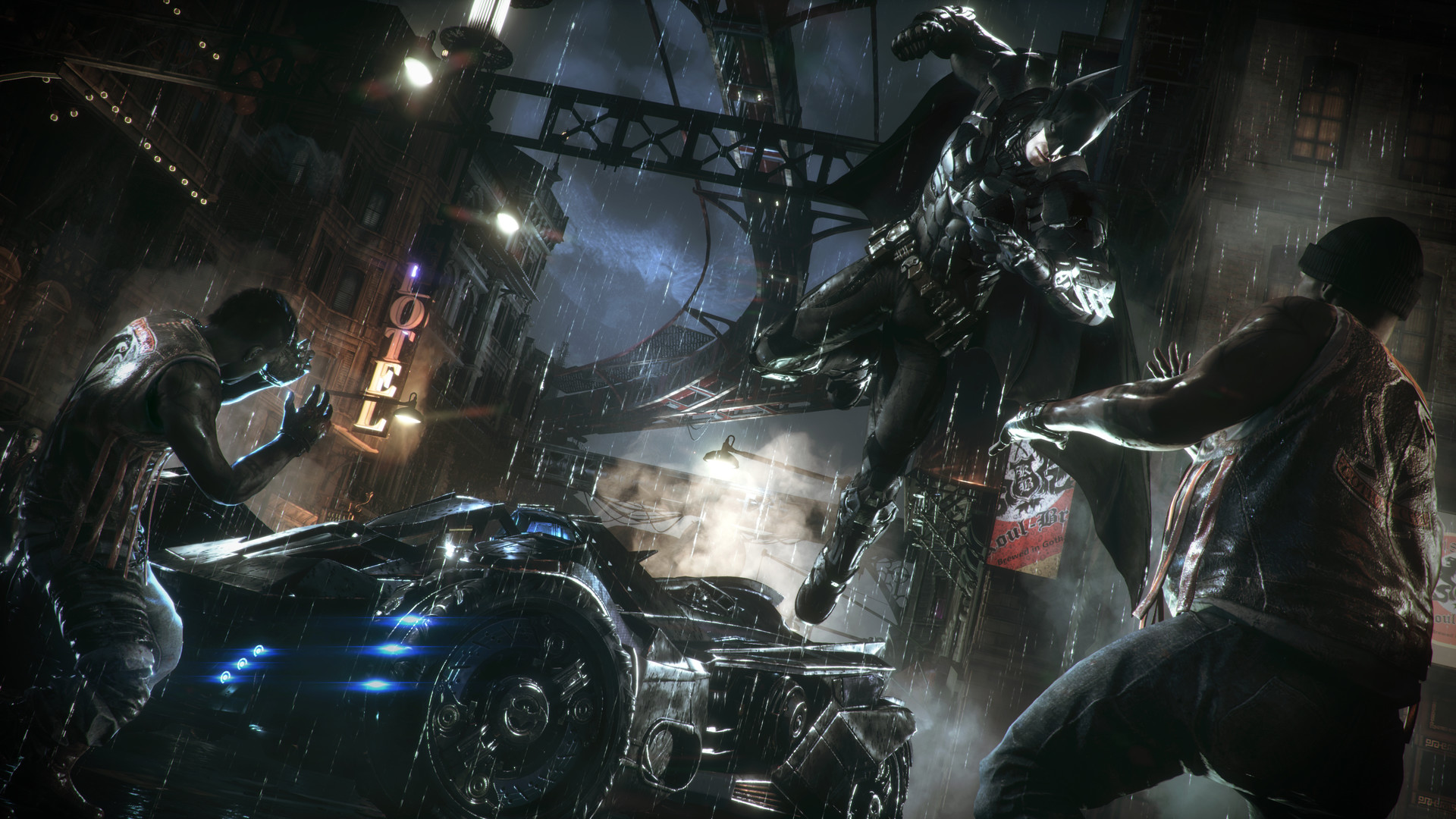
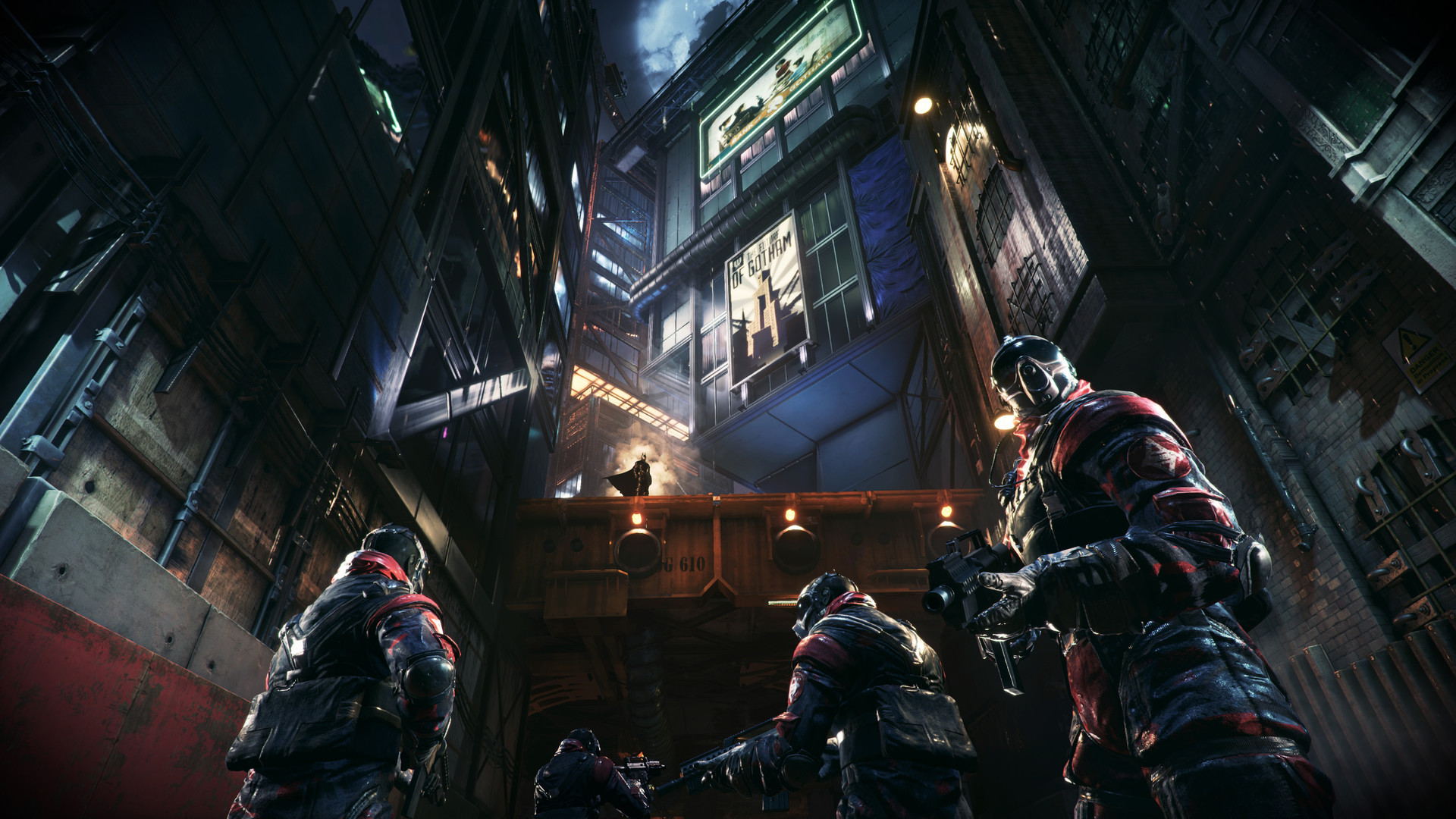
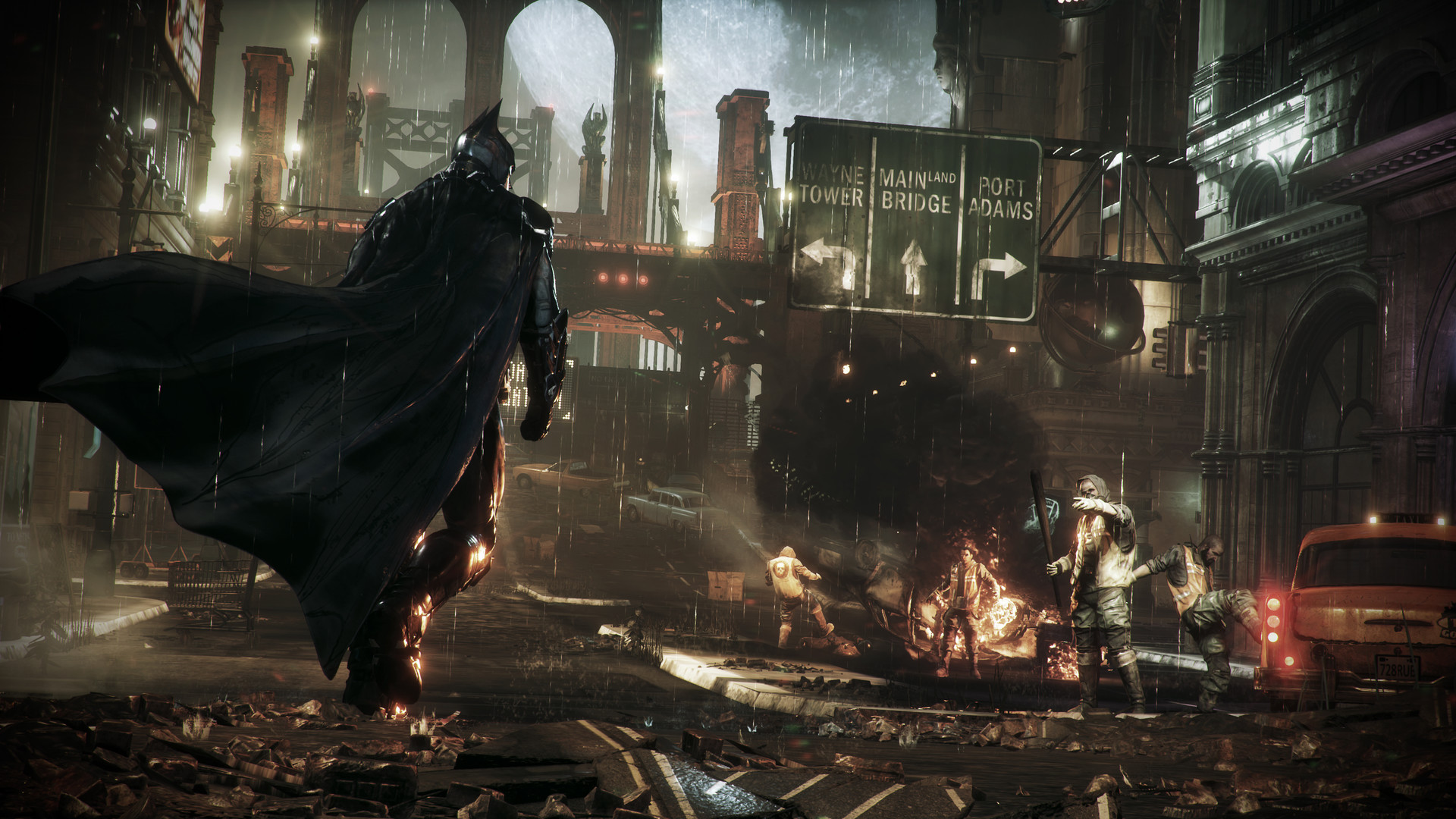
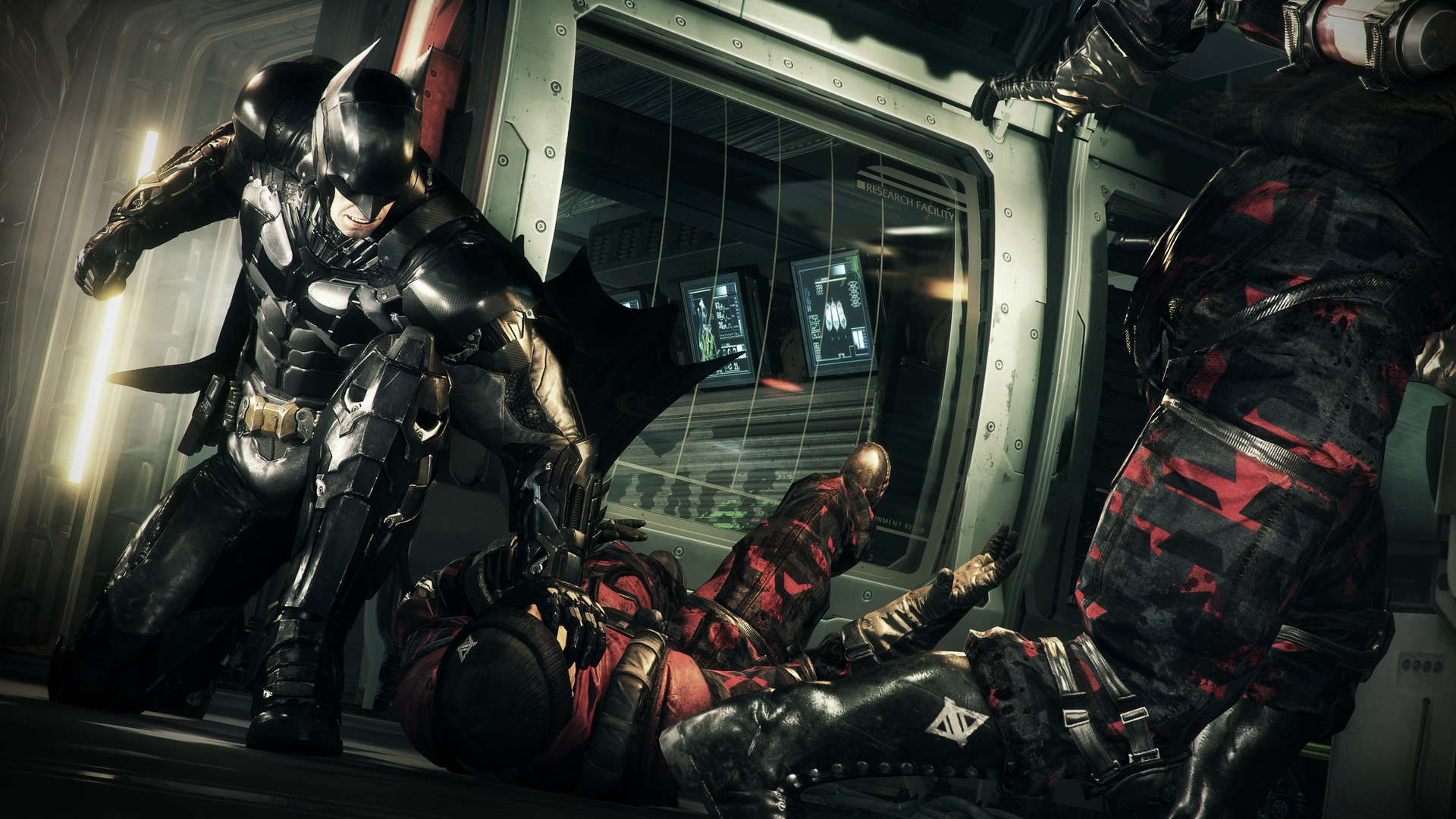
Will it run: the 2015 launch that got it pulled from sale
Yes, it runs, and it runs well now, but the honest answer needs the history attached. Batman: Arkham Knight's PC version launched on June 23, 2015 in such a broken state that Warner Bros. pulled it from Steam the very next day and offered refunds to everyone who bought it. Players with high-end GPUs at the time were still seeing frame rates crash to 10fps, textures failing to load, and the game becoming unplayable with effects turned on. It sat off the market for four months.
The re-release landed on October 28, 2015 with the worst of the bugs fixed and all the post-launch content included for free. It's been patched further since. On today's hardware you don't need to think about any of that history to play the game; a mid-range card from the last several years handles it without drama. The two things worth knowing are covered next: what still causes stutter, and why the frame rate doesn't just uncap itself.
What actually causes stutter now: VRAM and one specific setting
On modern hardware, the game's stutter almost never comes from a graphics card being too weak. It comes from two settings called Interactive Smoke/Fog and Interactive Paper Debris, which introduce microstutter while gliding or driving even on cards with plenty of headroom. Turning both off in the graphics menu is the single most effective fix, and it doesn't change how the game looks in any way most players notice.
VRAM is the other real limiter. The official minimum is a 2GB card, and 2GB is genuinely tight for this game's high-resolution texture pack. If you're on a 2GB or 3GB card and see stutter or texture pop-in even after disabling the interactive effects, drop Texture Quality one notch. Anything with 4GB of VRAM or more, which covers essentially every card released in the last eight years, avoids this entirely.
Why the frame rate feels capped, because it is
This is the question people search for most: is it stuck at 30fps, and why. The answer is that the PC version ships with MaxFPS set to 30 in its BmSystemSettings.ini configuration file, and there's an in-game Frame Rate Target Control option, but neither one gets you a genuinely unlocked frame rate on its own. To play above 30fps, open that ini file and change the MaxFPS value to whatever your monitor supports, then save it.
This isn't a bug on your end and it isn't something a better GPU fixes by itself. It's how the game ships, on the original release and on the current one. Once it's changed, the frame rate holds up fine on anything from a GTX 1060 upward, and the fpsTable above reflects performance with that cap removed.
PC versus console, and the rough Switch version
For anyone deciding where to play, PC is the strongest option by a clear margin once you've made the two changes above. PS4 and Xbox One run the game at 30fps and hold up reasonably, and PS5 and Xbox Series X|S back-compat improves load times and stability without a dedicated next-gen patch. The Nintendo Switch version, released in December 2023 as part of the Arkham Trilogy, was one of the worst ports on that console: it targets 30fps but frequently ran closer to 20fps, dropping into the teens during Batmobile sections. A Switch 2 backward-compatibility update in late 2025 improved that to a steadier 30fps, but it's still the weakest way to play this game by a wide margin.
If your PC clears the minimum requirements at all, it will give you a smoother experience than any console version, Switch included.
Can I run Batman: Arkham Knight? Your questions answered
A GTX 660 2GB or Radeon HD 7870 2GB graphics card, an Intel Core i5-750 or AMD Phenom II X4 965 processor, 6GB of RAM, and DirectX 11. The full tiers are in the table above.
A GTX 760 3GB or Radeon HD 7950 3GB, an i7-3770 or FX-8350, and 8GB of RAM. That's a low bar by today's standards, and most current mid-range hardware exceeds it easily.
Yes, comfortably. The official recommended spec is 8GB, and the game doesn't push much past that. 16GB is standard on most PCs today and gives you plenty of headroom for background apps.
45GB at minimum, 55GB for the recommended install with all the free post-launch content. There's no hard SSD requirement, though an SSD shortens the texture streaming pop-in you sometimes see when driving fast.
No, it isn't required. A hard drive works fine. An SSD mainly helps with load times and reduces the brief texture pop-in during fast Batmobile driving.
No. It's a DirectX 11 game, built on Unreal Engine 3, so it doesn't need or use DX12.
The game ships with MaxFPS set to 30 in its BmSystemSettings.ini file. To raise it, open that file and change the MaxFPS value, then save. It isn't something extra GPU power fixes by itself.
It's the official minimum, but it's tight. On 2GB, turn off Interactive Smoke/Fog and Interactive Paper Debris and expect to keep textures at Medium. 4GB or more avoids the issue completely.
Almost always the Interactive Smoke/Fog and Interactive Paper Debris settings, which cause microstutter while gliding or driving regardless of how powerful your card is. Disabling both fixes it for most people.
Yes. It was pulled from sale the day after its June 2015 launch over crashes and frame drops, then re-released in October 2015 with the worst bugs addressed and further patches since. The version sold today is stable on modern hardware.
No. It's an eight-plus-year-old Unreal Engine 3 game with modest requirements. If your PC struggles with it, the issue is almost certainly the frame rate cap or the Interactive Smoke setting, not a lack of raw power.
Plenty of power here. The RTX 3050 is above Batman: Arkham Knight's recommended tier, so high 1080p is smooth and 1440p is a fair target.
For sure. The GTX 1650 outpaces Batman: Arkham Knight's recommended card, leaving you high 1080p now and 1440p whenever you like. About 90 to 100 fps at 1080p Very High with the cap unlocked.
Yes, with room to spare. Batman: Arkham Knight recommends less than the GTX 1060 6GB offers, so expect smooth 1080p high and a playable 1440p. Around 110+ fps at 1080p Very High; 1440p is comfortable too.
For sure. The RX 580 outpaces Batman: Arkham Knight's recommended card, leaving you high 1080p now and 1440p whenever you like. Similar to the GTX 1060 6GB, roughly 110+ fps at 1080p Very High.
Yes. The RTX 4060 has headroom over Batman: Arkham Knight's recommended card, so you can push 1080p high and move to 1440p when you want. About 160+ fps at 1080p and 85 fps at 4K; rarely the bottleneck in this game.
Yes. On the RTX 3060, Batman: Arkham Knight runs at high settings in 1080p and scales up to 1440p without much fuss. Around 150+ fps at 1080p, 120 at 1440p, and 65 to 75 fps at 4K Very High.
The RTX 2060 is a strong fit for Batman: Arkham Knight. It lands at or above the recommended spec, so high 1080p is comfortable and 1440p works. About 140+ fps at 1080p and 100 to 110 fps at 1440p Very High.
Plenty of power here. The GTX 1660 is above Batman: Arkham Knight's recommended tier, so high 1080p is smooth and 1440p is a fair target.
The GTX 1660 Super is a strong fit for Batman: Arkham Knight. It lands at or above the recommended spec, so high 1080p is comfortable and 1440p works.
You are well set. The RX 6600 exceeds Batman: Arkham Knight's recommended card, so 1080p high is easy and 1440p is realistic. Close to the RTX 3060, roughly 140+ fps at 1080p and 110 at 1440p.
Yes. The GTX 1660 Ti has headroom over Batman: Arkham Knight's recommended card, so you can push 1080p high and move to 1440p when you want.
For sure. The RTX 3060 Ti outpaces Batman: Arkham Knight's recommended card, leaving you high 1080p now and 1440p whenever you like.
You are well set. The RTX 4050 exceeds Batman: Arkham Knight's recommended card, so 1080p high is easy and 1440p is realistic.
Yes, comfortably. The GTX 1050 Ti sits at or above Batman: Arkham Knight's recommended card, so 1080p on high is smooth and 1440p is well within reach. Roughly 55 to 65 fps at 1080p High once the frame rate cap is removed.
Plenty of power here. The RTX 4070 is above Batman: Arkham Knight's recommended tier, so high 1080p is smooth and 1440p is a fair target.
A MacBook, M-series chip or not, can't run this directly, since Rocksteady never shipped a native Mac build. GeForce Now cloud streaming or a Windows compatibility layer like CrossOver are the only routes onto a Mac, and Warner Bros. supports neither one officially.
Older chips don't reach the GTX 660 bar this game asks for. Intel Iris Xe and AMD's Radeon 780M, both newer, can manage 1080p on lower settings, though you'll want Interactive Smoke off and textures kept modest since these chips borrow their VRAM from system RAM.
Chromebooks don't run it on their own hardware. GeForce Now is the practical option, since it handles the actual game on a remote machine somewhere and just sends the video down to you.
Steam Deck carries a Verified rating for this one and holds close to 60fps through most of the game, dipping into the high 30s and low 40s during Batmobile chases or dense open-world fights. ROG Ally and Legion Go, both stronger than the Deck, handle it at least as comfortably.
Yes. An RTX 3060 or RX 6600 class card holds a solid frame rate at 4K on Very High once you've raised the frame rate cap, and anything from an RTX 4060 up has real headroom to spare.
Easily. A GTX 1660 or RX 580 8GB manages 1440p at high settings with the cap removed, and anything from an RTX 2060 up runs it smoothly.
Almost any card from a GTX 1060 6GB or RX 580 upward holds 60fps and more at 1080p, but you first have to raise the MaxFPS value in BmSystemSettings.ini, since the game defaults to a 30fps cap regardless of your hardware.
Yes, at 1080p an RTX 2060 or RX 580 8GB handles Very High comfortably, and at 1440p or 4K an RTX 3060 or RX 6600 class card is a good match. VRAM matters more here than raw GPU speed.
Yes, well beyond enough. The official recommended spec is only 8GB, so 16GB leaves plenty of room for background apps and browser tabs while playing.
Yes, and 4GB is a comfortable amount for this game at 1080p or 1440p with Interactive Smoke on. It's the 2GB and 3GB cards near the official minimum that need that setting turned off.
Yes to both. The PS4 version targets 30fps and holds up reasonably, and PS5 runs the same build through backward compatibility with faster loading. This page focuses on the PC version.
Check three things first: whether Interactive Smoke/Fog and Interactive Paper Debris are enabled (turn them off), whether your card has less than 4GB of VRAM (drop Texture Quality), and whether your graphics drivers are current. Those three cover the vast majority of stutter reports.
There's no native Linux build, but that matters less than usual here: the Verified Steam Deck rating means Proton handles it without manual fixes, and ProtonDB reports from desktop Linux users match the close-to-60fps performance with high-30s dips during Batmobile sequences. One thing carries over regardless of OS: you'll still need to raise MaxFPS in BmSystemSettings.ini to get past the built-in 30fps cap.
Yes. It plays through the Xbox One version via backward compatibility, and Series X|S hardware gives it stable performance and quicker load times than the original console. This page is centered on the PC version though.
Within reason, yes. At the minimum of a GTX 660 2GB, an i5-750, and 6GB of RAM you can play 1080p on low settings. Turn off Interactive Smoke/Fog first; it's the biggest single fix on weak hardware.
Yes. The recommended spec asks for an older i7-3770 or FX-8350, both of which a modern i3 or Ryzen 3 outperforms. CPU is rarely the bottleneck in this game outside of very old hardware.
There is a Switch version, released in December 2023 as part of the Arkham Trilogy, but it's known as a rough port: it targets 30fps but often ran closer to 20fps, dropping lower during Batmobile sections. A late-2025 update improved performance on Switch 2 through backward compatibility, bringing it closer to a steady 30fps, but it remains the weakest way to play this game.
Yes. Services like GeForce Now run the actual game on remote servers and beam the video to whatever screen you have, which means your own hardware plays almost no role in whether it works.
Yes, both are well above the recommended spec. Expect frame rates well past 100fps at 1080p Very High once the cap is removed, with 1440p also very comfortable.
Yes, easily. It's far beyond what this game asks for and holds strong frame rates at 1080p and 1440p on Very High settings.
Yes, with a large margin to spare. Both hold well over 100fps at 1080p and 1440p, and handle 4K Very High without trouble, though the engine and your CPU become the real ceiling before the GPU does.
Yes, but it's massively overkill. The RTX 4090 isn't the bottleneck at any resolution in this game; your CPU and the engine's own frame rate ceiling cap performance before the GPU does, even at 4K.
Yes. It's well above the recommended spec and comfortably handles 1440p or 4K on Very High once the frame rate cap is raised.
Yes, at 1080p on lower settings. These newer integrated chips clear the minimum, but turn off Interactive Smoke/Fog and keep textures modest since they share system memory instead of having dedicated VRAM.
No, the opposite. It's a 2015 Unreal Engine 3 game with a low bar for hardware. Its reputation for problems comes from its buggy launch and the frame rate cap you have to remove manually, not from needing a powerful PC.