
Can I Run ARK: Survival Evolved on My PC / Laptop?
Studio Wildcard's 2017 dinosaur survival game, known as much for its rough optimization and enormous install size as for its taming and base building.
Check if your PC can run ARK: Survival Evolved
Pick your graphics card and processor to check.
The checker above tests against a realistic modern bar, not ARK's official 2017 spec sheet. That sheet lists a GTX 670 as the minimum, a card almost any PC built in the last ten years beats easily, so clearing it tells you almost nothing about whether the game will actually run well. ARK has a reputation as one of the worst-optimized big games on Steam: it leans on VRAM, system RAM, and CPU all at once, especially once a base fills up with tamed dinosaurs, so this modern bar is a better read on real performance.
Can I run ARK: Survival Evolved on my PC?
Use the checker above to find out in seconds. Pick your graphics card and processor and it compares them against ARK: Survival Evolved's official requirements. As a quick guide, you need at least a NVIDIA GTX 670 2GB/AMD Radeon HD 7870 2GB or better graphics card, a Intel Core i5-2400/AMD FX-8320 or better processor, and 8 GB RAM of RAM to play at 1080p.
Can I run ARK: Survival Evolved on my laptop?
Yes, if your laptop has a dedicated graphics card around a NVIDIA GTX 670 2GB/AMD Radeon HD 7870 2GB or better or better and 8 GB RAM of RAM. Laptops with only integrated graphics usually fall short. Enter your laptop's GPU in the tool above to check. Keep in mind that the laptop version of a card runs a little slower than the desktop card of the same name, and heat can lower sustained frame rates.
The honest answer: on paper almost any modern PC clears ARK: Survival Evolved's official minimum, which asks for a GTX 670 and 8 GB of RAM. In practice that number is close to useless, because ARK is one of the more notoriously badly optimized big games on Steam. The thing that actually decides your experience isn't your graphics card tier, it's whether you have enough system RAM and VRAM, and how many tamed dinosaurs are loaded around your base.
One clarification first: this covers the original 2017 ARK: Survival Evolved, not ARK: Survival Ascended, the 2023 Unreal Engine 5 remake with its own heavier spec sheet. Run your parts through the checker above for a read against a realistic modern bar, then keep reading for why the game runs rough even on strong hardware, the install size problem, and which RAM and VRAM numbers actually matter.
ARK: Survival Evolved system requirements
| Minimum | Recommended | |
|---|---|---|
| Processor (CPU) | Intel Core i5-2400/AMD FX-8320 or better | Intel Core i7-8700 / AMD Ryzen 5 2600 or better |
| Graphics card (GPU) | NVIDIA GTX 670 2GB/AMD Radeon HD 7870 2GB or better | NVIDIA GTX 1060 6GB / AMD RX 580 8GB or better |
| Memory (RAM) | 8 GB RAM | 16 GB RAM |
| Operating system | Windows 10 64-bit | Windows 10/11 64-bit |
| DirectX | Version 10 | 11 |
| Storage | 60 GB available space | 60 GB available space (SSD recommended) |
Storage: 60 GB for the base game alone, but that number is close to meaningless. With the free DLC maps and the paid expansions installed, total space can run past 400 GB. An SSD is not official but makes a real difference to load times and texture pop-in.
Full performance tiers
| Tier | Target | CPU | GPU | RAM |
|---|---|---|---|---|
| Minimum (official) | 1080p, low settings, unstable frame rate | Core i5-2400 / FX-8320 | GTX 670 2GB / Radeon HD 7870 2GB | 8 GB |
| Recommended (community, since Steam lists no official tier) | 1080p, medium to high settings | Core i7-8700 / Ryzen 5 2600 | GTX 1060 6GB / RX 580 8GB | 16 GB |
| What actually holds up with a full base | 1080p high, steady frames even with 100+ tamed dinosaurs loaded | Core i7-9700 / Ryzen 7 3700X or better | RTX 3060 12GB or better | 32 GB |
| Hosting a dedicated server plus playing | Running your own cluster while playing on it | 6+ fast cores, e.g. Ryzen 7 5800X | RTX 3060 or better | 32 GB (server) + system RAM on top for the client |
ARK: Survival Evolved FPS by graphics card
| Graphics card | 1080p | 1440p | 4K | Notes |
|---|---|---|---|---|
| GTX 1060 6GB | ~35-50 | , | , | High settings in open, empty terrain. Drops into the 20s near a base with a lot of tamed dinosaurs loaded. |
| RX 580 8GB | ~35-45 | , | , | Close to a GTX 1060 here. The extra VRAM over the 4GB version helps once textures are set to Epic. |
| GTX 1650 | ~55-65 (Medium) | , | , | Ultra settings drop under 30 fps in busy areas. Medium is the realistic setting for this card. |
| RTX 2060 | ~100-125 | , | , | High to Epic settings in an empty area of the map. This is roughly where ARK's frame rate flattens out no matter how much stronger a card gets. |
| RTX 3060 | ~100-120 | , | , | Barely ahead of an RTX 2060 in the same empty scene, a sign the engine is capped by something other than the GPU. |
| RTX 3060 Ti | ~130-140 | , | , | One of the higher readings on record for this game, still in an uncrowded area. |
| RTX 4060 | ~125-135 | , | , | Close to an RTX 3060 Ti rather than a clear step above it, again pointing at a CPU or engine ceiling. |
| RTX 4060 Ti | ~140-145 | , | , | Near the top of what any single card manages in this engine. A base full of creatures still cuts this hard. |
These are rough figures from player benchmarks and community reports, not a single controlled lab test, and ARK swings more than most games by scene. An empty stretch of map and a base packed with a hundred tamed dinosaurs can differ by 50 fps or more on identical hardware. Treat the numbers above as a ceiling in a light scene, not what you'll see while building.
Can these graphics cards run ARK: Survival Evolved?
| Graphics card | Verdict | Notes |
|---|---|---|
| GTX 1050 Ti | Below minimum | Below spec. Low settings and low fps at best. |
| GTX 1650 | Below minimum | Under the requirement. Lowest settings, low frame rate. |
| RX 570 | Below minimum | Short of minimum. Low settings, a choppy frame rate. |
| RX 580 | Below minimum | Short of minimum. Low settings, a choppy frame rate. |
| GTX 1060 6GB | Playable | Runnable at minimum. Low to medium 1080p, ease settings back. |
| GTX 1650 Super | Playable | Meets minimum. Low to medium at 1080p, tune for a steady rate. |
| GTX 1660 | Playable | Just clears it. 1080p low to medium, smoother after tuning. |
| GTX 1660 Super | Playable | Minimum covered. 1080p low to medium is the target. |
| RTX 3050 | Playable | Clears the minimum. 1080p low to medium, better with upscaling. |
| GTX 1660 Ti | Playable | At the minimum bar. 1080p low to medium, drop a setting if needed. |
| RX 6600 | Playable | Just clears it. 1080p low to medium, smoother after tuning. |
| RTX 2060 | Playable | At the minimum bar. 1080p low to medium, drop a setting if needed. |
| RTX 4050 | Playable | At the minimum bar. 1080p low to medium, drop a setting if needed. |
| Arc A750 | Playable | Clears the minimum. 1080p low to medium, better with upscaling. |
| RTX 3060 | Runs well | Recommended tier or better. High 1080p, with room for 1440p. |
| RX 6600 XT | Runs well | Over the recommended bar. Smooth high 1080p, 1440p realistic. |
| RX 7600 | Runs well | Strong fit. High settings at 1080p, 1440p within reach. |
| RX 6700 XT | Runs well | Exceeds recommended. 1080p high is comfortable, 1440p fine. |
| RTX 4060 | Runs well | Over the recommended bar. Smooth high 1080p, 1440p realistic. |
| RTX 3060 Ti | Runs well | Recommended tier or better. High 1080p, with room for 1440p. |
| RTX 3070 | Runs well | Strong fit. High settings at 1080p, 1440p within reach. |
| RTX 4070 | Runs well | Strong fit. High settings at 1080p, 1440p within reach. |
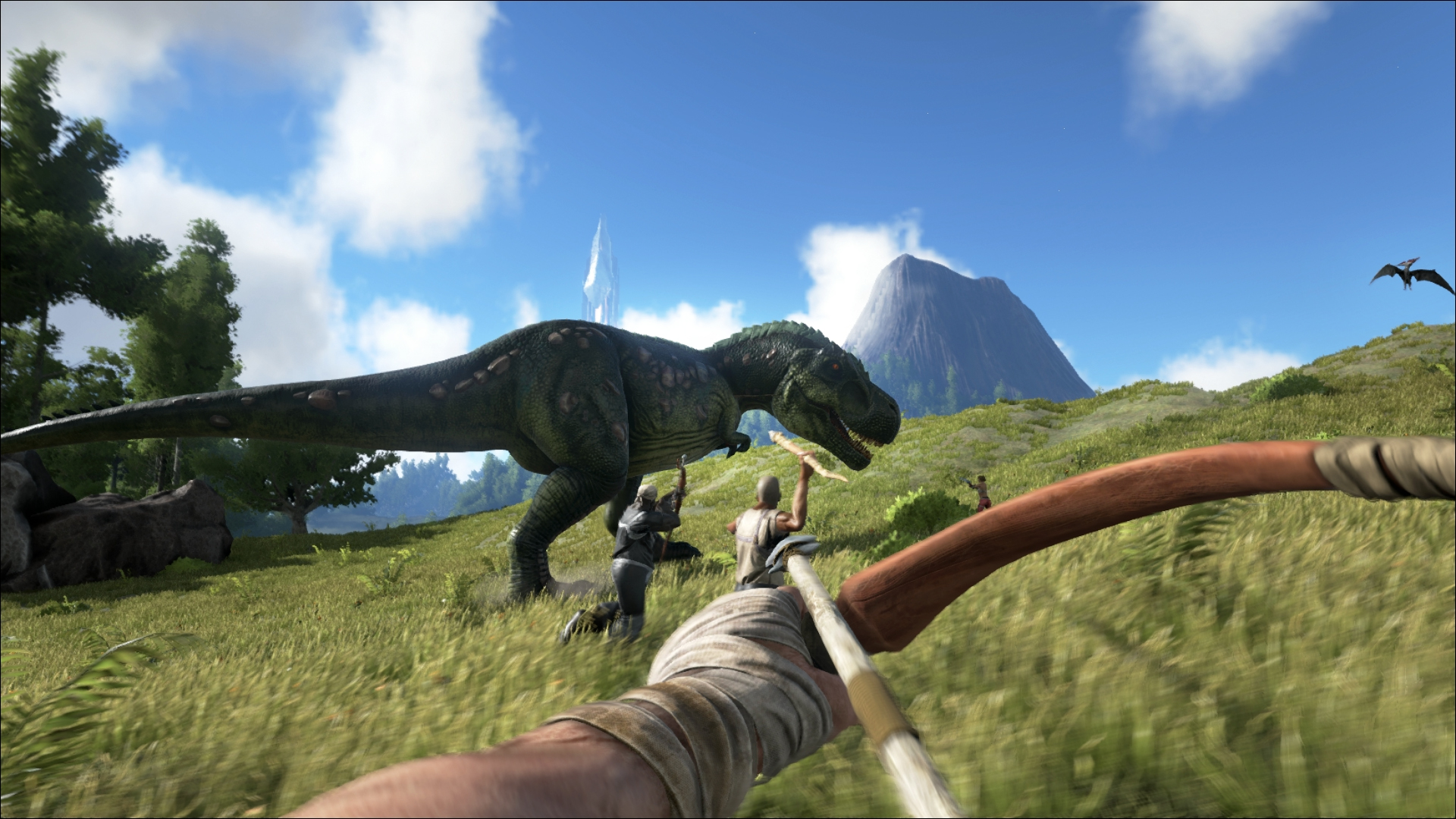
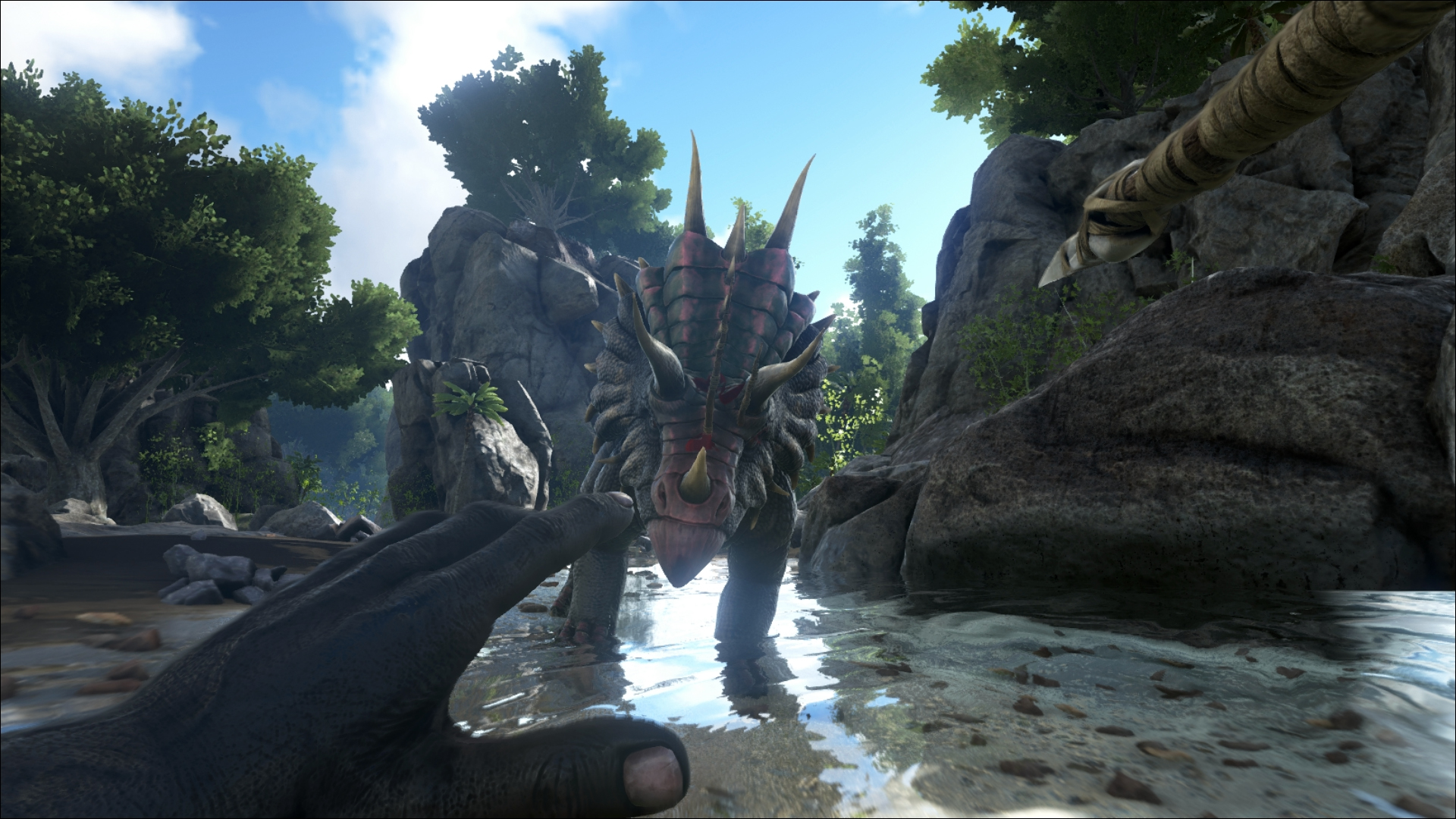

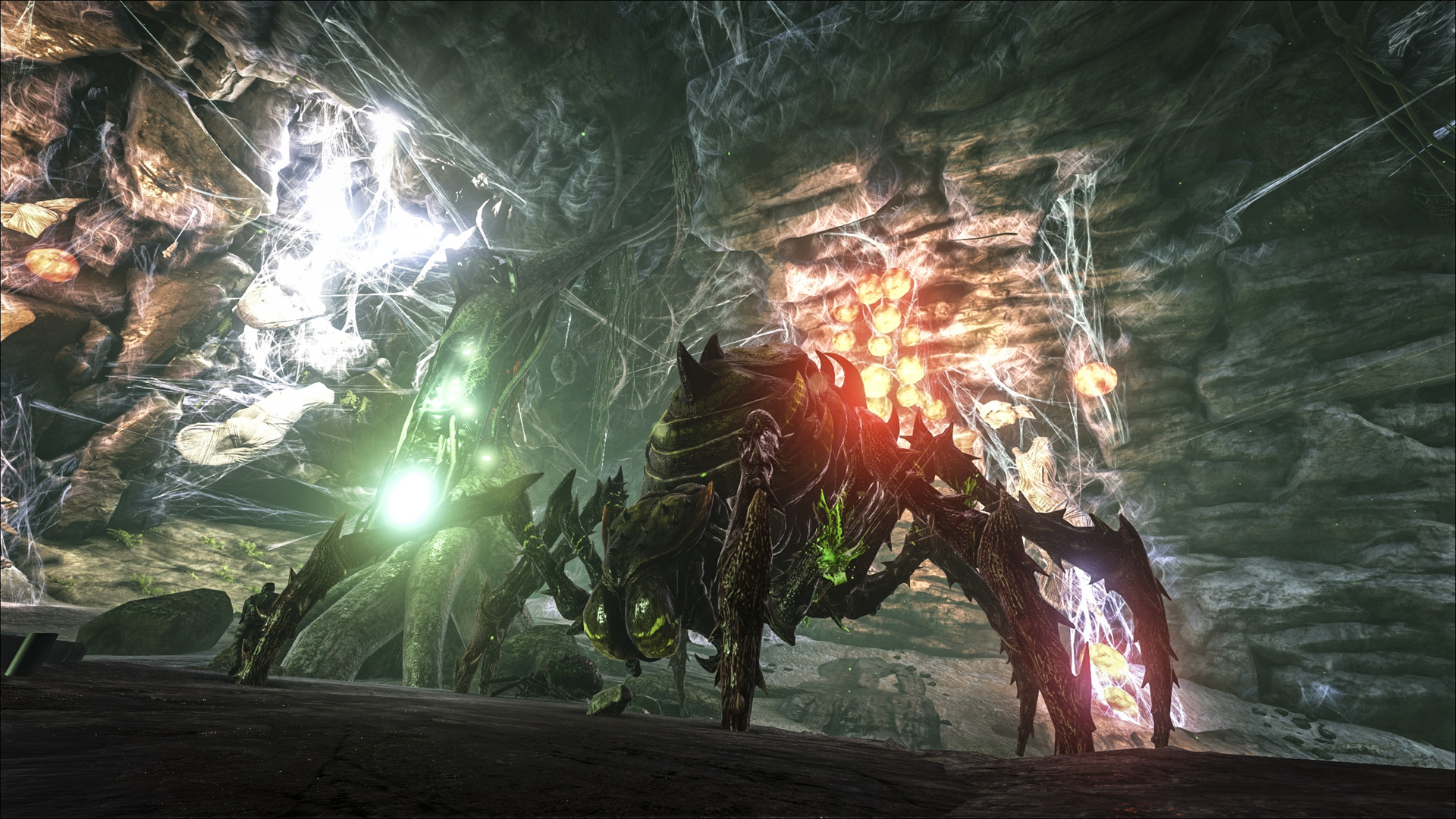
Why ARK runs rough even on strong hardware
ARK: Survival Evolved has a long-standing reputation as one of the worst-optimized big games on Steam, and the benchmark numbers back that up: an RTX 2060 and an RTX 4060 land within a few frames of each other in the same empty scene, which almost never happens in a well-optimized engine. The game leans hard on the CPU and on memory bandwidth for creature AI, physics, and the sheer amount of world data it keeps loaded, so a faster graphics card alone does not fix the stutter.
The problem gets much worse around a developed base. Every tamed dinosaur, every stored item, and every structure piece adds ongoing calculation, so a base with a hundred or more creatures can cut your frame rate in half compared to open terrain on the exact same PC. This is normal for ARK, not a sign your hardware is broken.
The most common community fix is launching with the -nomemorybias option, which changes how the game streams mesh detail and reduces stutter for a lot of players, alongside -nomansky for people hitting memory leak symptoms on long sessions. Neither is officially documented by Studio Wildcard, but both show up repeatedly in player troubleshooting threads and Steam guides.
The install size is a real barrier on its own
Steam lists 60 GB for the base game, and that number was accurate years ago. Today, the base game alone is closer to 130 GB once you count every patch and texture update since 2017. Add the free DLC maps and the paid expansion packs, and a full install with everything downloaded can pass 400 GB, which is more storage than a lot of budget gaming PCs have free on their main drive.
You do not need every map installed to play. Steam lets you select which DLC content downloads, so picking one or two maps you actually intend to play cuts the footprint dramatically. An SSD is not an official requirement, but because the game streams a huge amount of terrain and creature data as you move, a hard drive install shows more texture pop-in and longer load times than an SSD does.
RAM and VRAM: the 8 GB minimum is not realistic anymore
The official minimum of 8 GB of system RAM technically lets the game launch, but in practice it causes stutter and occasional crashes to desktop once you are past the tutorial island. 16 GB is the point where most players stop noticing memory-related hitching, and anyone running a dedicated server alongside the client, or playing with a lot of mods, should plan for 32 GB.
Graphics memory is a separate, equally real limit. Setting texture quality to Medium or higher can use close to all of a 4 GB or 6 GB card's VRAM by itself, and once that ceiling is hit the game starts stuttering rather than simply lowering detail on its own. If you are on a 4 GB or 6 GB card and seeing regular hitches, dropping texture quality one notch is the single most effective fix available.
ARK: Survival Evolved and ARK: Survival Ascended are not the same game
This page covers the original 2017 ARK: Survival Evolved, built on Unreal Engine 4. In 2023, Studio Wildcard released ARK: Survival Ascended, a separate paid remaster built on Unreal Engine 5 with its own listing on Steam, its own install, and noticeably heavier hardware requirements, including its own recommended specs that Studio Wildcard did publish.
If you already own Survival Evolved, Ascended is not a free upgrade, and the two run as completely different games side by side rather than one replacing the other. If your search brought you here because you saw Ascended mentioned somewhere, make sure you are looking at the right listing before you buy or troubleshoot.
Can I run ARK: Survival Evolved? Your questions answered
It's an Unreal Engine 4 game that leans heavily on a single CPU thread for creature AI, physics, and world streaming, and its memory management has never fully caught up with how large a base or a server can get. That's why benchmark tests show a strong card like an RTX 4060 barely outrunning a much older RTX 2060 in the same scene, and why frame rates fall hard once a base fills up with tamed dinosaurs.
Start with system RAM under 16 GB, since that alone causes a lot of grief, then check for a 4 GB or smaller VRAM card pushed to Medium textures or higher, an install stuck on a nearly full or failing hard drive, and stale graphics drivers. Verifying game files through Steam alone clears a good chunk of startup crashes.
The official minimum is 8 GB, but that leads to stutter and occasional crashes once you're past the tutorial island. 16 GB is the realistic minimum for smooth single-player, and 32 GB is worth having if you run a dedicated server, play with mods, or join a busy multiplayer world.
Both, which is part of why it runs poorly on paper-strong PCs. The CPU carries creature AI, physics, and world streaming, while the GPU handles the actual rendering, and a bottleneck in either one drags the whole frame rate down. A base full of tamed dinosaurs stresses the CPU side specifically.
That figure is a full install with every free DLC map and paid expansion downloaded. The base game alone is closer to 130 GB today, well above the 60 GB Steam still lists as the minimum. Steam lets you pick which maps to download, so you don't need the full 400 GB unless you want every piece of content installed at once.
It's not an official requirement, but the game streams a lot of terrain and creature data as you move, so a hard drive shows more texture pop-in and longer loading than an SSD does. If you already have an SSD with the space, install ARK there over a hard drive.
Plan on roughly 130 GB for the current base game, and up to 400 GB or more if you install every free and paid DLC map. Selecting only the maps you actually play cuts that down a lot.
The official requirement is DirectX 10 at minimum, and the game runs fine on any current DirectX 11 or 12 capable card. You don't need to hunt down a specific DirectX version separately; Windows Update keeps the runtime current.
It's an unofficial but widely used Steam launch option that changes how the game streams mesh and texture detail, and a lot of players report noticeably less stutter with it enabled. It's not documented by Studio Wildcard, but it shows up repeatedly across Steam guides and community troubleshooting threads as one of the more reliable fixes.
No. Survival Evolved is the original 2017 game on Unreal Engine 4, which this page covers. Survival Ascended is a separate 2023 remaster on Unreal Engine 5 with its own Steam listing, its own price, and its own, heavier hardware requirements.
RAM, in most cases. Going from 8 GB to 16 GB fixes more of the stutter and crashing that ARK is known for than a GPU upgrade does, since the game's memory management is a bigger limiting factor than raw graphics power for most players.
Yes, this is a known and long-running issue, especially on official servers and long single-player sessions. Memory usage climbs the longer the game runs, and periodically restarting the game or the server is the standard workaround rather than a real fix.
No, neither is built into this 2017 Unreal Engine 4 title. If you want ray tracing or DLSS-style upscaling in the ARK universe, that's a feature of ARK: Survival Ascended, the separate 2023 remake, not this game.
It spreads some work across several threads, but leans heavily on one or two for creature AI and world streaming rather than scaling evenly across cores. A CPU with a handful of fast cores generally beats one with more, slower cores, which is why clock speed matters more than core count for this game.
Yes, on modest settings. The RTX 3050 meets what ARK: Survival Evolved needs at minimum, so 1080p low to medium is the sweet spot.
Below spec. The GTX 1650 does not clear ARK: Survival Evolved's minimum, so plan for low settings, low fps, or a game that will not boot. Around 55 to 65 fps at 1080p on Medium settings. Ultra drops under 30 fps in busy areas.
It will run. The GTX 1060 6GB meets ARK: Survival Evolved's minimum, which means 1080p on low to medium and a smoother result once you lower a couple of options. Around 35 to 50 fps at 1080p high on open terrain, dropping into the 20s near a base with a lot of tamed dinosaurs.
That card falls short. The RX 580 is under ARK: Survival Evolved's minimum, which leaves you very low settings and a shaky frame rate. Close to a GTX 1060 here, roughly 35 to 45 fps at 1080p high, with the extra VRAM helping at Epic textures.
The RTX 4060 is a strong fit for ARK: Survival Evolved. It lands at or above the recommended spec, so high 1080p is comfortable and 1440p works. Around 125 to 135 fps at 1080p high, close to an RTX 3060 Ti rather than a clear step above it.
Yes. On the RTX 3060, ARK: Survival Evolved runs at high settings in 1080p and scales up to 1440p without much fuss. Around 100 to 120 fps at 1080p high, only modestly ahead of an RTX 2060 in the same light scene.
The RTX 2060 gets you in. It meets ARK: Survival Evolved's minimum, so low to medium at 1080p works, and turning a couple of things down keeps it steady. Around 100 to 125 fps at 1080p high in an empty area, though this is close to where ARK's engine stops scaling with GPU power.
Playable, yes. The GTX 1660 passes ARK: Survival Evolved's minimum bar, so aim for low to medium at 1080p and drop settings if the frame rate dips. Around 65 to 80 fps at 1080p high, comfortably ahead of a GTX 1060 but still well short of RTX-tier numbers.
Playable, yes. The GTX 1660 Super passes ARK: Survival Evolved's minimum bar, so aim for low to medium at 1080p and drop settings if the frame rate dips.
Yes. ARK: Survival Evolved runs on the RX 6600 at 1080p low to medium; shave a setting or two and the frame rate settles. Around 100 to 115 fps at 1080p high, in the same CPU-limited range as an RTX 2060 or RTX 3060.
It clears the bar. The GTX 1660 Ti matches ARK: Survival Evolved's minimum, so 1080p on low to medium is realistic once you tune a few settings.
For sure. The RTX 3060 Ti outpaces ARK: Survival Evolved's recommended card, leaving you high 1080p now and 1440p whenever you like. Around 130 to 140 fps at 1080p high, near the top of what this engine tends to show regardless of card.
Yes, at the lower end. With the RTX 4050 you clear ARK: Survival Evolved's minimum, so 1080p low to medium is the target and easing back a setting helps.
No, not comfortably. The GTX 1050 Ti misses ARK: Survival Evolved's minimum bar, so any session would be very low settings and low fps.
You are well set. The RTX 4070 exceeds ARK: Survival Evolved's recommended card, so 1080p high is easy and 1440p is realistic.
MacBook owners are on their own here, Apple Silicon or not: Studio Wildcard never built an Apple Silicon version. GeForce Now cloud streaming is the realistic fix, while a Windows layer like CrossOver is unofficial and shaky for a game that already has stability problems on Windows itself.
Only barely, and only recent chips like Intel Iris Xe, AMD Radeon 780M or 760M, or AMD Radeon Vega 8, at 720p on the lowest settings with frequent dips below 30 fps. Older Intel UHD Graphics or Intel HD Graphics chips fall short of the GTX 670 minimum outright and struggle to launch the game at all. A dedicated card is strongly recommended for this game specifically because of how memory-hungry it is.
Chromebooks depend entirely on cloud streaming for this, and ARK: Survival Evolved is not currently on GeForce Now, so even that fallback is not available right now.
Yes, the Steam Deck carries a Verified rating and runs it at lowered settings, typically in the 30 to 40 fps range on open terrain, dropping lower around a developed base. The ROG Ally and Legion Go, with more power, hold steadier frame rates at similar settings.
You'll want an RTX 3070 or better to hold a playable frame rate at native 4K high settings in open areas, and even then a busy base will pull it down significantly. Upscaling or dropping to 1440p is the more realistic path for most PCs given how this engine handles GPU load.
An RTX 3060 or better comfortably holds high settings at 1440p in open terrain. As with 1080p, the frame rate you actually get depends more on how developed your base is and how many creatures are loaded than on the resolution itself.
Almost any card from a GTX 1650 upward clears 60 fps at 1080p on medium settings in open terrain. The harder target is holding 60 fps consistently once you have a developed base with a lot of tamed dinosaurs, which is where 16 to 32 GB of RAM and a fast CPU matter more than the GPU.
An RTX 3060 or better handles Epic settings at 1080p in open terrain, but Epic textures push VRAM usage close to the limit of 6 GB cards, and any settings tier can still drop hard around a large base regardless of your GPU.
Not necessarily. 16 GB covers most single-player and small multiplayer sessions comfortably, but 32 GB is genuinely useful if you also run a dedicated server, play with a mod list, or spend long sessions on a busy official server where memory usage climbs over time.
The official minimum card, a GTX 670 or Radeon HD 7870, only has 2 GB, and at that level you're stuck on Low textures with visible pop-in. 4 GB gets you to Medium settings without much trouble. 6 GB is workable at High settings, but Epic textures push close to that ceiling on their own and cause stutter once you hit it. 8 GB gives real headroom, especially once a base full of creatures and structures loads into the scene. If you're on 4 GB or less and seeing regular hitches, dropping texture quality one notch is the single most effective fix available.
Yes to both. The PS4 version struggled with frame rate and load times at launch and is best on a PS4 Pro, while PS5 backward compatibility runs it noticeably smoother. This page focuses on the PC version, where the RAM and VRAM issues covered above are the bigger factors.
Within limits. At the official minimum of a GTX 670, an i5-2400, and 8 GB of RAM the game will launch, but expect stutter and occasional crashes. 16 GB of RAM and at least a GTX 1060 6GB level card gets you a genuinely playable low-end experience at 1080p medium.
A recent i3 or Ryzen 3 can run it at reduced settings, but since the game leans hard on CPU performance for creature AI and world streaming, a modest quad-core is more likely to bottleneck here than in most other games, especially once your base grows.
Yes, running the Xbox One build through backward compatibility, and it performs better on Series X and S hardware than it originally did. There is no dedicated next-gen version. This page is focused on PC, where the RAM and VRAM issues above matter more.
There is a Switch version, but it was widely criticized at launch for blurry resolution and frequent frame drops, and it rarely holds its 30 fps target even after later patches. The PC version this page covers runs far better on comparable modern hardware.
It is not currently in GeForce Now's library, so cloud streaming isn't a realistic option for this specific game. You'll need it installed locally on Windows, Mac through an unofficial workaround, or one of the console versions.
Single player and small private servers generally run smoother, since official public servers carry the load of many other players' bases and tamed creatures in the same world, which is exactly the kind of load that hits this engine's weak points hardest.
The -nomemorybias and -nomansky launch options are the two most commonly recommended community fixes for stutter and memory issues. Beyond that, lowering foliage distance and turning off Motion Blur and other post-processing effects in the in-game settings recovers noticeable frame rate on any hardware tier.
A native Linux client did exist for a while; Studio Wildcard pulled it, along with the Mac version, in 2019 over low player counts and lingering bugs. What is left runs the Windows build through Proton, the same layer behind the Steam Deck's Verified rating, so a current Linux distro with Proton turned on is how people actually play it now.
Survival Ascended asks for a GTX 1080 or RX 5600 XT, a Ryzen 5 2600X or Core i7-6800K, and 16 GB of RAM at minimum, with an RTX 3080 or RX 6800, a Ryzen 5 3600X or Core i5-10600K, and 32 GB of RAM recommended. It also needs around 180 GB of storage on an SSD. Every one of those numbers sits well above what Survival Evolved asks for, which is the whole point: Ascended rebuilds the same world in Unreal Engine 5 and spends the extra hardware on lighting and geometry Evolved never had to render.
Yes, and noticeably better than the original Switch release. ARK: Ultimate Survivor Edition, which bundles the base game with its major expansions, picked up a Switch 2 patch in late 2025 that raises handheld resolution to 1080p and improves frame rate and shading over the Switch 1 version. It is still the original Evolved engine, not Ascended, so don't expect Switch 2 to run the Unreal Engine 5 remake.
No. This is an Unreal Engine 4 game built around DirectX 11, with DirectX 10 listed as the official floor. It doesn't have a Vulkan or DirectX 12 renderer, which is one reason a strong modern GPU doesn't scale the frame rate the way it would in a newer engine. ARK: Survival Ascended, the separate Unreal Engine 5 remake, runs on DirectX 12 instead.
Partly. Steam, Epic Games, and Xbox players can join each other through Microsoft Store crossplay and Xbox Play Anywhere. PlayStation and Nintendo Switch sit outside that group entirely; there's no crossplay between PS4 or PS5 and the PC or Xbox versions, and Switch players are isolated as well. ARK: Survival Ascended has broader crossplay across PC, Xbox, and PS5, but that's a separate game with its own servers.
There was. A free-to-play mobile version launched in 2018, but Studio Wildcard shut its servers down in 2023 and pulled it from both app stores. There's no supported way to play ARK: Survival Evolved on a phone anymore; your options are PC, console, Switch, or a handheld like Steam Deck running the PC version.
That's usually the server, not your hardware. Official servers run dozens of players' bases and tamed creatures at once, and the server's own tick rate drops as its CPU load climbs, which shows up to you as rubber-banding and delayed hits no matter how high your local frame rate is. A strong PC fixes stutter on your end; a crowded or poorly run official server is a separate problem that better hardware can't solve.