
Can I Run Arena Breakout Infinite on My PC / Laptop?
A free-to-play PC extraction shooter from the makers of the mobile hit, most demanding on graphics memory rather than raw power.
Check if your PC can run Arena Breakout Infinite
Pick your graphics card and processor to check.
Can I run Arena Breakout Infinite on my PC?
Use the checker above to find out in seconds. Pick your graphics card and processor and it compares them against Arena Breakout Infinite's official requirements. As a quick guide, you need at least a NVIDIA GTX 960 2G or AMD Radeon RX 5500 or Intel Arc A380 graphics card, a Intel Core i5-7500 or AMD Ryzen 5 1400 processor, and 12 GB RAM of RAM to play at 1080p.
Can I run Arena Breakout Infinite on my laptop?
Yes, if your laptop has a dedicated graphics card around a NVIDIA GTX 960 2G or AMD Radeon RX 5500 or Intel Arc A380 or better and 12 GB RAM of RAM. Laptops with only integrated graphics usually fall short. Enter your laptop's GPU in the tool above to check. Keep in mind that the laptop version of a card runs a little slower than the desktop card of the same name, and heat can lower sustained frame rates.
Arena Breakout: Infinite runs on modest hardware on paper. The official minimum is a GTX 960 2GB and 12GB of RAM, and most PCs built in the last several years clear that with room to spare. The part people get wrong is assuming a strong graphics card guarantees a smooth raid. This is a young, actively patched extraction shooter, and its texture streaming on long sightlines, not raw GPU power, is what actually decides how it feels.
The tool up top lines your exact CPU and GPU against the requirements, and below we cover fps targets, settings, and the anti-cheat notes.
Arena Breakout Infinite system requirements
| Minimum | Recommended | |
|---|---|---|
| Processor (CPU) | Intel Core i5-7500 or AMD Ryzen 5 1400 | Intel Core i7-9700 or AMD Ryzen 5 3600X |
| Graphics card (GPU) | NVIDIA GTX 960 2G or AMD Radeon RX 5500 or Intel Arc A380 | NVIDIA RTX 2060 or AMD Radeon RX 6600 |
| Memory (RAM) | 12 GB RAM | 16 GB RAM |
| Operating system | 64-bit Windows 10 or above | 64-bit Windows 10 or above |
| DirectX | Version 12 | Version 12 |
| Storage | 70 GB available space | 70 GB available space |
Storage: 70 GB. An SSD is not officially required, but it is strongly recommended, since Early Access patches often push the real footprint past the listed number.
Arena Breakout Infinite FPS by graphics card
| Graphics card | 1080p | 1440p | 4K | Notes |
|---|---|---|---|---|
| GTX 1050 Ti | ~35 | , | , | Above the official minimum on paper, but still the weak end here. Expect Low textures and occasional dips. |
| GTX 1650 | ~45 | , | , | Its 4GB of VRAM is the real limiter, more than the core itself. Keep textures on Low. |
| GTX 1060 6GB | ~55 | , | , | A common baseline card. Comfortable at Low to Medium once you cap the frame rate. |
| RX 580 | ~55 | , | , | The extra VRAM over the 1650 helps with texture streaming on the larger maps. |
| RTX 2060 | ~80 | , | , | The official recommended GPU. Handles Medium to High at 1080p without much trouble. |
| RTX 3060 | ~110 | ~85 | , | Community benchmarks put it around 100 fps at higher settings. Numbers swing a lot by map and how many players are nearby. |
| RTX 4070 | ~160 | ~125 | ~70 | Well past what this game asks for. Your CPU and connection matter more than the GPU at this tier. |
No independent outlet has run a full GPU sweep on this game yet, since it is still new and in Early Access. These numbers come from community benchmark videos and forum reports, so treat them as rough. Raid maps, nearby player count, and settings shift the result more than usual for this genre.
Can these graphics cards run Arena Breakout Infinite?
| Graphics card | Verdict | Notes |
|---|---|---|
| GTX 1050 Ti | Below minimum | Below spec. Low settings and low fps at best. |
| GTX 1650 | Playable | Minimum covered. 1080p low to medium is the target. |
| RX 570 | Playable | Minimum covered. 1080p low to medium is the target. |
| RX 580 | Playable | Meets the bar. Low to medium settings at 1080p. |
| GTX 1060 6GB | Playable | Runnable at minimum. Low to medium 1080p, ease settings back. |
| GTX 1650 Super | Playable | Just clears it. 1080p low to medium, smoother after tuning. |
| GTX 1660 | Playable | Clears the minimum. 1080p low to medium, better with upscaling. |
| GTX 1660 Super | Playable | Minimum covered. 1080p low to medium is the target. |
| RTX 3050 | Playable | Runnable at minimum. Low to medium 1080p, ease settings back. |
| GTX 1660 Ti | Playable | Meets minimum. Low to medium at 1080p, tune for a steady rate. |
| RX 6600 | Playable | At the minimum bar. 1080p low to medium, drop a setting if needed. |
| RTX 2060 | Runs well | Beats the recommended spec. Comfortable high 1080p, playable 1440p. |
| RTX 4050 | Runs well | Above recommended. 1080p high is easy, and 1440p works too. |
| Arc A750 | Runs well | Above recommended. 1080p high is easy, and 1440p works too. |
| RTX 3060 | Runs well | Beats the recommended spec. Comfortable high 1080p, playable 1440p. |
| RX 6600 XT | Runs well | Over the recommended bar. Smooth high 1080p, 1440p realistic. |
| RX 7600 | Runs well | Exceeds recommended. 1080p high is comfortable, 1440p fine. |
| RX 6700 XT | Runs well | Over the recommended bar. Smooth high 1080p, 1440p realistic. |
| RTX 4060 | Runs well | At or above the recommended card. Smooth 1080p high, 1440p realistic. |
| RTX 3060 Ti | Runs well | Beats the recommended spec. Comfortable high 1080p, playable 1440p. |
| RTX 3070 | Runs well | Exceeds recommended. 1080p high is comfortable, 1440p fine. |
| RTX 4070 | Runs well | Recommended tier or better. High 1080p, with room for 1440p. |
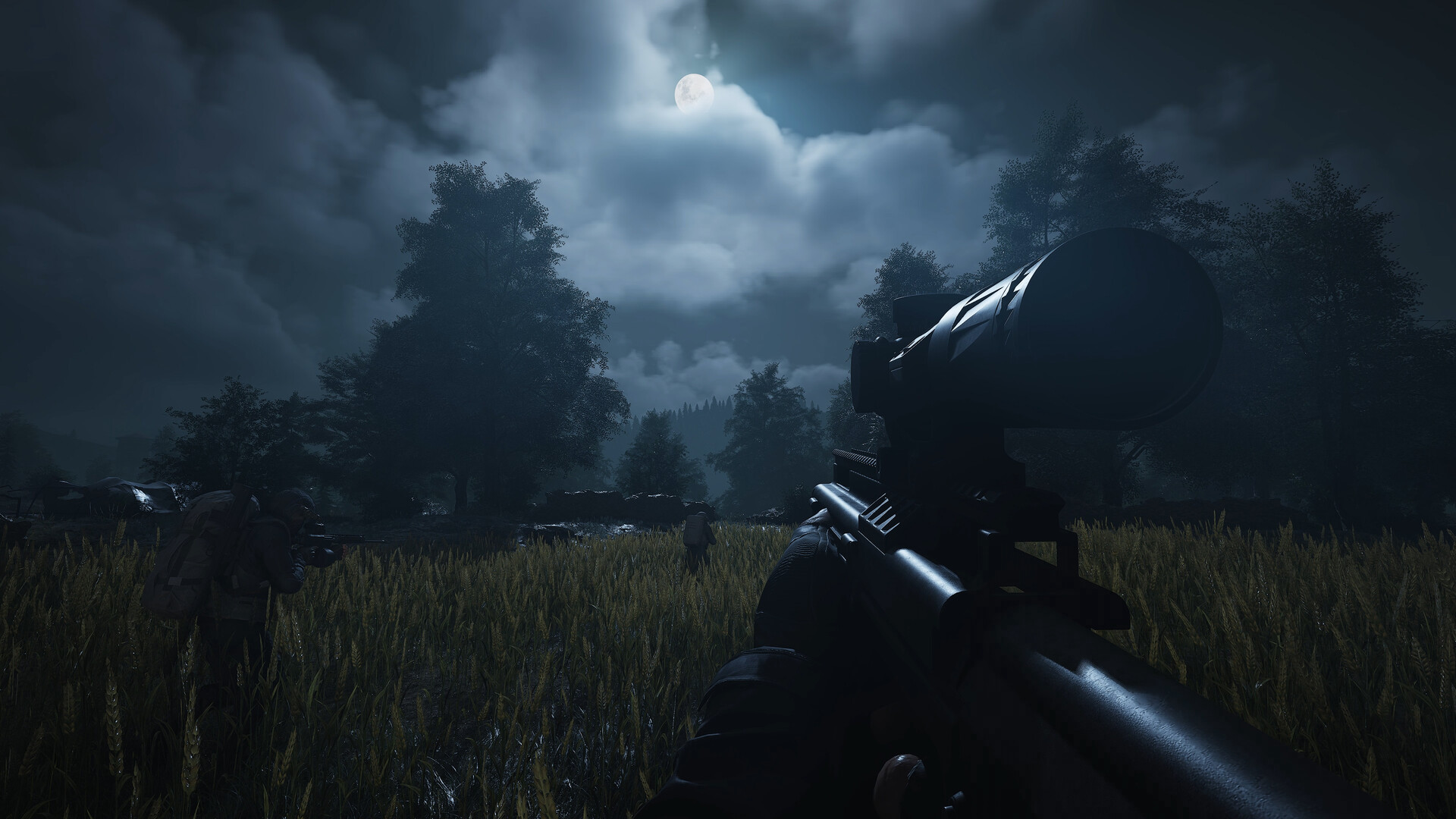
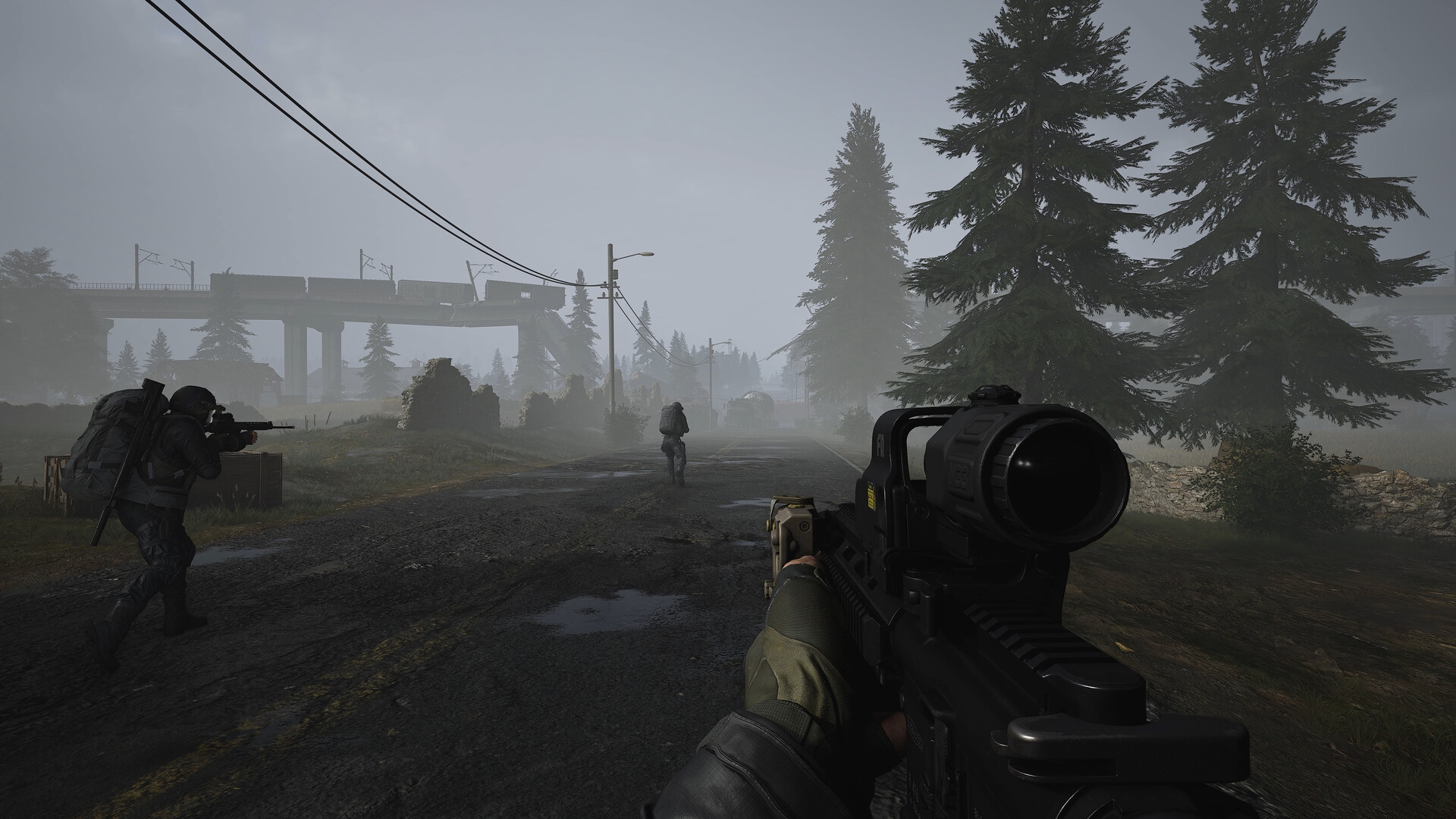
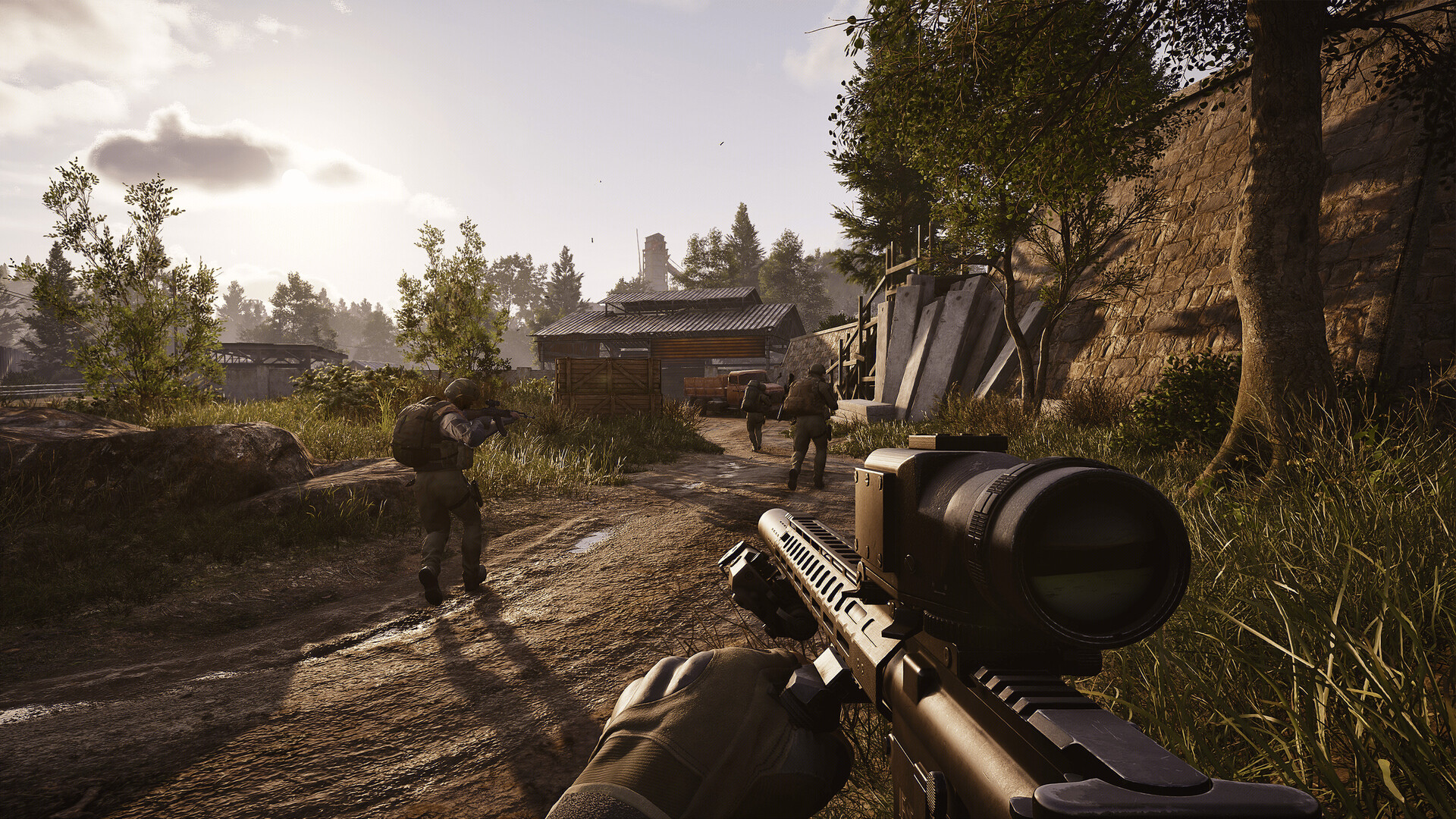

What actually decides your framerate
Two things matter more here than raw GPU tier. The first is VRAM and texture streaming. Arena Breakout: Infinite's maps are detailed and the sightlines are long, since spotting someone across a courtyard or a warehouse floor is part of the game. Cards with 6GB of VRAM or less start swapping textures in and out of memory once you push past Medium settings, and that swapping is what causes the stutter people report, not the core count.
The second is less predictable. Players on genuinely strong rigs, including recent RTX 40 and 50 series cards paired with 32GB of RAM, have reported frame rates that drop or freeze the longer a raid session runs, sometimes regardless of settings. This looks like a memory handling issue in the game itself rather than a hardware shortfall, and it has shown up across a range of GPU tiers since the Steam launch. If you hit it, clearing the shader cache and turning off frame generation are the fixes players report having the most luck with, though neither is guaranteed to fix it.
The settings worth changing first
Textures is the setting to touch before anything else. Dropping it from High to Medium or Low frees up VRAM immediately and is the single biggest fix for stutter on 4 to 6GB cards. After that, upscaling helps more than most other settings combined: DLSS on Nvidia cards, FSR on almost anything, and XeSS on Intel Arc. Try Quality mode first, since some players report the newer FSR versions introducing ghosting in a fast-paced shooter, where a clear image while tracking a moving target matters more than raw resolution.
Install the game on an SSD if you have one free. It is not an official requirement, but the 70GB footprint plus patch downloads and shader cache make load times and area streaming noticeably worse on a mechanical drive. Capping your frame rate a few frames below what your card can sustain also smooths out frame timing, which matters in a shooter more than the peak number does.
The anti-cheat and always-online requirement
Arena Breakout: Infinite runs Tencent's Anti-Cheat Expert (ACE), a kernel-level anti-cheat that has to load before the game does. This is the reason Steam Deck and Linux are not a safe bet right now. ProtonDB rates the game Bronze, and community reports describe the anti-cheat failing to start or kicking players out of matches shortly after they load in under SteamOS or Proton. A Windows handheld like a ROG Ally or Legion Go does not run into this, since it runs the same Windows build as a desktop.
There is no offline or single-player mode. Every raid connects to a regional server, and you need a Level Infinite Pass account on top of your Steam account to play. You can queue into a raid without a squad, which is a separate thing from playing offline, so 'solo' here means no teammates, not no internet connection. Keep that in mind if your connection is unreliable, since it affects whether the game runs at all, not just how it performs.
Can I run Arena Breakout Infinite? Your questions answered
Yes, on most PCs from the past several years. The minimum is a GTX 960 2GB, an Intel Core i5-7500 or Ryzen 5 1400, and 12GB of RAM. For a smoother experience, aim for the recommended tier: an RTX 2060 or RX 6600 with 16GB of RAM. The checker above compares your exact parts against both tiers.
No. The official minimum is 12GB of system RAM, and the recommended tier asks for 16GB. Running it on 8GB risks stutter and crashes to desktop, especially with a browser or Discord open in the background.
16GB is what the game recommends. 16GB is the official recommended amount and covers the game plus normal background apps. There is no official tier above that, so 32GB will not meaningfully change your frame rate here.
Steam lists 70GB. Since this is an Early Access, live-service game with regular patches, leaving closer to 90 to 100GB free is the safer real-world floor once you count the launcher cache and update staging space.
It is not an official requirement; Steam only lists 70GB of storage. An SSD is still strongly recommended, since a hard drive noticeably slows down area streaming and load times in a game this large.
Usually VRAM. Textures on High or above overflow 4 to 6GB cards fast on this game's detailed maps, and that overflow is what causes the hitching. Some players on much stronger hardware also report frame rate that degrades the longer a session runs, which looks like a memory issue in the game rather than a hardware limit. Try dropping Textures first, then clearing your shader cache.
Out-of-date graphics drivers and a corrupted shader cache are the most common causes players report. Update your GPU driver, clear the shader cache through the game's launcher settings, and make sure antivirus software is not blocking the kernel-level anti-cheat, since that can also stop the game from launching.
Unreal Engine 4. It is a heavily modified build of UE4 rather than Unreal Engine 5, which is part of why its performance profile leans on VRAM and texture streaming rather than the shader-compilation stutter newer UE5 games are known for.
There is no fixed fps cap in the base settings. Players report the game running well past 144 fps on strong hardware, though your display's own refresh rate and the game's optional frame rate limiter will cap you if you turn it on.
There is no reliable bypass. The game tends to refuse to launch or crash immediately on GPUs weaker than the GTX 960 2GB. Your realistic options are upgrading the graphics card, or playing through a cloud streaming service if one ever adds support for this game.
It uses Tencent's Anti-Cheat Expert (ACE), a kernel-level anti-cheat that loads before the game itself. It is the reason Steam Deck and Linux are not reliable right now, and some players have reported it not fully removing itself after the game is uninstalled. On a normal Windows PC it generally runs without issue.
It is always online. There is no offline or single-player mode, since every raid connects to a regional server and needs a Level Infinite Pass account. You can queue into a raid without a squad, which is what people usually mean by playing solo, but that is different from playing without an internet connection.
No, outside of China. The PC version and the mobile Arena Breakout are separate products with separate accounts and separate progress on the global release. You can link a Level Infinite Pass across both for social features like a shared friends list, but matchmaking and your gear are not shared.
Yes, all three. DLSS on Nvidia RTX cards, FSR on almost any modern GPU, and XeSS on Intel Arc. DLSS is generally the cleanest of the three in this game, and RTX 40 and 50 series cards can also use DLSS Frame Generation.
GPU-bound for most players, since VRAM and texture settings are what limit frame rate at the settings most people use. The official recommended CPU, an i7-9700 or Ryzen 5 3600X, is a mid-range chip by today's standards, so unless your CPU is considerably older, your graphics card is the bigger factor.
Yes. On top of your Steam account, you need a Level Infinite Pass account to play, which Steam lists as a required third-party account on the store page. It handles your progress, friends list, and cross-title identity across Tencent's Level Infinite games.
They might. The game is in active Early Access development with regular patches, and Morefun Studios has room to adjust requirements as it keeps optimizing the engine. Check the Steam store page for the current listed specs if you are unsure.
Yes. Arena Breakout Infinite runs on the RTX 3050 at 1080p low to medium; shave a setting or two and the frame rate settles. Roughly 65 fps at 1080p Medium.
Fine for a lighter setup. The GTX 1650 clears Arena Breakout Infinite's minimum, so target 1080p low to medium and adjust down for a steady rate. About 45 fps at 1080p Low. Its 4GB of VRAM is the limiting factor.
Fine for a lighter setup. The GTX 1060 6GB clears Arena Breakout Infinite's minimum, so target 1080p low to medium and adjust down for a steady rate. Around 55 fps at 1080p Low to Medium.
Yes, at the lower end. With the RX 580 you clear Arena Breakout Infinite's minimum, so 1080p low to medium is the target and easing back a setting helps. About 55 fps at 1080p Low to Medium.
Yes, with room to spare. Arena Breakout Infinite recommends less than the RTX 4060 offers, so expect smooth 1080p high and a playable 1440p. About 135 fps at 1080p High.
The RTX 3060 is a strong fit for Arena Breakout Infinite. It lands at or above the recommended spec, so high 1080p is comfortable and 1440p works. Around 110 fps at 1080p High, closer to 85 at 1440p, based on community benchmarks.
That is more than enough. The RTX 2060 clears Arena Breakout Infinite's recommended requirement, so aim for high at 1080p or step up to 1440p. About 80 fps at 1080p Medium to High. This is the official recommended card.
Fine for a lighter setup. The GTX 1660 clears Arena Breakout Infinite's minimum, so target 1080p low to medium and adjust down for a steady rate. Roughly 65 fps at 1080p Medium.
Runnable. The GTX 1660 Super covers Arena Breakout Infinite's minimum, meaning 1080p low to medium and a smoother feel after a small settings drop. About 70 fps at 1080p Medium to High.
It will run. The RX 6600 meets Arena Breakout Infinite's minimum, which means 1080p on low to medium and a smoother result once you lower a couple of options. Roughly 85 fps at 1080p High. This is the official recommended AMD card.
Yes, on modest settings. The GTX 1660 Ti meets what Arena Breakout Infinite needs at minimum, so 1080p low to medium is the sweet spot. Around 72 fps at 1080p Medium to High.
You are well set. The RTX 3060 Ti exceeds Arena Breakout Infinite's recommended card, so 1080p high is easy and 1440p is realistic. About 130 fps at 1080p High.
Comfortably, yes. The RTX 4050 clears Arena Breakout Infinite's recommended bar, which puts high 1080p and 1440p both in reach.
Underpowered here. The GTX 1050 Ti sits below Arena Breakout Infinite's minimum, so expect the lowest settings and a frame rate to match. Around 35 fps at 1080p Low. Expect occasional dips on the bigger maps.
That is more than enough. The RTX 4070 clears Arena Breakout Infinite's recommended requirement, so aim for high at 1080p or step up to 1440p. Around 160 fps at 1080p High, about 125 at 1440p.
Arena Breakout: Infinite was never built for macOS, meaning M1 through M4 MacBooks are locked out of running it natively. Your remaining options, cloud streaming or a Windows compatibility layer, sit outside official support entirely, and given the kernel-level anti-cheat this game runs, neither one is something you should count on for competitive online matches.
Not reliably. The official minimum is a dedicated GTX 960 2GB or equivalent, and most integrated graphics, including recent Intel and AMD laptop chips, sit below that. Newer integrated GPUs might get it to launch, but expect low settings and an unstable frame rate at best.
No, and there is no confirmed cloud streaming option for it either right now. A Chromebook cannot run the game locally, and unless a service like GeForce Now adds it, there is no practical way to play it on one at the moment.
The Deck runs SteamOS, a Linux-based system, and this game's kernel-level anti-cheat is known to fail to start or kick players out of raids under Proton. ProtonDB rates it Bronze for that reason, so treat it as unsupported until the developer or Valve says otherwise.
Yes, if it is running Windows rather than SteamOS or another Linux-based system, since the anti-cheat problem is specific to Linux, not to handheld hardware in general. Its APU is roughly in the same class as the recommended RX 6600, so expect to lower settings for a stable frame rate rather than running it at High.
Only shakily, unless the handheld or PC in question runs Windows natively. The kernel-level Anti-Cheat Expert system this game uses is known to fail under Proton on Linux and SteamOS, so even when the base client launches, getting into a match is hit or miss.
Not currently. It isn't listed on GeForce Now or any of the other major cloud gaming services yet, so you need a local Windows PC that meets at least the minimum specs.
You will want an RTX 4070 class card or better with DLSS Quality for a stable frame rate at 4K. There is no official 4K spec tier, and the game has not been formally benchmarked at that resolution yet, so treat this as an estimate based on how it scales at lower resolutions.
An RTX 3060 or similar handles 1440p at medium to high settings reasonably well based on community testing, and an RTX 4060 or better gives you more headroom for High settings and a stable frame rate.
The official recommended card, an RTX 2060 or RX 6600, should clear 60 fps at 1080p on High according to Steam's own tier, and community benchmarks back that up. Weaker cards can still hit 60 by dropping to Medium or Low and turning on DLSS or FSR.
There is no official Ultra tier for this game, only Minimum and Recommended, but community testing suggests an RTX 3060 or better handles max settings acceptably at 1080p, and you will want an RTX 4070 class card for max settings at 1440p.
6GB is workable if you keep Textures at Medium or lower. 8GB is comfortable at High settings at 1080p and gives you some room at 1440p. Cards with 4GB or less, like a base GTX 1650, are the ones that really struggle with stutter here.
Steam lists 64-bit Windows 10 or above, so both Windows 10 and Windows 11 work. Older versions of Windows are not supported.
Yes. Both the minimum and recommended tiers list DirectX 12, and there is no DirectX 11 fallback mode.
Steam does not list official controller support, and as a precision-aiming extraction shooter, the community generally treats mouse and keyboard as the standard input. A controller may partially work through Steam Input, but it is not the officially supported way to play.
Not currently. Arena Breakout: Infinite is PC only right now. A console version has been discussed but is not confirmed or released, so do not count on it. This page covers the PC version.
No, it is not available on either PlayStation console. It remains a PC exclusive on Steam for now, alongside the separate mobile version.
No, there is no Switch version, and the game's specs make a Switch release unlikely without heavy scaling down. This page covers the PC version.
At the true minimum, a GTX 960 2GB, an i5-7500, and 12GB of RAM, expect 1080p Low around 30 to 40 fps with occasional stutter on busier maps. It runs, but it is not comfortable, so dropping textures further and turning on upscaling is worth doing right away.
A recent i3 or Ryzen 3, from the last few generations, is usually enough since this game leans on the GPU more than the CPU. An older i3 from before 2017 or so is closer to the edge and may bottleneck you in busier firefights.
They have different bottlenecks. Tarkov leans heavily on single-thread CPU performance and can bog down even strong systems in dense areas. Arena Breakout: Infinite leans more on VRAM and GPU horsepower, so a PC that struggles in Tarkov because of an older CPU may actually do fine here as long as the graphics card is capable.
Driver mismatches and a stale shader cache are the most common cause after a patch. Update your GPU driver to the version released around the patch date, then let the game rebuild its shader cache on the first launch after an update rather than force-closing it early, since an interrupted rebuild causes stutter until it finishes.